AI CREATIVE STUDIO
AI Creative Studio for Images, Video, Audio and 3D
Keter Labs brings image, video, audio, music, 3D and mockup generation into a shared workspace with reusable brand context, Canvas workflows, API access and MCP support.
WHAT IS KETER LABS?
A production workspace for AI creative assets
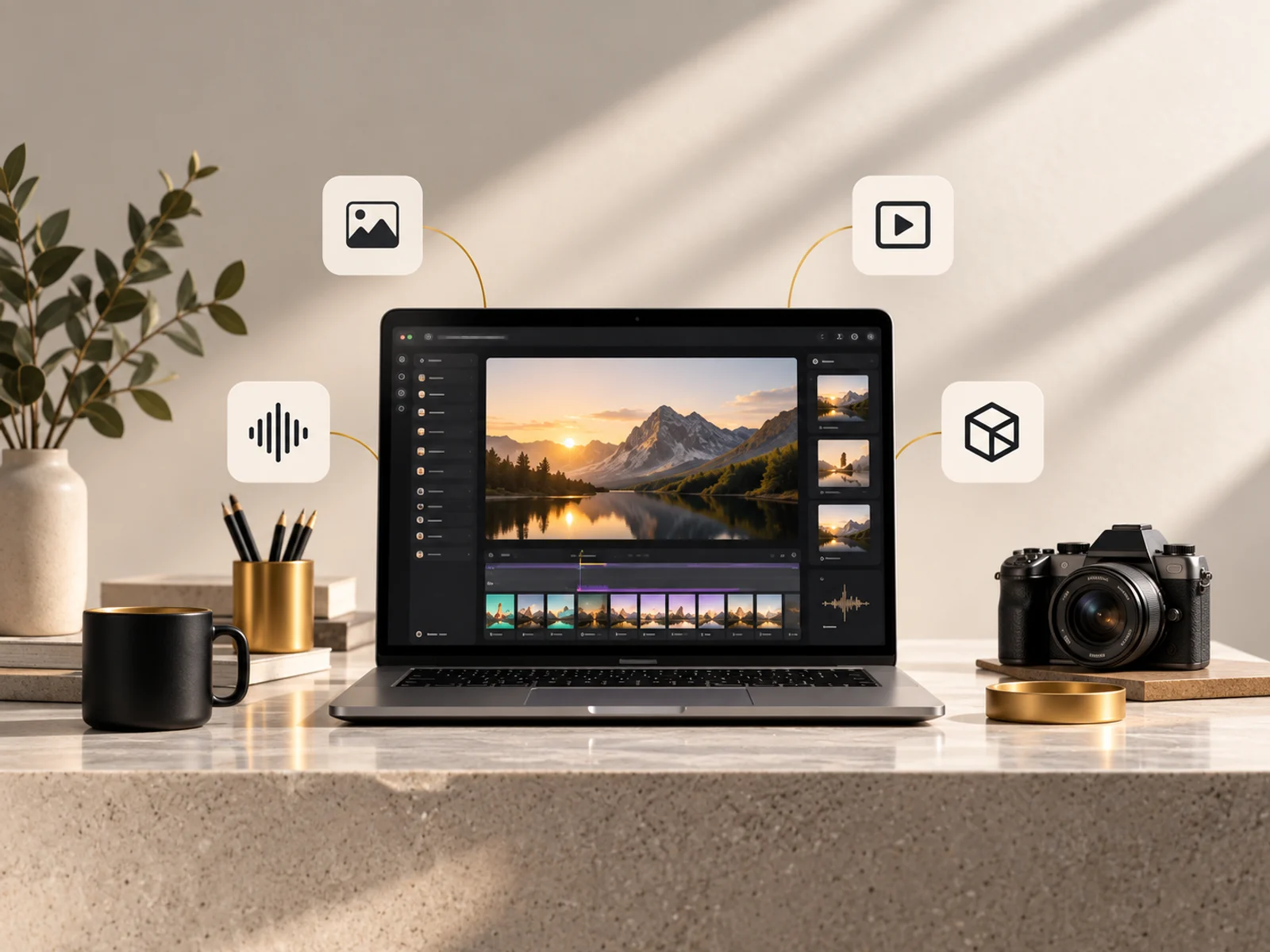
Keter Labs gives teams one place to create campaign visuals, build product mockups, generate short video, make voice and music, and produce 3D model outputs from the same project context.
The workspace is built around reusable ingredients: characters, styles, colours, elements and locations that a team can carry across briefs. Canvas adds workflow runs, scoped API credentials and MCP access when a repeatable production process matters.
WHAT YOU CAN CREATE
Generate, edit and refine creative assets
The public toolset spans campaign visuals, product mockups, short clips, voices, music, sound, design systems and 3D outputs.
Generate
Start new images, clips, voices, tracks, mockups, designs and 3D outputs.
Mockup Generator
Put your design on a product blank or your own product photo.
Image Generator
Create campaign visuals, concepts and social assets.
Assistant
Use guided prompts to turn a creative brief into assets.
Video Generator
Generate short motion clips from prompts and references.
Voice Generator
Create spoken voice tracks for product and social content.
Music Generator
Generate music beds for ads, demos and launches.
Sound Effect Generator
Produce sound effects that match a scene or transition.
Designer
Generate design directions and reusable visual systems.
Design Editor
Create and adapt design compositions in the studio.
Speak
Create speaking-avatar style clips from a face and audio.
3D Scenes
Build spatial scenes for product and environment ideas.
3D Generator
Create GLB-ready 3D model outputs from images.
360° Generator
Turn images into panoramic 360-degree environments.
Storyteller
Shape a narrative brief into scenes and production context.
Edit and refine
Improve, adapt, isolate, relight, upscale and assemble assets that already exist.
Image Editor
Edit existing visuals with prompt-based changes.
Image Upscaler
Upscale images for sharper production handoff.
Cinematic Shot
Refine composition and shot language for a cinematic frame.
Variations
Generate alternate directions from an existing image.
Skin Enhancer
Retouch portrait and beauty assets for cleaner finishes.
Change Camera
Shift camera angle and framing without restarting a concept.
Remove Background
Cut out subjects for layouts, mockups and product shots.
Relight
Adjust lighting direction and mood on still images.
Clip Editor
Trim and refine generated motion clips.
Video Upscaler
Improve video output before export or handoff.
Modify video
Change motion clips with prompt-based edits.
Video Project Editor
Assemble generated clips into a longer project.
Video Relight
Adjust lighting and mood on motion outputs.
Voice Changer
Transform existing speech into a new voice treatment.
Audio Isolation
Separate voice from noisy or mixed audio.
Auto layers
Split a design into editable layers for refinement.
Lipsync in Canvas
Use Canvas workflows to sync speech with face video.
TEAM WORKFLOW
Shared creative workflows with checkpoints
Keter Labs supports the parts of team production that are implemented today: shared spaces, reusable project context, version history and Canvas run approvals.
Shared spaces
Share a space with your team, with read-only access for viewers.
Reusable library
Keep characters, styles, colours, elements and locations ready to reuse across projects.
Version history
Spaces keeps up to 20 versions of a workflow graph, plus run history.
Canvas run approvals
Approve a run before it executes.
WHO IT IS FOR
Teams making more formats from every brief
The workspace is useful when one campaign has to become stills, motion, sound, design systems, product visuals and 3D explorations.
Marketing teams producing launch visuals, short clips and product mockups.
Creative leads keeping reusable characters, styles and locations consistent.
Studios that need image, video, audio, music and 3D work in one place.
HOW IT WORKS
From brief to organized assets
Keep the production path short: start with a brief, create across media types, and keep the resulting context attached to the project.
Start from a brief
Bring a campaign idea, product reference, brand direction or storyboard into the workspace.
Generate and refine
Move between image, video, audio, music, design and 3D tools without rebuilding context.
Organize the result
Keep reusable assets, versions and run history connected to the project that created them.
SPECIFICATION
Formats, limits, models and workflow access
Concrete product limits and access details for planning production work.
| Attribute | Value |
|---|---|
| Output types | Images, video, audio, music, 3D models, mockups |
| Image formats | PNG, JPEG, WebP, AVIF |
| Image resolution | up to 3840x2160 |
| Video formats | MP4, WebM |
| Video length | up to 30 seconds per clip |
| Video export | 1080p, 30 fps |
| 3D output | GLB |
| Audio formats | MP3, WAV, M4A, OGG, AAC |
| Upscaling | up to 4x |
| Image models | GPT Image 2, Gemini 3 Pro Image, Flux 2 Pro, Qwen Image |
| Video models | Veo 3.1, Kling v3, Seedance 2.5, LTX 2.3, Wan |
| Audio models | ElevenLabs v3, Music v2 |
| 3D models | Hunyuan3D |
| API | Canvas API with scoped credentials, up to 600 req/min |
| MCP | Canvas MCP server, 21 tools |
API AND MCP
Canvas workflows can run through scoped credentials
Canvas exposes workflow operations for teams that need repeatable generation beyond the visual interface.
Canvas API and MCP access
PLANS
Plans
Review the current plans, credit allowances and billing details before checkout.
Free
$0/month
- 30 welcome credits
- 5 requests/minute
- 50/day
Pro
$29/month
- 2,500 credits
Studio
$99/month
- 12,000 credits
| Generation type | Credit cost |
|---|---|
| Image | 2 credits |
| Image edit | 3 credits |
| Upscale | 3 credits |
| Video | 25 credits |
| Voice | 5 credits |
| Music | 10 credits |
| Sound effects | 3 credits |
| 3D | 15 credits |
FAQ
Questions before you start
What is Keter Labs?
Keter Labs is an AI creative studio for generating images, video, audio, music, 3D models and mockups while keeping project context, reusable library assets and Canvas workflows in one workspace.
How is Keter Labs different from using separate AI tools?
Separate tools split prompts, files, references and exports across tabs. Keter Labs brings generation, editing, shared Spaces, reusable library assets, Canvas workflows, API access and MCP support into one workspace.
Can my team approve Canvas runs before they execute?
Yes. Canvas supports run approvals before execution, and shared Spaces can be opened with read-only access for viewers.
Who is Keter Labs for?
Keter Labs is for creative teams, marketers, founders, agencies and production groups making campaign assets, product visuals, short clips, audio, music and 3D outputs.
Is there a free plan?
Trial availability depends on your country. In some regions Keter Labs offers a trial without a card, in others a card is required to start, and in some regions a trial is not available. The pricing page shows what applies to you.
Keter Labs