Audio
Voice changer tool
Voice change helps you adapt recorded or generated speech to a different tone, character, format or audience. Useful for videos, localization, prototypes, training materials and brand voice concepts.
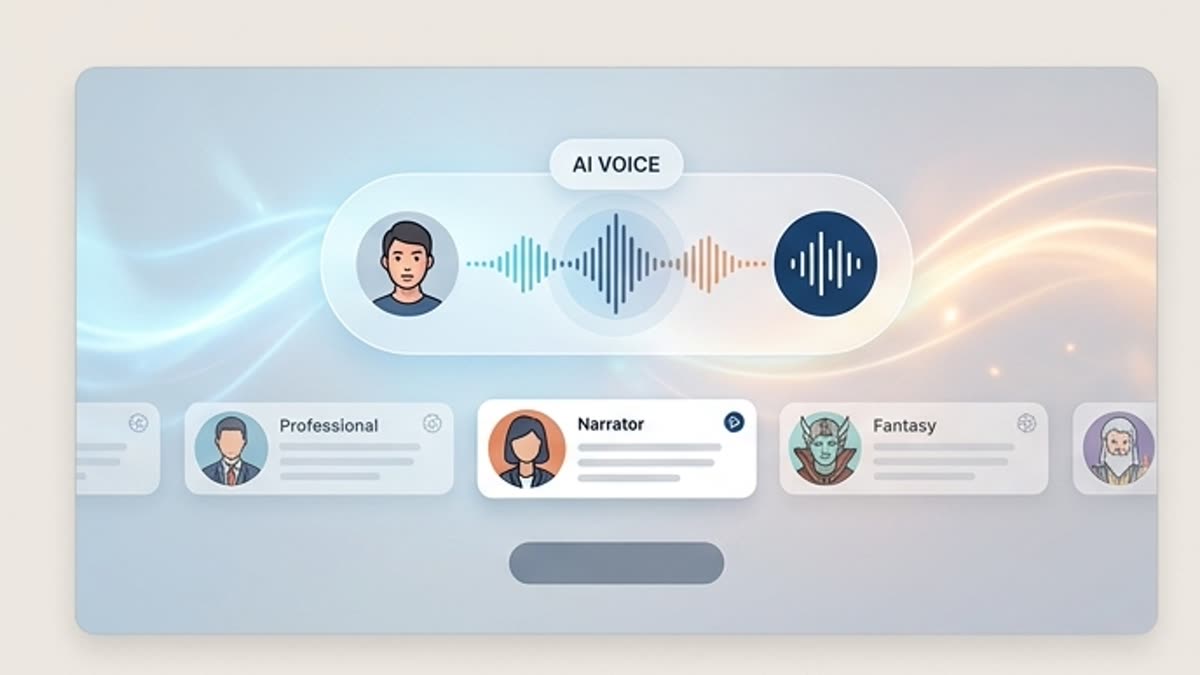
What's included
What this section gives you.
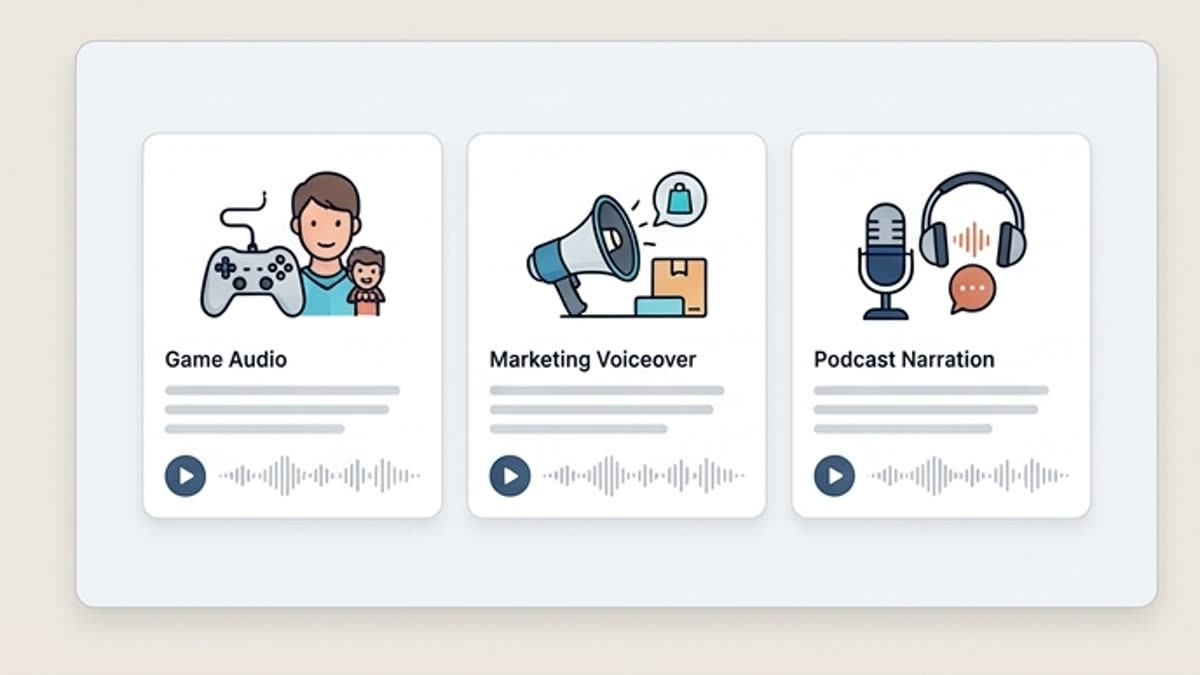
A new delivery without a new recording
Hear how the same line sounds calmer, more confident, younger, more formal or more promotional.
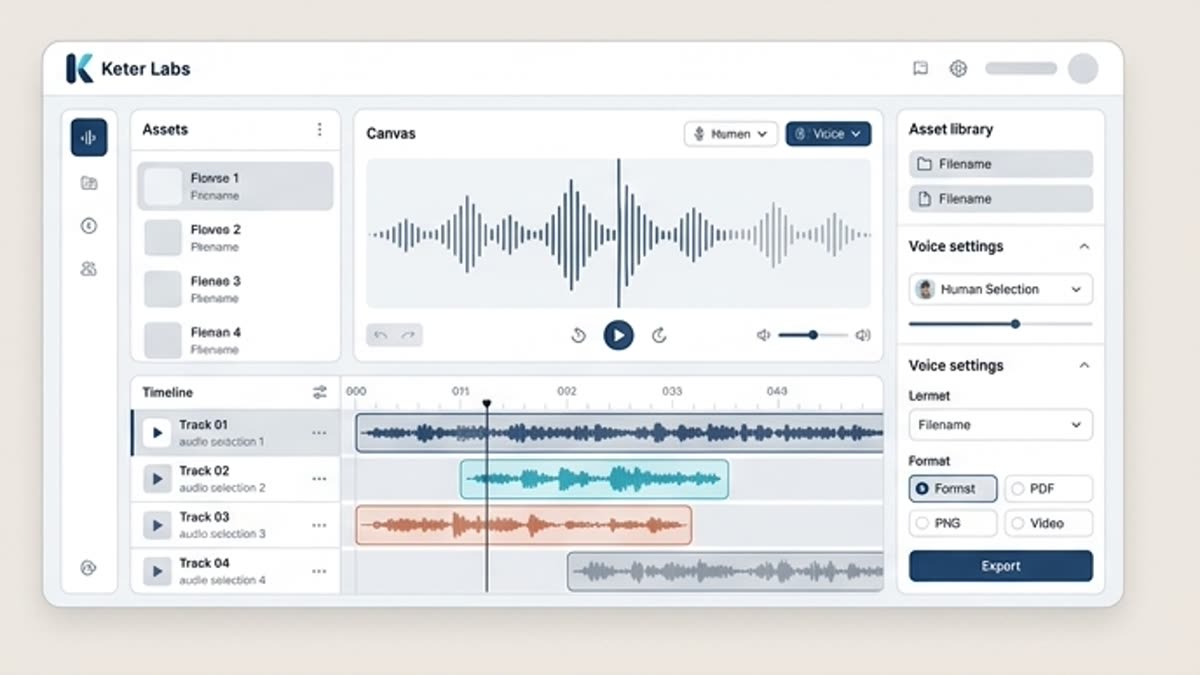
Built for characters and formats
Adapt a voice for an avatar video, explainer, onboarding, social media, training, product demo or internal message.
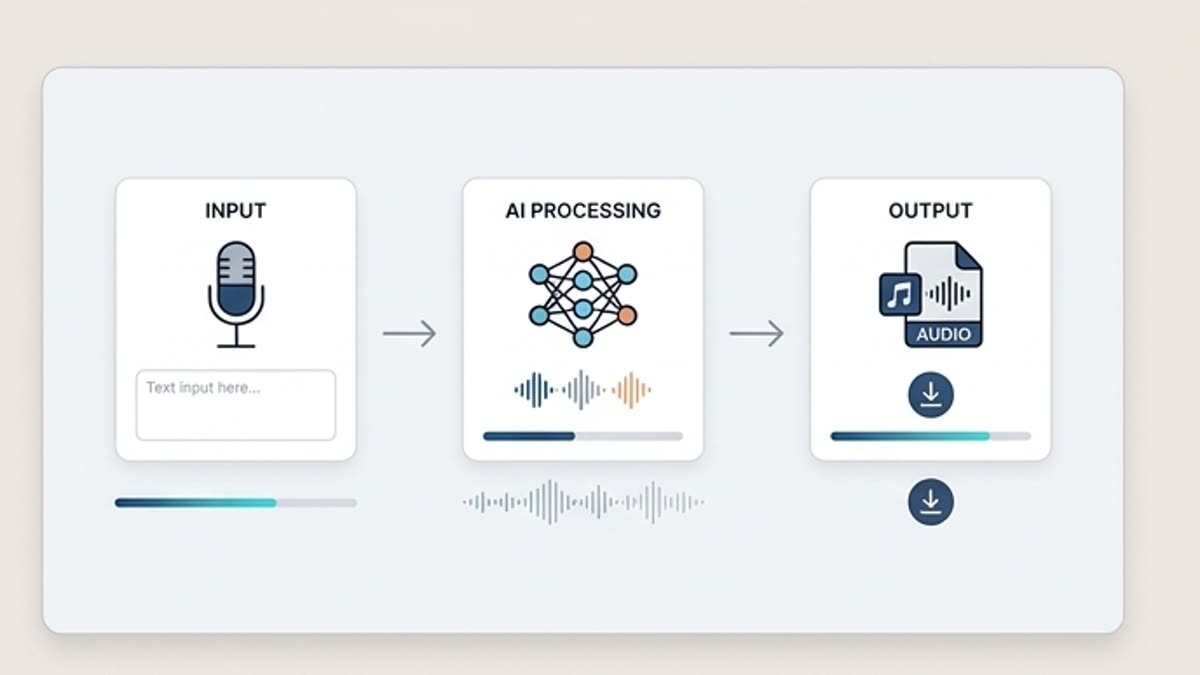
Easier to compare voice directions
The team picks a brand tone faster when several variants can be heard side by side over the same text.
When to use it
Common jobs this section is built for.
These examples make it easier to choose where to start and which nearby section to open next.
The voice does not match the brand
Change the tone of the speech so it better fits the product, audience and publishing channel.
You need to test a character
Try several voice directions for an avatar, assistant, explainer or ad video.
You need localization or adaptation
Prepare a voice version that sounds more natural for a new format or market.
Workflow
How it works inside Keter Labs.
Every section in Keter Labs follows the same shape: a clear brief, a fast first draft, refinement in the editor, and a result saved into the project.
Step 1
Upload a voice track or pick a generated line from the project.
Step 2
Describe the delivery, role, pace and emotional range you want.
Step 3
Listen to the variants, pick the right one and save it for a video, presentation or audio workflow.
Related sections
Where to go next.
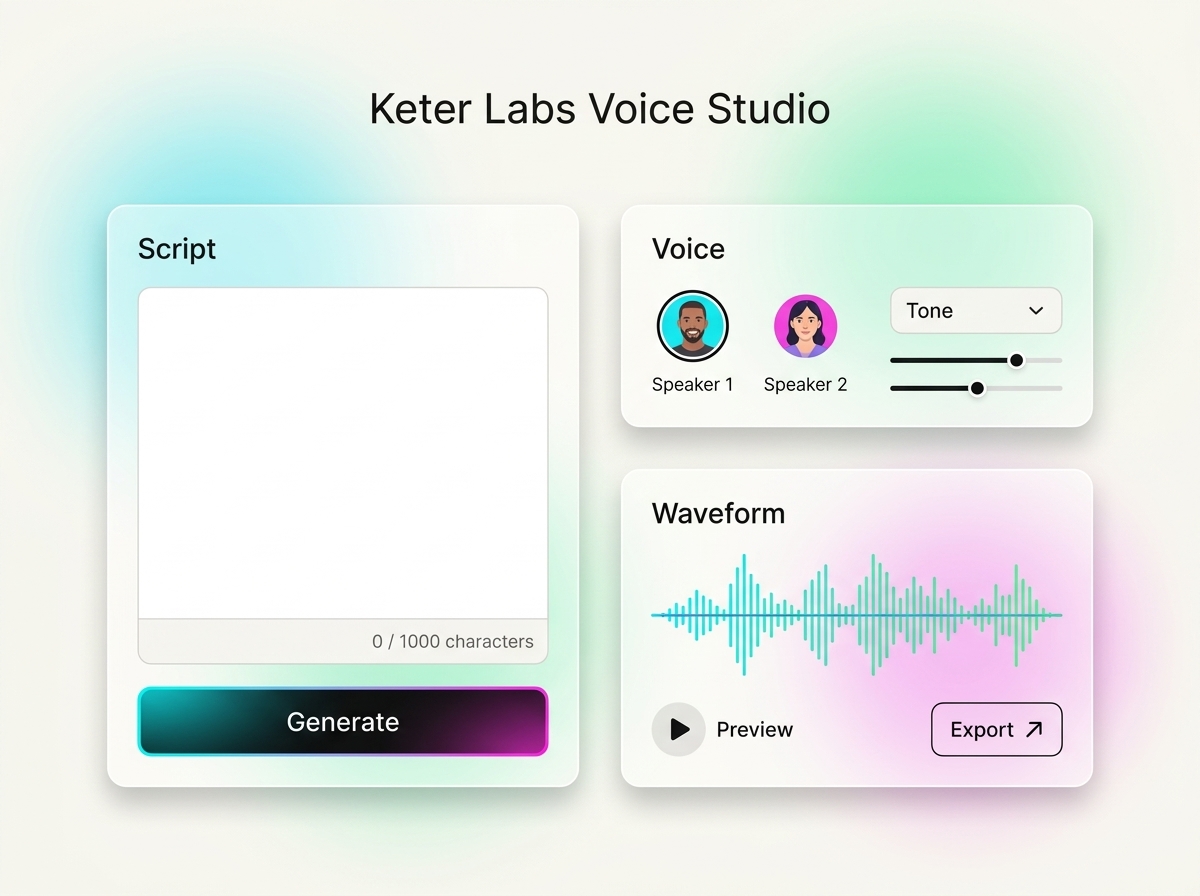
AI voice generator
AI voice generator helps users understand a specific AI creative task in plain language: what goes in, what comes out, where it fits in production, and how to keep the result useful instead of treating it as a one-off experiment.
Open AI voice generator
Voice toolkit
The voice toolkit brings together scripts, voiceovers, speech variants and voice content prep for videos, presentations, training, ads and internal materials. It is built for teams that need to work with voice fast without scattered services.
Open Voice toolkit
Voiceover workspace
The voiceover workspace helps you prepare voiceovers for explainers, ads, product demos, presentations, training and social content. The script, voice versions and final tracks stay in one project.
Open Voiceover workspaceReady when you are
Bring this workflow into your next project.
Spin up assets, lock in versions and align your team around a single creative platform.
Create account