// AI SOUND EFFECTS
AI sound effect generator — describe a sound, get up to four takes
Text to sound effects for video, games and podcasts. Write what you want to hear, then play each take and keep the one that fits.
3 credits per take. 30 welcome credits cover ten.
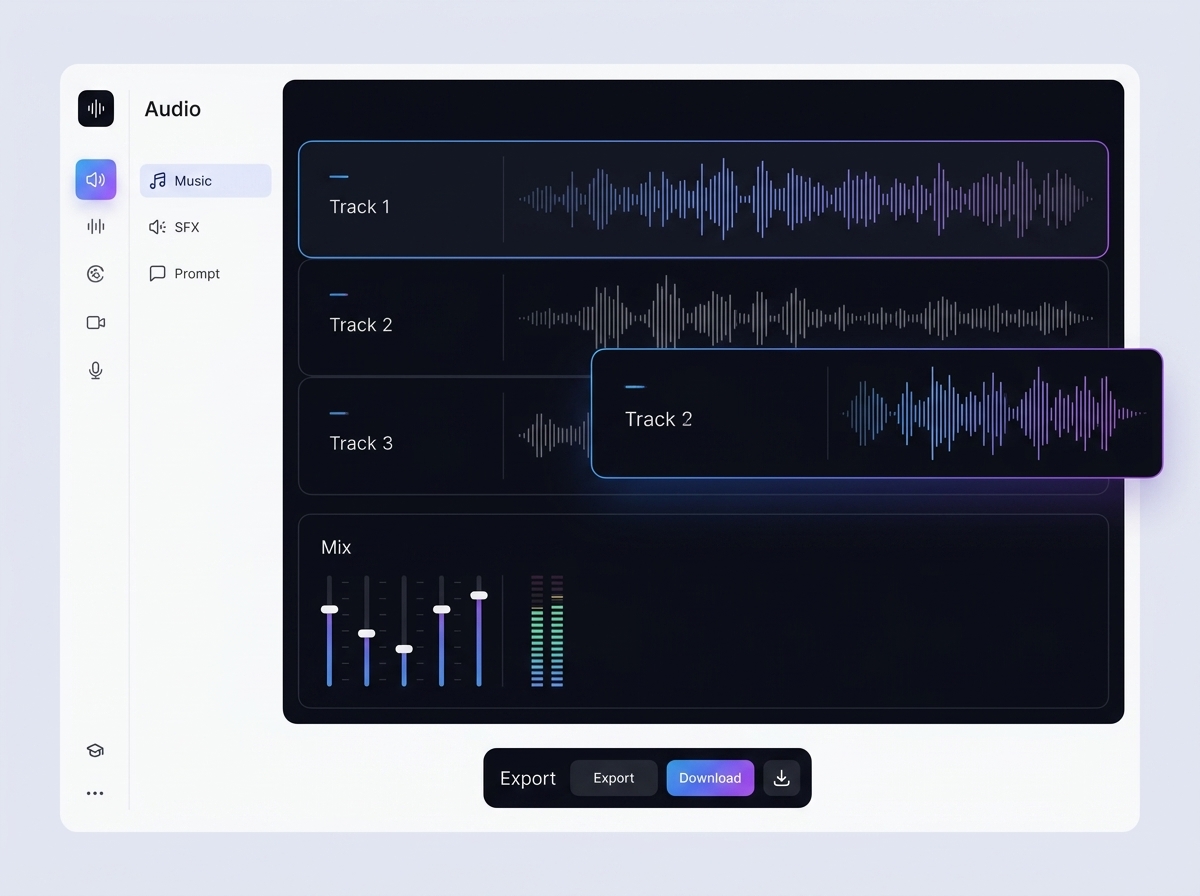
What the AI sound effect generator does
The AI sound effect generator is a tool inside Keter Labs, an AI creative studio. It is an AI sound generator for short effects, and it turns a text prompt into up to four takes of 3 to 22 seconds. Each take can loop, and each one costs 3 credits.
Prompt examples by sound type
Seven of the sounds people look for most, set up for the SFX generator. Unlisted settings stay at their defaults.
| Sound | Example prompt | Length | Loop | Takes |
|---|---|---|---|---|
| Explosion | Distant explosion with a deep rumble that fades out, open field | 5 s | Off | 4 |
| Notification ding | Single clear bell ding for a phone notification, bright and short | 3 s | Off | 4 |
| Crickets at night | Crickets chirping in a quiet field at night, no wind, no traffic | 10 s | On | 2 |
| Police siren | Police siren approaching and passing a street corner, then fading away | 10 s | Off | 2 |
| Applause | Small audience of about thirty people clapping after a talk | 5 s | Off | 2 |
| Thunderstorm | Heavy rain with rolling thunder in the distance, heard from indoors | 10 s | On | 2 |
| Transition whoosh | Fast airy whoosh moving from left to right for a video cut | 3 s | Off | 4 |
What each setting changes
| Setting | Default | What it does | When to change it |
|---|---|---|---|
| Length | 5 s | Sets each take to 3, 5, 10, 15 or 22 seconds | Short for dings, long for backgrounds |
| Takes | 1 | Returns up to four versions of one prompt | Raise it for short sounds |
| Loop | Off | Makes the end run back into the start | On for crickets, rain or hum |
| Prompt influence | 50 | Controls how closely the sound follows your words, from 0 to 100 | Raise it when takes drift, lower it for more variety |
How to use the sound effect generator
- 1
Describe the sound
Write what makes it and where you hear it, in up to 450 characters.
- 2
Set length, takes and loop
Choose 3, 5, 10, 15 or 22 seconds, one to four takes, and loop on or off.
- 3
Play and download
Listen to each take in your browser and download the one you want as MP3.
What you get
| Length | 3, 5, 10, 15 or 22 seconds |
| Takes per prompt | 1 to 4 |
| Prompt length | Up to 450 characters |
| Format | MP3 |
| Preview | Every take plays in the browser before you download |
| History | Past sounds stay in your account |
| Cost | 3 credits per take |
| Welcome credits | 30, given once at sign-up |
| Credits | Shared with the image, video and music tools in your account |
| Failed runs | Credits refunded |
Looking for a specific sound effect
Many sound effect searches are for one exact recording, like a meme clip or a real siren from a real street. A generator can't reproduce a recording. It makes a new sound from your words, so if you need the original, a sound effects library is the better place to look.
What this tool doesn't do
It can't recreate an existing recording, such as a meme sound.
10 seconds is the longest take. For a longer background, loop a 10-second take.
Text only. There's no voice, audio or video input.
Prompts stop at 450 characters.
MP3 only. There's no WAV download.
No seed, so the same prompt won't give you the same sound twice.
No trimming, mixing or layering inside the tool.
Who uses AI sound effects
Video editors
A whoosh on the cut, a hit on the title card, thunder under a storm scene.
App and game makers
A ding for a notification, a buzzer for a wrong answer, crickets under a menu.
Podcast producers
Applause at the end of an interview, a room tone between segments.
Other audio and video tools
Frequently asked questions
Is this AI SFX generator free?+
New accounts get 30 welcome credits once, at sign-up. Each take costs 3 credits, so that covers ten takes.
Can I use the sounds commercially?+
Keter Labs' Terms say you own what you generate, "subject to applicable law and third-party model terms" and "to the extent originality is legally recognized." Read the full Terms before a paid project.
How do I write a better prompt?+
Name the source, the material and the space around it. "Door" is vague. "Heavy wooden door closing in a stone hallway" gives the model something to work with.
Can it recreate a meme sound or a real recording?+
No. It makes a new sound from your description. For an exact existing sound, use a sound effects library.
Can I make a sound effect from my voice or a video?+
No. The generator works from a text prompt only.
What happens if a generation fails?+
Failed and cancelled runs refund their credits, so you don't pay for them.
Describe a sound and let the sound effect generator give you up to four takes to choose from.