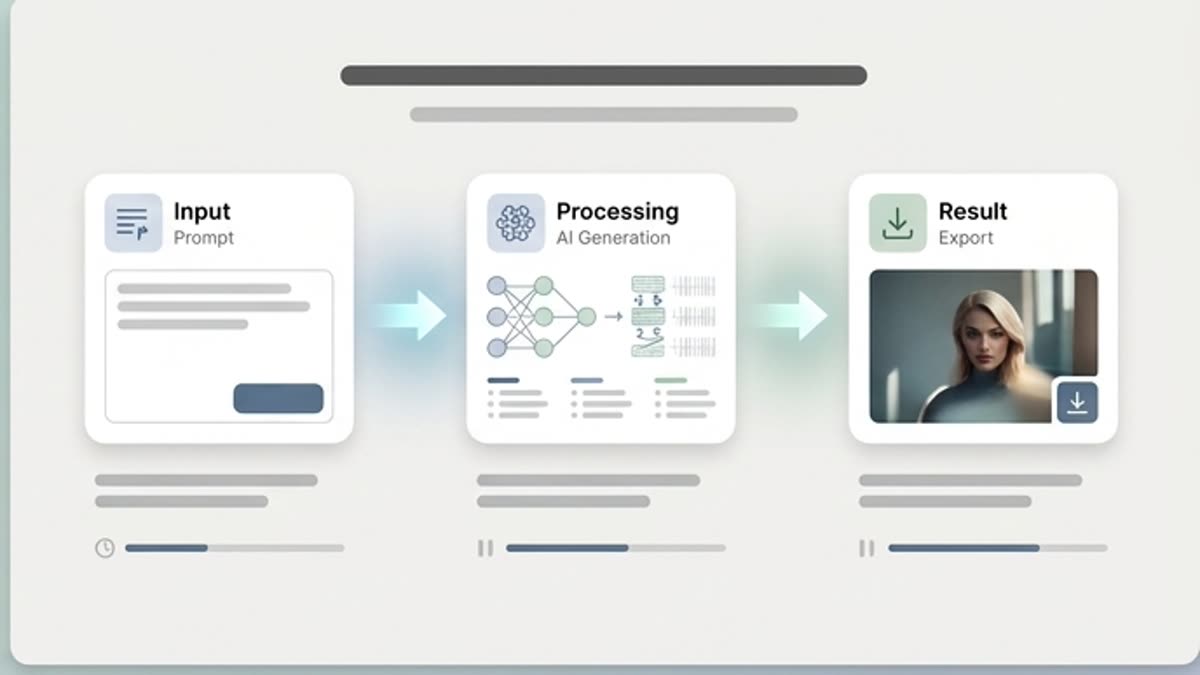
Prompting, Mockup and Campaign Asset Tutorials
Learn AI prompting tutorials, mockup generation tutorials and campaign asset tutorials that help turn ideas, references and briefs into usable creative output.
Keter Labs Academy tutorials
Keter Labs tutorials help creators, marketers, agencies and creative teams learn practical steps for AI image generation, video creation, design, prompting, editing, mockups and creative workflows.
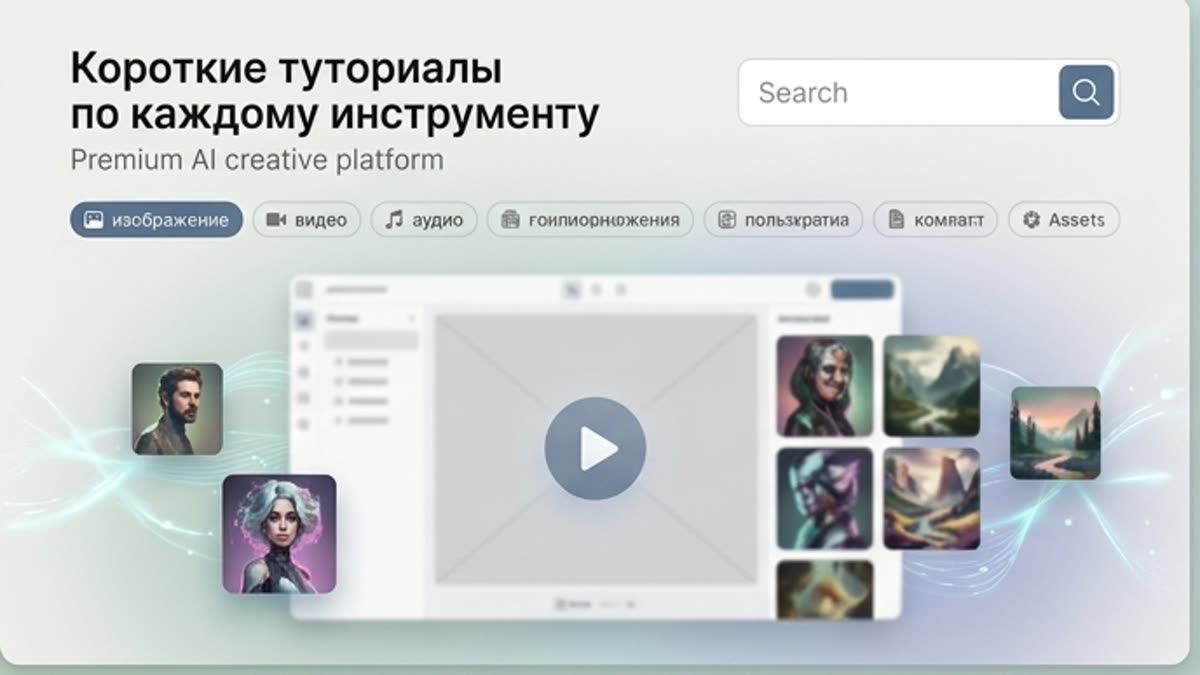
What's included
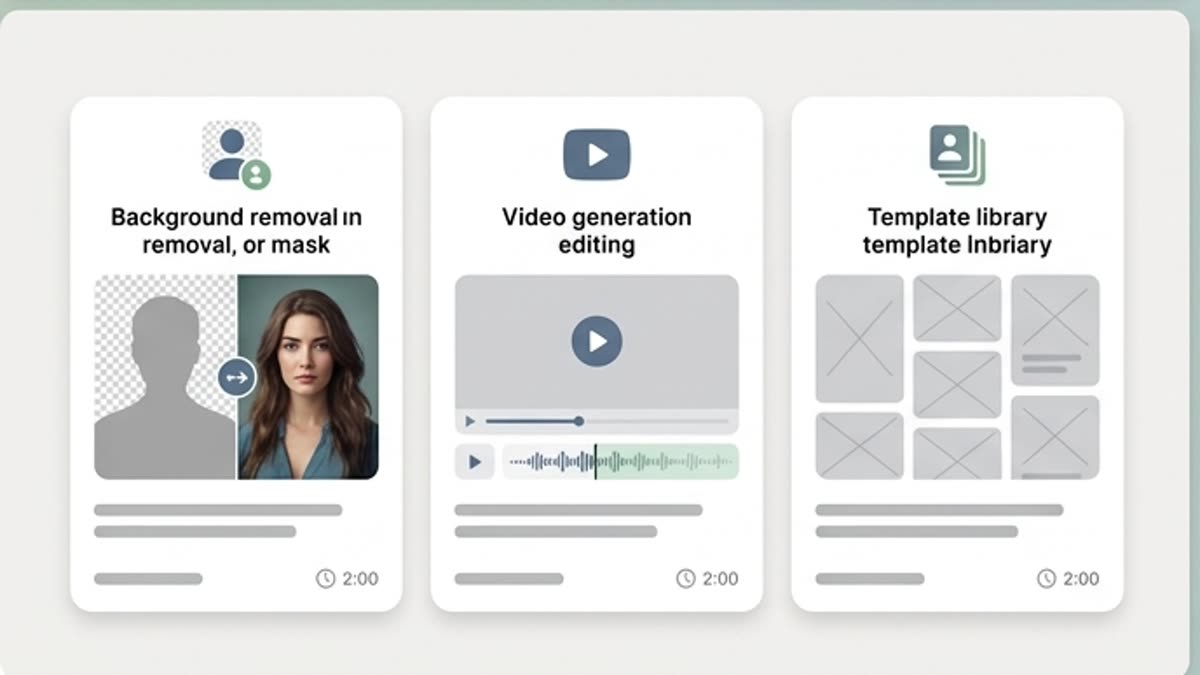
Keter Labs Academy tutorials are practical step-by-step resources for learning AI creative tools. They help creators, marketers, agencies and creative teams understand image generation, video creation, design workflows, prompting, editing, mockups, MCP automation and campaign asset production inside Keter Labs.
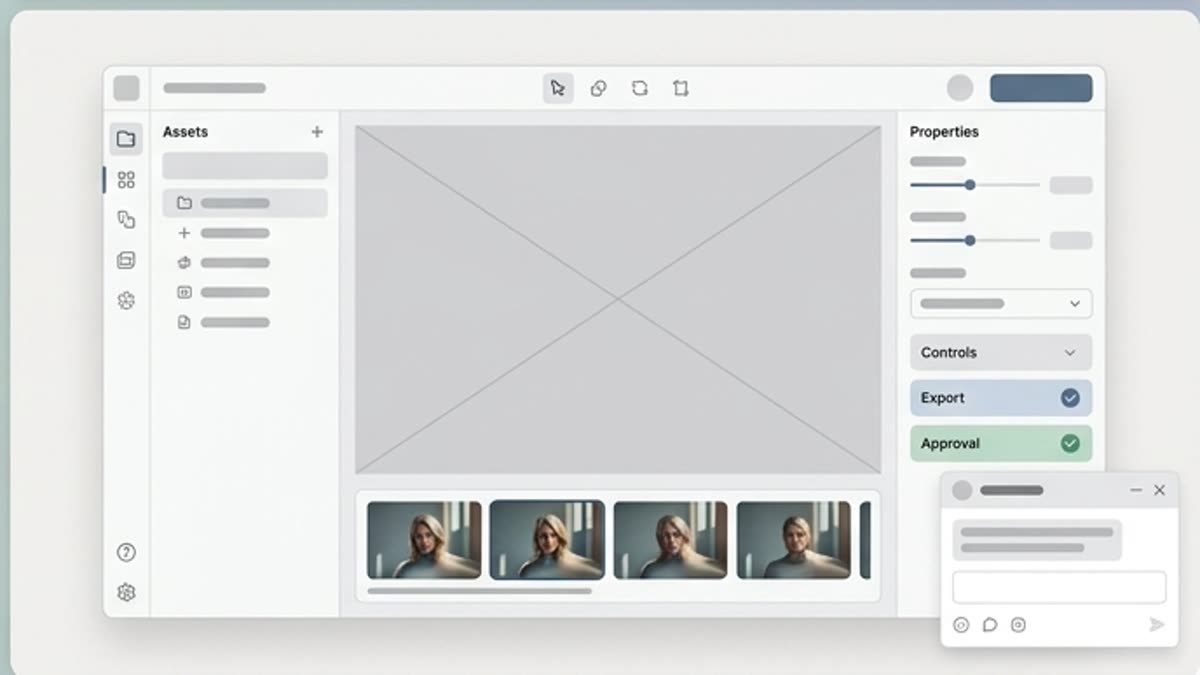
Use Keter Labs tutorials to learn AI image generation tutorials, AI video generation tutorials, AI design tutorials and AI editing tutorials through clear tool guides and practical creative workflow training.
Each tutorial should help teams move through a real creative task, from a brief or prompt to campaign-ready images, videos, mockups, designs and repeatable production workflows.
When to use it
Solve a concrete generation, editing, export or workflow question without taking a full course.
Creators and marketers can use Keter Labs tutorials to learn practical AI tools tutorials for image generation, design, editing, mockup generation and campaign asset production.
Agencies and creative teams can use AI workflow tutorials to onboard teammates, answer repeated tool questions and build shared creative production habits.
Keter Labs tutorials connect creative AI tutorials with real production workflows, including prompting, MCP automation, mockups, editing and campaign-ready asset creation.
Details
Learn AI prompting tutorials, mockup generation tutorials and campaign asset tutorials that help turn ideas, references and briefs into usable creative output.
Keter Labs Academy tutorials are built for creators, marketers, agencies and creative teams that need simple, useful and practical tutorials for everyday AI creative work.
Tutorials help teams learn shared steps, reduce repeated questions, improve onboarding and build a faster creative production process inside Keter Labs.
Continue from tutorials into AI creative courses, Academy guides, AI workflow training and deeper lessons for image generation, video creation, design, prompting, editing, mockups and MCP automation.
Workflow
Open the relevant tutorial, follow the workflow in Keter Labs and verify the final output.
Choose the AI creative tutorial that matches your tool, task or campaign asset workflow.
Follow step-by-step lessons for image generation, video creation, design, prompting, editing, mockups or MCP automation.
Practice the tutorial inside Keter Labs using your own brief, references, files and creative assets.
Save the output, refine the workflow and reuse the process with your team on future campaigns.
Related sections
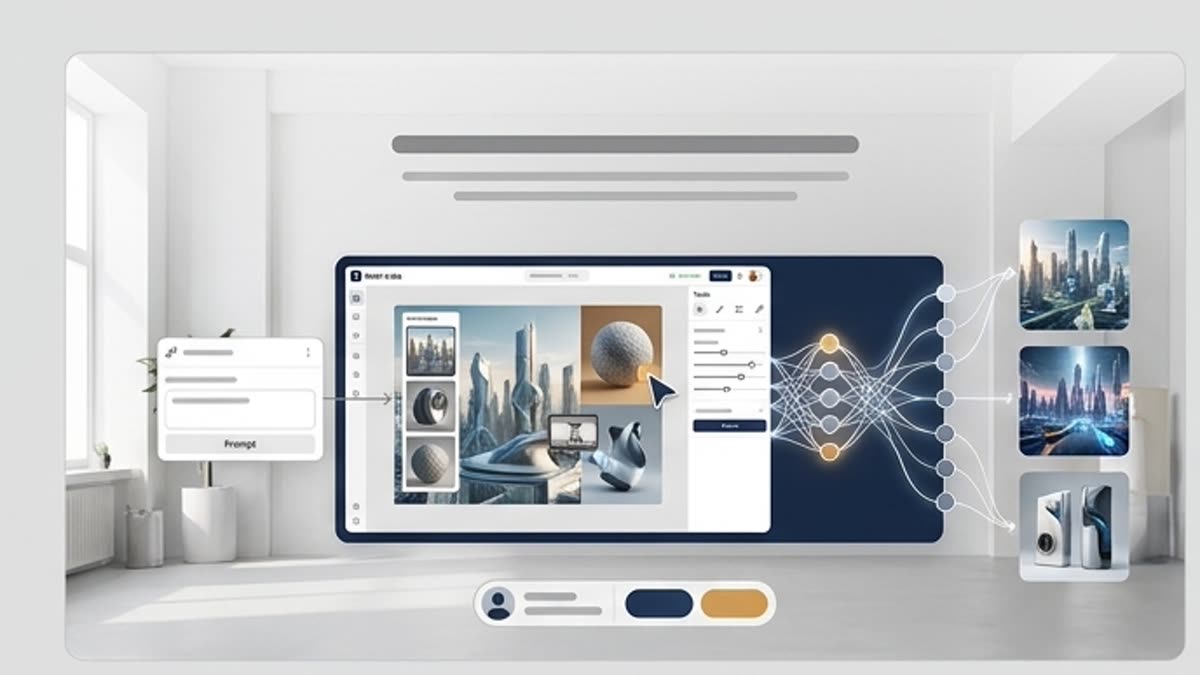
Hands-on guides, courses and short lessons that help you master generation, the editor, prompting and team workflows faster.
Open Keter Labs Academy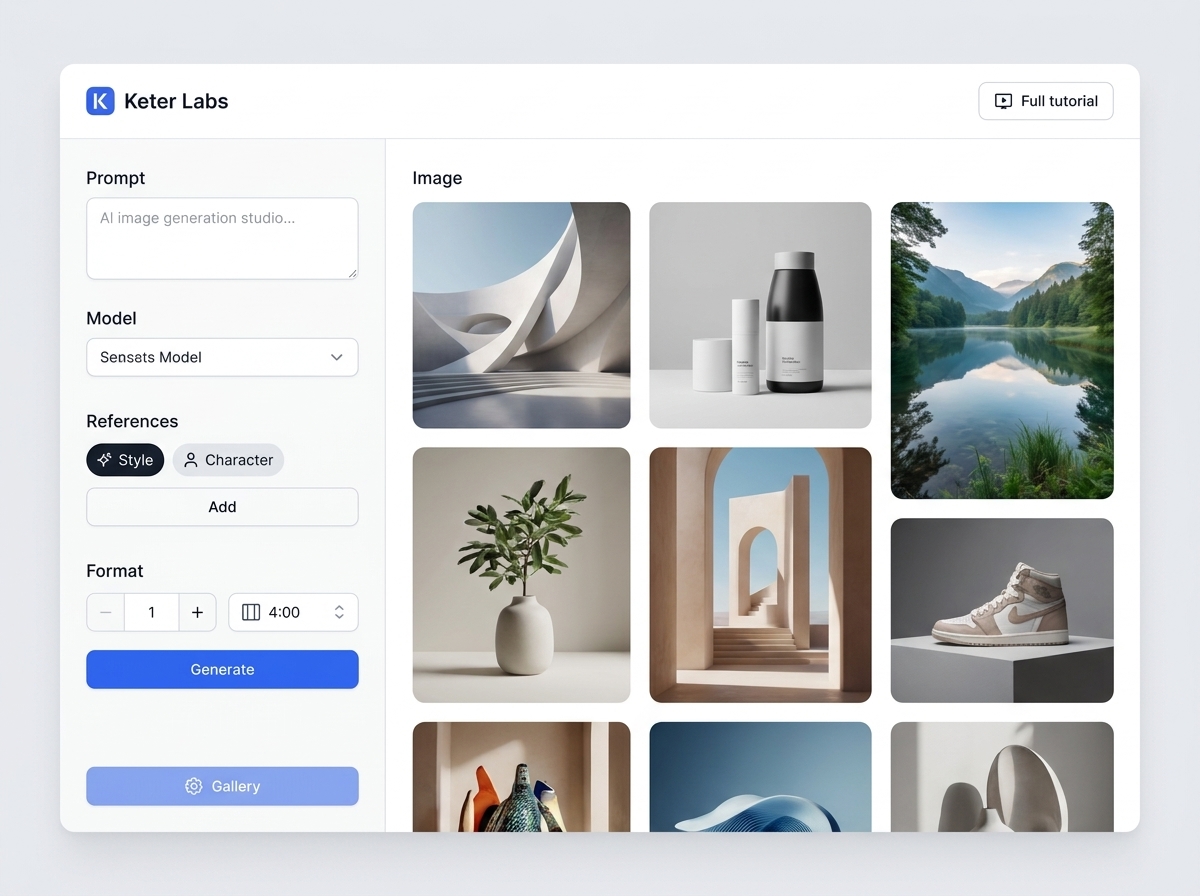
AI image generator helps users understand a specific AI creative task in plain language: what goes in, what comes out, where it fits in production, and how to keep the result useful instead of treating it as a one-off experiment.
Open AI image generator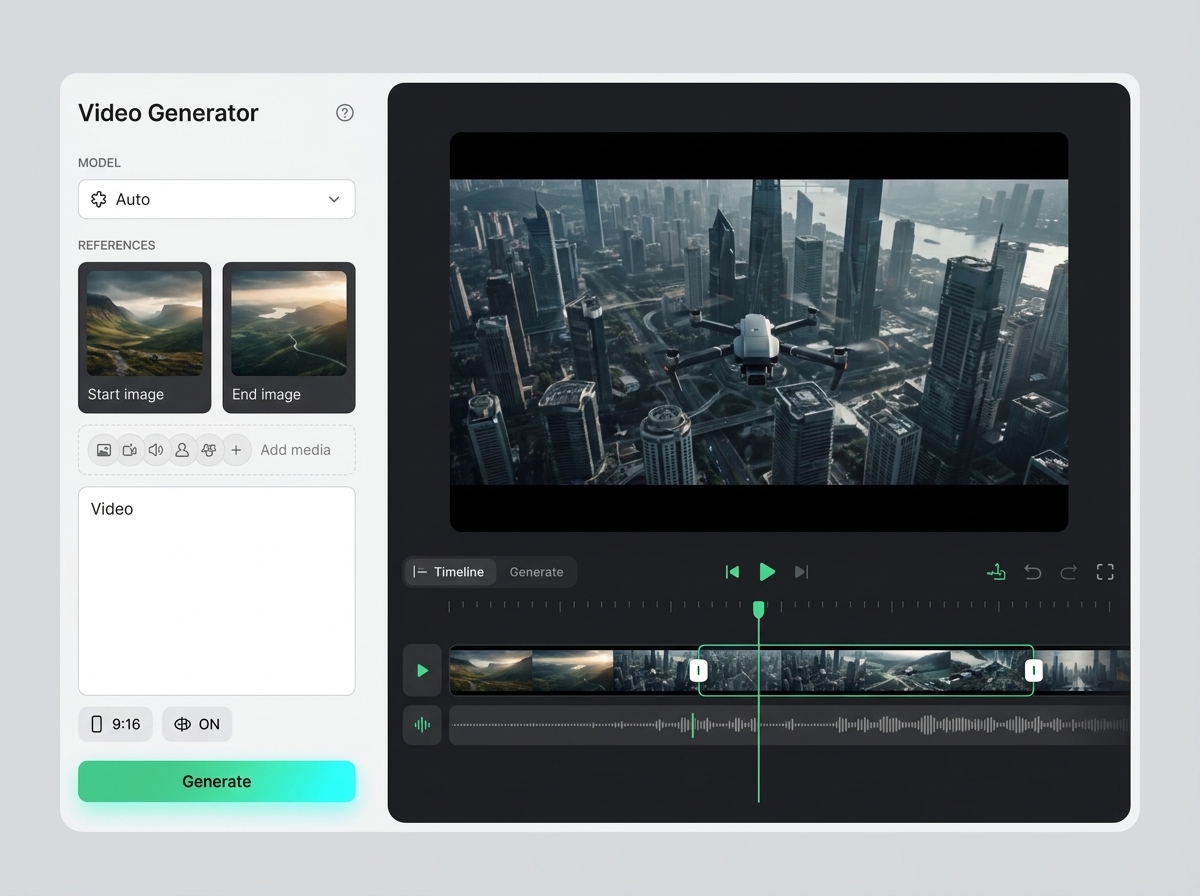
AI video generator helps users understand a specific AI creative task in plain language: what goes in, what comes out, where it fits in production, and how to keep the result useful instead of treating it as a one-off experiment.
Open AI video generatorFAQ
Keter Labs Academy tutorials are practical step-by-step guides that help users learn AI creative tools, including image generation, video creation, design, prompting, editing, mockups and workflow production.
The tutorials are useful for creators, marketers, agencies, design teams and creative teams that want to learn how to use AI tools for campaign-ready creative work.
You can learn AI image generation, AI video creation, design workflows, prompting, editing, mockup generation, MCP automation and repeatable creative workflow processes.
Yes. The tutorials should focus on clear steps, real creative tasks and production workflows that help users move from a brief to usable images, videos, designs, mockups and campaign assets.
Keter Labs tutorials help teams learn shared workflows, improve onboarding, reduce repeated questions and build a faster creative production process inside Keter Labs.
Ready when you are
Spin up assets, lock in versions and align your team around a single creative platform.
Create account