Video
Video relight tool
Video relight helps you change the lighting and atmosphere of a clip when the motion and scene already work. It makes video more cinematic, on-brand and consistent with the campaign without a full remake.
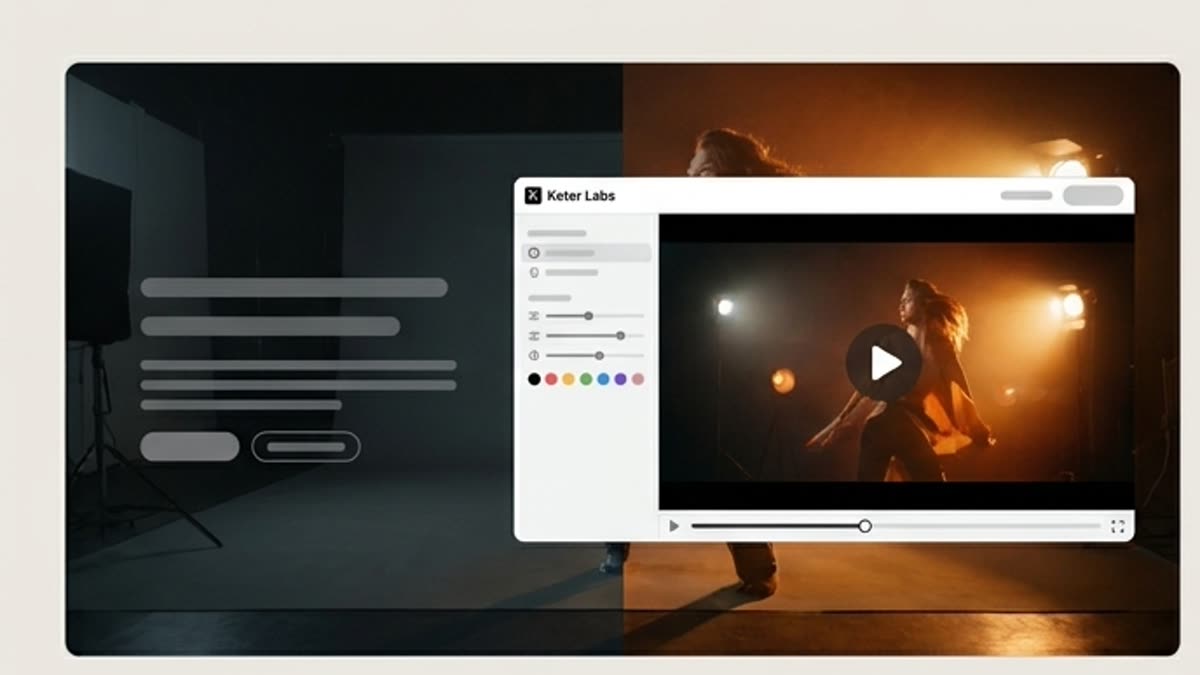
What's included
What this section gives you.
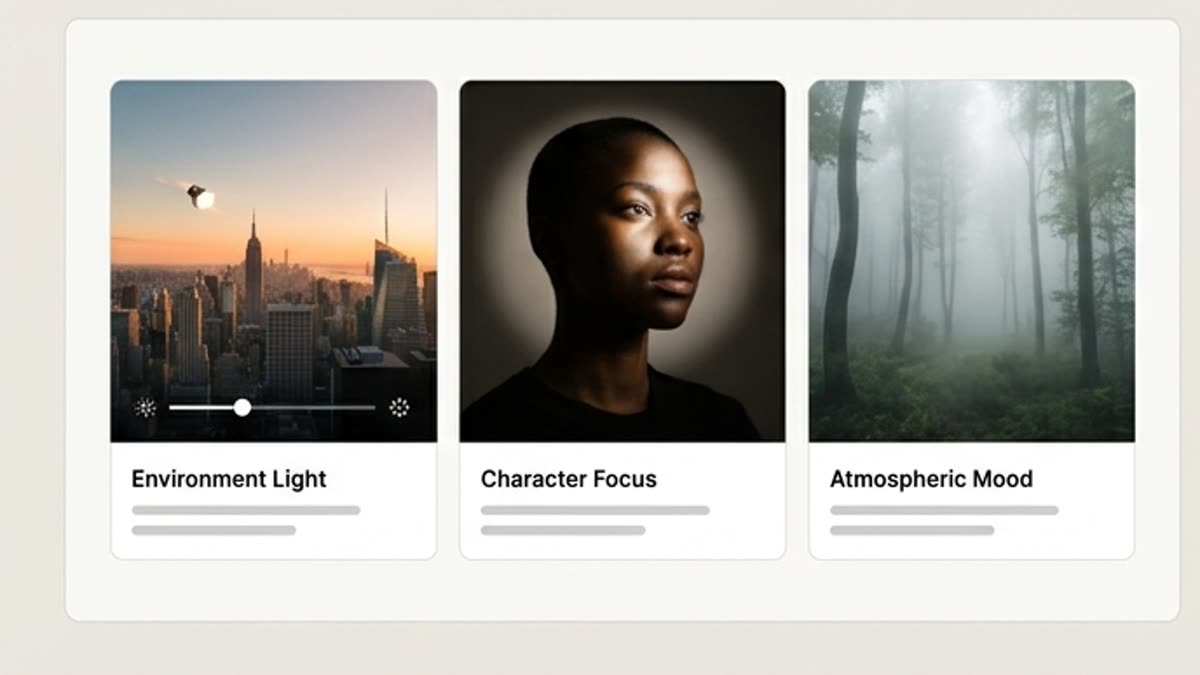
A new mood without a new clip
Change the lighting character of the scene while keeping the chosen motion, subject, angle and overall composition.
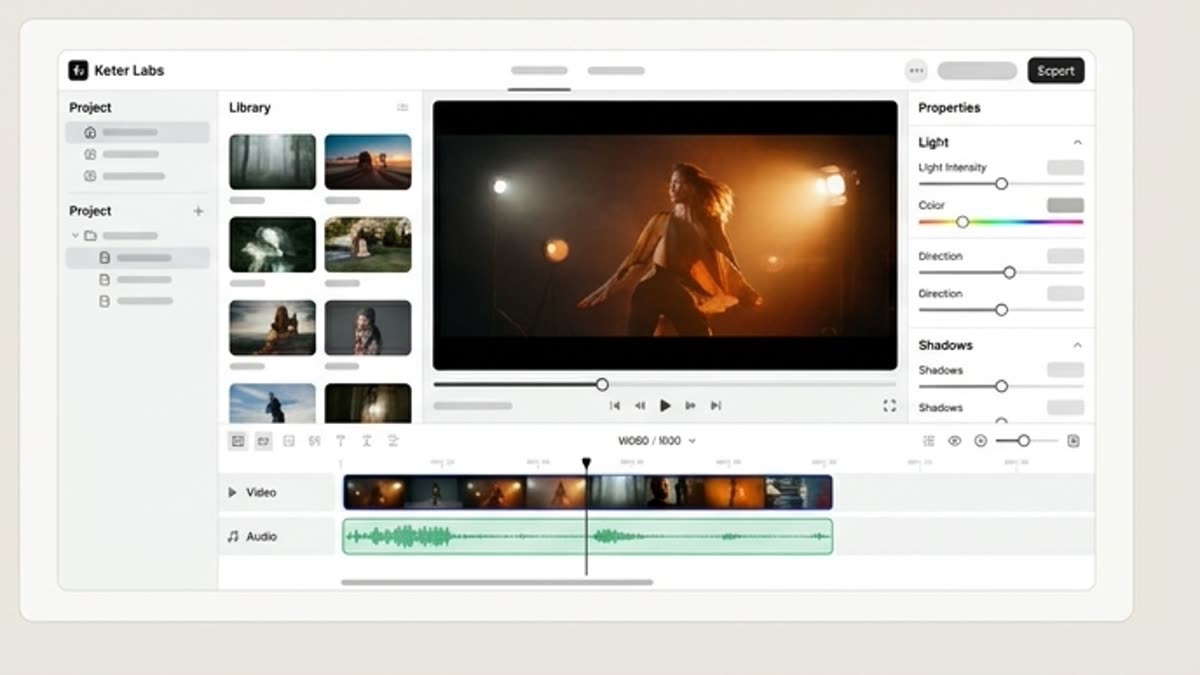
A consistent look across a series
Bring several clips to a similar temperature, contrast and visual tone for one campaign.
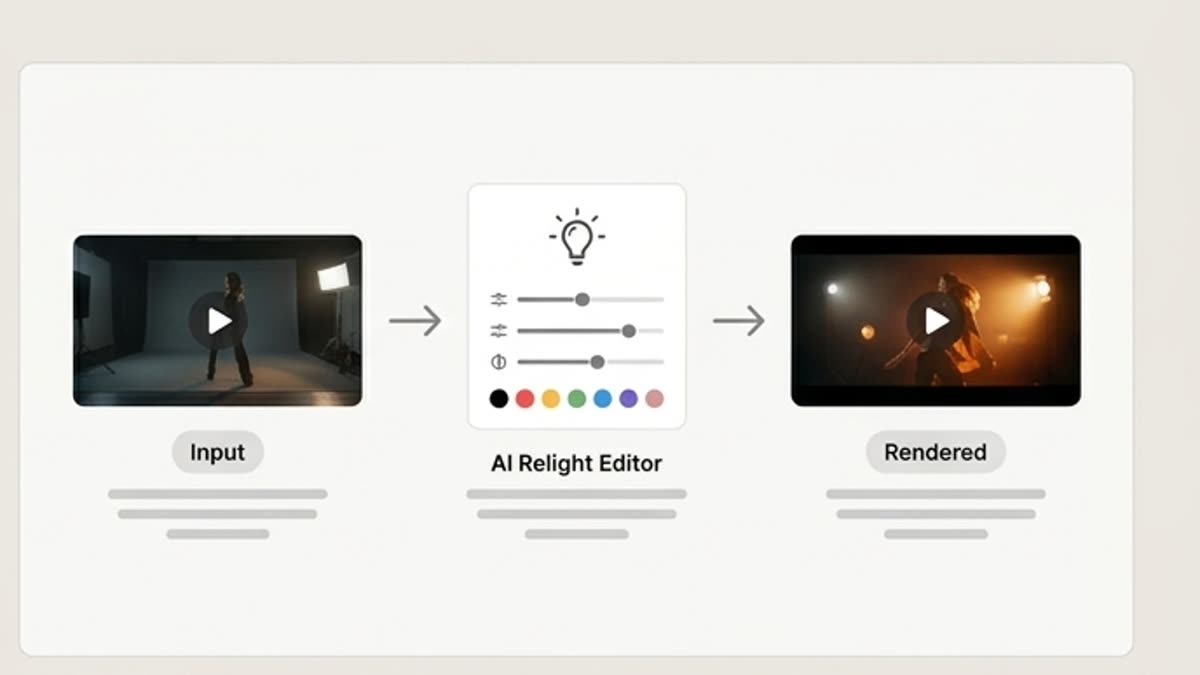
Better for product video
Lighting shows off the material, shape, screen, packaging or texture so the video looks more premium and clean.
When to use it
Common jobs this section is built for.
These examples make it easier to choose where to start and which nearby section to open next.
The video is good but looks flat
Add more expressive lighting to make the scene more convincing without recreating the motion.
You need to match the brand style
Adjust the temperature, contrast and mood of the video to the campaign's visual identity.
You need a series of similar clips
Align the lighting across video variants so they work together in one video or page.
Workflow
How it works inside Keter Labs.
Every section in Keter Labs follows the same shape: a clear brief, a fast first draft, refinement in the editor, and a result saved into the project.
Step 1
Open the clip and decide which lighting you need: soft, studio, dramatic, daylight, evening or ad-style.
Step 2
Generate a variant and check that the motion stays stable and the main subject keeps its shape.
Step 3
Save the best clip for editing, a landing page, an ad or a presentation.
Related sections
Where to go next.
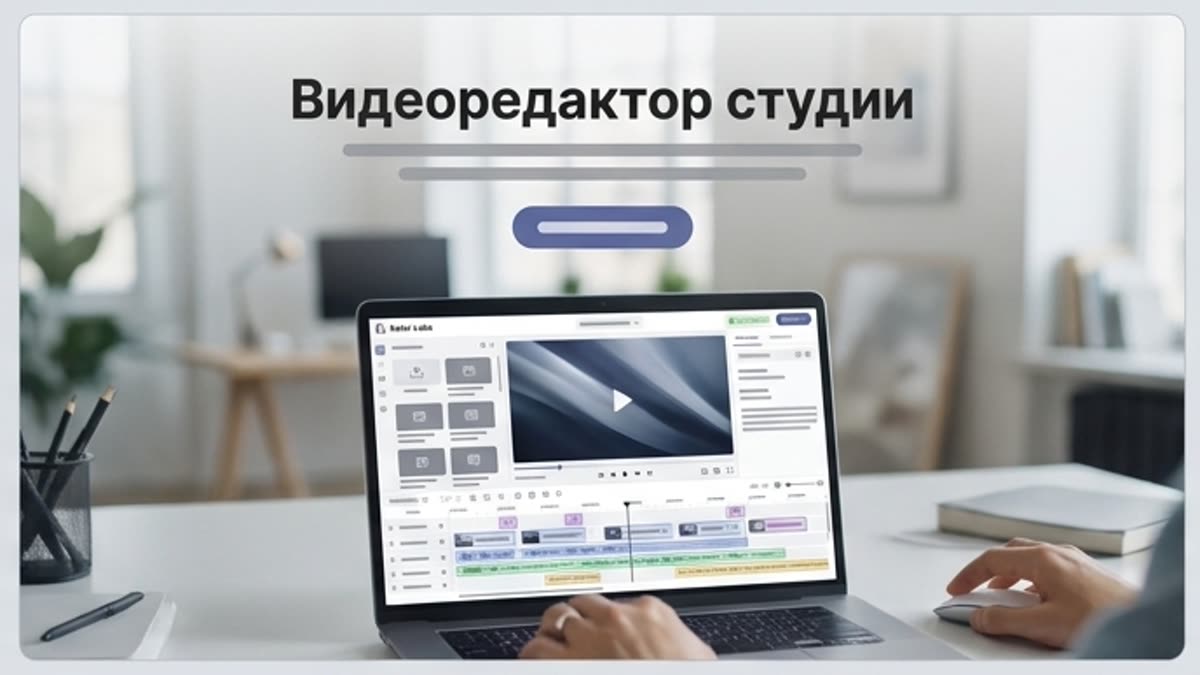
Studio video editor
The studio video editor helps you assemble generated and uploaded clips into a working video: length, pace, order, quality, sound and versions for each channel.
Open Studio video editor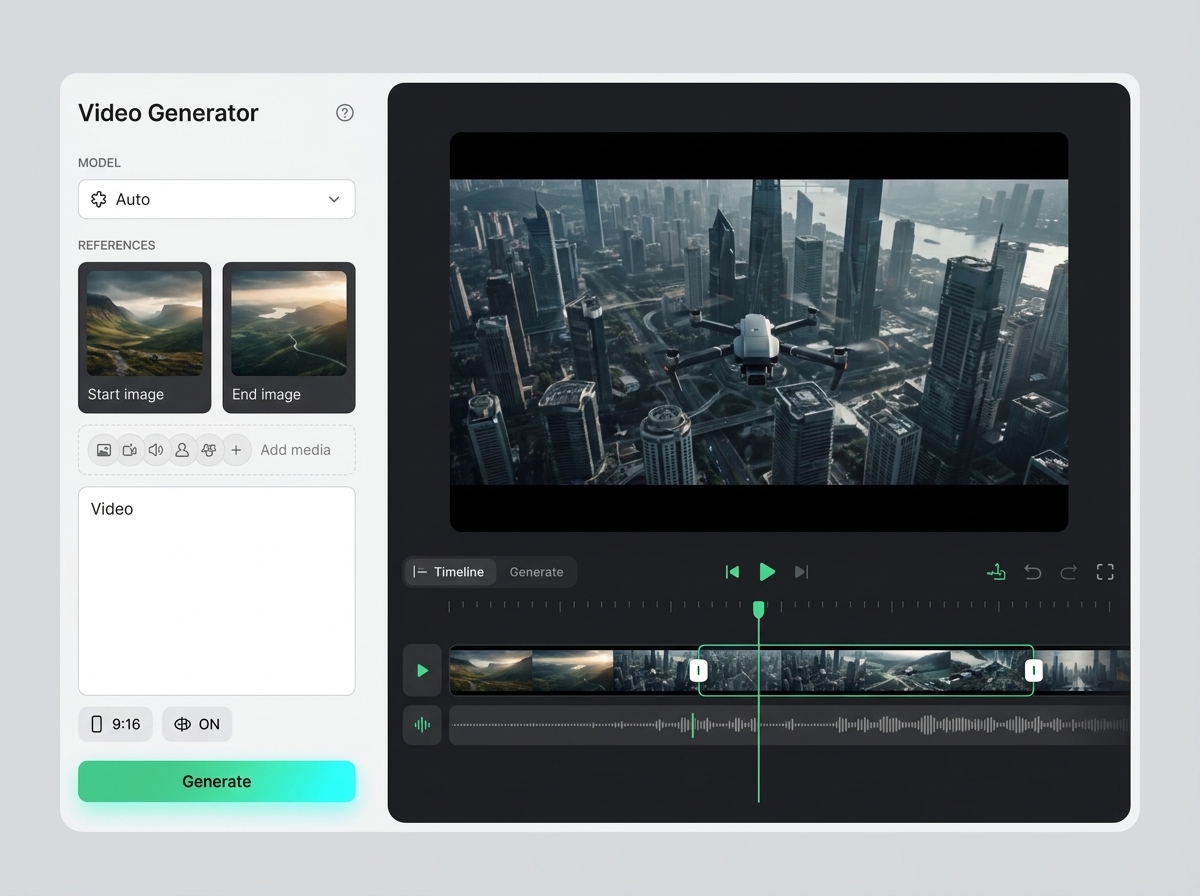
AI video upscaler
AI video upscaler helps users understand a specific AI creative task in plain language: what goes in, what comes out, where it fits in production, and how to keep the result useful instead of treating it as a one-off experiment.
Open AI video upscaler
AI relight
AI relight helps users understand a specific AI creative task in plain language: what goes in, what comes out, where it fits in production, and how to keep the result useful instead of treating it as a one-off experiment.
Open AI relightReady when you are
Bring this workflow into your next project.
Spin up assets, lock in versions and align your team around a single creative platform.
Create account