Integrations
Studio assistant
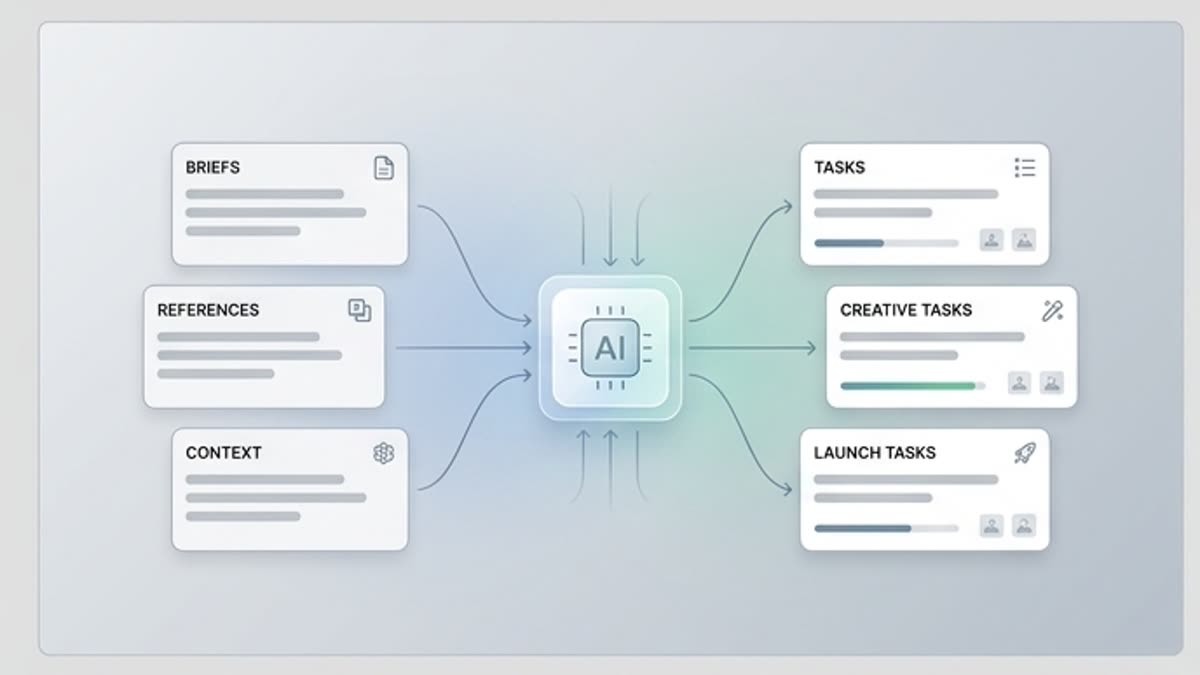
The studio assistant helps turn a brief, references, brand rules and project files into clear tasks for generating, editing and preparing materials. It fits teams that want to move faster while keeping control over decisions.
What's included
What this section gives you.
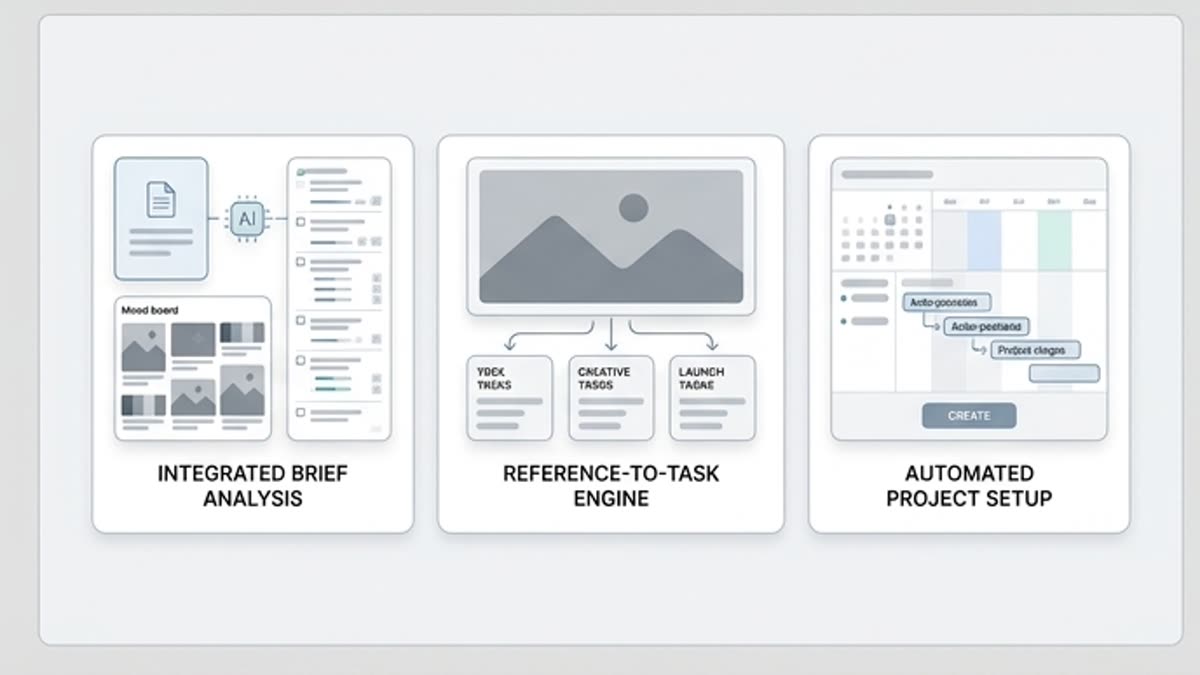
A brief becomes actionable steps
The assistant breaks the task into tools, formats, references, constraints and review points, so the team never starts from an empty prompt.
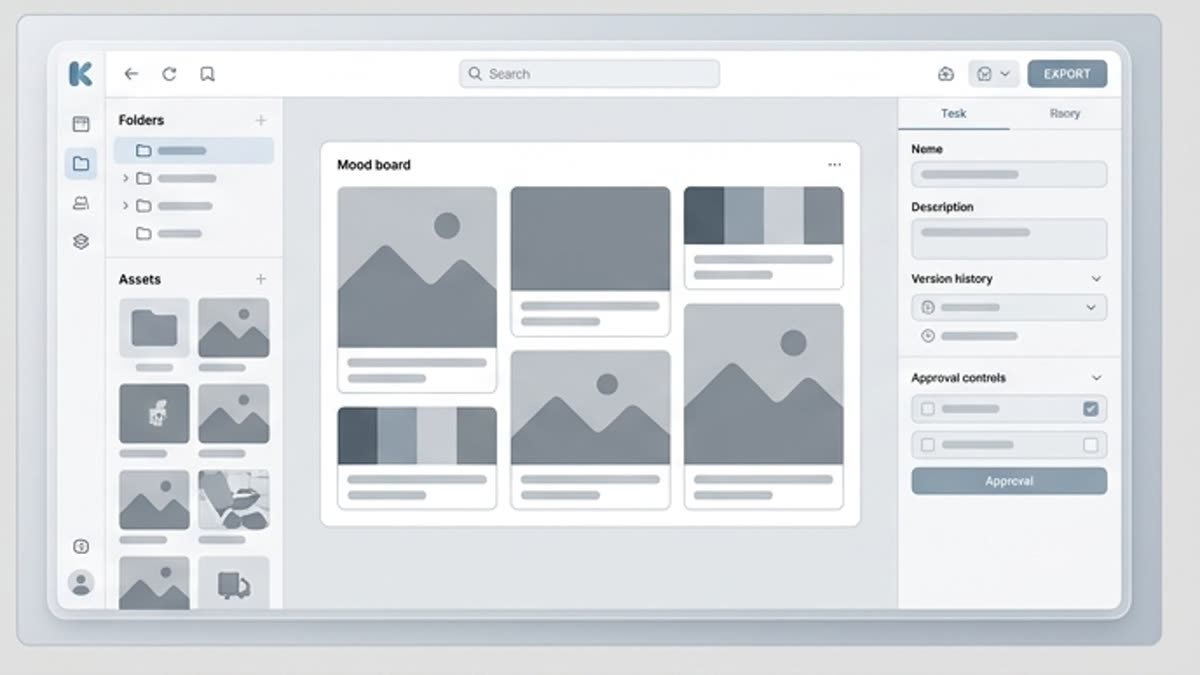
Project context stays close
Work builds on materials already saved: assets, styles, characters, past variants and final files.
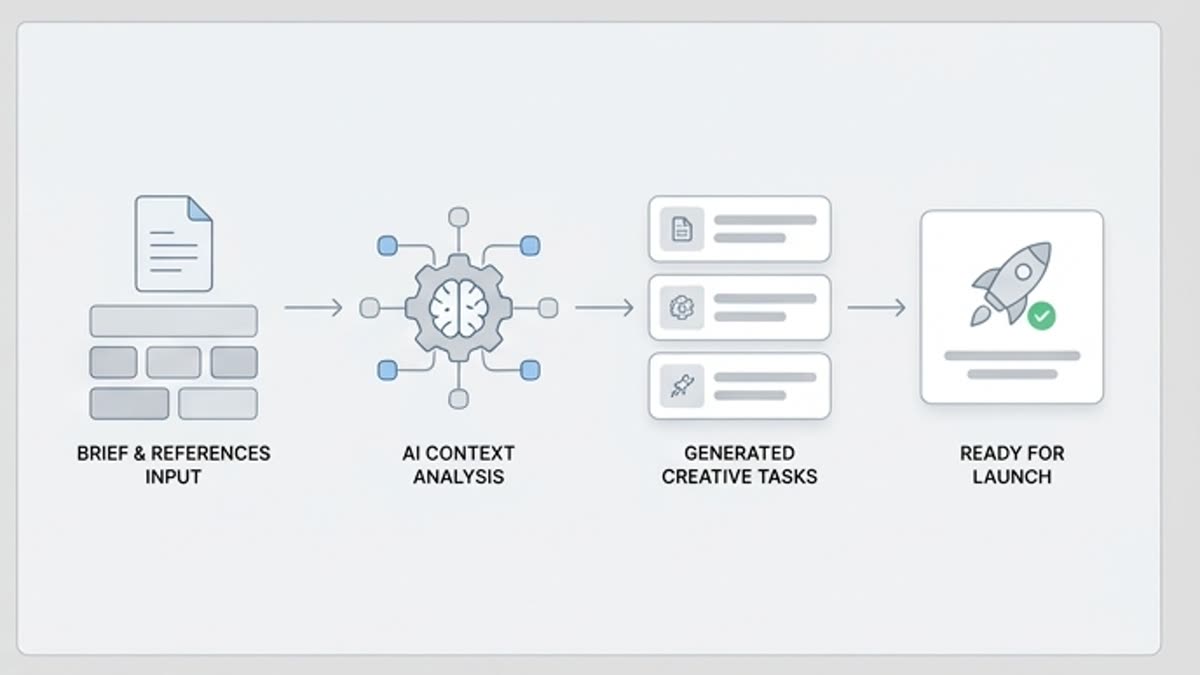
Automation does not replace approval
The assistant prepares tasks and options, but the final direction, brand, legal constraints and publishing stay with people.
When to use it
Common jobs this section is built for.
These examples make it easier to choose where to start and which nearby section to open next.
You need to break down a brief fast
The assistant helps identify which images, videos, sizes, styles and edits the campaign needs.
The team repeats one process
Use the assistant for recurring tasks: preparing prompts, resizing, gathering references, packaging files and handing off to the editor.
You need to keep human control
Automate the preparation, but leave approval of direction, quality and publishing to the people responsible.
Workflow
How it works inside Keter Labs.
Every section in Keter Labs follows the same shape: a clear brief, a fast first draft, refinement in the editor, and a result saved into the project.
Step 1
Add the brief, goal, format, references and project constraints.
Step 2
Ask the assistant to prepare a plan, prompts, tasks or variants for the right tools.
Step 3
Review the result, run the relevant steps and save approved materials in the project.
Related sections
Where to go next.
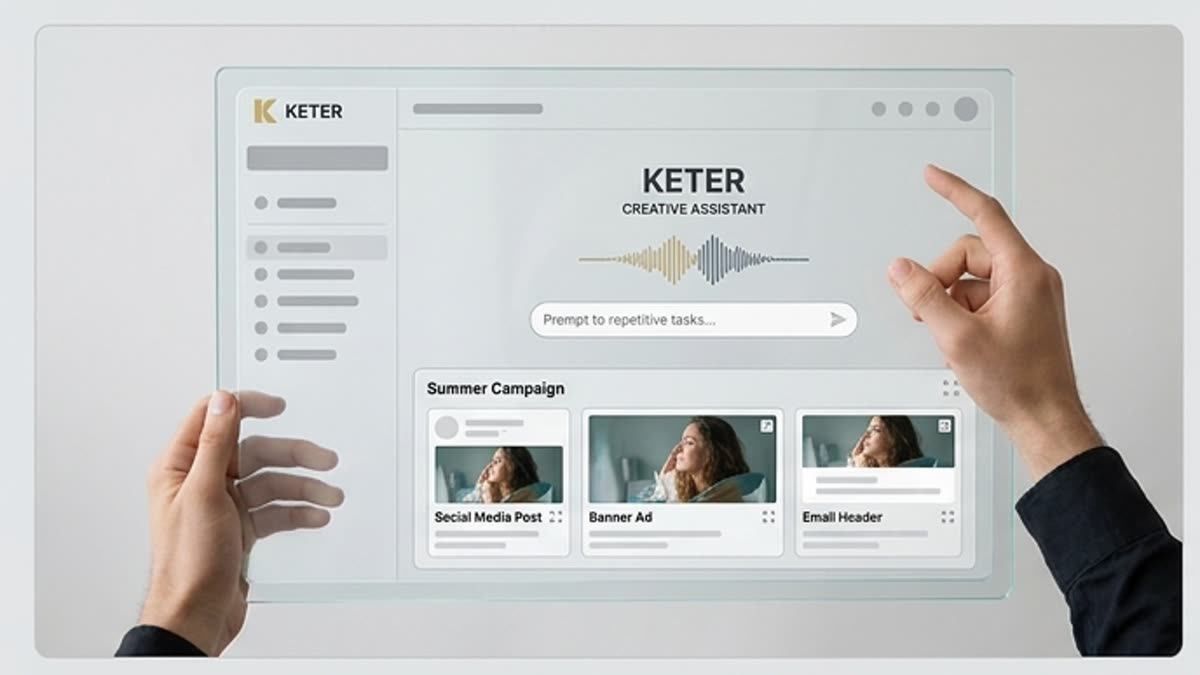
AI agents for creative production
Plan repeatable creative workflows that turn briefs into image, video and audio tasks while your team keeps approval control.
Open AI agents for creative production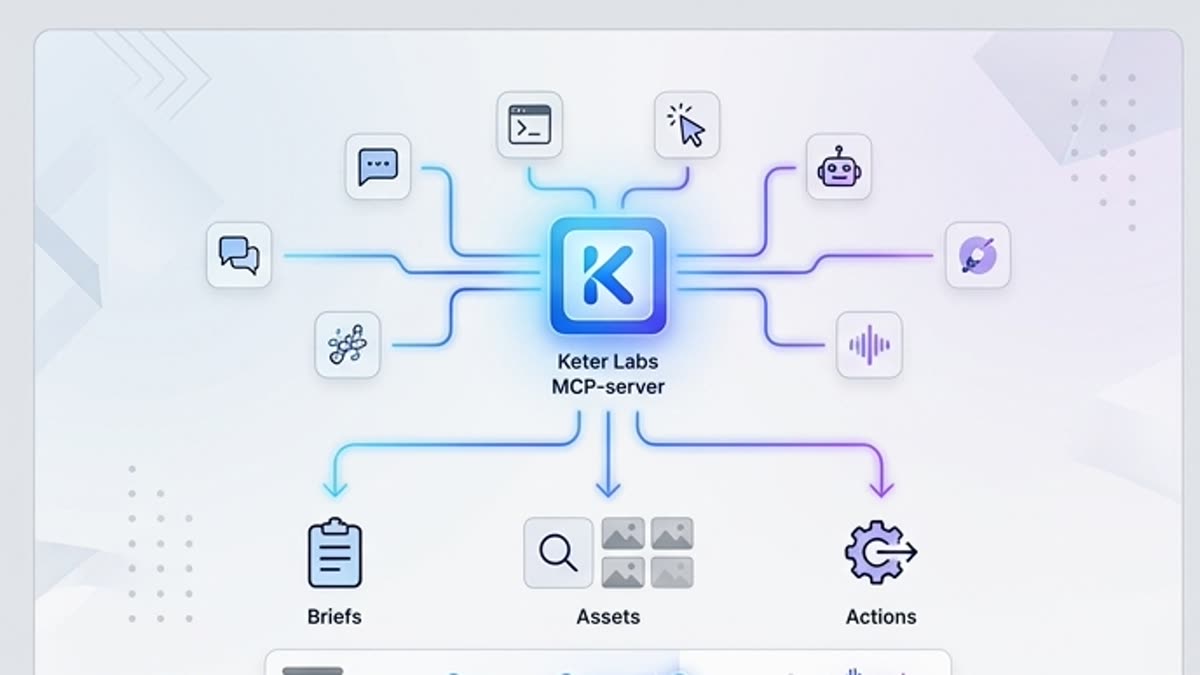
MCP server for AI assistants
Connect Keter Labs creative capabilities to AI assistants and internal tools through the Model Context Protocol.
Open MCP server for AI assistants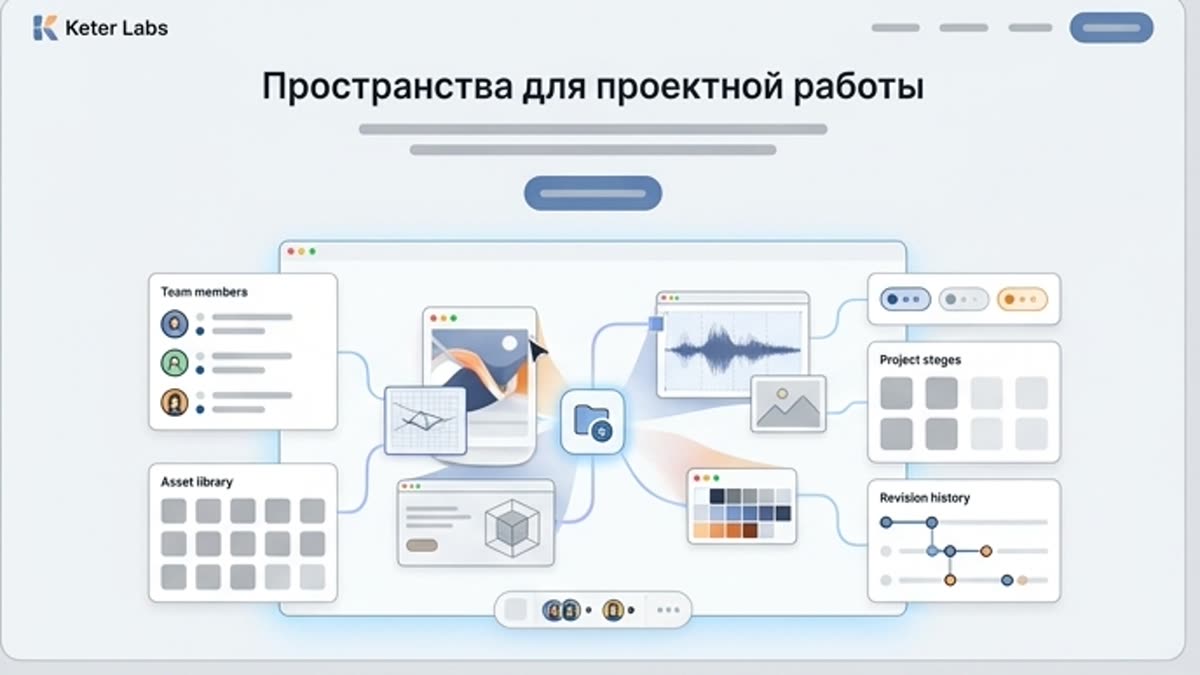
Spaces for project work
Organize projects, assets, generations, brand materials and team processes inside dedicated, shareable spaces.
Open Spaces for project workReady when you are
Bring this workflow into your next project.
Spin up assets, lock in versions and align your team around a single creative platform.
Create account