Integrations

MCP server for AI assistants

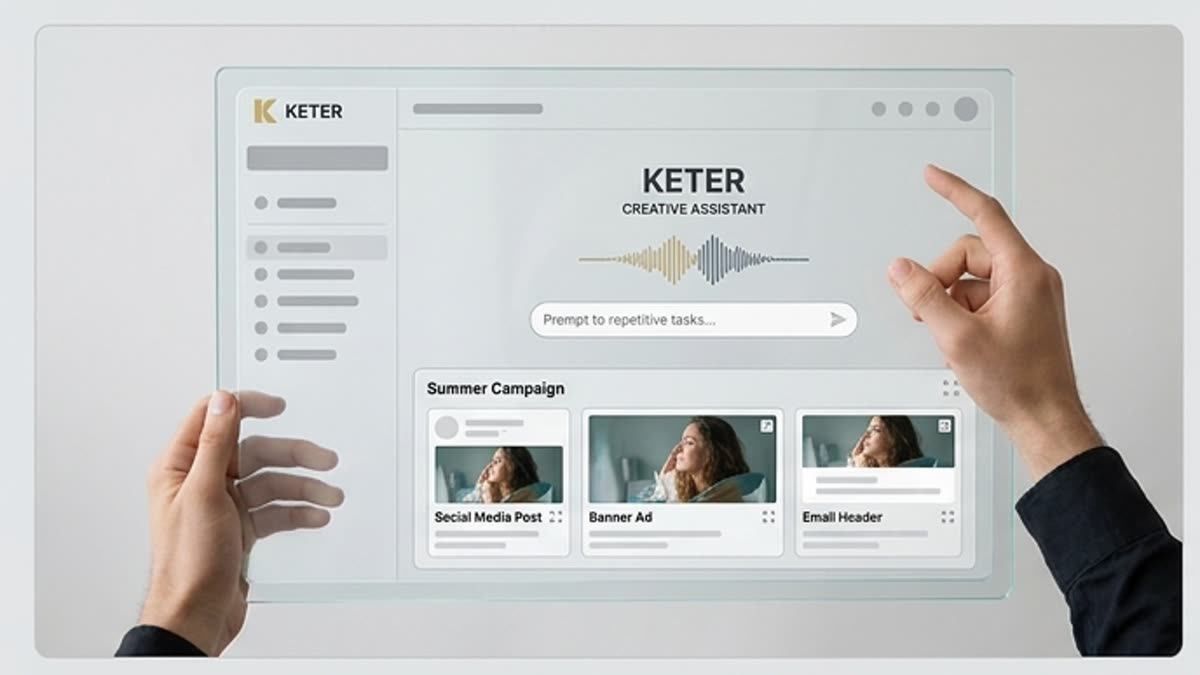
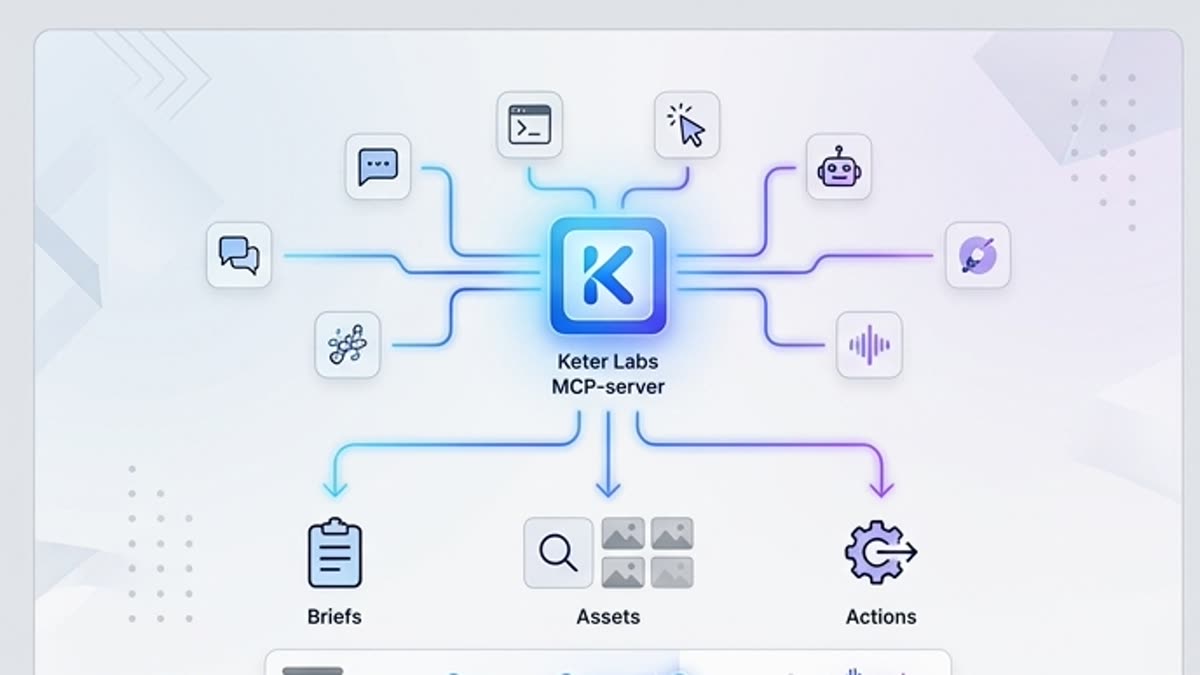
Connect Keter Labs creative capabilities to AI assistants and internal tools through the Model Context Protocol.

mcpassistantsintegrationautomation
MCP server for AI assistants — Keter Labs
Assistant

What's included

What this section gives you.

Assistant-ready

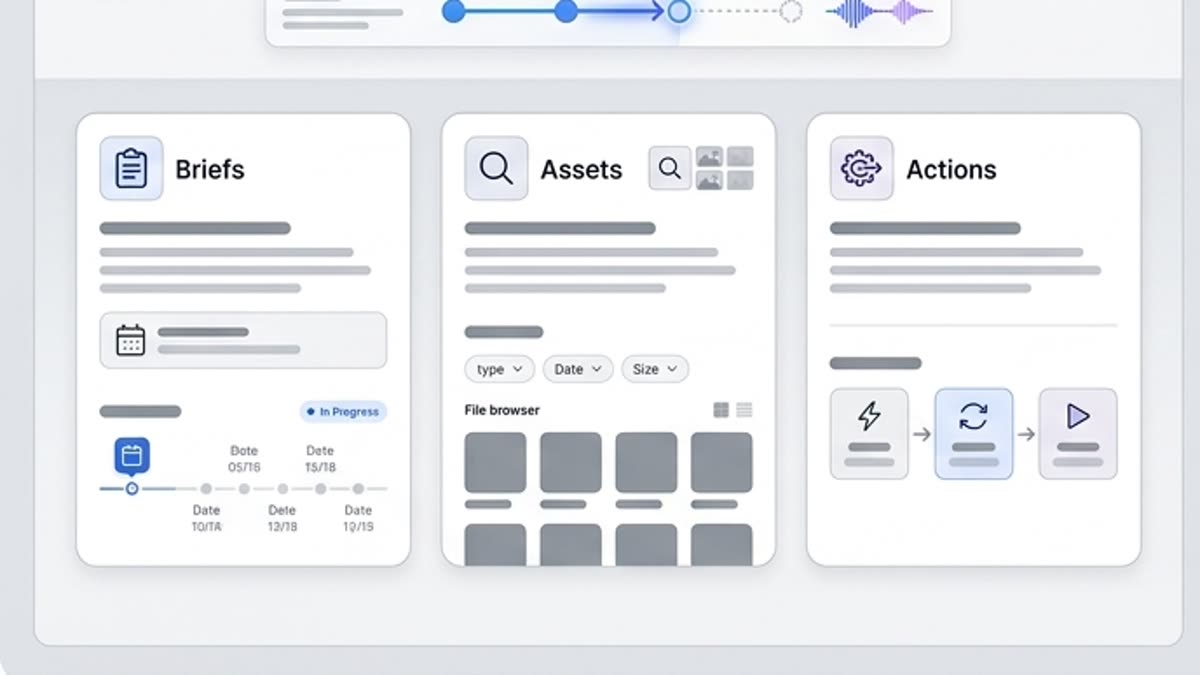
Let assistants trigger creative operations, find assets and prepare briefs for the studio.

Repeatable scenarios

Ideal for resize, variant generation, brief drafting and curated asset selection.

Managed authentication

Scope access to a workspace account and apply team-level guardrails.

Workflow

How it works inside Keter Labs.

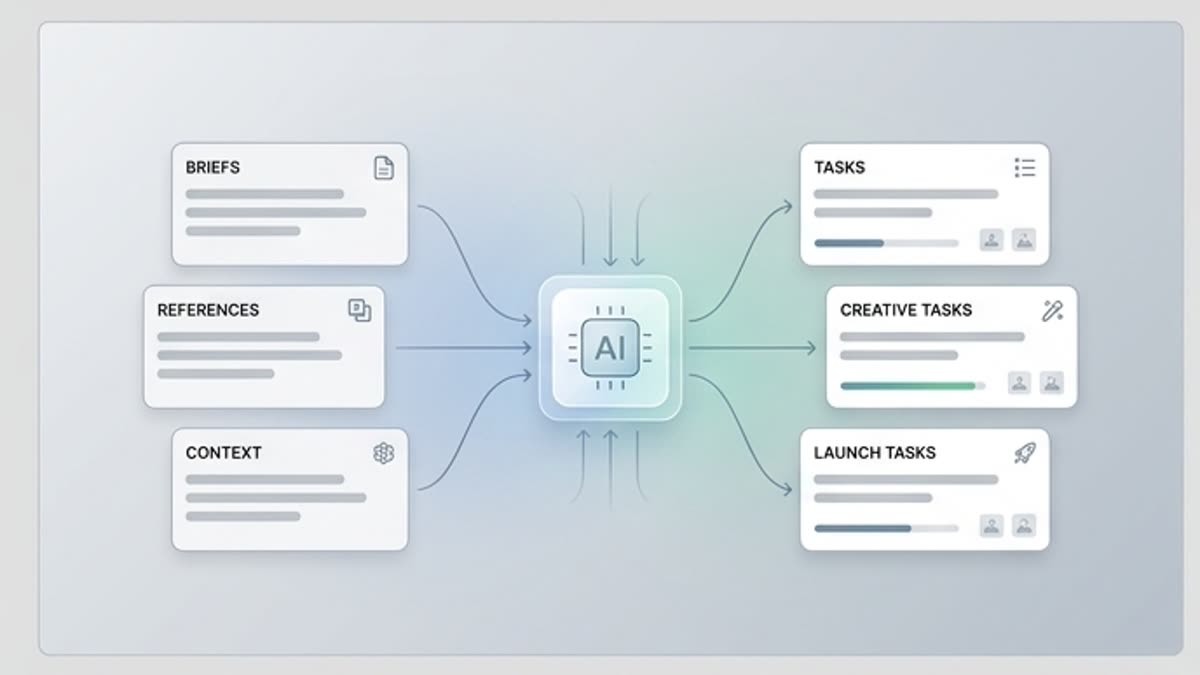
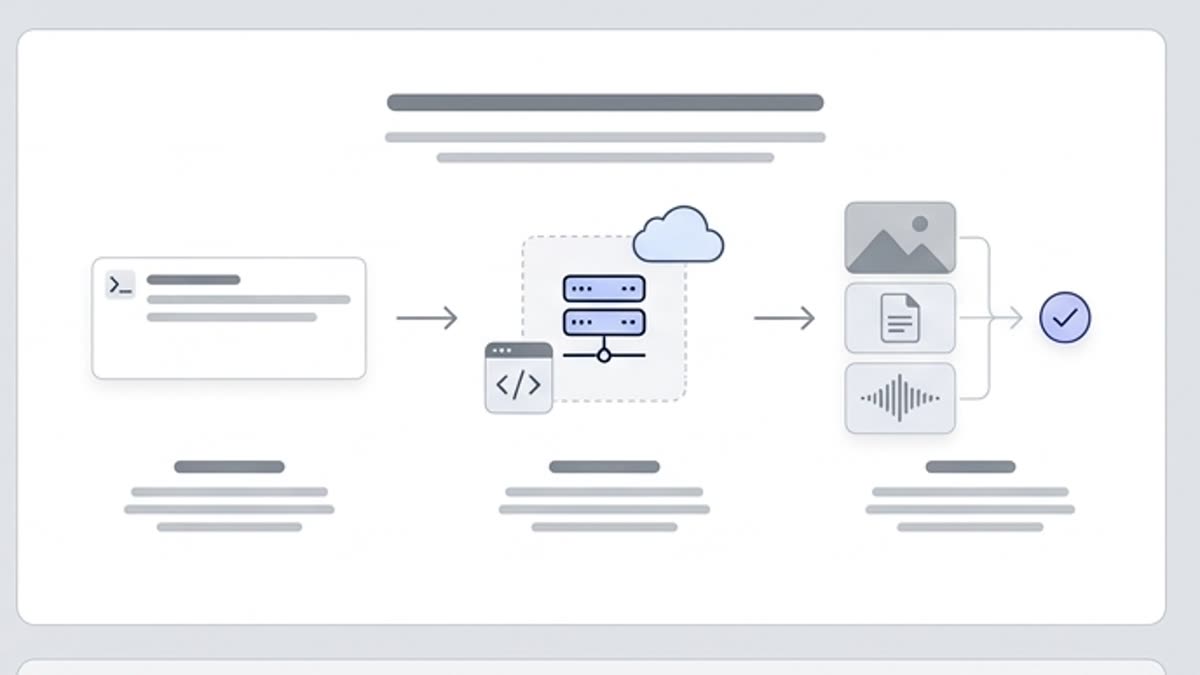
Every section in Keter Labs follows the same shape: a clear brief, a fast first draft, refinement in the editor, and a result saved into the project.

1

Step 1

Connect the MCP server to your assistant.

2

Step 2

Describe the action or scenario to automate.

3

Step 3

Verify the result in Keter Labs and save it to the project.

Ready when you are

Bring this workflow into your next project.

Spin up assets, lock in versions and align your team around a single creative platform.

Create account