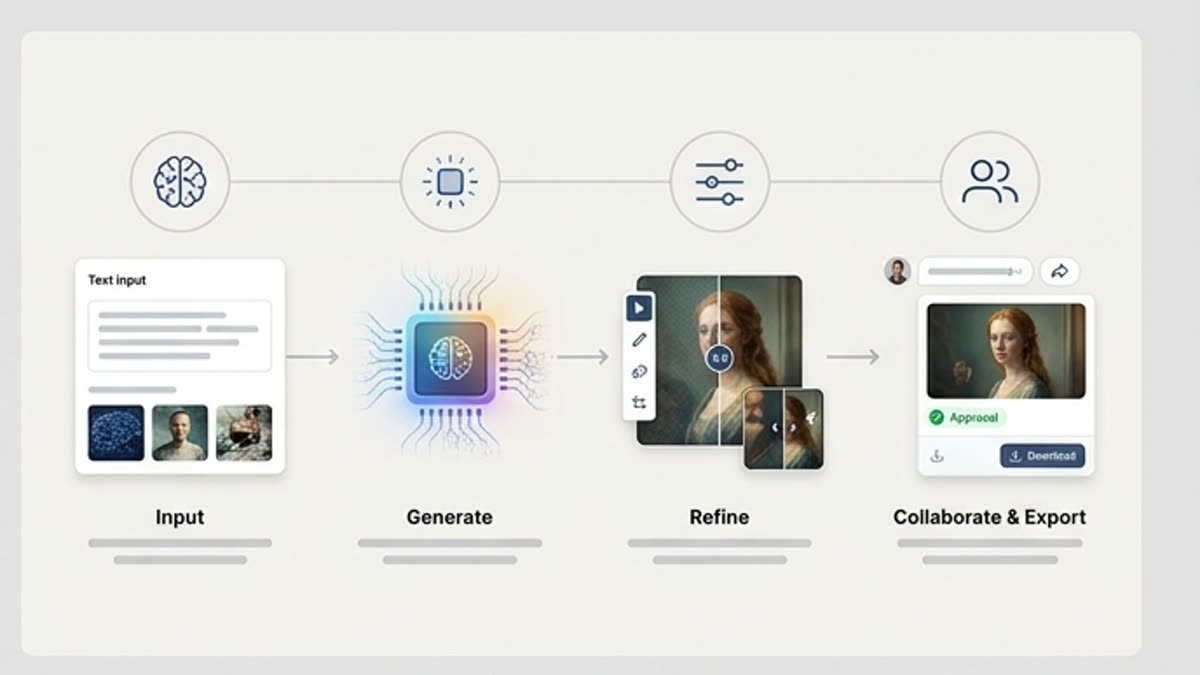
Plan the Visual Project
Start from the campaign goal, product idea, audience, references and visual direction before generating. This helps Studio keep image work tied to a creative project instead of a loose one-off result.
Studio workspace
Plan image work from briefs and references, compare visual variants, keep project history and move selected images into editing and review inside Keter Labs Studio.
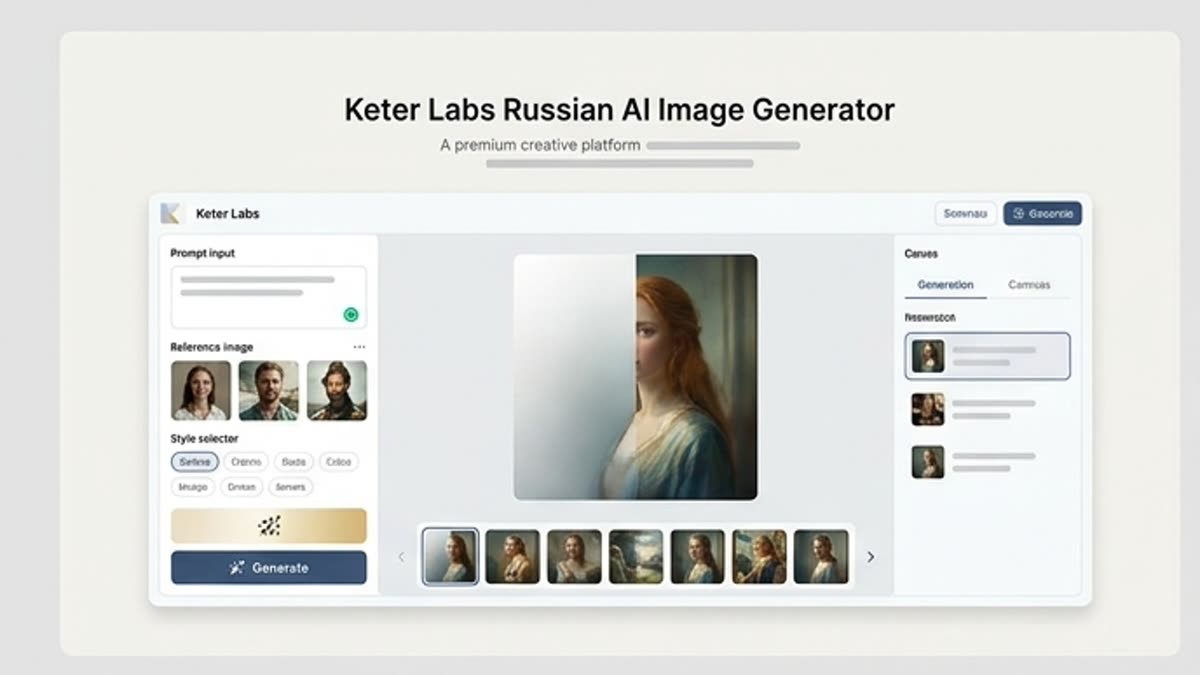
What's included
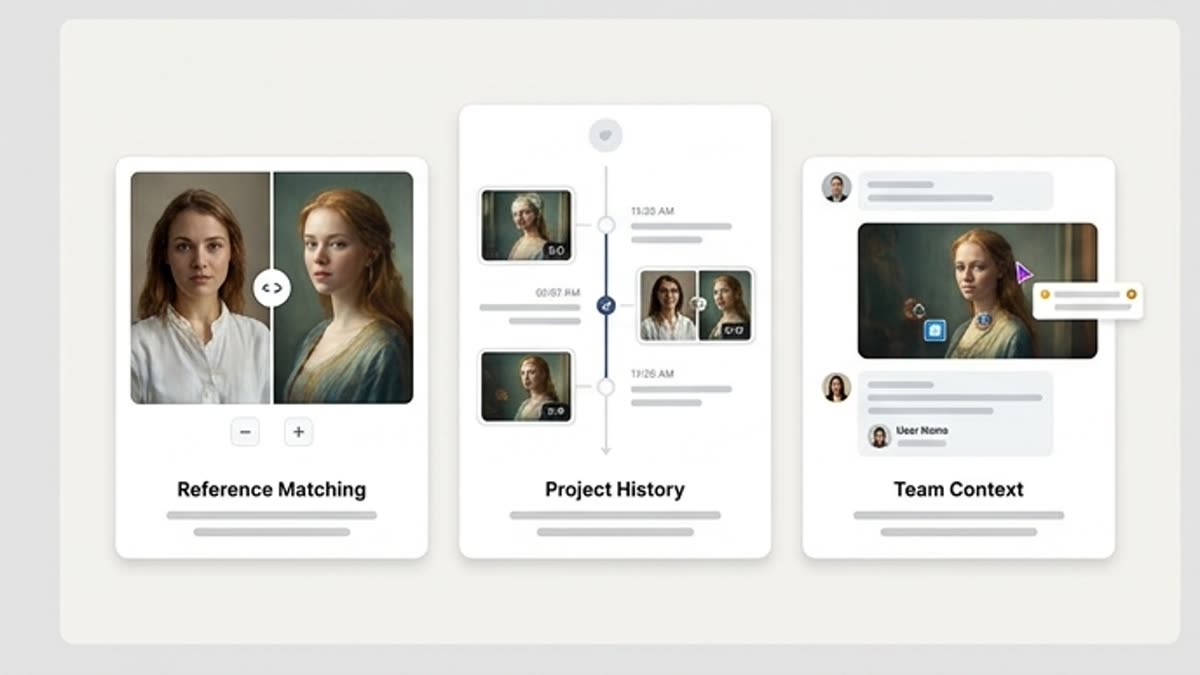
Keter Labs Studio is an AI image generation workspace for creative projects, not just a single prompt-to-image page. Teams can keep briefs, references, prompts, variants, history, review context and selected outputs together, making it easier to continue visual work after the first generation.
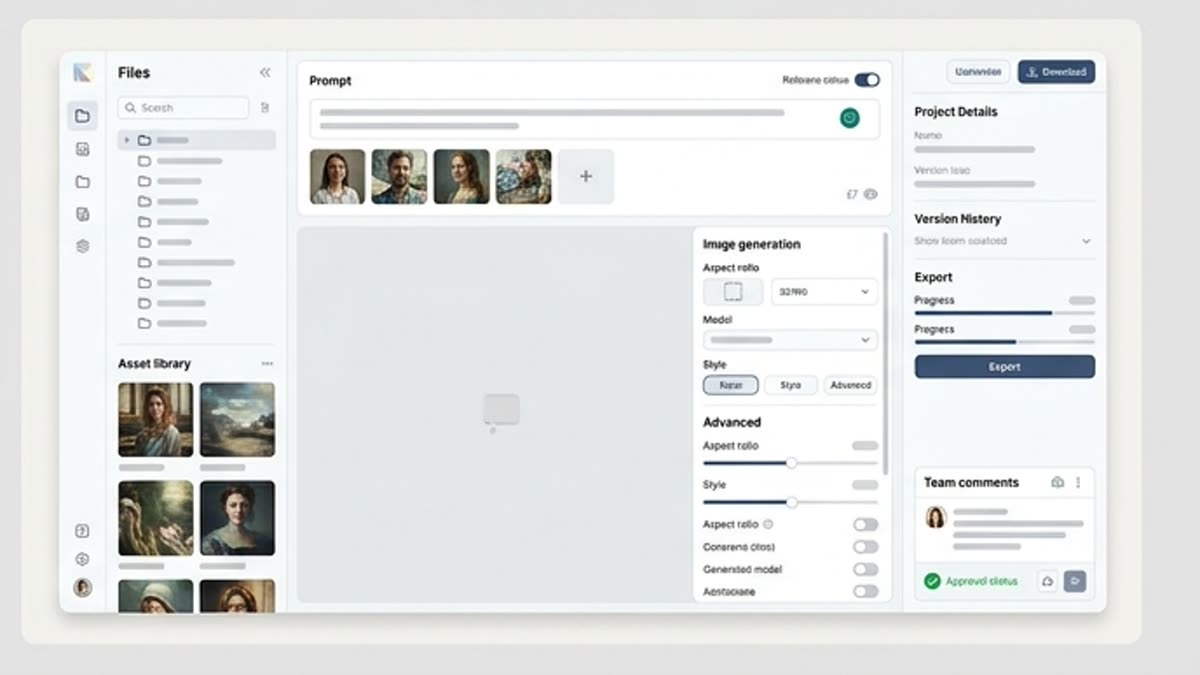
Studio helps teams start image work with more context than a single prompt. Creative teams can work from briefs, references, product ideas, campaign direction or visual goals, then keep the project context available as they explore image directions.
Instead of treating every image output as a separate task, Studio supports a project-based workflow where teams can compare visual directions, review variants and decide which outputs are worth refining further.
When to use it
These examples make it easier to choose where to start and which nearby section to open next.
Once a visual direction is selected, teams can continue the workflow with editing, refinement, review or handoff steps where supported. This helps connect image generation with the wider creative production process.
Use the AI image generator page when the goal is direct image generation for campaigns, product visuals or social content. Use Studio when the work needs project context, references, variants, history, review and a continued creative workflow around selected visuals.
Connect Studio with the AI image generator for direct image creation, Designer for AI design workflows, Mockups for AI mockup generator workflows, Pricing for plan review, AI creative tools for the broader toolset and the platform page for project-based creative workspace context where links are editable.
Details
Start from the campaign goal, product idea, audience, references and visual direction before generating. This helps Studio keep image work tied to a creative project instead of a loose one-off result.
Use briefs, image references and prompts to guide the image generation project workflow. Keep the direction available as teams explore variants, review outputs and decide what should move forward.
Compare AI image variants against the brief, brand fit, layout needs and campaign context. Selected visuals can move into editing, refinement or review steps inside supported workflows.
Use Studio when image work needs project context, references, variants, history and review. Use the AI image generator page when the goal is direct image creation for campaigns, product visuals or social content.
Workflow
Every section in Keter Labs follows the same shape: a clear brief, a fast first draft, refinement in the editor, and a result saved into the project.
Plan the visual project with the brief, references, prompts, constraints and creative direction before generating image variants.
Add references, prompts and creative direction, then compare variants against the campaign goal, product context or presentation need.
Continue image work in Studio by moving selected visuals into editing, refinement, review or handoff steps where supported.
Related sections
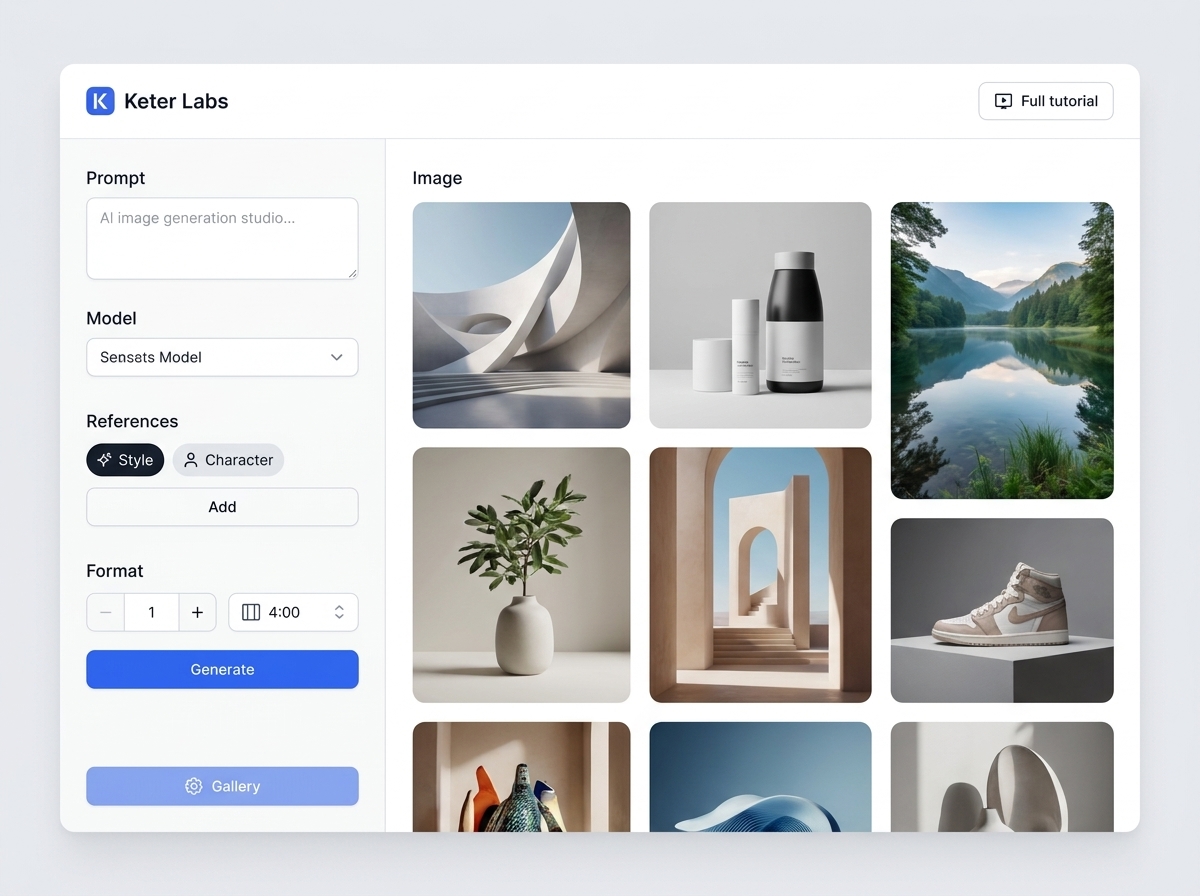
AI image generator helps users understand a specific AI creative task in plain language: what goes in, what comes out, where it fits in production, and how to keep the result useful instead of treating it as a one-off experiment.
Open AI image generator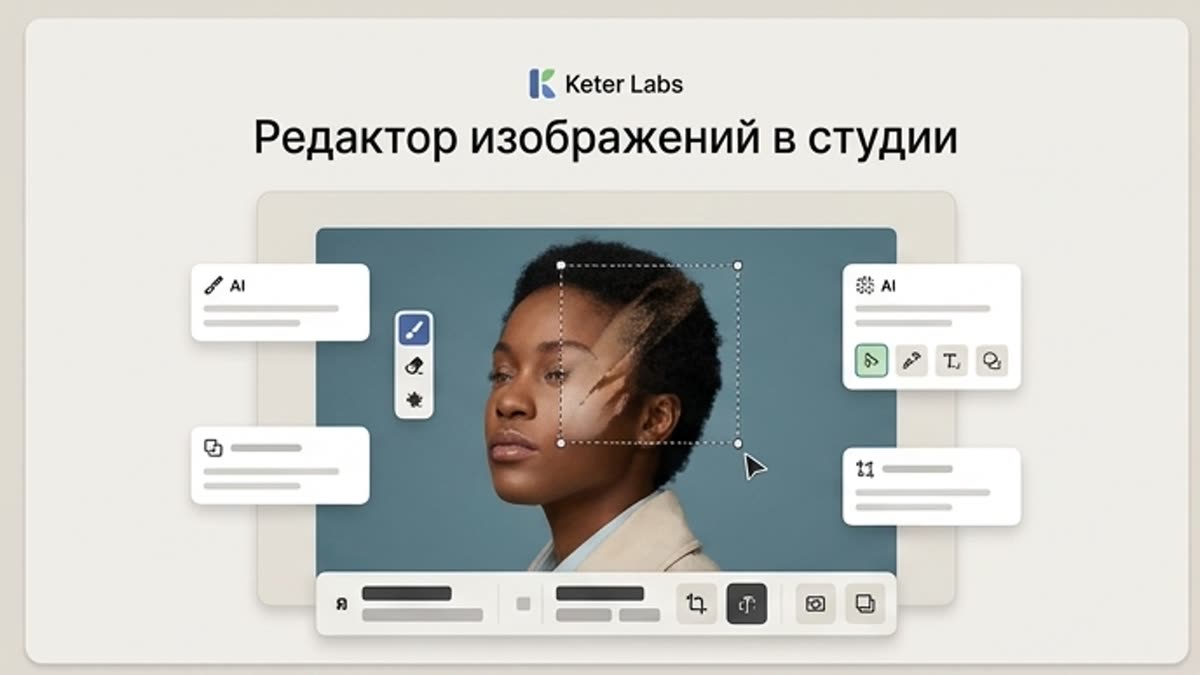
The studio image editor helps you bring AI visuals, photos, stock assets and product shots to a working state: background, subject, framing, quality, lighting, size and final composition.
Open Studio image editor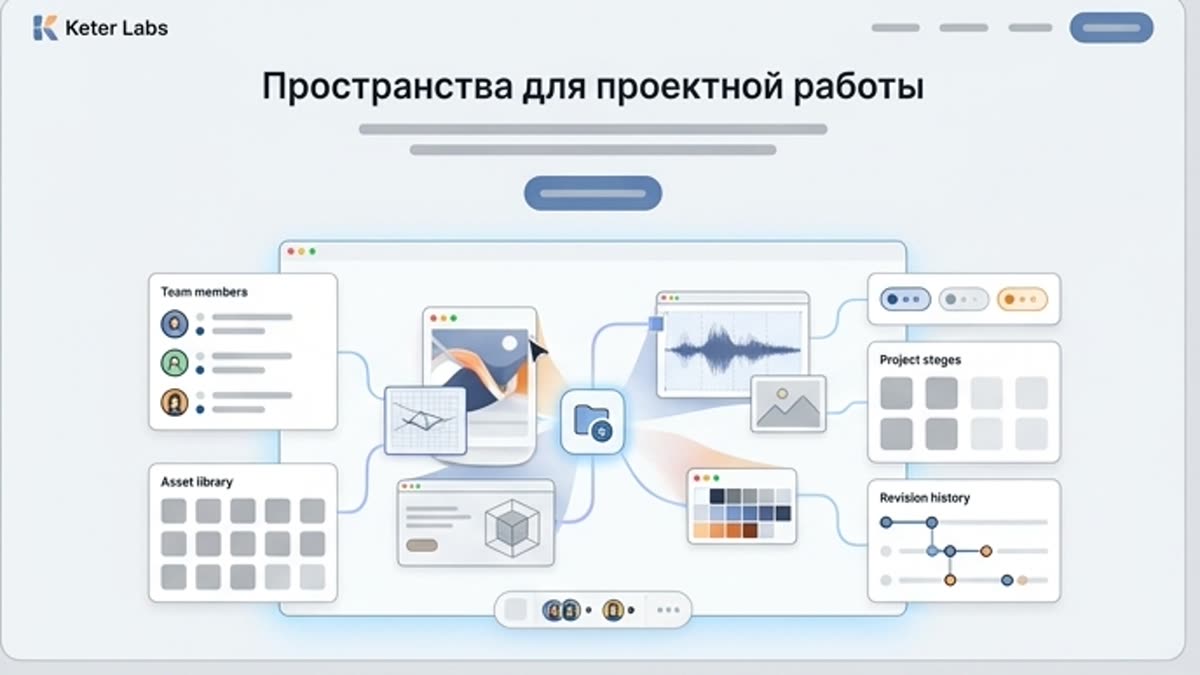
Organize projects, assets, generations, brand materials and team processes inside dedicated, shareable spaces.
Open Spaces for project workFAQ
An AI image generation workspace helps teams manage image projects with briefs, references, prompts, variants, history, review context and selected outputs instead of treating each image as a separate one-off generation.
The AI image generator page is focused on creating images for campaigns, product visuals and social content. Keter Labs Studio is focused on project-based image workflows where teams can keep context, references, variants, history and review steps together.
Keter Labs Studio is positioned around project-based visual work, helping teams keep briefs, prompts, references, variants and selected outputs connected inside the creative workflow where supported.
Yes. Studio can support campaign visual review by helping teams compare image directions, keep project context and move selected visuals toward editing, refinement or review steps where supported.
Use the AI image generator page for direct image creation. Use Studio when the project needs references, variants, history, review context and a continued workflow around selected visuals.
Keter Labs Studio is useful for creators, marketers, agencies, designers and creative teams that need a more organized way to manage AI image work across briefs, references, variants and review steps.
Ready when you are
Spin up assets, lock in versions and align your team around a single creative platform.
Create account