// AI MOCKUP GENERATOR
AI mockup generator — upload a design, get the product photo
Choose a blank product or upload a photo of your own, then place your design on it with perspective, lighting and shadows.
30 welcome credits. Each mockup costs 3 credits. No watermark.
What is the Keter Labs mockup generator
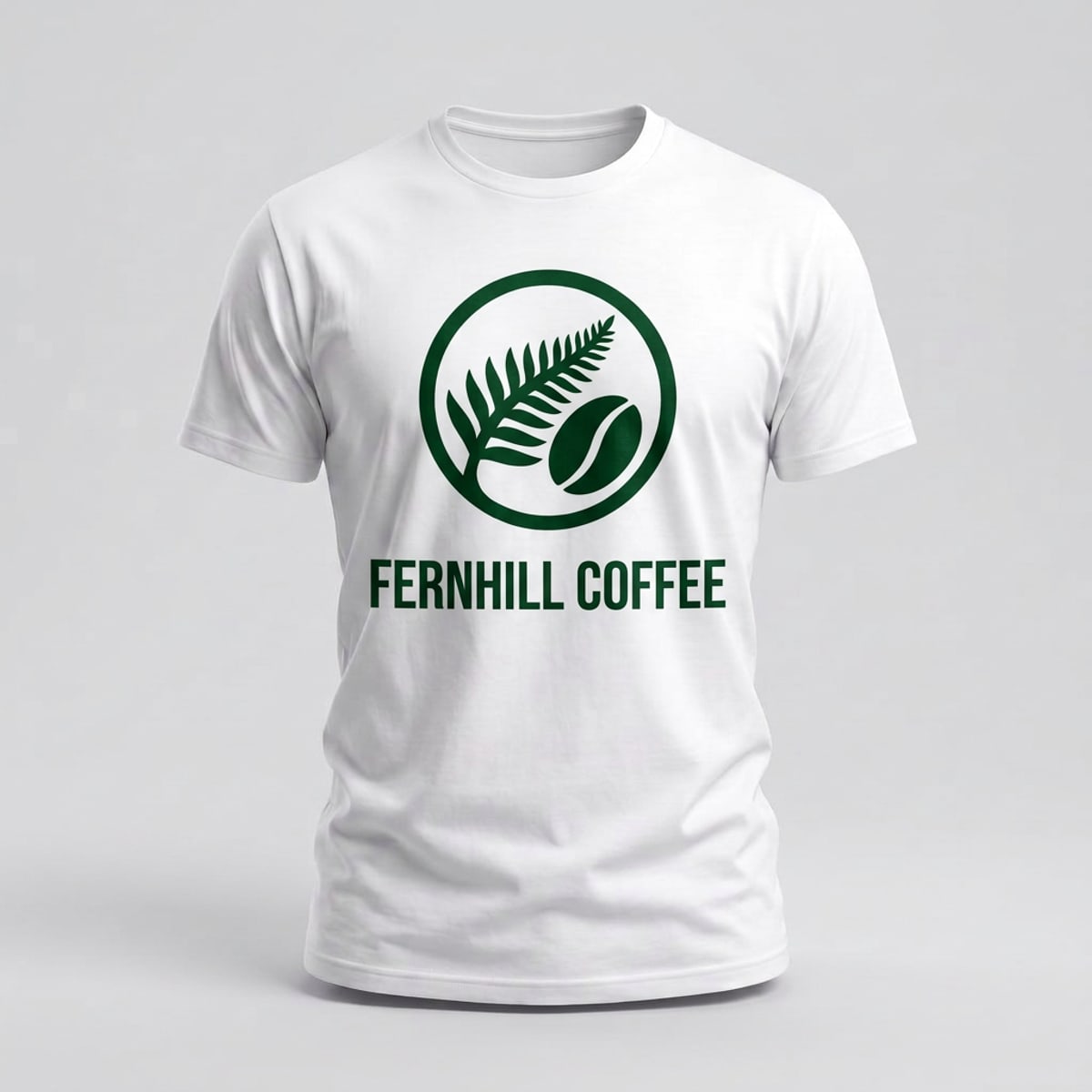
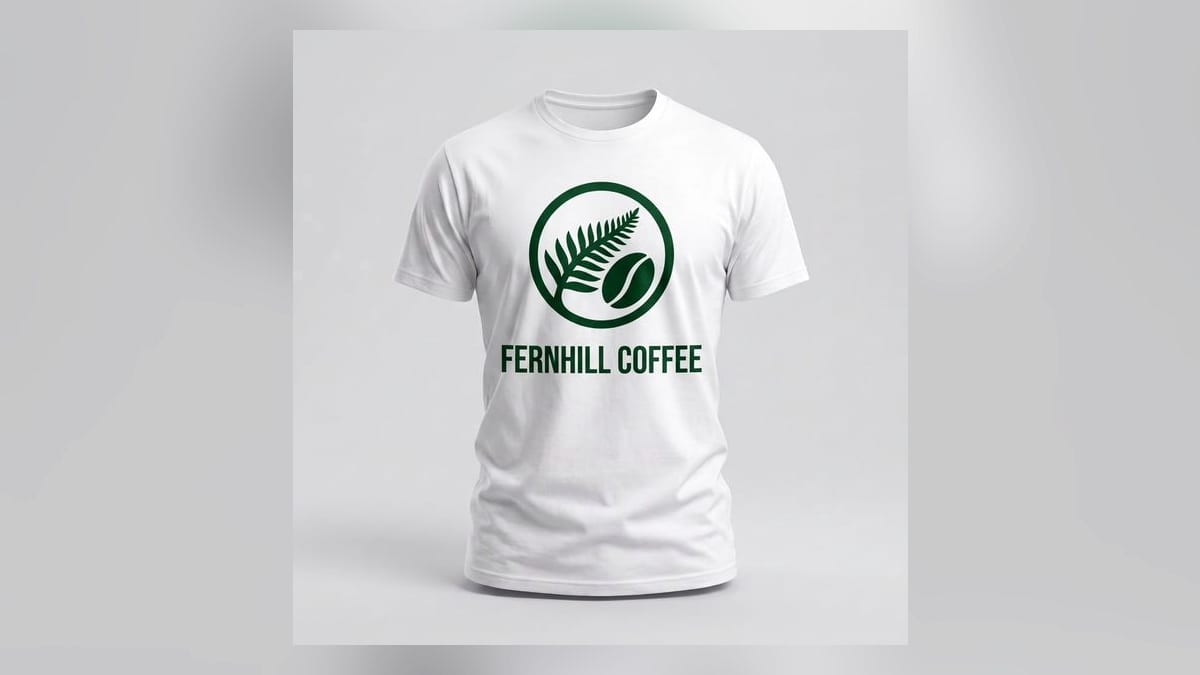
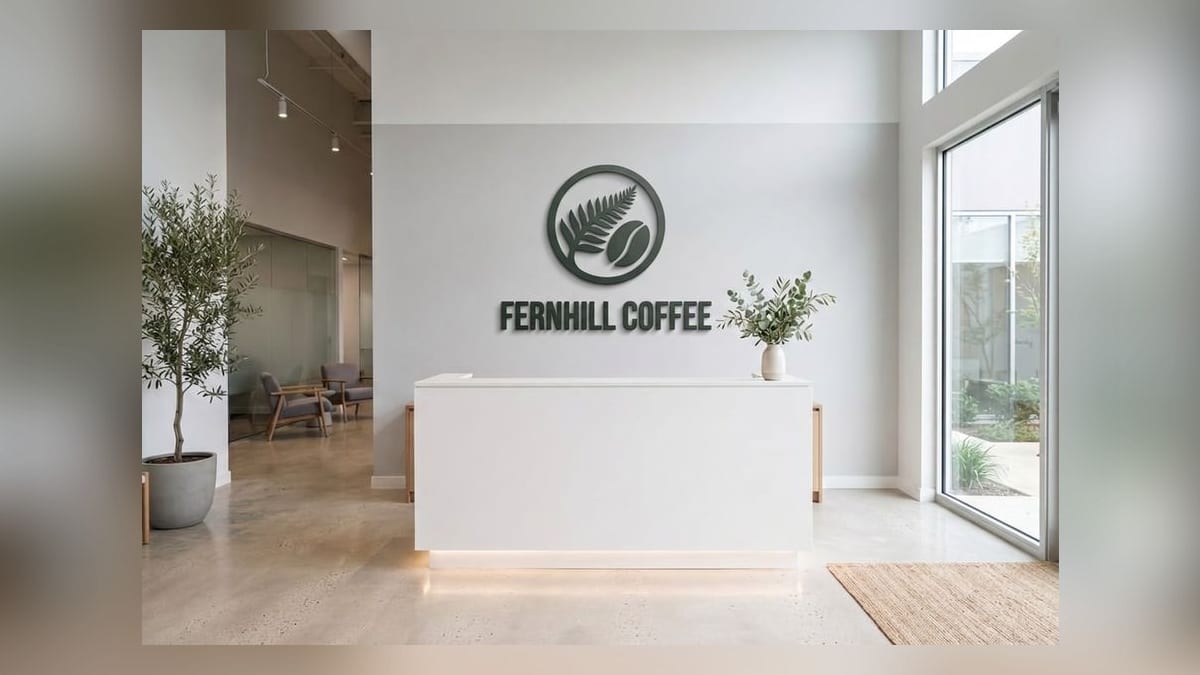
Mockup Generator is a tool inside Keter Labs, an AI creative studio. You upload a design, then either pick one of the supplied blank products or upload a photo of your own, and the model places the artwork onto it with perspective, lighting and shadows. There is no template file to download and no Photoshop step.
- Products
- Apparel, drinkware, print, packaging, devices and signage
- Best used for
- Print-on-demand sellers, designers and brands who need product images without a photo shoot
Blank products you can use
Start from one of these, or upload a photo of your own product instead.
| Group | Products |
|---|---|
| Apparel | White t-shirt, black t-shirt, grey hoodie, navy cap, natural tote bag |
| Drinkware | White 11 oz mug, matte black bottle |
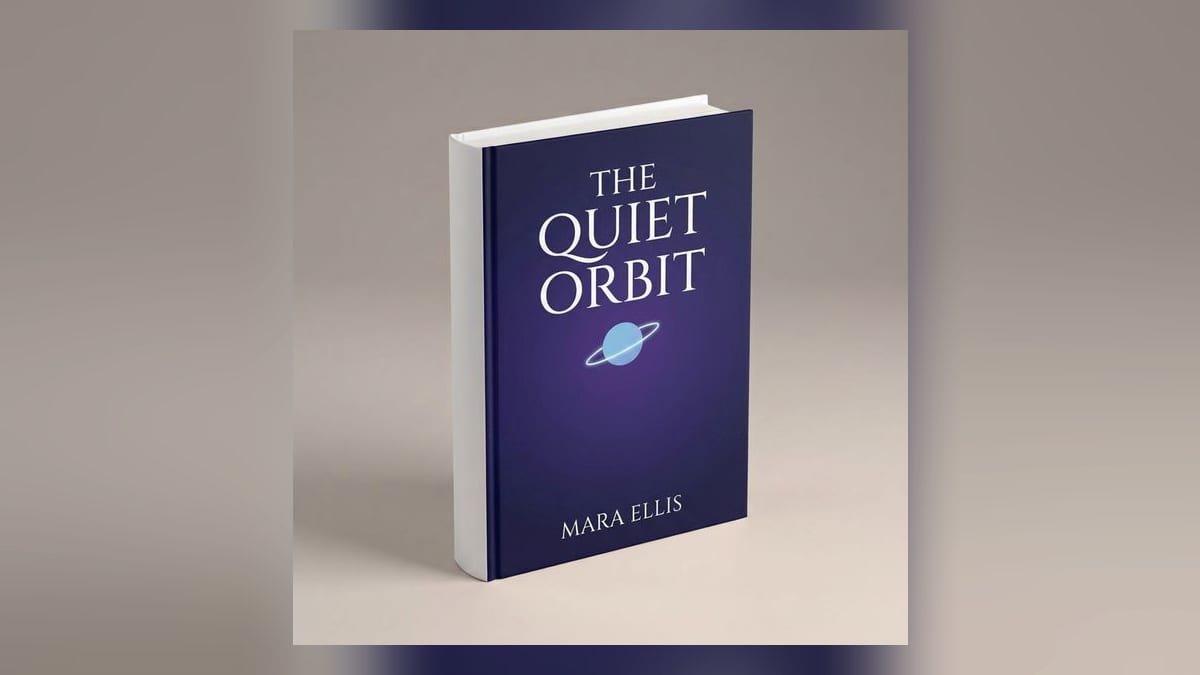
| Flat book cover, standing 3D book, framed wall poster, business card stack | |
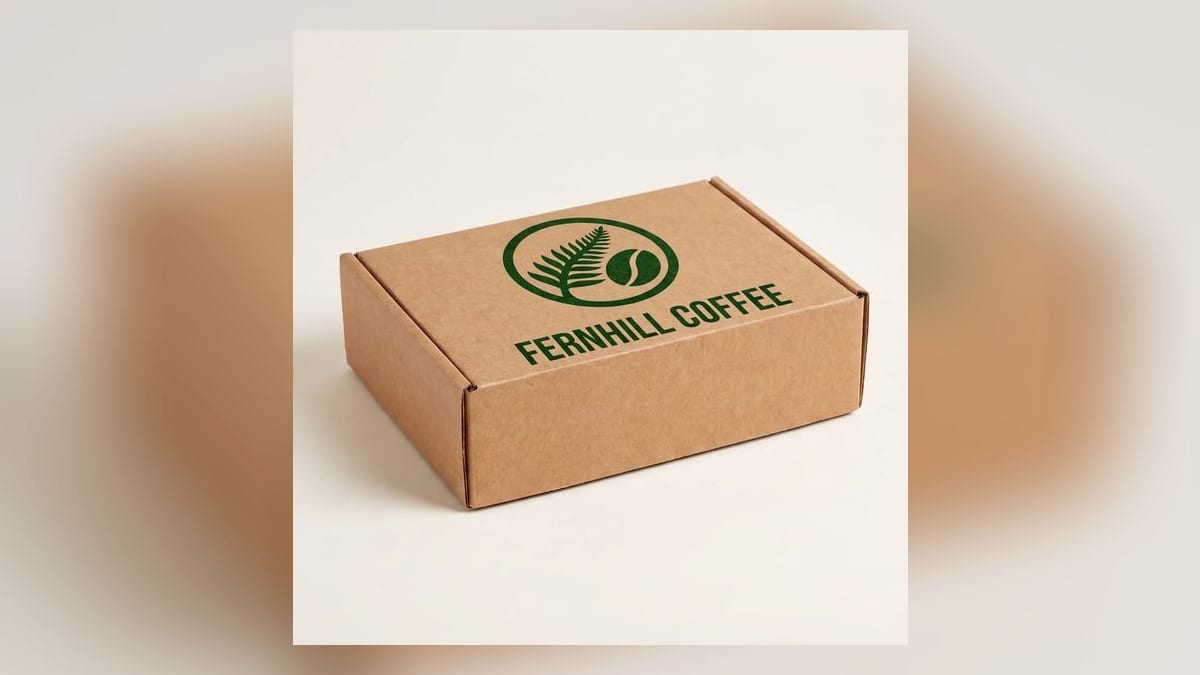
| Packaging | Kraft mailer box, white product box, cosmetic bottle label, glass jar label |
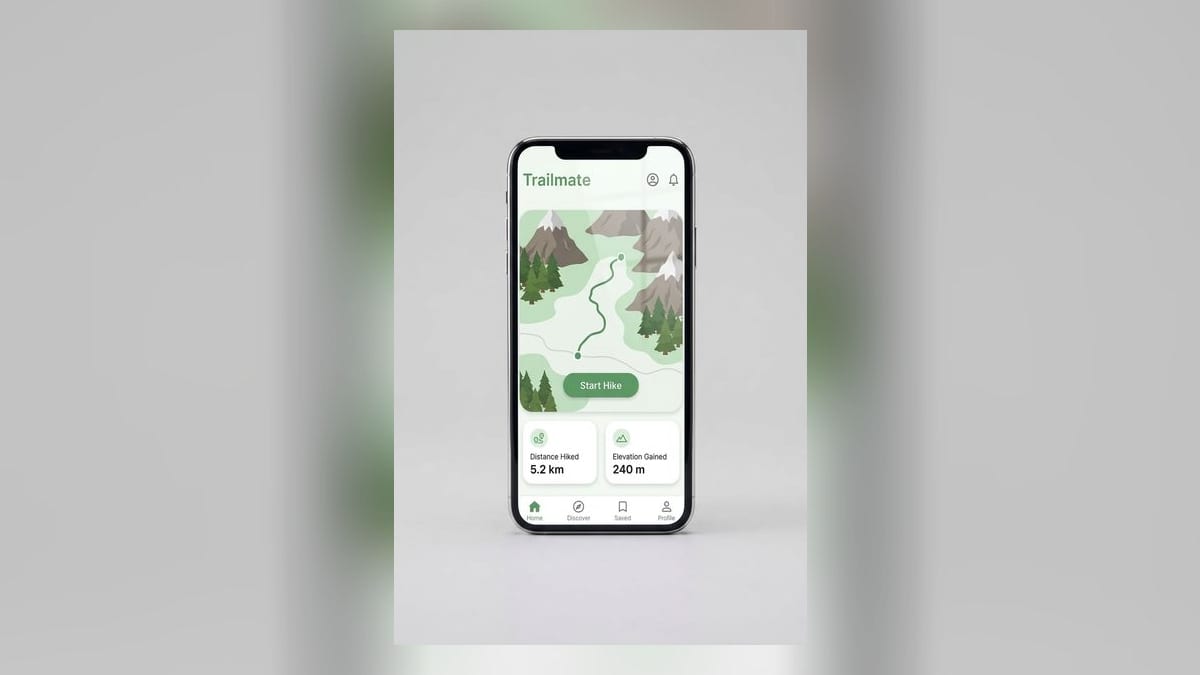
| Devices | Phone, laptop |
| Signage | Storefront sign, office wall logo, roll-up banner |
How to put your design on a product
- 1
Choose your product
Pick a blank from the list above, or upload a photo of your own product.
- 2
Upload your artwork
PNG, JPEG or WebP. A transparent PNG gives the cleanest edges around the design.
- 3
Generate and download
The model places the design with perspective, lighting and shadows, and you download the finished image.
What you get
| Product source | Supplied blanks, or your own uploaded product photo |
| Upload formats | PNG, JPEG, WebP |
| Transparent PNG | Recommended, not required |
| Output | A finished image file |
| Views | Fixed per blank. T-shirts, hoodies and posters are front-on; caps, boxes and standing books are three-quarter |
| Watermark | None |
| Template file needed | No |
| Photoshop needed | No |
| Cost | 3 credits per mockup |
| Free allowance | 30 welcome credits, which covers 10 mockups |
Generated mockup or PSD template
This is not a template library. Keter Labs gives you a finished image, so there is no PSD file, no Smart Object and no Photoshop step. If you want a layered file you can open and edit yourself, a PSD library is the better fit.
| If you want | Use |
|---|---|
| A finished image without extra software | Keter Labs |
| A layered file you can edit yourself | A PSD mockup library |
| Thousands of scenes, models and backgrounds | A template library |
| Your own product photo as the base | Keter Labs |
What this tool doesn't do
You get a finished image, not a layered file you can edit afterwards.
Each blank has one fixed camera angle — t-shirt blanks are front-on only.
It's a focused set of blank products, not a library of thousands.
Design placement is handled by the model; there's no manual positioning yet.
Who uses it
Print-on-demand sellers
listing photos for Etsy, Shopify, Printful and Printify without ordering samples first
Designers
showing a client how a logo or print looks on the actual product
Brands and small teams
product shots for a launch or a social post without booking a shoot
Other parts of Keter Labs
Frequently asked questions
What is a mockup?+
A mockup is an image showing how a design looks on a real product — a logo on a t-shirt, a label on a bottle, artwork on a book cover. It's used to check artwork before anything gets printed, and to create product photos for listings and client presentations. A mockup is a still image, not an interactive prototype.
How do I make a mockup without Photoshop?+
Upload your design to the Keter Labs mockup generator and pick a blank product. The model places the design and returns a finished image you can download. There's no PSD file, no Smart Object and no editing software involved.
Is the mockup generator free?+
New accounts get 30 welcome credits. Each mockup costs 3 credits, so that covers 10 mockups. Output has no watermark on any plan.
Do I need my own product photo?+
No. You can choose one of the supplied blank products and upload only your design. If you already have a product photo, you can upload that instead and use it as the base.
What products can I make mockups for?+
Apparel including t-shirts, hoodies, caps and tote bags. Drinkware including mugs and bottles. Print items like books, posters and business cards. Packaging such as boxes and bottle or jar labels. Devices including phones and laptops. Signage such as storefronts, office walls and roll-up banners.
Can I use the output for Etsy or Shopify listings?+
The generator returns a standard image file, so you can upload it to any store or listing the same way you would a photograph. There's no direct store integration — you download the image and add it where you need it.