Photo
Skin retouch tool
Skin retouch helps you carefully improve portraits for a website, ad, profile, campaign or presentation. The goal is not a plastic face but a clean, natural result that preserves texture, lighting and the person's individuality.
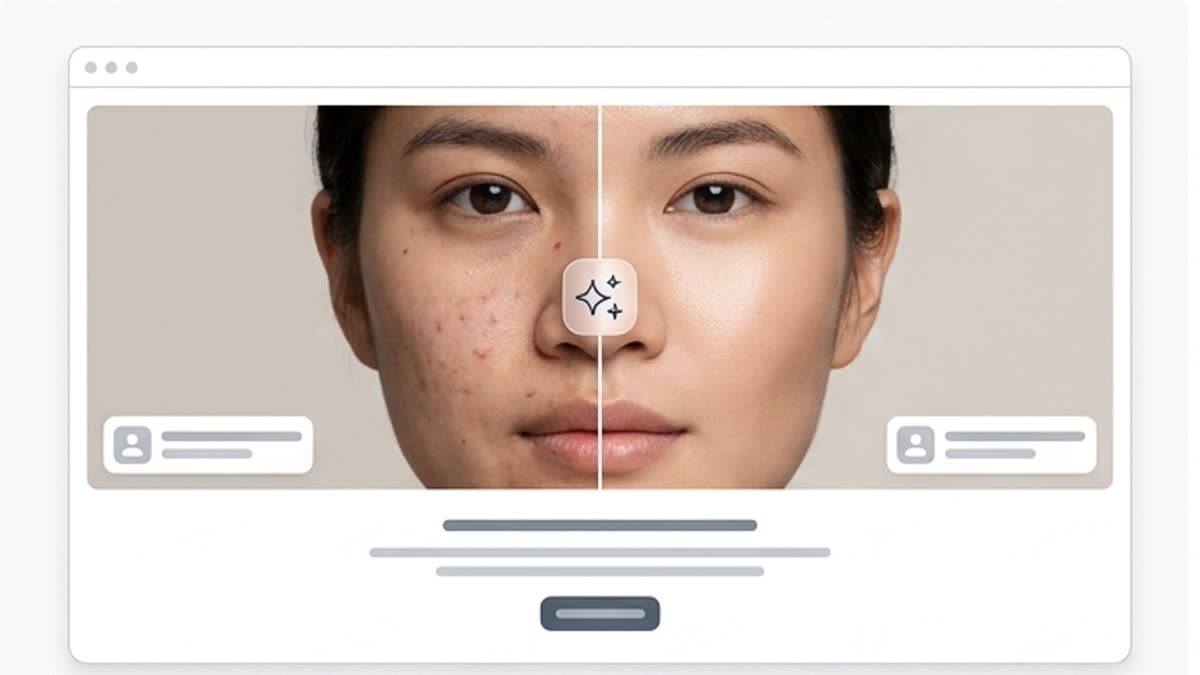
What's included
What this section gives you.
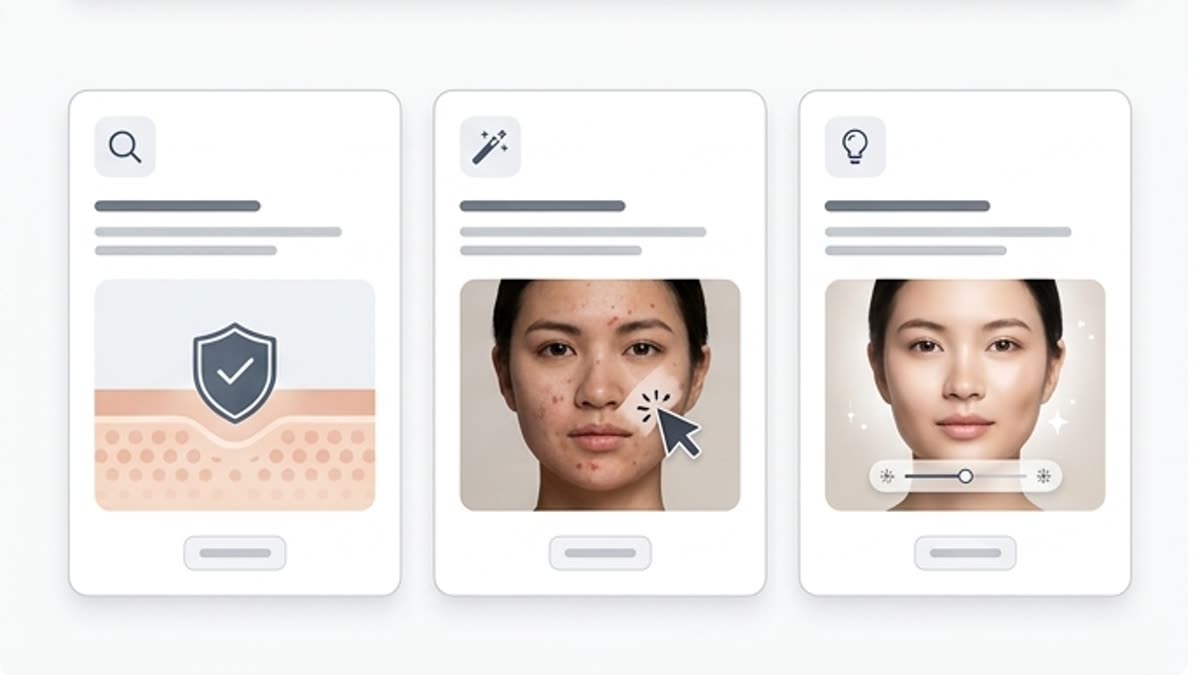
Natural correction
Remove temporary blemishes, excess shine, unevenness and small distractions without losing the living texture of the skin.
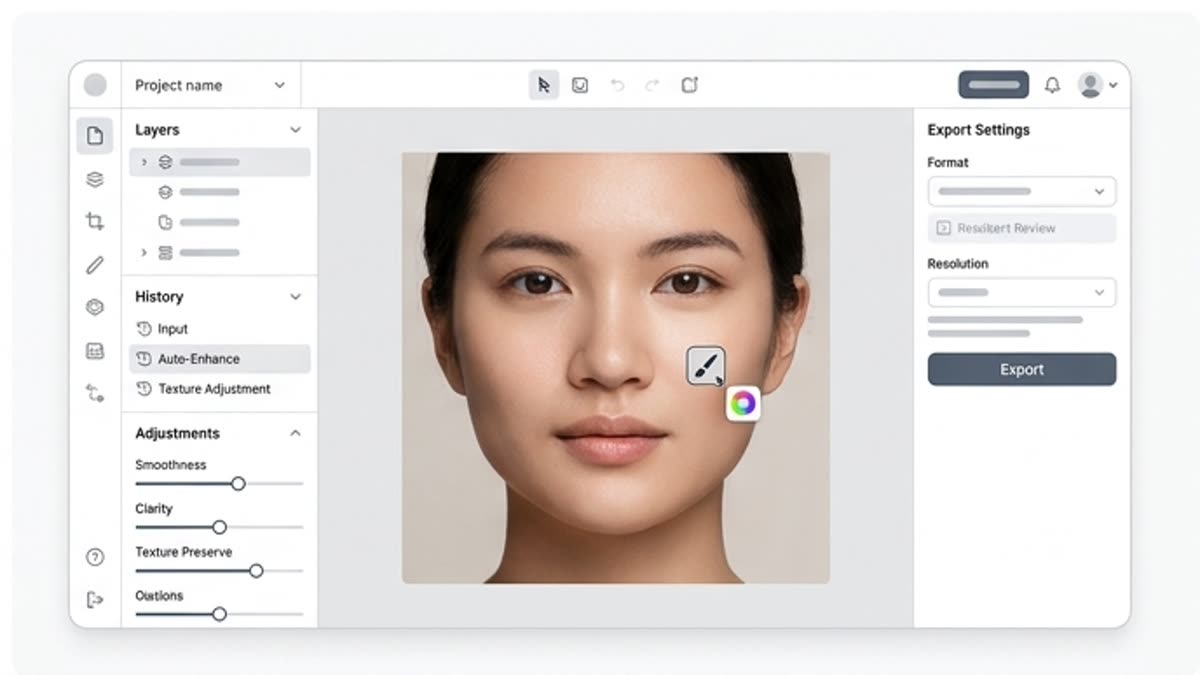
Built for business content
Prepare portraits of teams, speakers, experts, founders, authors and clients for public materials.
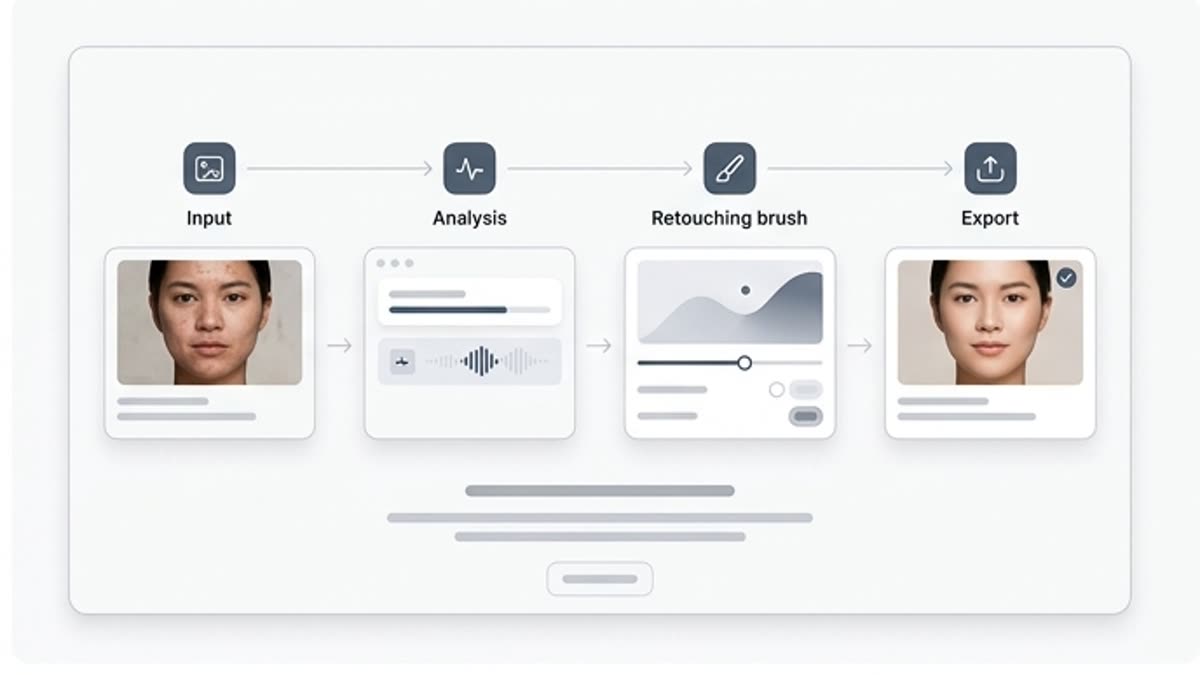
Careful for campaigns
Keep the person recognizable and avoid turning retouching into a visible filter, especially in commercial and editorial work.
When to use it
Common jobs this section is built for.
These examples make it easier to choose where to start and which nearby section to open next.
You need a clean portrait for a website
Prepare a photo of a founder, team member or author so it looks professional and natural.
The photo is good but has distracting details
Remove temporary imperfections without changing facial features or the character of the shot.
You need to align a series of portraits
Bring several photos closer in cleanliness, contrast and finishing level.
Workflow
How it works inside Keter Labs.
Every section in Keter Labs follows the same shape: a clear brief, a fast first draft, refinement in the editor, and a result saved into the project.
Step 1
Upload the portrait and decide what to fix: shine, spots, small blemishes, tone or sharpness.
Step 2
Apply gentle retouching and check the face at full size and in a small preview.
Step 3
Save the final portrait for a website, presentation, social media, press kit or ad material.
Related sections
Where to go next.
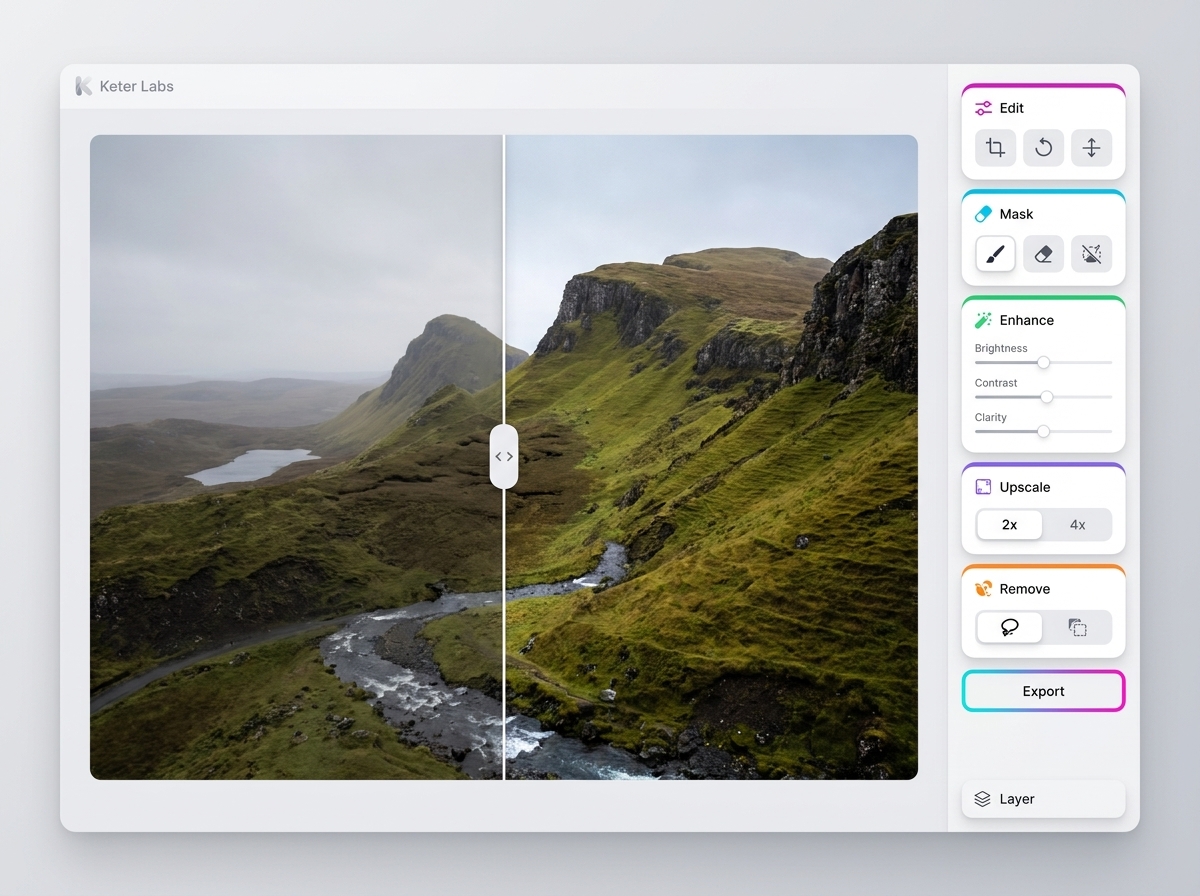
AI photo editor
AI photo editor helps users understand a specific AI creative task in plain language: what goes in, what comes out, where it fits in production, and how to keep the result useful instead of treating it as a one-off experiment.
Open AI photo editor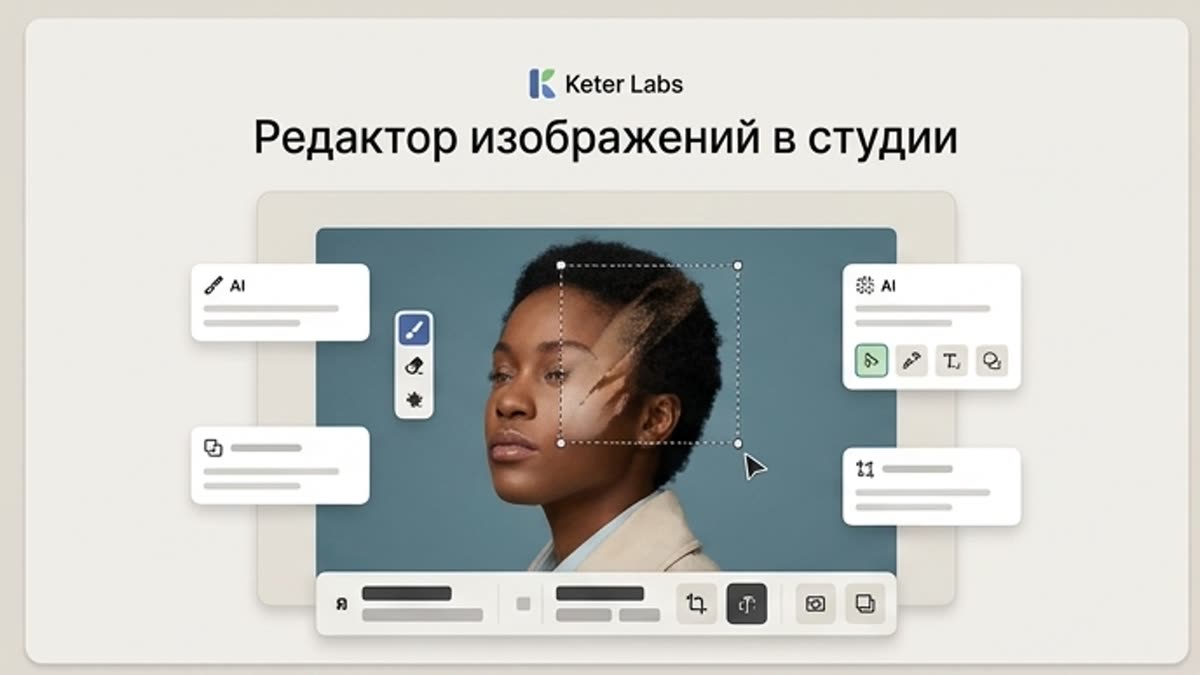
Studio image editor
The studio image editor helps you bring AI visuals, photos, stock assets and product shots to a working state: background, subject, framing, quality, lighting, size and final composition.
Open Studio image editorAI image enhancer
AI image enhancer helps users understand a specific AI creative task in plain language: what goes in, what comes out, where it fits in production, and how to keep the result useful instead of treating it as a one-off experiment.
Open AI image enhancerReady when you are
Bring this workflow into your next project.
Spin up assets, lock in versions and align your team around a single creative platform.
Create account