// REIMAGINE
Image to image AI — upload a photo and choose what changes
An AI image to image generator with no prompt box. Pick a mode, and the tool asks the model to leave the rest of your picture alone.
3 credits per image. 30 welcome credits cover 10 runs.
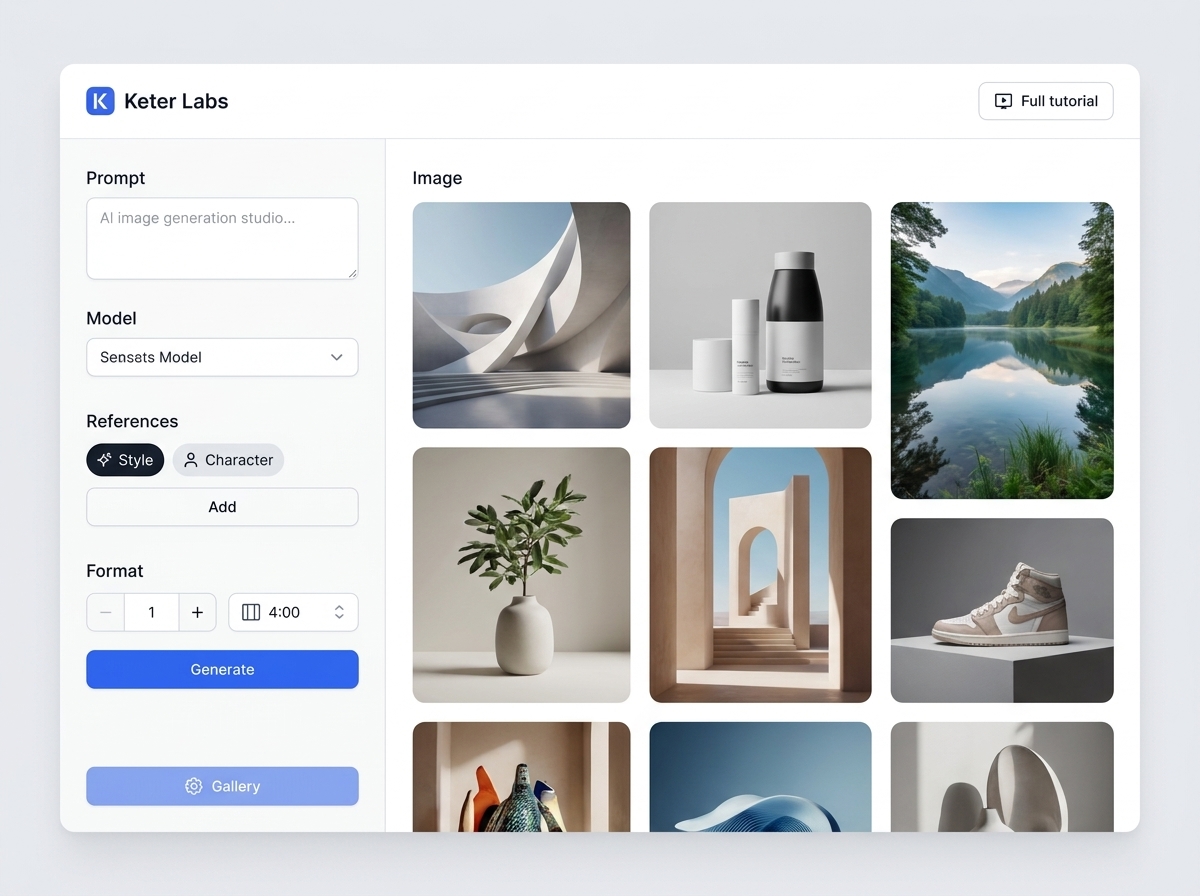
What Reimagine does
Reimagine is the image to image AI inside Keter Labs, an AI creative studio. You upload one picture, pick a mode, and this AI image to image generator returns a new version built from it. Making an AI image from image works without a prompt, because each mode carries its own instruction.
Choose what stays and what changes
Each mode sends the model a different instruction about your picture. Results vary between runs, so treat a mode as a direction rather than a guarantee.
| Mode | Asks the model to keep | Changes | Use it when |
|---|---|---|---|
| Reframe (default) | Subject, style, lighting | Framing and composition | One product shot needs a second crop |
| Restyle | Subject and composition | The artistic style | You want the same scene as a painting or a cartoon |
| Recolor | Subject, composition, style | The colour palette | A seasonal version of the same artwork |
Add a camera angle
Nine angles sit under the modes, and you can pick more than one. An angle tells the model where the camera stands, so it can move the composition, even in Recolor. Several angles still return one image.
| Group | Angles | What it changes |
|---|---|---|
| Distance | Ext. long shot, Wide, Closeup | How much of the scene fits in the frame |
| Height | Aerial, Low angle, Eye level | Whether the viewer looks down, up or straight on |
| Viewpoint | OTS, POV, Profile | Where the viewer stands in the scene |
How to use image to image AI
- 1
Upload your picture
Drop in a PNG, JPEG or WebP, or pick one of your last six images.
- 2
Choose a mode and any angles
Reframe is selected first. Add angles if you want the camera to move.
- 3
Generate and keep it
Download the result or save it to your account.
What you get
| Upload | PNG, JPEG or WebP, up to 8 MB |
| Per run | One image |
| Cost | 3 credits per image |
| Welcome credits | 30 at sign-up, covering 10 runs |
| Credits | The same balance as the other tools |
| Recent images | Your last six, ready to reuse |
| Failed runs | Credits go back |
| History | Every run is saved to your account |
When a prompt serves you better
| What you want | Tool | Credits |
|---|---|---|
| Describe one specific change | AI photo editor | 3 |
| Start from words, not a picture | AI image generator | 2 |
| Make the result bigger | AI image upscaler | 3 |
| Lift the subject out | AI background remover | 3 |
What this tool doesn't do
No prompt box, so you can't describe one specific change.
Three modes, and nothing between them.
One image per run, and several camera angles still return one.
A camera angle can move the composition, even in Recolor.
No strength or similarity control.
No seed, so the same picture gives a different result each time.
No mask or brush, and no saved styles or characters here.
The shape and file type of the result depend on the model that runs it.
Other image tools
Frequently asked questions
Is image to image AI free here?+
Your account starts with 30 welcome credits, given once. At 3 credits per image, that covers 10 runs.
How do I keep the structure and change only the style?+
Pick Restyle. It asks the model to hold the subject and composition steady while the artistic style changes.
Do I have to write a prompt?+
No. This AI image generator image to image flow takes your picture, your mode and your angles, and builds the instruction for you.
How is this different from text to image?+
Text to image starts from a blank page and your words. Reimagine starts from a picture you already have. For the first one, use the AI image generator.
Can I turn a photo into another photo?+
Yes. Photo to photo AI works the same way here. Upload the photo, choose a mode, and the model works from what you gave it.
Can I use the results commercially?+
Keter Labs' Terms say you own what you generate, "subject to applicable law and third-party model terms" and "to the extent originality is legally recognized." Read the full Terms before paid work.