3D
Image to 360 tool
The image-to-360 tool turns a flat visual into a 360 scene for presentations, product reviews, immersive previews and spatial concepts.
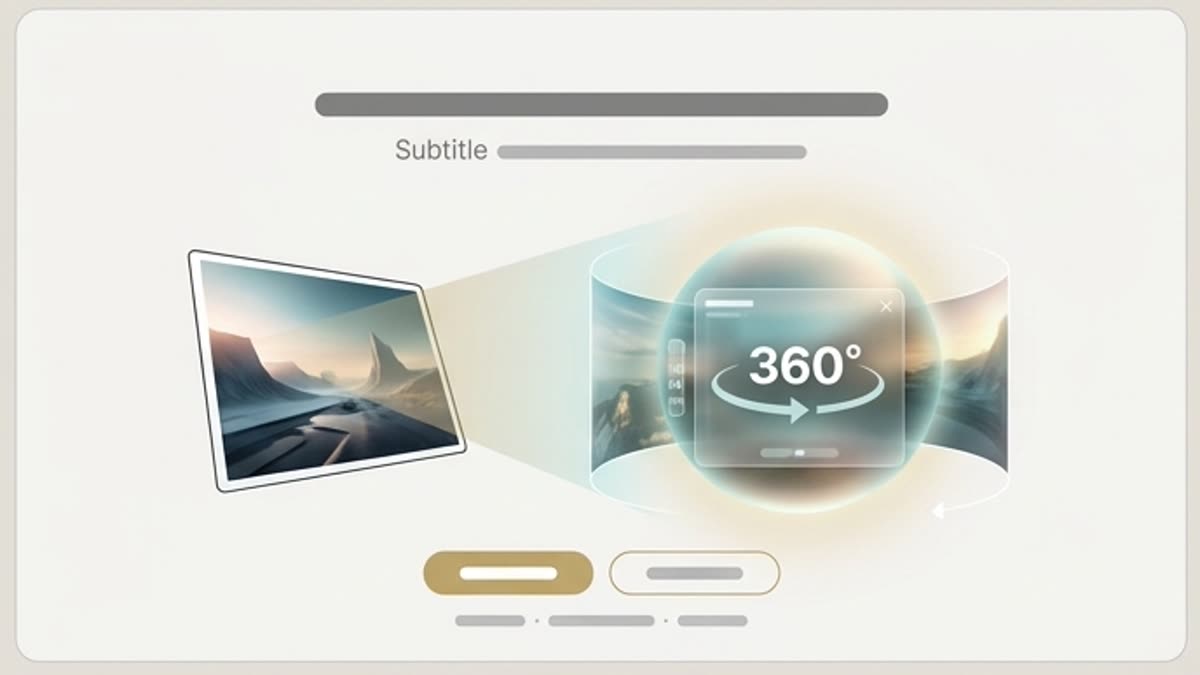
What's included
What this section gives you.
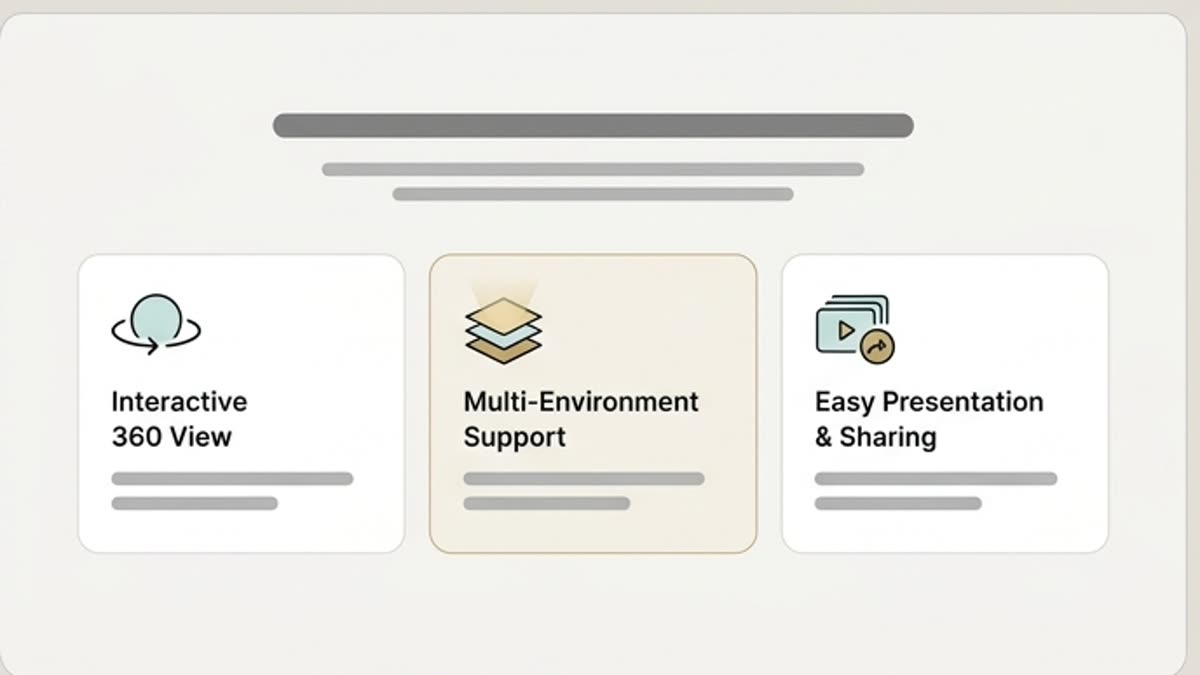
More context around the scene
The 360 format shows the environment, scale, mood and space around the main visual.
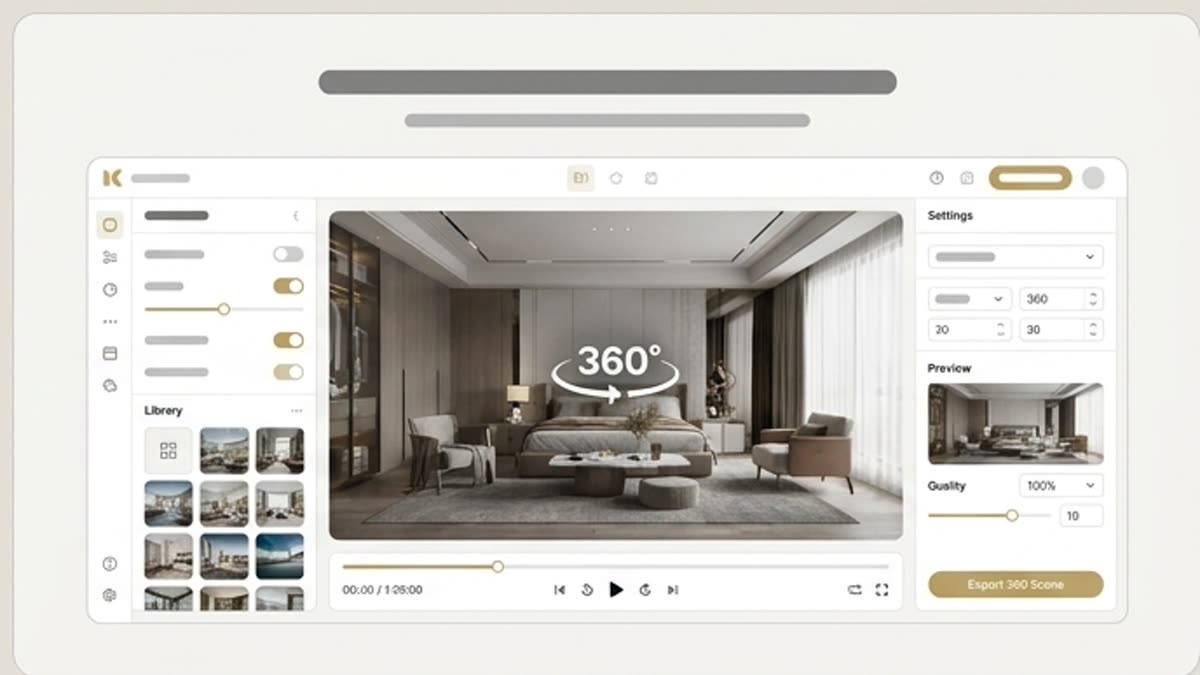
Useful for presentations
Use a 360 scene when a regular image is not enough to explain the space or atmosphere.
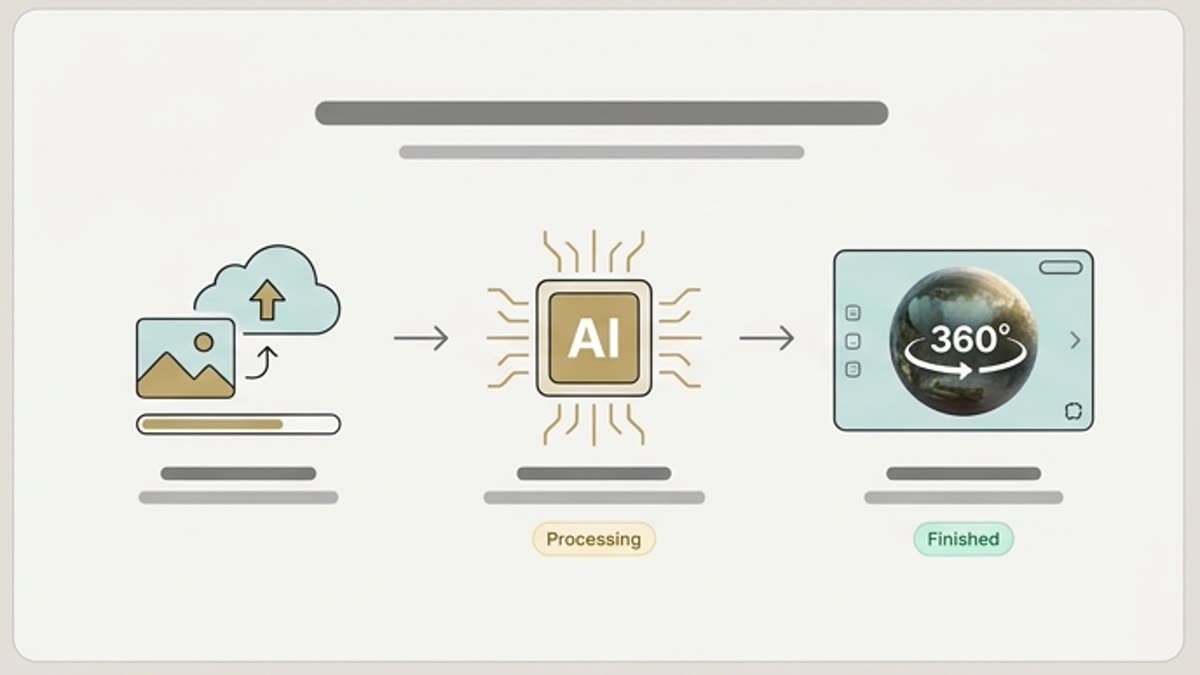
Start from an existing frame
Take a visual you have already created and turn it into a more immersive experience without full 3D production.
When to use it
Common jobs this section is built for.
These examples make it easier to choose where to start and which nearby section to open next.
You need to show a space
Create a 360 preview for an interior, scene, product space or presentation environment.
The image should become immersive
Add depth and an environment around an already approved visual direction.
You need to test the atmosphere fast
Use the 360 variant before a full 3D scene or shoot.
Workflow
How it works inside Keter Labs.
Every section in Keter Labs follows the same shape: a clear brief, a fast first draft, refinement in the editor, and a result saved into the project.
Step 1
Pick a source image with a clear scene or spatial direction.
Step 2
Describe the environment that should appear around the frame.
Step 3
Review the 360 result and save it for presentation, review or further work.
Related sections
Where to go next.
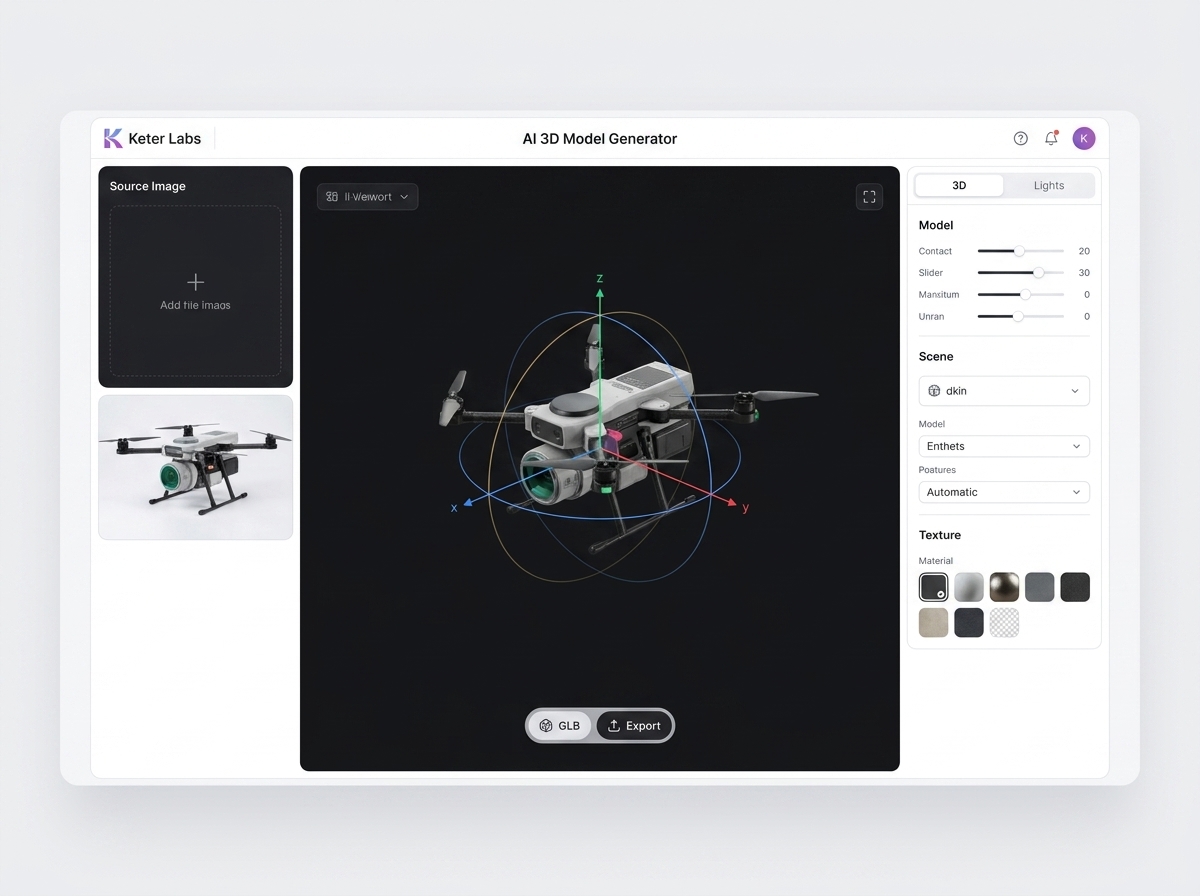
AI 3D model generator
AI 3D model generator helps users understand a specific AI creative task in plain language: what goes in, what comes out, where it fits in production, and how to keep the result useful instead of treating it as a one-off experiment.
Open AI 3D model generator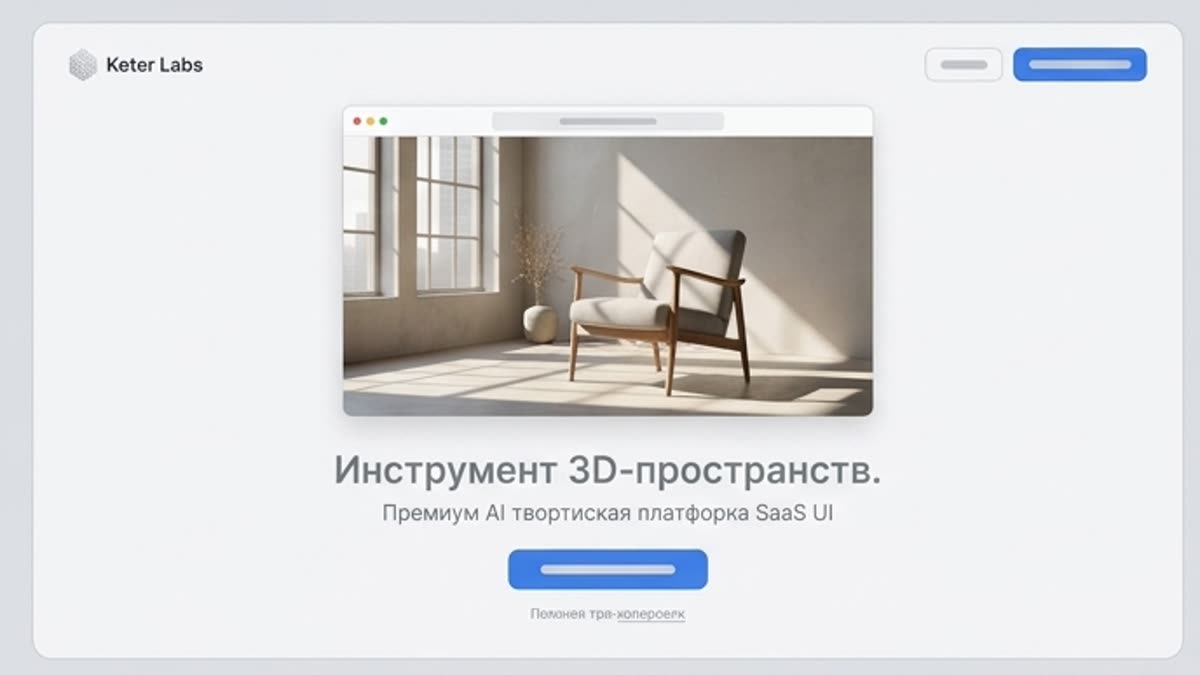
3D spaces tool
The 3D spaces tool helps you quickly build a spatial scene for a product, presentation, concept, event visual or brand world from a short description.
Open 3D spaces tool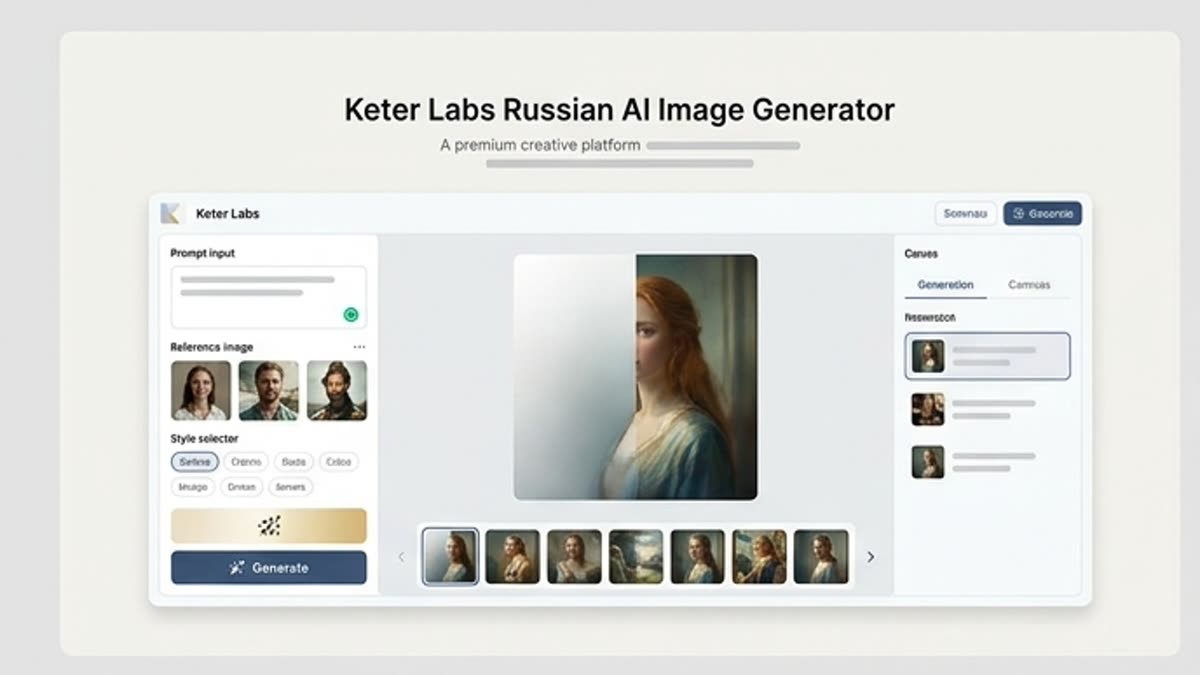
Studio image generator
The studio image generator is built for project-based work with AI visuals: briefs, references, prompts, variants, history and final files live in one working context.
Open Studio image generatorReady when you are
Bring this workflow into your next project.
Spin up assets, lock in versions and align your team around a single creative platform.
Create account