Video
Clip editor
The clip editor is built for quickly preparing short video fragments: cut the excess, pick the best moment, adjust the duration and save a version for a specific channel.
What's included
What this section gives you.
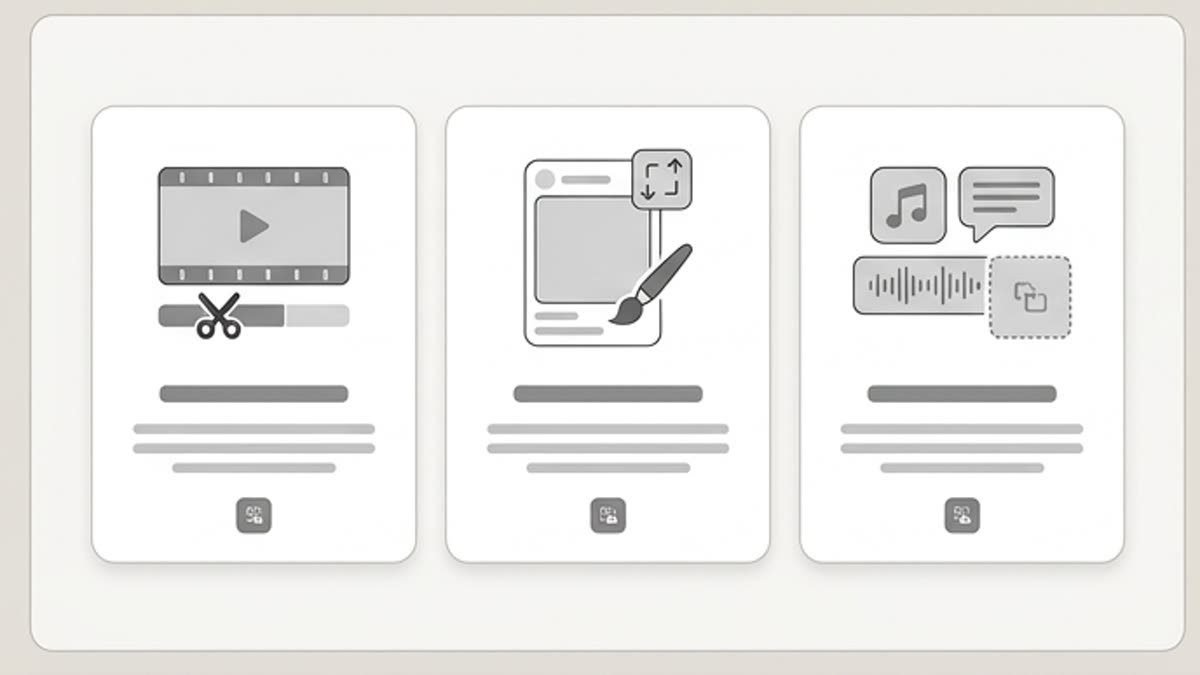
Built for short formats
Work with fragments for social media, ads, product demos, stories, reels, previews and presentations.
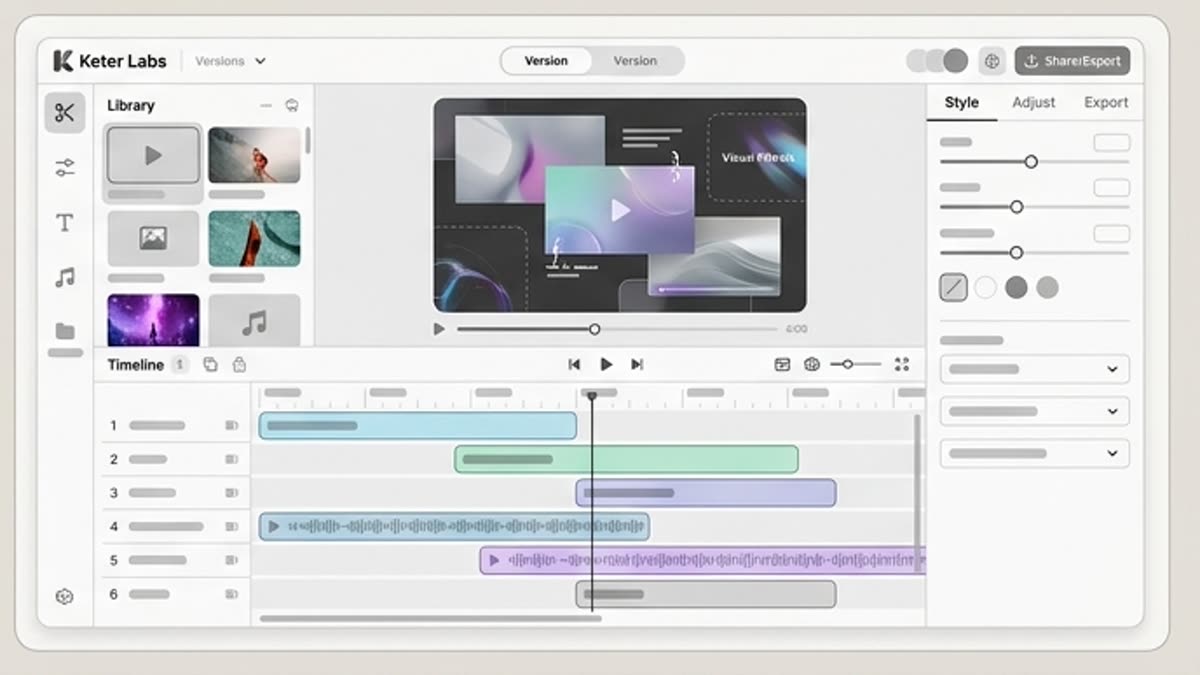
Fast clip packaging
Trim the start and end, refine the timing, prepare the format and send the result on through the video workflow.
Convenient for series
Save several short versions of one asset for different channels and tests.
When to use it
Common jobs this section is built for.
These examples make it easier to choose where to start and which nearby section to open next.
You need a short social clip
Pick a strong moment and prepare it for stories, reels, a post, preview or ad format.
The video is too long for the channel
Trim the material to the right length without rebuilding the whole project.
You need to test several fragments
Save different cutdown versions so the team can choose the best one for the campaign.
Workflow
How it works inside Keter Labs.
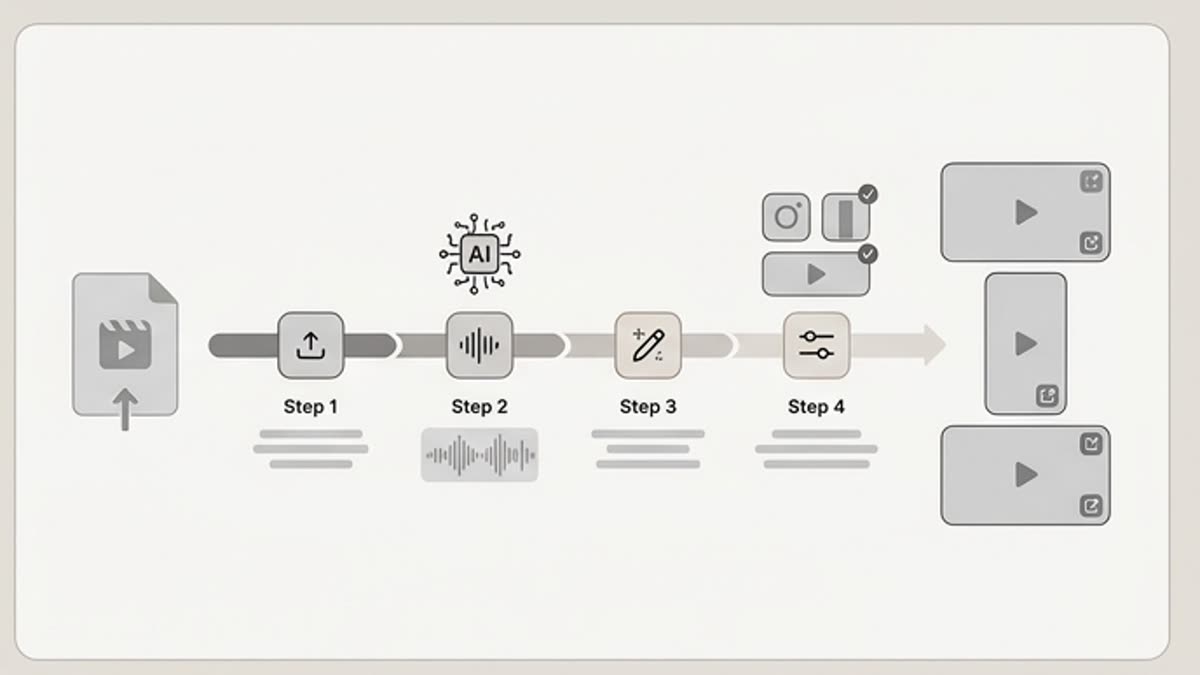
Every section in Keter Labs follows the same shape: a clear brief, a fast first draft, refinement in the editor, and a result saved into the project.
Step 1
Open a long or generated clip and select the working fragment.
Step 2
Trim the excess and adjust the duration, format and starting point.
Step 3
Save the short version for publishing, editing or further refinement.
Related sections
Where to go next.
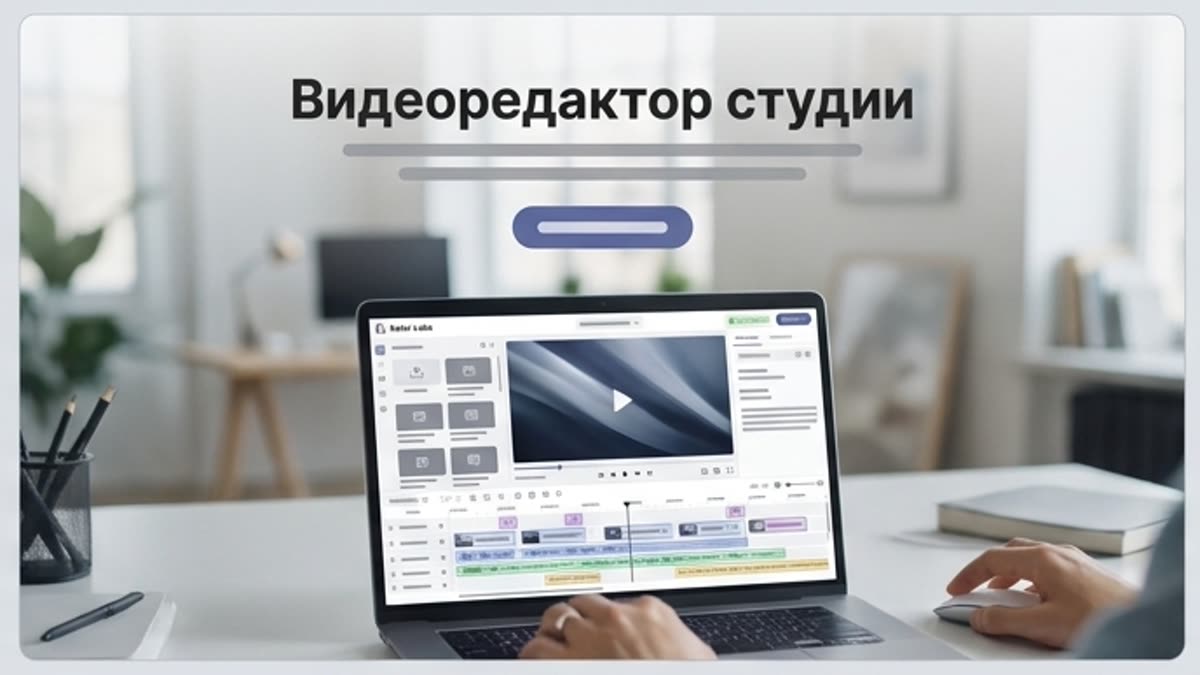
Studio video editor
The studio video editor helps you assemble generated and uploaded clips into a working video: length, pace, order, quality, sound and versions for each channel.
Open Studio video editor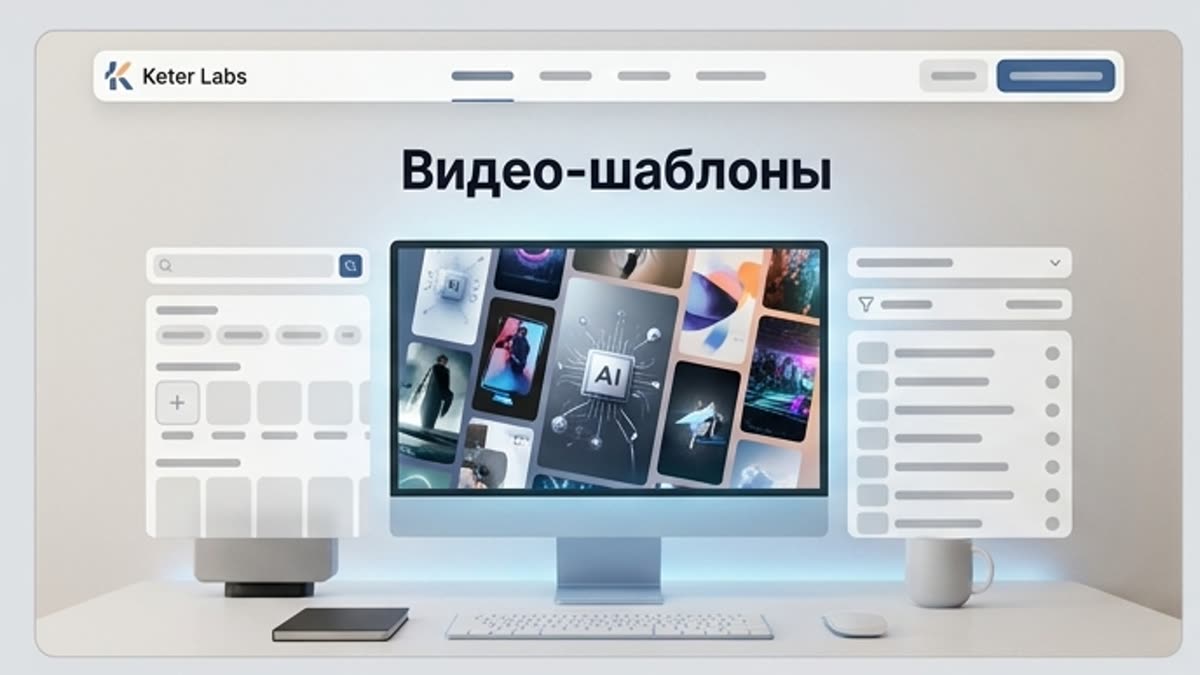
Video templates
Video templates help you quickly build a video for an ad, shorts, product update, intro, transition, animated text, micro-announcement or presentation fragment. They set the structure, rhythm and visual language of the future video.
Open Video templates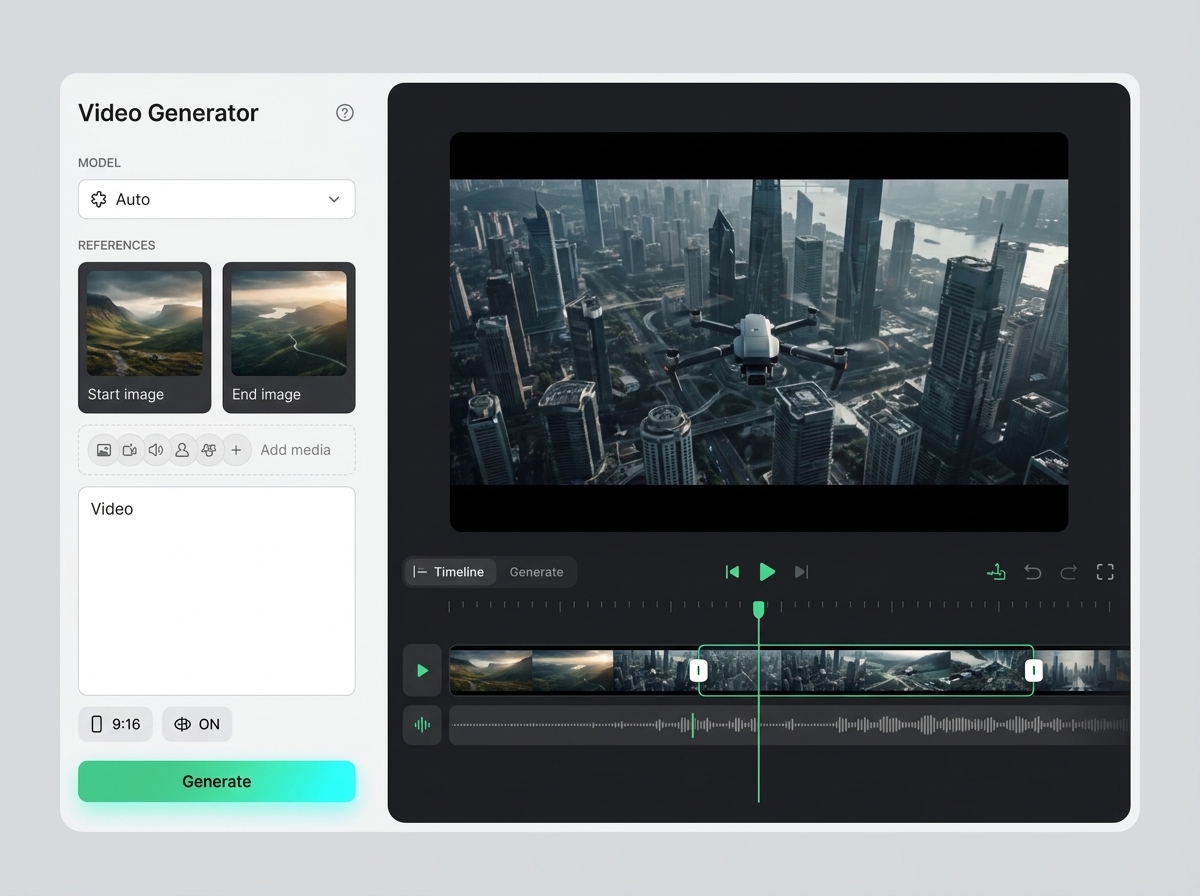
AI video generator
AI video generator helps users understand a specific AI creative task in plain language: what goes in, what comes out, where it fits in production, and how to keep the result useful instead of treating it as a one-off experiment.
Open AI video generatorReady when you are
Bring this workflow into your next project.
Spin up assets, lock in versions and align your team around a single creative platform.
Create account