Icon library

Keter Labs Icon Library

Find clear icon assets for interfaces, websites, apps, landing pages, presentations, pricing plans, guides and design system workflows.

keter labs iconsketer labs icon libraryicon librarystock iconsui iconsinterface iconsdesign system iconslanding page iconspresentation iconspricing plan iconsguide iconswebsite iconsapp iconseditable icon assetsicon assets for designerscreative icon library
Keter Labs Icon Library — Keter Labs
Image

What's included

Consistent icons for products and campaigns

Clear Icons for Interfaces and Creative Work

Clear Icons for Interfaces and Creative Work

The Keter Labs Icon Library helps creators, designers, marketers, agencies and teams find clear visual symbols for interfaces, landing pages, websites, apps, presentations, pricing plans, guides and design systems. Users can use icons as they are or adapt them inside nearby Keter Labs design and creative workflows where available.

Icon Assets for Websites, Apps and Landing Pages

Icon Assets for Websites, Apps and Landing Pages

Browse stock icons, UI icons, interface icons, website icons, app icons, landing page icons and clear visual symbols for product pages, feature blocks, guides and campaign assets.

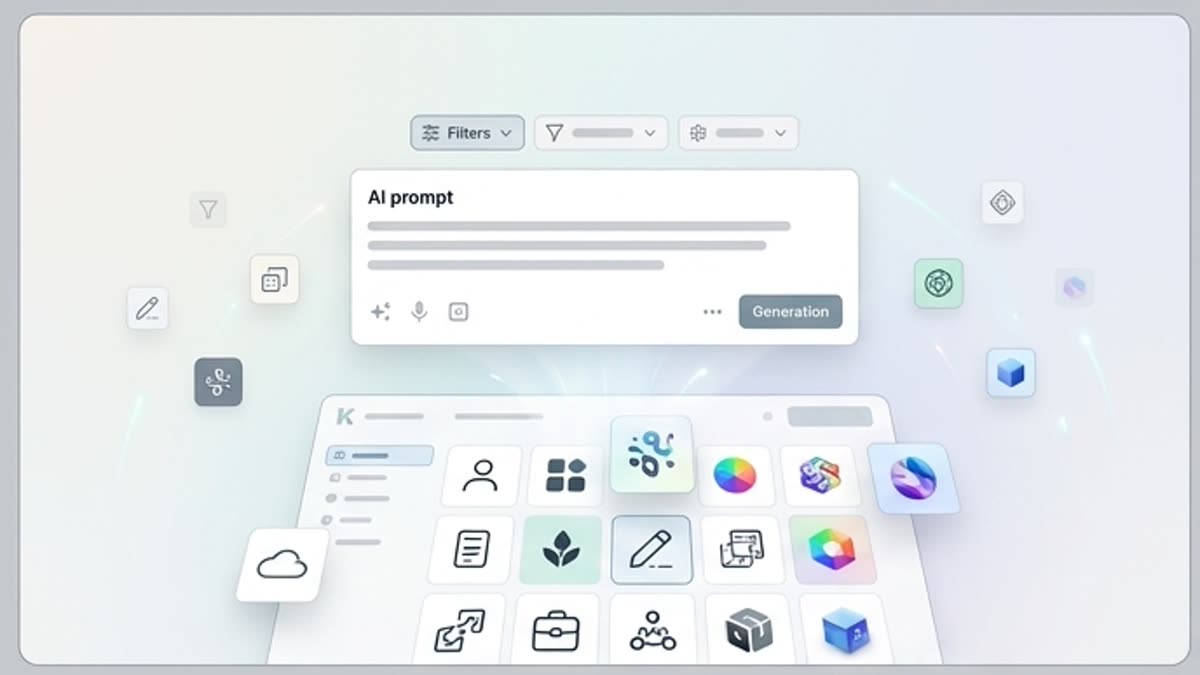
Adapt Icons Inside Keter Labs Workflows

Adapt Icons Inside Keter Labs Workflows

Editable icon assets can be adapted inside Keter Labs workflows where available to match a project's visual style, layout, color direction or design system needs.

When to use it

Icon systems for every customer touchpoint

Find clear symbols for interfaces, websites, decks, pricing pages, guides and brand systems.
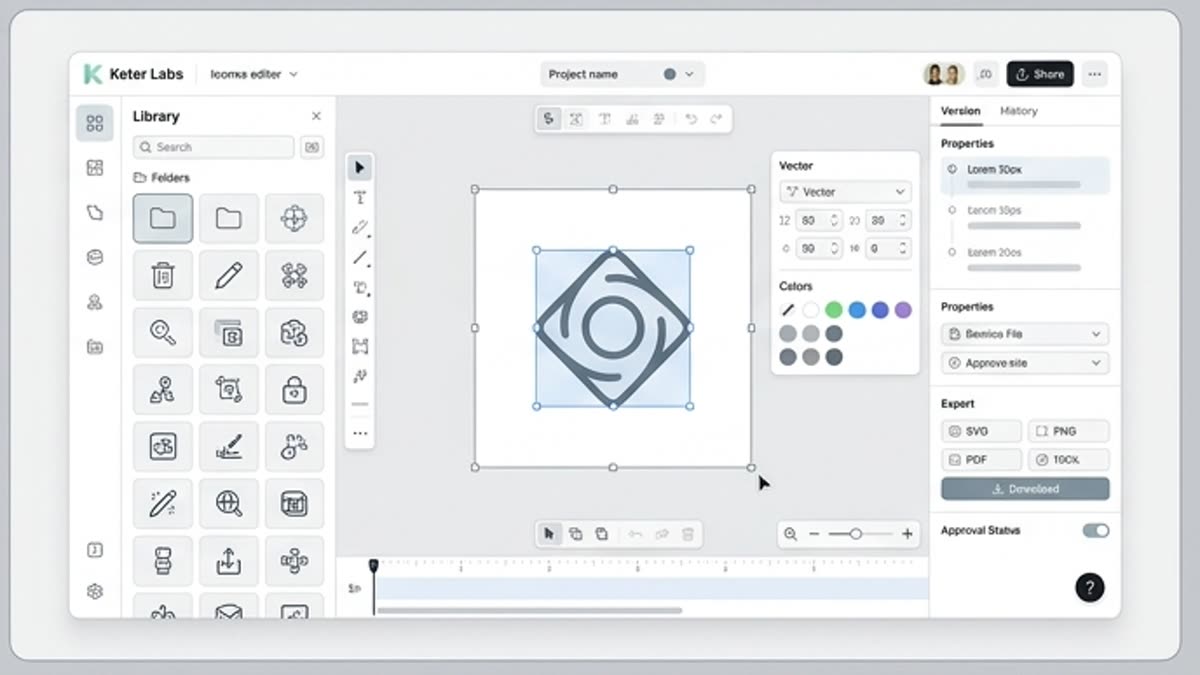
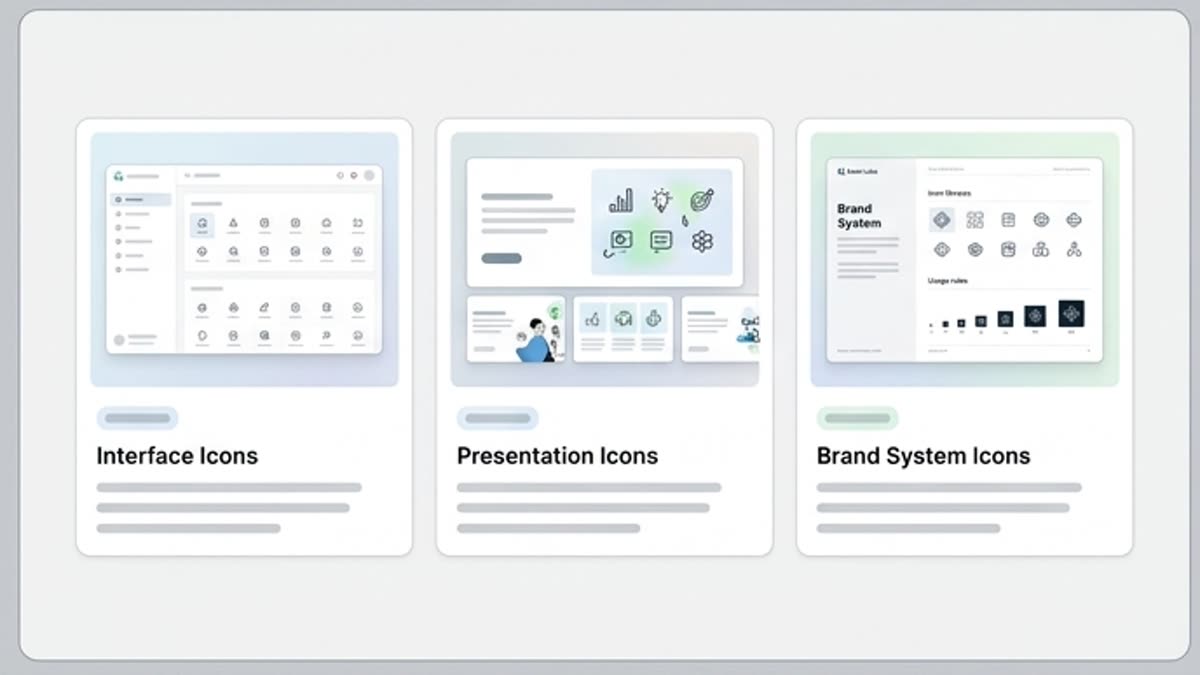
Use Icons in Presentations, Pricing Plans and Guides

Use Icons in Presentations, Pricing Plans and Guides

Keter Labs icons can support presentations, pricing plan icons, guide icons, onboarding flows, product pages, feature sections and other creative or design projects.

Build Consistent Design System Visuals

Build Consistent Design System Visuals

Designers and product teams can use the icon library to find interface icons and design system icons with a consistent visual style for websites and apps.

When to Use the Icon Library

When to Use the Icon Library

Use the Keter Labs Icon Library when a page, product interface, guide, presentation, campaign asset or design system needs clear visual symbols.

Details

Style, legibility and export details that stay consistent

Details: Clear Icons for Interfaces and Creative Work

Details: Clear Icons for Interfaces and Creative Work

Keter Labs Icon Library focuses on icon assets, UI symbols and design system use cases instead of the full stock library hub.

Details: Icon Assets for Websites, Apps and Landing Pages

Details: Icon Assets for Websites, Apps and Landing Pages

Find stock icons for interfaces, website sections, app screens, landing page icons, product pages, feature blocks and other digital experiences.

Details: Build Consistent Design System Visuals

Details: Build Consistent Design System Visuals

Use clear visual symbols and consistent icon style to support design system icons, interface icons, presentation icons and guide icons across creative workflows.

Frequently Asked Questions About Keter Labs Icons

Frequently Asked Questions About Keter Labs Icons

Use these questions to understand what the icon library includes, how icons can be used and where to check usage rights.

Workflow

From icon search to a coherent set

Choose the right symbols, align their visual treatment and export them for the final interface or asset.

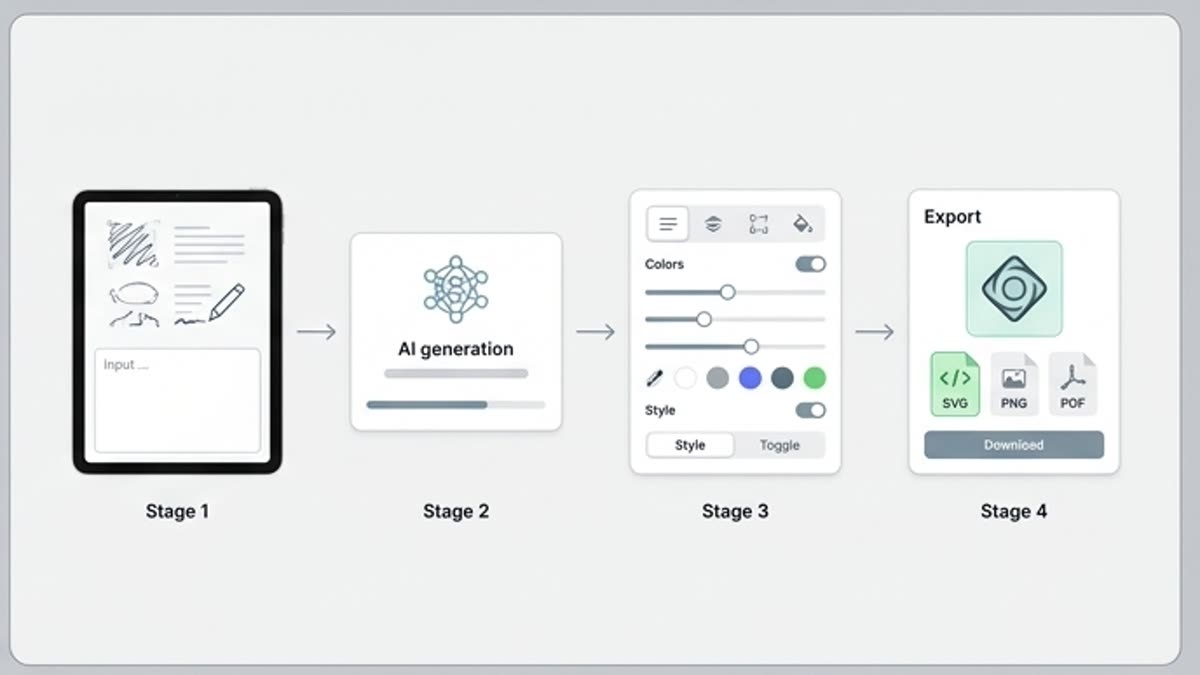
Keter Labs Icon Library workflow
1

Step 1

Define which interface sections, feature blocks, pricing plans, guides, presentations or product pages need icon assets.

2

Step 2

Search for clear symbols and browse icon categories that fit the project, brand style and design system context.

3

Step 3

Choose icons with a consistent style, readable shape and clear meaning for websites, apps, landing pages or creative production workflows.

4

Step 4

Adapt icons to a brand style where supported, then review the current plan, asset details and license information before commercial or client use.

FAQ

Icon library questions

What is the Keter Labs Icon Library?+

The Keter Labs Icon Library is a collection of visual symbols users can browse for interfaces, websites, apps, landing pages, presentations, pricing plans, guides and design system workflows.

What can I use Keter Labs icons for?+

Users can use icons for UI sections, feature blocks, product pages, presentations, guides, pricing tables, onboarding flows, social visuals and other creative or design projects.

Can I edit icons inside Keter Labs?+

Yes. Where available, users can adapt icons inside Keter Labs workflows to match a project's visual style, layout, color direction or design system needs.

Who are Keter Labs icons for?+

Keter Labs icons are useful for designers, creators, marketers, agencies, product teams and businesses that need clear visual symbols for digital and campaign assets.

How should I check icon usage rights?+

Users should review the current Keter Labs plan, asset details and license information shown in the platform before using icons in commercial, client or published work.

Ready when you are

Give every interface a consistent visual language

Spin up assets, lock in versions and align your team around a single creative platform.

Create account