Audio
Speak tool
Speak turns text, a script or a short line into a finished voice track. It helps you quickly test the delivery, prepare a voiceover and assemble audio for a video, training material, interface or presentation.
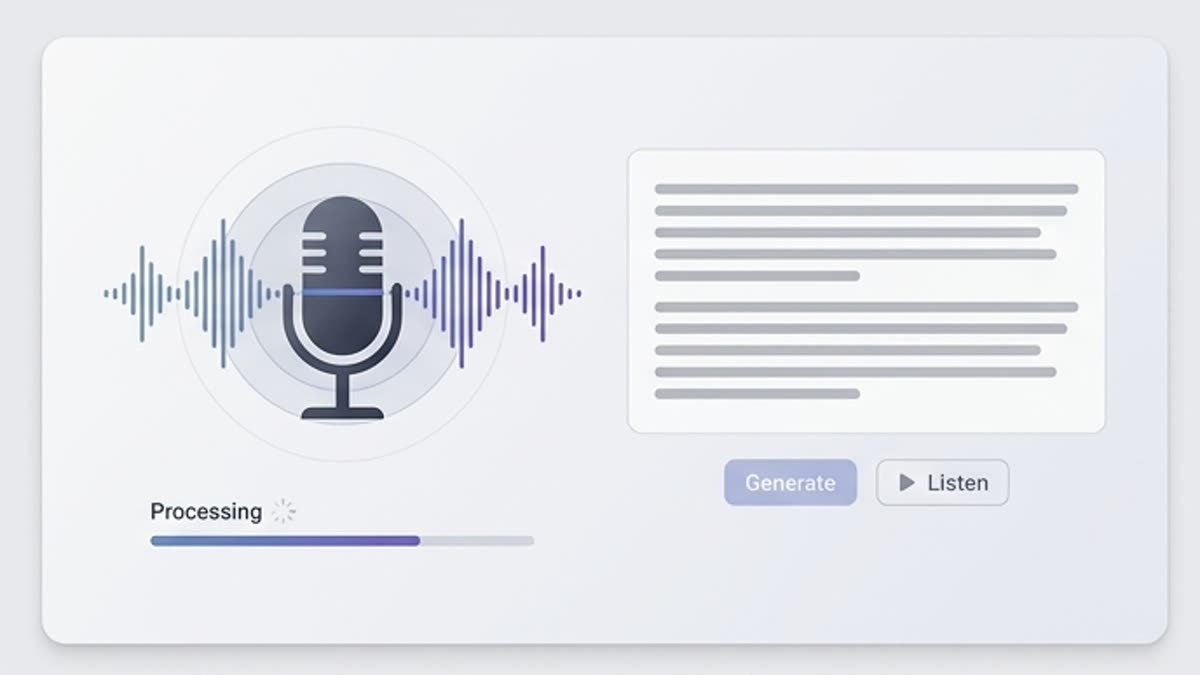
What's included
What this section gives you.
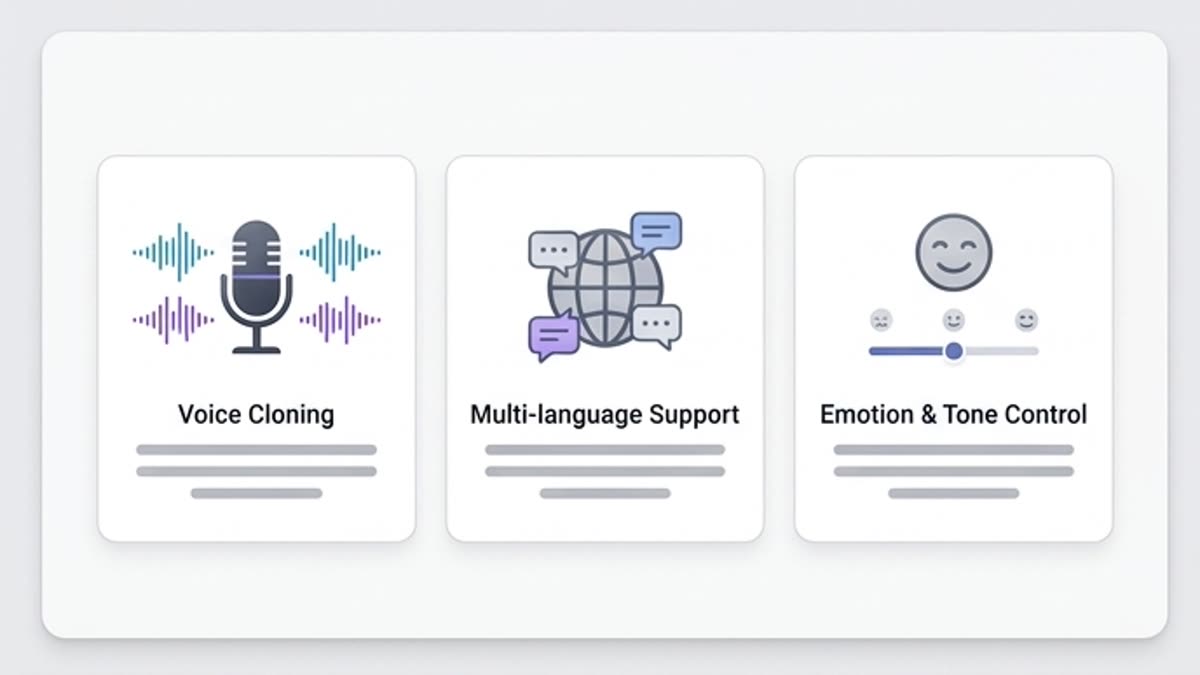
Hear the text right away
Check how the script sounds at real pace, where a sentence runs long, where a pause is missing and where the intonation needs to change.
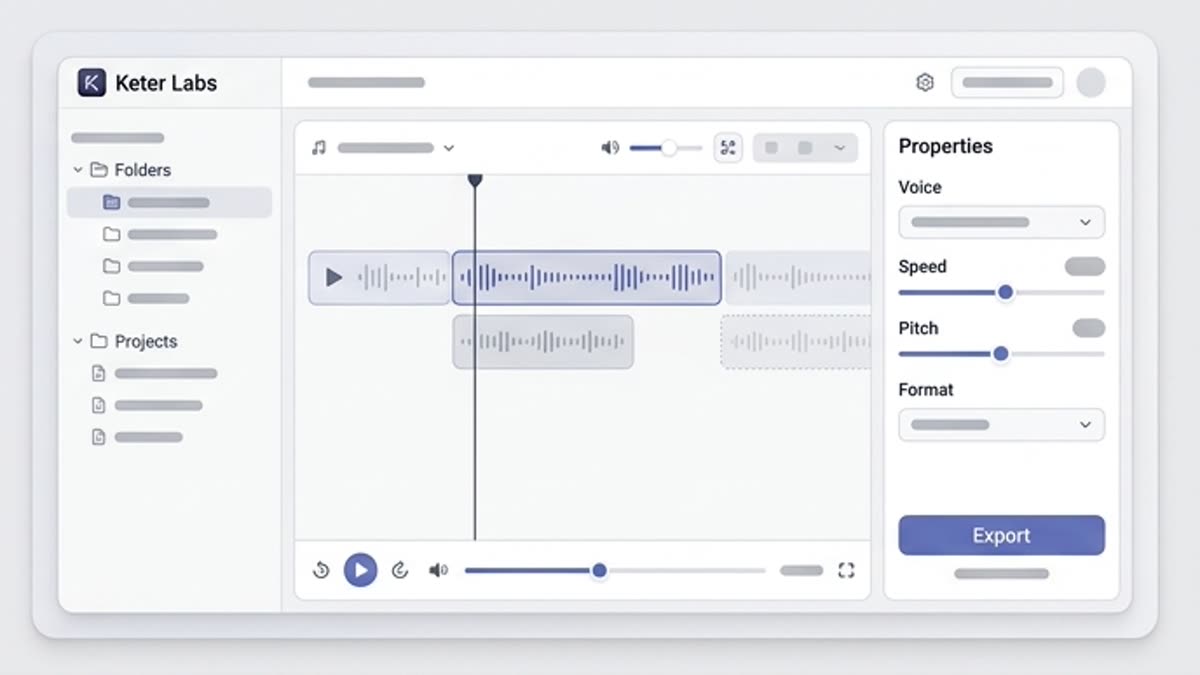
A voice for the format
Pick a tone for a product demo, explainer, onboarding, ad, lesson, social video or internal message.
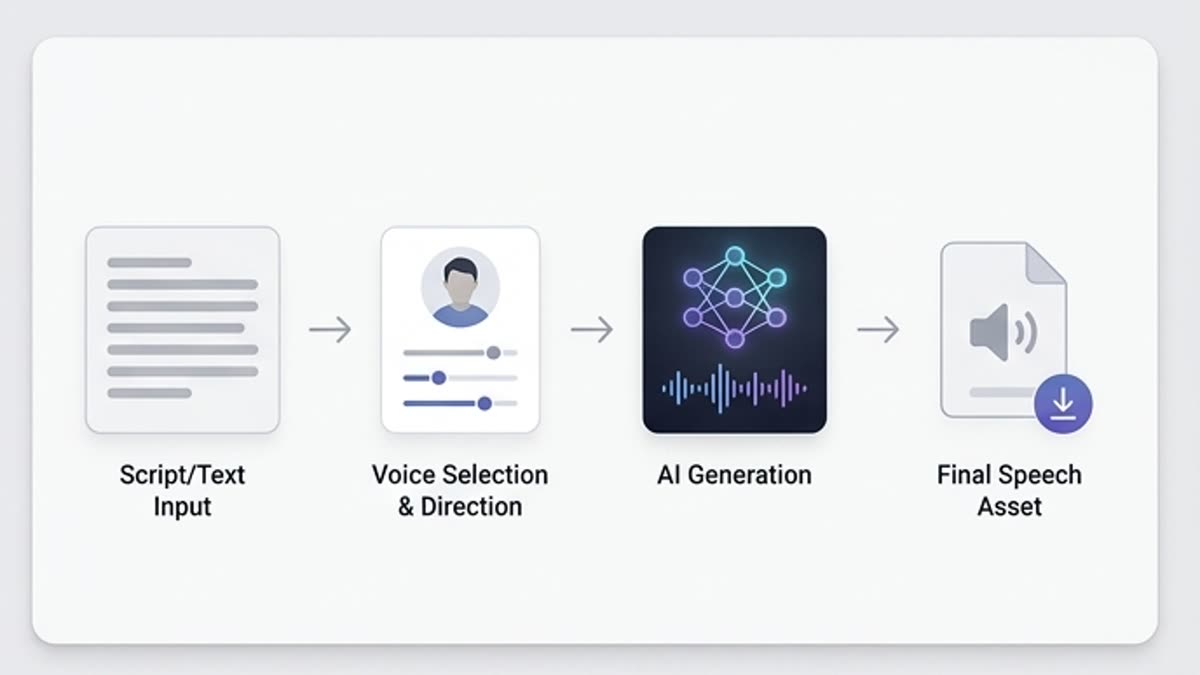
Convenient for iterations
Quickly compare several versions of the text and voice until you find one that sounds clear and human.
When to use it
Common jobs this section is built for.
These examples make it easier to choose where to start and which nearby section to open next.
You need to voice a video fast
Create a voiceover for a demo, lesson, product update or short video without a studio session.
You need to test a script
Hear the text before final production to remove awkward phrases and excess length.
You need several delivery options
Compare a calm, confident, energetic or explanatory tone for the same line.
Workflow
How it works inside Keter Labs.
Every section in Keter Labs follows the same shape: a clear brief, a fast first draft, refinement in the editor, and a result saved into the project.
Step 1
Add the text, the purpose of the material, the language, format and desired speaking character.
Step 2
Generate the voice version and listen for pace, clarity, emotion and pauses.
Step 3
Save the strong variant or send the track to a video, presentation or audio workflow.
Related sections
Where to go next.
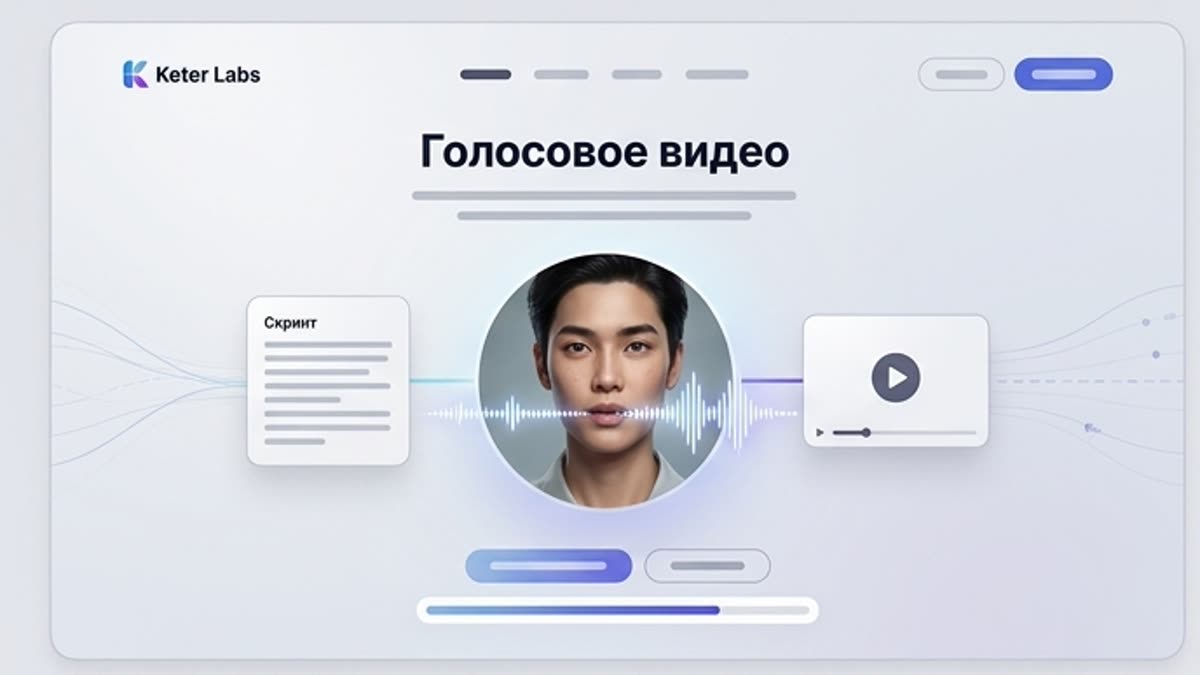
Voice video workspace
Voice video combines a script, a voice and motion into a speaking video asset for explanations, ads, training, presentations and social content. It is a fast way to turn text into a video with a clear delivery.
Open Voice video workspace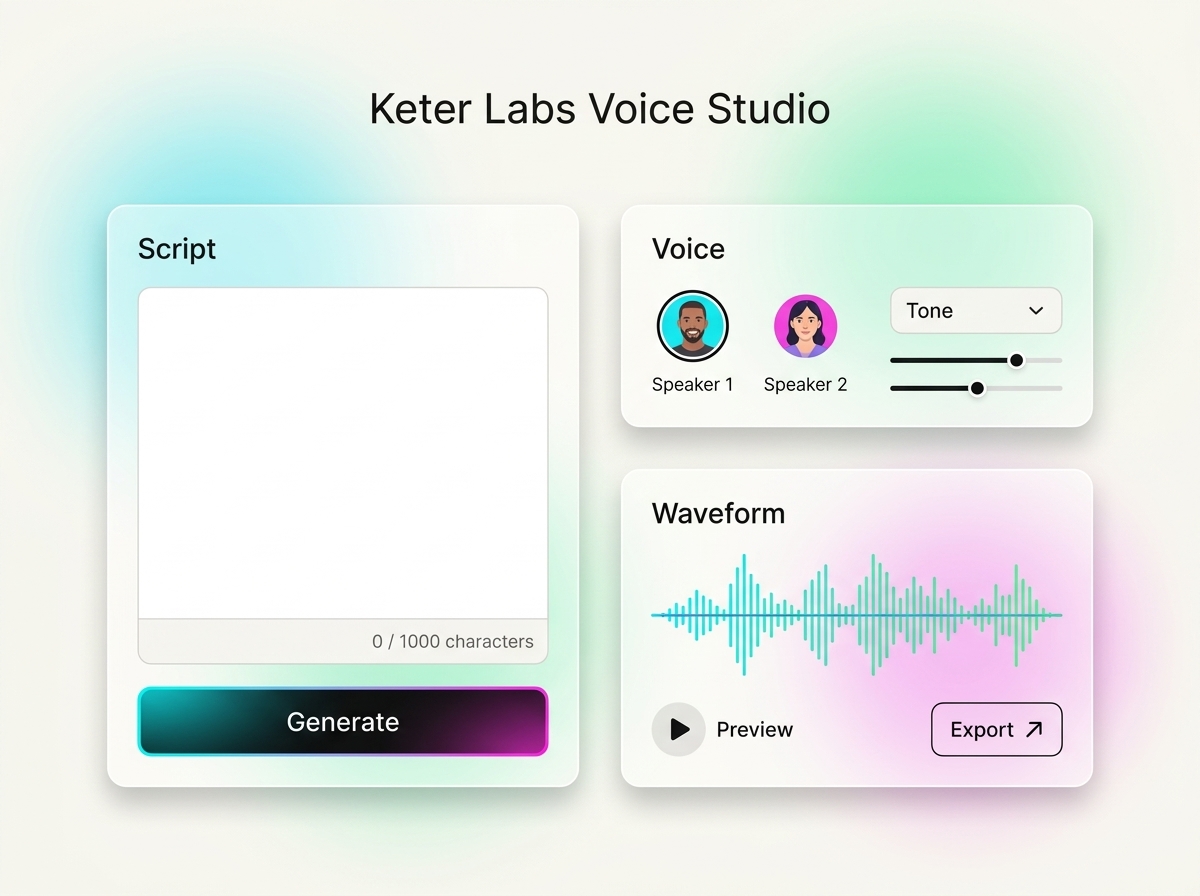
AI voice generator
AI voice generator helps users understand a specific AI creative task in plain language: what goes in, what comes out, where it fits in production, and how to keep the result useful instead of treating it as a one-off experiment.
Open AI voice generator
Voice toolkit
The voice toolkit brings together scripts, voiceovers, speech variants and voice content prep for videos, presentations, training, ads and internal materials. It is built for teams that need to work with voice fast without scattered services.
Open Voice toolkitReady when you are
Bring this workflow into your next project.
Spin up assets, lock in versions and align your team around a single creative platform.
Create account