Design templates

Design Templates for Campaign and Brand Assets

Find template assets for marketing campaigns, social posts, banners, presentations, covers, brand materials and creative workflows inside Keter Labs.

design templatesmarketing templatescampaign templatessocial media templatespresentation templatesbrand templatestemplate assetseditable design templatestemplates for creative projectstemplates for marketing teamstemplates for campaign visualswebsite design templatesflyer design templatesbusiness card design templatesbrochure design templatescreative templates
Design Templates for Campaign and Brand Assets — Keter Labs
Design

What's included

Flexible templates for faster campaign production

Design Templates for Creative Production

Design Templates for Creative Production

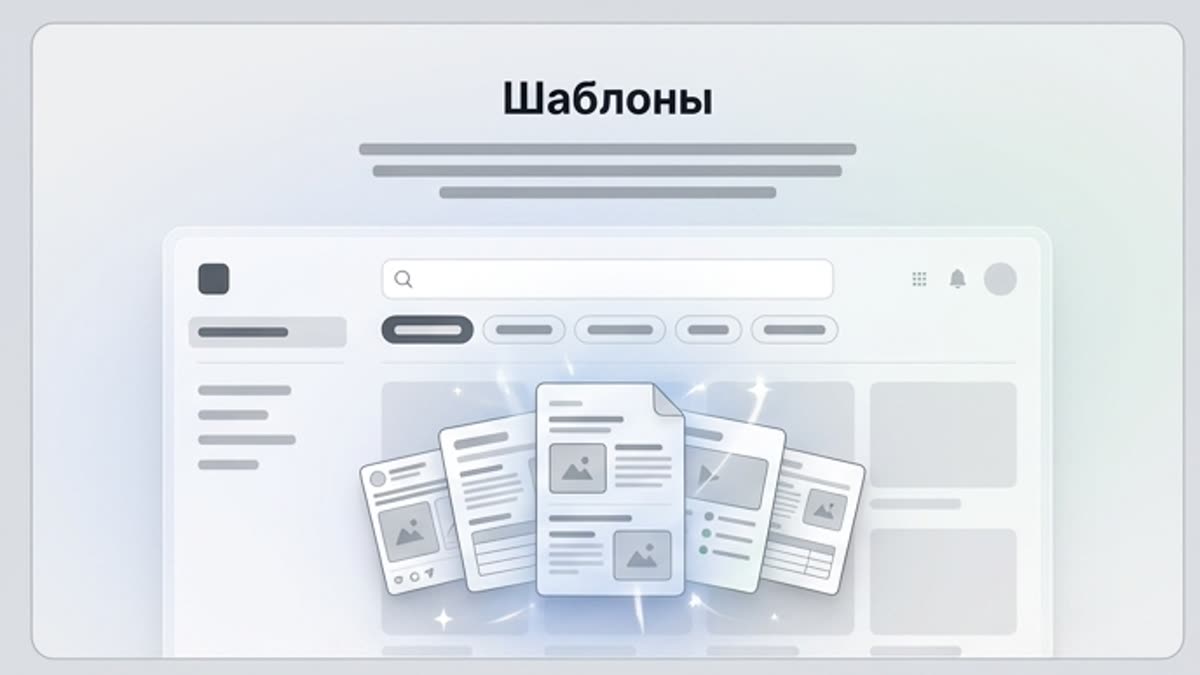
Keter Labs Templates is a design template category for teams that need ready template assets for campaigns, social content, presentations, brand materials, business visuals and creative projects. Teams can discover template assets and use them alongside Keter Labs stock, design, photo, icon, mockup and AI creative workflows where supported.

Templates for Marketing and Campaign Teams

Templates for Marketing and Campaign Teams

Templates help creative teams start faster when building campaign visuals, social posts, banners, presentations, covers, brand materials and business assets. Keter Labs Templates helps teams find relevant template assets inside the same creative environment where they can continue design, stock, mockup and AI-assisted workflows where supported.

Template Assets for Social, Presentation and Brand Work

Template Assets for Social, Presentation and Brand Work

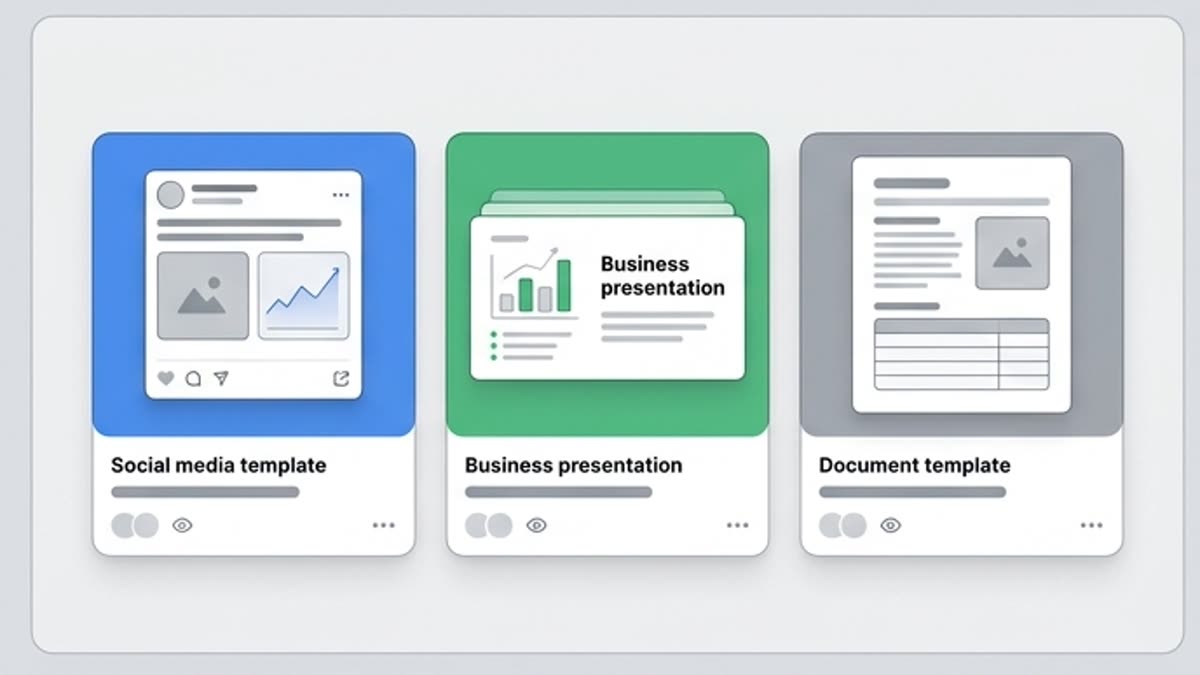
Use template assets for social media templates, campaign templates, presentation templates, banner templates, brand asset templates, product launch templates, business visual templates and client presentation templates. Review each template asset for fit, clarity and usage requirements before publishing.

When to use it

Reusable starting points for every channel

Move faster on social posts, presentations, ads, covers, banners and branded communications.
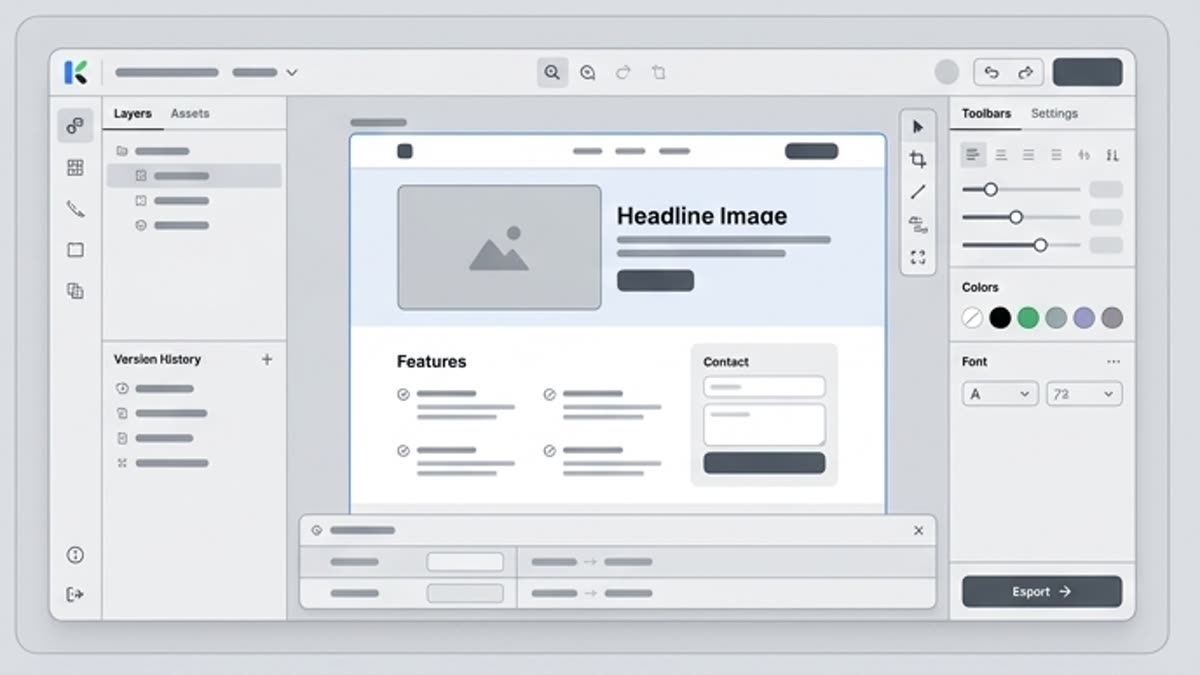
Design Templates vs AI Design Tools

Design Templates vs AI Design Tools

Design templates and AI design tools serve different needs. Templates are useful when teams need a ready structure or starting point, while AI design workflows are useful when teams want to explore new visual directions from prompts, assets or briefs. Keter Labs keeps both workflows connected so teams can choose the right starting point for each project.
Templates Inside the Keter Labs Stock Library

Templates Inside the Keter Labs Stock Library

Templates are one part of the wider Keter Labs stock media library, alongside stock photos, the icon library, music and other creative assets. Use the Stock page as the broader asset hub and keep this page focused specifically on template assets.
Review Usage Requirements Before Publishing

Review Usage Requirements Before Publishing

Before using any template asset in public, paid, client-facing or commercial work, teams should review the asset details and usage requirements shown in the platform. Do not assume every template has the same usage terms without checking the current asset information.
Details

Structure, customization and export without the busywork

Campaign Templates for Creative Teams

Campaign Templates for Creative Teams

Use Keter Labs Templates when a campaign, social post, banner, presentation, cover, brand material, business visual or creative project needs a ready starting point. Keep this page focused on design templates, not the broader stock media library or AI design tool page.

Connect Templates With Creative Workflows

Connect Templates With Creative Workflows

Selected template assets can support the stock media library, AI design workflows, the AI mockup generator, stock photos, the icon library, the AI image generator, Keter Labs pricing review and the creative workflow platform where those connected workflows are available.

Choose the Right Template Workflow

Choose the Right Template Workflow

Choose design templates when the project needs a ready layout or creative asset starting point. Choose Designer when the task needs AI design workflows from prompts, briefs or assets. Choose Mockups when the goal is to place finished designs into presentation scenes.

Design Template Questions

Design Template Questions

Use these questions to understand what design templates are, how Keter Labs Templates differs from the broader Stock page, when AI design tools may be a better starting point and why usage requirements should be reviewed before publishing.

Workflow

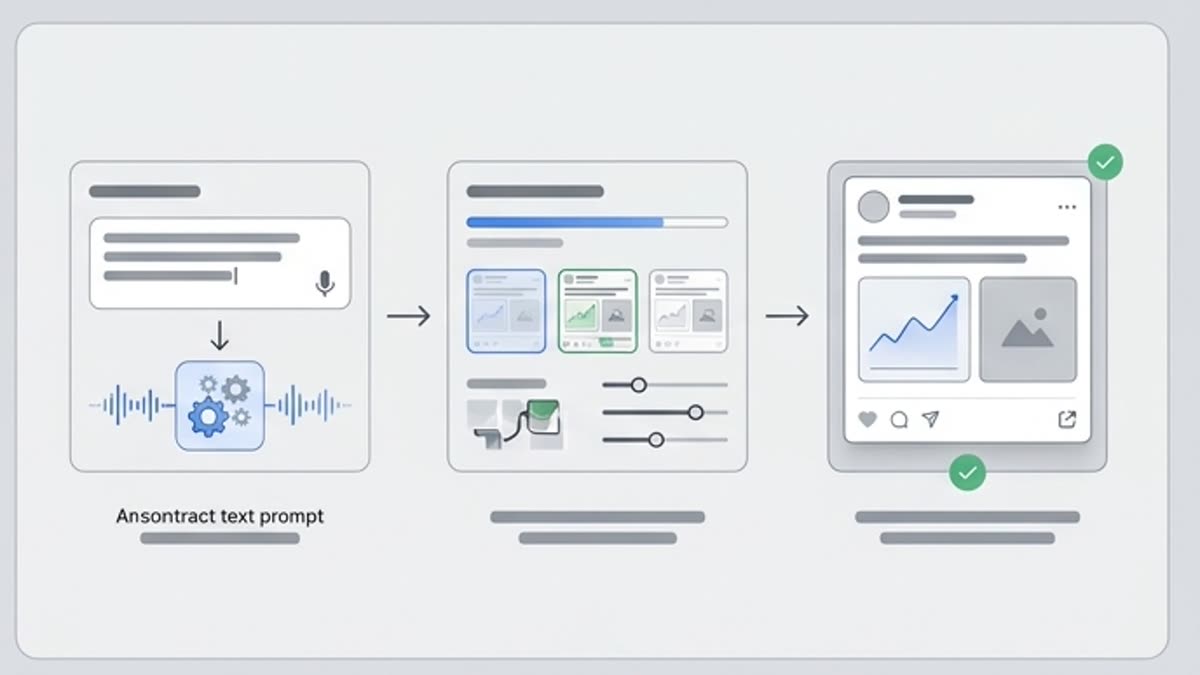
From template to publish-ready layout

Pick a proven structure, adapt it to the brief and create every size the campaign needs.

Design Templates for Campaign and Brand Assets workflow
1

Step 1

Choose the right template asset for the task, such as a campaign visual, social post, banner, presentation, cover, brand material or business visual.

2

Step 2

Match the template to the campaign context by reviewing structure, audience, message, brand fit, visual hierarchy and the current asset details shown in the platform.

3

Step 3

Use templates inside creative workflows where available, including stock, design, mockup, photo, icon and AI-assisted production workflows.

4

Step 4

Review usage requirements before publishing by checking the asset details shown in the platform for public, paid, client-facing or commercial work.

FAQ

Template library questions

What are design templates?+

Design templates are ready layout or creative asset starting points that teams can use for campaigns, social posts, presentations, banners, brand materials, business visuals and creative projects, subject to the usage details shown for each asset.

What can I use Keter Labs Templates for?+

Keter Labs Templates can support creative workflows for campaign visuals, social media content, presentations, brand assets, banners, product launch materials and client-facing creative drafts.

How is Keter Labs Templates different from the Stock page?+

The Stock page is the broader creative asset hub, while Keter Labs Templates is focused specifically on template assets for campaign, brand and creative workflows.

Are templates the same as AI design tools?+

No. Templates provide ready structures or starting points, while AI design tools help teams explore new design directions from prompts, briefs, assets or creative direction. Teams can use the right workflow depending on the project.

Should I check usage requirements before using templates?+

Yes. Teams should review asset details and usage requirements shown in the platform before using templates in public, paid, client-facing or commercial work.

Who should use Keter Labs Templates?+

Keter Labs Templates is useful for marketers, agencies, designers, content teams, ecommerce teams and businesses that need template assets for campaigns, social content, presentations, brand materials and creative projects.

Ready when you are

Start with structure and finish with a campaign

Spin up assets, lock in versions and align your team around a single creative platform.

Create account
