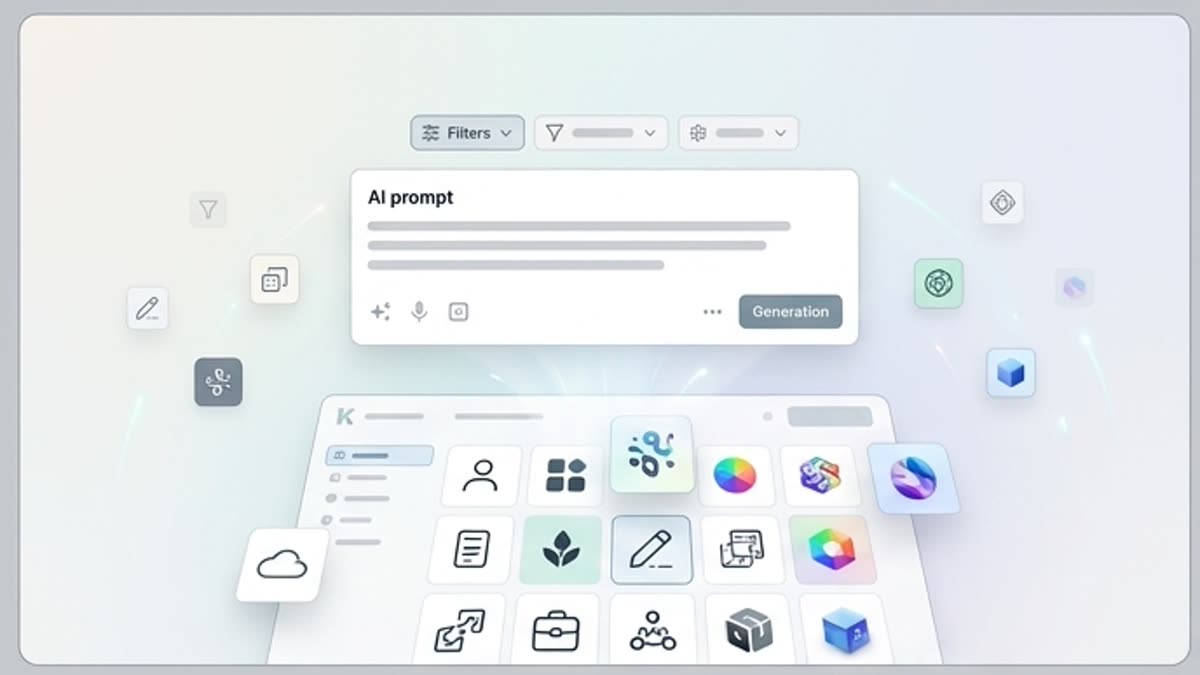
AI design tool

AI Design Tool for Agencies and Marketing Teams

Keter Labs Designer is an AI design tool for agencies, marketers, content teams and creative teams that need to create, refine and manage campaign visuals, social designs, product graphics, mockups and brand assets. Teams can move from creative direction to reviewed design assets inside one connected AI creative workspace.

AI design toolAI design generatorAI design toolsAI graphic designAI graphic design generatorAI design softwareAI design tool for agenciesAI design tool for marketing teamsAI tools for graphic designAI design makerAI social media design toolAI creative design toolcampaign design tooldesign workflowsbrand assetssocial media designsproduct graphicspresentation visualsad concepts
AI Design Tool for Agencies and Marketing Teams — Keter Labs
Design

What's included

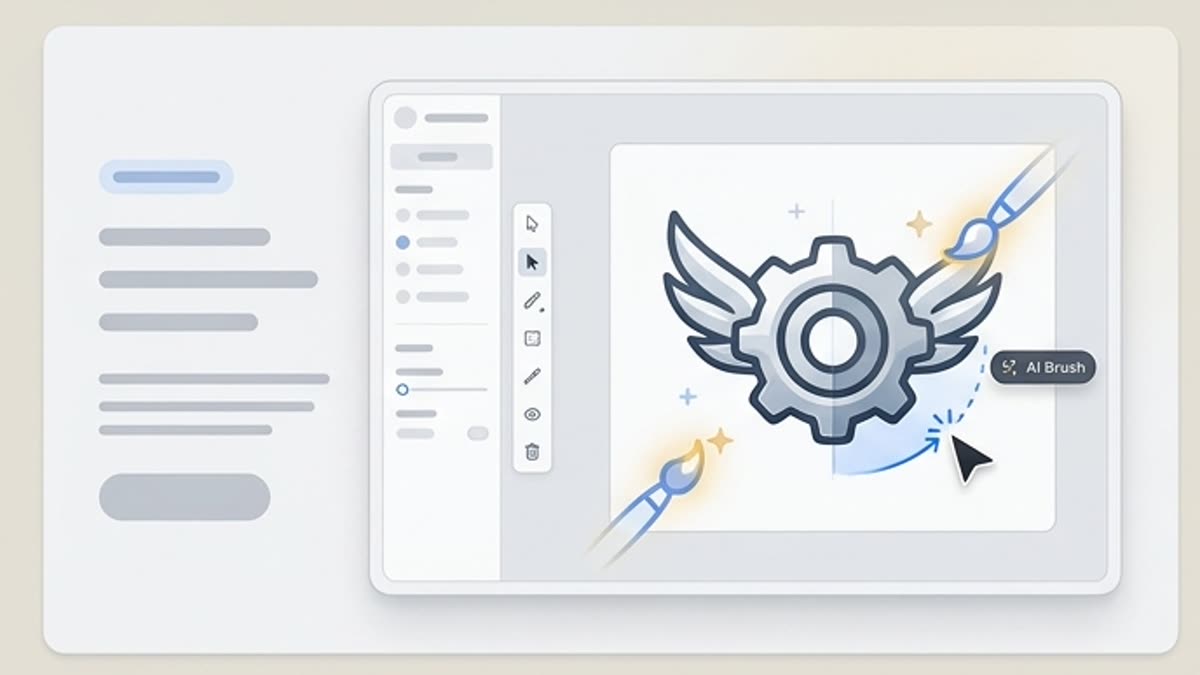
Design from prompts, assets and campaign direction

Design From Prompts, Assets and Campaign Direction

Design From Prompts, Assets and Campaign Direction

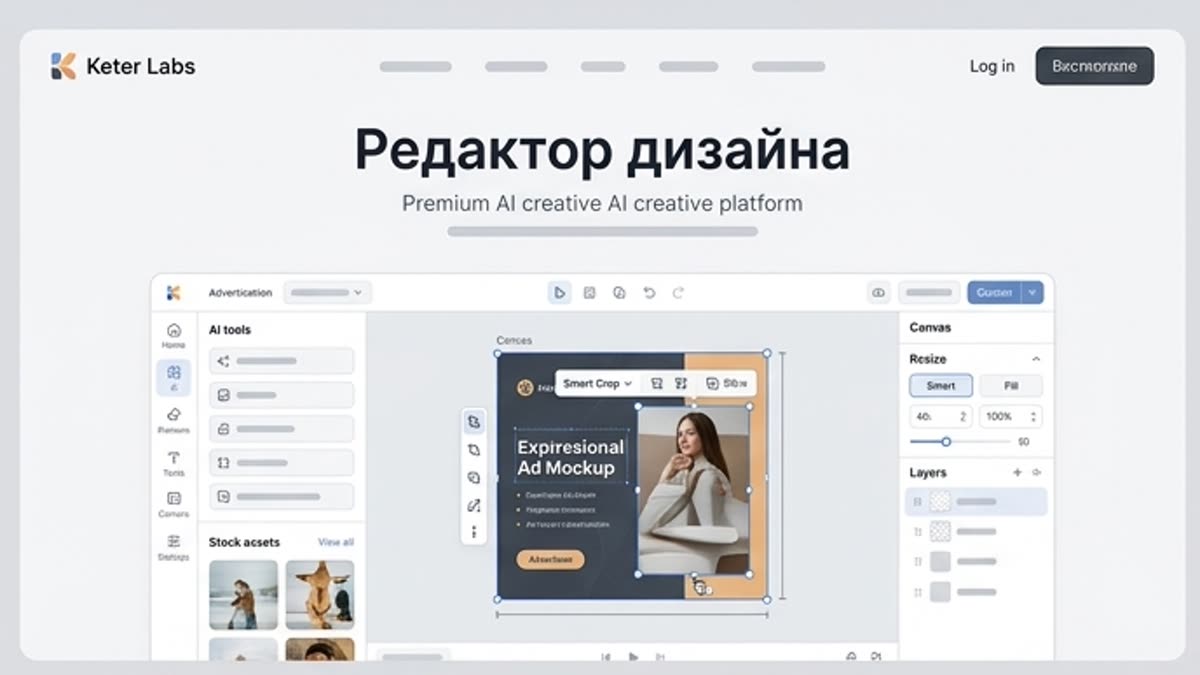
Start with a prompt, campaign brief, product idea, brand direction or existing asset. Keter Labs helps teams explore design directions, adapt visuals for different campaign needs, refine selected concepts and keep design assets connected to the wider creative workflow.

AI Design Tool for Campaign and Brand Assets

AI Design Tool for Campaign and Brand Assets

Use Keter Labs as an AI design tool for social designs, campaign visuals, product graphics, ad concepts, presentation visuals, mockup-ready designs and brand assets that need review before publishing.

Manage Agency Design Workflows in One Studio

Manage Agency Design Workflows in One Studio

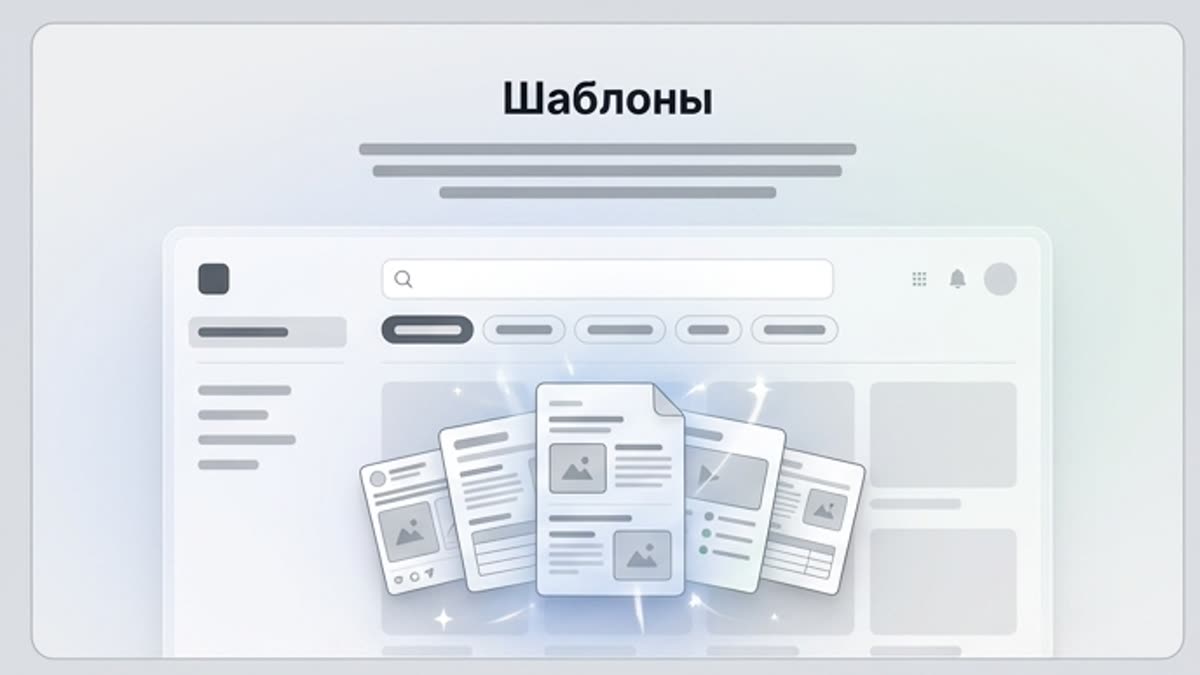
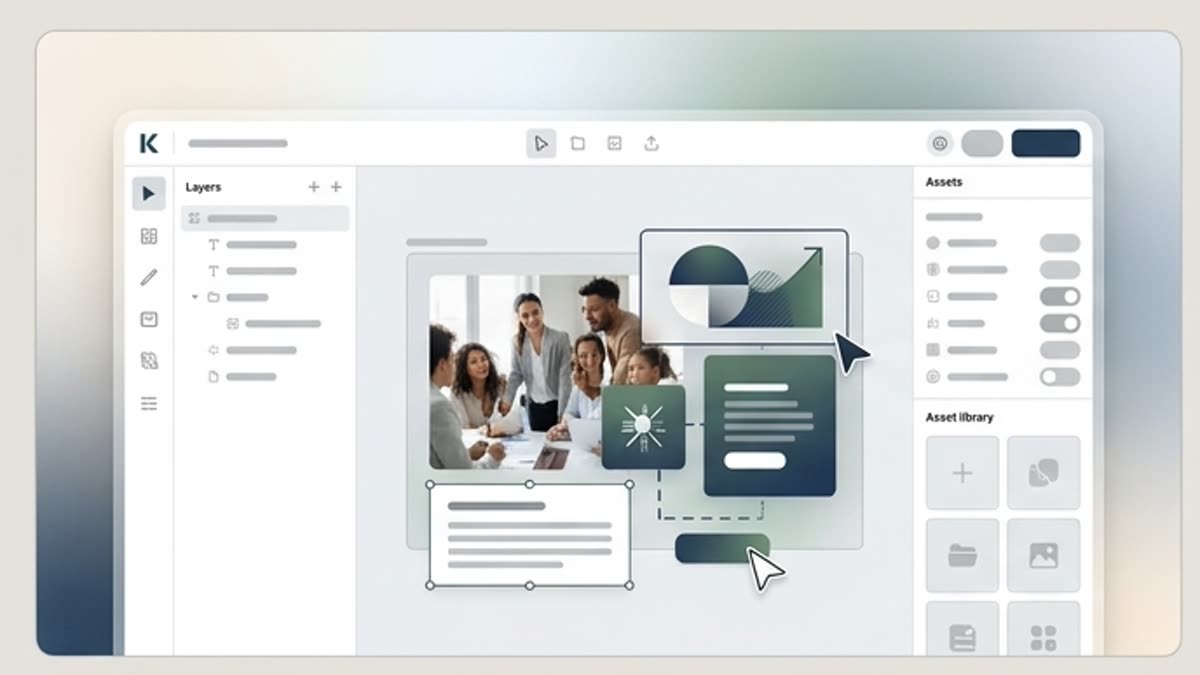
Keep layouts, AI-generated visuals, templates, stock assets, mockups and reviewed brand directions connected in one workspace so agencies and marketing teams can manage design workflows without scattering assets across separate tools.

When to use it

AI design use cases for agencies and marketing teams

Create social media designs, campaign visuals, product graphics, ad concepts, presentation visuals, brand asset explorations, mockup-ready designs and creative drafts for client review.
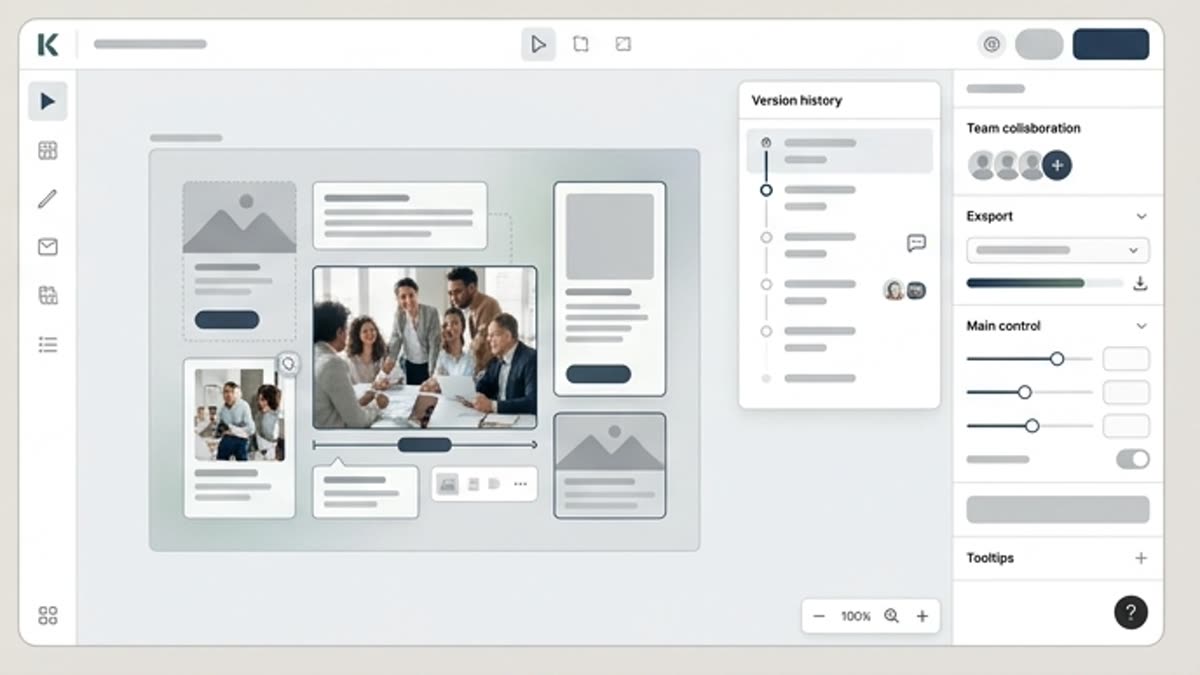
Social Media Designs

Social Media Designs

Create social media designs for posts, campaign teasers, paid social concepts and content calendars, then review layout, message fit and brand consistency before publishing.
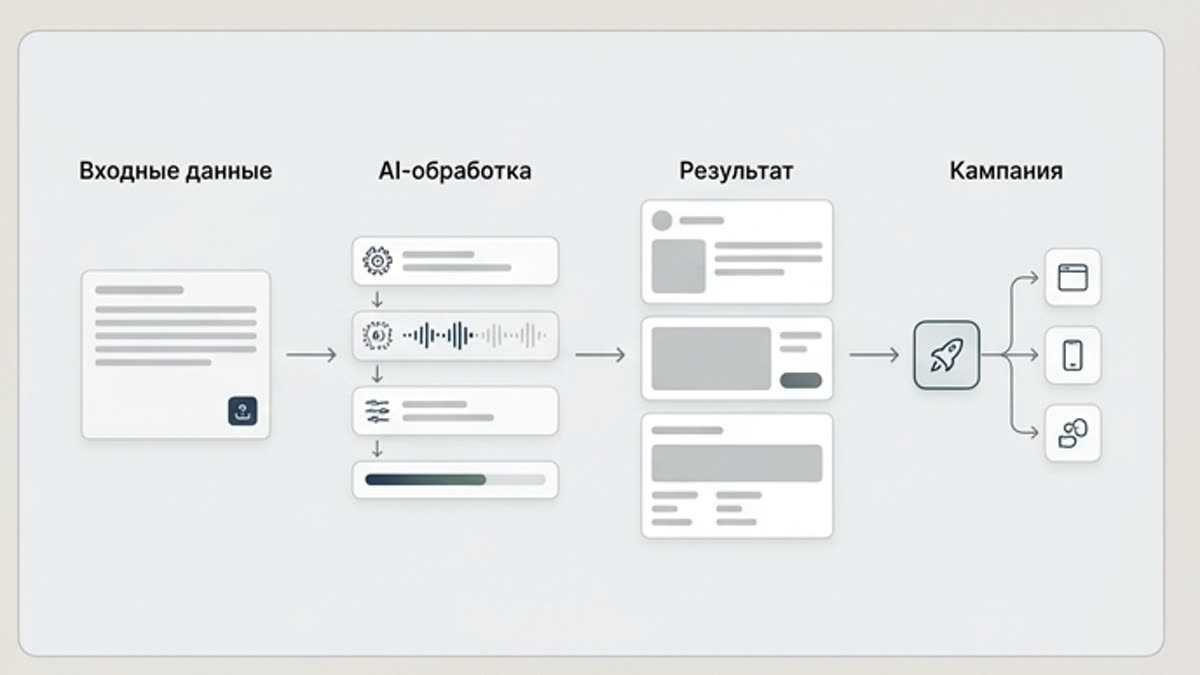
Campaign Visuals

Campaign Visuals

Build campaign visuals for launches, promotions, landing pages and multichannel creative directions where teams need polished concepts before final review.
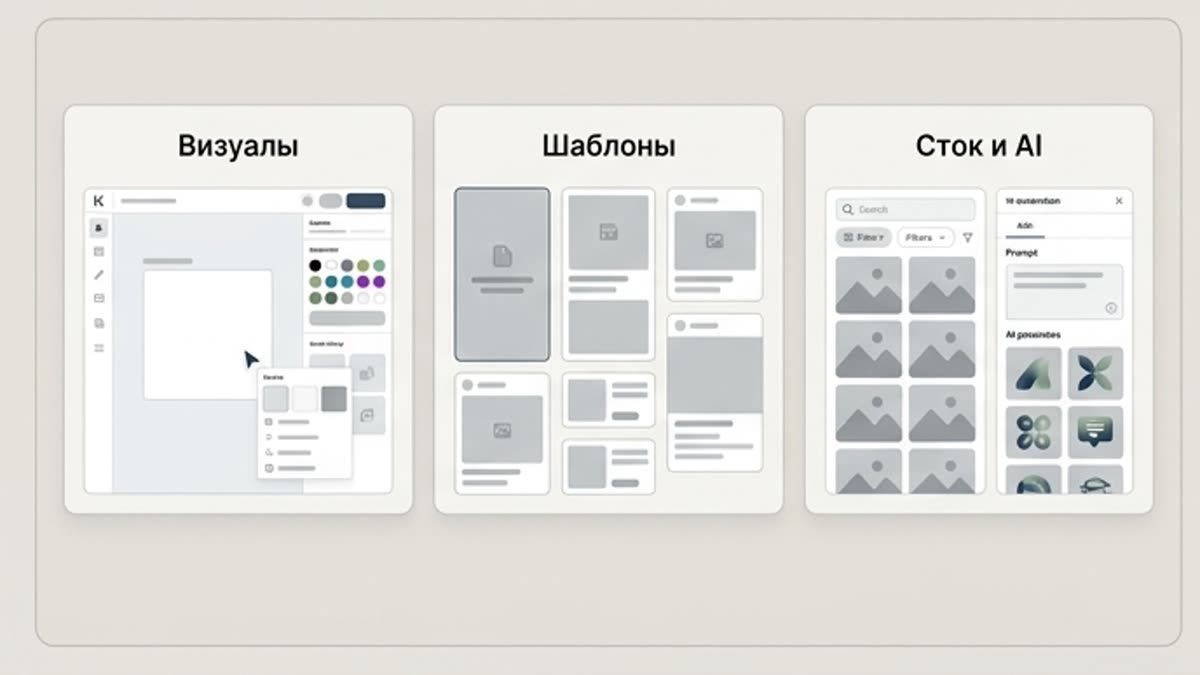
Product Graphics

Product Graphics

Create product graphics and visual concepts for ecommerce, product stories, sales materials and campaign planning while checking product accuracy and audience fit.

Ad Concepts

Ad Concepts

Explore ad concepts for paid social, display ideas, launch messages and campaign testing before sending selected directions into deeper design or production workflows.

Presentation Visuals

Presentation Visuals

Prepare presentation visuals for client reviews, internal decks, pitch materials and stakeholder conversations where design clarity and brand fit matter.

Brand Asset Exploration

Brand Asset Exploration

Explore brand assets, style directions, visual systems and reusable design ideas that can support campaigns while still requiring human creative judgment and review.

Mockup-Ready Designs

Mockup-Ready Designs

Create mockup-ready designs that can move into product mockups, campaign previews, client presentations and review workflows inside a connected creative studio.

Creative Drafts for Client Review

Creative Drafts for Client Review

Agencies can prepare creative drafts for client review, compare design directions and keep selected assets connected with image, mockup, stock, template and team workflows.
Details

AI design tool vs separate design tools

AI Design Generator for Creative Teams

AI Design Generator for Creative Teams

Keter Labs Designer positions AI design inside a broader creative studio. Agencies, marketers, content teams and creative teams can move from prompt, brief, reference or brand direction to reviewed design assets, then keep those assets connected with image, mockup, template, stock, video and audio workflows where supported.

AI Design Tool for Agencies and Marketing Workflows

AI Design Tool for Agencies and Marketing Workflows

A strong AI graphic design workflow starts with clear creative direction. Add the campaign goal, audience, product, message, brand assets, prompt, reference or existing design direction so the output is easier to review against the actual marketing task.

AI Design Tool vs Separate Design Tools

AI Design Tool vs Separate Design Tools

Separate AI design tools can help create quick visuals, but agencies and marketing teams often need more than one design output. Keter Labs connects design workflows with AI image generation, mockups, templates, stock assets, video, audio and creative asset management, so teams can move from idea to reviewed campaign asset without switching between disconnected tools.

Review AI-Assisted Designs Before Publishing

Review AI-Assisted Designs Before Publishing

AI-assisted designs should be reviewed before publishing, client delivery or campaign use. Teams should check brand fit, layout quality, product accuracy, text quality, visual consistency, audience fit and usage requirements before treating any design as final.

Inside this section

Related design workflows and asset pages

Continue into templates, mockups, stock assets, icons, photos or pricing when your design workflow needs the next step.

Workflow

How to create AI designs in Keter Labs

Define the design brief, add brand assets, prompts or campaign direction, review selected concepts and save final design assets inside supported workflows.

AI Design Tool for Agencies and Marketing Teams workflow
1

Step 1

Define the design brief: campaign goal, audience, product, message, channel, brand direction and review criteria.

2

Step 2

Add brand assets, prompts or campaign direction so the design workflow follows the right layout, visual style and creative purpose.

3

Step 3

Review, refine and save the final design, then keep selected assets connected to supported campaign, mockup and creative workflow needs.

FAQ

AI design tool FAQs

What is an AI design tool?+

An AI design tool helps users create or refine design assets from prompts, briefs, references or existing creative direction. It can support social designs, campaign visuals, product graphics, presentations, ad concepts and brand assets.

What can agencies create with Keter Labs Designer?+

Agencies can use Keter Labs Designer for campaign visuals, social media designs, product graphics, client presentation assets, mockup-ready designs and creative drafts inside one connected AI creative workspace.

Is Keter Labs useful for marketing teams?+

Yes. Marketing teams can use Keter Labs to explore design concepts for campaigns, ads, social posts, product stories, presentations and brand content while keeping assets connected to the wider creative workflow.

How is Keter Labs different from separate AI design tools?+

Keter Labs connects design workflows with AI image generation, mockups, templates, stock assets, video, audio and asset management, helping teams manage creative production in one workspace instead of switching between disconnected tools.

Can Keter Labs help with brand and campaign assets?+

Keter Labs can support AI-assisted workflows for brand-aware creative direction, campaign visuals, product graphics, social designs and presentation-ready assets. Teams should review final designs for brand fit and usage requirements.

Should AI-assisted designs be reviewed before use?+

Yes. Teams should review AI-assisted designs for brand fit, layout quality, product accuracy, text quality, visual consistency, audience fit and usage requirements before publishing or using them in client-facing work.

Ready when you are

Create AI designs for agencies and marketing teams

Use Keter Labs Designer to turn prompts, brand direction and campaign briefs into reviewed design assets for social, product, presentation and campaign workflows.

Create account