Video
Video modify workspace
Video modify helps you get new versions of an existing clip: change the motion, mood, lighting, a scene detail or the format without restarting production from scratch.
What's included
What this section gives you.
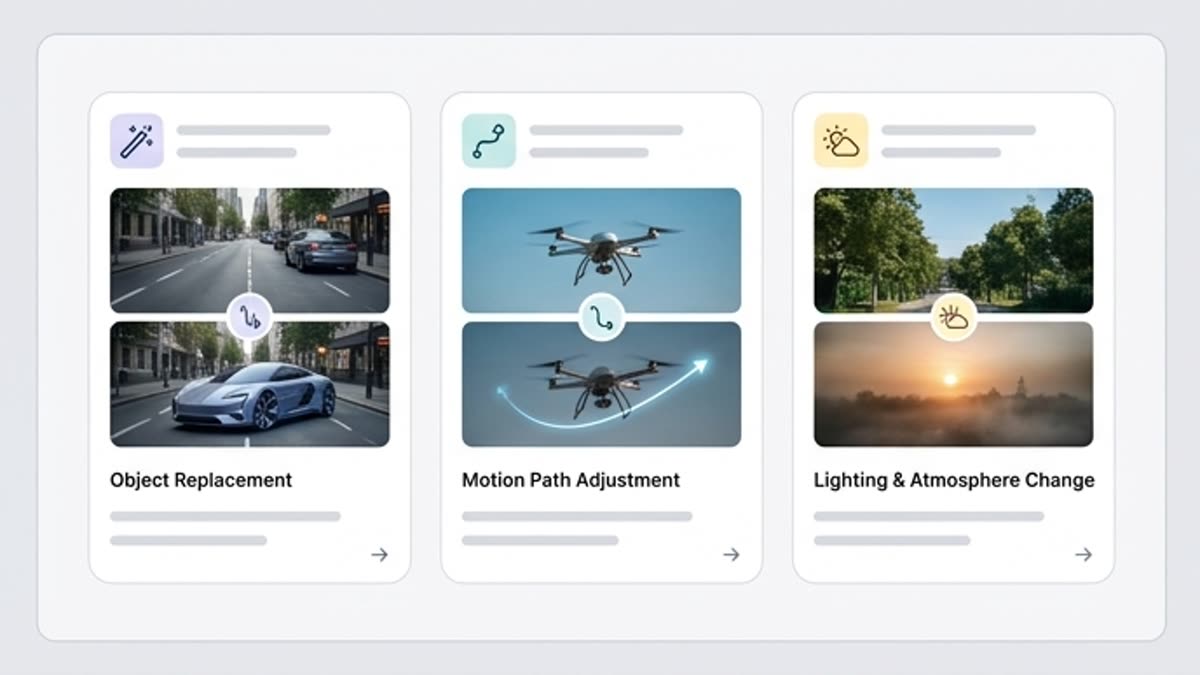
New variants from a finished clip
Keep the core of the scene while testing a different pace, camera, lighting, action or visual accent.
Less regeneration
When a clip is close to the goal, modify helps refine the direction instead of starting over.
Convenient for approvals
Show the team several controlled variants of one video and pick the best.
When to use it
Common jobs this section is built for.
These examples make it easier to choose where to start and which nearby section to open next.
The video is almost right
Change individual parameters of the clip without losing the scene, the product or the overall visual intent.
You need several variants for review
Make versions with different dynamics, camera work or mood for a quick decision.
You need to adapt a clip to a new task
Keep the core of the video but shift the emphasis for a different channel, audience or message.
Workflow
How it works inside Keter Labs.
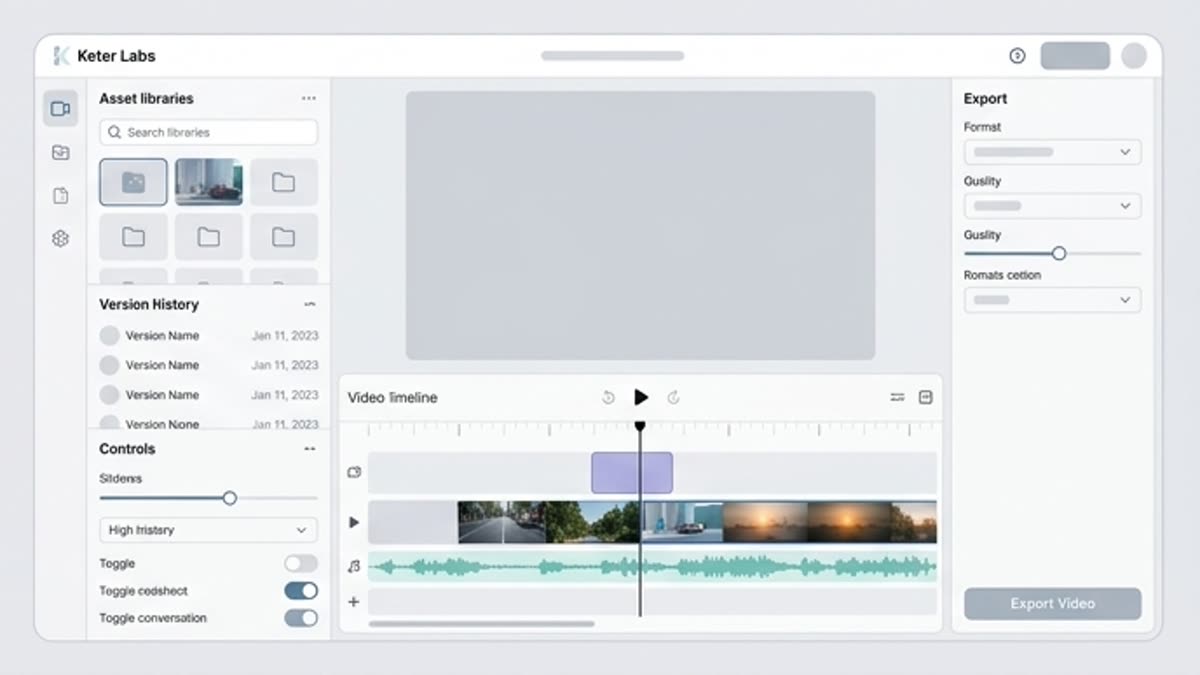
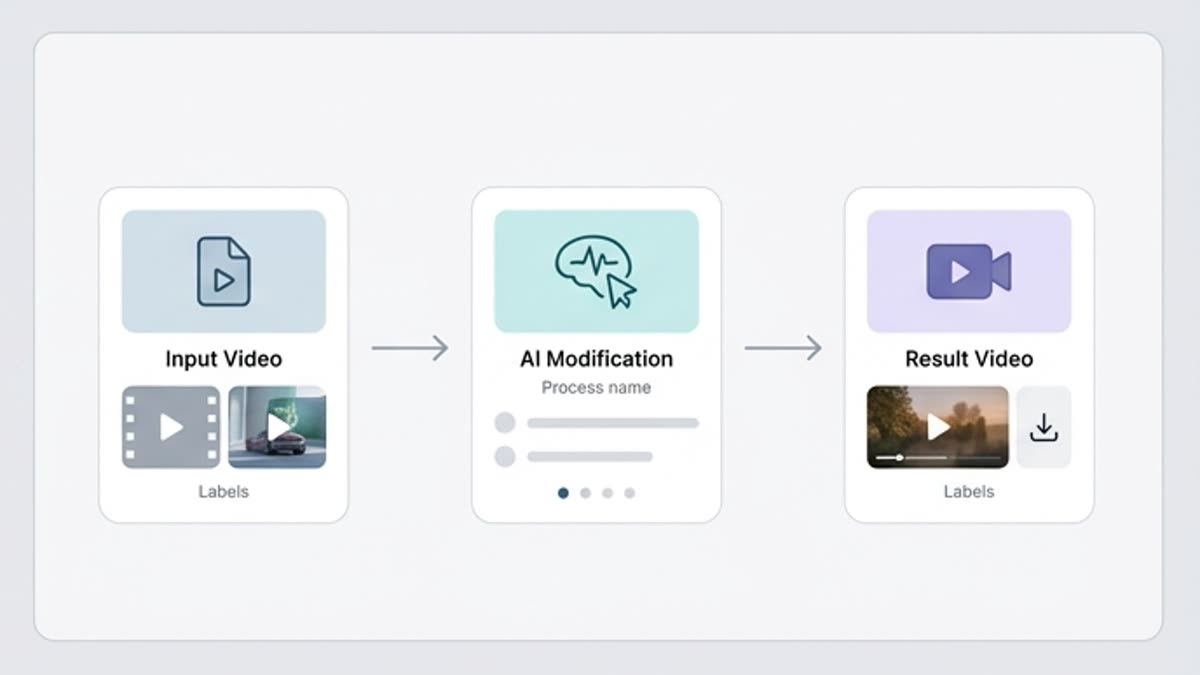
Every section in Keter Labs follows the same shape: a clear brief, a fast first draft, refinement in the editor, and a result saved into the project.
Step 1
Pick the clip to change and decide what should stay untouched.
Step 2
Describe the edit: motion, lighting, pace, mood, an object or the camera.
Step 3
Compare the versions and save the one that best fits the campaign or channel.
Related sections
Where to go next.
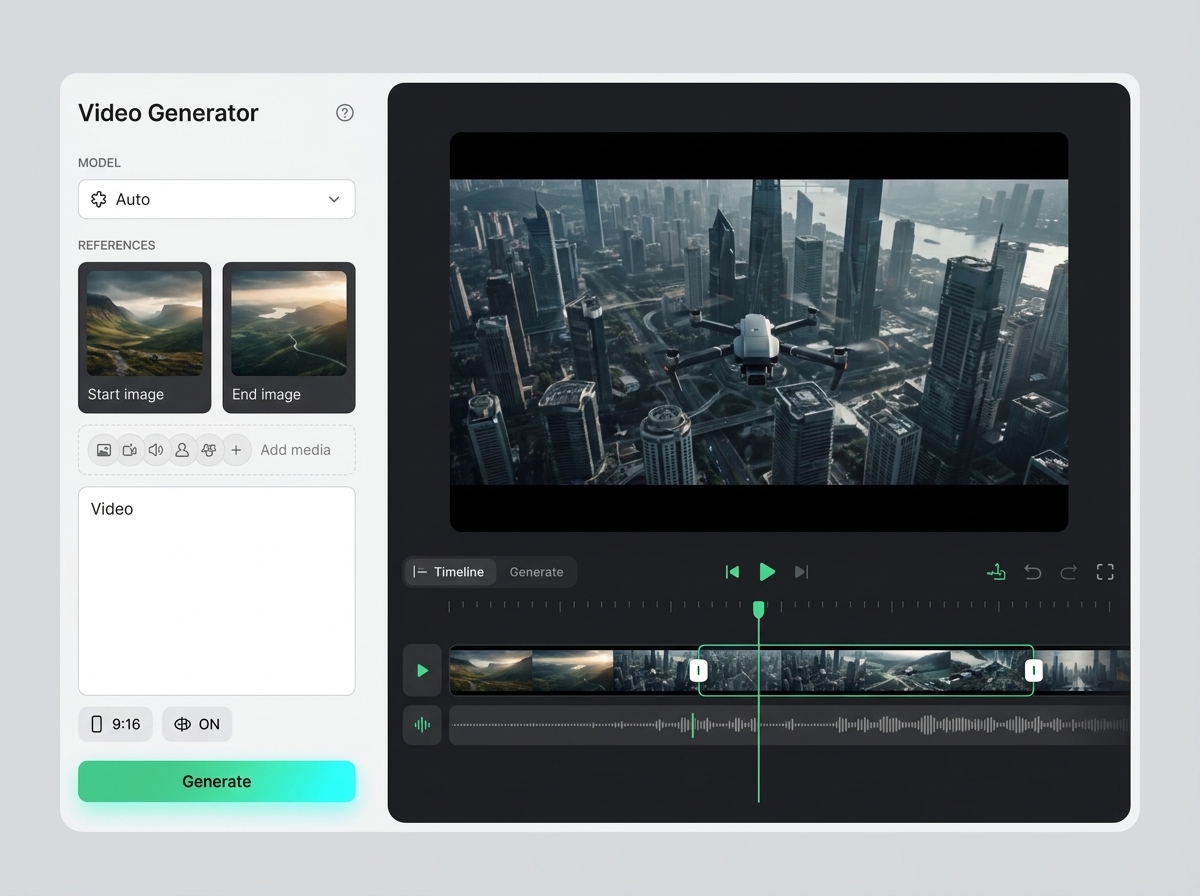
AI video editor
AI video editor helps users understand a specific AI creative task in plain language: what goes in, what comes out, where it fits in production, and how to keep the result useful instead of treating it as a one-off experiment.
Open AI video editor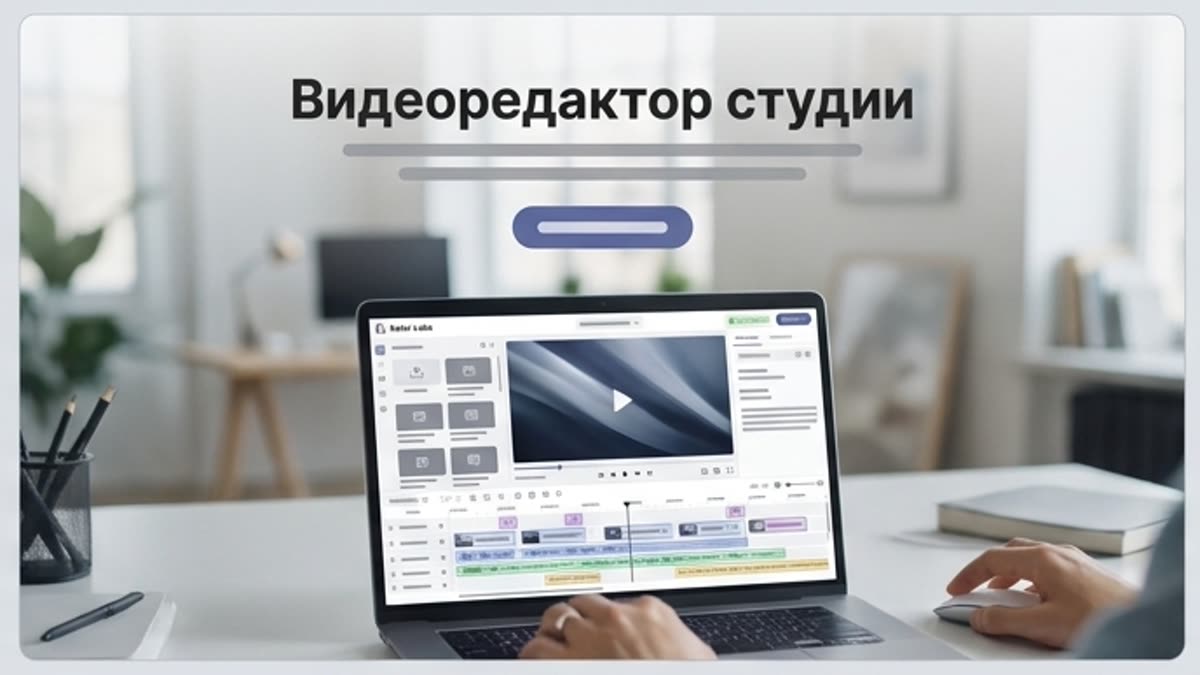
Studio video editor
The studio video editor helps you assemble generated and uploaded clips into a working video: length, pace, order, quality, sound and versions for each channel.
Open Studio video editorChange camera angles
Change camera angles helps users understand a specific AI creative task in plain language: what goes in, what comes out, where it fits in production, and how to keep the result useful instead of treating it as a one-off experiment.
Open Change camera anglesReady when you are
Bring this workflow into your next project.
Spin up assets, lock in versions and align your team around a single creative platform.
Create account