Canvas workspace
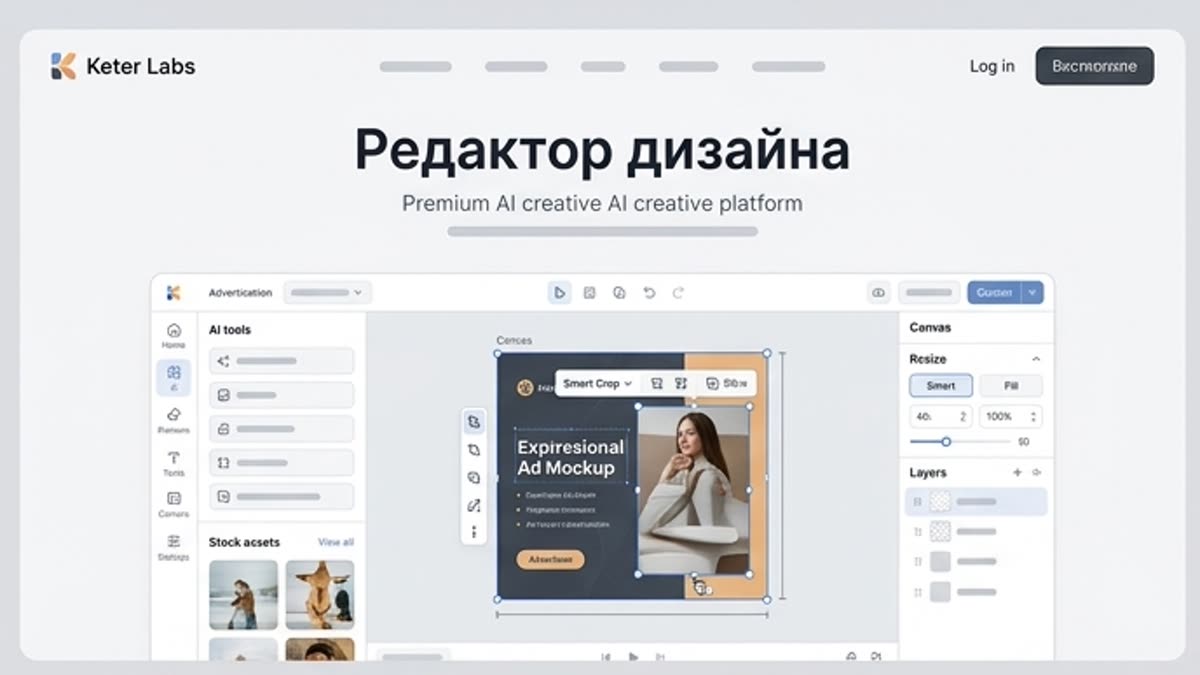
Design editor
A focused editing canvas for resizing, arranging and polishing campaign assets with AI tools and stock materials close at hand.
What's included
What this section gives you.
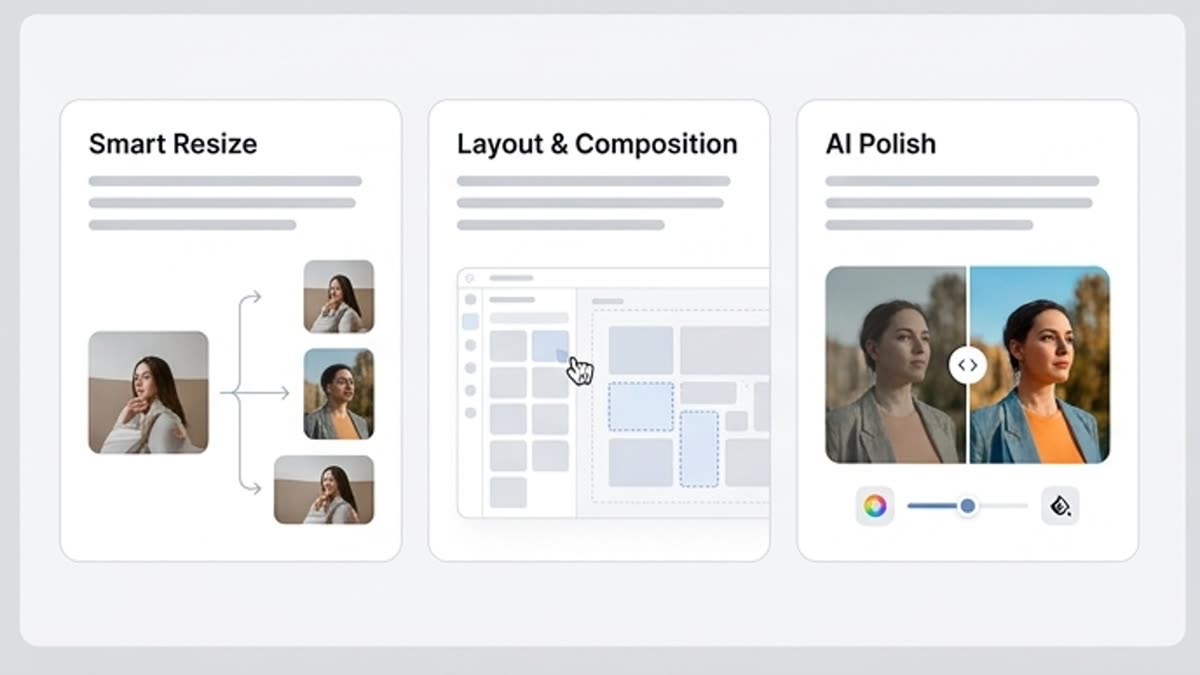
Responsive canvases
Prepare layouts for ads, social posts, presentations and product shots without rebuilding every version from scratch.
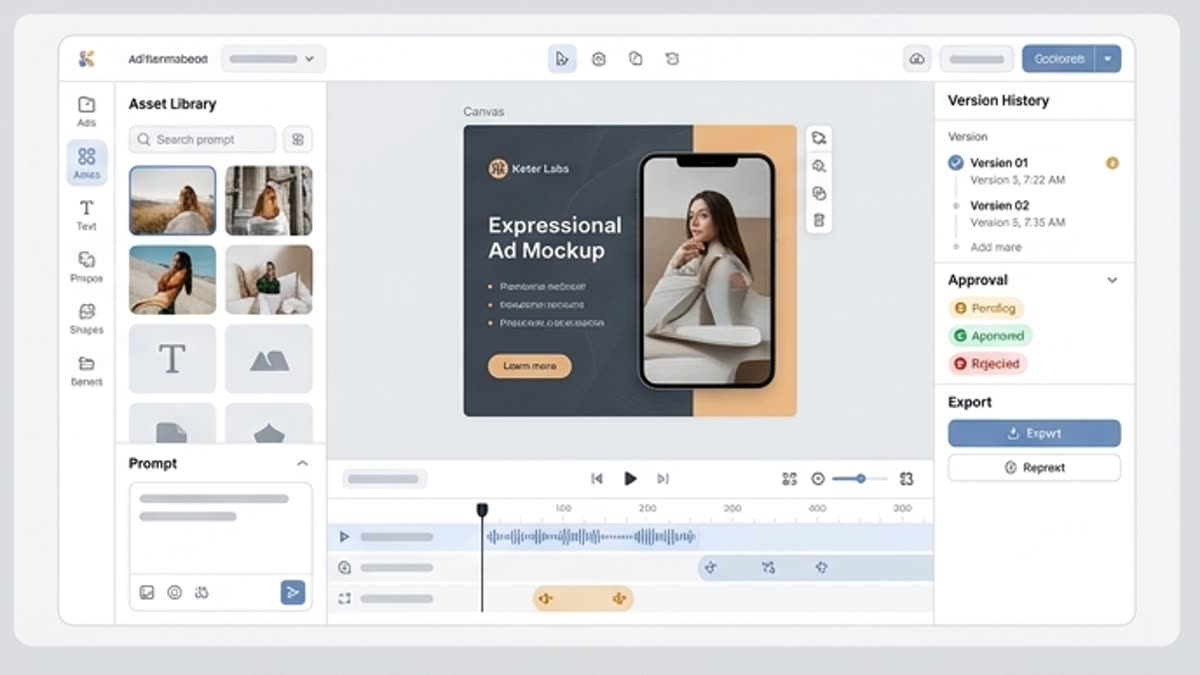
Layer-aware editing
Work with text, images, generated assets and backgrounds as editable parts of one composition.
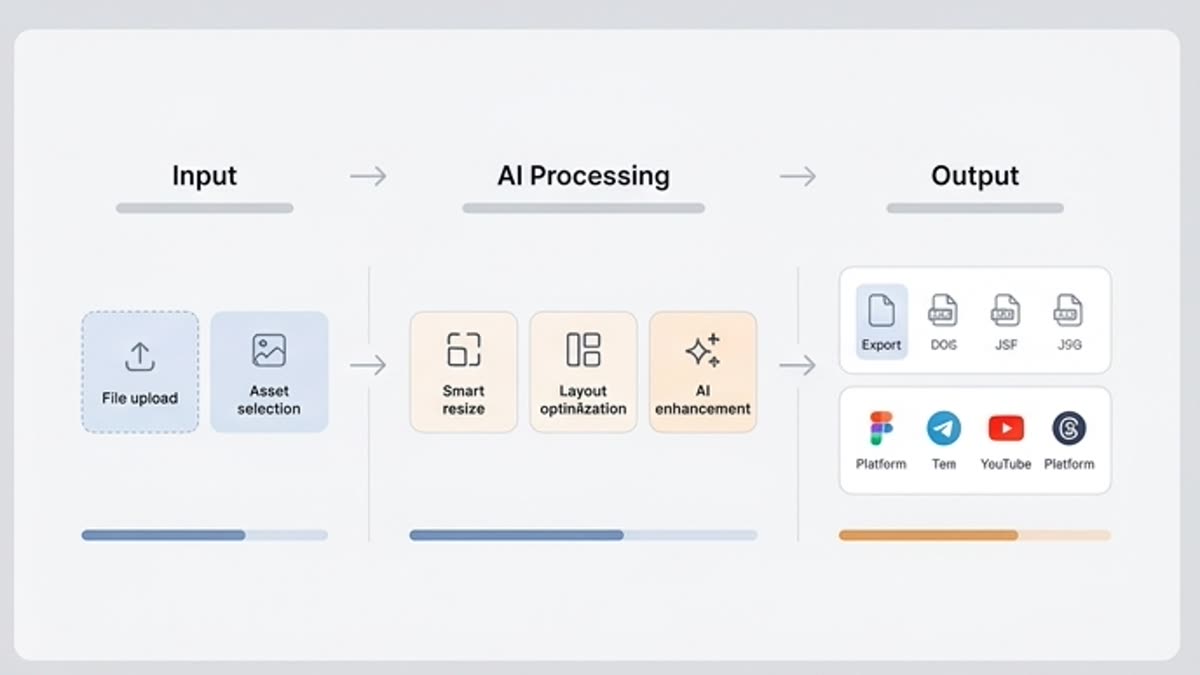
Export-ready versions
Create clean final files for each channel and keep the source layout ready for the next iteration.
Inside this section
Jump straight to the right page.
Open a specific tool, library or workspace inside this section so you can start with the action you need instead of searching through navigation.
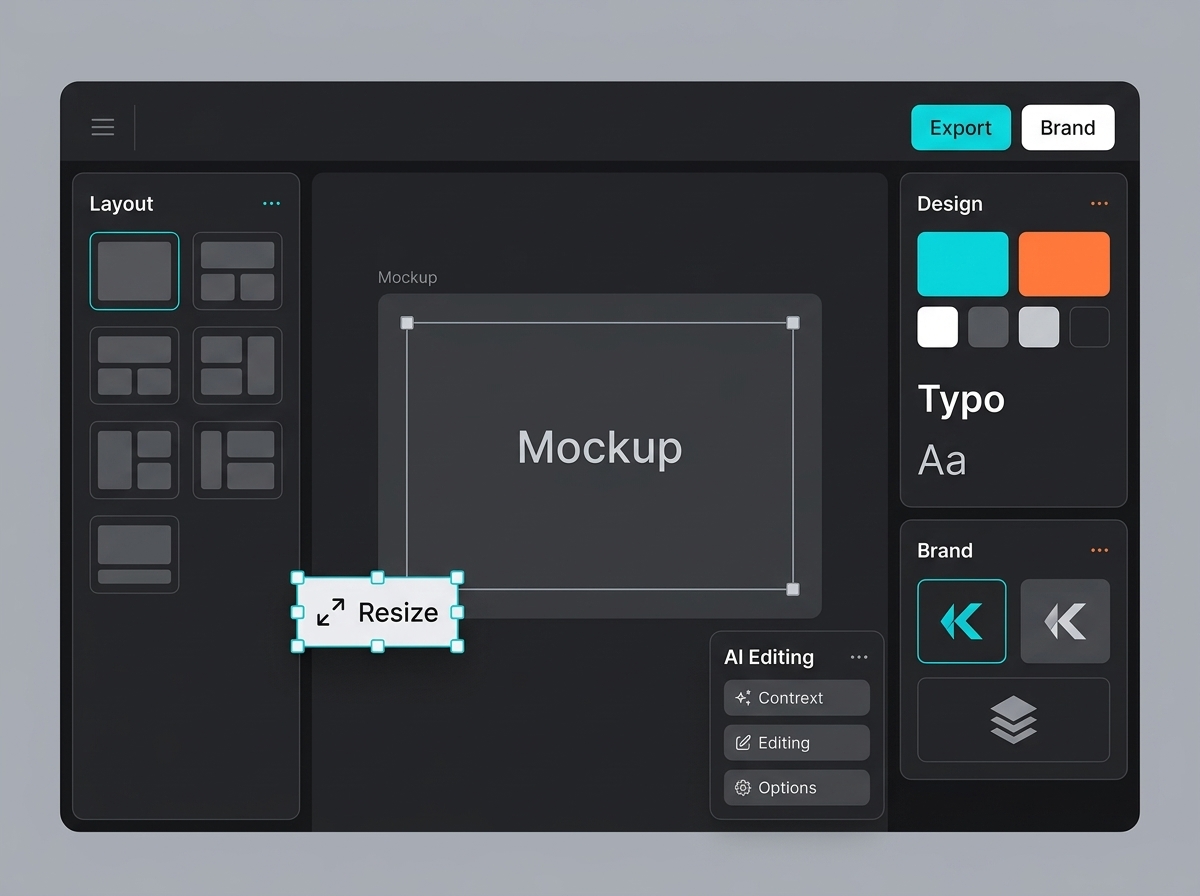
Designer: new layout from a resize template
Designer: new layout from a resize template gives users a clear entry point into this part of Keter Labs. It explains the job, the preparation, the workflow, and the checks that keep the final output useful for real creative work.
Open Designer: new layout from a resize templateDesigner: new board from a reference template
Designer: new board from a reference template gives users a clear entry point into this part of Keter Labs. It explains the job, the preparation, the workflow, and the checks that keep the final output useful for real creative work.
Open Designer: new board from a reference template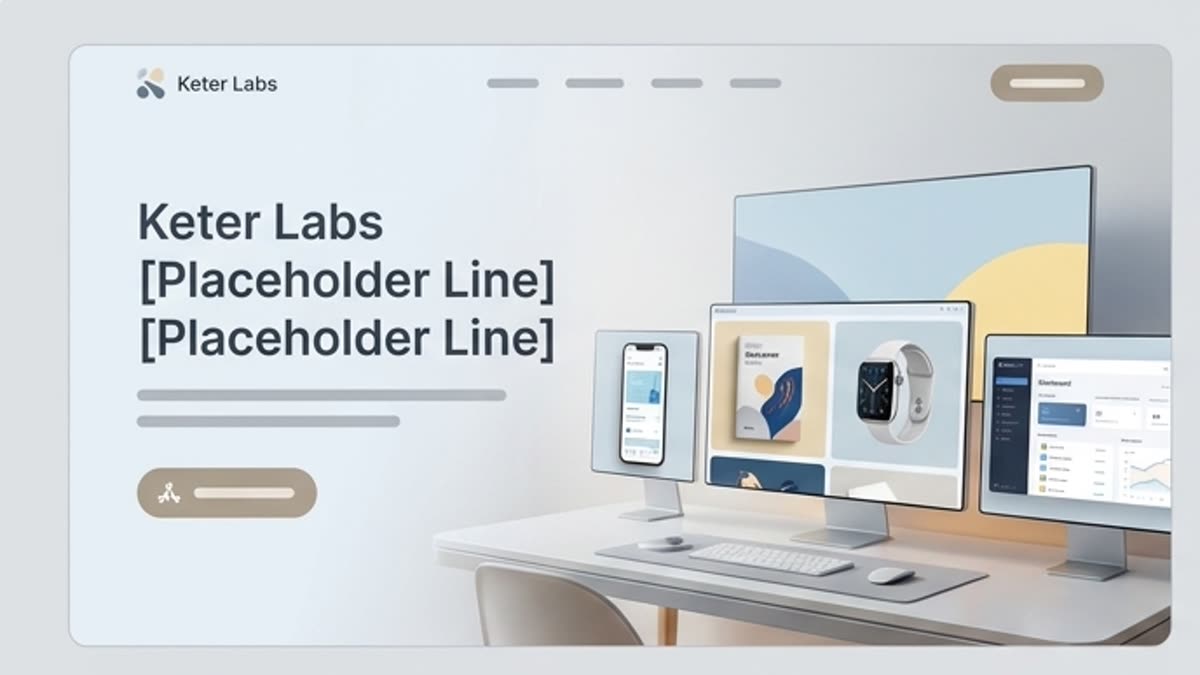
Mockups
Mockups show a design, product, packaging, interface or brand material in context. It is a fast way to prepare a presentation visual for a website, portfolio, client, investor or internal review.
Open MockupsWorkflow
How it works inside Keter Labs.
Every section in Keter Labs follows the same shape: a clear brief, a fast first draft, refinement in the editor, and a result saved into the project.
Step 1
Open a template or start with a blank board.
Step 2
Arrange assets, copy, generated visuals and stock materials.
Step 3
Resize, polish and export the versions the campaign needs.
Related sections
Where to go next.
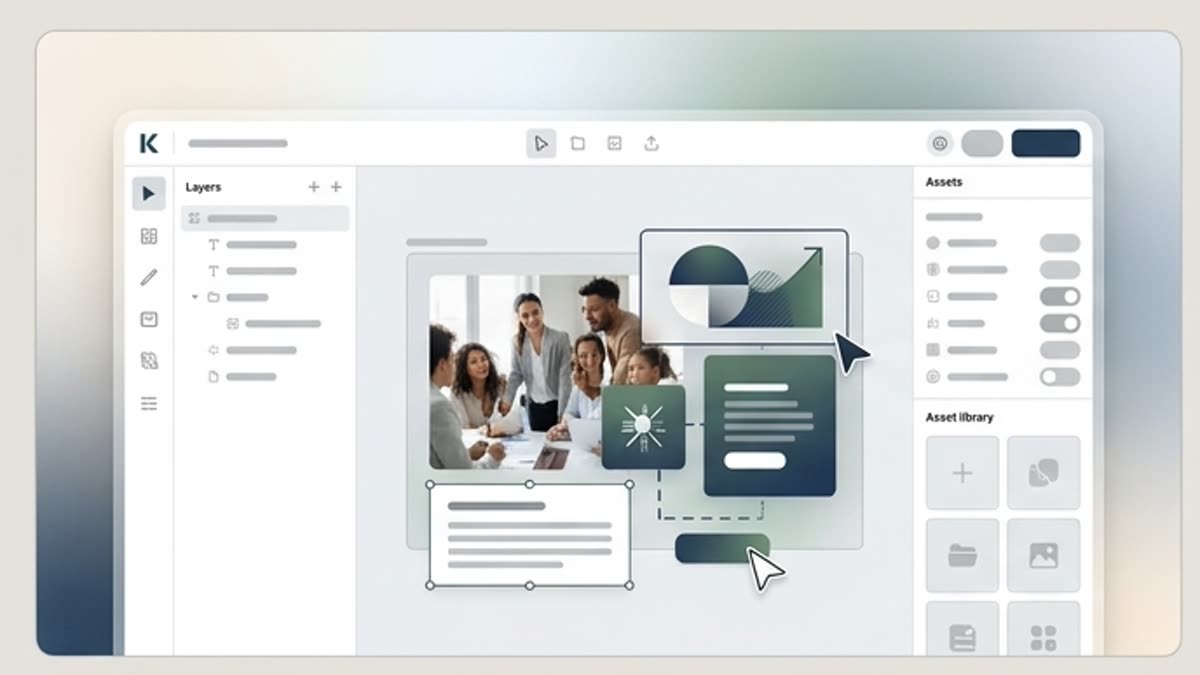
Designer for layouts and campaigns
Build visuals, adapt templates, mix stock and AI assets and ship campaigns inside a single editor.
Open Designer for layouts and campaigns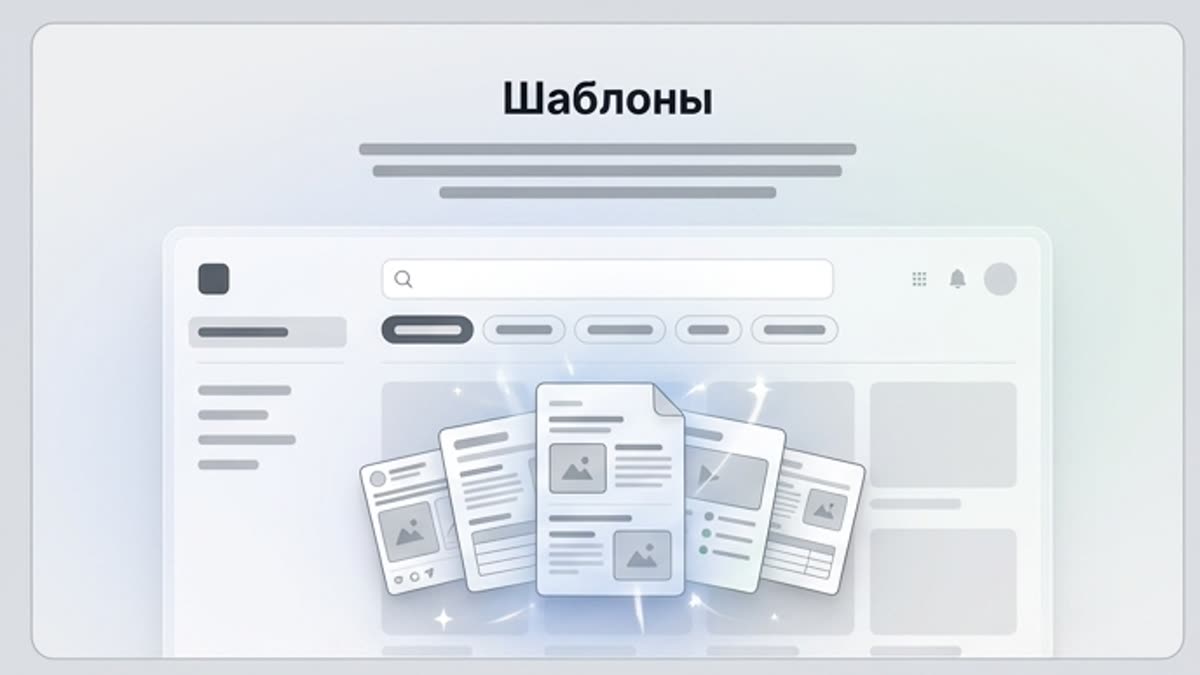
Templates
Templates speed up producing materials for marketing, branding, social media, banners, presentations, covers, stationery and personal projects. They are a good starting point when the structure is clear and the design just needs to reach publication fast.
Open TemplatesMockups
Mockups show a design, product, packaging, interface or brand material in context. It is a fast way to prepare a presentation visual for a website, portfolio, client, investor or internal review.
Open MockupsReady when you are
Bring this workflow into your next project.
Spin up assets, lock in versions and align your team around a single creative platform.
Create account