Audio
AI Voice Tools for Creative Production
Create and manage voiceovers, speech content and audio workflow assets for videos, ads, presentations and team projects in Keter Labs.
What's included
What this section gives you.
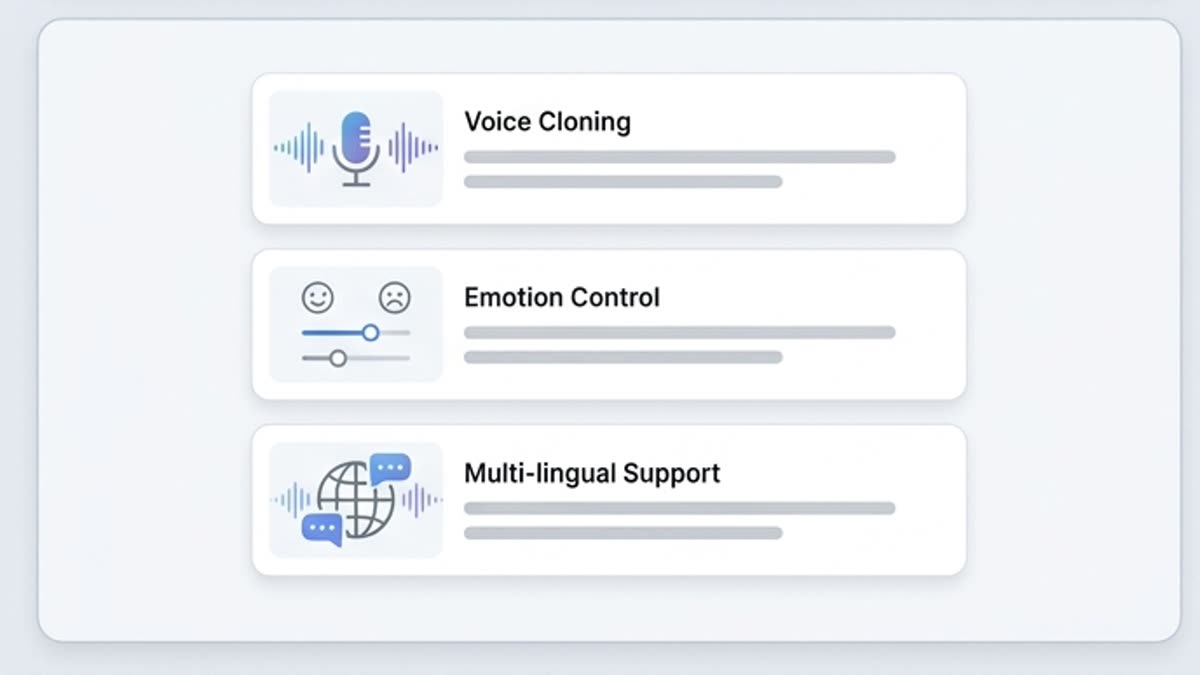
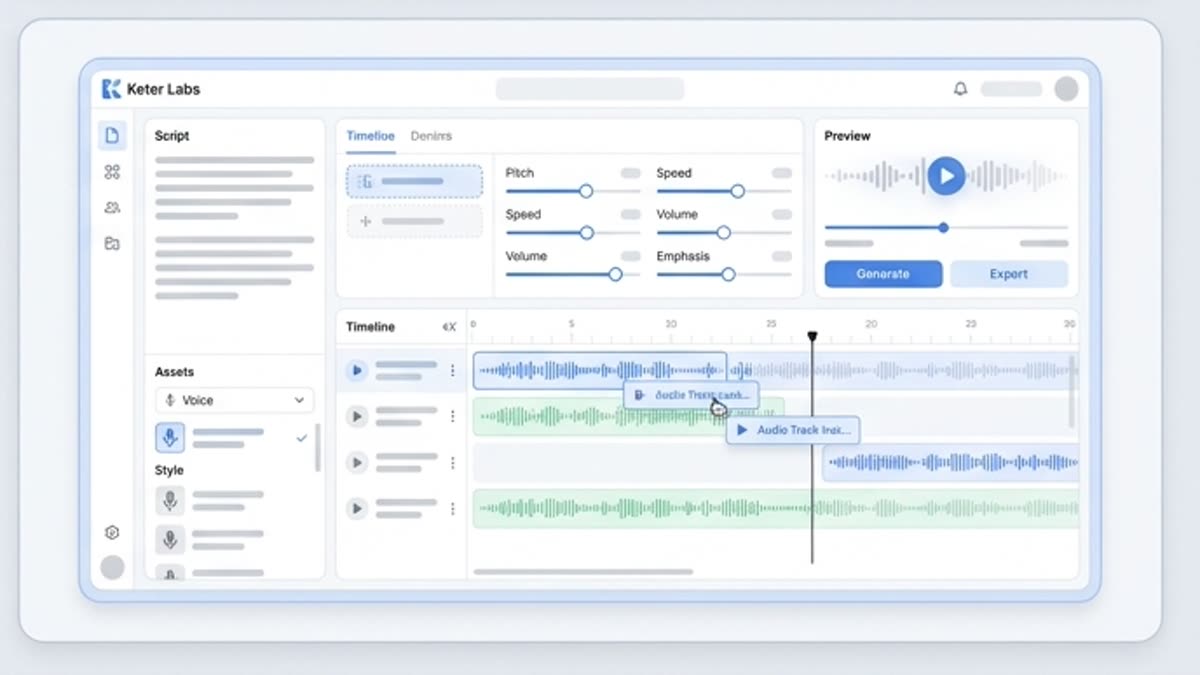
Voice as part of the content workflow
Work with the text, intonation, pace, video, music and final export inside one project.
Fits different formats
Prepare voiceovers for a product demo, explainer video, social content, presentation, onboarding, training or ad script.
Easier to compare options
Test different deliveries and keep the versions that best match the brand, audience and channel.
When to use it
Common jobs this section is built for.
These examples make it easier to choose where to start and which nearby section to open next.
You need to voice a video or presentation
Prepare a voice track for an explainer, product demo, pitch deck or training material.
You need to hear a script fast
Generate a voice draft to gauge the length, rhythm, weak spots in the text and the right intonation.
The team makes voice content regularly
Keep scripts, voice variants and final tracks in one workflow instead of separate tools.
Workflow
How it works inside Keter Labs.
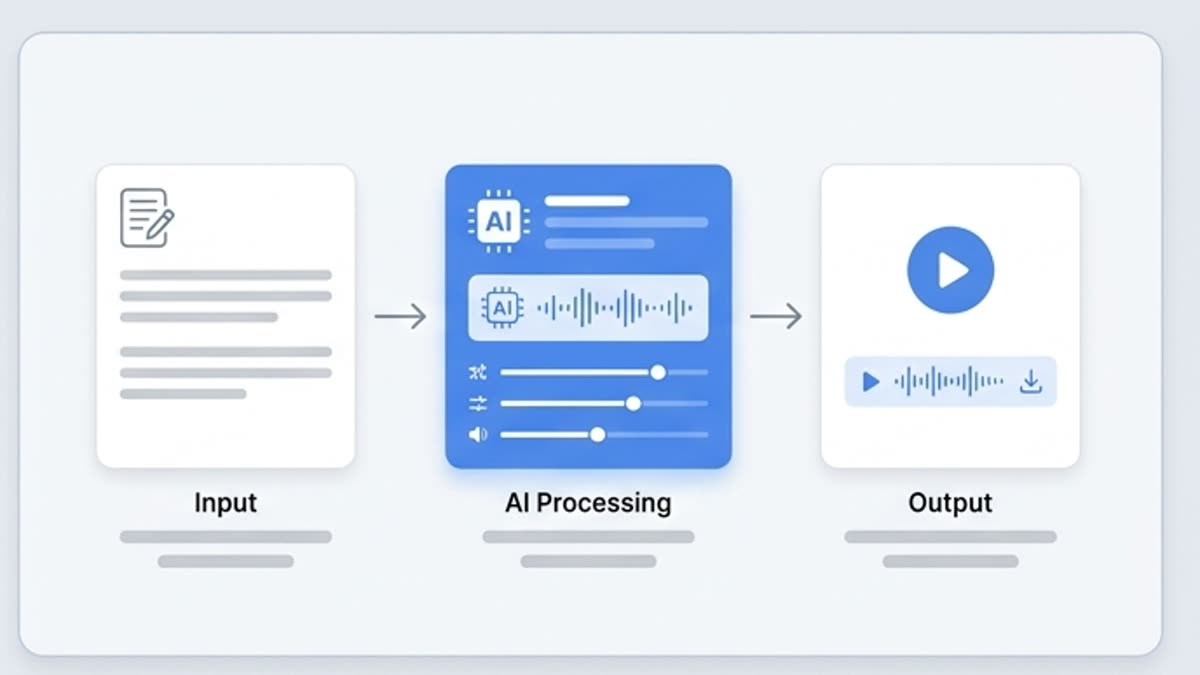
Every section in Keter Labs follows the same shape: a clear brief, a fast first draft, refinement in the editor, and a result saved into the project.
Step 1
Prepare the script, the goal of the voice material and the format where it will be used.
Step 2
Create or adjust a voice variant and check the pace, clarity and emotion.
Step 3
Save the track next to the video, music, SFX and final project materials.
Related sections
Where to go next.
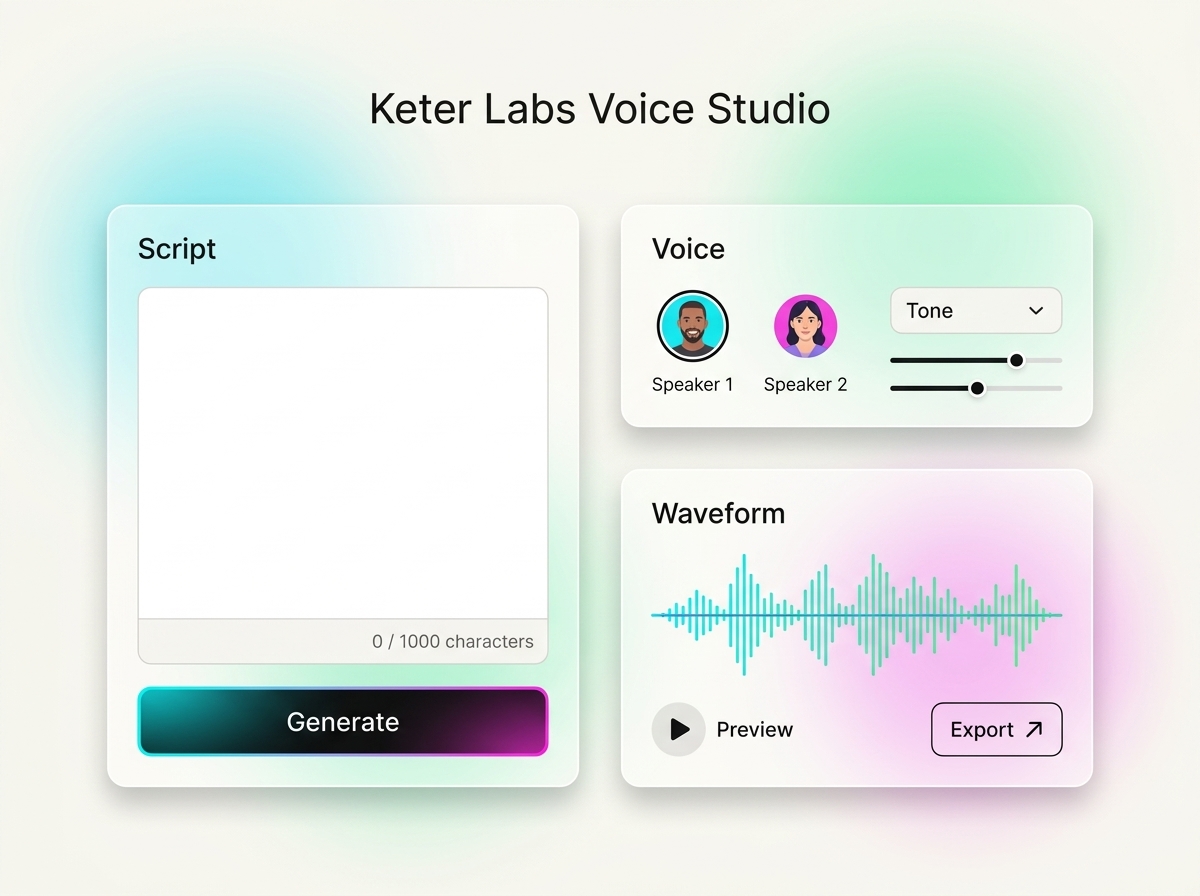
AI voice generator
AI voice generator helps users understand a specific AI creative task in plain language: what goes in, what comes out, where it fits in production, and how to keep the result useful instead of treating it as a one-off experiment.
Open AI voice generator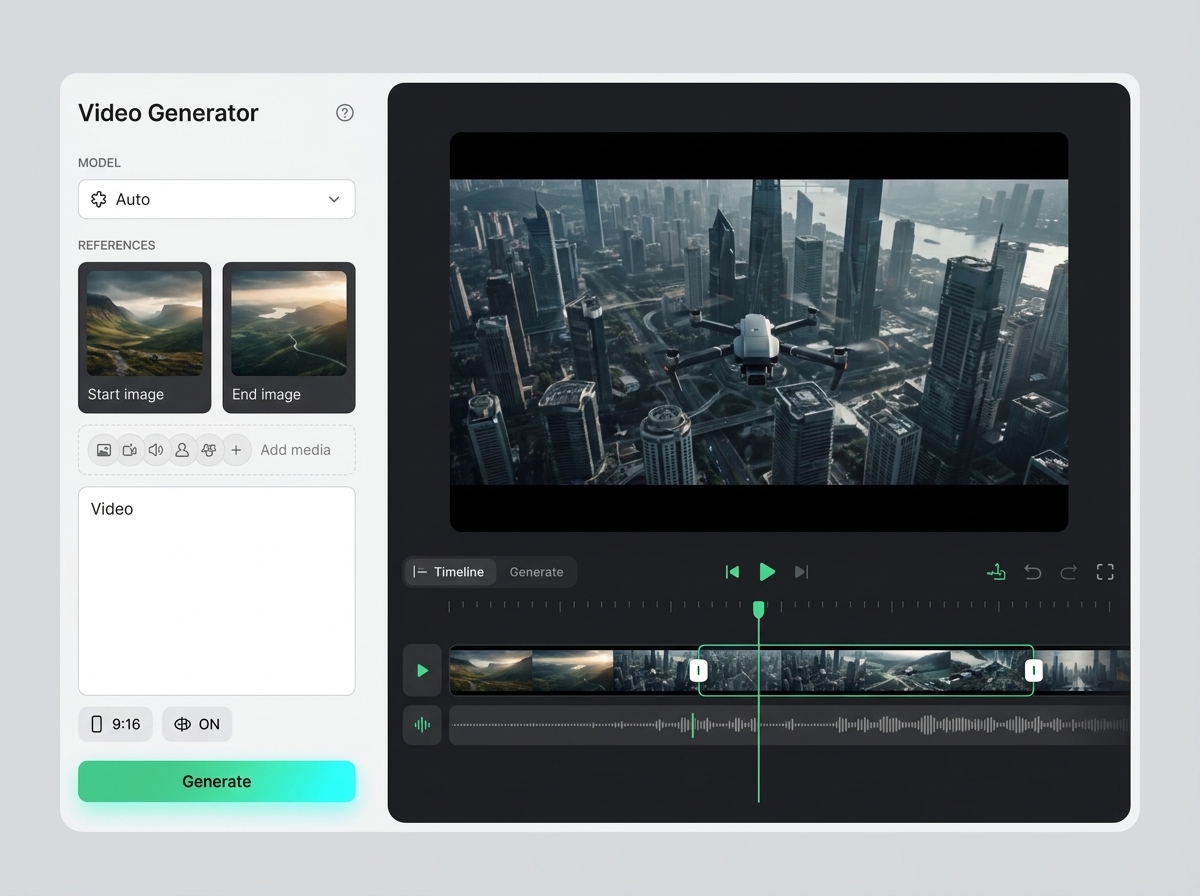
AI video generator
AI video generator helps users understand a specific AI creative task in plain language: what goes in, what comes out, where it fits in production, and how to keep the result useful instead of treating it as a one-off experiment.
Open AI video generator
Pricing for creators and teams
Pick the plan that fits your generation volume, team workflow and commercial output — from solo creators to production studios.
Open Pricing for creators and teamsFAQ
Frequently asked questions
What are Keter Labs AI voice tools?+
Keter Labs AI voice tools help teams create and manage voiceovers, speech content and audio workflow assets for videos, ads, presentations and projects.
Who should use AI voice tools?+
Creators, marketers, agencies, educators, studios and business teams can use AI voice tools when they need speech content for creative work.
What can AI voice tools create?+
AI voice tools can support voiceovers, narration drafts, speech variants, video scripts, training content, ad reads and presentation audio.
How do voice tools fit into Keter Labs?+
Voice tools connect audio work with video, music, presentation, campaign and team workflows inside Keter Labs.
Can marketing teams use AI voice tools?+
Yes. Marketing teams can use AI voice tools to produce voice-supported campaign assets, product videos, explainers and presentation materials faster.
Ready when you are
Bring this workflow into your next project.
Spin up assets, lock in versions and align your team around a single creative platform.
Create account