Creative AI suite
AI tools for creative work
A unified set of AI tools for generating, editing and upscaling image, video, audio and design assets — all in one studio.
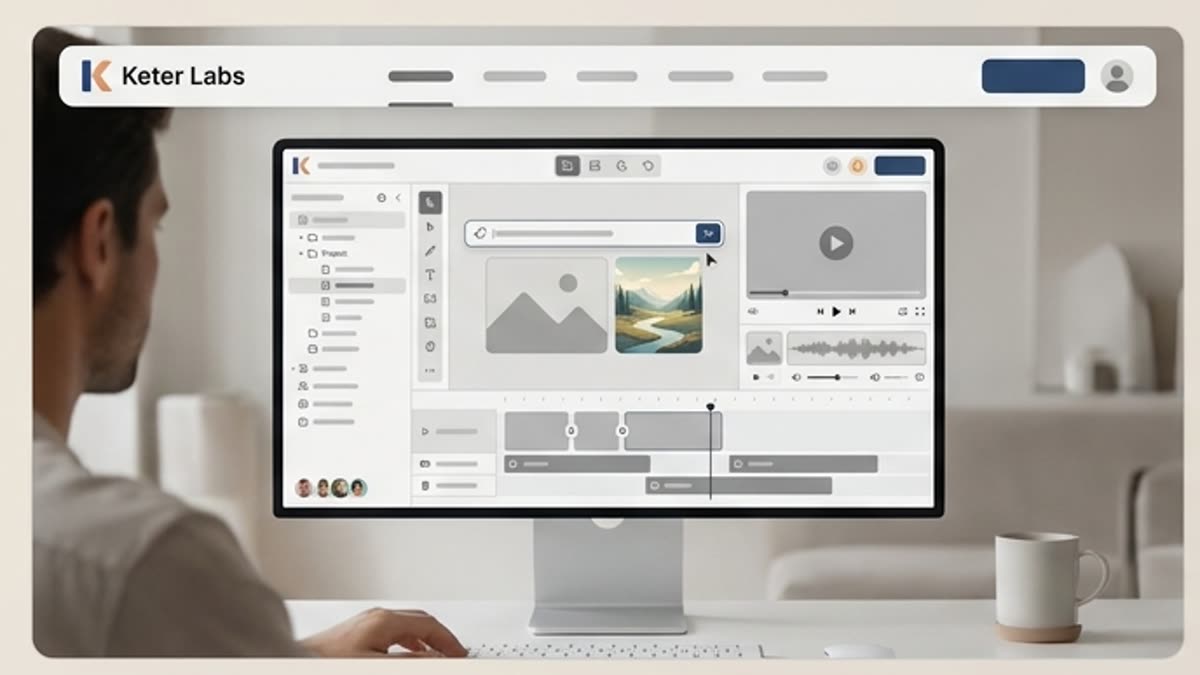
What's included
What this section gives you.
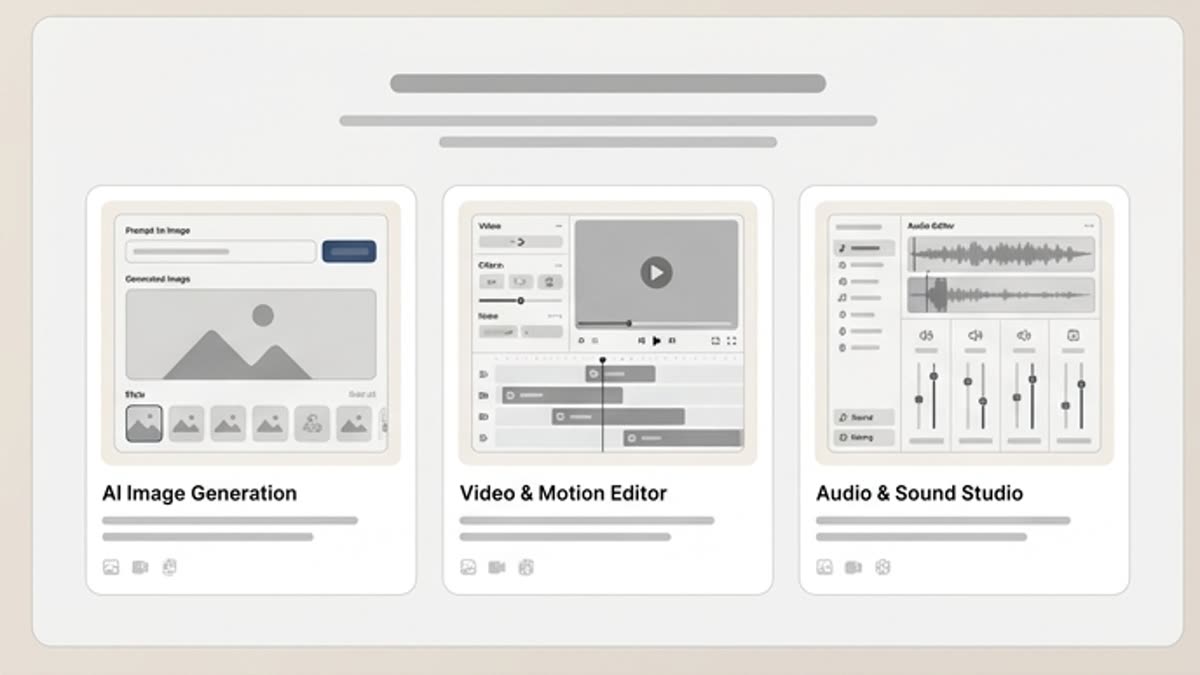
Every format in one place
Create images, video, music, voiceovers, icons, layouts and visual style variants without switching tools.
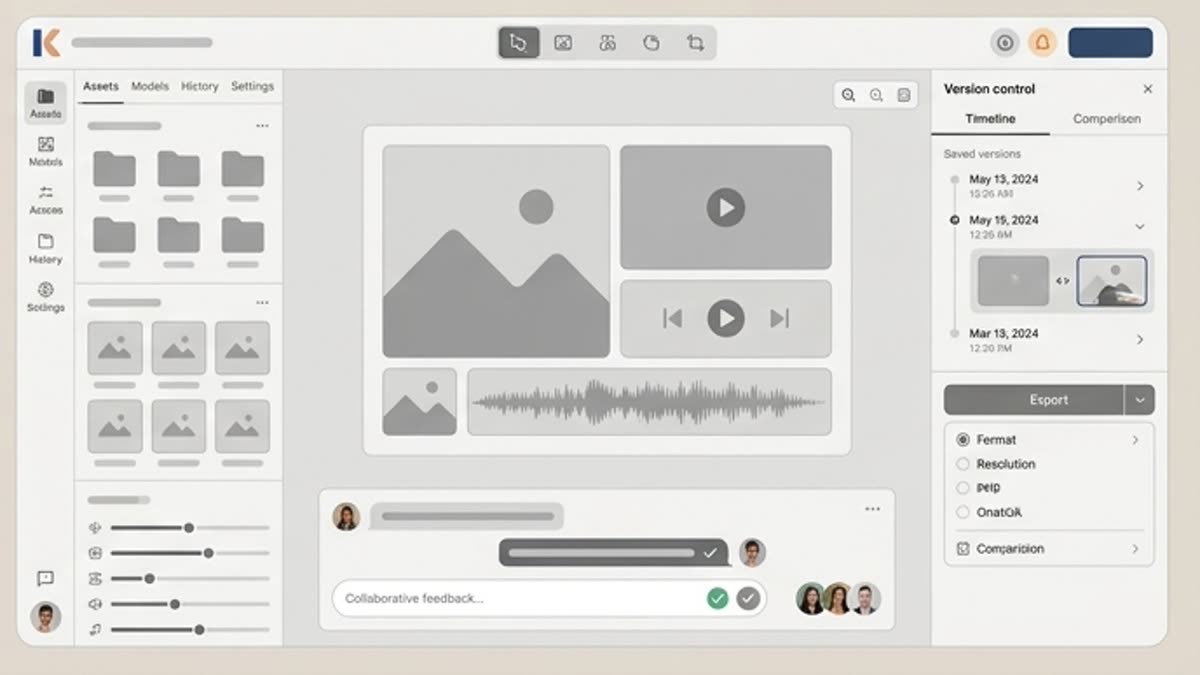
From idea to publish
Move from generation to editing, upscaling, resizing and export without leaving the workspace.
Built for team workflows
Capture presets, repeat your best processes and keep brand style consistent across every output.
Inside this section
Jump straight to the right page.
Open a specific tool, library or workspace inside this section so you can start with the action you need instead of searching through navigation.
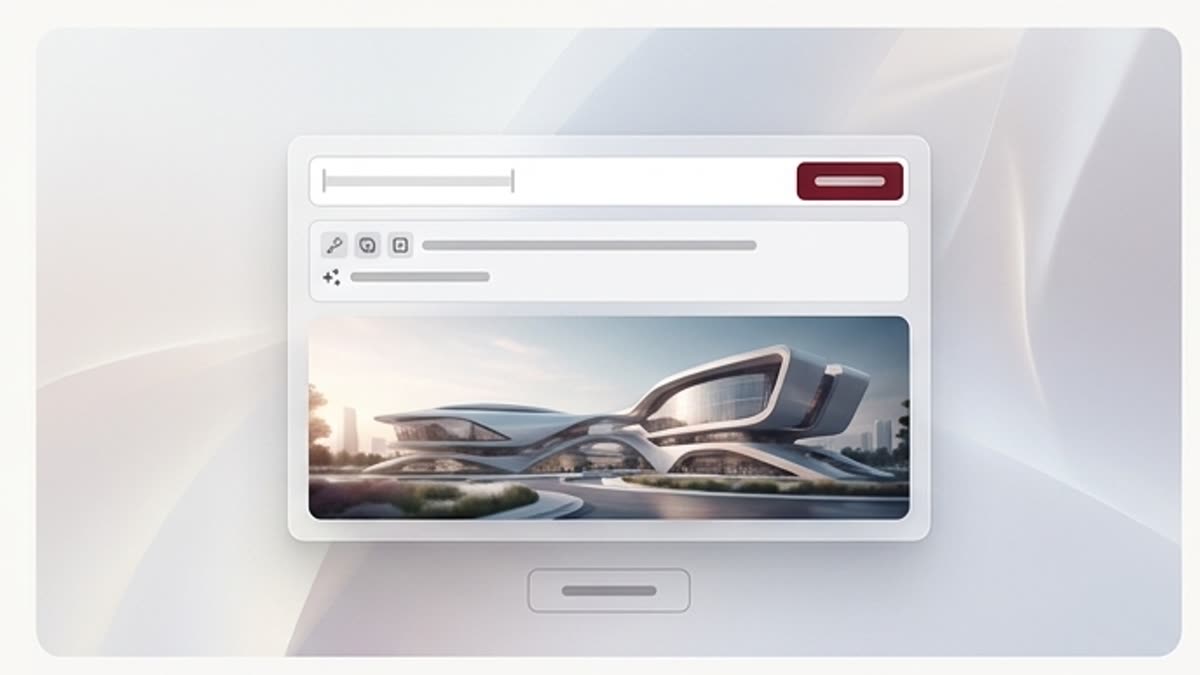
Image generator
An AI image generator for campaigns, product visuals, covers, social media and presentations. Describe the task, add references, pick a direction and bring the best variant to a working file in Keter Labs.
Open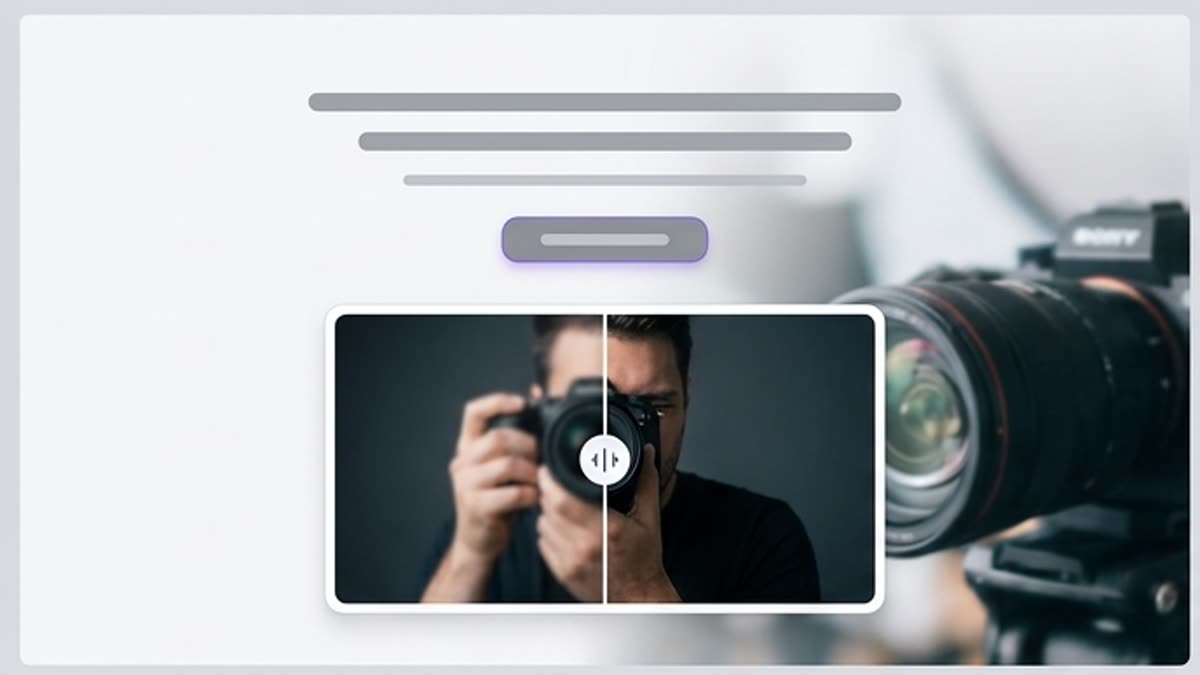
Image enhancer
Image enhancement for cases when the idea already fits but the file lacks cleanliness, detail, tidy edges or publish-readiness. Works for AI outputs, photos, product shots and stock assets.
Open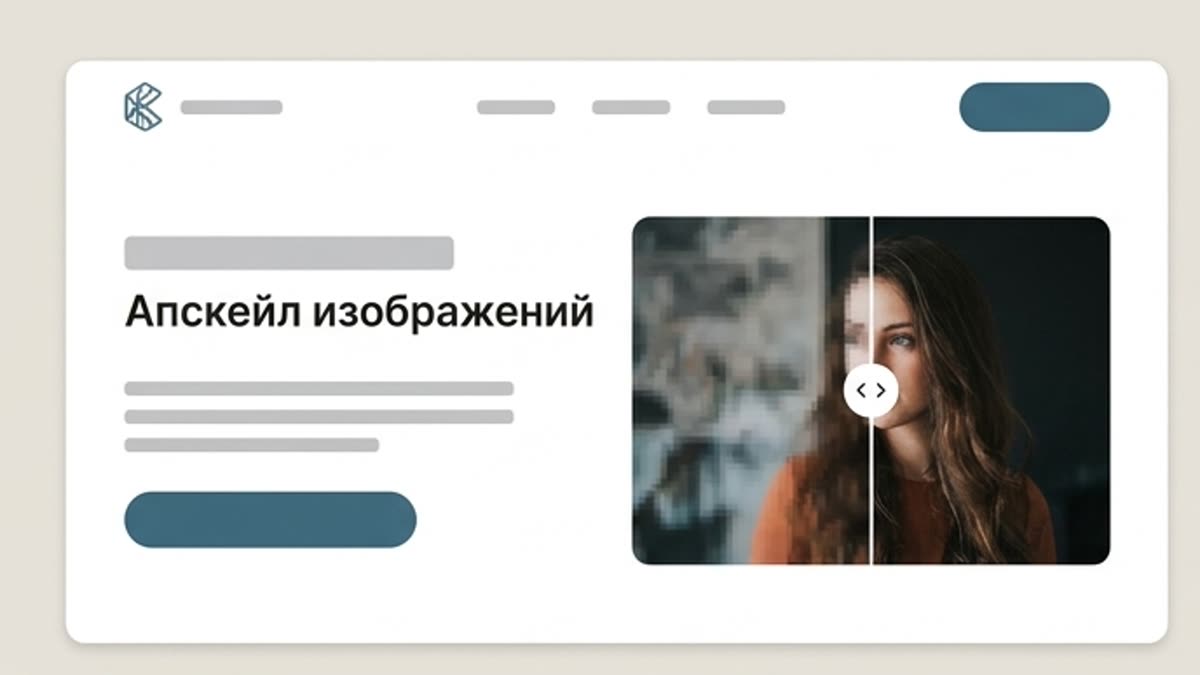
Image upscaler
AI upscaling turns a strong draft or a small image into a higher-resolution file for ads, ecommerce, presentations, landing pages and print.
Open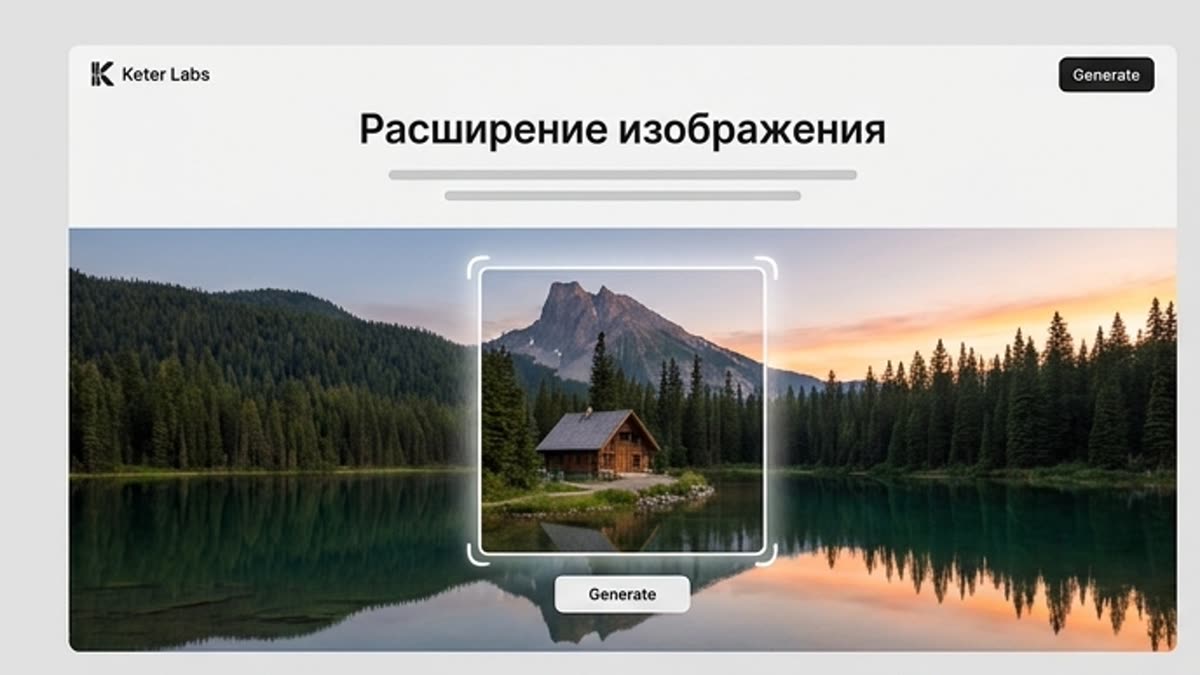
Image expand
Image expand extends the frame for a new format: a wide hero, vertical social, a presentation slide, an ad banner or a product layout. Useful when the original idea is good but the composition needs more room.
Open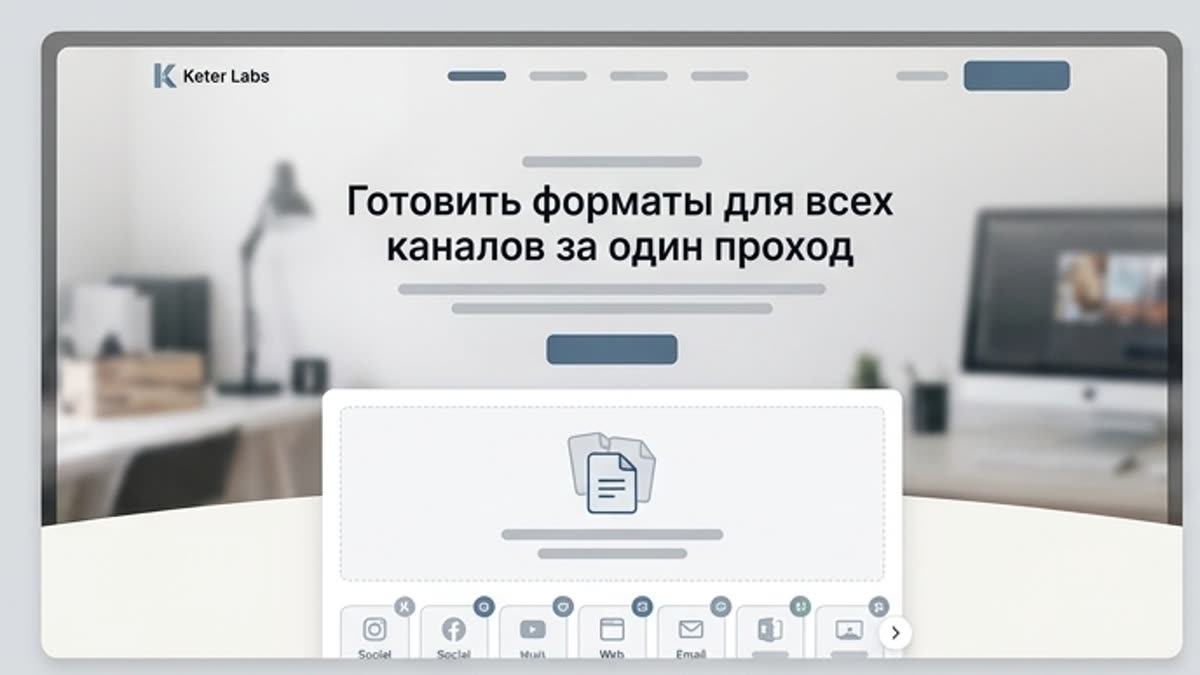
Image resize
AI image resize helps you quickly prepare one visual for different channels: a post, stories, a banner, a hero block, a presentation, a product card or an ad format. The tool preserves the meaning of the composition and saves you from rebuilding every size by hand.
Open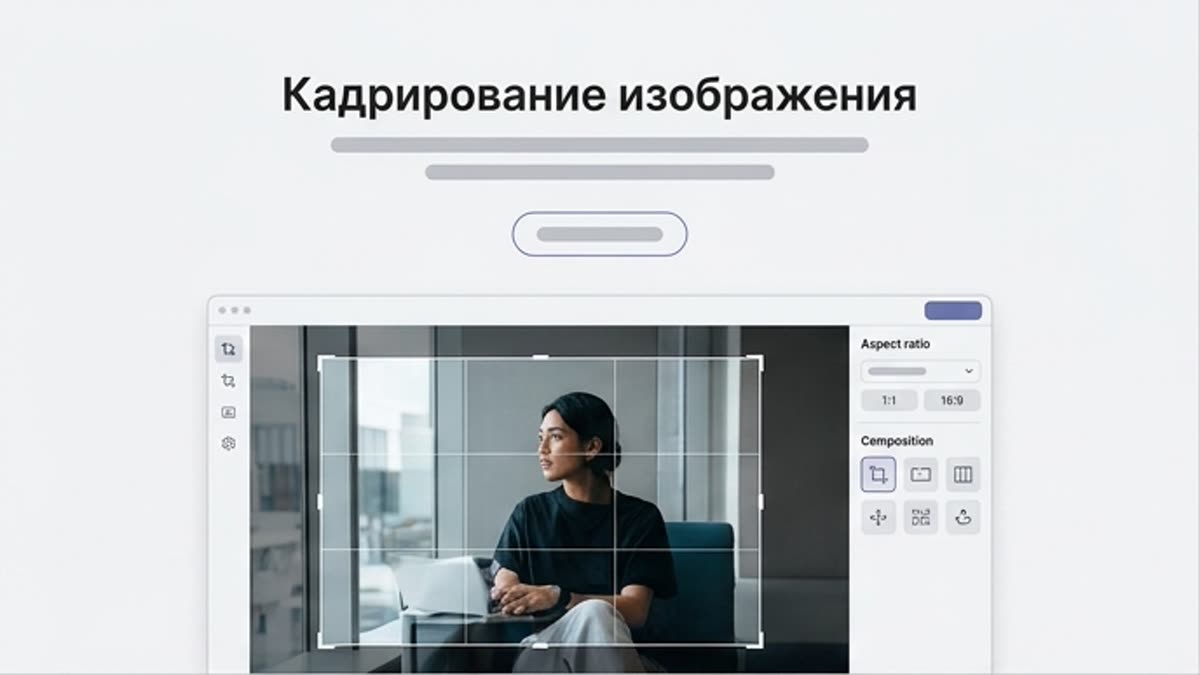
Image crop
Image crop helps you quickly choose a strong composition, cut the excess and prepare a visual for the right aspect ratio. Useful for product shots, portraits, social content, covers and presentation assets.
Open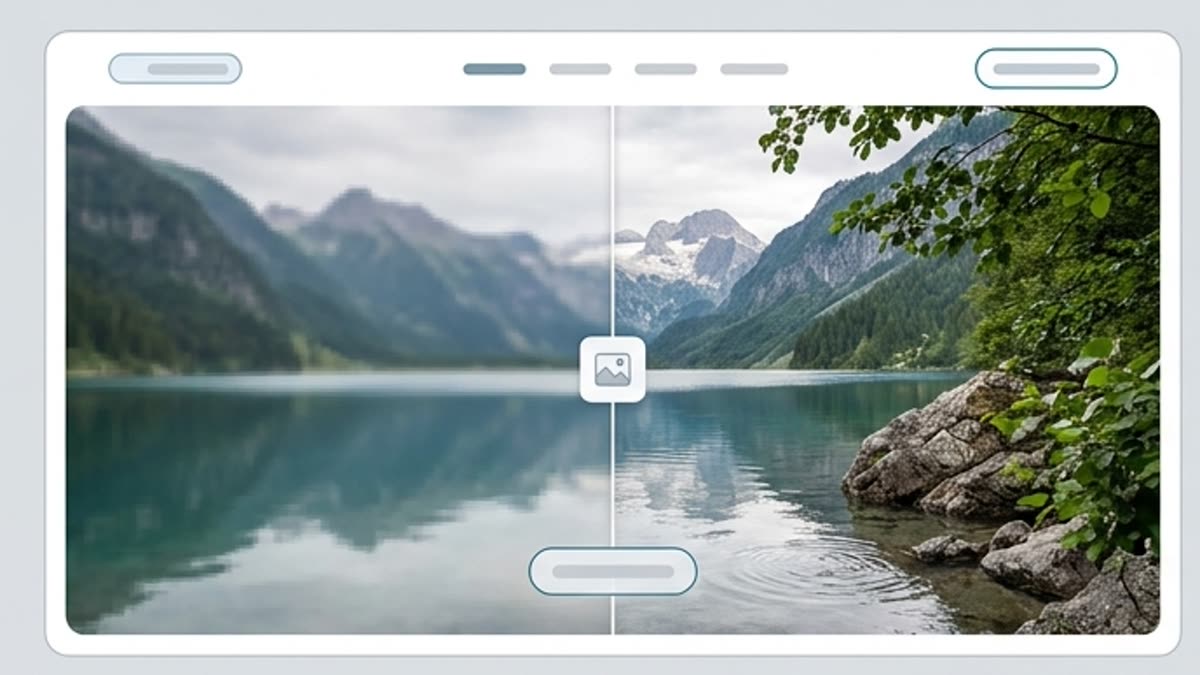
Image deblur
AI unblur and sharpening restore clarity to soft images, photos, renders and AI drafts. Use the tool when the visual fits the brief but the details look blurry or not confident enough to publish.
Open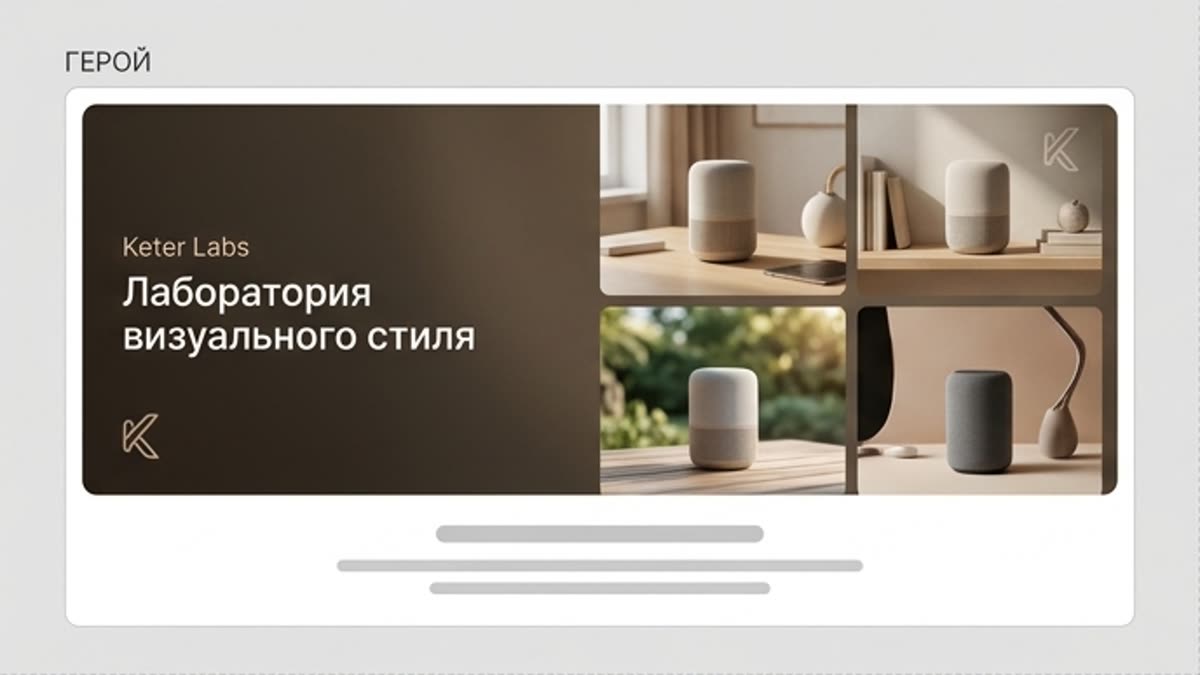
Visual style lab
The visual style lab helps you explore and lock in an aesthetic for a series of images: color, light, mood, textures, compositional techniques and the overall character of the brand. It is a space for experiments you can turn into a repeatable system.
Open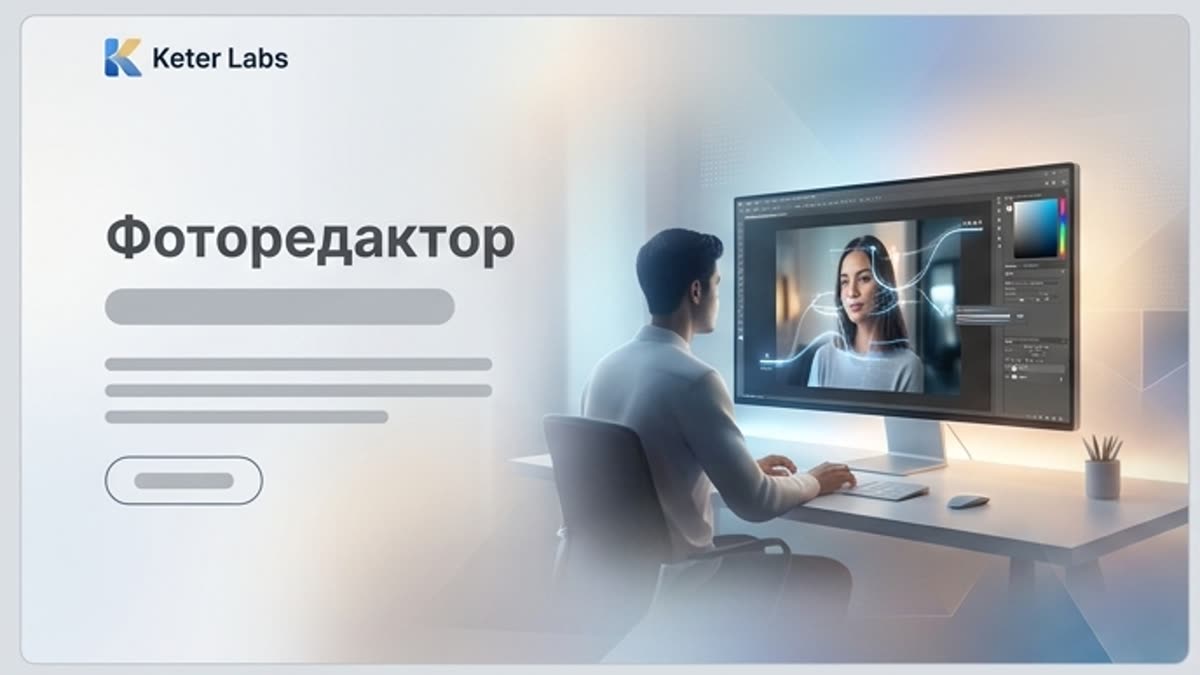
Photo editor
An AI photo editor for careful refinement of portraits, product photos, lifestyle shots, stock images and campaign assets. Remove clutter, improve the light, clean up details and get photos ready to publish without a heavy manual process.
Open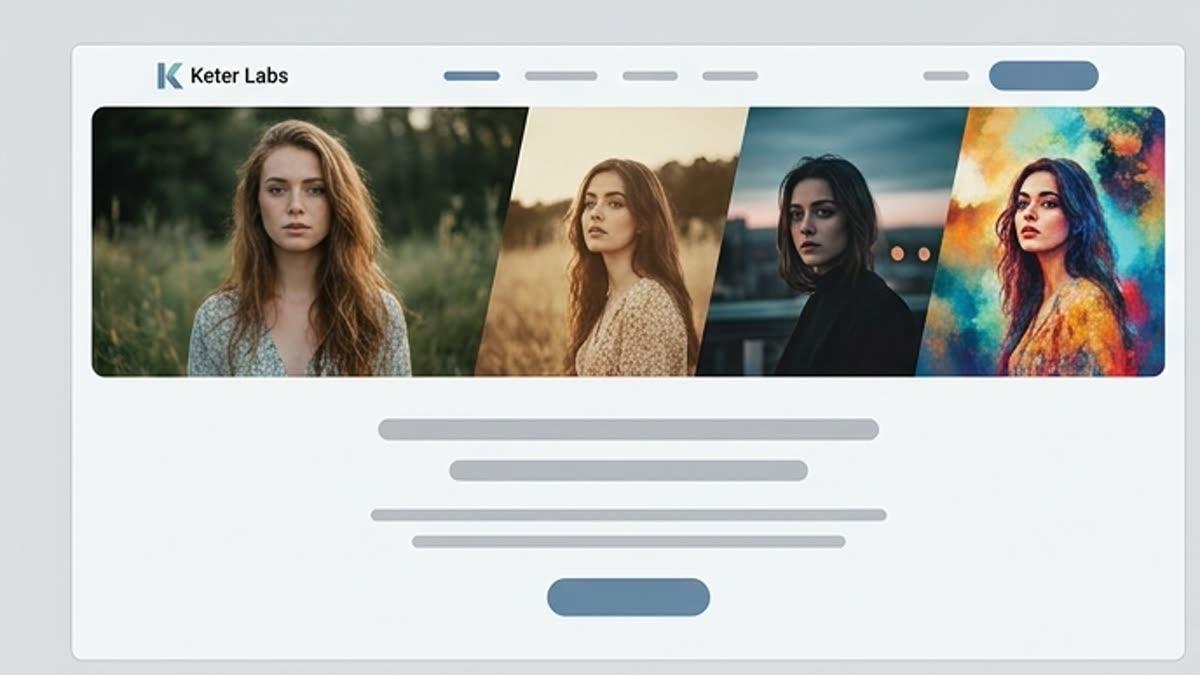
AI photo filters
AI photo filters help you quickly find the mood, color treatment and final character of an image. Use them for social series, lifestyle shots, presentations, brand materials and visually aligning photos.
Open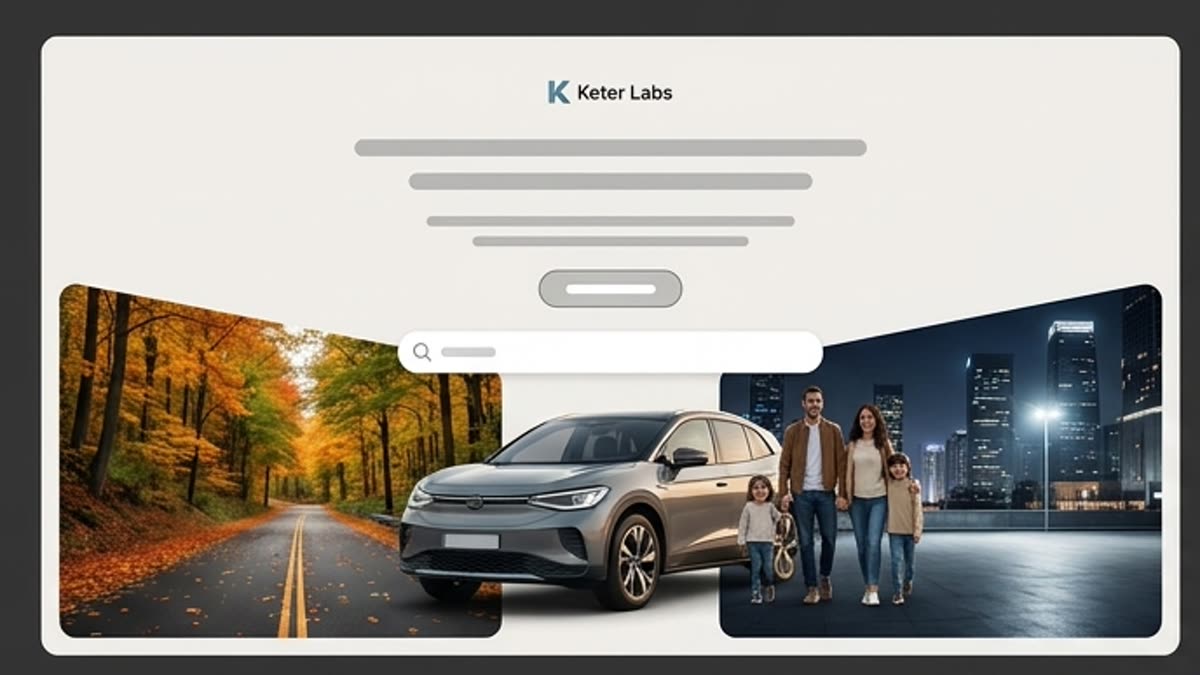
Background generator
The background generator creates new backdrop scenes for products, portraits, ad visuals, product cards and presentations. It helps you quickly place the main subject in a context that supports the brand, season, campaign or a specific channel.
Open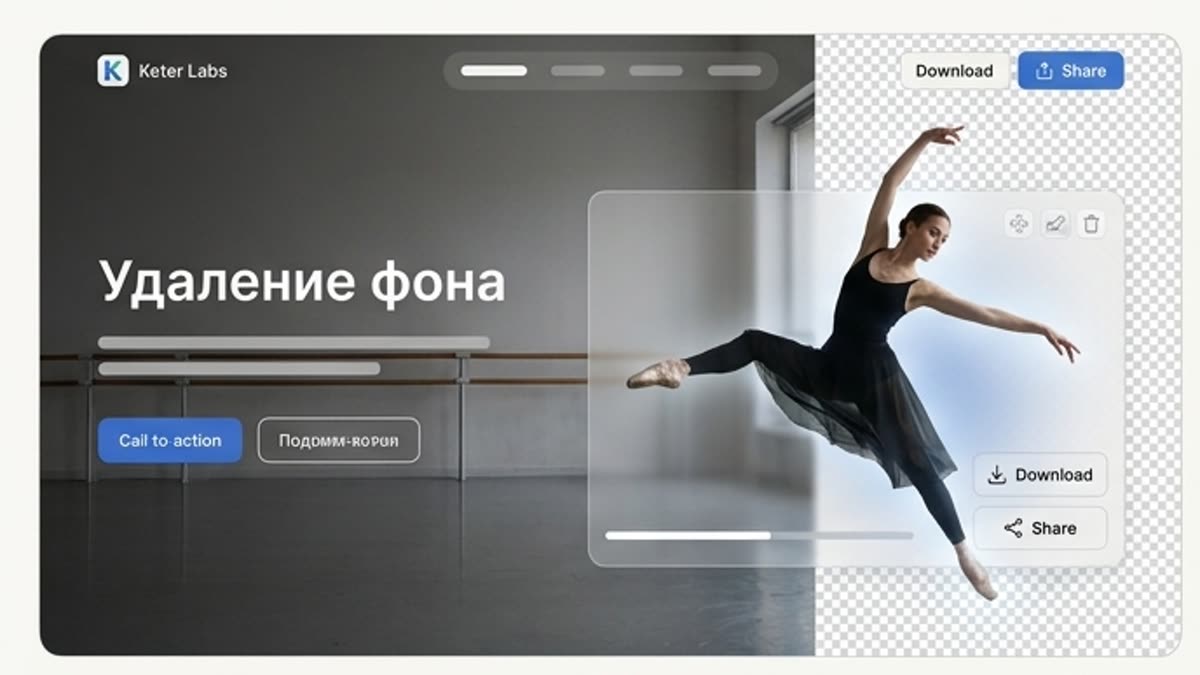
Background remover
Background removal helps you quickly get a clean subject, product cutout, portrait or PNG asset for layouts, product cards, presentations, ads and further generation. The tool isolates the main subject and keeps the edges tidy.
Open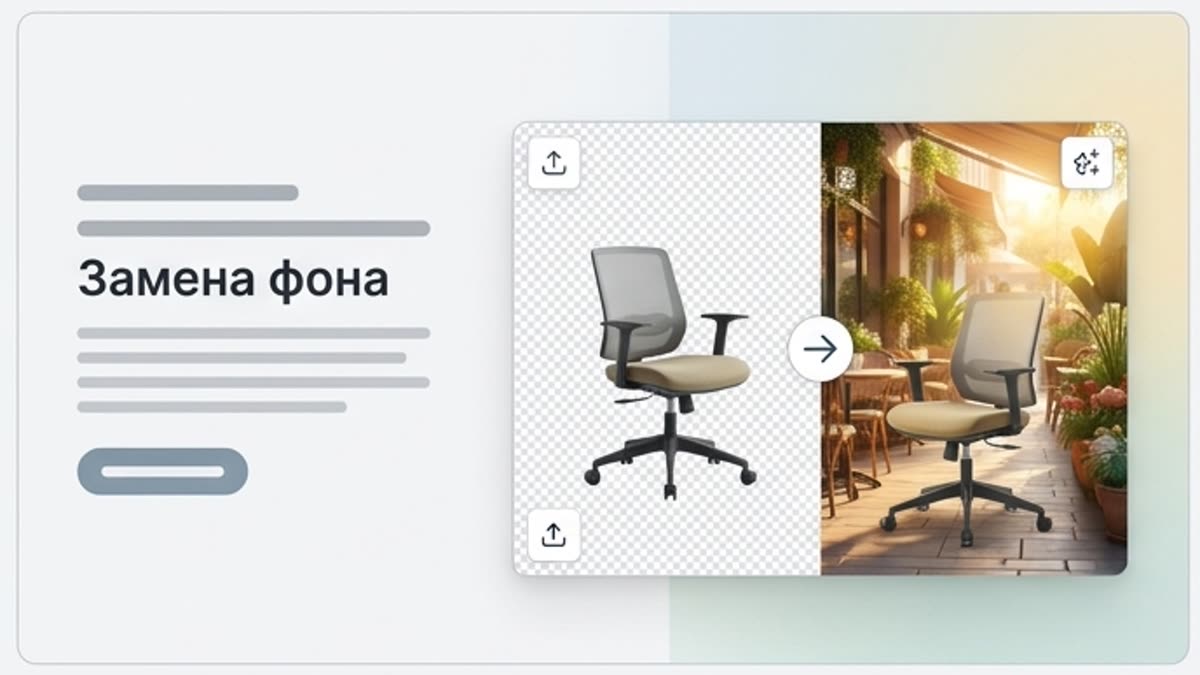
Background swap
Background swap moves a subject, person or product into a new scene without a full reshoot. Use AI background replacement for ad visuals, product photos, social content, presentations and seasonal campaigns.
Open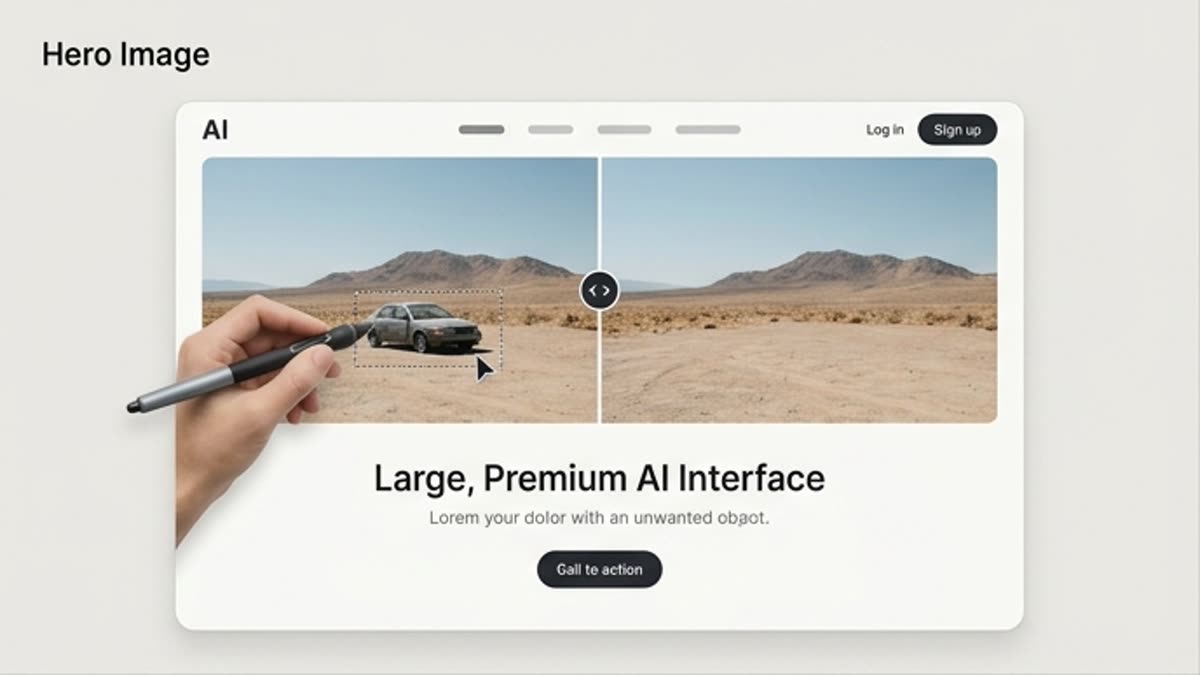
Object remover
The AI object remover clears unwanted items, people, spots, background elements and visual noise from images. Use it on photos, product shots, social creatives, presentations and AI drafts where small details spoil a good idea.
Open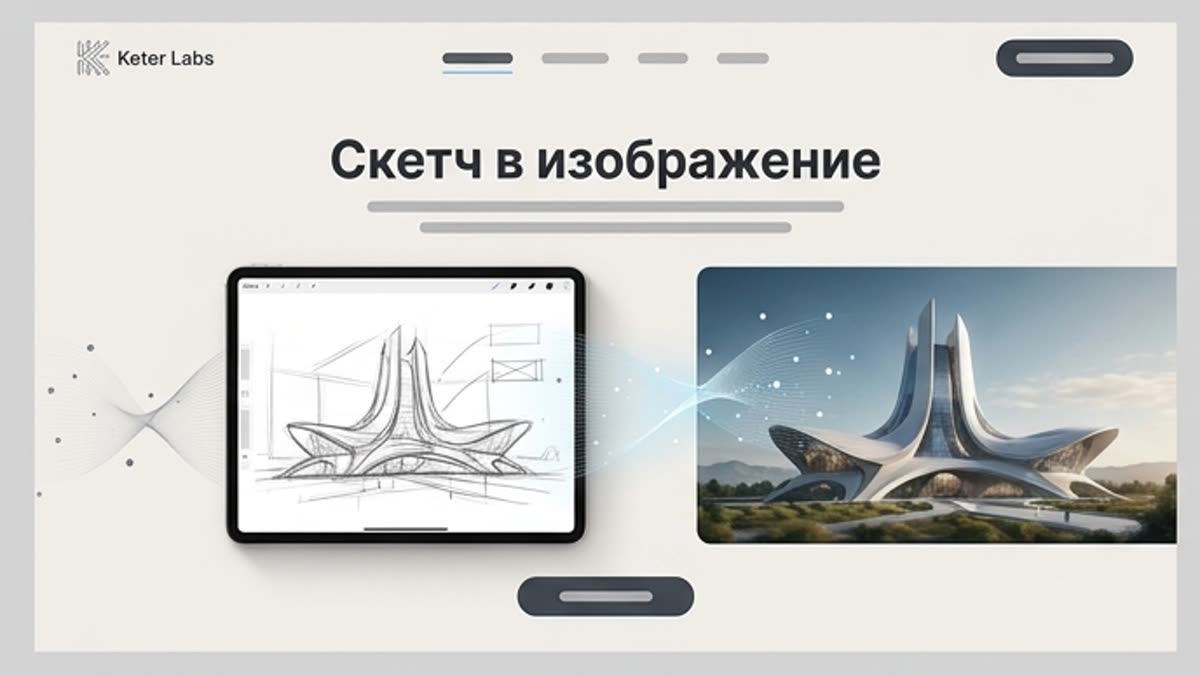
Sketch to image
Sketch to image turns quick sketches, wireframes, product sketches, layout ideas and rough compositions into more finished images. Handy when the direction is already clear on paper or in a diagram, but the team needs to see it in visual form fast.
Open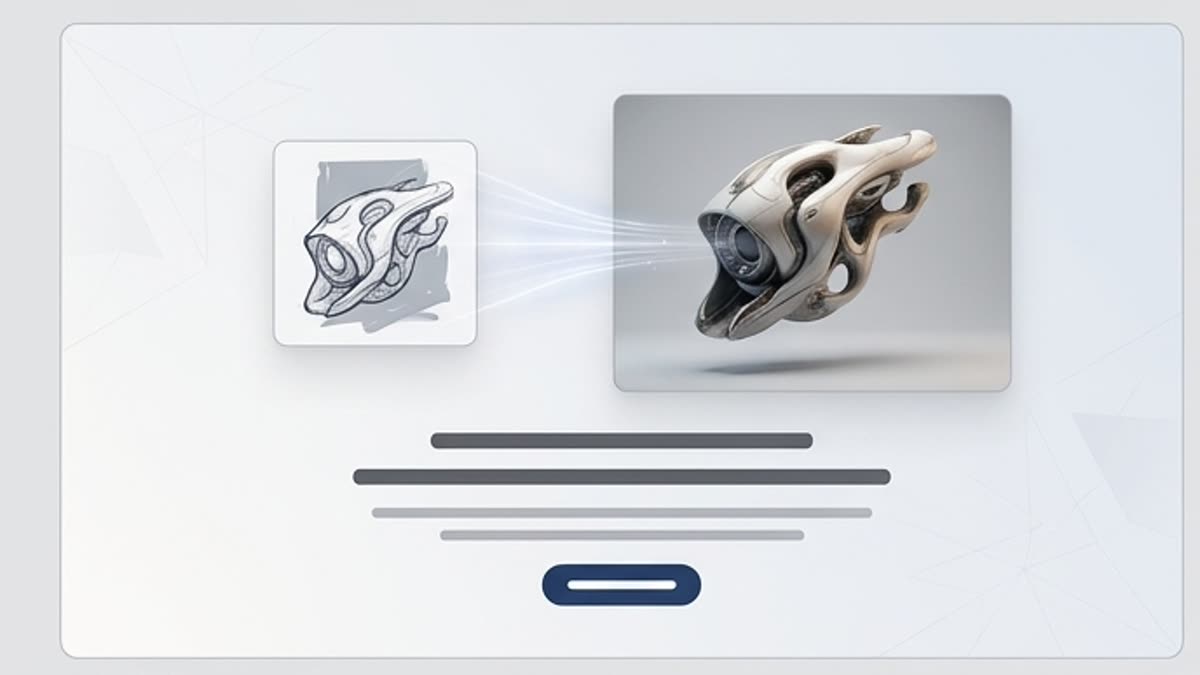
3D model generator
The AI 3D model generator helps you quickly produce base 3D objects, props, product concepts, scene elements and visual assets for presentations, prototypes, games, design and campaigns.
Open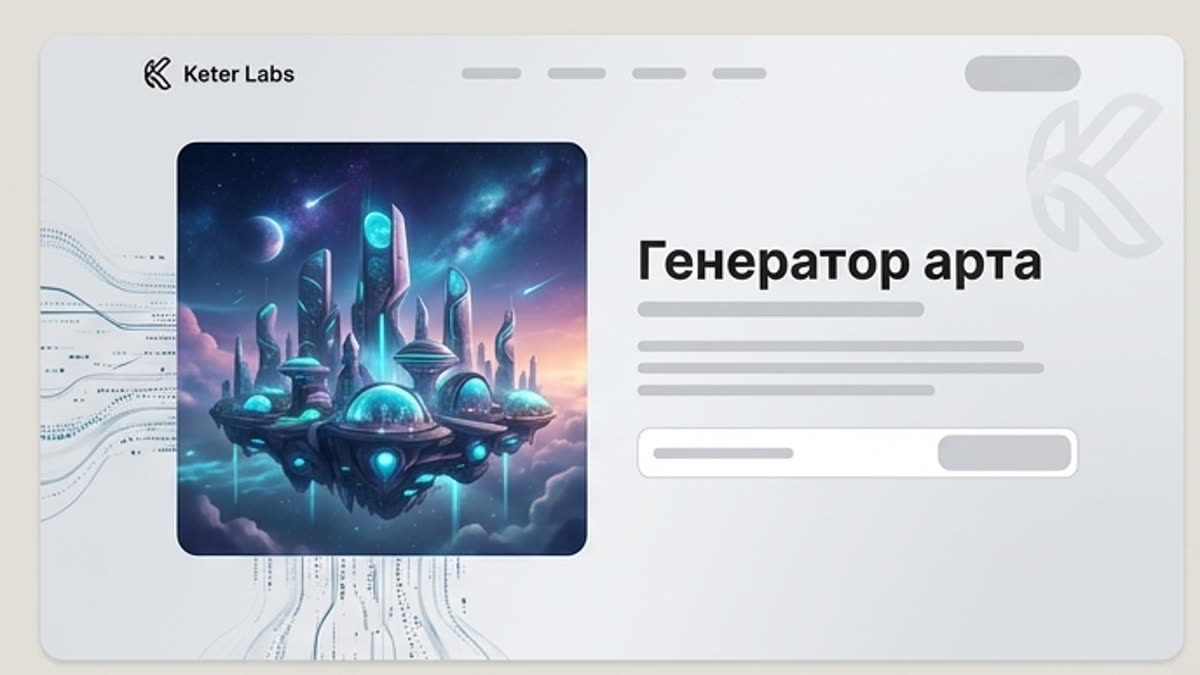
Art generator
An AI art generator for concept art, editorial illustration, stylized visuals, mood directions and creative exploration. Use it when you need to quickly explore an atmosphere, image, visual language or artistic direction.
Open
Icon generator
The icon generator helps you quickly create icon sets for interfaces, landing pages, presentations, brand materials and product explanations. Describe the style, shape, stroke weight, theme and constraints so the set looks cohesive.
Open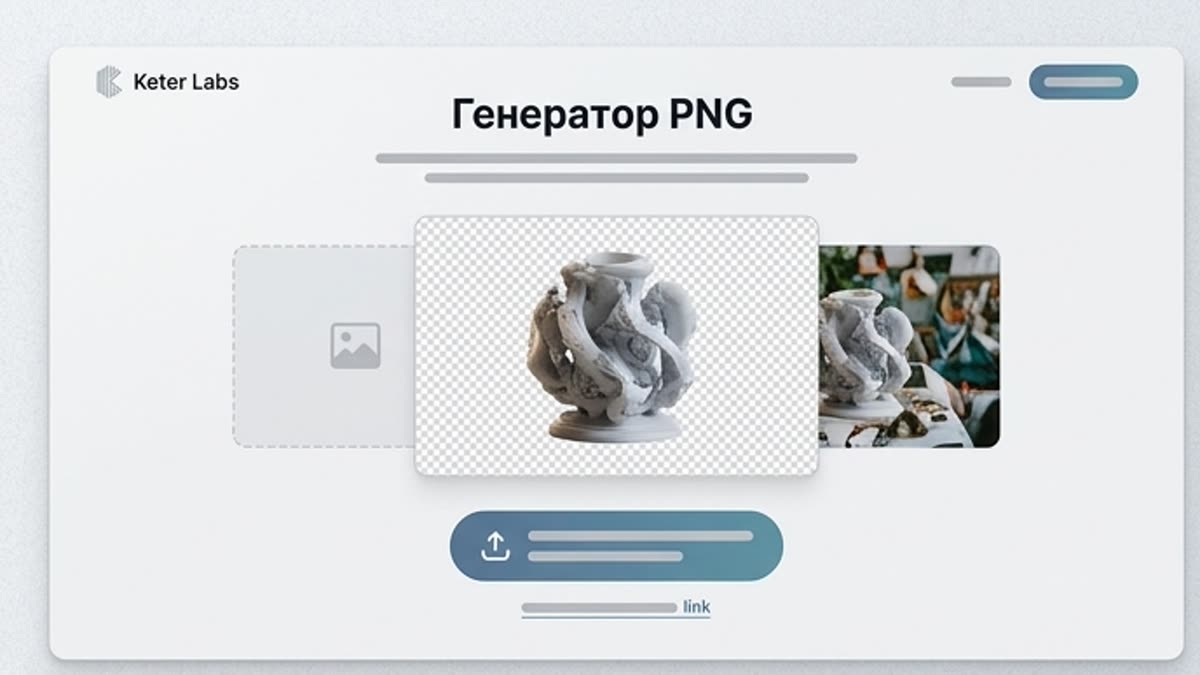
PNG generator
The PNG generator creates transparent assets for design, layouts, presentations, banners, social creatives and product visuals. Handy when you need a background-free object you can drop straight onto a canvas.
Open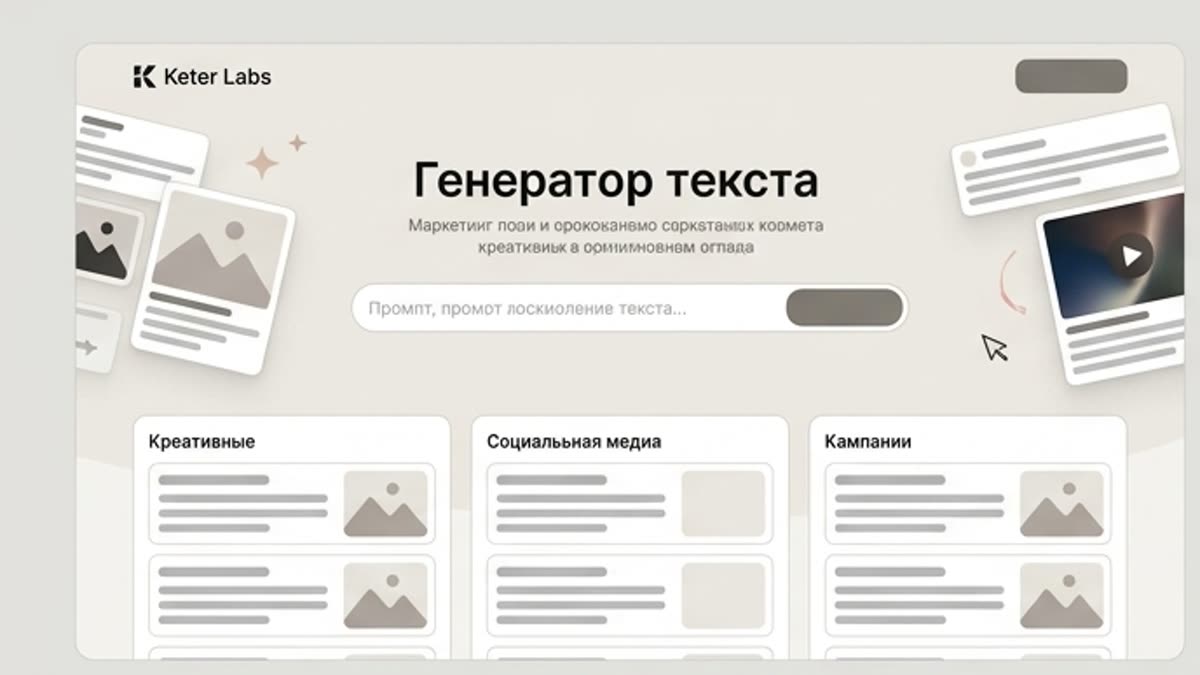
Text generator
The AI text generator helps you write and iterate on copy for creatives, product cards, landing pages, email, social media, presentations and ad campaigns. Useful when you need several phrasings tuned to the task and brand tone rather than one random text.
Open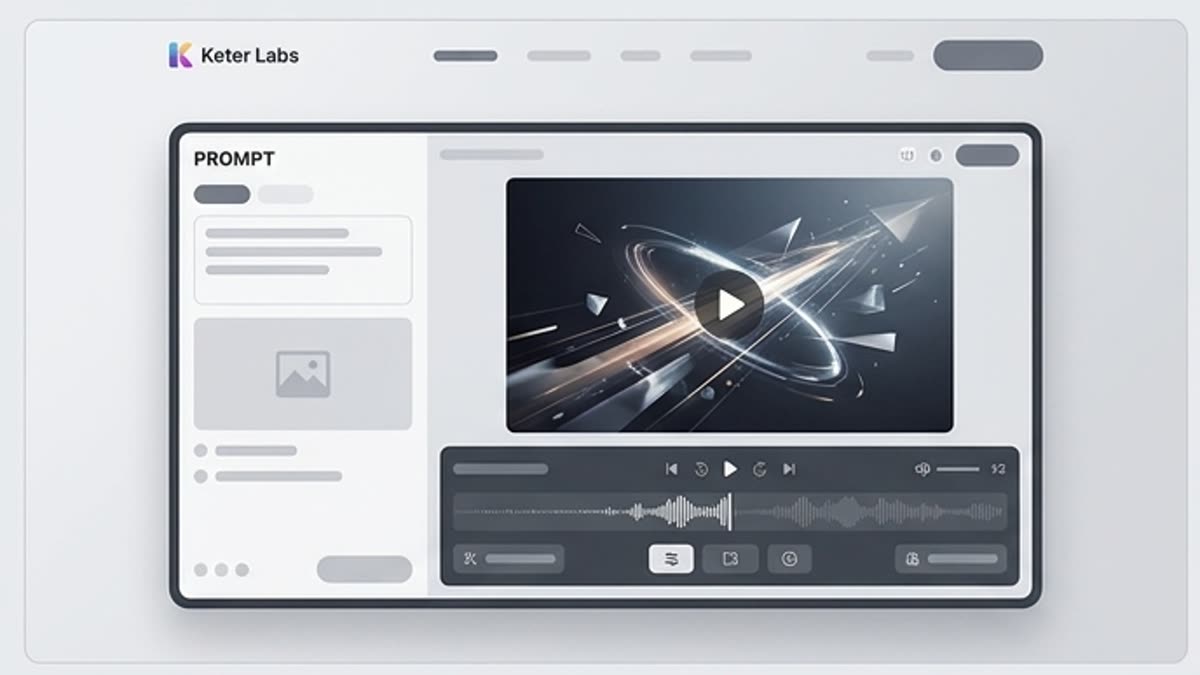
Video generator
An AI video generator for short ad scenes, social content, product motion, mood videos and first drafts of clips. Start from text, an image or a reference, define the motion and bring the clip to a format you can show the team.
Open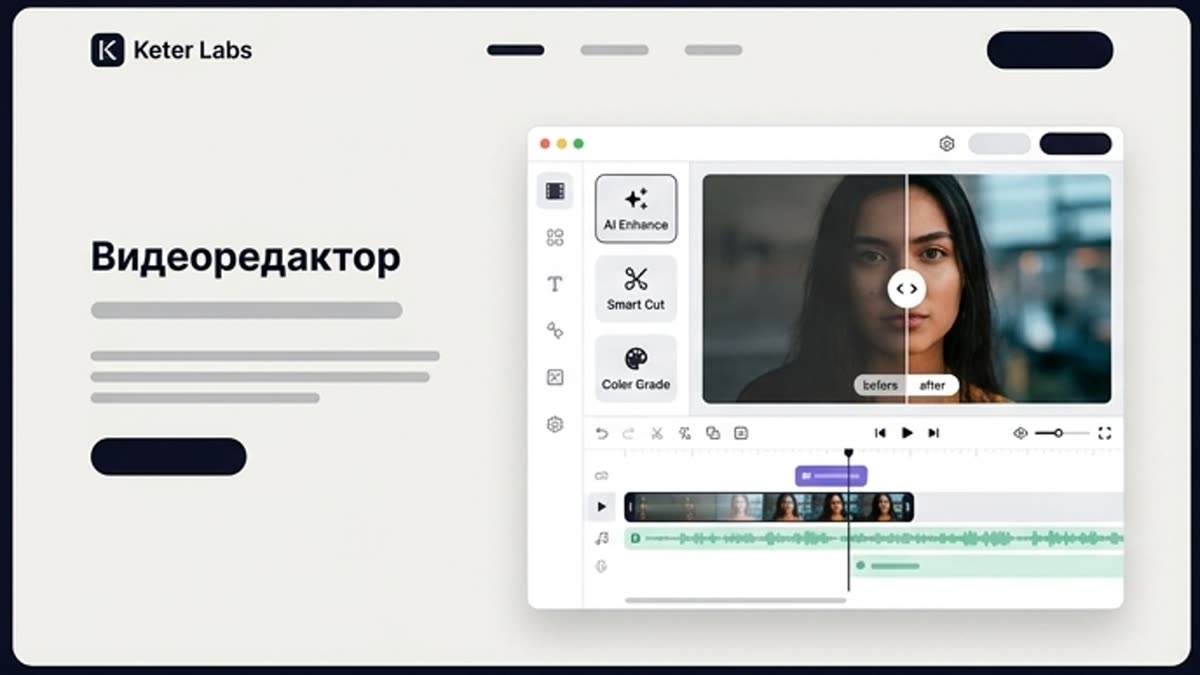
Video editor
A video editor for the final prep of AI clips and short videos: trimming, pacing, channel versions, quality improvement, sound and clean packaging for publishing or review.
Open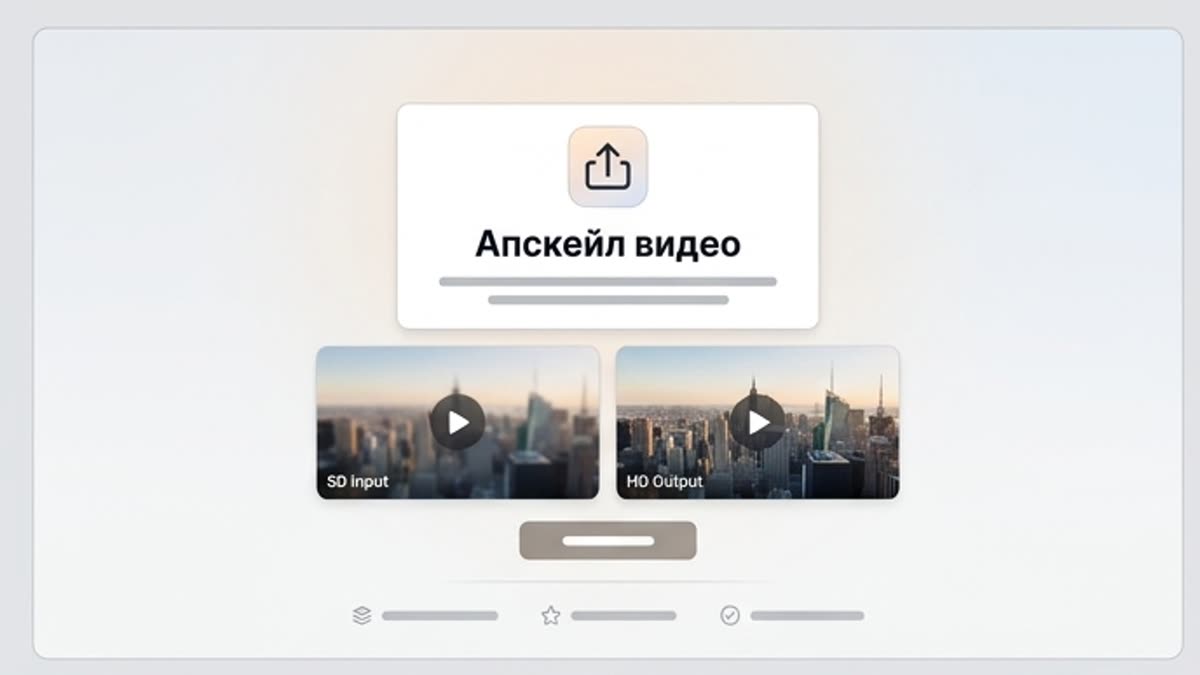
Video upscaler
AI video upscaling improves the sharpness, detail and publish-readiness of a clip. Use it for generated clips, product motion, social videos, presentation assets and videos that need to hold up on larger screens.
Open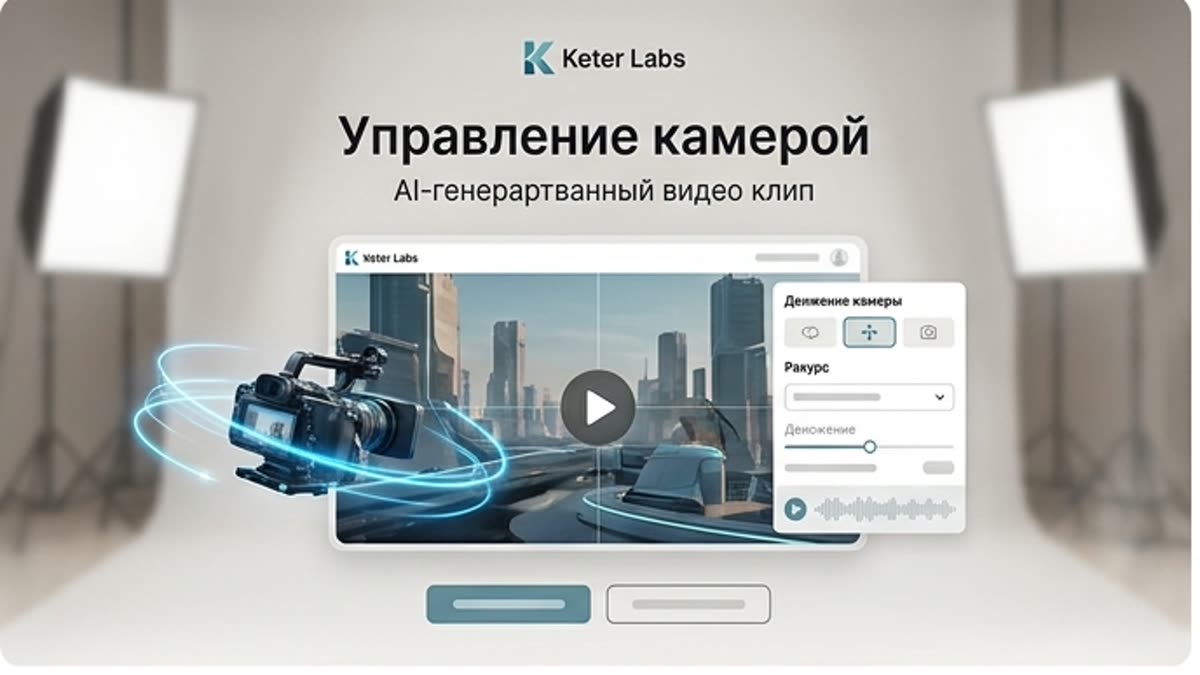
Camera control
Camera control helps you set the angle, movement and framing language of AI video. Use camera control so a clip reads like a deliberate scene: a product orbit, a soft push-in, a cinematic pan, a handheld feel or a detail reveal.
Open
Music generator
The AI music generator helps you create original music drafts for videos, ads, presentations, podcasts, social clips and brand content. Describe the mood, genre, tempo and length to get a track for a specific task.
Open
Sound effect generator
The sound effect generator creates short SFX for videos, interfaces, motion scenes, games, transitions, product demos and social clips. Use it when you need a specific sound for an action, not a full music track.
Open
Voice generator
The AI voice generator helps you create voiceovers for ads, training videos, product demos, presentations, social content and internal materials. Prepare a script, pick a tone and get a voice track ready to drop into your project.
Open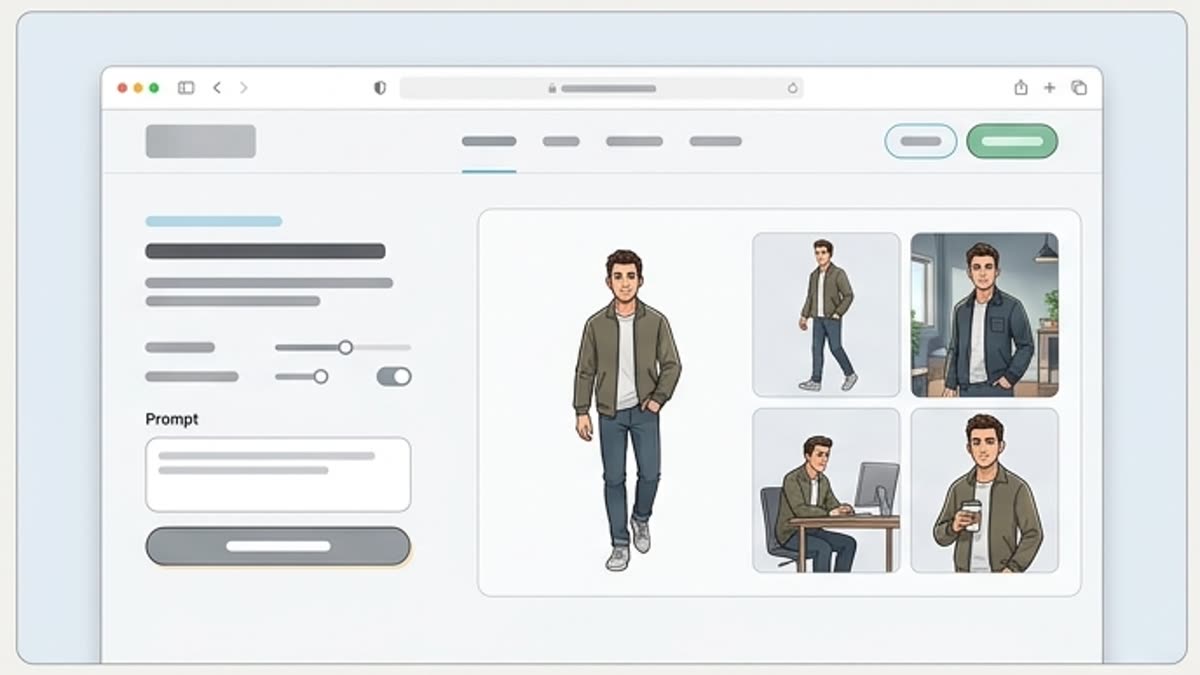
Custom characters
Custom AI characters help you create repeatable heroes for ad series, training materials, social content, explainers and brand campaigns. The character stays recognizable, and the team gets more control over variations.
Open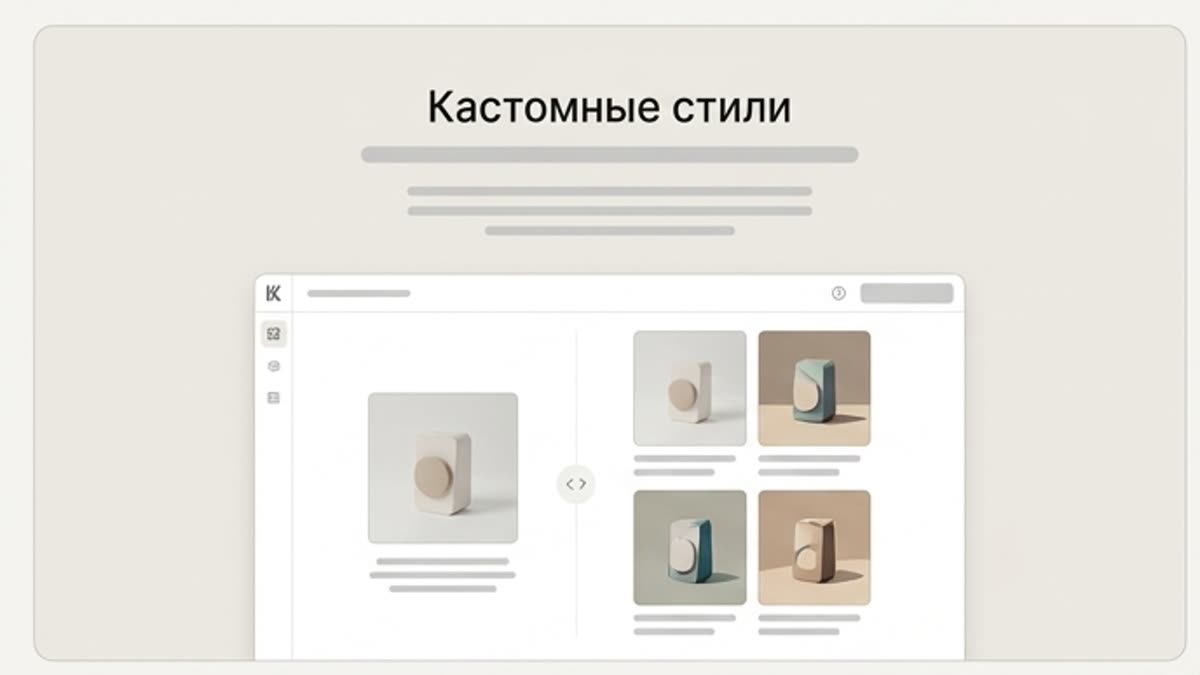
Custom styles
Custom AI styles help keep the brand visually consistent: color, light, composition, image character, finishing and the rules that make new assets look like part of one system.
Open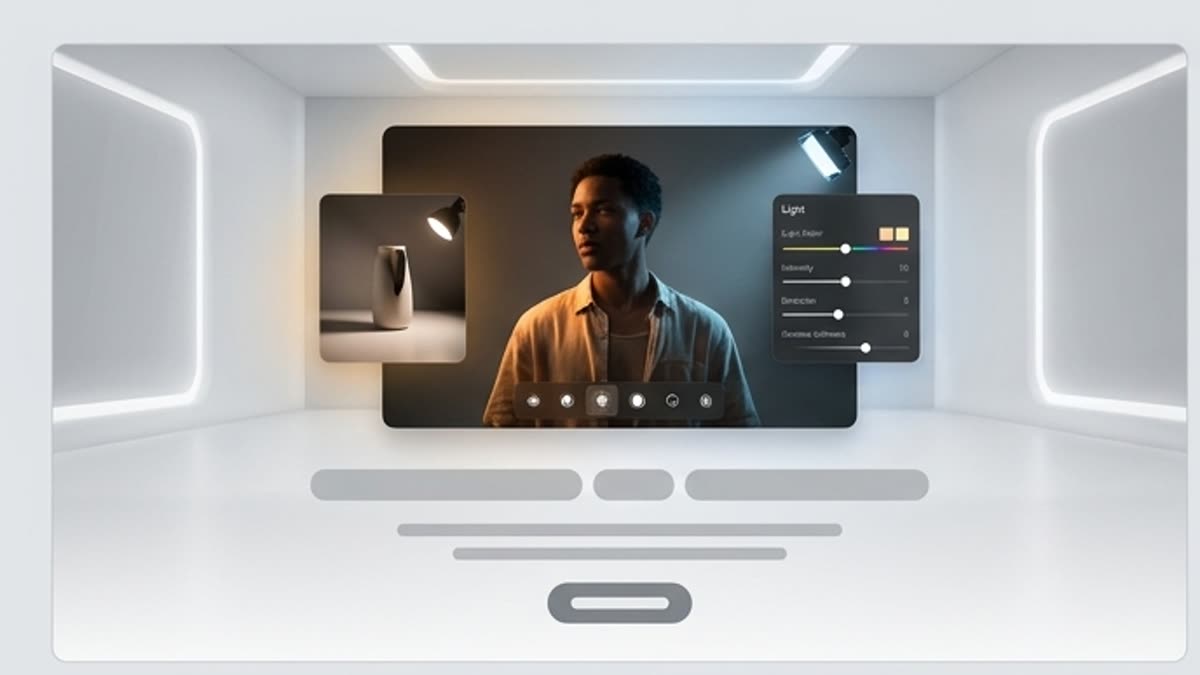
AI relight
AI relight helps you change the lighting on photos, product shots, portraits, scenes and AI visuals without heavy manual editing. Use relight to make an image cleaner, more dramatic, softer or closer to your brand style.
Open
Reimagine
Reimagine helps you find new visual takes on an existing idea, image or composition. Use it when the current version is close but you want to test another style, scene, mood, angle or level of detail.
OpenWorkflow
How it works inside Keter Labs.
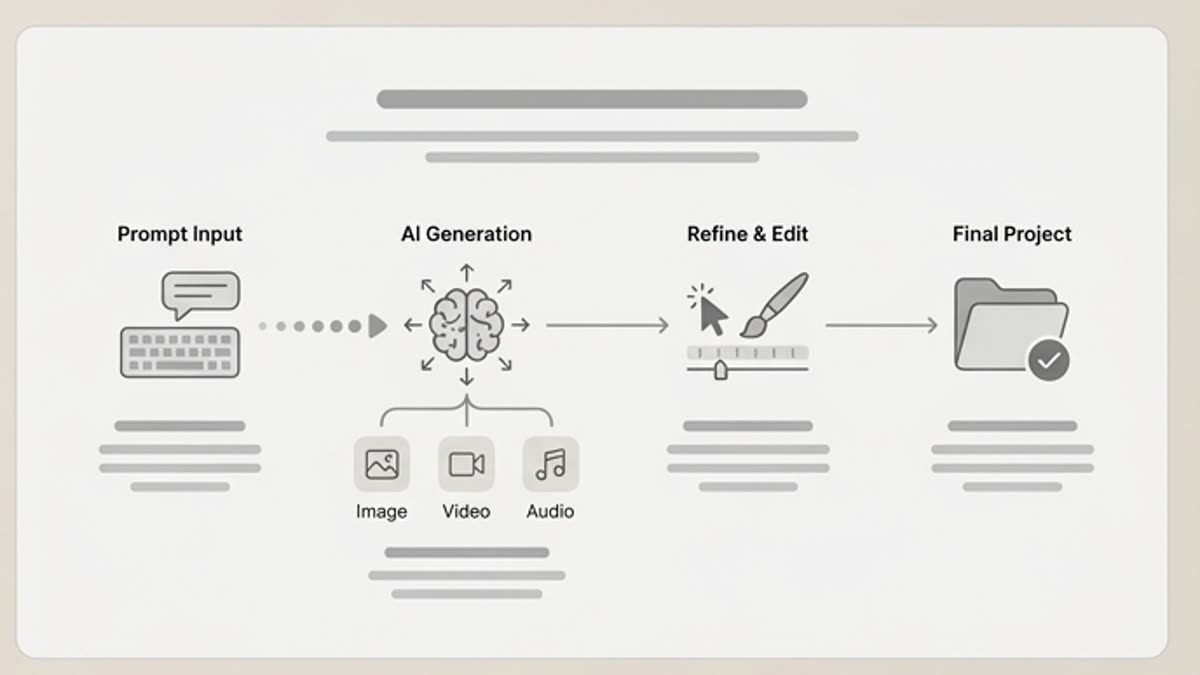
Every section in Keter Labs follows the same shape: a clear brief, a fast first draft, refinement in the editor, and a result saved into the project.
Step 1
Pick the content type and the right tool for the job.
Step 2
Write the brief, upload references or start from a template.
Step 3
Refine the result and save it into the project.
Related sections
Where to go next.
Image generator
An AI image generator for campaigns, product visuals, covers, social media and presentations. Describe the task, add references, pick a direction and bring the best variant to a working file in Keter Labs.
OpenVideo generator
An AI video generator for short ad scenes, social content, product motion, mood videos and first drafts of clips. Start from text, an image or a reference, define the motion and bring the clip to a format you can show the team.
OpenMusic generator
The AI music generator helps you create original music drafts for videos, ads, presentations, podcasts, social clips and brand content. Describe the mood, genre, tempo and length to get a track for a specific task.
Open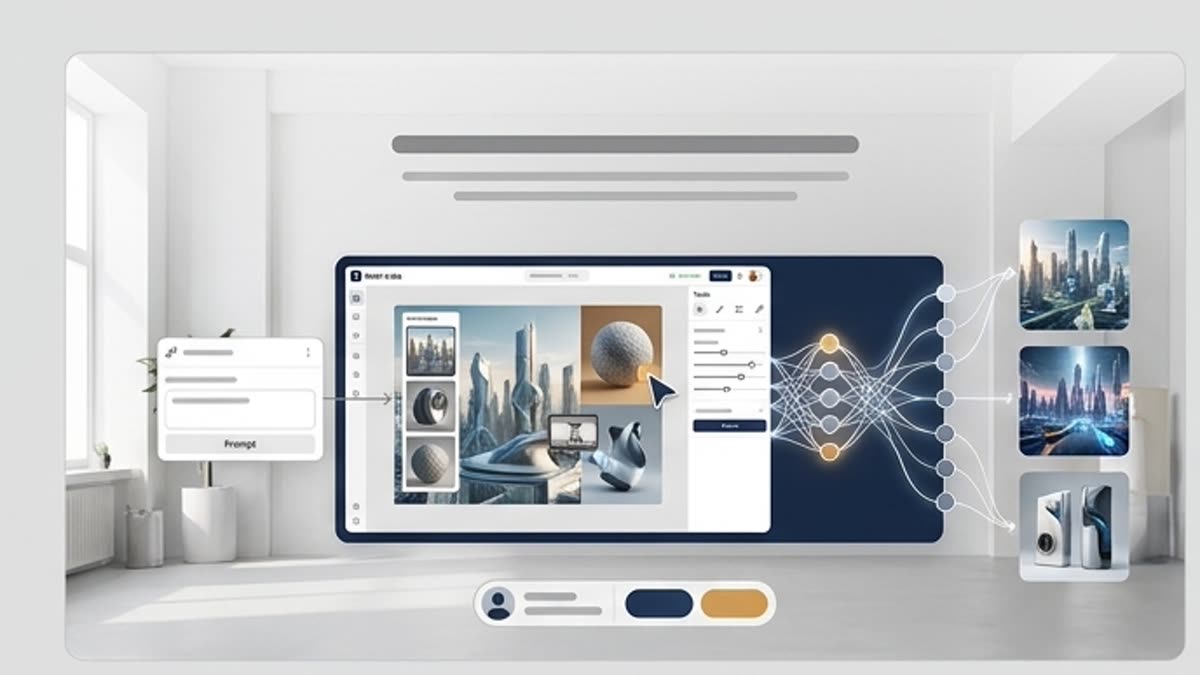
Keter Labs Academy
Hands-on guides, courses and short lessons that help you master generation, the editor, prompting and team workflows faster.
OpenFAQ
Frequently asked questions
What tools are included in the AI suite?+
Image, video, audio and 3D tools in one workspace: generation, editing, upscaling, background replacement, motion and music. Every tool shares the same projects, assets and credits.
Do I need a separate subscription for each tool?+
No. One plan covers the whole suite — you can start in the image generator and finish with video and sound without switching accounts or plans.
Can I use the results commercially?+
Yes. Assets you create on paid plans are covered by the commercial license. The legal page describes the terms that apply to each plan.
How do I get started?+
Create a free account, open any tool and spend the starter credits. The academy offers short courses if you prefer a guided path.
Ready when you are
Bring this workflow into your next project.
Spin up assets, lock in versions and align your team around a single creative platform.
Create account