Images
Image crop
Image crop helps you quickly choose a strong composition, cut the excess and prepare a visual for the right aspect ratio. Useful for product shots, portraits, social content, covers and presentation assets.
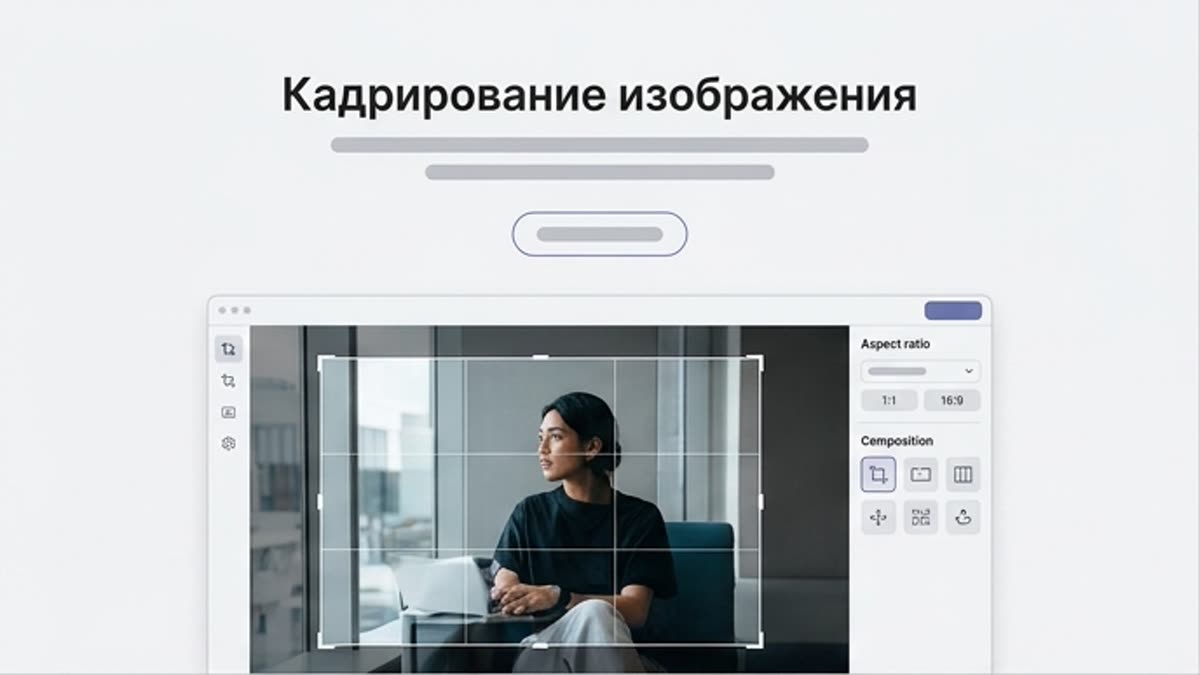
What's included
What this section gives you.
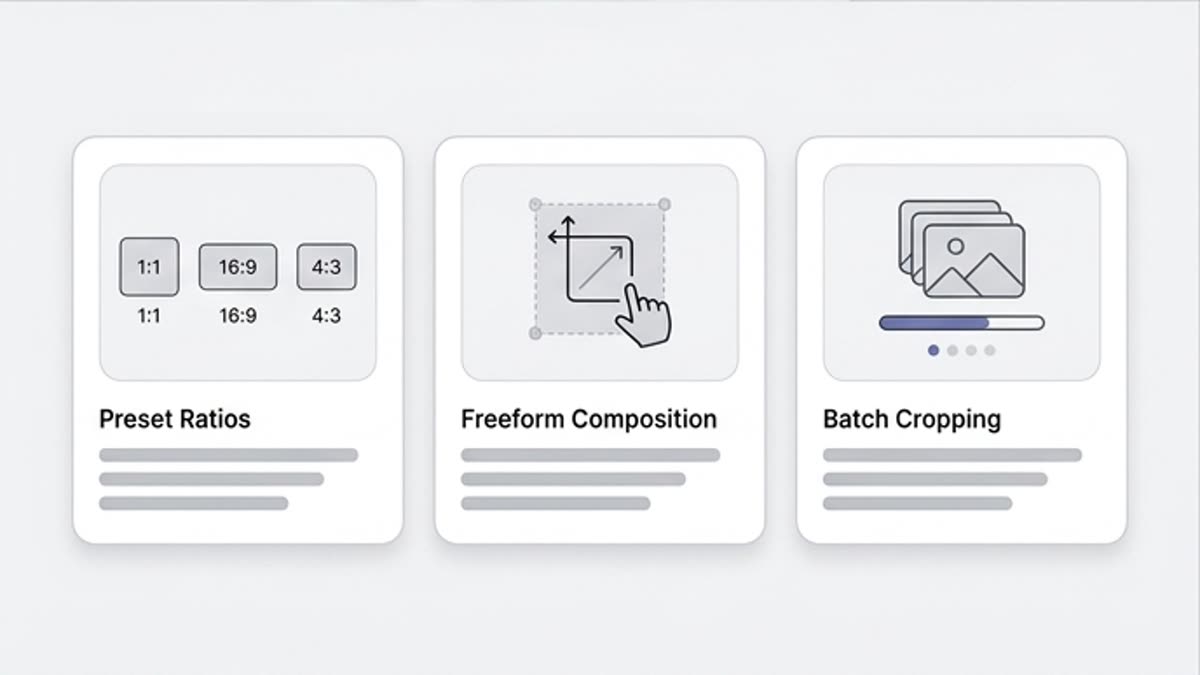
A more precise composition
Trim stray edges, extra surroundings or weak areas of the frame so attention stays on the product, the person or the main action.
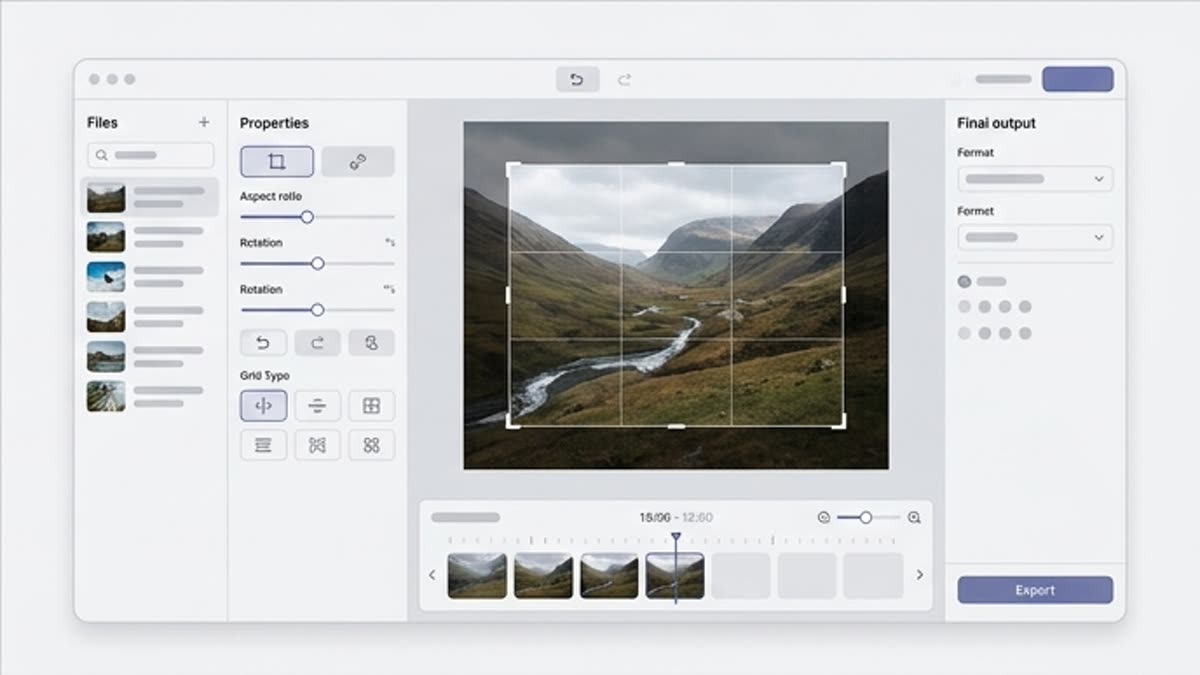
A format for a specific channel
Prepare the image for a square, vertical, wide, cover, banner or product card without guessing the final size.
Less noise before design
A clean crop makes the next steps easier: text, a logo, a background and other elements sit better on a settled composition.
When to use it
Common jobs this section is built for.
These examples make it easier to choose where to start and which nearby section to open next.
Need to strengthen a weak composition
Trim the extra edges and keep only what serves the message, the product or the visual accent.
The image is for a specific platform
Prepare a crop for a post, stories, a hero, a thumbnail, a product card or an ad placement.
Need to prep a series fast
Bring the images to a shared format so the set looks tidy in a catalog, presentation or campaign.
Workflow
How it works inside Keter Labs.
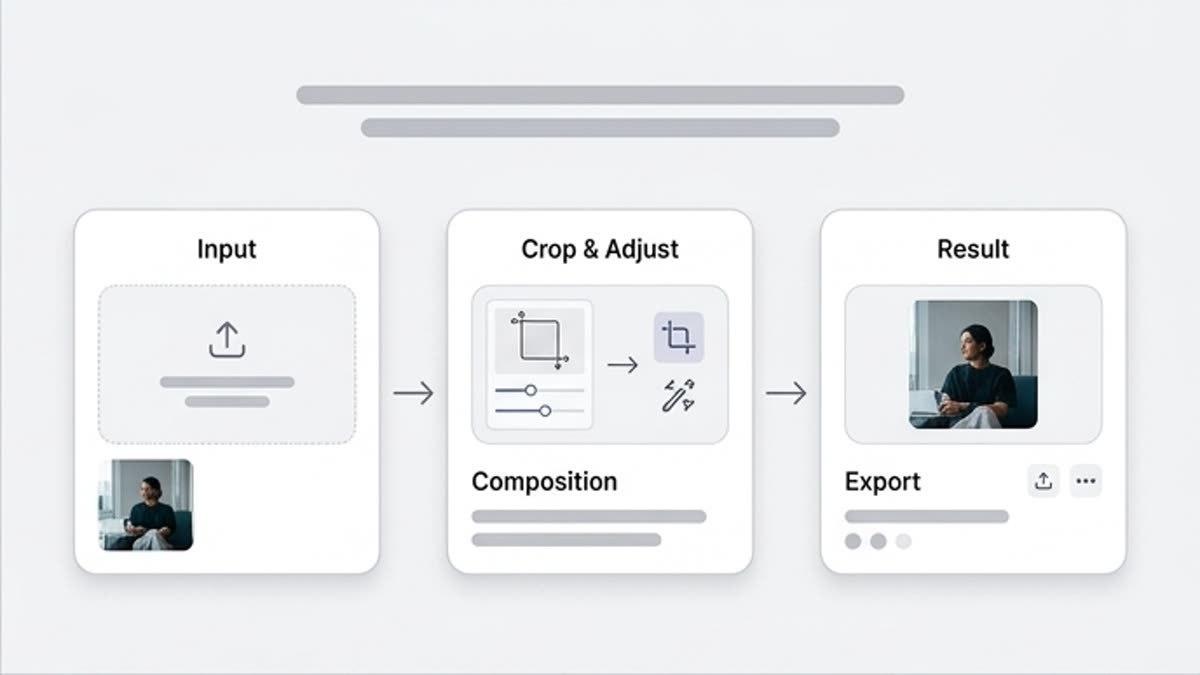
Every section in Keter Labs follows the same shape: a clear brief, a fast first draft, refinement in the editor, and a result saved into the project.
Step 1
Open the image and pick the aspect ratio you need, or crop freely.
Step 2
Check that the main subject, face, product, text zone and key details are not cut too tight.
Step 3
Save the crop and continue in resize, upscale or the designer if needed.
Related sections
Where to go next.
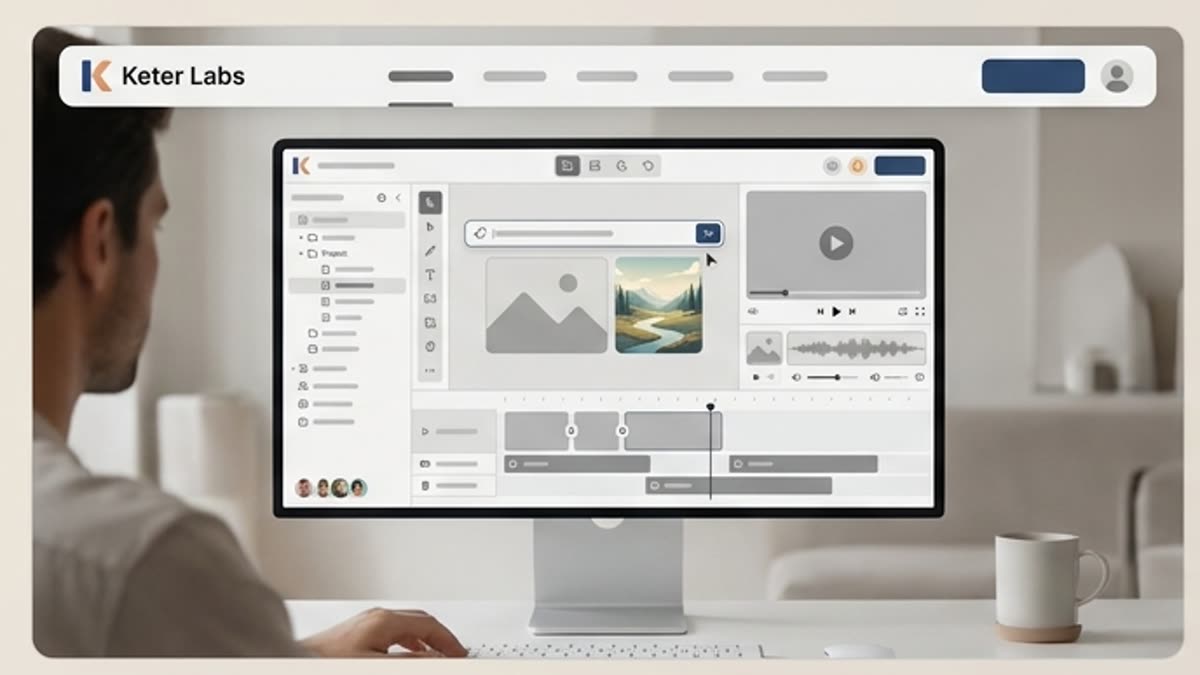
AI tools
A unified set of AI tools for generating, editing and upscaling image, video, audio and design assets — all in one studio.
Open AI tools
Pricing for creators and teams
Pick the plan that fits your generation volume, team workflow and commercial output — from solo creators to production studios.
Open Pricing for creators and teams
Short tutorials for every tool
Quick how-tos for specific actions: generation, upscaling, background swaps, video work, template editing and export.
Open Short tutorials for every toolReady when you are
Bring this workflow into your next project.
Spin up assets, lock in versions and align your team around a single creative platform.
Create account