3D
3D model generator
The AI 3D model generator helps you quickly produce base 3D objects, props, product concepts, scene elements and visual assets for presentations, prototypes, games, design and campaigns.
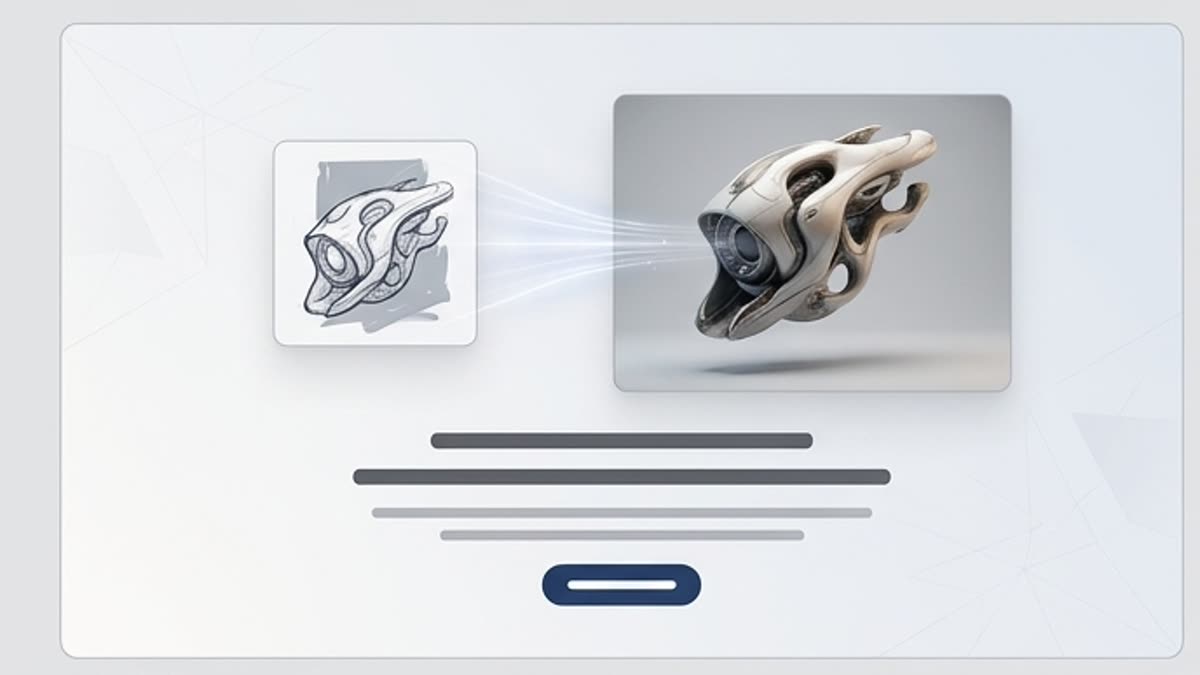
What's included
What this section gives you.
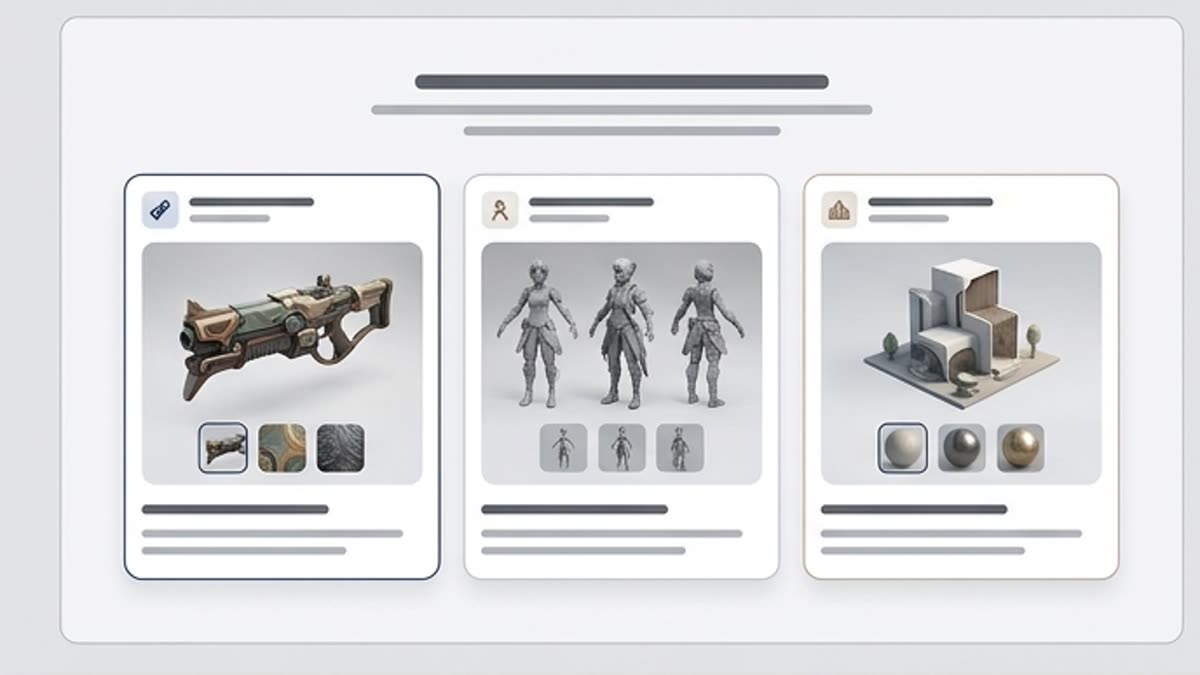
A 3D idea without lengthy modeling
Describe the object, shape, material, style and purpose to quickly get a 3D direction for discussion or further refinement.
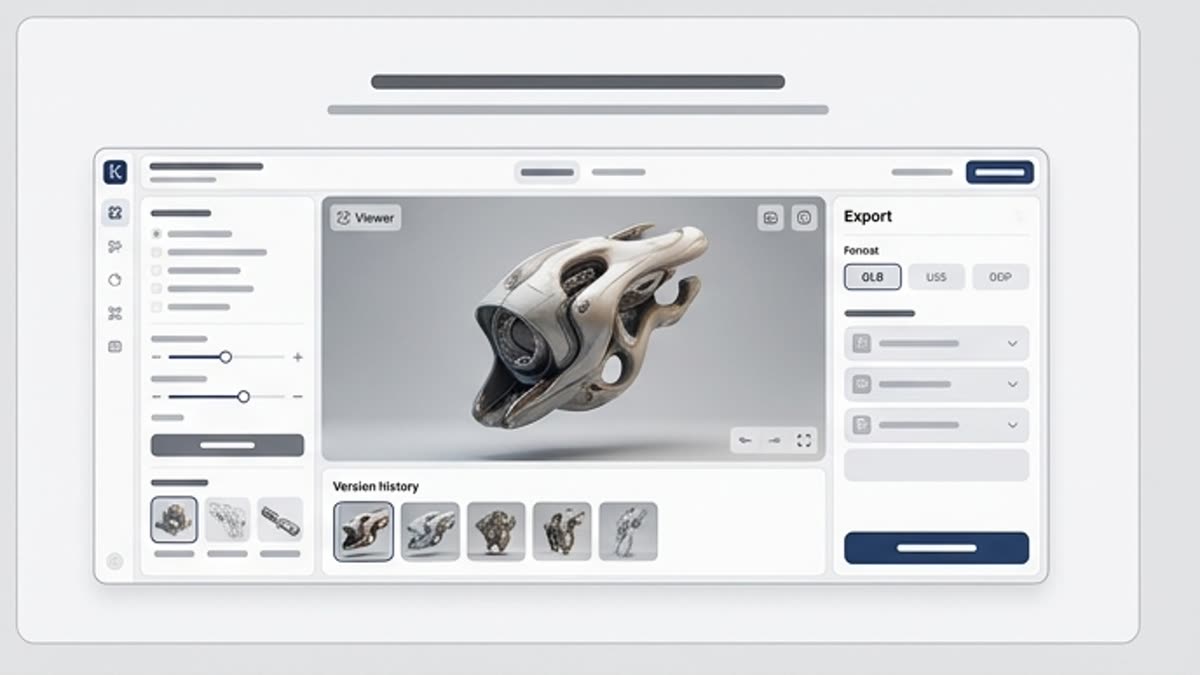
Useful for concepts and presentations
Create props, product shapes, decorative elements, spatial objects and scenes for pitches, mockups and creative direction.
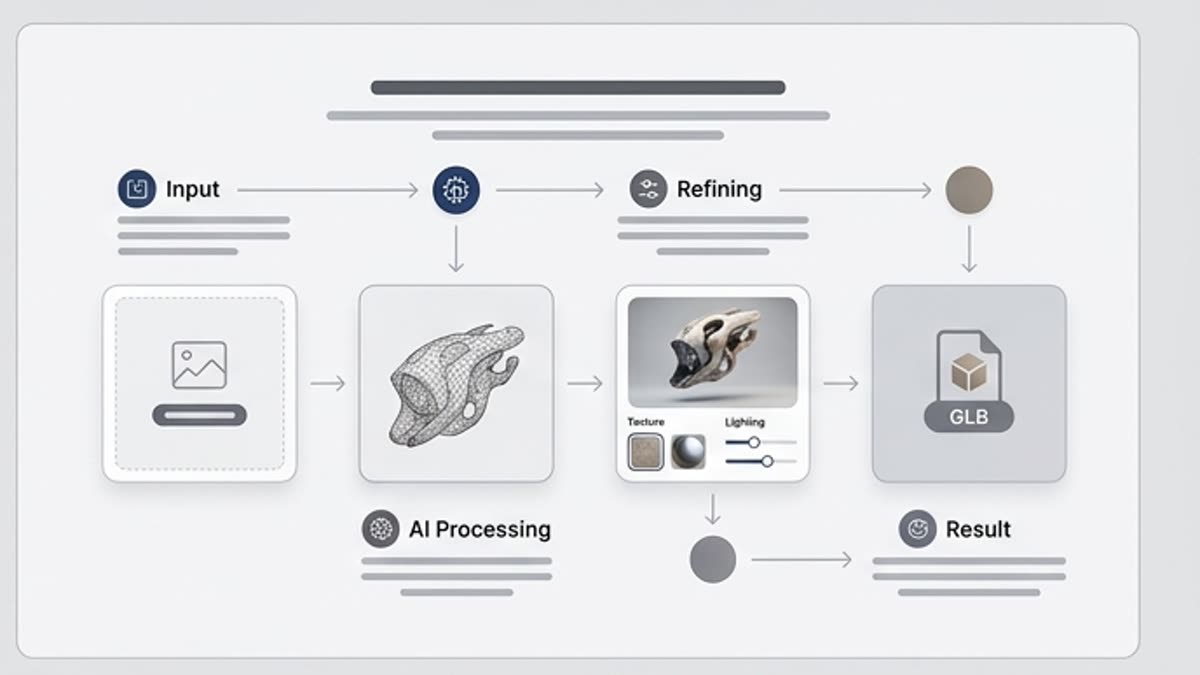
Connects to your visual workflow
Use a 3D asset as a reference, a scene element, a base for an image or material for a design layout.
When to use it
Common jobs this section is built for.
These examples make it easier to choose where to start and which nearby section to open next.
Need a quick 3D concept
Create a product shape, prop or object for discussion without starting full 3D production.
Need to build a scene or presentation
Use 3D elements as visual accents for a deck, landing page, product story or ad idea.
Need to test a shape before final modeling
Compare several proportions, materials and styles before handing the task to a designer or 3D specialist.
Workflow
How it works inside Keter Labs.
Every section in Keter Labs follows the same shape: a clear brief, a fast first draft, refinement in the editor, and a result saved into the project.
Step 1
Describe the object: shape, material, scale, style, level of detail and where it will be used.
Step 2
Compare several variants and pick the one that best conveys the idea and proportions.
Step 3
Save the asset or use it as a base for a visual, mockup, scene or further 3D refinement.
Related sections
Where to go next.
AI tools
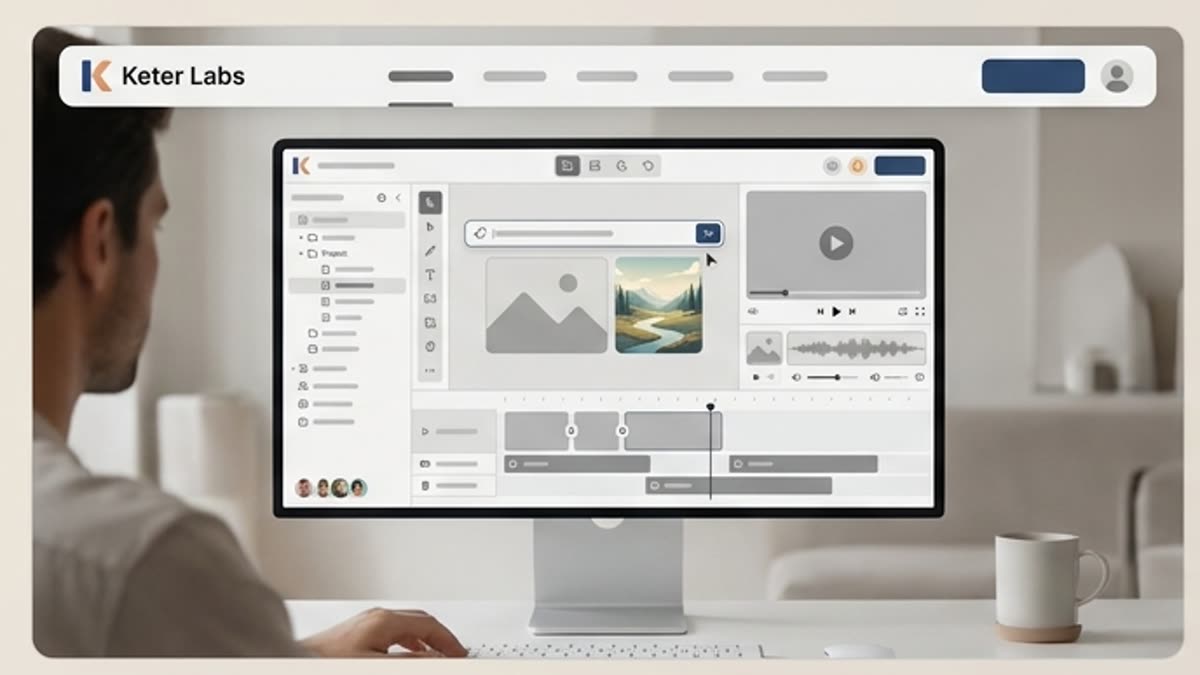
A unified set of AI tools for generating, editing and upscaling image, video, audio and design assets — all in one studio.
Open AI tools
Pricing for creators and teams
Pick the plan that fits your generation volume, team workflow and commercial output — from solo creators to production studios.
Open Pricing for creators and teams
Short tutorials for every tool
Quick how-tos for specific actions: generation, upscaling, background swaps, video work, template editing and export.
Open Short tutorials for every toolReady when you are
Bring this workflow into your next project.
Spin up assets, lock in versions and align your team around a single creative platform.
Create account