Images
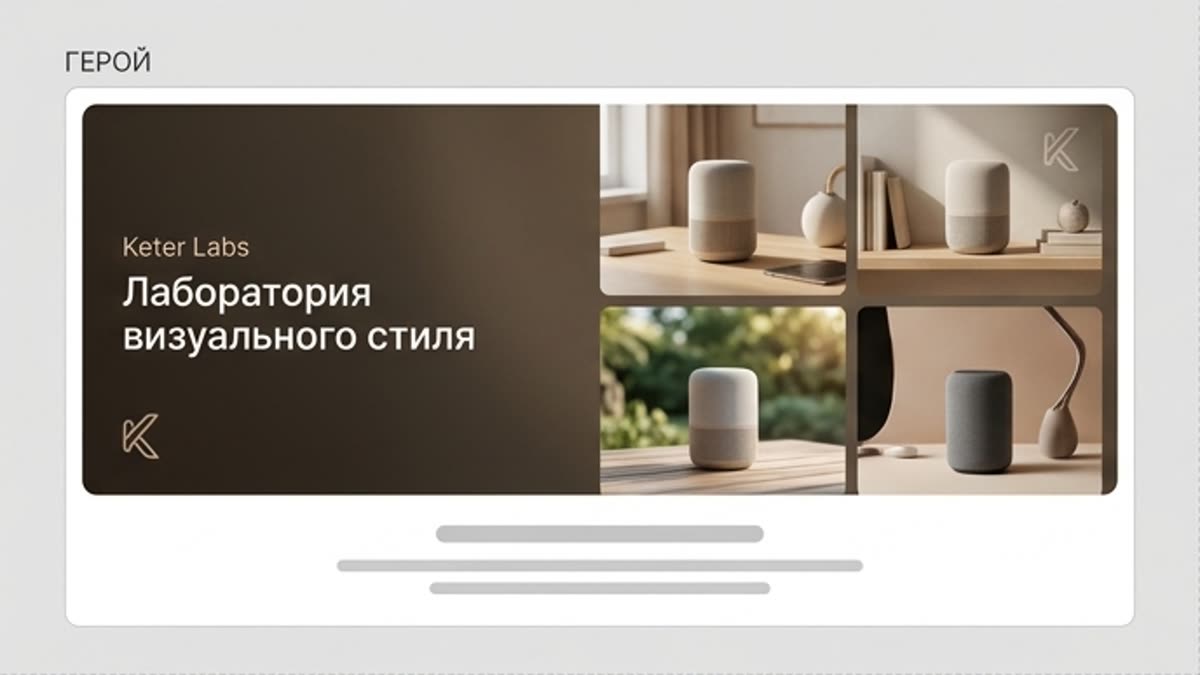
Visual style lab
The visual style lab helps you explore and lock in an aesthetic for a series of images: color, light, mood, textures, compositional techniques and the overall character of the brand. It is a space for experiments you can turn into a repeatable system.
What's included
What this section gives you.
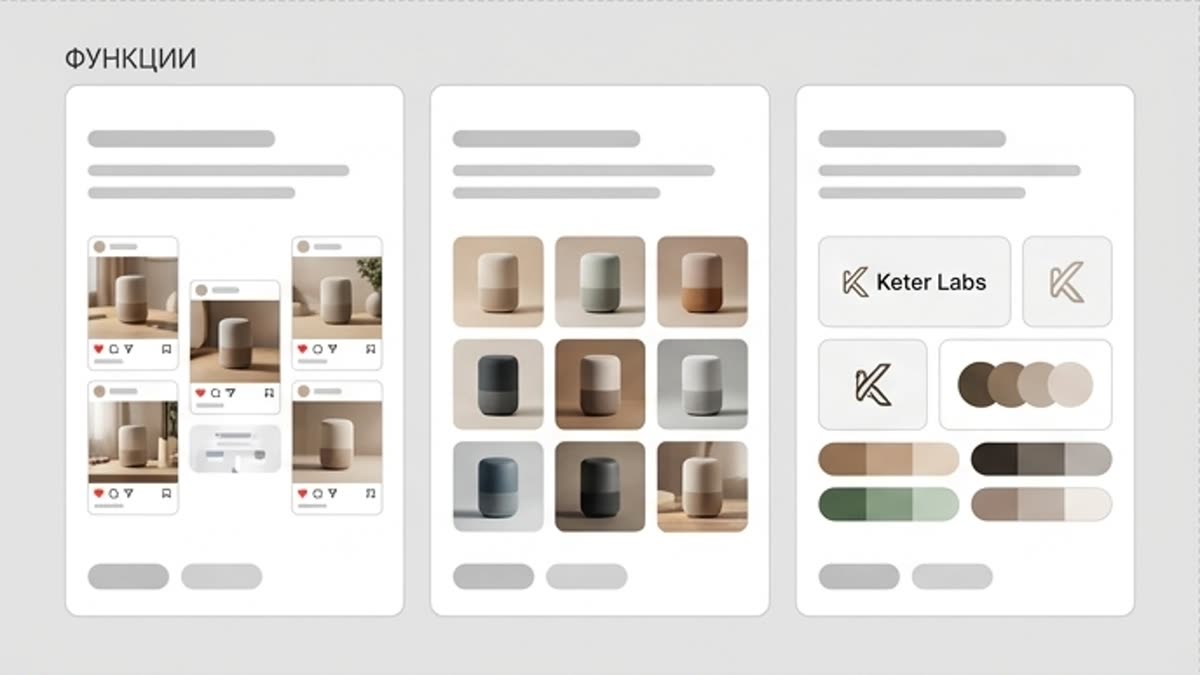
Find the style before mass generation
Test several visual directions on a small set before producing an entire campaign or series.
Compare and save styles
Lock in the decisions that work: color, light, treatment, composition and atmosphere, so the team can reuse them.
A bridge from idea to brand system
The style lab is not just about one pretty variant; it shows which rules make a series recognizable.
When to use it
Common jobs this section is built for.
These examples make it easier to choose where to start and which nearby section to open next.
Need a style for a new campaign
Explore several directions before production starts so the team agrees on the visual language early.
The assets look scattered
Find a shared light, color, texture and compositional technique to pull the series together.
Want to turn a good experiment into a system
Save the style and keep using it in the image generator, custom styles and layouts.
Workflow
How it works inside Keter Labs.
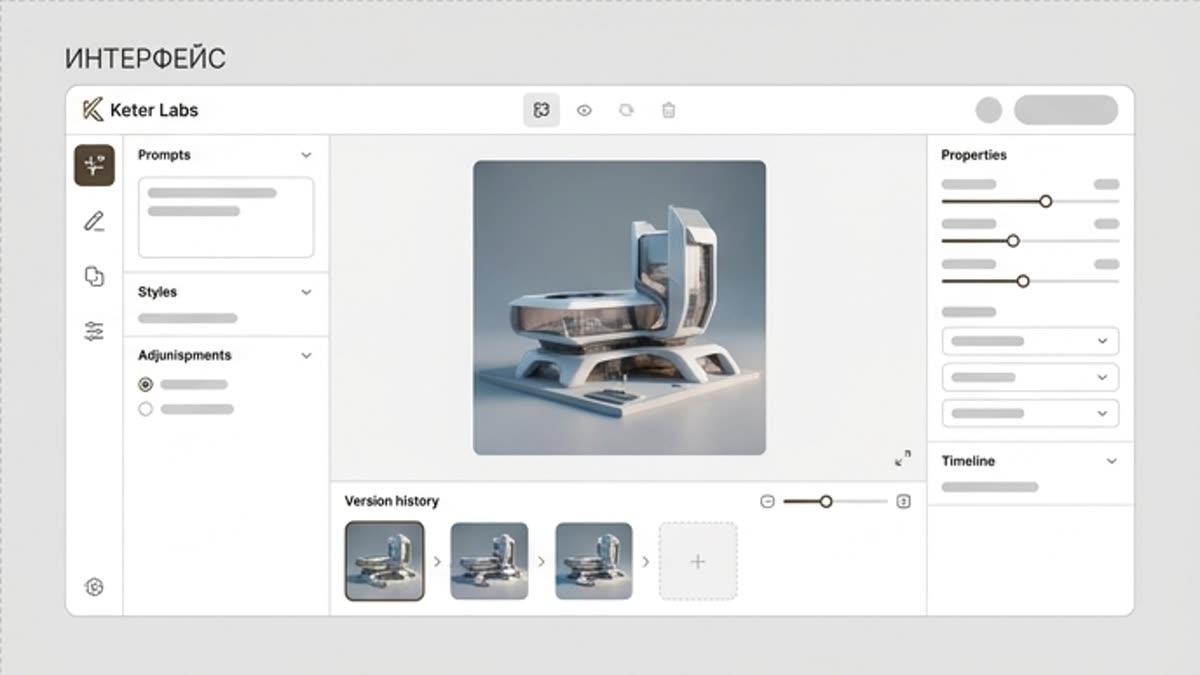
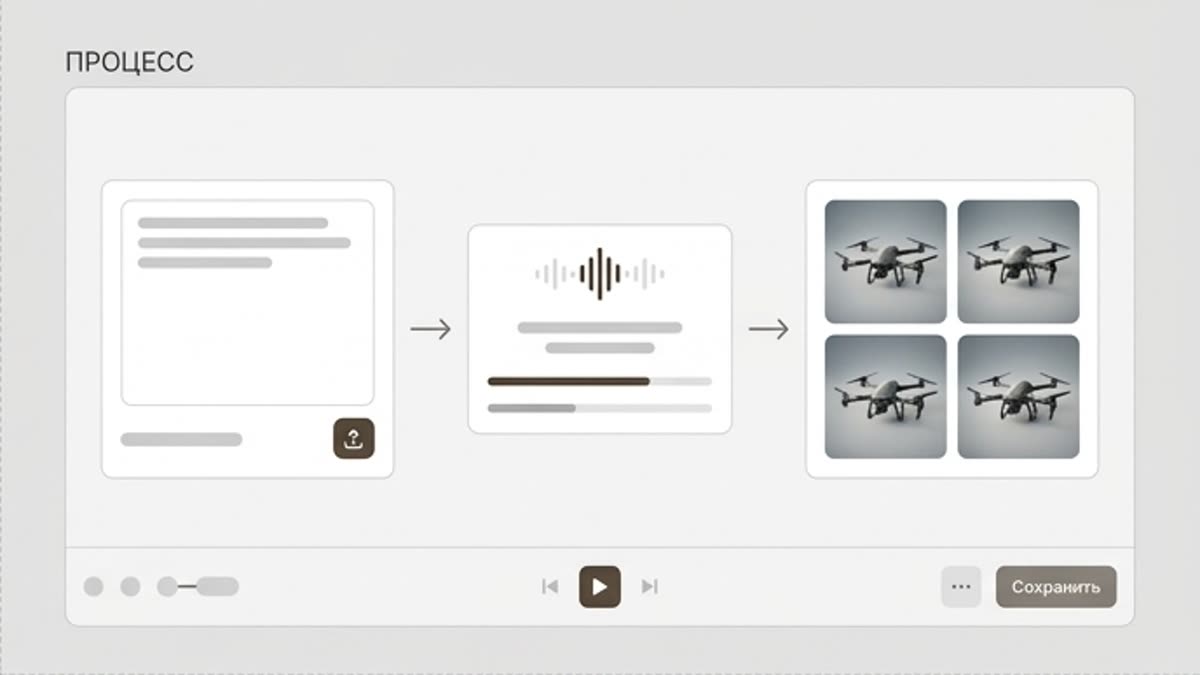
Every section in Keter Labs follows the same shape: a clear brief, a fast first draft, refinement in the editor, and a result saved into the project.
Step 1
Add a brief, references and a description of the visual direction.
Step 2
Generate several style variants and compare them for brand fit, readability and usability.
Step 3
Save the strong direction as the base for a campaign, a custom style or the next image series.
Related sections
Where to go next.
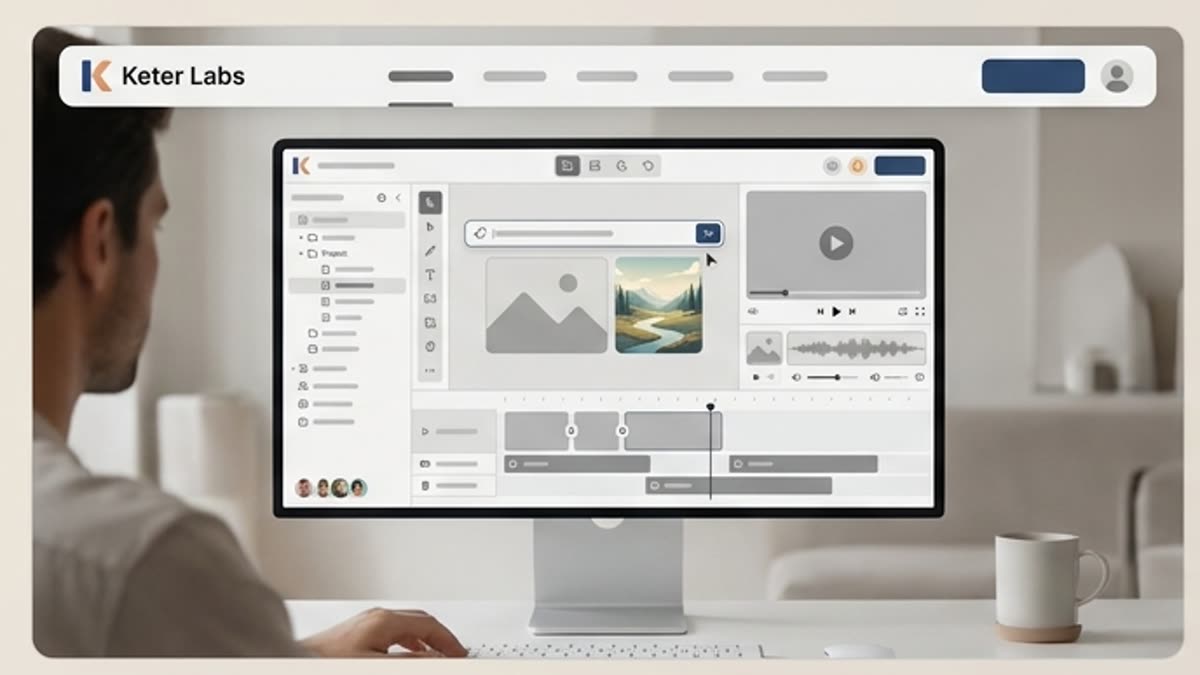
AI tools
A unified set of AI tools for generating, editing and upscaling image, video, audio and design assets — all in one studio.
Open AI tools
Pricing for creators and teams
Pick the plan that fits your generation volume, team workflow and commercial output — from solo creators to production studios.
Open Pricing for creators and teams
Short tutorials for every tool
Quick how-tos for specific actions: generation, upscaling, background swaps, video work, template editing and export.
Open Short tutorials for every toolReady when you are
Bring this workflow into your next project.
Spin up assets, lock in versions and align your team around a single creative platform.
Create account