Video
Video upscaler
AI video upscaling improves the sharpness, detail and publish-readiness of a clip. Use it for generated clips, product motion, social videos, presentation assets and videos that need to hold up on larger screens.
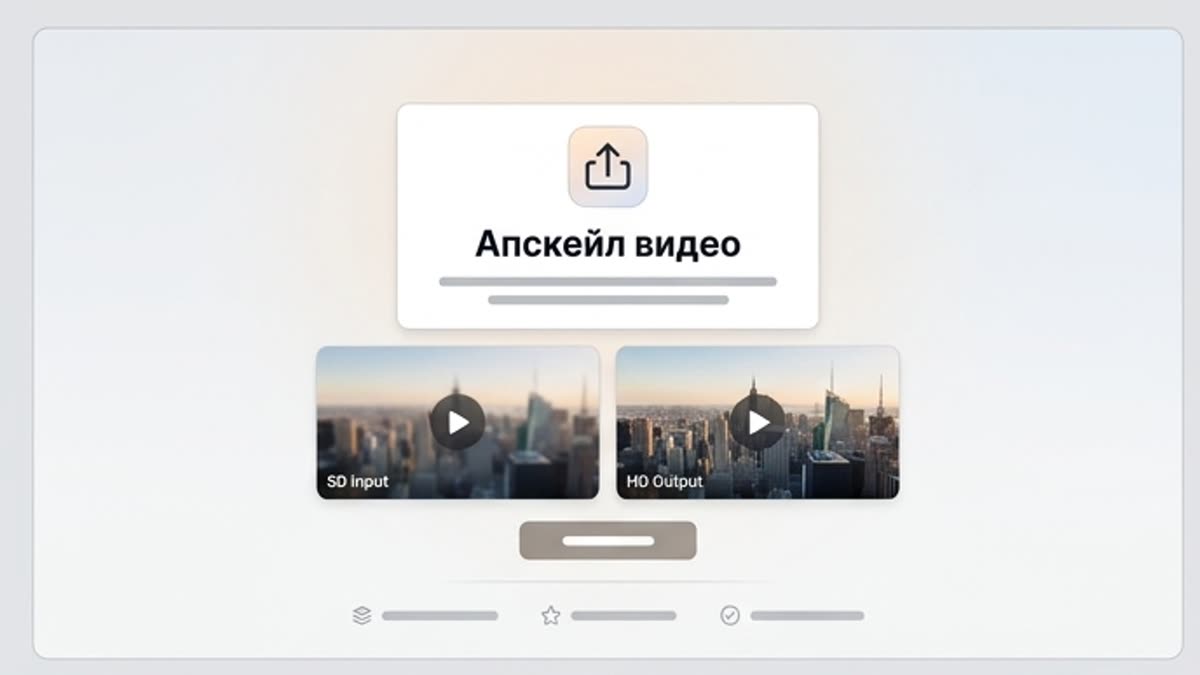
What's included
What this section gives you.
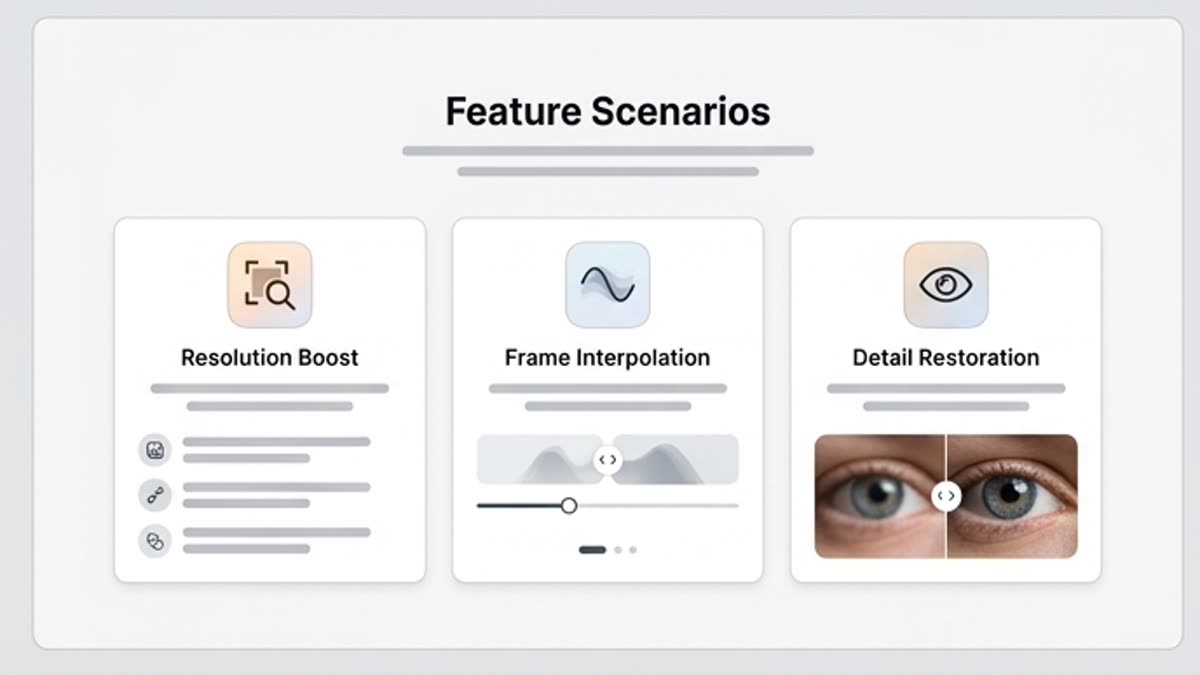
Closer to production quality
Improve the detail, sharpness and overall polish of a clip before exporting it to ads, a site, a presentation or social.
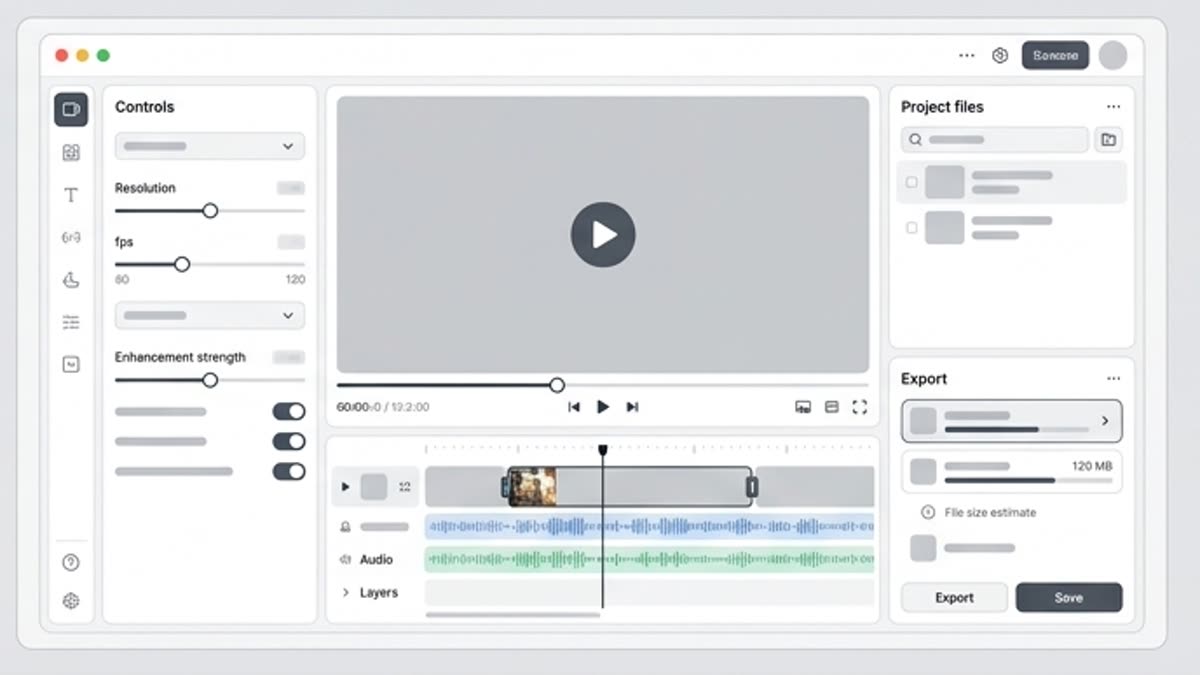
Best after generation and editing
First pick a strong clip and the right cut, then raise the quality so you do not spend time on weak variants.
Watch for stability
Check faces, the product, logos, fine details, motion and artifacts, especially if the video will be viewed large.
When to use it
Common jobs this section is built for.
These examples make it easier to choose where to start and which nearby section to open next.
The generated clip is almost ready
Improve the quality when the motion and idea fit but the video looks soft or not sharp enough to publish.
The video will be shown large
Prepare the clip for a landing page, presentation, screen, product demo or ad placement where quality is noticed immediately.
Need a consistent series
Bring several clips to a similar quality bar before assembling a campaign or social series.
Workflow
How it works inside Keter Labs.
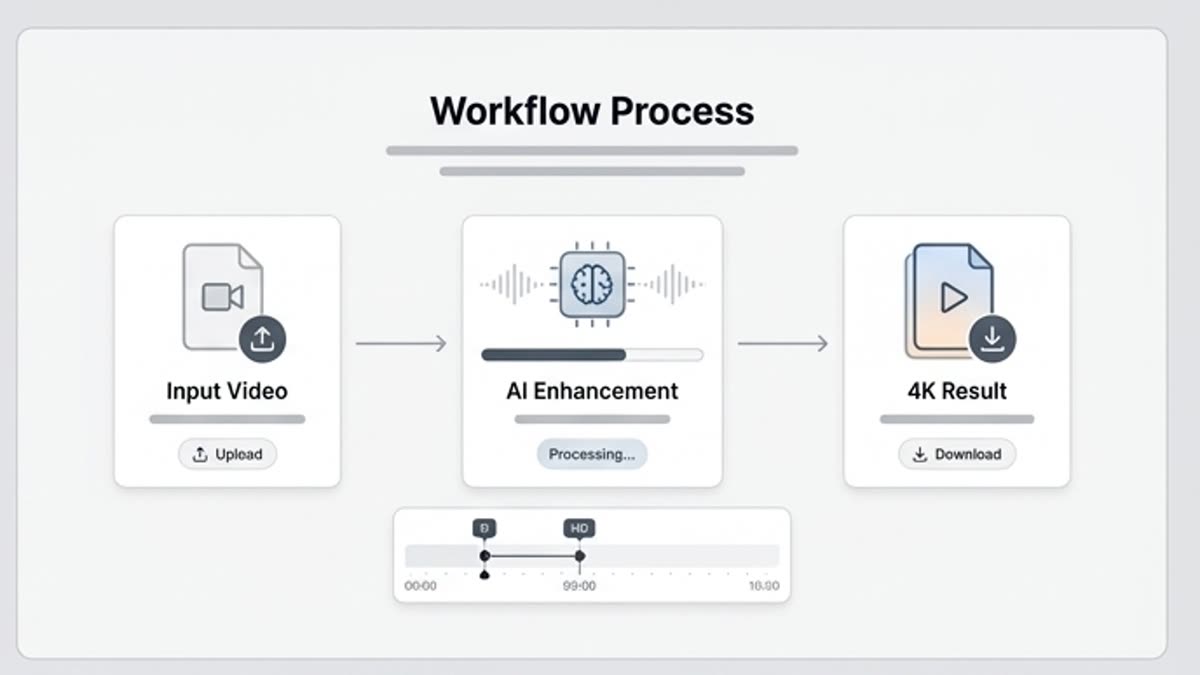
Every section in Keter Labs follows the same shape: a clear brief, a fast first draft, refinement in the editor, and a result saved into the project.
Step 1
Pick a clip that already works in scene, pace and message.
Step 2
Run AI video upscaling and check the stability of the motion, details, product and edges.
Step 3
Save the improved version or send it to the video editor for final export.
Related sections
Where to go next.
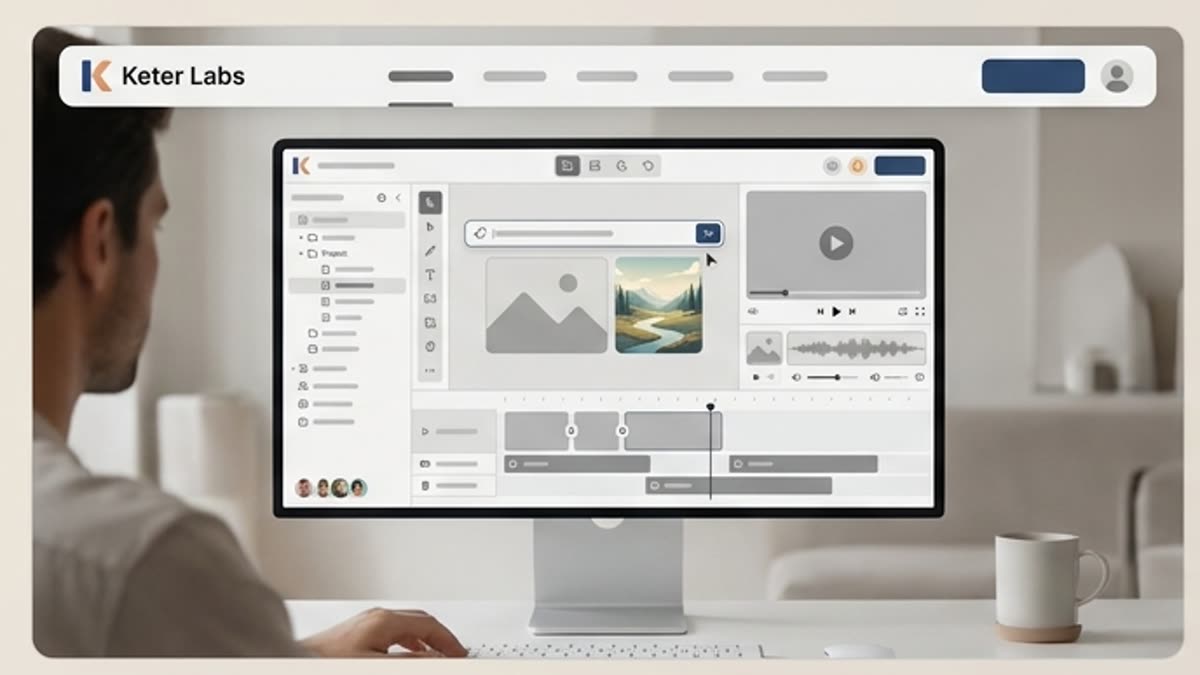
AI tools
A unified set of AI tools for generating, editing and upscaling image, video, audio and design assets — all in one studio.
Open AI tools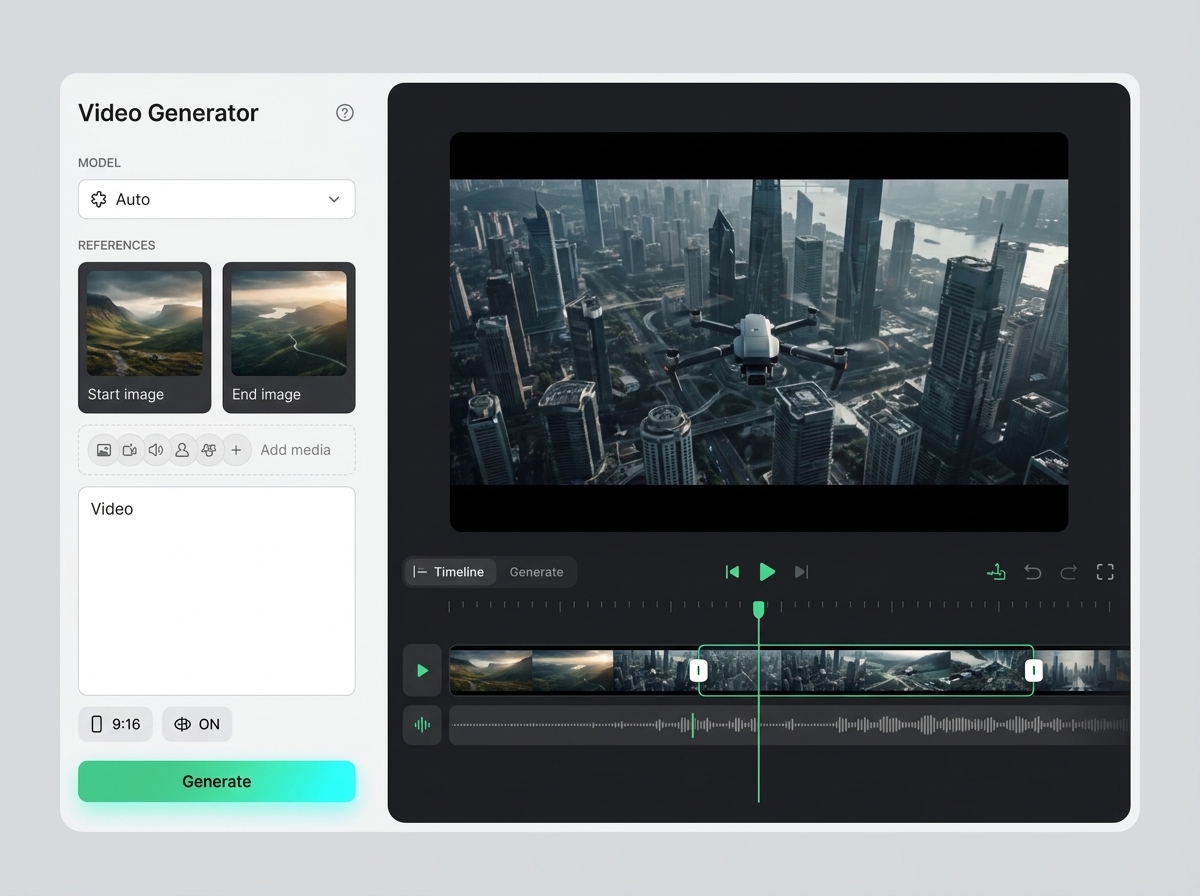
AI video generator
AI video generator helps users understand a specific AI creative task in plain language: what goes in, what comes out, where it fits in production, and how to keep the result useful instead of treating it as a one-off experiment.
Open AI video generatorGoogle Veo 3.1
Google Veo 3.1 is covered as a production option inside Keter Labs, not as a standalone novelty. The page explains where the model fits, what kind of input it needs, and how to judge whether the result is ready for a real project.
Open Google Veo 3.1
Pricing for creators and teams
Pick the plan that fits your generation volume, team workflow and commercial output — from solo creators to production studios.
Open Pricing for creators and teamsReady when you are
Bring this workflow into your next project.
Spin up assets, lock in versions and align your team around a single creative platform.
Create account