Editing
AI relight
AI relight helps you change the lighting on photos, product shots, portraits, scenes and AI visuals without heavy manual editing. Use relight to make an image cleaner, more dramatic, softer or closer to your brand style.
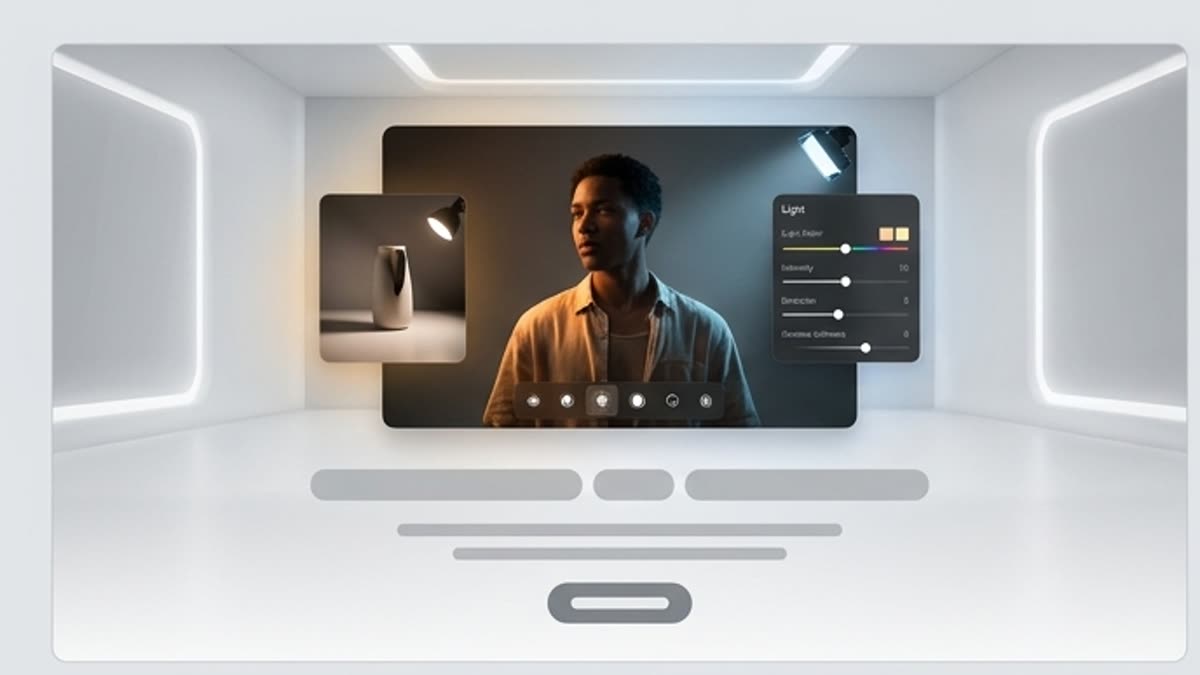
What's included
What this section gives you.
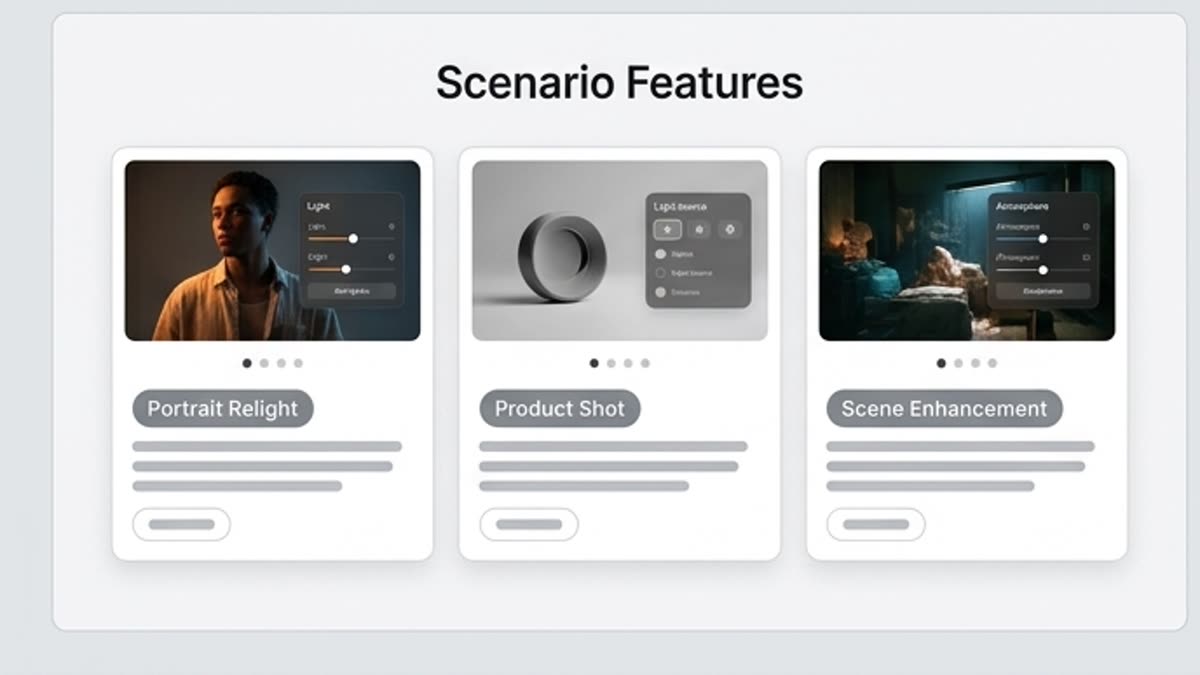
Light changes how a shot feels
Set soft studio light, a high-contrast cinematic look, premium highlights, a warm atmosphere or cleaner product light.
Useful for products and portraits
Relighting helps bring out the shape, material, face, texture and main subject without a reshoot.
Keep it believable
Check the shadows, highlights, skin tones, reflections, subject edges and how the light matches the background.
When to use it
Common jobs this section is built for.
These examples make it easier to choose where to start and which nearby section to open next.
The photo looks flat
Add expressive light to give a product, portrait or scene depth and a visual accent.
Need a more premium product shot
Use clean studio, premium, dramatic or soft lighting to make the product more convincing.
The series should look uniform
Even out the lighting across several images so they work better in one campaign or presentation.
Workflow
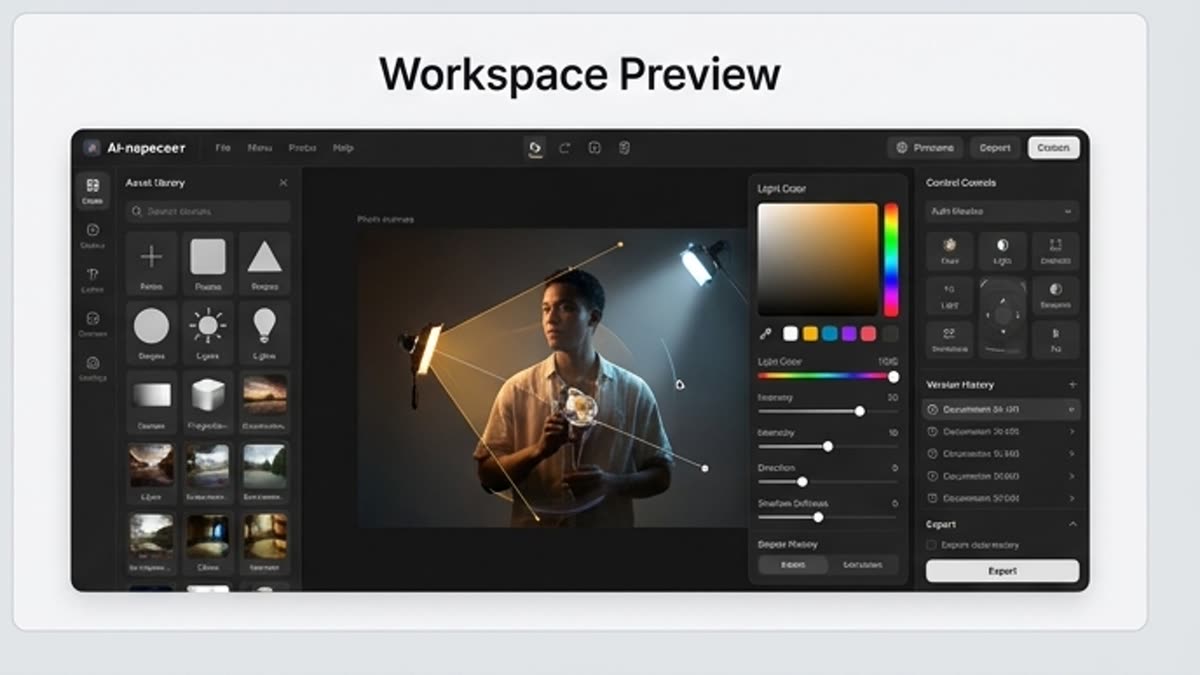
How it works inside Keter Labs.
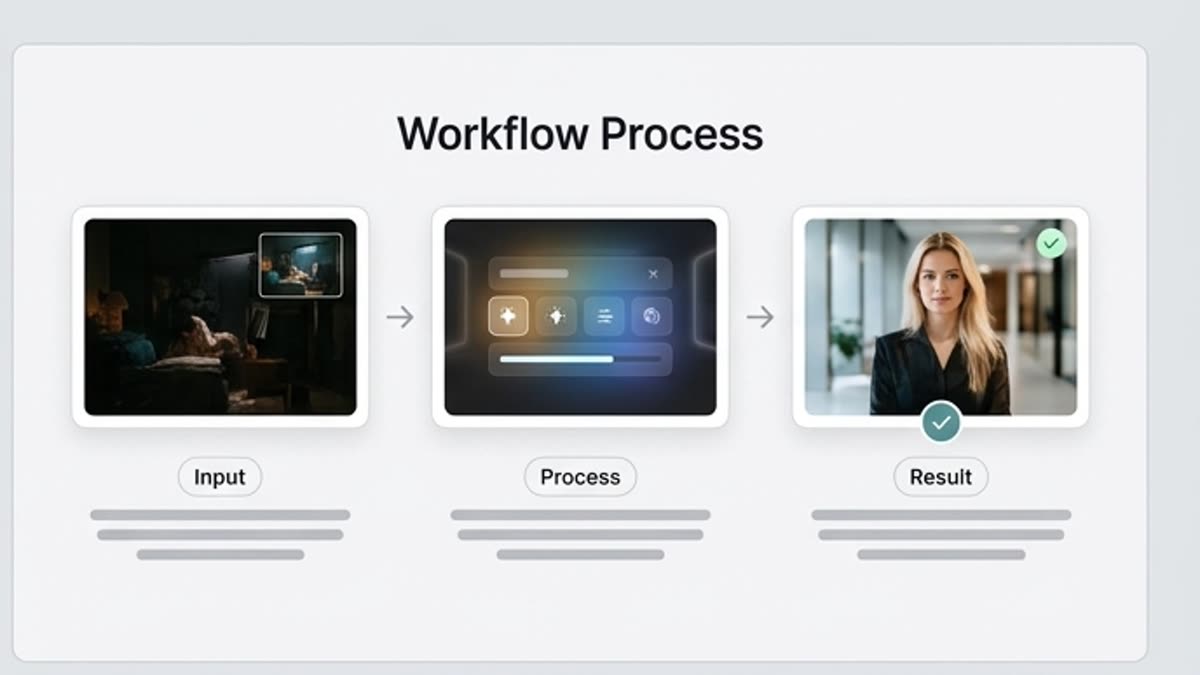
Every section in Keter Labs follows the same shape: a clear brief, a fast first draft, refinement in the editor, and a result saved into the project.
Step 1
Open the image and decide what light the task needs.
Step 2
Set the direction, softness, contrast, temperature and mood of the lighting.
Step 3
Check that the result looks natural and save the version for design, a campaign or further edits.
Related sections
Where to go next.
AI tools
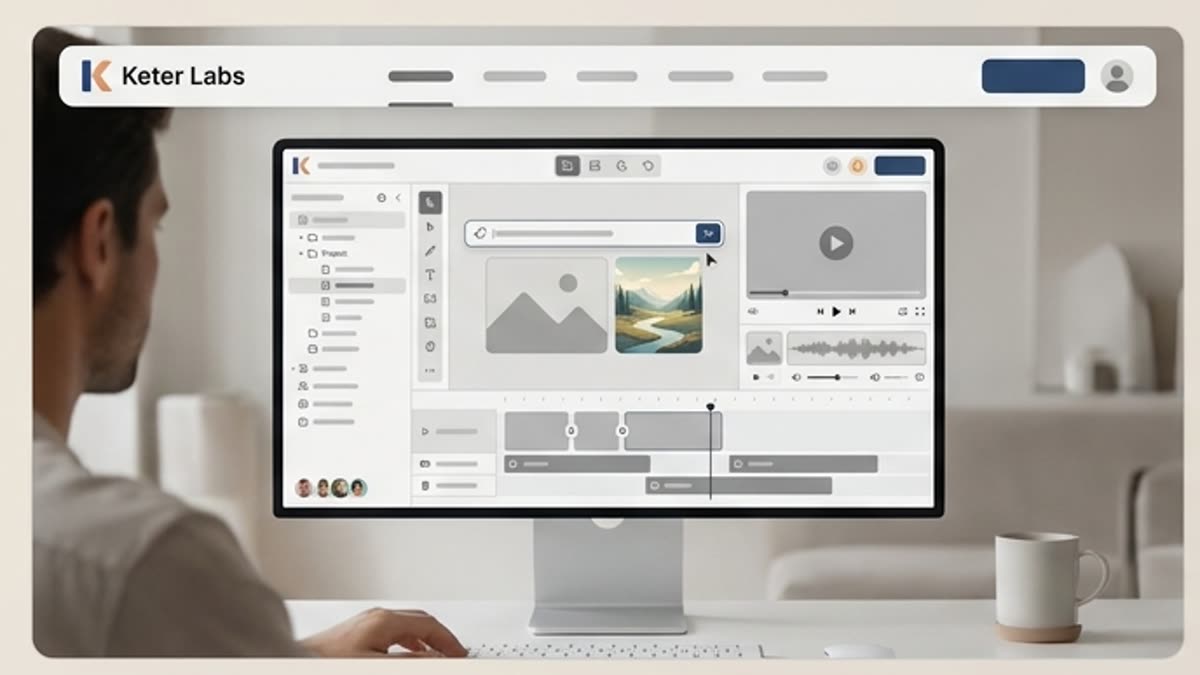
A unified set of AI tools for generating, editing and upscaling image, video, audio and design assets — all in one studio.
Open AI tools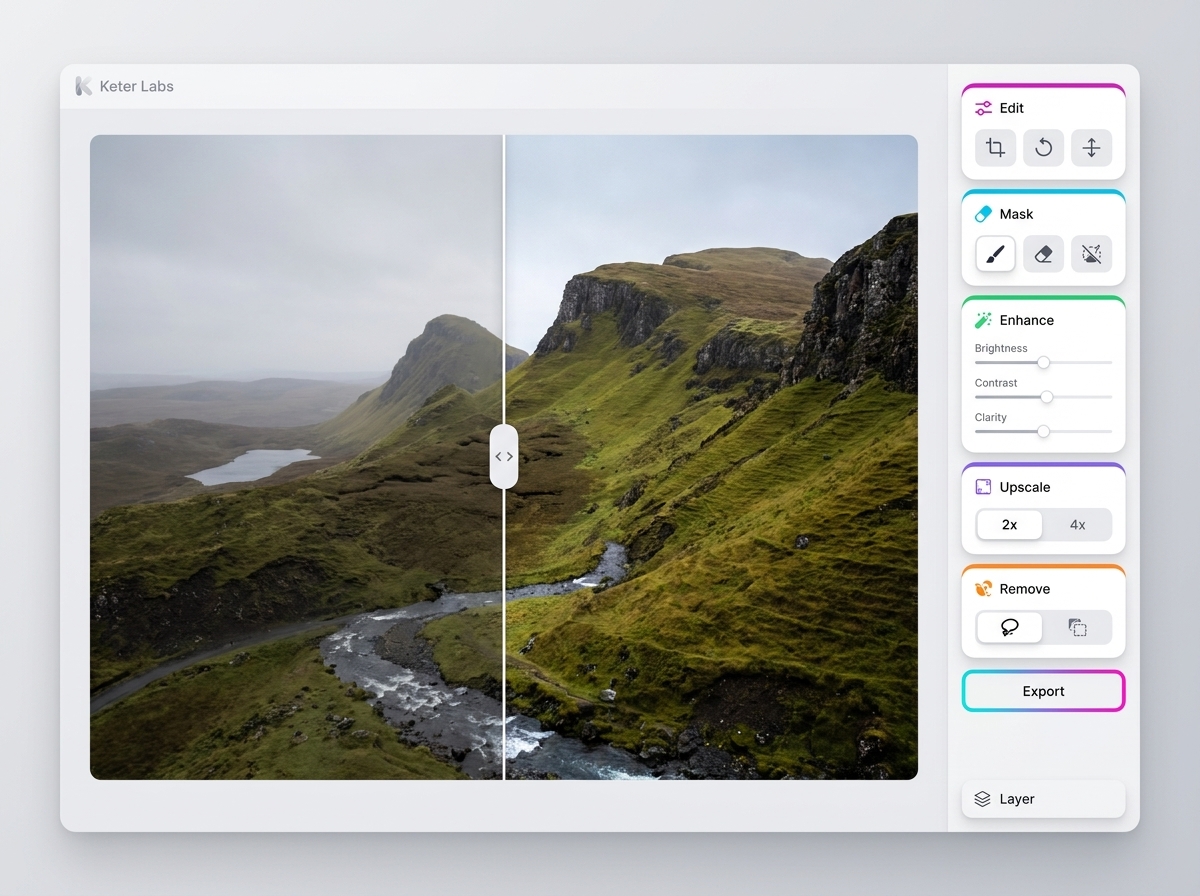
AI photo editor
AI photo editor helps users understand a specific AI creative task in plain language: what goes in, what comes out, where it fits in production, and how to keep the result useful instead of treating it as a one-off experiment.
Open AI photo editorBackground changer
Background changer helps users understand a specific AI creative task in plain language: what goes in, what comes out, where it fits in production, and how to keep the result useful instead of treating it as a one-off experiment.
Open Background changer
Short tutorials for every tool
Quick how-tos for specific actions: generation, upscaling, background swaps, video work, template editing and export.
Open Short tutorials for every toolReady when you are
Bring this workflow into your next project.
Spin up assets, lock in versions and align your team around a single creative platform.
Create account