Editing
Background swap
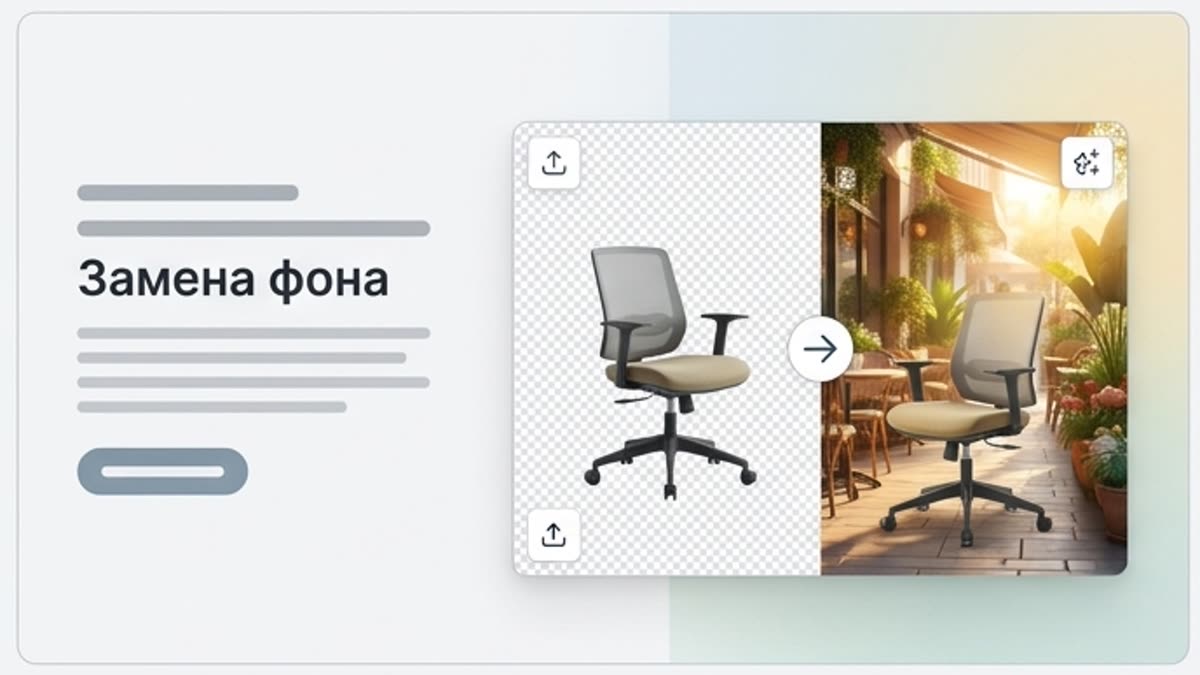
Background swap moves a subject, person or product into a new scene without a full reshoot. Use AI background replacement for ad visuals, product photos, social content, presentations and seasonal campaigns.
What's included
What this section gives you.
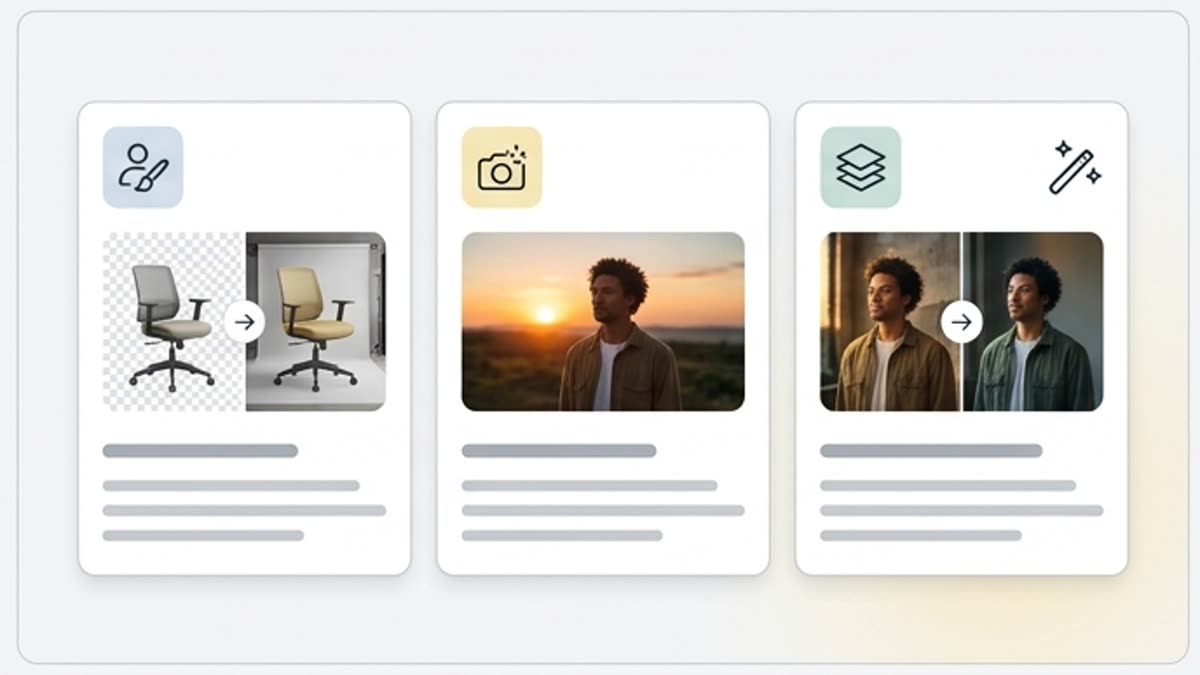
New context for the same subject
Keep the main subject and change the surroundings: a studio background, lifestyle scene, premium setup, seasonal context or brand environment.
Test directions fast
Try several backgrounds for one product and pick the one where the message reads strongest.
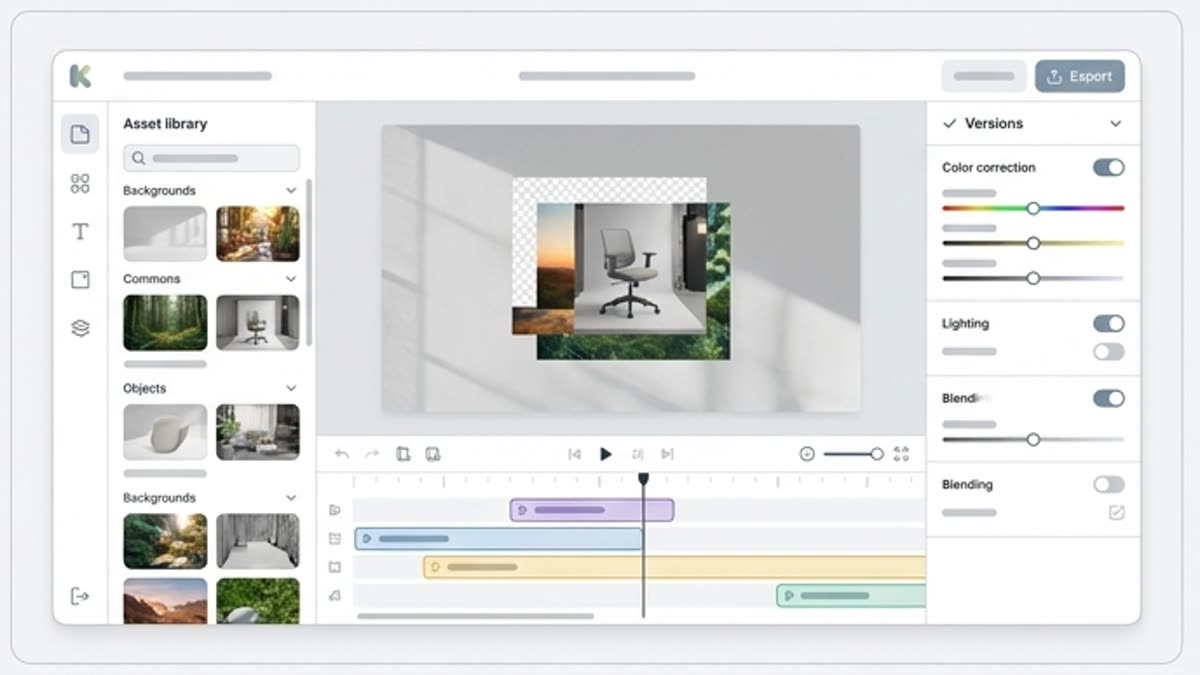
Control light and plausibility
After the swap, check the shadows, perspective, color, edges and how well the subject fits the new scene.
When to use it
Common jobs this section is built for.
These examples make it easier to choose where to start and which nearby section to open next.
The product needs a different setting
Move an item from a plain photo into a premium, lifestyle, seasonal or studio backdrop without a new shoot.
Need to adapt a visual for a campaign
Change the background for a holiday, launch, audience or channel while keeping the main subject recognizable.
An old background ruins a strong shot
Replace distracting surroundings with a background that supports the message and looks tidy.
Workflow
How it works inside Keter Labs.
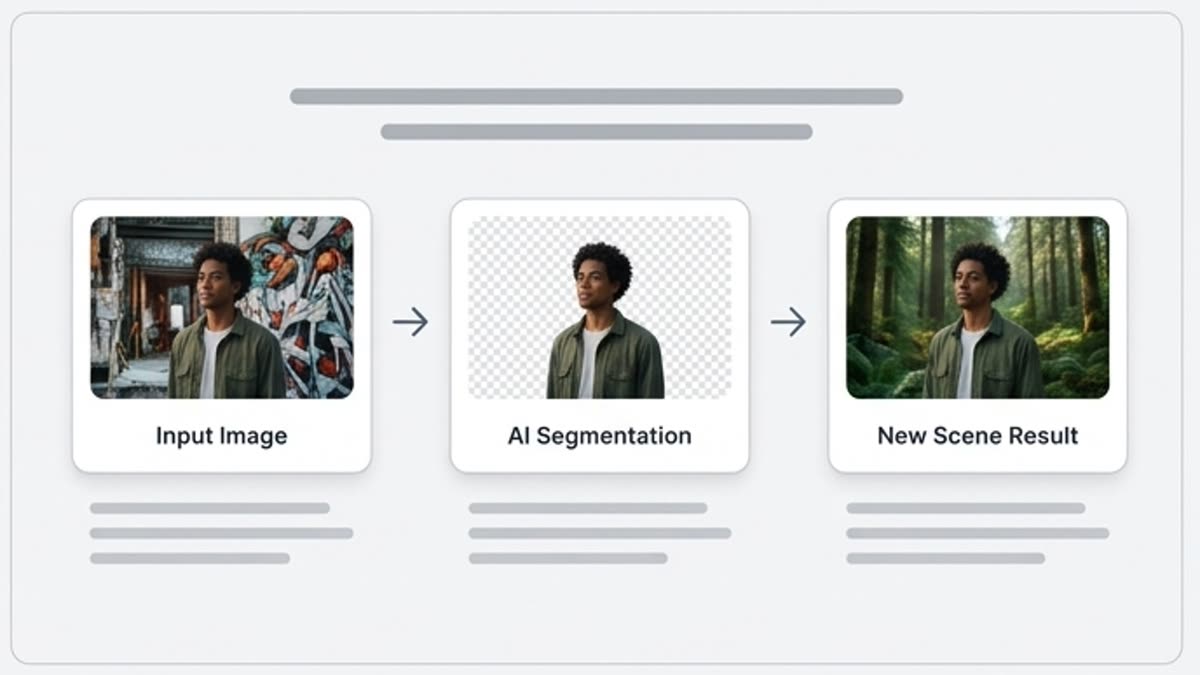
Every section in Keter Labs follows the same shape: a clear brief, a fast first draft, refinement in the editor, and a result saved into the project.
Step 1
Upload an image with the subject or person that should stay in focus.
Step 2
Describe the new background, light, style, material, environment and the elements to avoid.
Step 3
Check that the scene looks natural and save the best version for design or publishing.
Related sections
Where to go next.
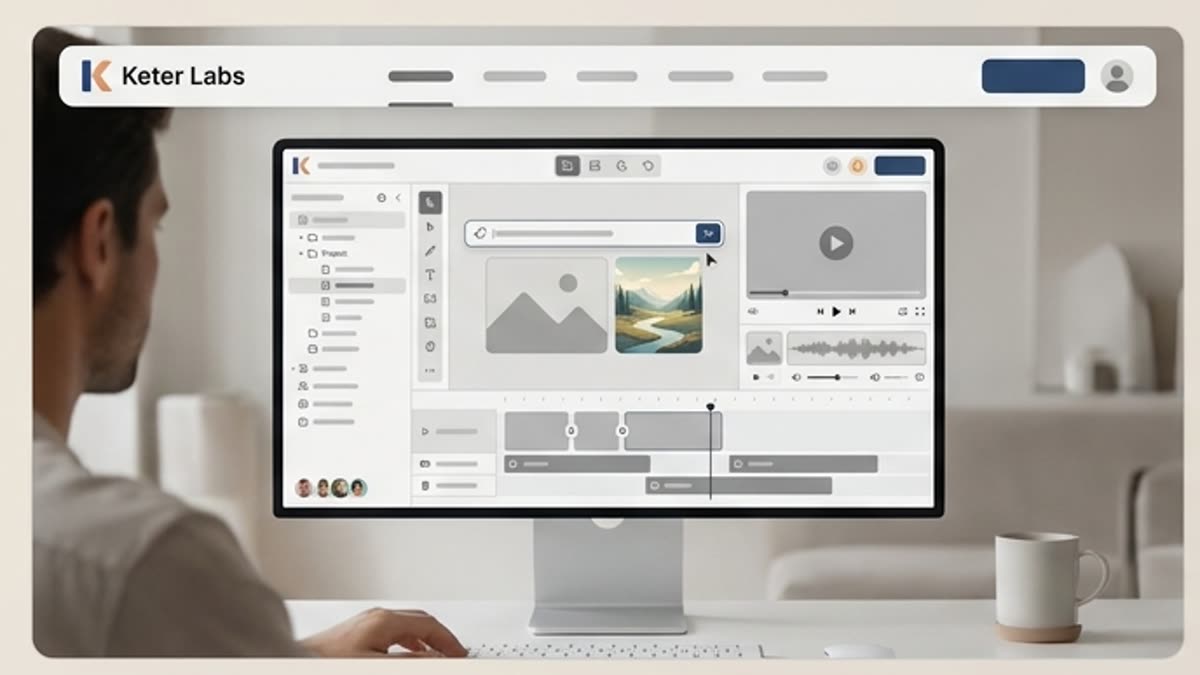
AI tools
A unified set of AI tools for generating, editing and upscaling image, video, audio and design assets — all in one studio.
Open AI tools
Pricing for creators and teams
Pick the plan that fits your generation volume, team workflow and commercial output — from solo creators to production studios.
Open Pricing for creators and teams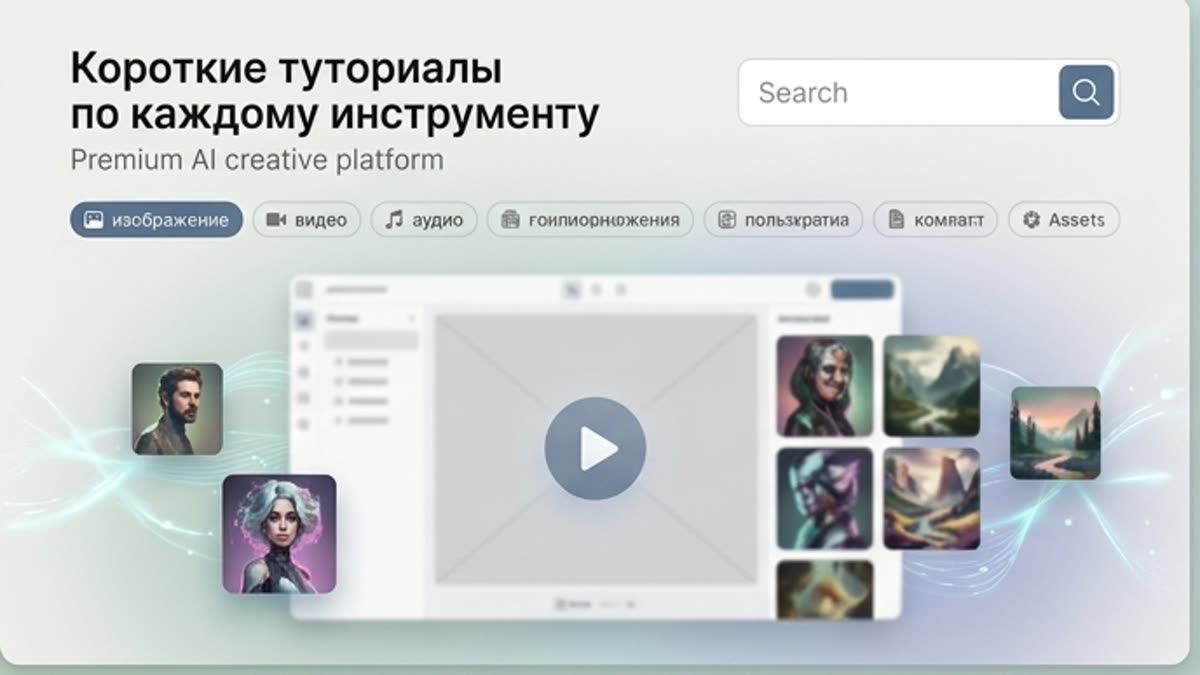
Short tutorials for every tool
Quick how-tos for specific actions: generation, upscaling, background swaps, video work, template editing and export.
Open Short tutorials for every toolReady when you are
Bring this workflow into your next project.
Spin up assets, lock in versions and align your team around a single creative platform.
Create account