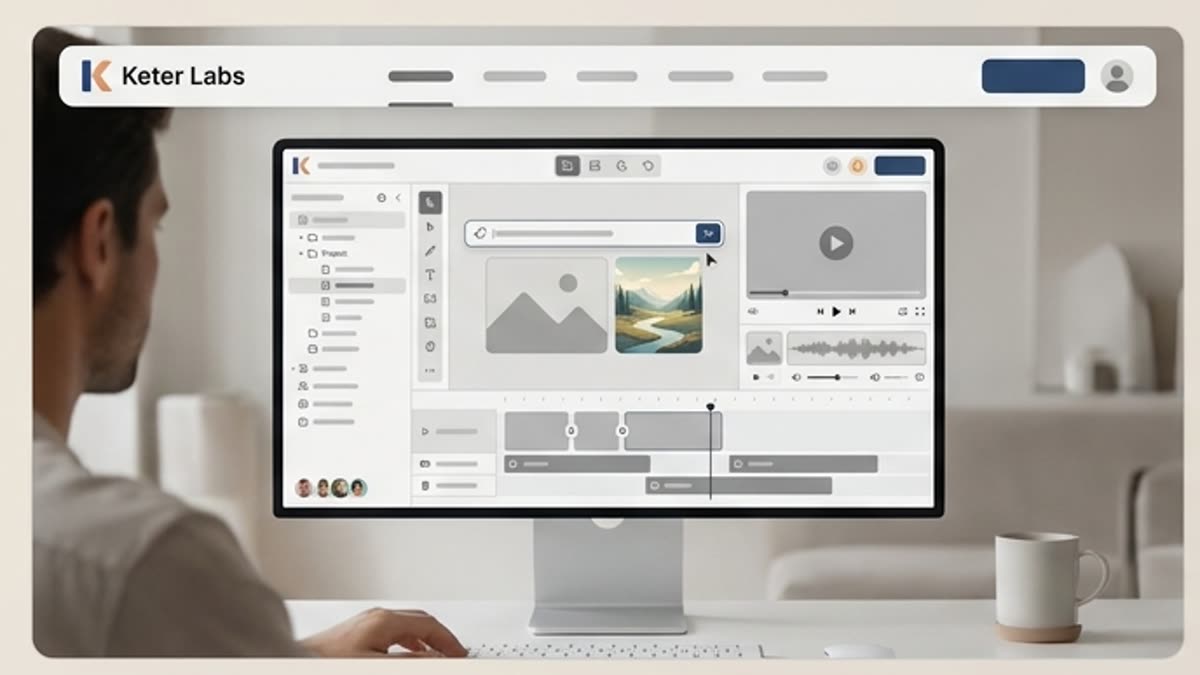
AI Image Generator for Campaign and Product Visuals
Keter Labs is an AI image generator for creators, marketers, agencies and design teams that need to turn prompts, references and campaign briefs into usable visual directions. Teams can create product images, social graphics, ad concepts, landing page visuals and design ideas, then refine, upscale and manage selected outputs inside one creative workspace.
AI image generatorAI visual creatorAI image creatorAI photo generatortext to image generatorAI image generator for creative teamsAI image generator for marketingAI product image generatorAI campaign image generatorAI social media image generatorAI image generator with reference imageproduct imagescampaign visualssocial media graphicslanding page visualsad concepts
Image
What's included
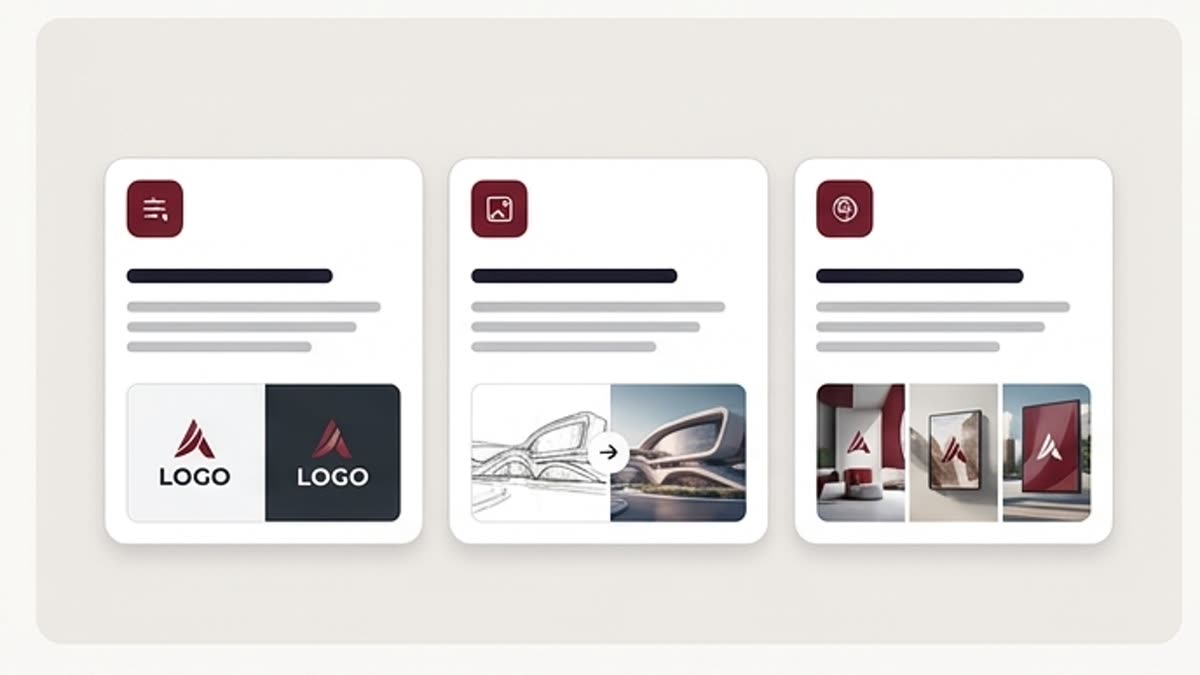
Generate images from prompts and references
Generate Images From Prompts and References
Start with a prompt, product idea, reference image or campaign brief. Keter Labs helps creative teams explore multiple visual directions, compare outputs, refine the strongest option and keep final assets connected to the wider creative workflow.
AI Image Creator for Campaign and Product Visuals
Use Keter Labs as an AI image creator for product images, ad concepts, social media graphics, landing page visuals, blog visuals, presentation images and design directions that need review before campaign use.
Refine, Upscale and Manage Selected Visuals
Generate image options, compare creative directions, edit the strongest result, upscale quality where available, adjust related visuals and manage selected campaign assets inside the same Keter Labs creative studio.
When to use it
AI image use cases for marketing and creative teams
Create product images, social media graphics, ad concepts, landing page visuals, content visuals, presentation images, campaign moodboards and design concept directions.
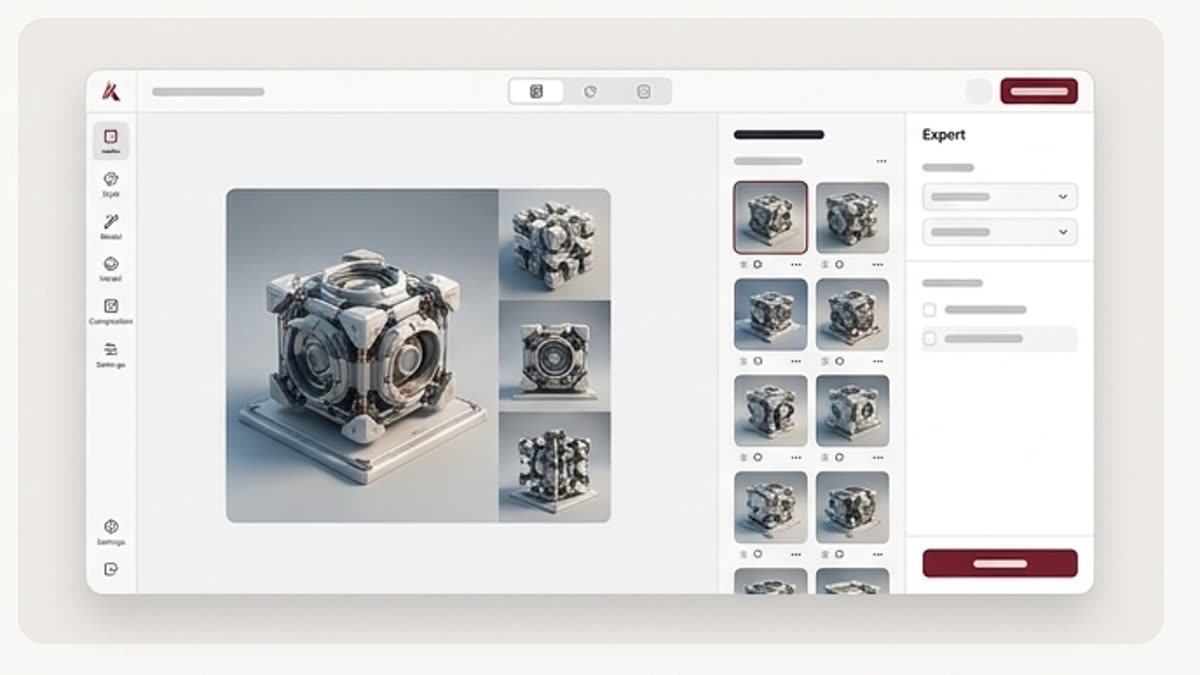
Product Images
Create product image concepts for ecommerce, launches, catalogs and campaign planning, then review accuracy, scale, lighting and brand fit before using them in public-facing work.
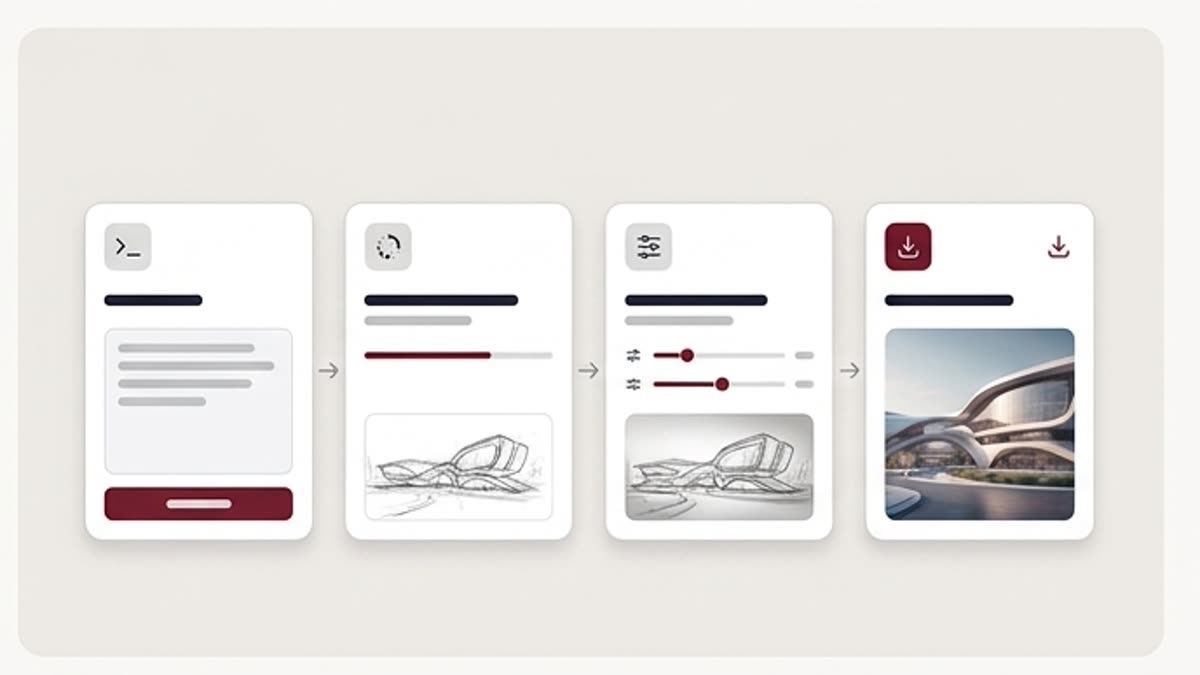
Social Media Graphics
Generate social media graphics for posts, covers, teasers and paid social concepts when marketing teams need more visual directions before choosing a final campaign angle.
Ad Concepts
Explore ad concepts for campaign messages, audience tests, product launches and creative reviews before sending a selected direction into design, mockup or motion workflows.
Landing Page Visuals
Create landing page visuals and hero-image directions that help teams evaluate composition, message fit and product storytelling before publishing or developer handoff.
Blog and Content Visuals
Use AI image generation to explore header images, editorial visuals and supporting graphics for articles, guides, resources and campaign content calendars.
Presentation Images
Prepare presentation images for internal decks, client reviews, sales narratives and stakeholder conversations where the concept needs to look clear but still reviewable.
Campaign Moodboards
Build campaign moodboards from prompts, references and style directions so teams can align on visual tone, lighting, composition and brand direction before production.
Design Concept Exploration
Explore early design concepts, visual styles, layout ideas and creative territories before committing time to detailed design or production workflows.
Details
AI image generator vs separate image tools
AI Visual Creator for Creative Teams
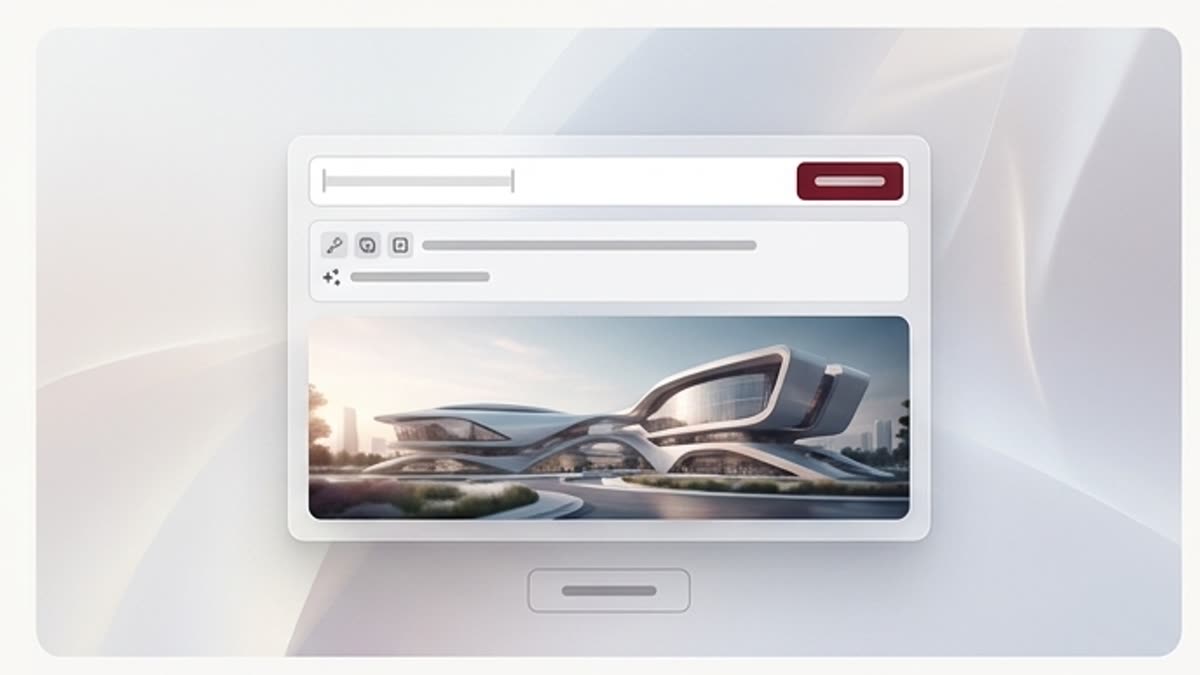
Keter Labs positions AI image generation inside a broader creative studio. Creators, marketers, agencies and design teams can move from prompt, reference or campaign brief to usable visual direction, then continue into editing, upscaling, mockups and asset management where supported.
AI Image Generator With Prompts, References and Briefs
A strong AI visual creator workflow starts with clear creative direction. Add the audience, product, channel, format, style, reference image or campaign brief so generated visuals are easier to compare, refine and review against the actual marketing goal.
AI Image Generator vs Separate Image Tools
Separate AI image tools can help with quick generation, but creative teams often need more than a single output. Keter Labs connects image generation with editing, upscaling, mockups, saved assets and wider creative workflows so teams can move from first concept to reviewed campaign asset without switching between disconnected tools.
Review AI-Generated Images Before Publishing
AI-generated visuals should be reviewed before publishing, client delivery or campaign use. Teams should check brand fit, product accuracy, text inside images, visual consistency, layout quality and usage requirements before treating any generated asset as final.
Workflow
How to create AI images in Keter Labs
Define the brief, add prompts or references, generate visual directions, refine the strongest option and save selected campaign assets inside supported workflows.
1
Step 1
Define the creative brief: campaign goal, audience, product, channel, format, style direction and quality criteria.
2
Step 2
Add prompts, references or product direction so the AI visual creator follows the right brand, scene, lighting and composition goals.
3
Step 3
Generate, refine and save the best visual, then upscale or continue editing where available before using it in supported campaign workflows.
Related sections
Continue with AI creative tools, design, mockups and pricing
An AI image generator uses text prompts, references or creative directions to create visual assets such as product images, social graphics, ad concepts, landing page visuals and design ideas.
What can I create with Keter Labs AI image generator?+
Keter Labs can support AI-assisted workflows for campaign visuals, product images, social media graphics, ad concepts, presentation visuals and design directions inside one connected creative workspace.
Can I use reference images in an AI image workflow?+
Keter Labs is designed around creative workflows where prompts, references, product ideas or campaign briefs can guide visual direction where supported. Users should review outputs before publishing or client delivery.
Is Keter Labs useful for marketing teams?+
Yes. Marketing teams can use Keter Labs to explore visual concepts for campaigns, ads, social posts, landing pages, presentations and product storytelling, while keeping assets connected to the wider creative workflow.
How is Keter Labs different from separate AI image tools?+
Keter Labs connects image generation with editing, upscaling, mockups, saved assets and creative workflow management, so teams can move from first idea to reviewed campaign asset in one workspace.
Should AI-generated images be reviewed before use?+
Yes. Teams should review AI-generated images for brand fit, product accuracy, text quality, visual consistency and usage requirements before publishing or using them in client-facing work.
Ready when you are
Create AI images for campaigns and product visuals
Use Keter Labs to turn prompts, references and creative briefs into visual directions, then refine and manage selected outputs inside one connected creative workspace.