Design
Icon generator
The icon generator helps you quickly create icon sets for interfaces, landing pages, presentations, brand materials and product explanations. Describe the style, shape, stroke weight, theme and constraints so the set looks cohesive.
What's included
What this section gives you.
One consistent set
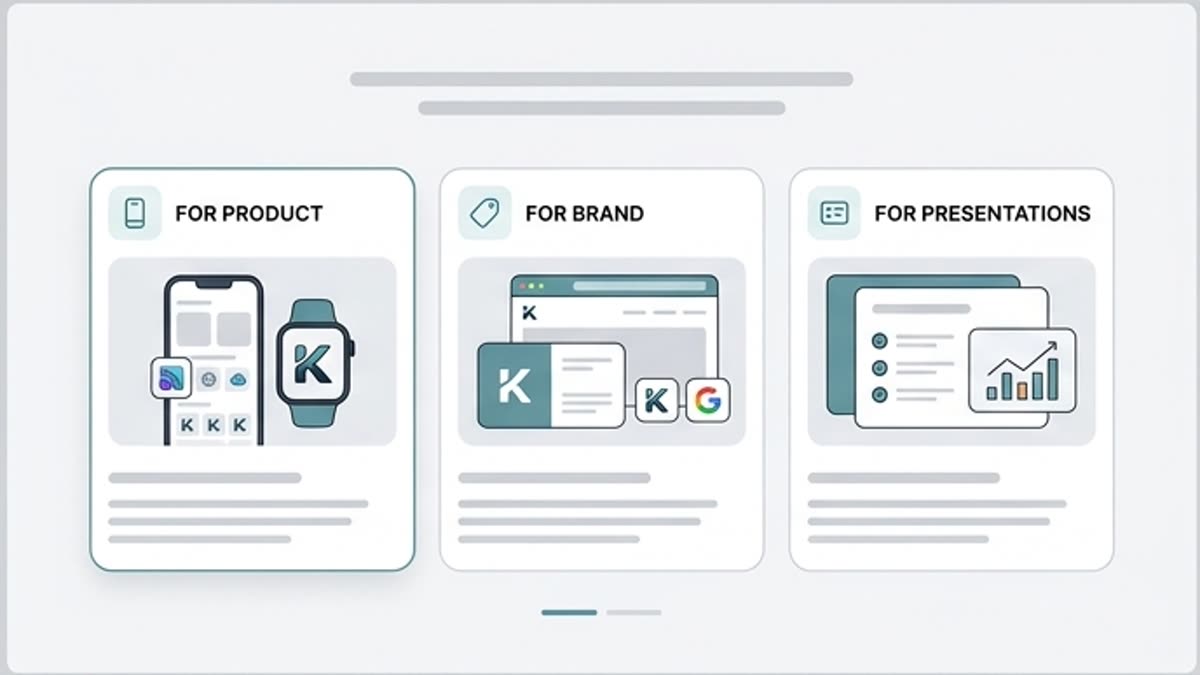
Create icons with matching stroke weight, shape, level of detail, corner radius, color and visual character.
Faster for product and decks
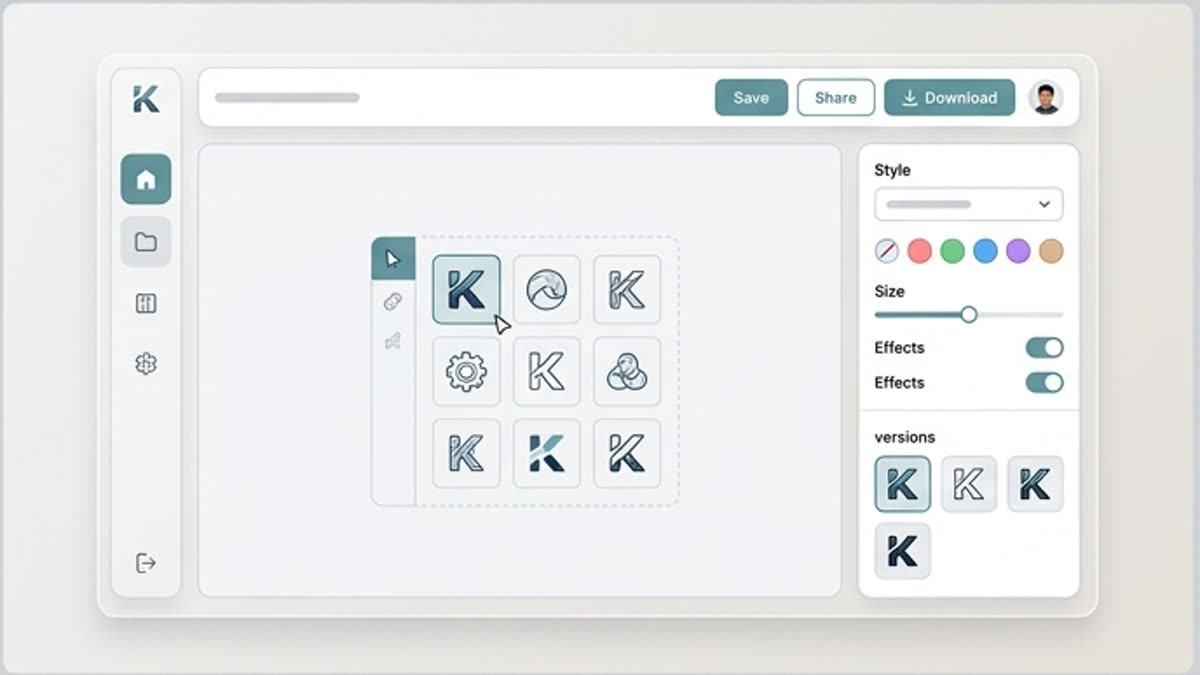
Assemble icons for features, onboarding, pricing, site sections, pitch decks, guides or marketing blocks.
Ready for design refinement
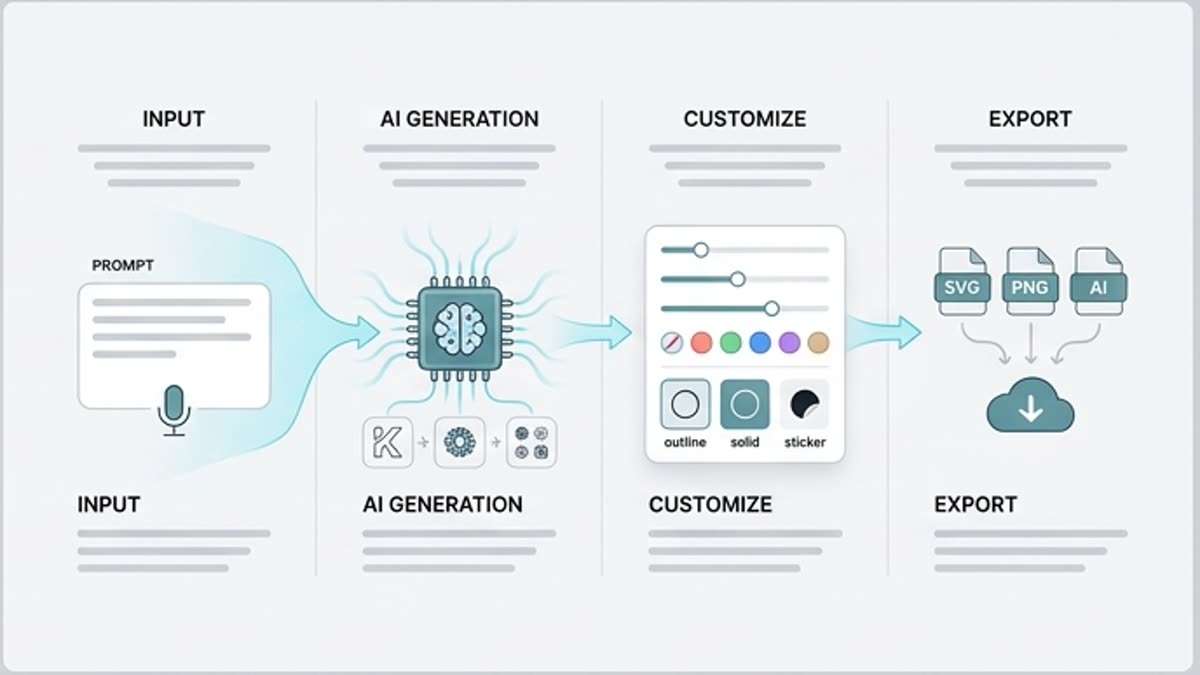
Use the result as a starting set, then refine individual symbols, sizes, color and export.
When to use it
Common jobs this section is built for.
These examples make it easier to choose where to start and which nearby section to open next.
Need icons for a landing page
Create a set for product blocks, benefits, use cases, pricing or instructions without piecing together symbols from different libraries.
Need one visual language
Make icons in a single style so the presentation, site or product does not look assembled from random sets.
Need to explain a complex feature fast
Use icons as short visual markers for AI tools, workflows, integrations or team roles.
Inside this section
Jump straight to the right page.
Open a specific tool, library or workspace inside this section so you can start with the action you need instead of searching through navigation.
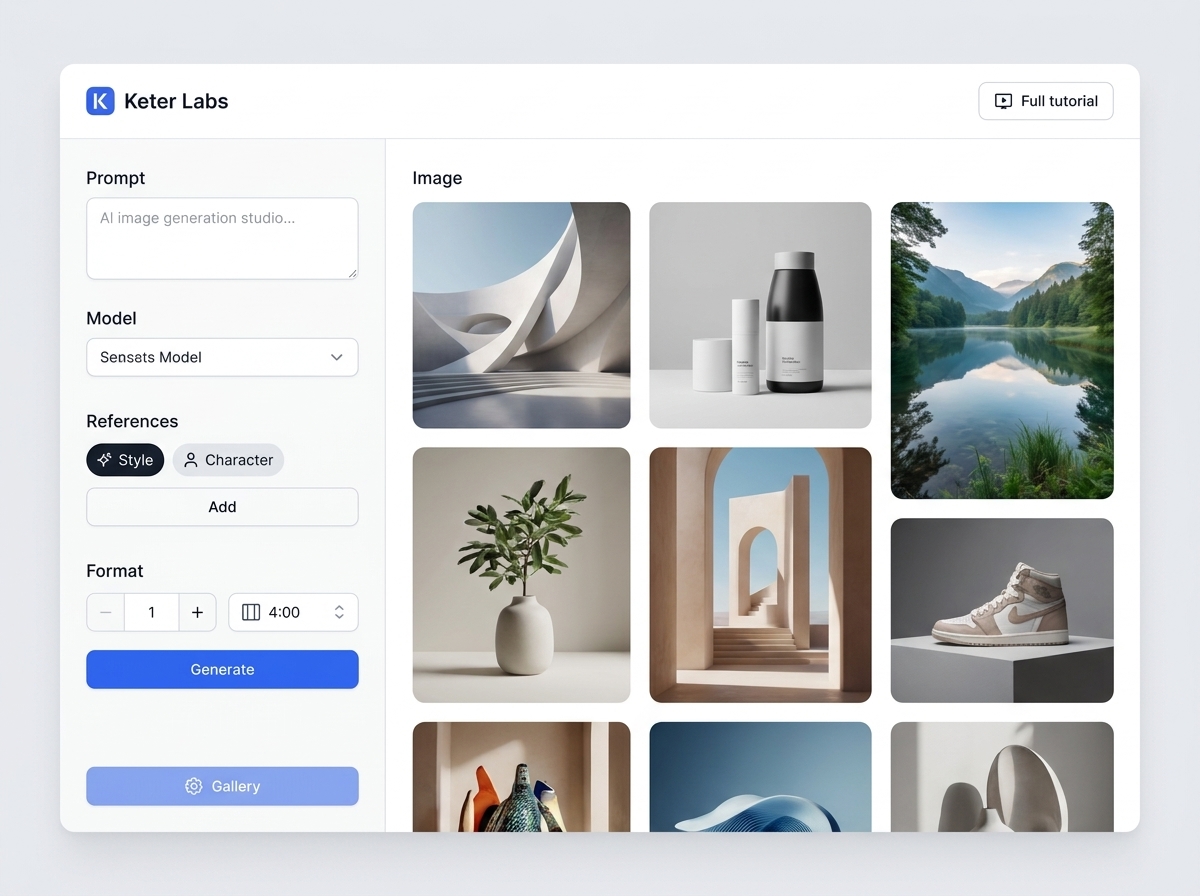
Icon generator tool
Icon generator tool helps users understand a specific AI creative task in plain language: what goes in, what comes out, where it fits in production, and how to keep the result useful instead of treating it as a one-off experiment.
Open Icon generator tool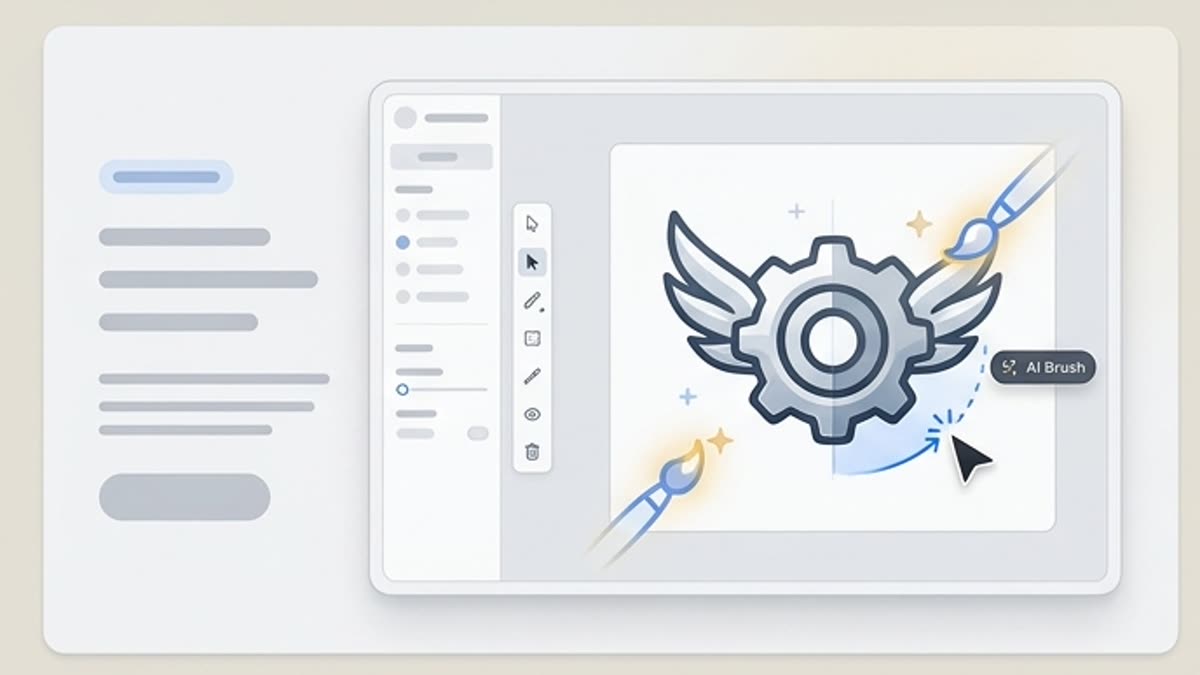
Icon editor
The icon editor helps you bring individual symbols and entire icon sets to a consistent style: shape, stroke weight, corner radius, color, legibility and export ready for a product, website or presentation.
Open Icon editorIcon creator
The “Icon creator” section provides practical guidance on how to create icons, check their legibility and prepare sets for an interface or presentation. It helps you prepare materials, complete the steps in Keter Labs, check the limitations and bring the result to a working state.
Open Icon creatorWorkflow
How it works inside Keter Labs.
Every section in Keter Labs follows the same shape: a clear brief, a fast first draft, refinement in the editor, and a result saved into the project.
Step 1
Describe the theme and style of the set: line, filled, 3D, minimal, playful, technical or brand-specific.
Step 2
Generate several variants and check that the icons stay readable at small sizes.
Step 3
Save the set and use it in the designer, a presentation, an interface or your brand system.
Related sections
Where to go next.
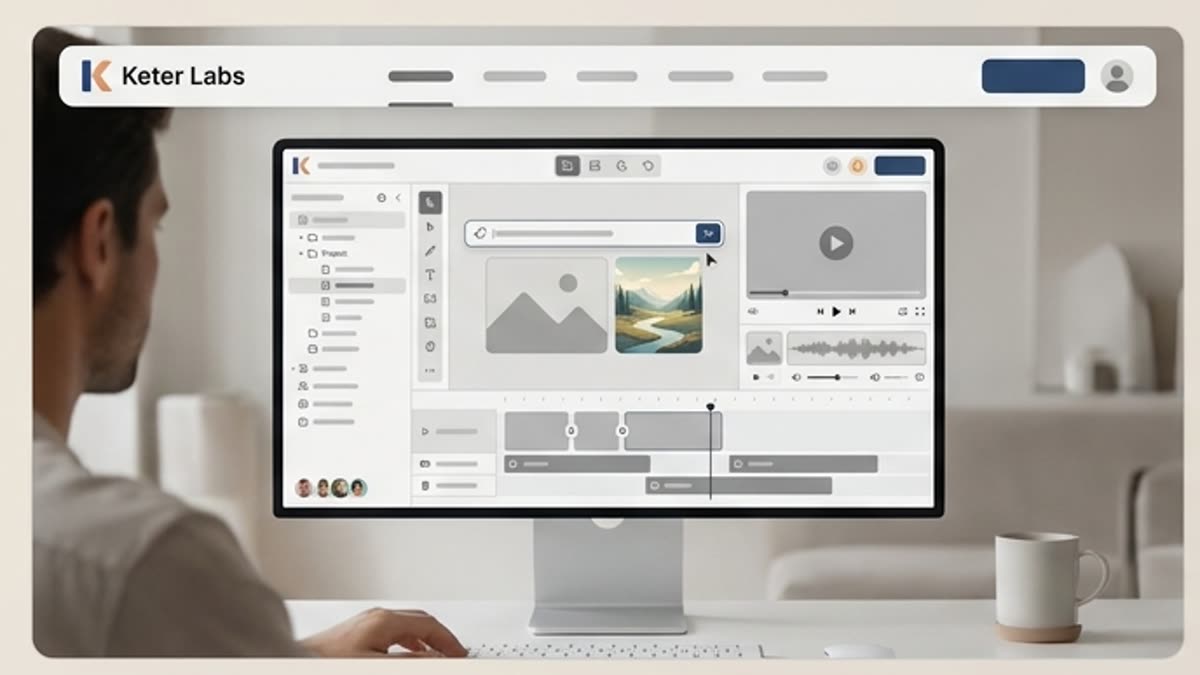
AI tools
A unified set of AI tools for generating, editing and upscaling image, video, audio and design assets — all in one studio.
Open AI tools
Pricing for creators and teams
Pick the plan that fits your generation volume, team workflow and commercial output — from solo creators to production studios.
Open Pricing for creators and teams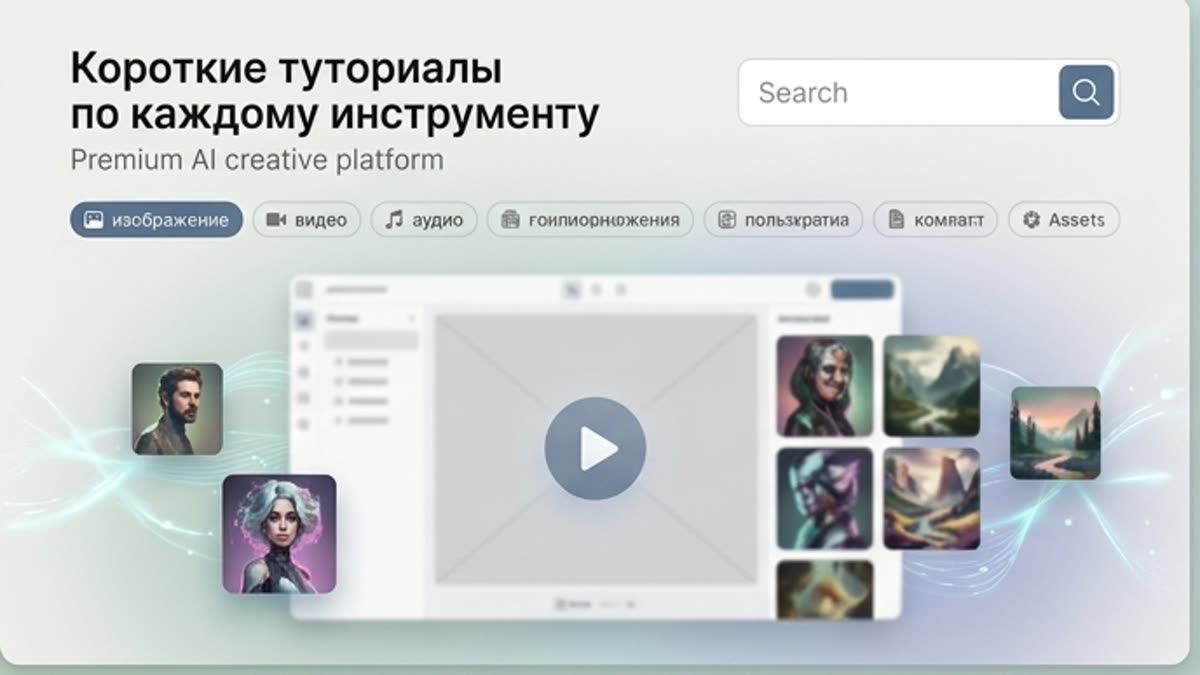
Short tutorials for every tool
Quick how-tos for specific actions: generation, upscaling, background swaps, video work, template editing and export.
Open Short tutorials for every toolReady when you are
Bring this workflow into your next project.
Spin up assets, lock in versions and align your team around a single creative platform.
Create account