Design
PNG generator
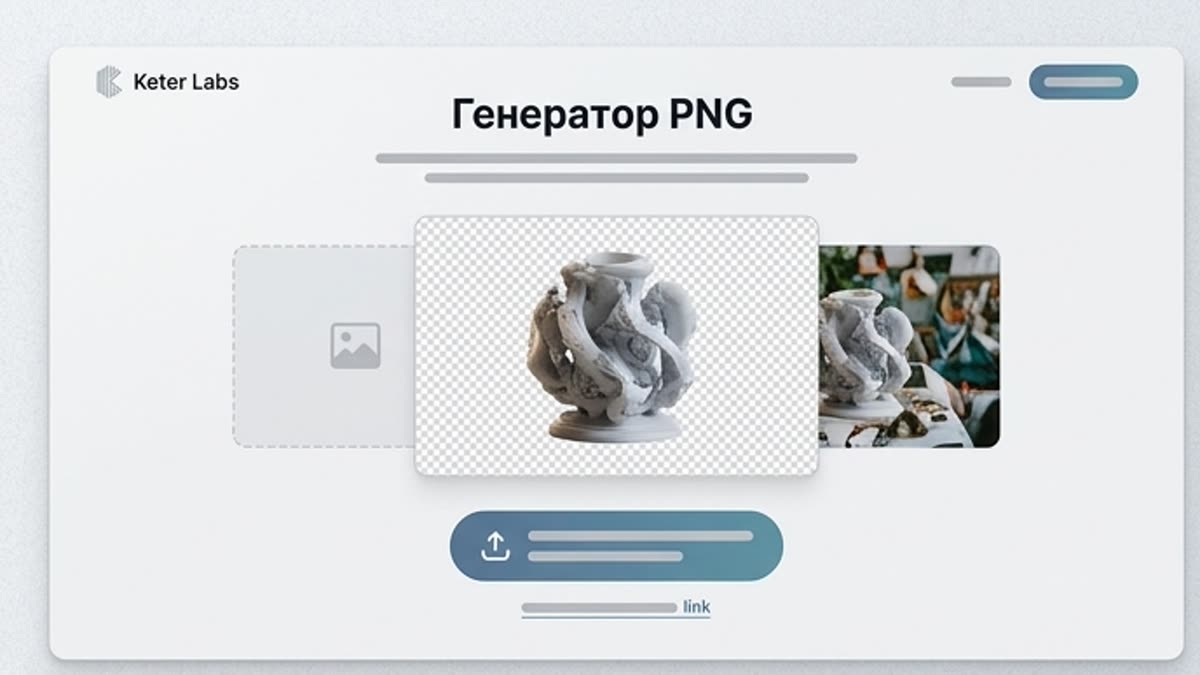
The PNG generator creates transparent assets for design, layouts, presentations, banners, social creatives and product visuals. Handy when you need a background-free object you can drop straight onto a canvas.
What's included
What this section gives you.
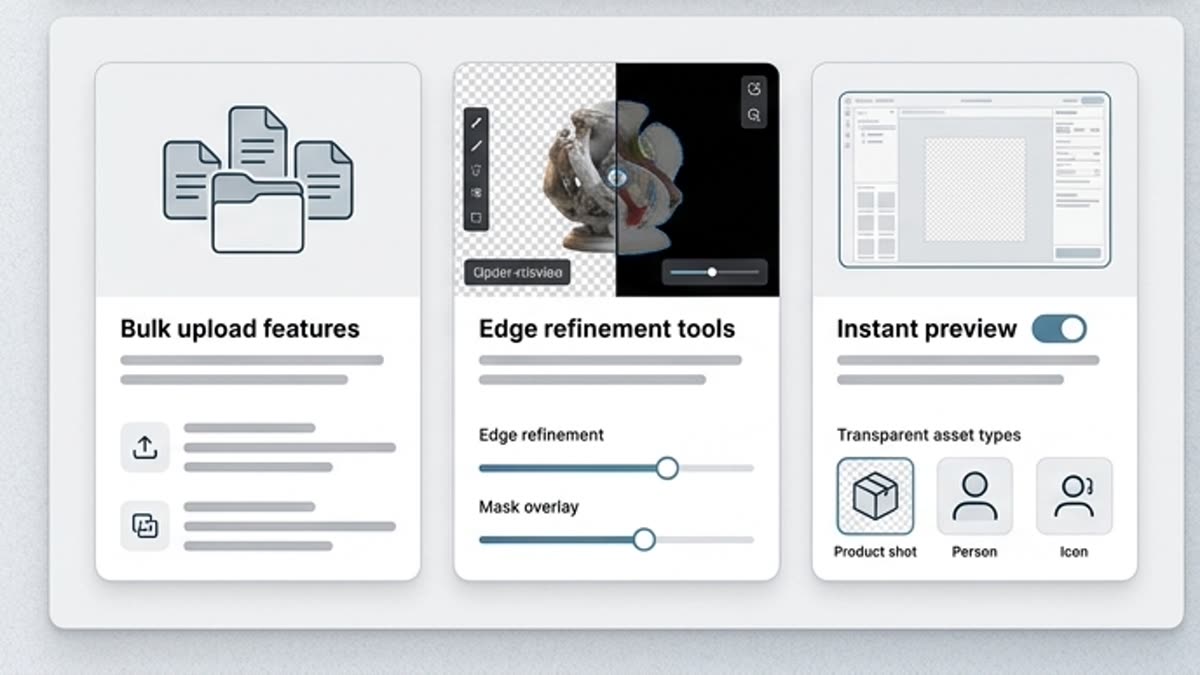
Ready to place immediately
Get an object, decorative element, sticker, product accent or graphic on a transparent background without a separate cutout step.
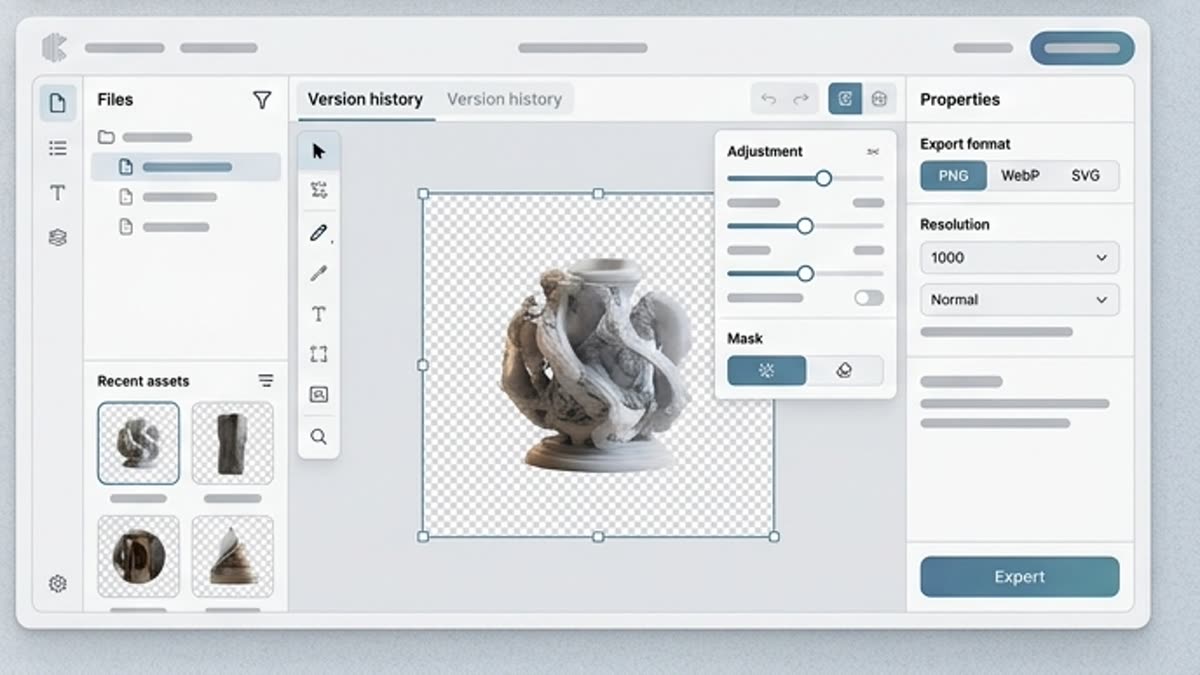
Fast for design and social
PNG assets slot easily into banners, stories, presentations, cards, covers and product layouts.
Control over shape and style
Describe the object, color, material, angle, level of detail and style so the asset matches the rest of the visual.
When to use it
Common jobs this section is built for.
These examples make it easier to choose where to start and which nearby section to open next.
Need an object for a layout
Create a transparent element for a banner, product scene, social post, presentation or landing page.
Need stickers or decorative elements
Prepare a set of graphics in one style that you can quickly place across different designs.
Want to skip manual background removal
Generate the asset on a transparent background from the start when the end goal is composition, not a standalone photo.
Workflow
How it works inside Keter Labs.
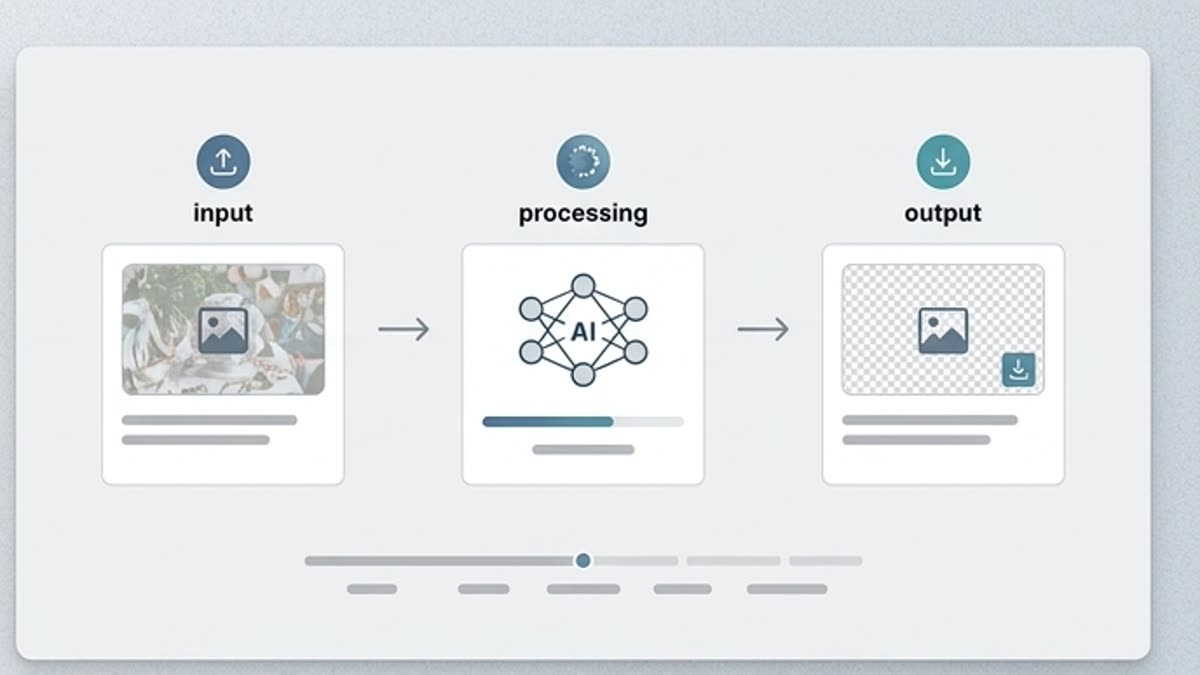
Every section in Keter Labs follows the same shape: a clear brief, a fast first draft, refinement in the editor, and a result saved into the project.
Step 1
Describe the PNG asset: object, style, material, angle, color and where it will be used.
Step 2
Generate several variants and check the edges, transparency, readability and fit with the layout.
Step 3
Save the asset and use it in the designer, a template, a presentation or an ad creative.
Related sections
Where to go next.
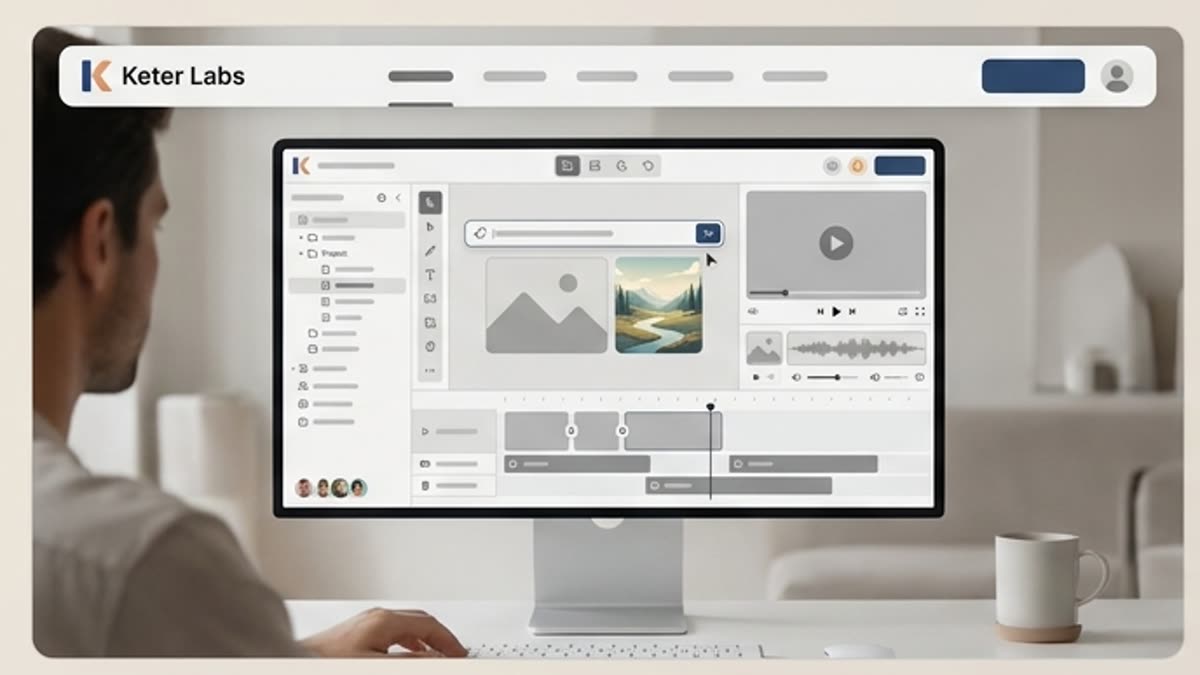
AI tools
A unified set of AI tools for generating, editing and upscaling image, video, audio and design assets — all in one studio.
Open AI tools
Pricing for creators and teams
Pick the plan that fits your generation volume, team workflow and commercial output — from solo creators to production studios.
Open Pricing for creators and teams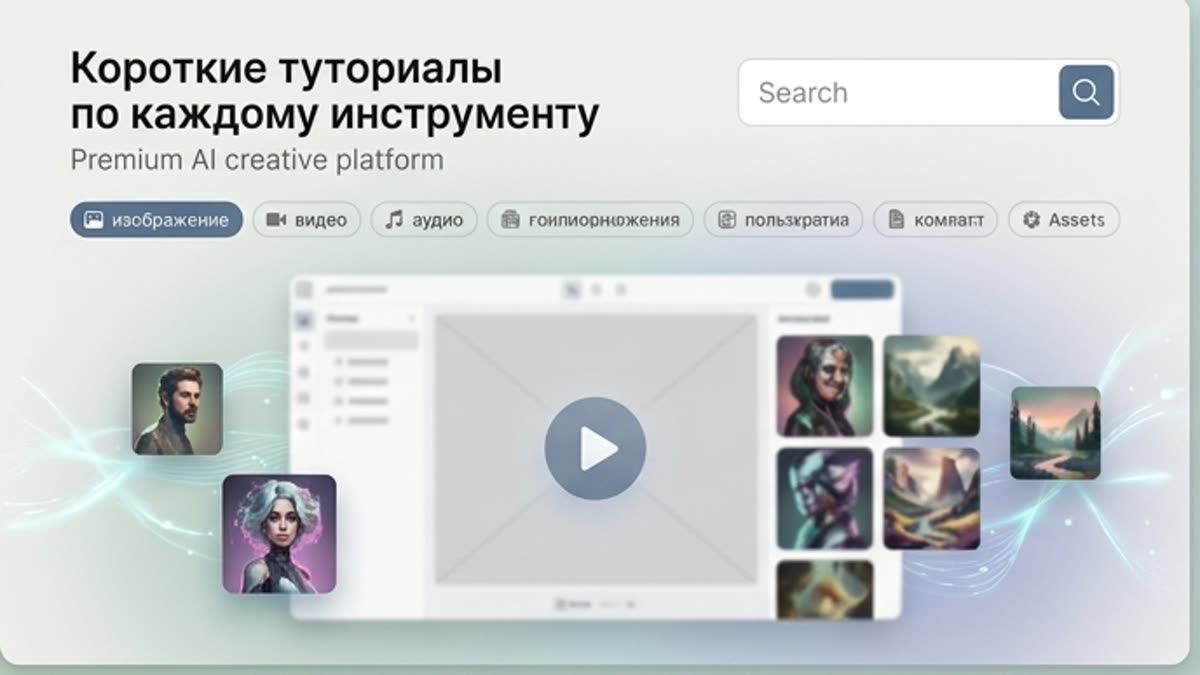
Short tutorials for every tool
Quick how-tos for specific actions: generation, upscaling, background swaps, video work, template editing and export.
Open Short tutorials for every toolReady when you are
Bring this workflow into your next project.
Spin up assets, lock in versions and align your team around a single creative platform.
Create account