Editing

Background Remover for Product and Campaign Assets

Remove backgrounds from product images, portraits and creative assets, then use clean cutouts in mockups, ads, product cards, presentations and design workflows inside Keter Labs.

background removerai background removerremove background from imageimage background removerproduct cutout toolbackground removal for product imagestransparent backgroundcampaign asset editing
Background Remover for Product and Campaign Assets — Keter Labs
Remove

What's included

What this section gives you.

Clean Cutouts for Product and Campaign Work

Clean Cutouts for Product and Campaign Work

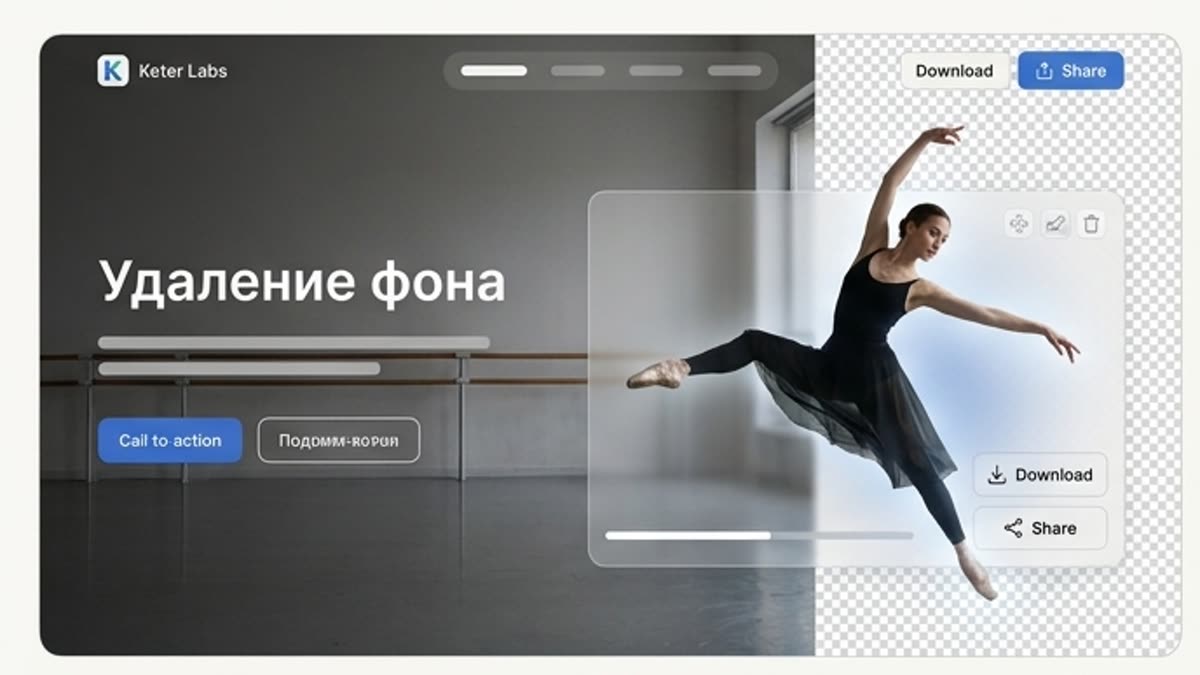
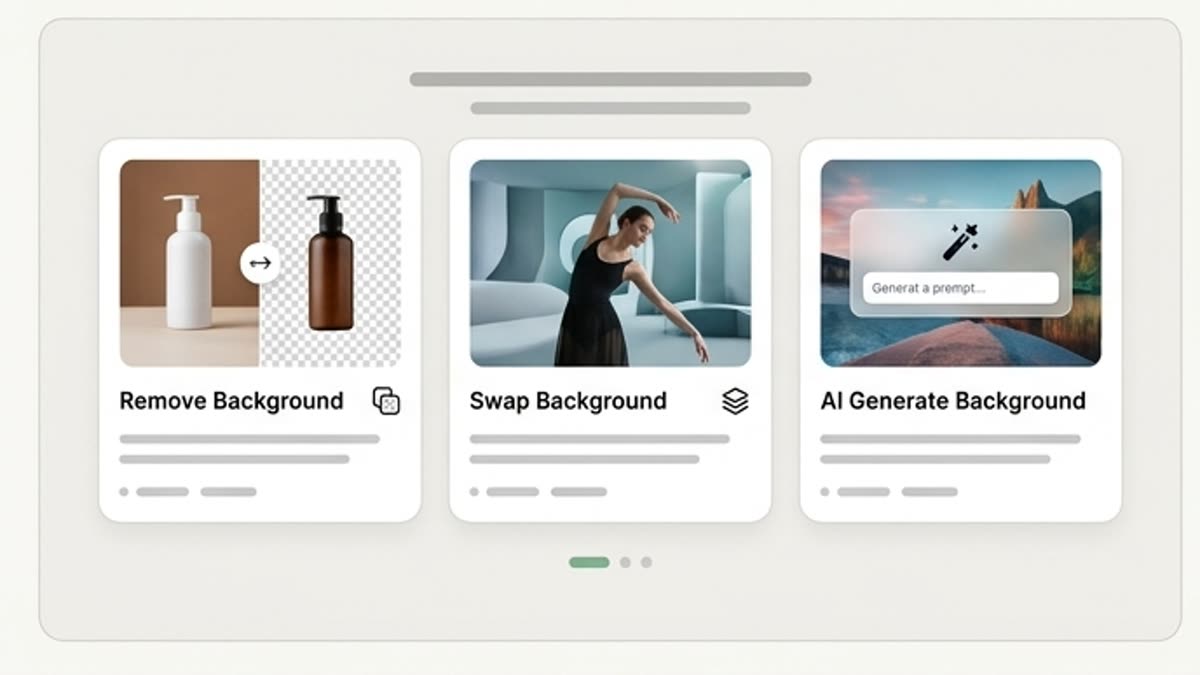
Use the background remover to isolate products, people, objects and graphics so they can be placed into product cards, ads, mockups, presentations and social creative layouts.

Move Cutouts Into Design and Mockup Workflows

Move Cutouts Into Design and Mockup Workflows

A clean subject is easier to reuse across banners, ecommerce visuals, campaign concepts, brand layouts and mockup scenes inside supported Keter Labs workflows.

Review Edges Before Final Use

Review Edges Before Final Use

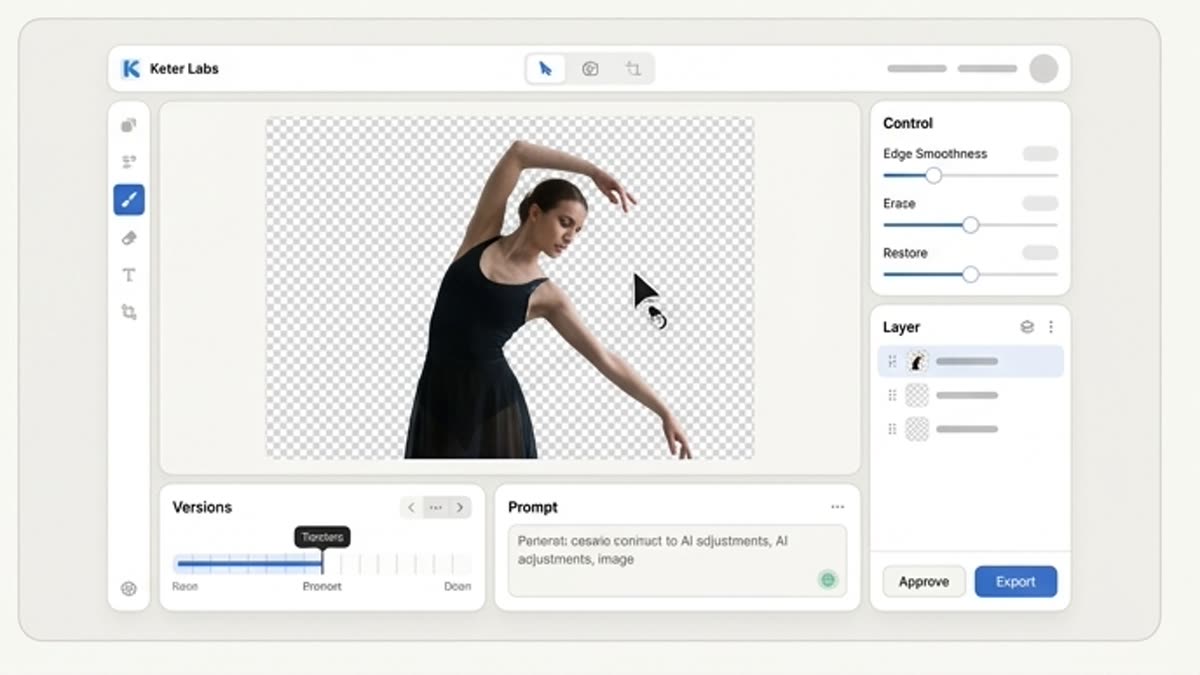
After removing a background, check edges, shadows, hair, transparent areas, product detail and layout fit before using the asset in a client, campaign or publishing workflow.

When to use it

Common jobs this section is built for.

These examples make it easier to choose where to start and which nearby section to open next.

Need a product cutout

Need a product cutout

Separate a product from its background for ecommerce, a banner, presentation, catalog or ad layout.

Need to assemble a design from different assets

Need to assemble a design from different assets

Remove backgrounds from objects and people so you can place them freely on a new canvas.

Need to prepare a PNG

Need to prepare a PNG

Get a transparent asset for a designer, a landing page, social media or the next AI step.

Details

What to know before you use it.

What Is a Background Remover?

What Is a Background Remover?

A background remover helps separate the main subject from an image so it can be reused as a cleaner creative asset. In Keter Labs, background removal supports product cutouts, portraits, graphics and campaign materials that may continue into mockups, design layouts or further image editing where available.

How Background Removal Fits Creative Production

How Background Removal Fits Creative Production

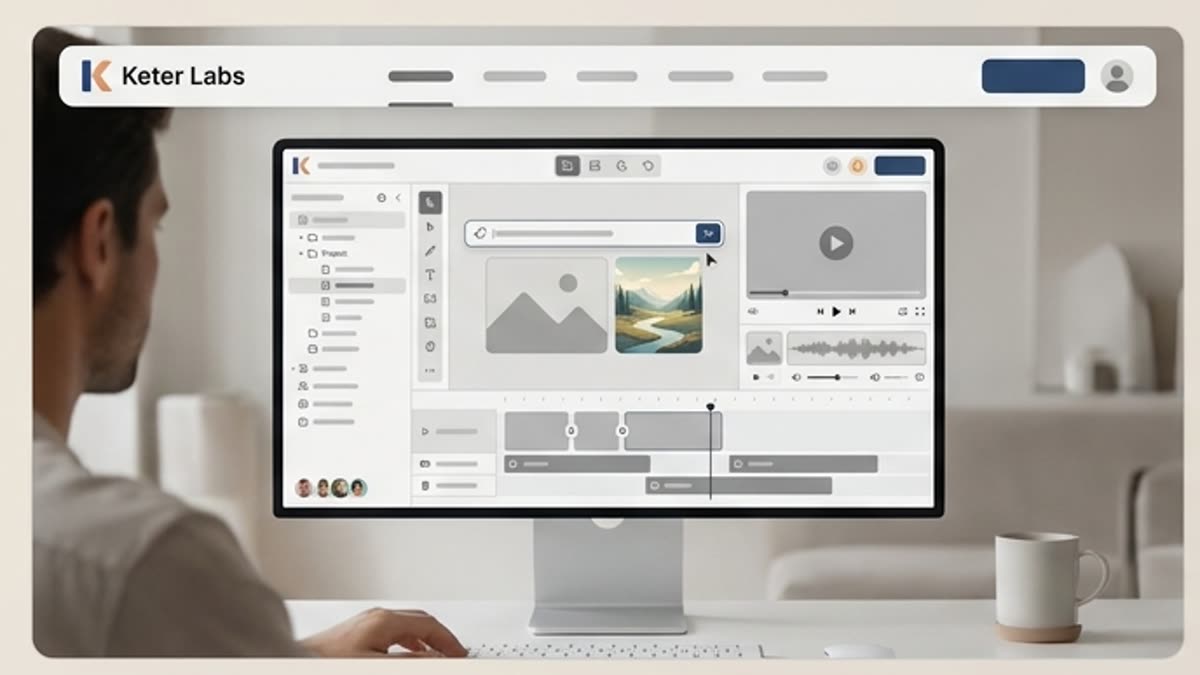
Start with a product photo, portrait or graphic, remove the background, review the subject edges and use the clean cutout in a mockup, product card, ad concept, presentation or social media design.

Best Uses for Clean Background Cutouts

Best Uses for Clean Background Cutouts

Background removal is useful for ecommerce product visuals, campaign concepts, social content, pitch decks, product cards, brand layouts and mockup scenes where the subject needs to stand apart from the original image.

Workflow

How it works inside Keter Labs.

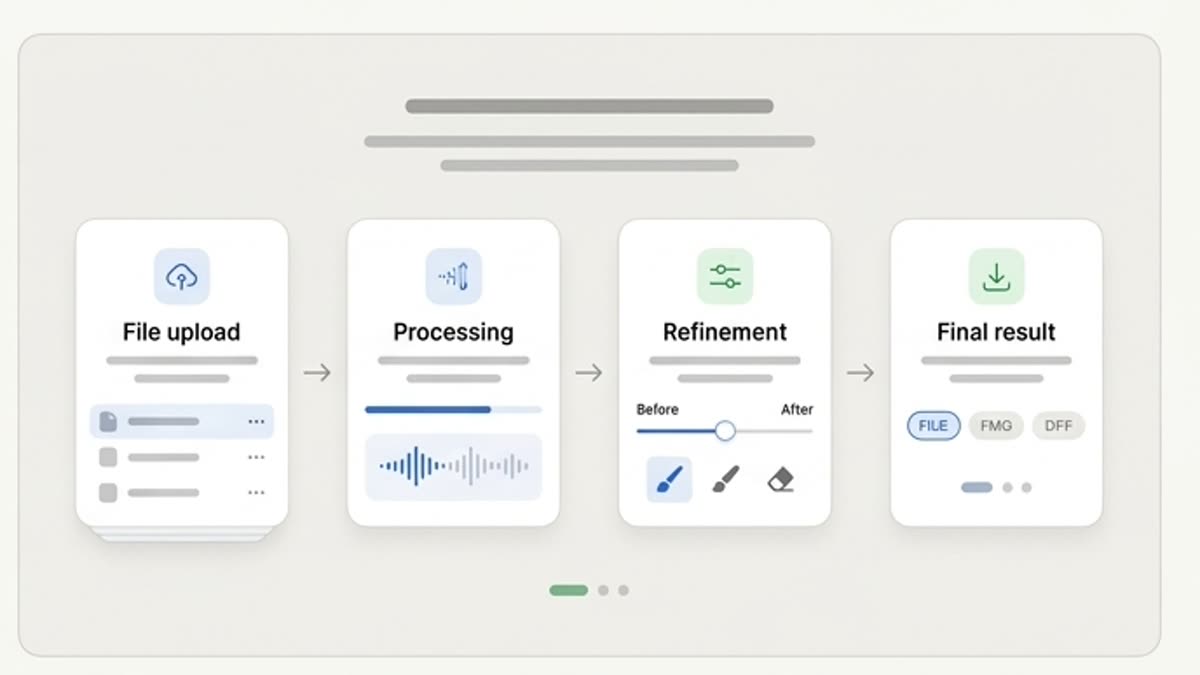
Every section in Keter Labs follows the same shape: a clear brief, a fast first draft, refinement in the editor, and a result saved into the project.

Background Remover for Product and Campaign Assets workflow
1

Step 1

Upload an image with the subject you want to separate from the background.

2

Step 2

Remove the background and check the edges, fine details, hair, transparent areas and shadows.

3

Step 3

Save the cutout or continue with a new background, a layout or a PNG export.

FAQ

Frequently asked questions

What is a background remover?+

A background remover is a tool that separates the main subject from an image so the result can be used as a clean cutout in designs, mockups, product cards, ads and presentations.

Who is Keter Labs background remover for?+

It is useful for creators, marketers, agencies, designers, ecommerce teams and business teams that need clean product, portrait or graphic cutouts for creative work.

What can I use background cutouts for?+

You can use clean cutouts in mockups, product cards, campaign visuals, social media posts, presentations, banners, catalogs and other design workflows.

How does background removal connect with Keter Labs workflows?+

After removing a background, users can continue into supported workflows such as design layouts, mockups, image editing, product visuals or campaign asset production.

What should I check after removing a background?+

Check subject edges, transparent areas, shadows, hair, product details and whether the cutout still looks natural in the final layout or mockup.

Ready when you are

Bring this workflow into your next project.

Spin up assets, lock in versions and align your team around a single creative platform.

Create account