Video
Camera control
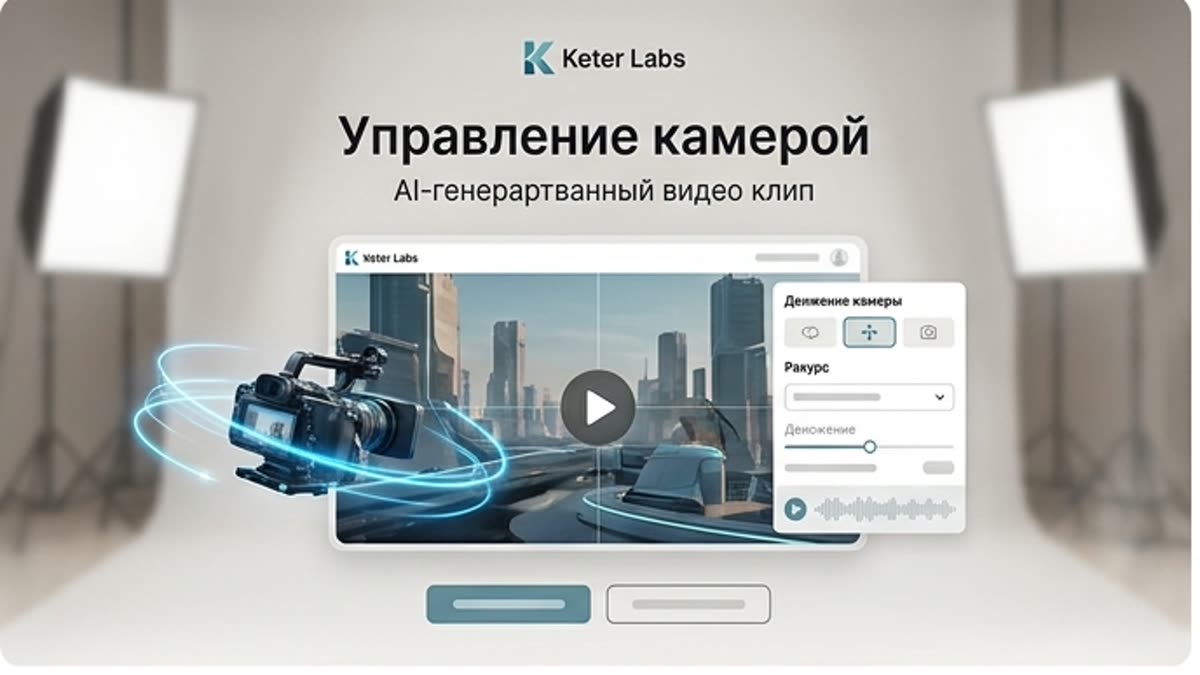
Camera control helps you set the angle, movement and framing language of AI video. Use camera control so a clip reads like a deliberate scene: a product orbit, a soft push-in, a cinematic pan, a handheld feel or a detail reveal.
What's included
What this section gives you.
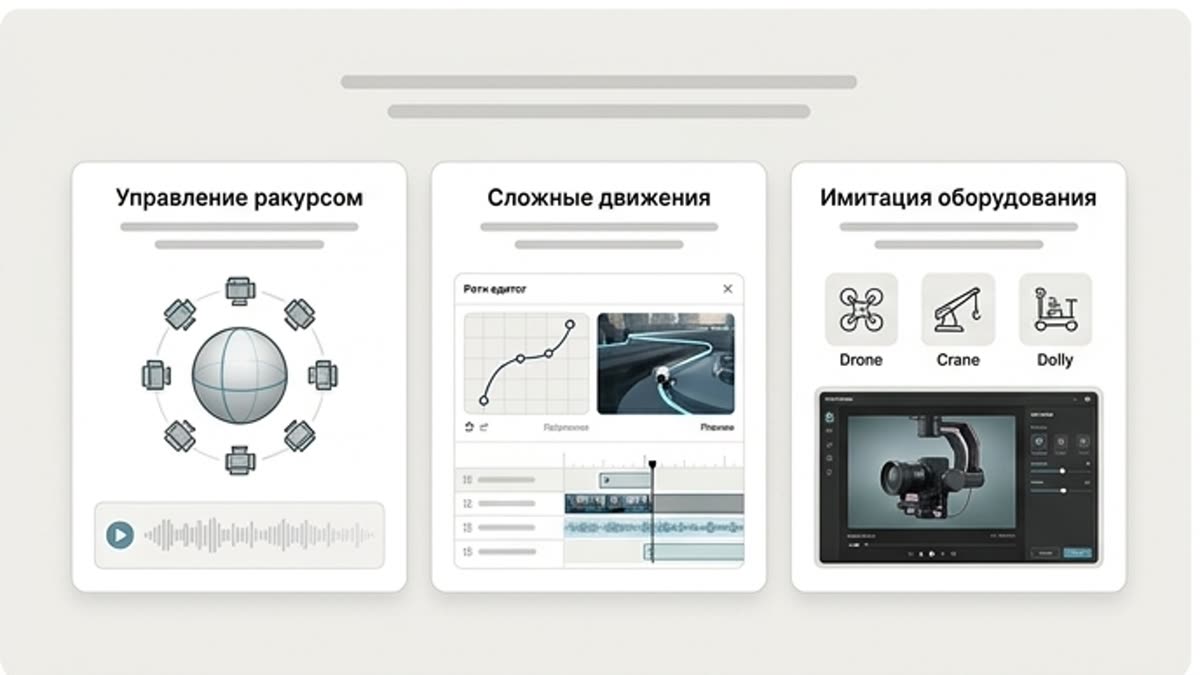
Camera movement you can direct
Describe a push-in, pull-back, pan, orbit, macro angle, static shot or the dynamics that support the meaning of the scene.
Better for product motion
The camera helps show the shape, material, scale, interface, packaging or a key detail of the product.
Stability over effect
Lock the elements that must not change: face, logo, product shape, text, packaging, color and the compositional center.
When to use it
Common jobs this section is built for.
These examples make it easier to choose where to start and which nearby section to open next.
Need to bring a product shot to life
Add an orbit, a soft push-in, a packaging reveal or moving light to turn a static visual into a short product video.
The clip should feel cinematic
Set the camera language up front so the AI video does not look like random scene movement.
Need to highlight an important detail
Use a macro angle, a smooth transition or a controlled pan to draw attention to where the product value sits.
Workflow
How it works inside Keter Labs.
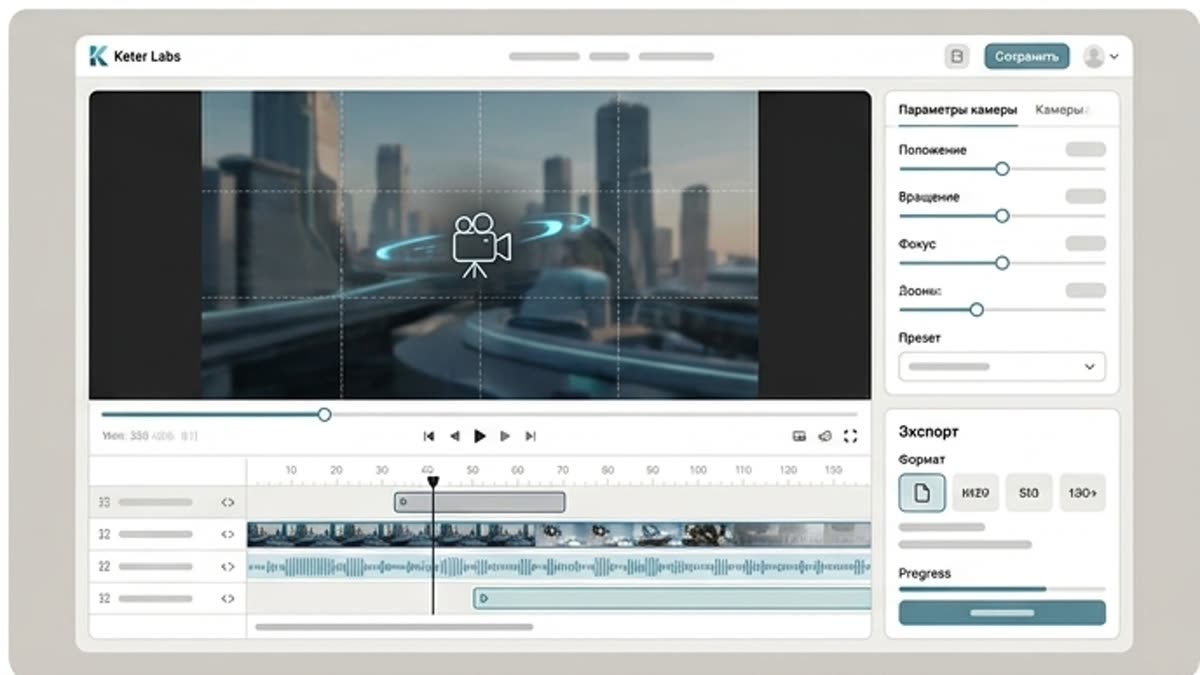
Every section in Keter Labs follows the same shape: a clear brief, a fast first draft, refinement in the editor, and a result saved into the project.
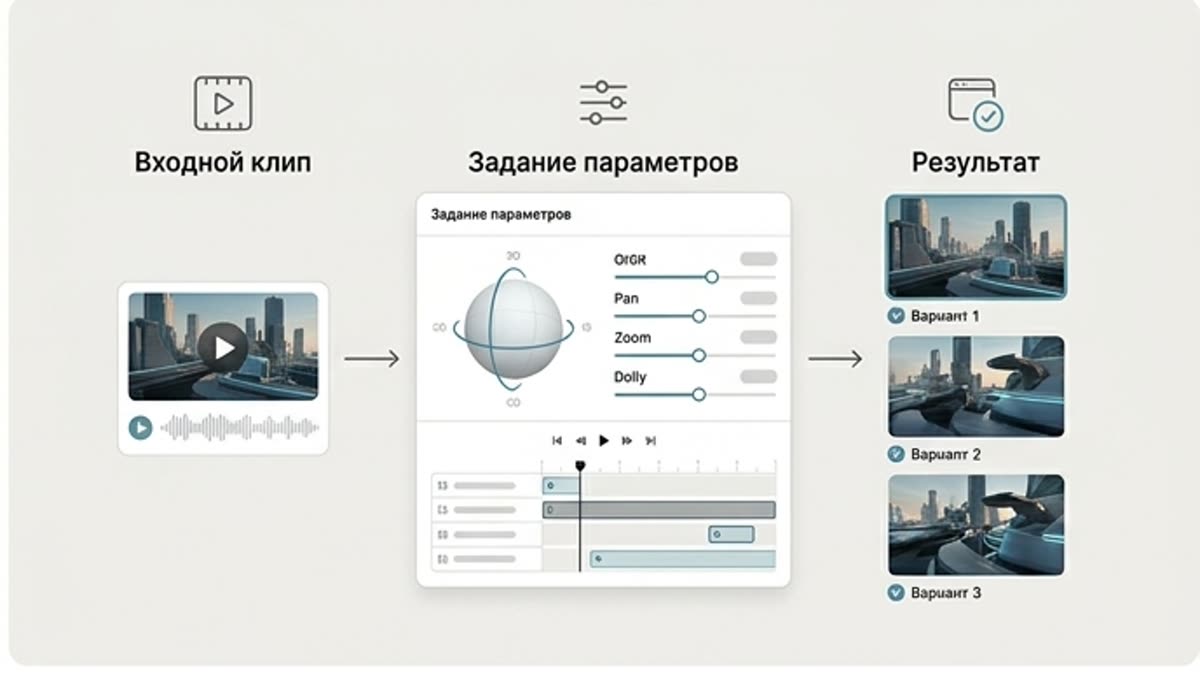
Step 1
Pick a source frame, clip or scene where it is clear what the camera should show.
Step 2
Describe the camera movement, subject action, pace and the elements that must stay stable.
Step 3
Compare variants, pick the most controlled clip and finish it in the video editor.
Related sections
Where to go next.
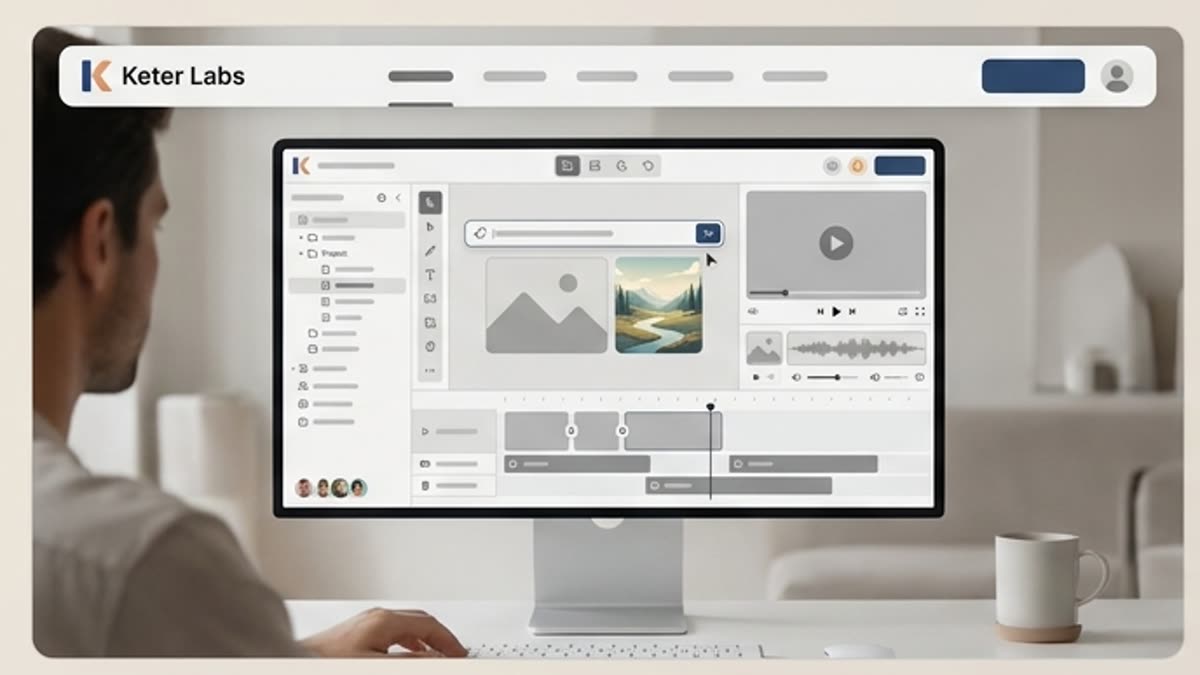
AI tools
A unified set of AI tools for generating, editing and upscaling image, video, audio and design assets — all in one studio.
Open AI tools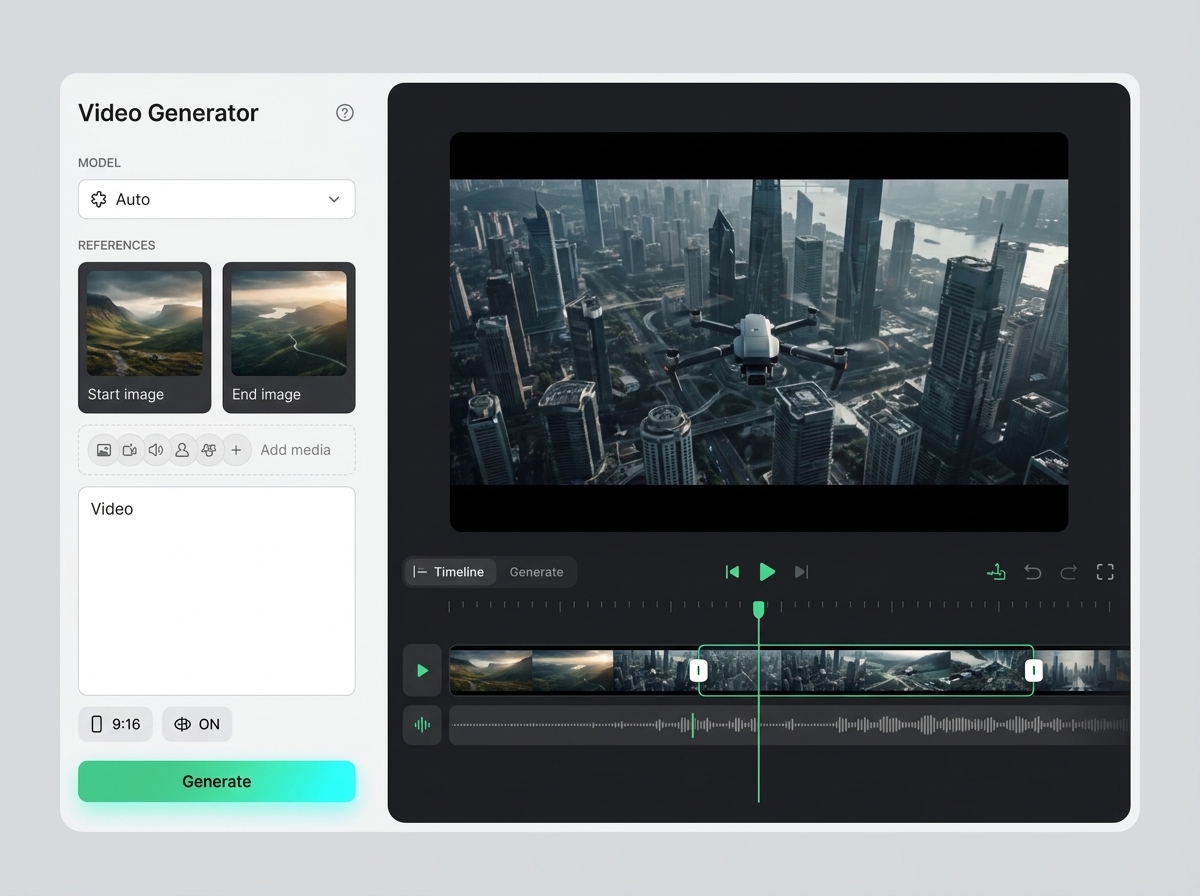
AI video generator
AI video generator helps users understand a specific AI creative task in plain language: what goes in, what comes out, where it fits in production, and how to keep the result useful instead of treating it as a one-off experiment.
Open AI video generatorKling 3.0 Motion Control
Kling 3.0 Motion Control is covered as a production option inside Keter Labs, not as a standalone novelty. The page explains where the model fits, what kind of input it needs, and how to judge whether the result is ready for a real project.
Open Kling 3.0 Motion Control
Short tutorials for every tool
Quick how-tos for specific actions: generation, upscaling, background swaps, video work, template editing and export.
Open Short tutorials for every toolReady when you are
Bring this workflow into your next project.
Spin up assets, lock in versions and align your team around a single creative platform.
Create account