Book mockup generator
Book mockup generator — upload a cover, get the book photo
Put your cover on a standing hardcover or a flat paperback. Pick the blank, upload the artwork, download the image.
30 welcome credits. Each mockup costs 3 credits. No watermark.
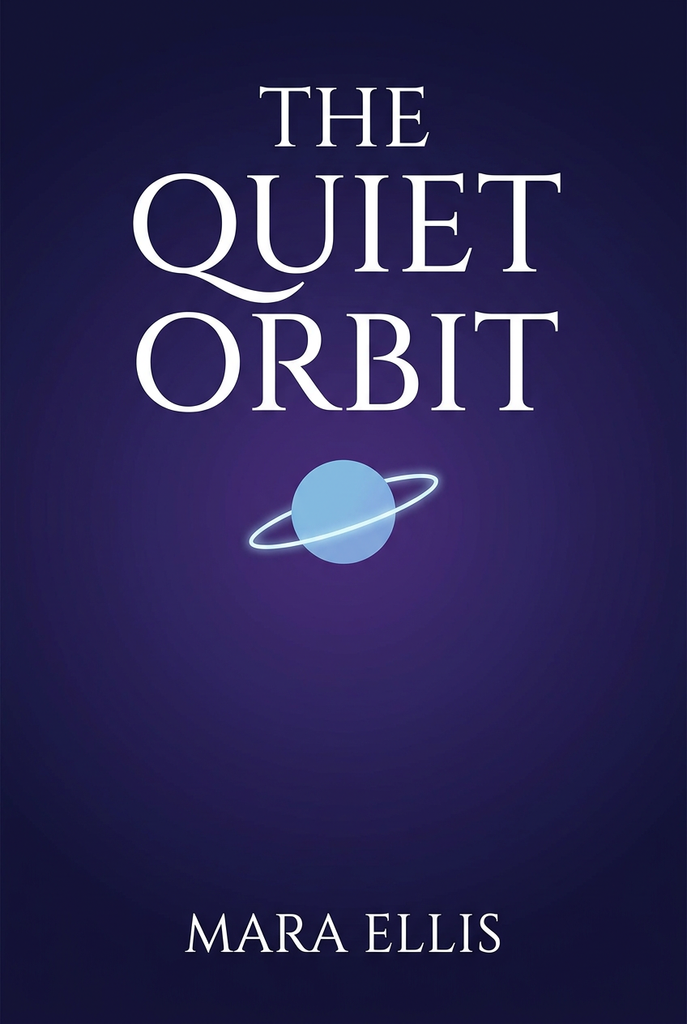
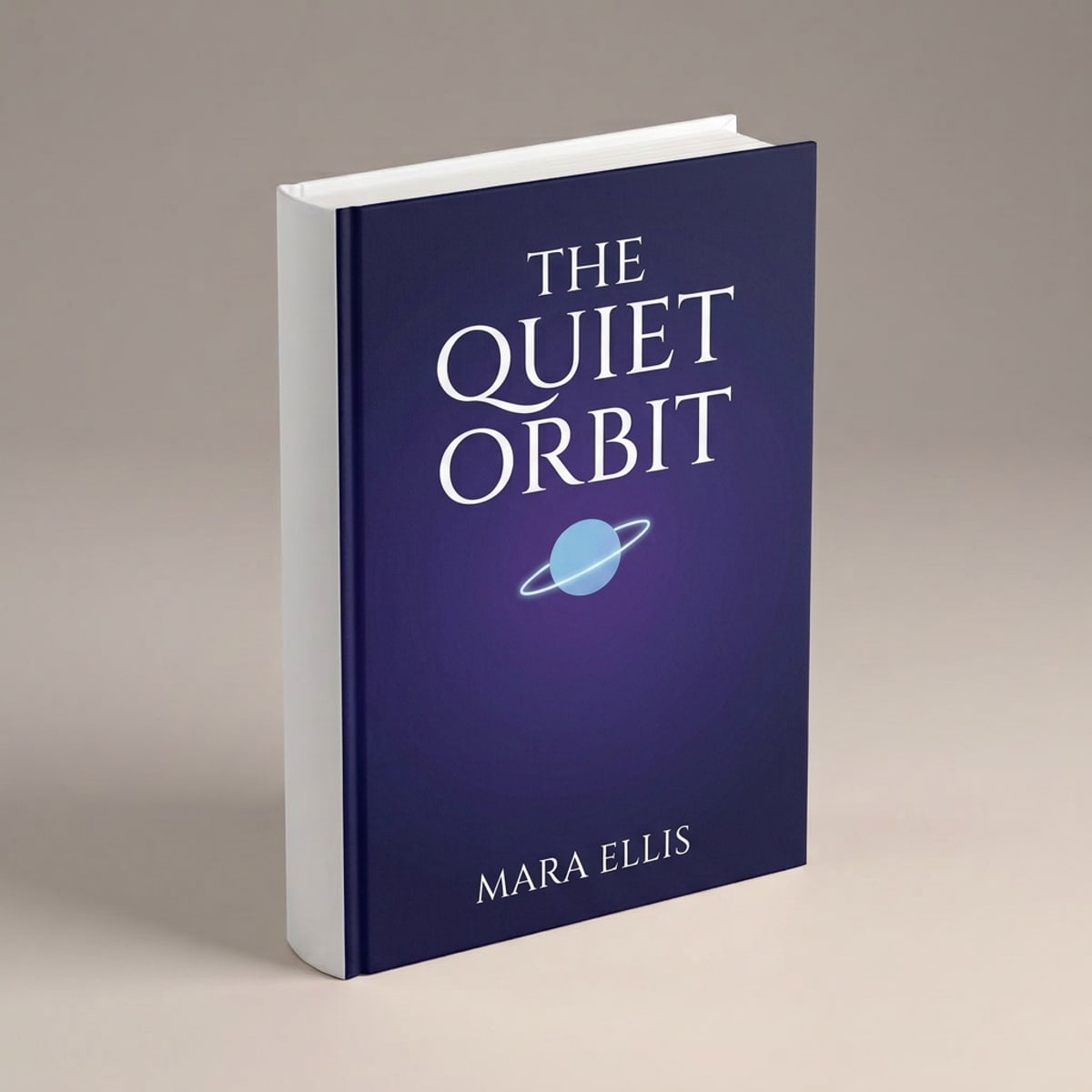
What the book mockup generator does
The book mockup generator is part of Keter Labs, an AI creative studio. You upload your cover artwork, choose a standing hardcover or a flat paperback, and the model puts the design on the front cover with the angle, shadows and lighting of that blank. You get a finished image, not a template to edit.
- Blanks
- Standing hardcover in 3D, flat paperback
- Best used for
- KDP and store listings, author sites, ads and launch posts
Hardcover and paperback blanks
Two blanks, shot differently. Pick the one that suits where the image is going.
| Blank | What it is | Use it for |
|---|---|---|
| Standing hardcover | A 3D book at a three-quarter angle, spine visible, on a warm grey background | Listings, ads, launch graphics — anywhere the book should read as an object |
| Flat paperback | A softcover lying flat on a light oak desk, shot from directly above | Showing the cover design on its own, flat-lay social posts |
| Deep links | ?product=book opens the book task with both blanks selectable, starting on the hardcover. ?product=book-cover goes straight to the flat paperback. | Or upload a photo of a book you already have and use that as the base. |
How to make a book mockup
- 1
Pick your book
Choose the standing hardcover or the flat paperback, or upload a photo of your own book.
- 2
Upload your cover
PNG, JPEG or WebP. A transparent PNG gives the cleanest edges, and a 2:3 cover fits the blanks best.
- 3
Generate and download
The model puts the cover on the front with the angle and lighting of the blank, and you download the image.
What you get
| Blanks | Standing hardcover, flat paperback |
| Hardcover | Three-quarter angle, spine and front cover visible |
| Paperback | Flat, shot from directly above |
| Where the artwork goes | Front cover only |
| Your own book photo | Supported as an alternative base |
| Upload formats | PNG, JPEG, WebP |
| Transparent PNG | Recommended, not required. Make one with Remove Background |
| Output | A finished image file |
| Watermark | None |
| Cost | 3 credits per mockup |
| Free allowance | 30 welcome credits, which covers 10 books |
| Failed runs | Refunded — a timeout costs no credits |
Looking for a PSD template
This isn't a template library. You get a finished image, so there's no PSD file, no Smart Object and no Photoshop step. If you want a layered file you can open and edit yourself, a PSD library is the better fit.
What this tool doesn't do
Two blanks — one standing hardcover, one flat paperback.
Each blank has a fixed camera angle you can't change.
The artwork goes on the front cover only; the spine and page edges stay plain.
No open book, spread, stacked or styled scene views yet.
You get a finished image, not a layered file.
Who uses it
Self-publishing authors
cover images for KDP, Ingram and your own site before any copies exist
Book designers
showing a client how a cover sits on an actual book
Small presses
launch graphics and pre-order pages
Other mockups
| Mockup generator (hub) |
| T-shirt mockup generator |
| Logo mockup generator |
| Phone mockup generator |
| Packaging mockup generator |
| Keter Labs — The AI creative studio this tool is part of |
Frequently asked questions
Do I need my own book photo?+
No. Pick the standing hardcover or the flat paperback and upload only your cover artwork. If you already have a photo of a book you want to use, you can upload that instead and use it as the base.
Can I do both hardcover and paperback?+
Yes. The standing blank is a hardcover at a three-quarter angle with the spine in view. The flat blank is a paperback lying face up, shot from above. Pick whichever suits where the image is going.
Can I get a 3D book mockup?+
Yes. The standing hardcover is a 3D book shot at a three-quarter angle, so the cover, spine and thickness are all visible. That's the one to use for listings and ads where the book needs to look like a physical object.
Does the design go on the spine too?+
No. The artwork is applied to the front cover only. The spine and page edges stay as they are on the blank, so a wraparound design won't carry across.
How do I make a book mockup without Photoshop?+
Upload your cover to Keter Labs and pick a book blank. The model places the artwork and returns a finished image you can download. There's no PSD file, no Smart Object and no editing software involved.
Is it free?+
New accounts get 30 welcome credits. Each mockup costs 3 credits, so that covers 10 books. Output has no watermark on any plan.
What happens if a generation fails?+
Failed and cancelled runs refund the credit hold, so a timeout doesn't cost you anything. You'll see the failure in the gallery and can try again.