What an AI mockup generator actually does
Traditional packaging mockups usually start with a dieline or artwork file, then someone wraps that design around a box, bottle, pouch, sleeve, or tube using a smart object, a 3D render, or a manually edited product photo. That workflow can be accurate, but it often depends on a designer finding the right template, matching the artwork to the surface, correcting perspective, adding shadows, and exporting every version separately.
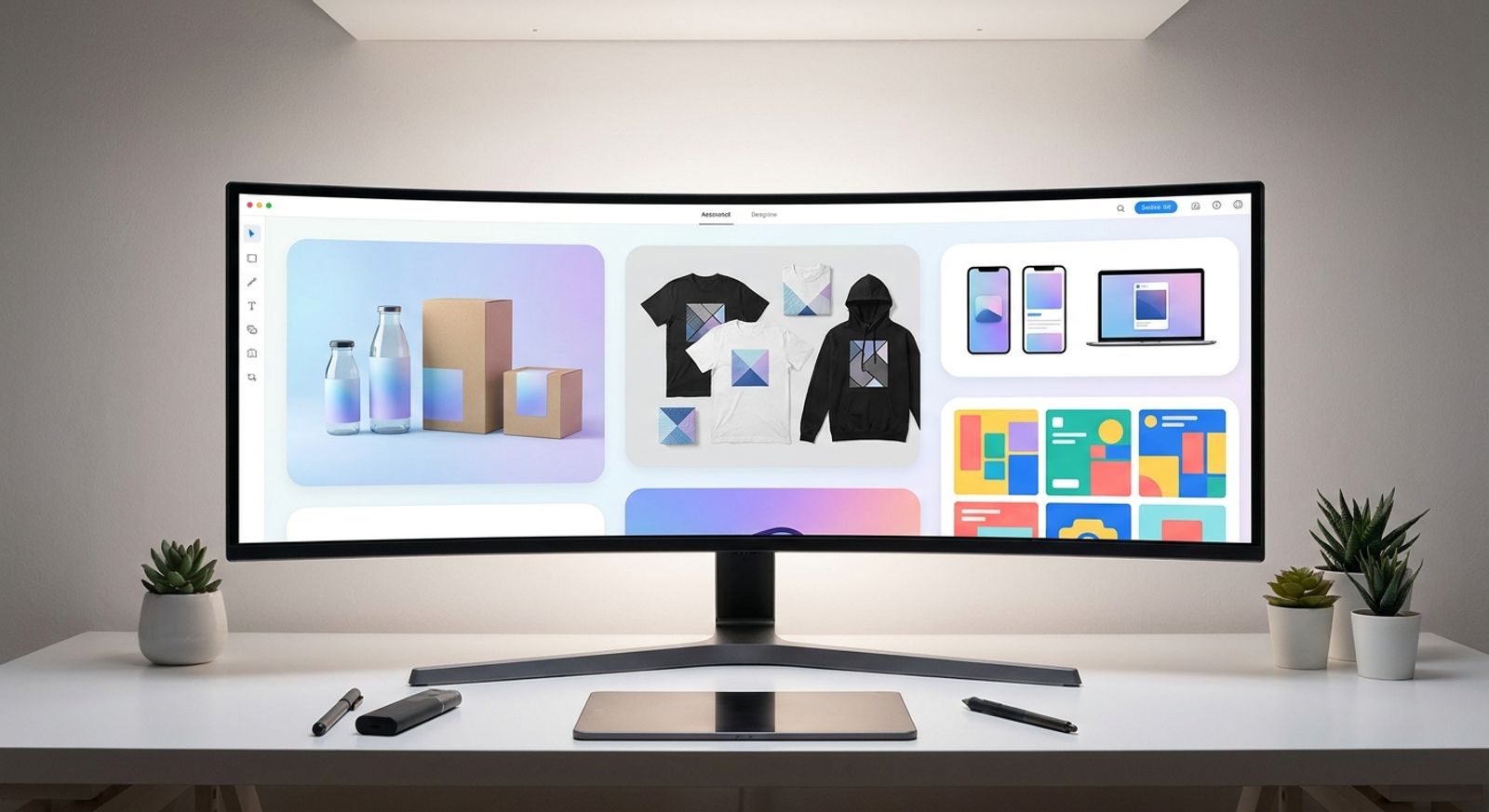
A modern AI mockup generator takes a different approach. It can interpret the packaging format, generate a realistic product scene, place artwork into context, and create variations fast enough for creative review. The human still leads the decision: the brief, brand rules, packaging constraints, copy hierarchy, and final approval all matter. AI simply reduces the distance between a flat file and a visual that looks like something a customer might actually hold, open, buy, or scroll past.
What production-ready really means for packaging
Production-ready packaging mockups are not just pretty renders. They are visuals that help a team judge whether the design will survive real surfaces, real lighting, real scale, and real review. A mockup can look impressive and still fail if the logo warps, the ingredient text disappears, or the material looks nothing like the intended product.
- Structure and dieline: The artwork must respect the packaging shape. A carton has folds, panels, seams, and edges; a pouch has curves and compression; a bottle label wraps around a cylinder. Production-ready means the design feels attached to the physical object, not pasted on top of it.
- Print resolution: The source artwork needs enough detail for review, zoom, and export. If the file is soft before it becomes a mockup, the final packaging image will look soft too. Teams often use an image upscaler to clean up draft assets before testing them in a mockup scene.
- Dimensions and perspective: Packaging is judged by proportion. A slim cosmetics tube, a cereal box, and a supplement jar all carry different expectations. The mockup should preserve believable height, width, depth, curve, and viewing angle so the design can be evaluated honestly.
- Brand consistency: A production-ready mockup keeps color, typography, layout, and visual language aligned across the campaign. Using custom brand styles helps teams compare variations without drifting away from approved art direction.
- Lighting and material: Paperboard, foil, matte labels, glass, plastic, kraft paper, and metallic ink do not reflect light the same way. The mockup should show material behavior clearly enough for reviewers to spot whether the design belongs on that surface.
How the process works step by step
The fastest packaging workflows still begin with human judgment. AI can generate scenes and surfaces quickly, but it needs a clear brief, clean source artwork, and a review loop that catches production issues before the visual is used in a campaign.
- Start with the packaging goal: Define what the mockup needs to prove. A retail box may need shelf presence. A pouch may need flavor differentiation. A bottle may need label readability. Before using an AI image generator, decide whether the asset is for internal review, a client presentation, ecommerce, ads, or social launch creative.
- Prepare the artwork and product shape: Use the cleanest version of the logo, label, dieline, color palette, and copy hierarchy. If the source image has a messy background, a background remover can help isolate the artwork or product before it is placed into a new scene. This step matters because AI can move fast, but it cannot rescue unclear inputs perfectly.
- Generate the first realistic packaging view: Create a straight-on or slightly angled version first. This gives the team a stable review image before lifestyle scenes, dramatic lighting, or campaign compositions enter the process. The first mockup should answer whether the design fits the package, reads at normal size, and feels believable as a physical product.
- Build campaign variations after approval: Once the base mockup works, create secondary views for launch channels: ecommerce gallery, paid ad, social post, email header, pitch deck, or landing page. The workflow becomes faster because the team is no longer inventing from scratch; it is adapting an approved packaging direction into publish-ready formats.
Why it only takes minutes now
Packaging mockups used to take hours because each stage was separated: artwork in one file, template in another, product photo somewhere else, edits in Photoshop, review in a shared folder, and final exports in a naming system nobody fully trusted. AI shortens that cycle by generating product context, lighting, surface realism, and scene variations in one pass.
That does not mean every result is instantly final. A free AI mockup generator can be useful for early ideation, especially when a team wants to see whether a box, pouch, or bottle concept has promise. But production work still needs review, brand control, resolution checks, and sometimes paid workflow features. That is why teams compare tool limits, output quality, and pricing before choosing what to use for client-facing work.
The win is not “minutes instead of standards.” The win is minutes before the first meaningful review.
Where an AI mockup generator fits in a real campaign workflow
A packaging mockup is rarely the final asset. It is the starting point for a connected campaign: product page images, launch announcements, social variants, paid ad concepts, retailer pitch decks, email banners, and sometimes print collateral. If the mockup lives alone in one tool, every update becomes a manual rebuild.
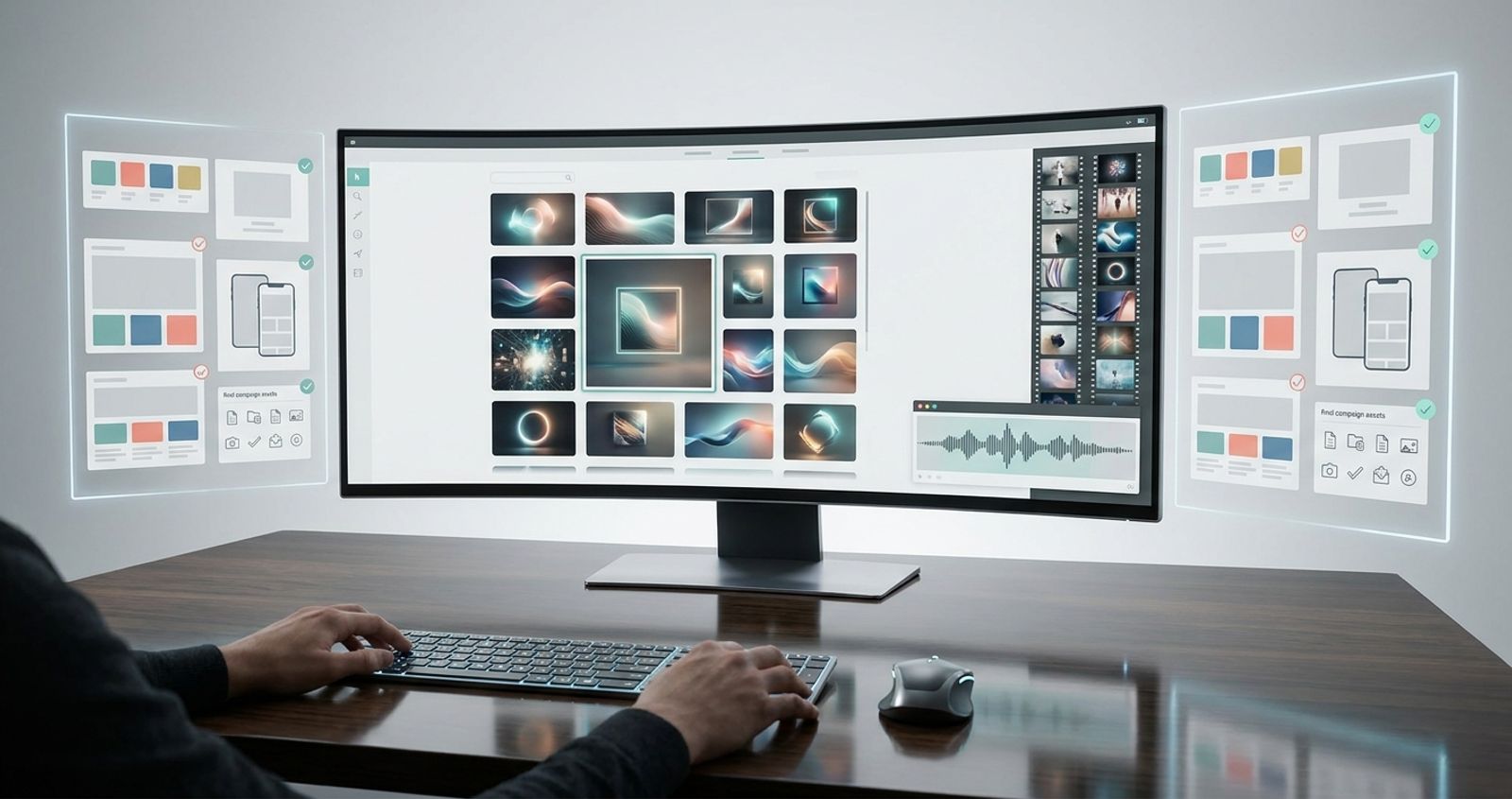
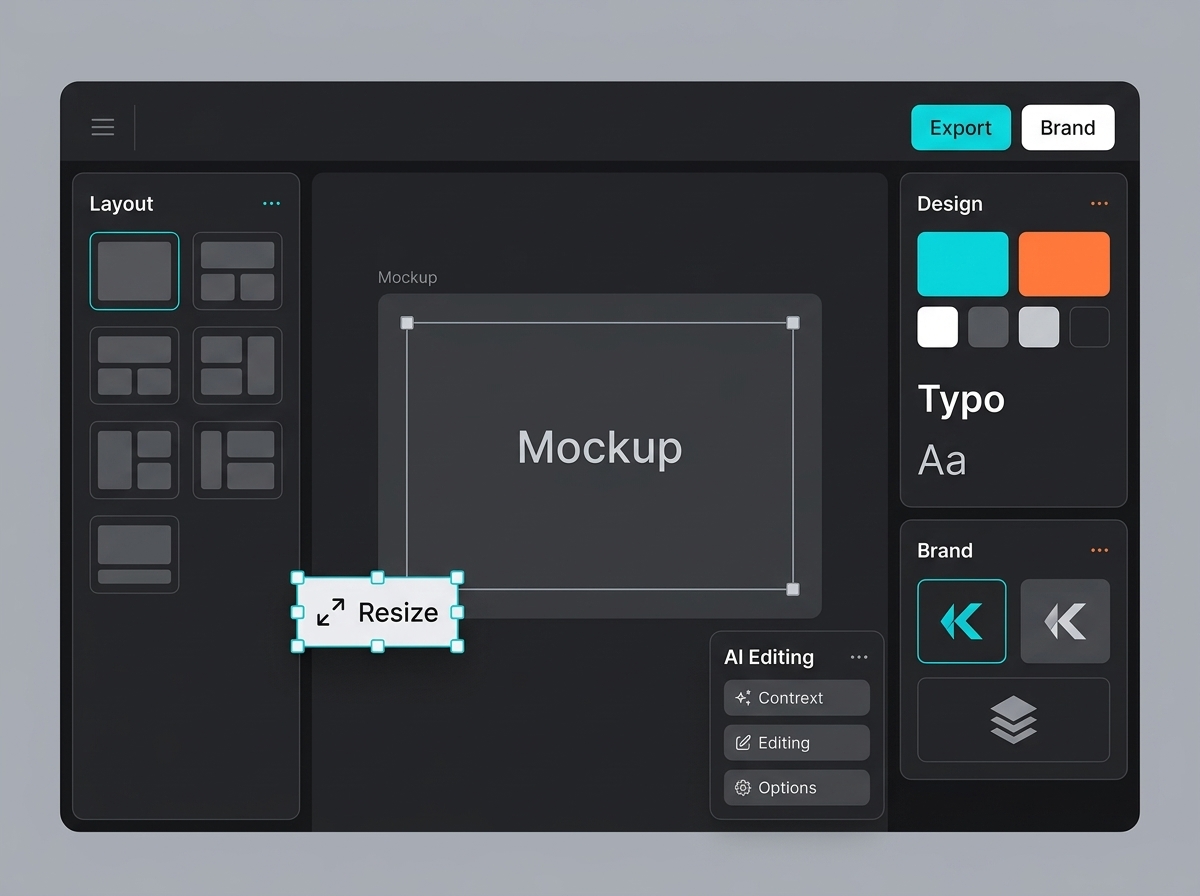
The stronger workflow connects packaging mockups with background generation, design editing, brand presets, asset review, and export. A team may use a background generator to place the product into a clean retail scene, then refine layout and campaign formats in Designer. In a platform like Keter Labs, the value is not just making one good render; it is keeping mockups close to the rest of the creative system so the same approved product direction can move into ads, decks, social posts, and landing pages without losing control.
That is the practical version of human-led AI: the tool accelerates production, while the team keeps the brief, the brand, and the final decision.
Common packaging types you can mock up
Different packaging formats create different visual problems, so a good product mockup generator should help the team judge structure, surface, scale, and context before assets are approved.
Flat artwork is enough for early layout decisions, but packaging becomes easier to judge when the product has shape. For more complex forms, a 3D model generator can help teams explore dimensional concepts before committing to a final render. Teams can also start from templates when the packaging format is common and the goal is speed rather than full custom modeling.
Box/carton
Best for retail products, cosmetics, electronics, supplements, and subscription kits where panel structure, fold lines, shelf presence, and front-facing readability matter.
Pouch
Best for snacks, coffee, pet food, powders, and refill packs where the artwork needs to feel attached to a flexible surface with believable compression and material texture.
Bottle/jar
Best for beverages, skincare, supplements, sauces, candles, and household goods where label wrap, curve, glass or plastic material, and lighting realism are important.
Tube
Best for cosmetics, creams, gels, toothpaste, and wellness products where the mockup must preserve taper, cap detail, soft reflections, and readable front-label hierarchy.
Label/sleeve
Best for cans, bottles, jars, wraps, seasonal packaging, and private-label products where teams need to review how one design adapts across cylindrical or wrapped surfaces.
3D concept
Best for early product exploration, investor decks, pitch visuals, and packaging direction tests where the team needs a believable form before final production files exist.
What to check before sending a mockup to print or a client
A mockup can be campaign-ready without being print-final, but it should never be misleading. Before it goes to a client, printer, retailer, or ad team, check the practical details that affect trust.
- Resolution: Make sure the source artwork and exported mockup are sharp enough for the intended use. A social post, ecommerce image, pitch deck, and print proof do not need the same resolution, but none should look soft.
- Brand colors: Compare the mockup against approved brand values. AI lighting can shift perceived color, especially on glossy, metallic, transparent, or textured materials.
- Text readability: Check product name, claims, ingredients, flavor, size, and required copy at realistic viewing sizes. If the text cannot be read in the mockup, it may not survive the shelf or thumbnail either.
- Perspective and shadow: Look for warped logos, floating packaging, incorrect curves, missing contact shadows, and lighting that disagrees with the scene. These are the details that make a mockup feel fake.
- Usage rights: Confirm that templates, generated images, textures, backgrounds, and product visuals can be used commercially. A mockup made for internal review may not automatically be cleared for advertising.
Conclusion
An ai mockup generator is valuable because it turns packaging ideas into realistic visuals fast enough for real creative decisions. The speed matters, but the bigger advantage is control: teams can test structure, surface, brand consistency, lighting, and campaign fit before committing to a photoshoot, a client presentation, or a full set of exports. The mockup is not the endpoint. It is the first production signal in a connected workflow, helping teams move from artwork to review to campaign-ready assets with fewer delays and cleaner decisions.
FAQs
Can I make a free packaging mockup with AI
Yes, an ai mockup generator free option can be useful for early concept testing, rough packaging directions, or comparing simple box and label ideas. For client or campaign work, check export quality, usage rights, resolution limits, and whether the tool adds watermarks.
Are AI packaging mockups print-quality
AI packaging mockups are usually review-quality or campaign-quality, not automatically print-ready production files. Print work still needs correct dielines, color specs, bleed, material notes, and printer-approved artwork.
What is the difference between a template and AI packaging mockup
A template gives you a fixed scene and surface, which is fast when your packaging type matches the template. An AI workflow can create more custom scenes, angles, materials, and campaign contexts, but it still needs human review.
Can AI keep brand colors accurate in packaging mockups
AI can preserve brand direction, but lighting and material effects may change how colors appear. Always compare against approved brand values and review color-critical packaging in proper design or print tools.
Can one packaging design be reused across different formats
Yes, but it should be adapted instead of stretched. A label, pouch, carton, and tube have different proportions, curves, panels, and readability constraints, so each format needs its own review.
Do I need Photoshop to create packaging mockups now
Not always. Many teams can create review-ready mockups without Photoshop, especially for campaign visuals and early approvals. Photoshop or production design tools may still be needed for final print preparation and detailed retouching.