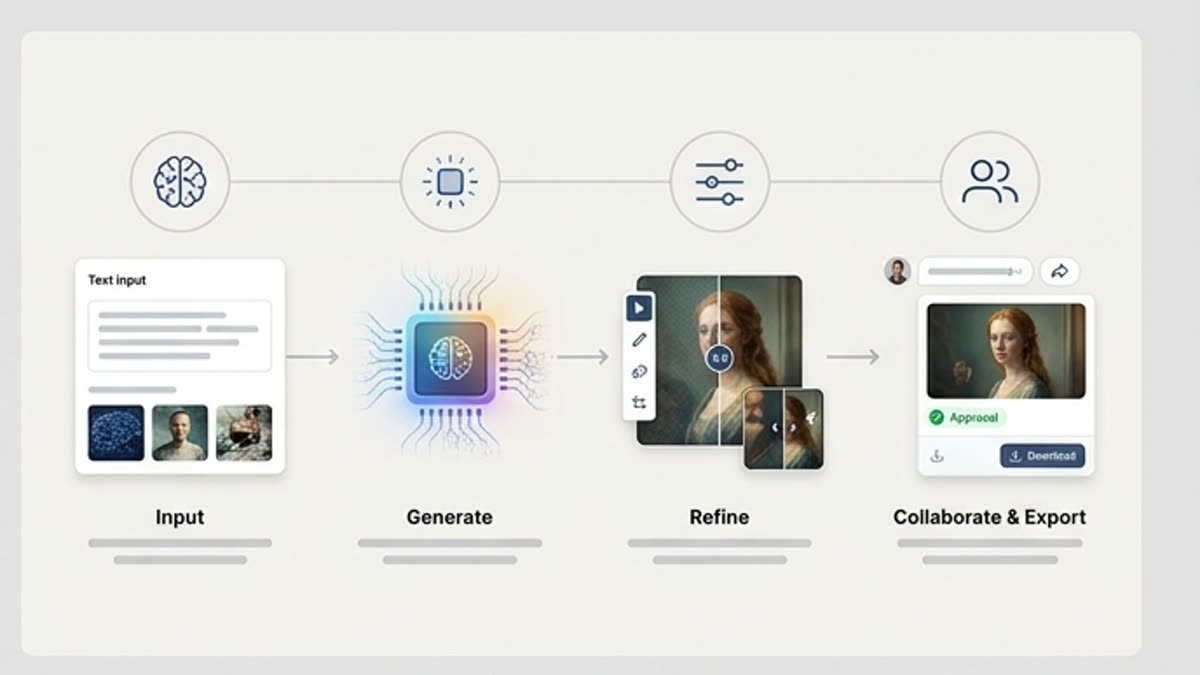
Plan the Visual Project
Start from the campaign goal, product idea, audience, references and visual direction before generating. This helps Studio keep image work tied to a creative project instead of a loose one-off result.
Imágenes
El generador de imágenes en el estudio sirve para el trabajo por proyectos con visuales de IA: los briefs, las referencias, los prompts, las variantes, el historial y los archivos finales conviven en un mismo contexto de trabajo.
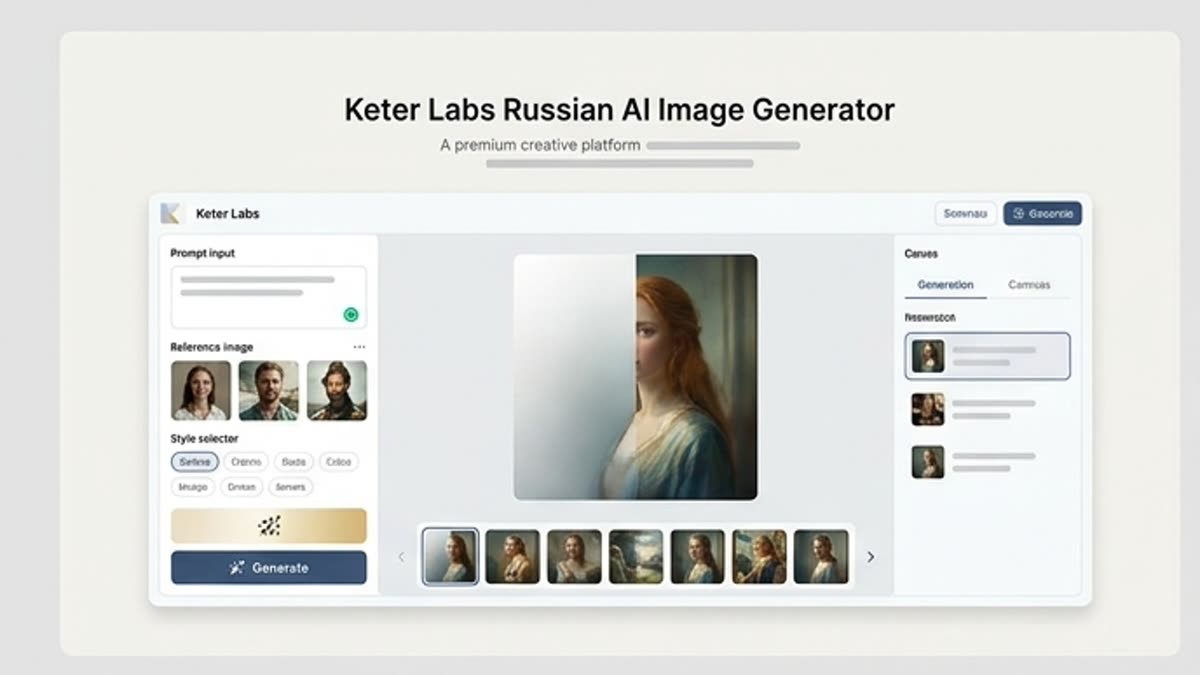
Qué hay aquí
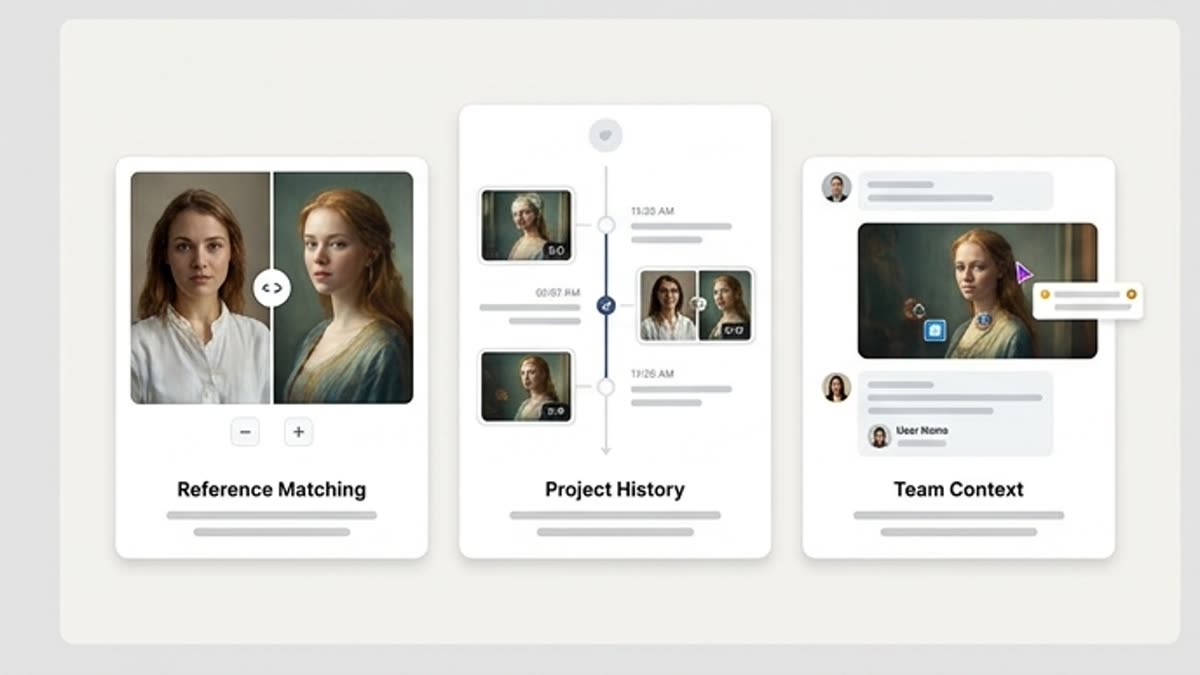
El equipo ve no solo la imagen final, sino también el contexto: la tarea, las referencias, las variantes elegidas y los ajustes posteriores.
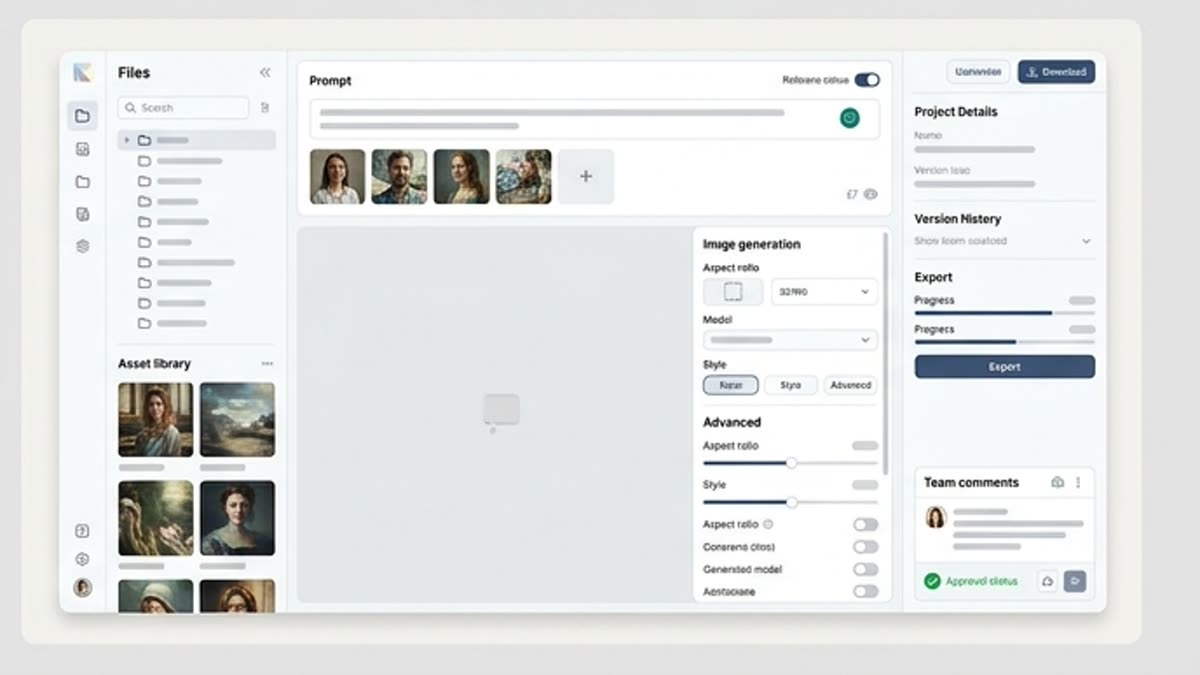
Crea visuales para campañas, productos, redes sociales y presentaciones conservando el estilo y la lógica del proyecto.
Puedes enviar la mejor variante directamente al editor, al upscale, al cambio de tamaño, a las herramientas de fondo o al editor de diseño.
Cuándo usarla
Estos escenarios ayudan a entender rápido qué trabajo conviene empezar aquí y qué es mejor continuar en las secciones vecinas.
Once a visual direction is selected, teams can continue the workflow with editing, refinement, review or handoff steps where supported. This helps connect image generation with the wider creative production process.
Use the AI image generator page when the goal is direct image generation for campaigns, product visuals or social content. Use Studio when the work needs project context, references, variants, history, review and a continued creative workflow around selected visuals.
Connect Studio with the AI image generator for direct image creation, Designer for AI design workflows, Mockups for AI mockup generator workflows, Pricing for plan review, AI creative tools for the broader toolset and the platform page for project-based creative workspace context where links are editable.
Detalles
Start from the campaign goal, product idea, audience, references and visual direction before generating. This helps Studio keep image work tied to a creative project instead of a loose one-off result.
Use briefs, image references and prompts to guide the image generation project workflow. Keep the direction available as teams explore variants, review outputs and decide what should move forward.
Compare AI image variants against the brief, brand fit, layout needs and campaign context. Selected visuals can move into editing, refinement or review steps inside supported workflows.
Use Studio when image work needs project context, references, variants, history and review. Use the AI image generator page when the goal is direct image creation for campaigns, product visuals or social content.
Cómo trabajar
Empieza con la tarea y las referencias, obtén una primera versión, ajusta los detalles en el editor y guarda el resultado en el proyecto. Sin saltos innecesarios entre servicios.
Crea el proyecto y añade la tarea, las referencias y las restricciones.
Genera varias variantes y elige la dirección que mejor resuelva el brief.
Pule el mejor visual y guarda la versión final junto con el historial.
Temas relacionados
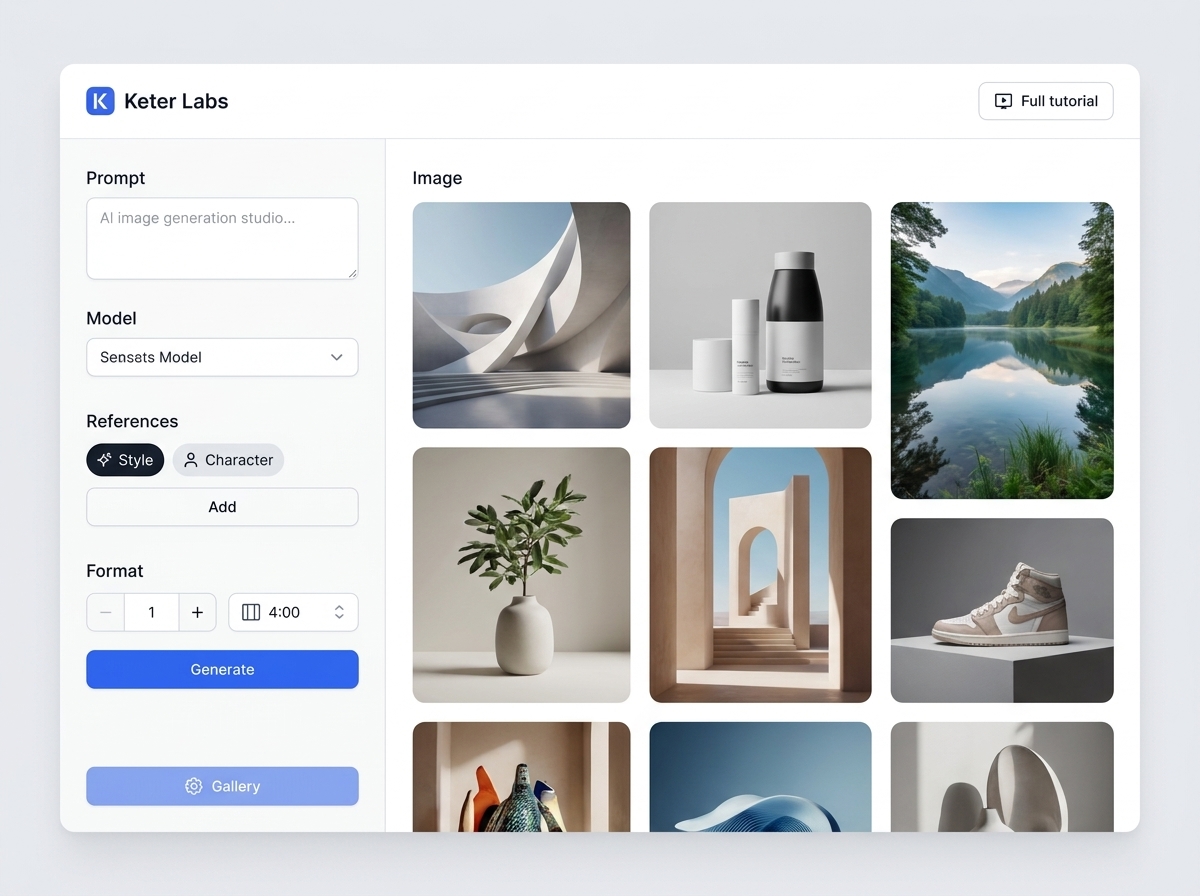
AI image generator es la página para la tarea: crear imágenes a partir de una descripción de texto, referencias y objetivos de campaña. Ayuda a entender rápidamente qué preparar, cómo obtener la primera versión, qué comprobaciones realizar y hacia dónde avanzar después del resultado.
Abrir AI image generator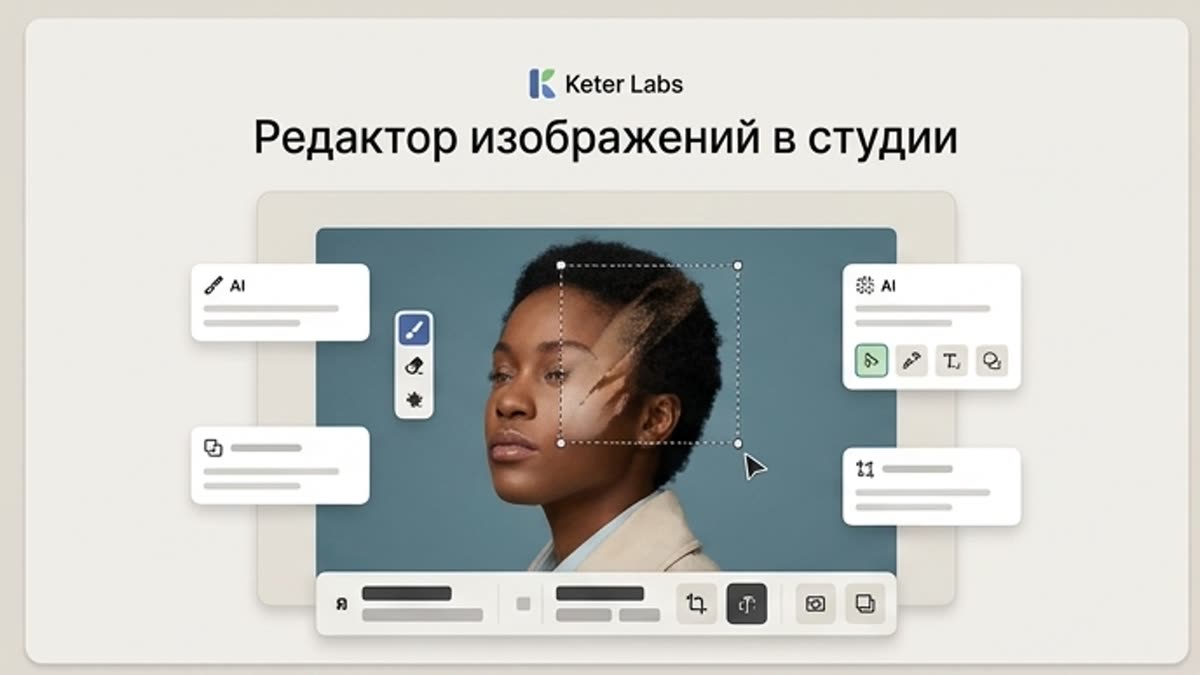
El editor de imágenes en el estudio ayuda a llevar los visuales de IA, las fotos, los assets de stock y los product shots a un estado de trabajo: fondo, objeto, encuadre, calidad, luz, tamaño y composición final.
Abrir Editor de imágenes en el estudio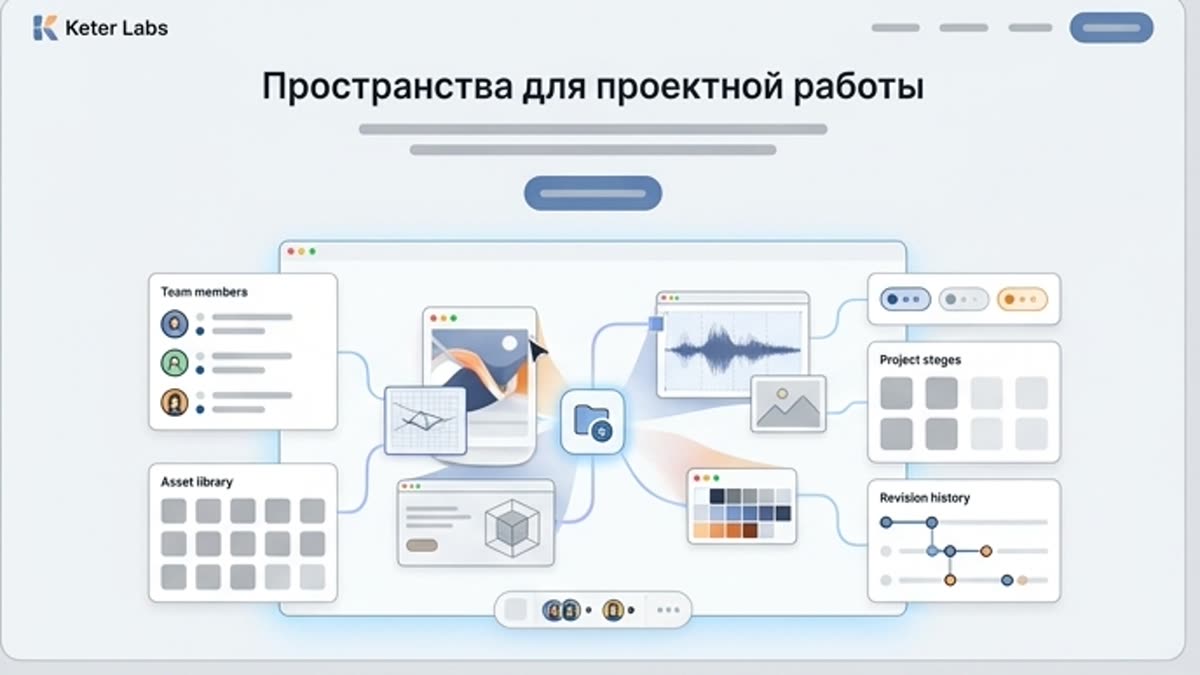
Los espacios ayudan a mantener proyectos, recursos, referencias, ajustes y equipo en un solo lugar. Resultan especialmente útiles cuando las campañas y los participantes se multiplican.
Abrir Espacios para el trabajo por proyectosFAQ
An AI image generation workspace helps teams manage image projects with briefs, references, prompts, variants, history, review context and selected outputs instead of treating each image as a separate one-off generation.
The AI image generator page is focused on creating images for campaigns, product visuals and social content. Keter Labs Studio is focused on project-based image workflows where teams can keep context, references, variants, history and review steps together.
Keter Labs Studio is positioned around project-based visual work, helping teams keep briefs, prompts, references, variants and selected outputs connected inside the creative workflow where supported.
Yes. Studio can support campaign visual review by helping teams compare image directions, keep project context and move selected visuals toward editing, refinement or review steps where supported.
Use the AI image generator page for direct image creation. Use Studio when the project needs references, variants, history, review context and a continued workflow around selected visuals.
Keter Labs Studio is useful for creators, marketers, agencies, designers and creative teams that need a more organized way to manage AI image work across briefs, references, variants and review steps.
Puedes empezar
Crea imágenes, vídeo, sonido y diseños en un solo lugar, y guarda las versiones acertadas para el equipo y las próximas campañas.
Crear cuenta