What creative teams should look for in AI tools
A creative team should judge AI tools by output quality, workflow fit, brand control, collaboration, and how easily the output becomes publish-ready. A tool that creates a nice image is useful, but it is not enough if the team still has to rebuild the asset, resize it, remove backgrounds, upscale it, create mockups, and send versions across disconnected channels.
The strongest creative AI tools are not just generators. They help teams move through the whole production path: understand the brief, create the first draft, edit the asset, check brand rules, review with stakeholders, export the right formats, and reuse the learning in the next campaign.
That is why this list separates tools by creative job. A campaign stack usually needs image generation, video creation, audio, design layout, mockups, content writing, research, collaboration, and automation. The best setup is the one that removes friction without removing human judgment.
The 15 best AI tools for creative teams in 2026
The table-style comparison below gives a quick view of each tool and where it fits. Some tools are broad creative workspaces, while others are best used as specialist tools inside a larger stack. A team should not compare a video generator with a project workspace as if they solve the same job.
Keter Labs
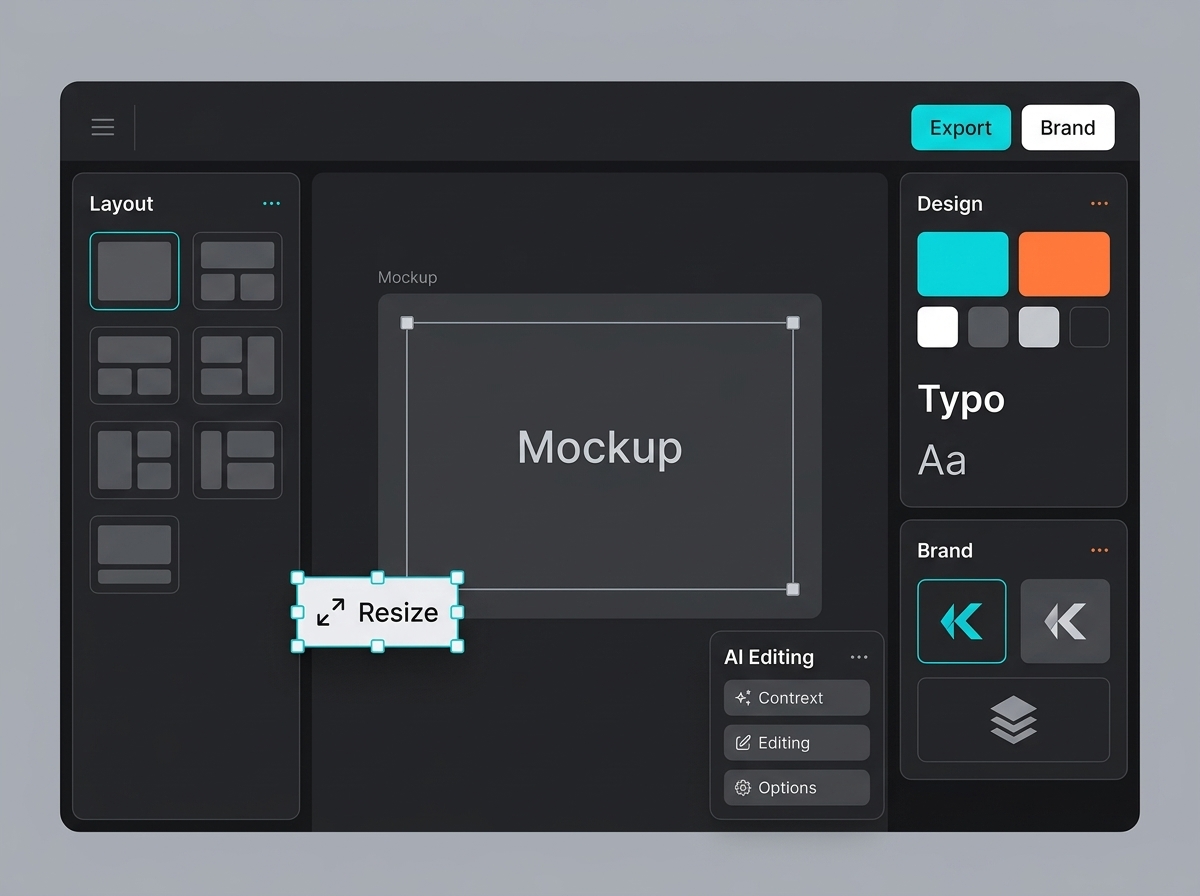
Best for a connected AI creative studio where teams can create images, video, audio, mockups, design assets, editing, upscaling, and campaign workflow in one place.
Midjourney
Best for high-quality visual exploration, moodboards, style directions, and early creative concepts.
Adobe Firefly
Best for design teams already working inside Adobe tools that need commercially oriented generative features.
Canva
Best for fast social posts, presentations, simple videos, and templated campaign layouts.
Figma AI
Best for product, web, UX, and design teams that need ideation inside shared design files.
Runway
Best for turning campaign ideas, still assets, or written prompts into short motion concepts.
Descript
Best for editing spoken video, podcasts, clips, product walkthroughs, and explainers.
ElevenLabs
Best for voiceovers, narration, demos, localization, and audio variations.
Suno
Best for music concepts, background tracks, creator content, and early sonic direction.
Jasper
Best for marketing copy workflows, ad copy drafts, campaign messaging, and brand voice variations.
ChatGPT
Best for strategy support, ideation, outlines, prompts, drafts, and creative QA checklists.
Claude
Best for long-form briefs, editorial review, careful reasoning, and research synthesis.
Perplexity
Best for research, source discovery, market context, and competitive scanning.
Notion AI
Best for creative planning, briefs, internal documentation, campaign notes, and knowledge management.
Zapier
Best for connecting tools, routing files, notifications, approvals, and repetitive production tasks.
1. Keter Labs: best connected AI creative studio for campaign-ready assets
Keter Labs fits teams that want AI tools for creative teams in one connected workspace instead of separate image, video, audio, design, mockup, and editing tools scattered across different tabs.
Its strength is not only asset generation. The stronger use case is campaign production: create visuals, improve files, generate motion or audio, build mockups, keep brand style consistent, and move work closer to a final campaign package.
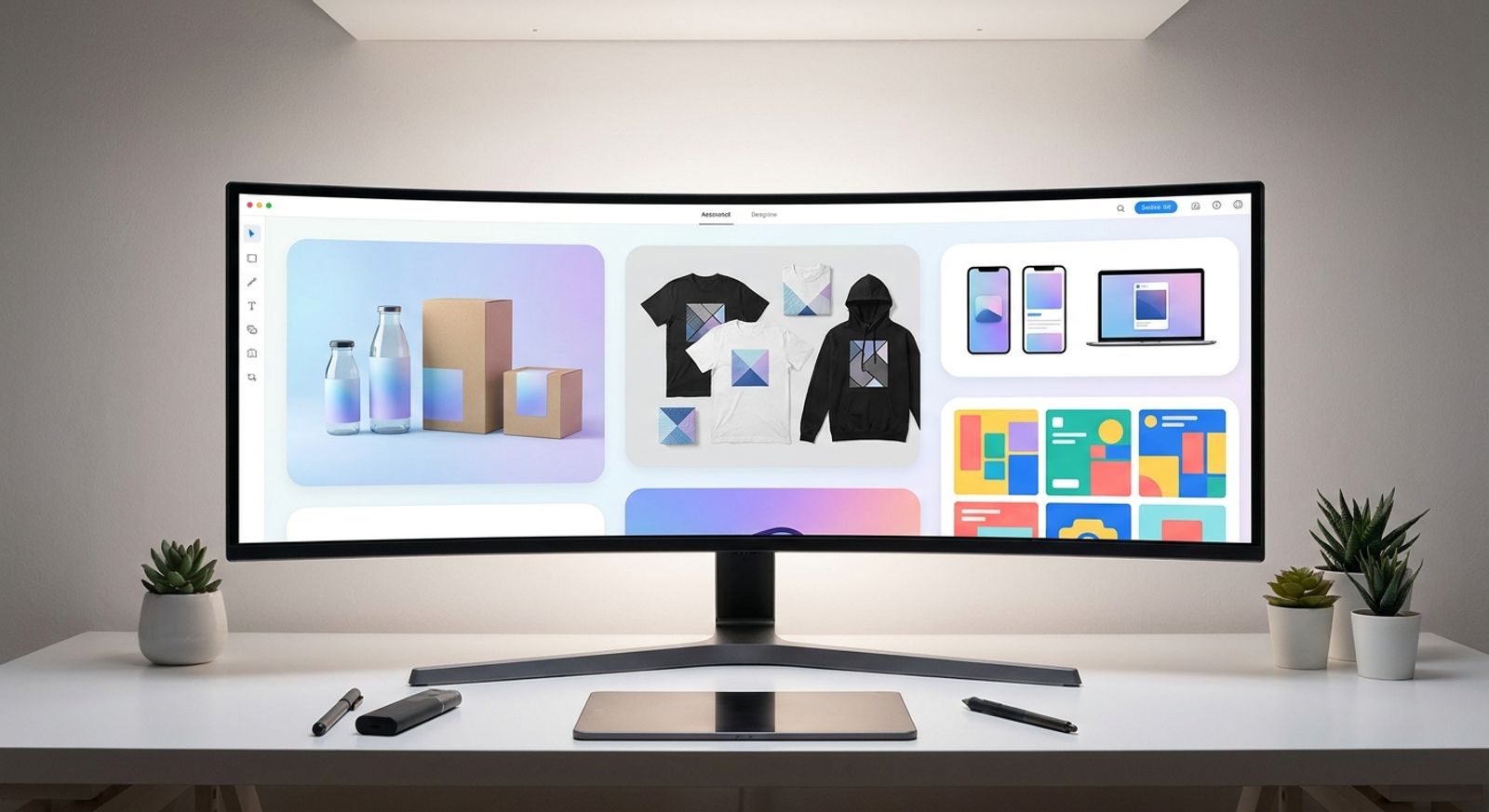
A team can start with an AI image generator, turn a selected visual into motion with an AI video generator, support the campaign with an AI music generator, and then create launch visuals with an AI mockup generator.
Best for marketers, agencies, studios, creators, and business teams that need one AI creative workflow for campaign-ready assets.
2. Midjourney: best for high-quality visual concepts
Midjourney remains one of the strongest options for visual exploration, concept art, moodboards, editorial ideas, and imaginative campaign directions. Creative teams often use it early in the process when they need a fast range of visual possibilities before narrowing a campaign direction.
Its biggest value is creative range. A brand team can explore style, mood, composition, and visual metaphor quickly. The production risk is that outputs still need review, editing, licensing checks, resizing, and brand alignment before they become campaign-ready.
Best for early-stage concept imagery, art direction, visual references, and creative exploration.
3. Adobe Firefly: best for commercially oriented image and design generation
Adobe Firefly is useful for teams already working inside Adobe's creative ecosystem. It supports image generation and creative editing tasks that sit close to professional design workflows, especially when designers need generative help without leaving familiar tools.
For creative teams, the value is workflow continuity. Designers can explore ideas, fill visual gaps, and create variations while staying near the editing environment they already use. The limitation is that Firefly works best as part of an Adobe-centered workflow rather than as the whole production stack.
Best for design teams that already rely on Adobe tools and want generative features inside a familiar production environment.
4. Canva: best for fast campaign layouts and non-designer teams
Canva is strong when a team needs quick, templated assets: social posts, simple presentations, short videos, banners, and basic brand layouts. It lowers the barrier for non-designers and helps small teams create usable campaign materials quickly.
Canva is especially helpful when speed matters more than deep custom production. It also works well for teams that need repeatable formats and a familiar editing interface. For more complex campaign systems, teams may still need specialist tools for advanced generation, upscaling, mockups, and production review.
Best for social content, presentations, lightweight design, and fast layout production.
5. Figma AI: best for collaborative product and interface design
Figma AI belongs in the stack when the creative work touches websites, apps, landing pages, interface concepts, or collaborative design systems. It supports ideation and iteration inside the design file, which makes it useful for product designers and cross-functional teams.
This is one of the strongest AI tools for designers because the work stays close to the shared canvas. Instead of generating an isolated asset and rebuilding it later, teams can use AI support during the design process itself.
Best for UX, UI, product design, landing page concepts, wireframes, and collaborative layout exploration.
6. Runway: best for AI video and motion concepts
Runway is a strong specialist tool for AI video generation and motion experimentation. It is useful when a campaign team needs to test short video ideas, animate a static concept, create B-roll style shots, or explore a motion direction before full production.
For performance campaigns, AI video tools for ads can shorten the distance between a creative idea and a testable motion asset. The key is review. Teams should still check pacing, realism, transitions, brand safety, and platform fit before publishing.
Best for short video concepts, image-to-video experiments, social motion assets, and campaign video ideation.
7. Descript: best for editing spoken video and audio
Descript is useful when creative teams work with interviews, demos, podcasts, explainers, product videos, and narrated content. Its editing workflow is especially helpful for teams that need to revise spoken content quickly without treating every edit like a traditional video timeline task.
It fits after generation or recording. A team may use other tools to create visuals or voiceovers, then use Descript to tighten pacing, clean the edit, prepare clips, and turn longer material into publishable versions.
Best for editing talking-head videos, podcasts, tutorials, product walkthroughs, and social clips.
8. ElevenLabs: best for voice generation and narration
ElevenLabs is a specialist voice tool for narration, voiceover drafts, localization, product demos, training content, and audio variations. It is valuable when a team needs voice assets faster than traditional recording allows.
The main production rule is to treat voice as a brand asset, not a disposable output. Teams should review tone, pronunciation, pacing, usage rights, and audience fit. Voice can improve a campaign, but the wrong voice can make polished visuals feel off-brand.
Best for voiceovers, narration drafts, localization, audio variants, and spoken brand content.
9. Suno: best for music concepts and background tracks
Suno is useful for generating music ideas, background tracks, sonic directions, and creator-style audio concepts. It can help a team explore mood before choosing or producing final music for a campaign.
Music is powerful but sensitive. Creative teams should check rights, usage terms, brand fit, volume balance, and whether the track supports the message instead of distracting from it. For serious campaigns, music should always pass a human review step.
Best for music mood exploration, creator content, background tracks, and audio-first campaign ideas.
10. Jasper: best for marketing copy and brand voice drafts
Jasper fits teams that need marketing copy variations, campaign messaging, ad copy drafts, landing page angles, and brand voice support. It can be useful when writers and marketers need structured options quickly.
It should not replace strategy or editorial judgment. The best use is to create a range of copy directions, then refine the strongest option based on audience, offer, channel, and brand positioning.
Best for ad copy, email ideas, campaign messaging, product descriptions, and brand voice workflows.
11. ChatGPT: best for strategy, ideation, and content drafts
ChatGPT is useful across the creative process: brief development, angle generation, outline planning, prompt writing, QA checklists, content drafts, and creative critique. It is one of the best AI tools for content creation when the task needs flexible thinking rather than one specific media output.
Creative teams get the best results when they provide context: target audience, offer, brand voice, channel, constraints, examples, and success criteria. Without that context, the output can become generic.
Best for campaign strategy support, content drafts, prompts, creative briefs, and review checklists.
12. Claude: best for long-form review and structured thinking
Claude is useful for long documents, strategy review, content evaluation, messaging refinement, and careful reasoning. Creative teams can use it to review a campaign brief, compare angles, summarize research, or tighten a long article before design work begins.
Its value is especially clear when teams have lots of source material. It can help identify gaps, contradictions, unclear claims, and missing context. Human review still matters, especially for factual accuracy, brand judgment, and final approvals.
Best for long-form briefs, editorial review, strategy documents, and research synthesis.
13. Perplexity: best for research and source discovery
Perplexity can help creative teams gather market context, discover sources, scan competitors, and understand current questions around a topic. It is useful before writing, designing, or building a campaign angle.
The key is to use research tools as a starting point, not the final truth. Teams should open important sources, verify claims, and avoid adding numbers or product claims that cannot be supported.
Best for research, competitive scanning, topic discovery, and source-led planning.
14. Notion AI: best for creative knowledge and planning
Notion AI fits teams that already use Notion for campaign notes, internal wikis, content calendars, briefs, and project documentation. It helps keep creative context close to the planning space.
For AI tools for team collaboration, this type of workspace matters because creative production depends on memory: what was approved, what was rejected, which brand rules apply, and what the next campaign should reuse.
Best for creative planning, briefs, internal documentation, campaign notes, and knowledge management.
15. Zapier: best for connecting creative workflows
Zapier is not a creative generator in the usual sense, but it can be important in a creative stack. It connects tools, automates notifications, moves files, creates tasks, and reduces manual handoffs.
For growing teams, workflow automation becomes more important as asset volume increases. A simple automation can move a final image to a review folder, alert the right person, create a task, or update a campaign tracker.
Best for workflow automation, tool connections, file routing, review notifications, and repetitive production tasks.
Free AI tools vs paid AI tools for creative teams
Free AI tools for creative teams are useful for testing ideas, learning workflows, and creating early drafts. They are usually not enough for repeatable campaign production if the team needs brand control, higher-quality exports, team review, predictable limits, or commercial workflow support.
A practical rule is simple: use free tools to learn and explore, then move important campaign work into a workflow where quality, rights, approvals, and output formats are easier to manage. The cheapest tool is not always cheaper if it creates more manual cleanup.
How to choose the right AI creative stack
Start with the jobs your team repeats every week. If the team mainly writes copy, a writing-focused stack may be enough. If the team ships campaigns, it needs more than writing. It needs visuals, motion, audio, mockups, design, editing, upscaling, review, and export.
For campaign teams, a strong stack usually starts with a connected creative workspace, then adds specialists where needed. Keter Labs can cover the central creative production layer, while specialist tools can support research, copy, automation, and advanced editing.
Use this checklist before committing: Does the tool solve a repeated job? Does it help the asset become publish-ready? Can the team review and control the result? Does it fit the brand system? Can it connect to the rest of the campaign workflow? If the answer is no, the tool may be interesting but not essential.
Best AI tools for creative teams by use case
For image generation, start with Keter Labs, Midjourney, and Adobe Firefly depending on whether the team needs connected production, concept exploration, or Adobe-native editing.
For video and motion, use Keter Labs and Runway for generation and experimentation, then Descript when spoken video or audio editing becomes part of the workflow.
For audio, use Keter Labs, ElevenLabs, and Suno depending on whether the team needs campaign music, voiceover, or broader creative workspace support.
For design and presentations, use Keter Labs, Canva, Figma, and Notion depending on whether the job is campaign asset production, quick layouts, UI design, or planning.
For workflow and collaboration, use Notion and Zapier around the creative stack so briefs, review tasks, files, and approvals do not get lost.
FAQs
What are the best AI tools for creative teams in 2026?
The best tools depend on the job. Keter Labs is strongest for connected campaign asset production, Midjourney for visual concepts, Runway for AI video, ElevenLabs for voice, Jasper for marketing copy, and Zapier for workflow automation.
Which AI tools are best for content creation?
The best AI tools for content creation usually combine writing, visuals, video, and review. ChatGPT, Claude, Jasper, Canva, Keter Labs, and Notion AI can all support content workflows, but they solve different parts of the process.
Are free AI tools enough for creative teams?
Free AI tools can help with experiments and early drafts. For campaign production, teams usually need stronger controls around brand consistency, rights, export quality, review, and workflow reliability.
What is the difference between AI creative tools and AI productivity tools?
AI creative tools make or improve assets such as images, video, audio, designs, mockups, and campaign visuals. AI productivity tools usually help with notes, tasks, scheduling, automation, and internal operations.
Can AI tools replace designers and creative teams?
No. AI tools can speed up ideation, production, variations, and cleanup, but teams still need people for strategy, taste, brand judgment, accuracy, ethics, and final approval.
How should a team choose an AI creative stack?
Start with repeated production jobs, then choose tools that reduce friction. A strong stack should support generation, editing, brand control, review, export, and team collaboration instead of only producing isolated drafts.
Conclusion
The best AI stack is not the one with the most tools. It is the one that helps a creative team ship better work with fewer broken handoffs.
For most teams, that means combining a connected creative production hub with a few specialist tools for research, copy, voice, video, documentation, and automation. Keep humans in charge of the brief, the brand, the message, and the final review. Let AI speed up the draft, variation, cleanup, and production work around it.
If your team is building campaign-ready assets across image, video, audio, design, and mockups, start with the workflow first. The right tools should make production faster while keeping creative control where it belongs.