Integraciones

Servidor MCP para asistentes de IA

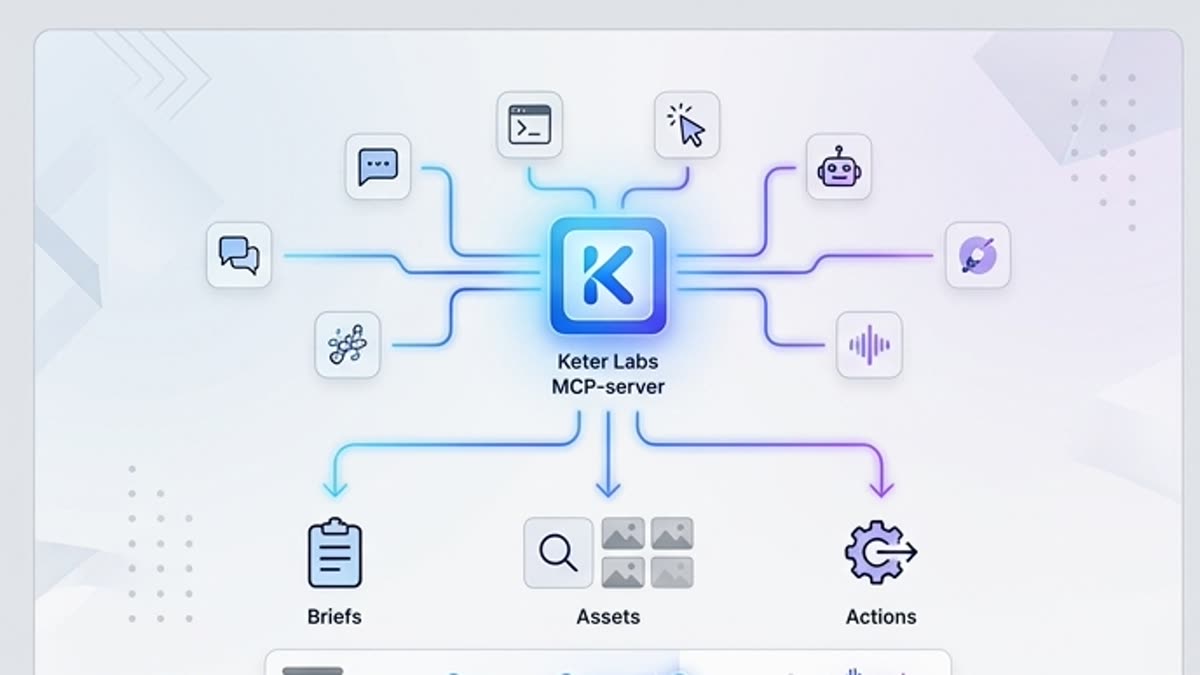
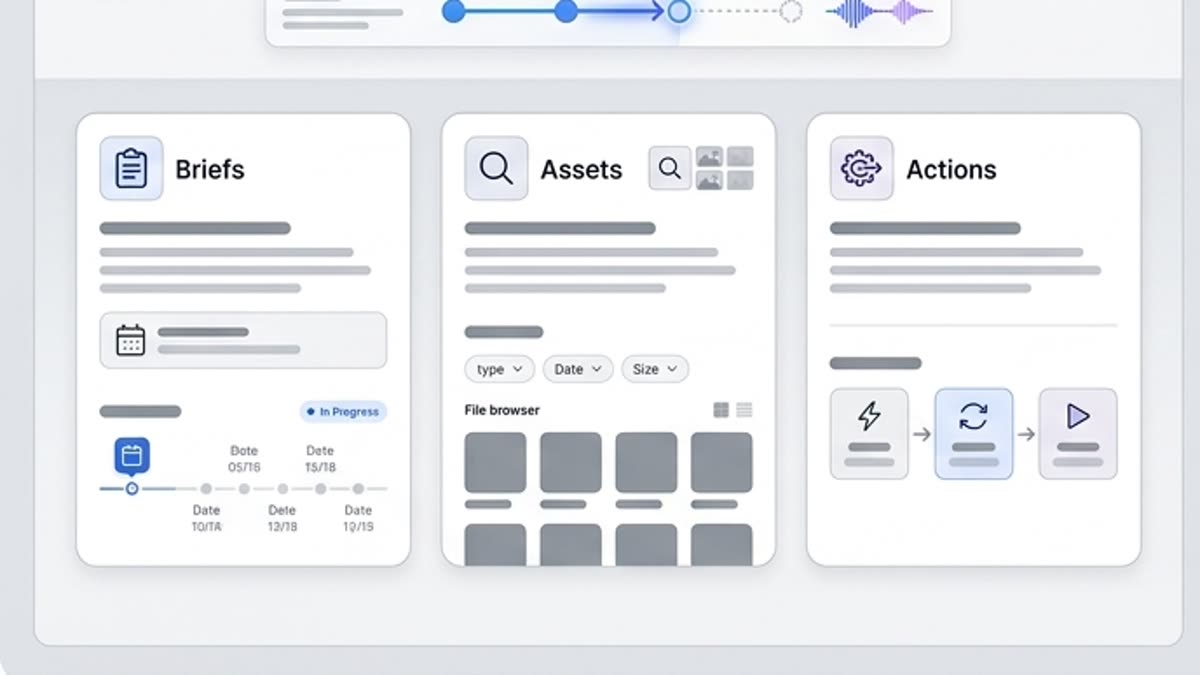
El servidor MCP permite conectar Keter Labs a asistentes de IA y herramientas internas para que puedan preparar briefs, encontrar recursos y ejecutar acciones repetibles.

MCP serverModel Context Protocol serverMCP server for AI assistantsAI MCP serverMCP toolsMCP integrationMCP workflowMCP for creative workflowsAI assistant toolsAI workflow automationcreative workflow automationAI creative toolsKeter Labs MCPKeter Labs MCP serverconnect AI assistants to creative tools
Servidor MCP para asistentes de IA — Keter Labs
Assistant

Qué hay aquí

Cómo ayuda esta sección en el trabajo.

What Is an MCP Server?

What Is an MCP Server?

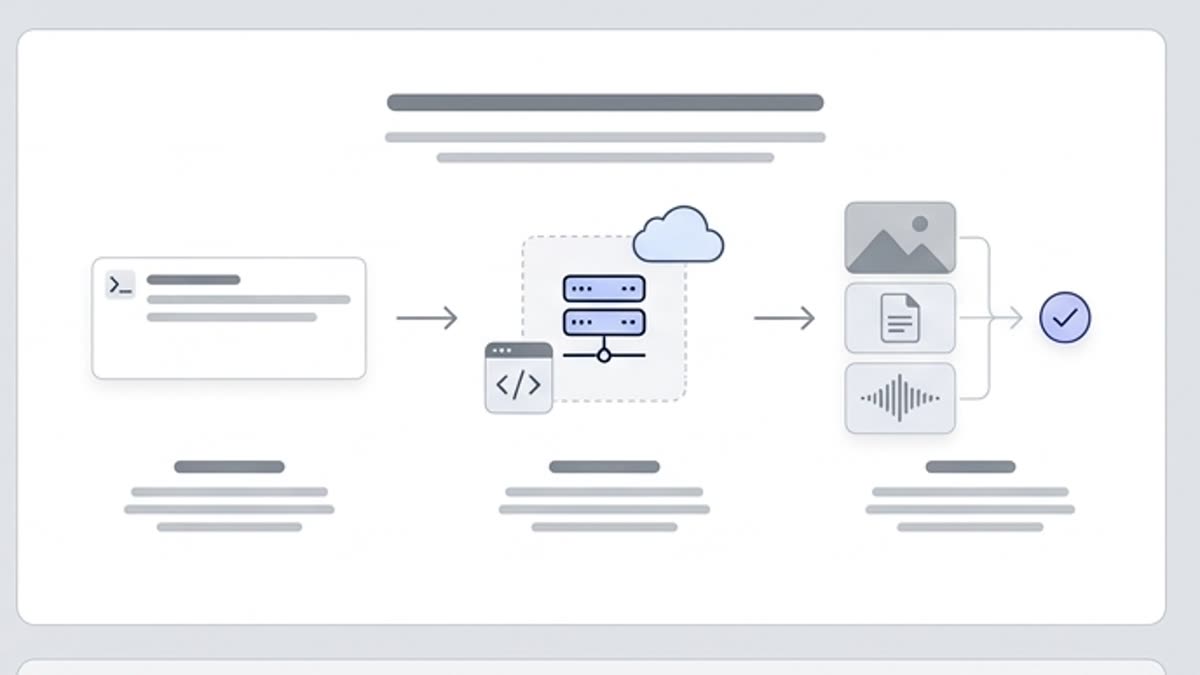
An MCP server is a Model Context Protocol server that exposes supported tools, resources or prompts to compatible AI clients. Instead of manually switching between systems, an MCP server can help an AI assistant understand available actions or context and use supported workflows through a structured protocol.
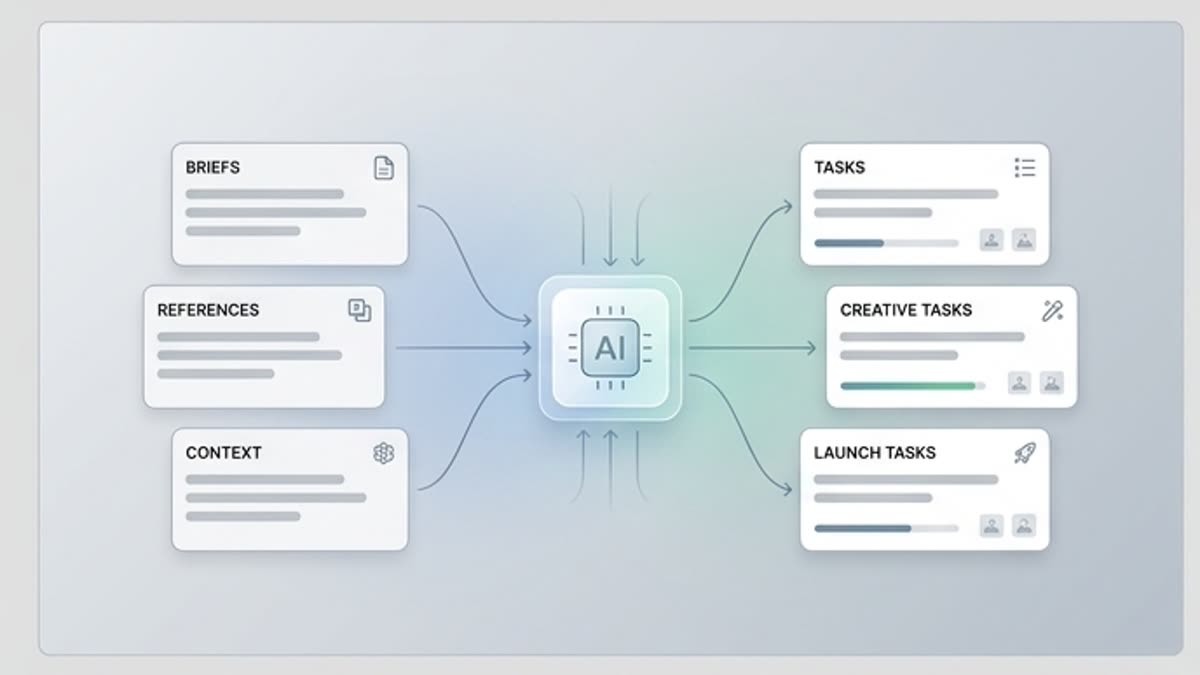
Keter Labs MCP for Creative Workflows

Keter Labs MCP for Creative Workflows

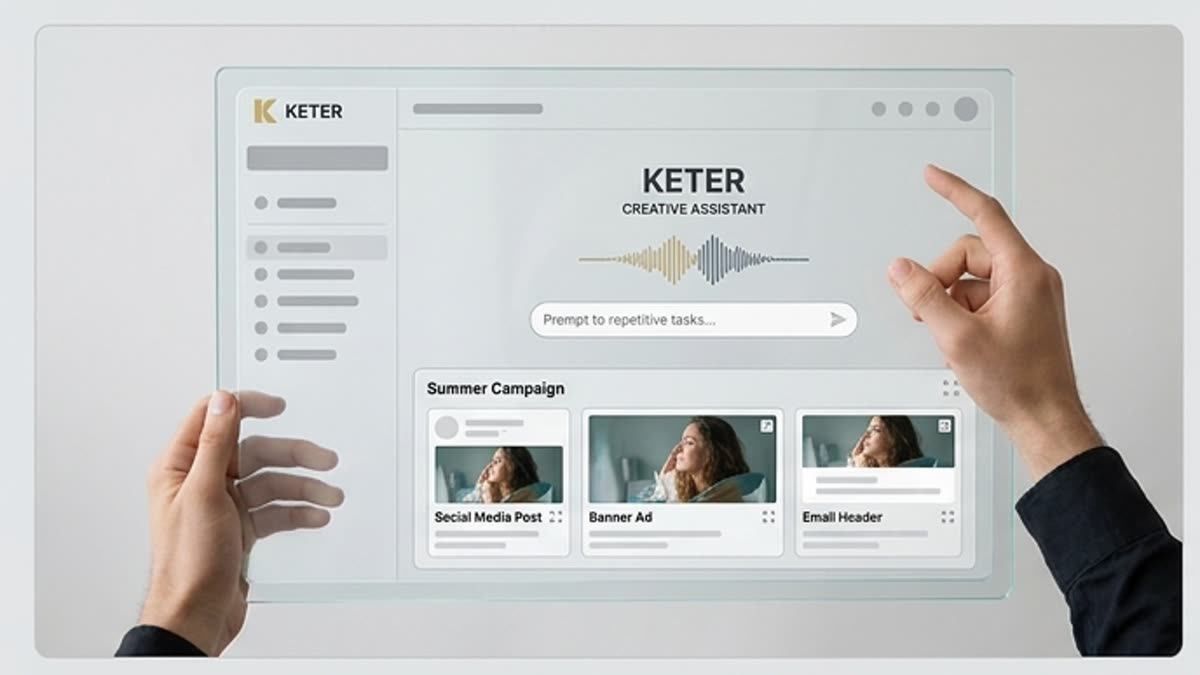
Keter Labs MCP is designed around creative production, not generic software automation. Where supported, it can help connect AI assistants with Keter Labs workflows for creative assets, including images, video, music, mockups, design assets and campaign production tasks.

Review and Control in Supported MCP Workflows

Review and Control in Supported MCP Workflows

MCP workflows should keep human review in the process. Teams should check what tools are exposed, what actions are requested, what data or assets are involved and whether outputs are ready before using them in campaigns or client-facing work.

Cuándo usarla

Tareas típicas para las que se abre esta sección.

Estos escenarios ayudan a entender rápido qué trabajo conviene empezar aquí y qué es mejor continuar en las secciones vecinas.

AI Assistant Access to Supported Creative Workflows

AI Assistant Access to Supported Creative Workflows

Compatible AI assistants can use supported MCP workflows to work closer to Keter Labs creative tools and available asset context.

Creative Brief to Asset Workflow Support

Creative Brief to Asset Workflow Support

Teams can use MCP-supported workflows to help move from a creative request or brief toward image, video, music, mockup or design tasks where available.

Image, Video, Music, Mockup and Design Coordination

Image, Video, Music, Mockup and Design Coordination

Keter Labs MCP can support clearer coordination across creative asset workflows where those tools are exposed through the available MCP setup.

Campaign Asset Preparation

Campaign Asset Preparation

Marketing and creative teams can use MCP-assisted steps to prepare campaign assets while keeping review, brand fit and output checks in the workflow.

Creative Task Routing Where Supported

Creative Task Routing Where Supported

Supported MCP workflows can help route assistant requests toward the right Keter Labs creative action instead of forcing teams to rebuild context manually.

Asset and Context Retrieval Where Supported

Asset and Context Retrieval Where Supported

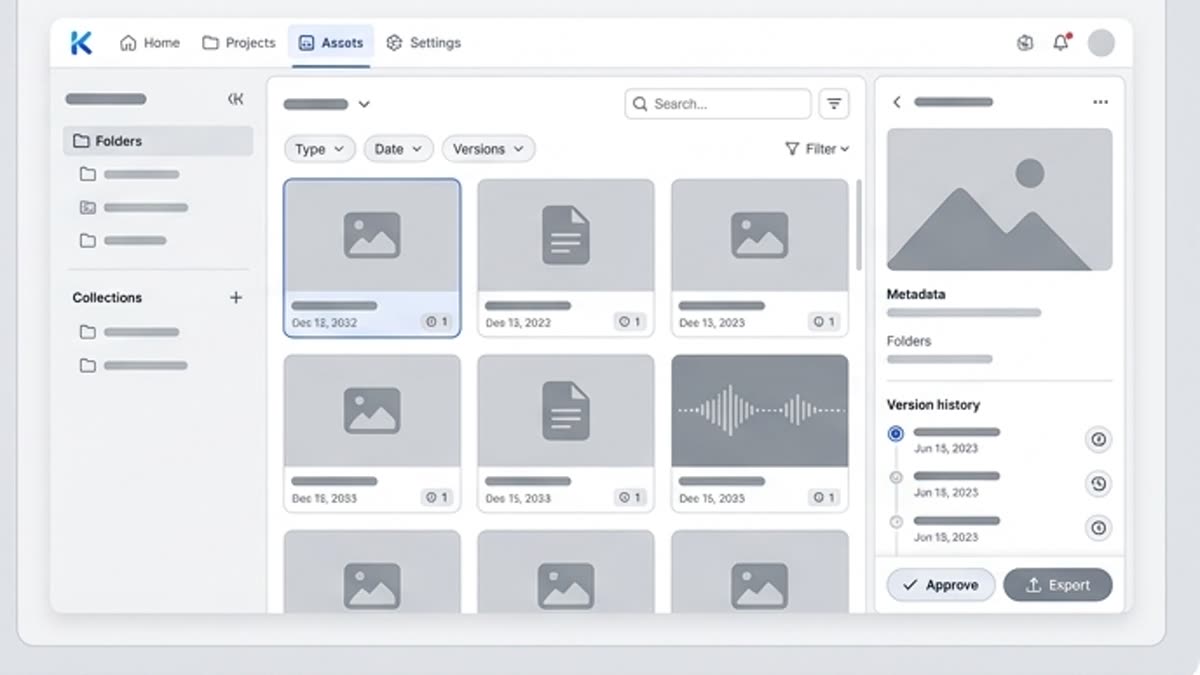
Where available, MCP can help compatible assistants work with relevant creative context or assets before a team reviews the final output.

Team Review Before Final Use

Team Review Before Final Use

Teams should review MCP-assisted actions, permissions, source assets and outputs before publishing or sending work to clients.

Detalles

Lo que conviene saber antes de usarla.

What Is an MCP Server?

What Is an MCP Server?

An MCP server is a Model Context Protocol server that exposes supported tools, resources or prompts to compatible AI clients. Instead of manually switching between systems, an MCP server can help an AI assistant understand available actions or context and use supported workflows through a structured protocol.
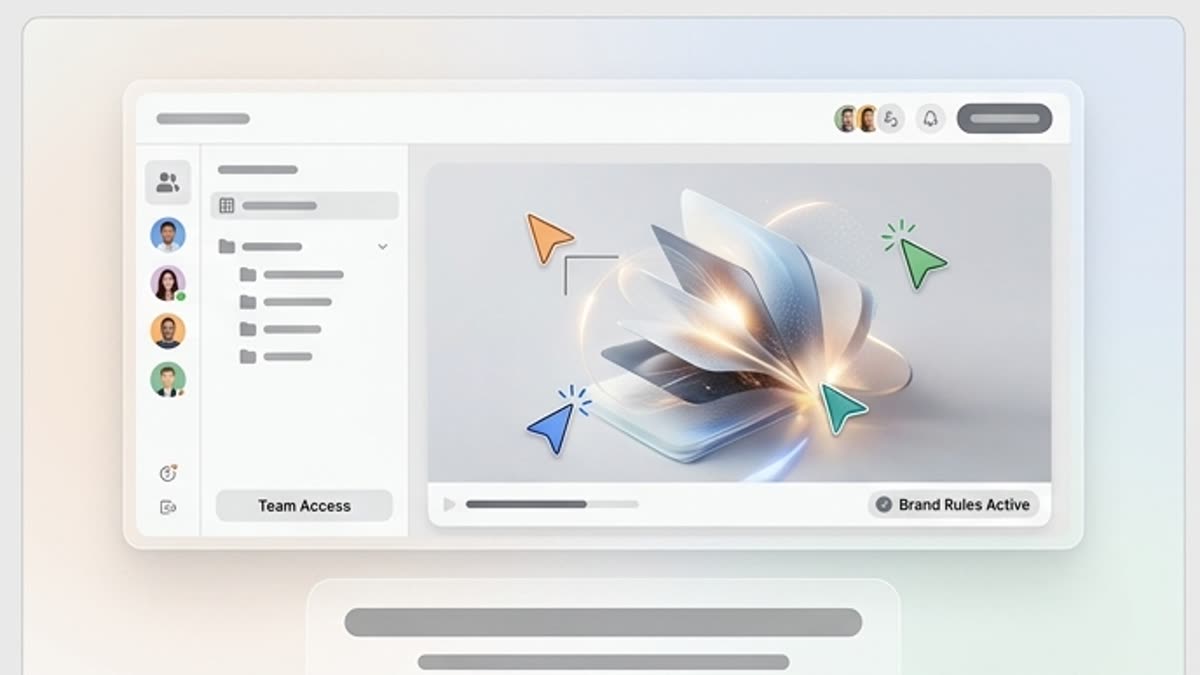
Keter Labs MCP for Creative Workflows

Keter Labs MCP for Creative Workflows

Keter Labs MCP is designed around creative production, not generic software automation. Where supported, it can help connect AI assistants with Keter Labs workflows for creative assets, including images, video, music, mockups, design assets and campaign production tasks.

MCP Use Cases for Creative Teams

MCP Use Cases for Creative Teams

Creative teams can use supported MCP workflows for AI assistant access to creative tools, brief-to-asset support, workflow coordination, campaign asset preparation, creative task routing, asset context retrieval and team review before final use.

MCP Server vs Manual Creative Tool Switching

MCP Server vs Manual Creative Tool Switching

Manual creative production often requires switching between prompts, tools, files, assets and review steps. A supported MCP workflow can help compatible AI assistants work closer to the creative tools and context available in Keter Labs, while teams still review actions and outputs before using them in public or client-facing work.

Review MCP Actions Before Running

Review MCP Actions Before Running

MCP workflows should be used with clear review and permission practices. Teams should check what tools are exposed, what actions are being requested, what data or assets are involved and whether outputs are ready for campaign or client-facing use before treating any action as final.

Cómo trabajar

El camino habitual: de la tarea al archivo terminado.

Empieza con la tarea y las referencias, obtén una primera versión, ajusta los detalles en el editor y guarda el resultado en el proyecto. Sin saltos innecesarios entre servicios.

Servidor MCP para asistentes de IA workflow
1

Paso 1

Connect a compatible AI assistant to the available Keter Labs MCP setup after checking the platform documentation.

2

Paso 2

Choose supported Keter Labs workflows for image, video, music, mockup, design or asset tasks where available.

3

Paso 3

Review exposed tools, requested actions, asset context and creative outputs before publishing or client-facing use.

FAQ

Preguntas frecuentes

What is an MCP server?+

An MCP server is a Model Context Protocol server that lets compatible AI clients access supported tools, resources or prompts through a structured protocol. It can help AI assistants work with external systems where the server and client support the workflow.

What is Keter Labs MCP server used for?+

Keter Labs MCP server is designed to connect compatible AI assistants with supported Keter Labs creative workflows, including workflows around images, video, music, mockups, design assets and campaign production where available.

Does Keter Labs MCP work with every AI assistant?+

Keter Labs MCP should only be described as working with compatible AI assistants and supported MCP workflows. Users should check the available setup details before connecting it to any assistant or client.

How can MCP help creative teams?+

MCP can help creative teams connect AI assistants with supported creative tools and context, reducing manual switching between prompts, assets and workflows while keeping review and control in the process.

Is Keter Labs MCP a replacement for using the platform manually?+

No. Keter Labs MCP should be treated as a supported connection layer for compatible workflows, not a full replacement for human creative direction, review, approval or manual platform use.

Should MCP actions be reviewed before use?+

Yes. Teams should review exposed tools, requested actions, asset context, permissions and generated outputs before using MCP-assisted results in public or client-facing work.

Puedes empezar

Abre Keter Labs y crea tu primera versión de trabajo.

Crea imágenes, vídeo, sonido y diseños en un solo lugar, y guarda las versiones acertadas para el equipo y las próximas campañas.

Crear cuenta