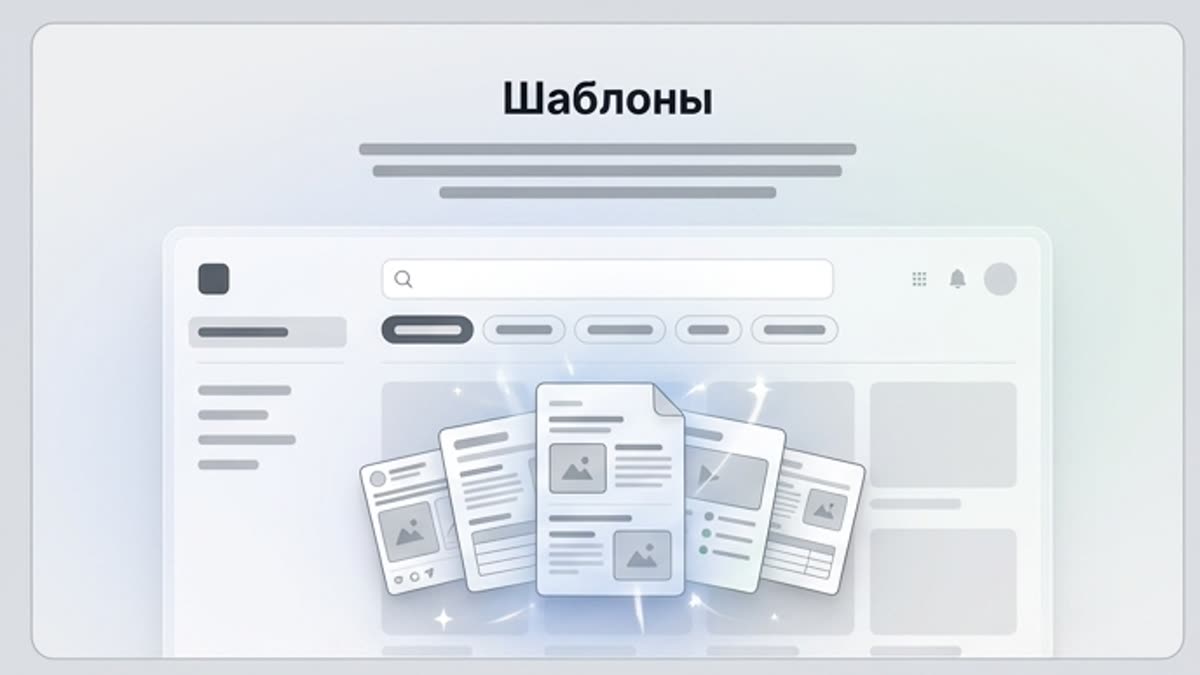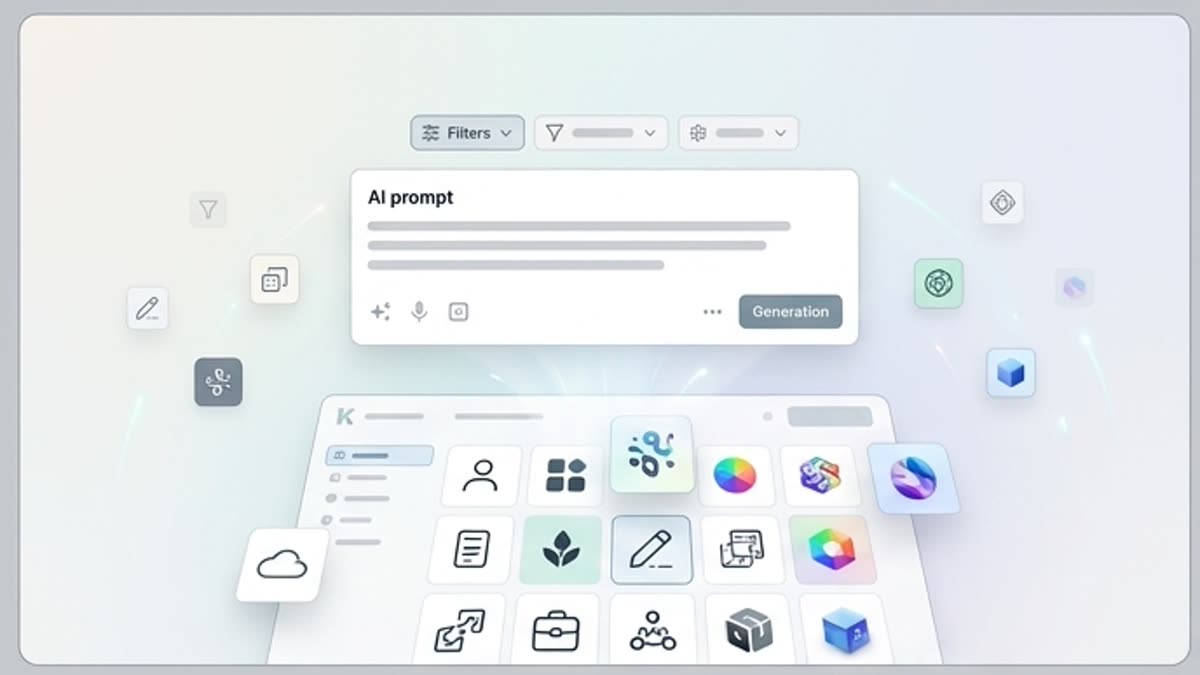
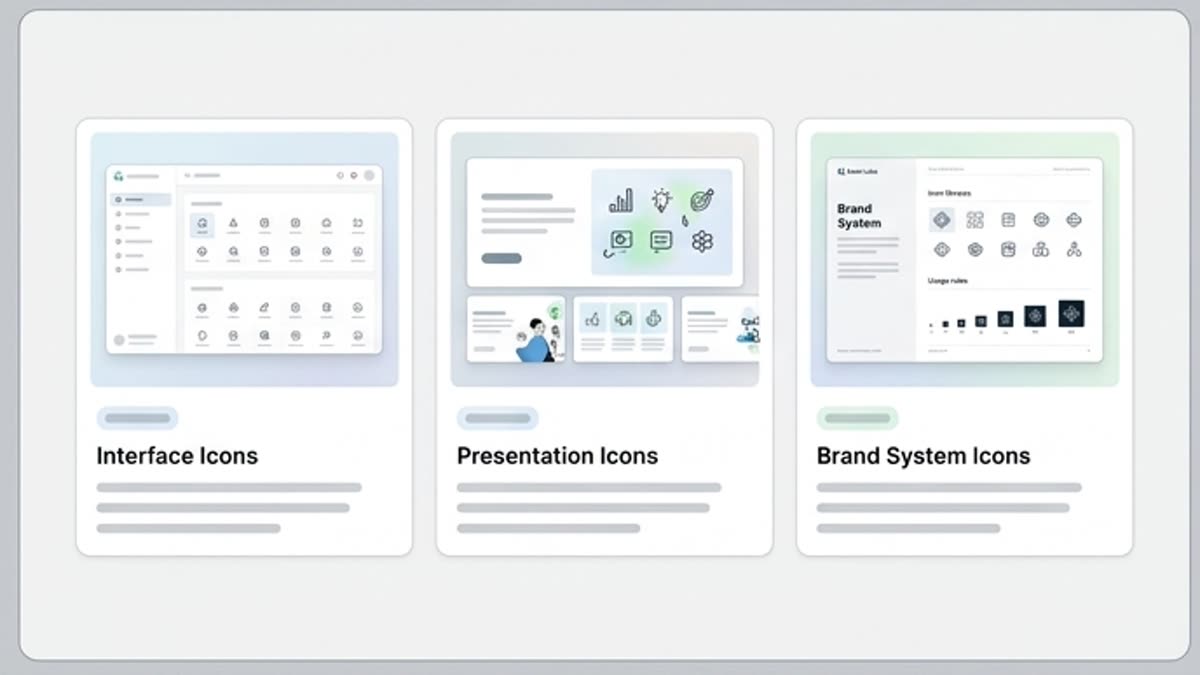
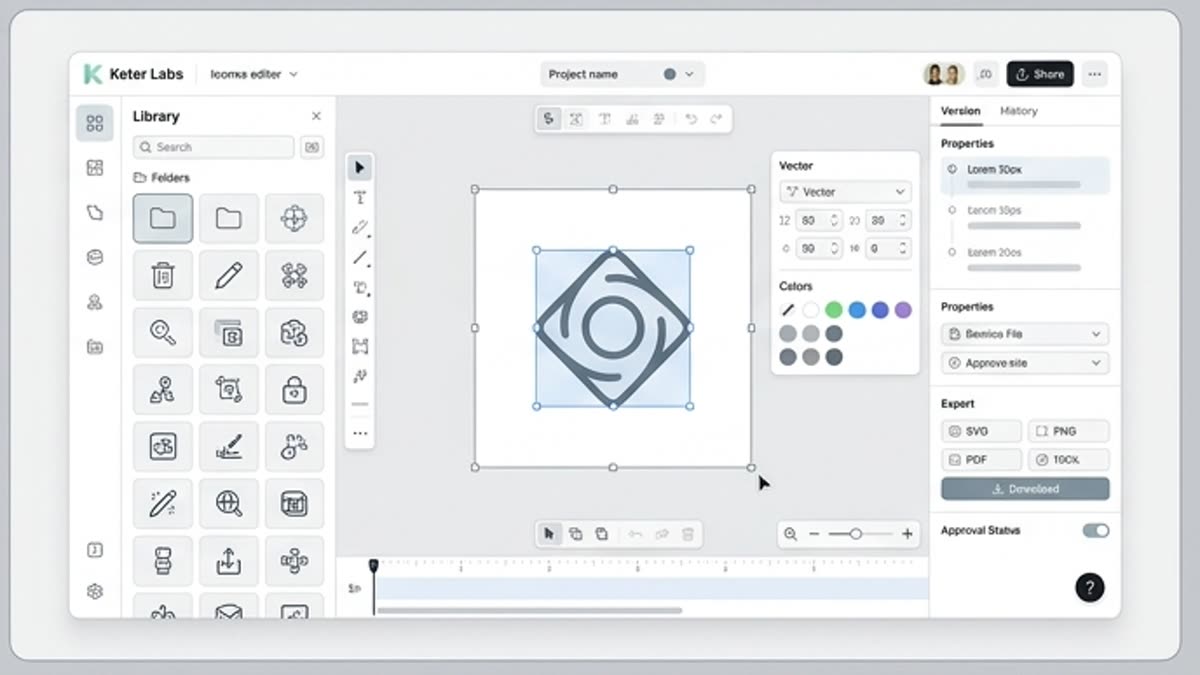
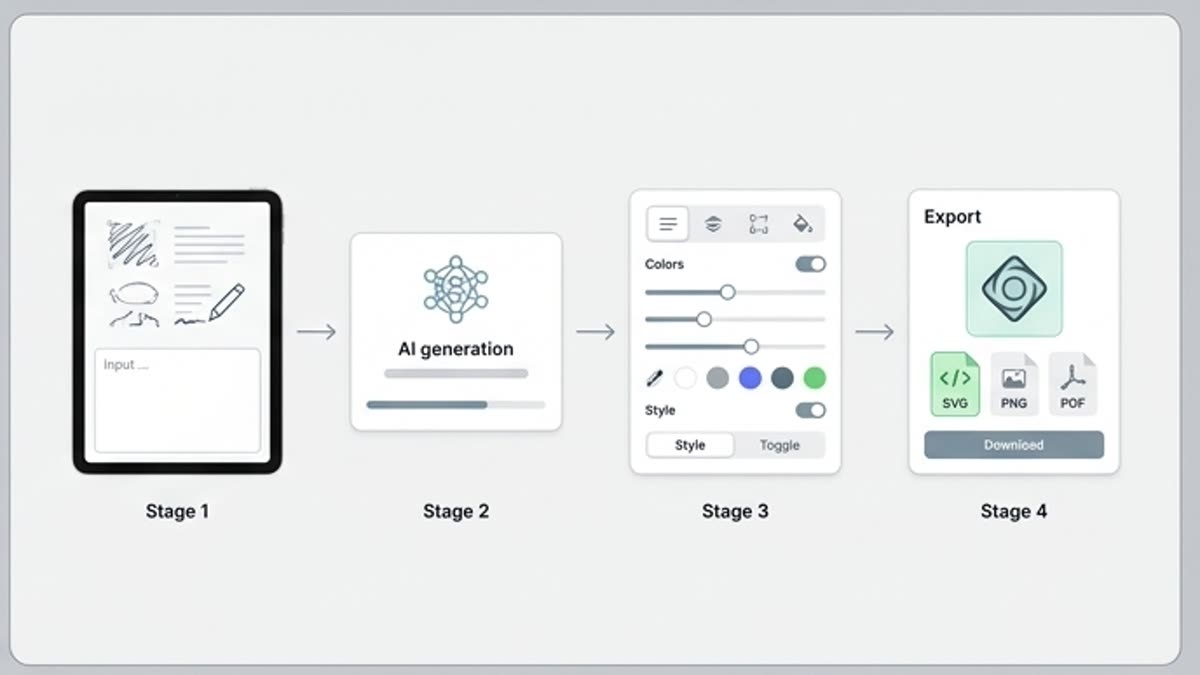
La biblioteca de iconos ayuda a encontrar rápido símbolos claros para una interfaz, una landing, una presentación, una página de precios, una guía o un sistema de diseño. Los iconos pueden usarse tal cual o adaptarse al estilo visual del proyecto.
icon libraryicon assetsicons for designinterface iconswebsite iconsapp iconspresentation iconspricing table iconslanding page iconsdesign system iconscampaign icon assetsicons for creative projectsicon assets for marketing teamsicon library for designersicon library for presentations
Image
Qué hay aquí
Cómo ayuda esta sección en el trabajo.
Símbolos claros para la interfaz
Seleccione iconos para menús, tarjetas de funciones, estados, ventajas, onboarding, planes de precios y bloques de ayuda.
Un estilo unificado en el conjunto
Reúna iconos con un grosor, una forma, un nivel de detalle y un ritmo visual similares para que la interfaz se vea cohesionada.
Listos para adaptar
Cambie el color, el tamaño, el fondo y el nivel de detalle y, si es necesario, refine el icono en el editor.
Cuándo usarla
Tareas típicas para las que se abre esta sección.
Estos escenarios ayudan a entender rápido qué trabajo conviene empezar aquí y qué es mejor continuar en las secciones vecinas.
Icon Library vs AI Icon Generator
An icon library and an AI icon generator serve different needs. An icon library is useful when teams need ready icon assets for a design or campaign, while an AI icon generator is better when teams need to create new icon directions from prompts or briefs. Keter Labs keeps asset and AI workflows connected so teams can choose the right starting point.
Icons Inside the Keter Labs Stock Library
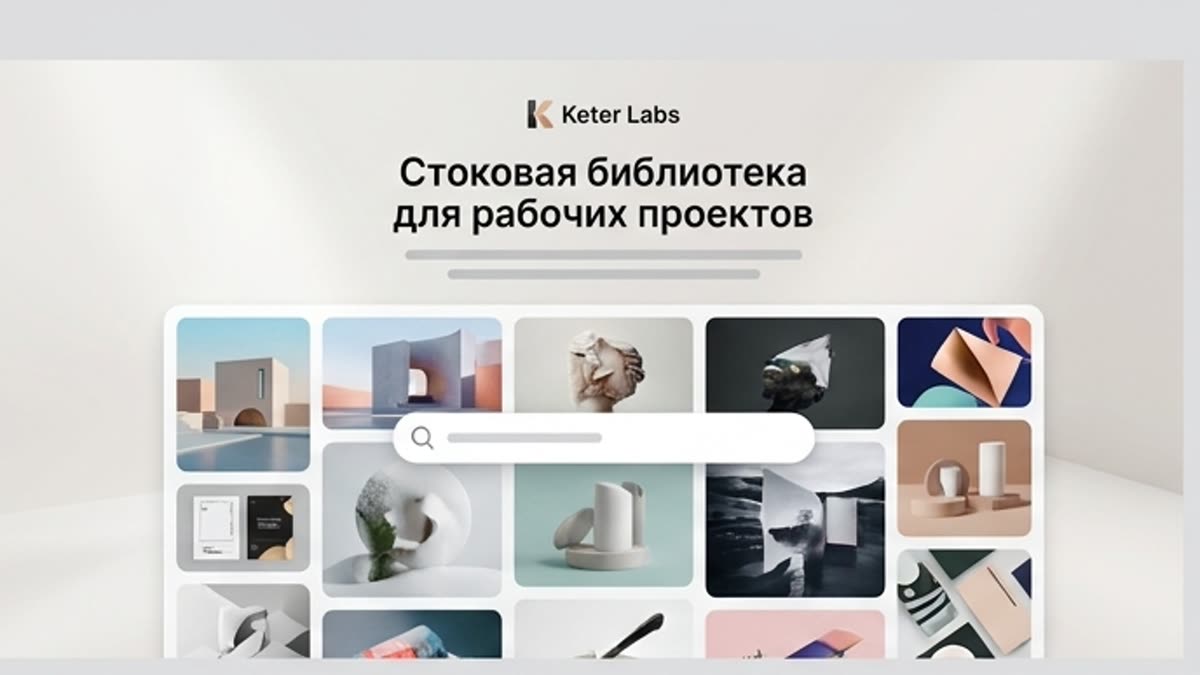
Icons are one part of the wider Keter Labs stock media library, alongside stock photos, design templates, music and other creative assets. Use the Stock page as the broader asset hub and keep this page focused specifically on icon assets.
Review Usage Requirements Before Publishing
Before using any icon asset in public, paid, client-facing or commercial work, teams should review the asset details and usage requirements shown in the platform. Do not assume every icon has the same usage terms without checking the current asset information.
Detalles
Lo que conviene saber antes de usarla.
Interface Icons for Design Teams
Use Keter Labs Icons when a website, app, landing page, guide, presentation or design system needs clear visual symbols. Keep this page focused on icon assets, not the broader stock media library or design templates page.
Connect Icons With Creative Workflows
Selected icon assets can support design templates, AI design workflows, AI mockup generator workflows, stock photos, Keter Labs pricing review and the creative workflow platform where those connected workflows are available.
Choose the Right Icon Workflow
Choose the icon library when the project needs ready icon assets. Choose the AI icon generator when the project needs new icon directions from prompts or briefs. Choose Designer when the task is layout, composition or brand-ready design work.
Icon Library Questions
Use these questions to understand what an icon library is, how Keter Labs Icons differs from the broader Stock page, when an AI icon generator may be a better starting point and why usage requirements should be reviewed before publishing.
Cómo trabajar
El camino habitual: de la tarea al archivo terminado.
Empieza con la tarea y las referencias, obtén una primera versión, ajusta los detalles en el editor y guarda el resultado en el proyecto. Sin saltos innecesarios entre servicios.
1
Paso 1
Find the right icon asset by defining which interface section, landing page, pricing table, guide, presentation or campaign visual needs a clear symbol.
2
Paso 2
Match icons to the design context by reviewing meaning, visual style, readability, layout fit and the current asset details shown in the platform.
3
Paso 3
Use icons inside creative workflows where available, including design templates, AI design workflows, mockups, presentations and broader stock-library workflows.
4
Paso 4
Review usage requirements before publishing by checking the asset details shown in the platform for public, paid, client-facing or commercial work.
An icon library is a collection of ready icon assets that teams can use in interfaces, websites, landing pages, presentations, pricing tables, guides, design systems and creative projects, subject to the usage details shown for each asset.
What can I use Keter Labs Icons for?+
Keter Labs Icons can support creative workflows for interface design, website sections, landing pages, pricing tables, presentations, guides, social content and campaign visuals where icon assets are useful.
How is Keter Labs Icons different from the Stock page?+
The Stock page is the broader creative asset hub, while Keter Labs Icons is focused specifically on icon assets for design and campaign workflows.
Are icon libraries the same as AI icon generators?+
No. Icon libraries provide ready icon assets, while AI icon generators create new icon directions from prompts or briefs. Teams can use the right workflow depending on the project.
Should I check usage requirements before using icons?+
Yes. Teams should review asset details and usage requirements shown in the platform before using icons in public, paid, client-facing or commercial work.
Who should use Keter Labs Icons?+
Keter Labs Icons is useful for marketers, agencies, designers, product teams, content teams and businesses that need icon assets for interfaces, landing pages, presentations, pricing sections, guides and campaign visuals.
Puedes empezar
Abre Keter Labs y crea tu primera versión de trabajo.
Crea imágenes, vídeo, sonido y diseños en un solo lugar, y guarda las versiones acertadas para el equipo y las próximas campañas.