Biblioteca de stock

Plantillas

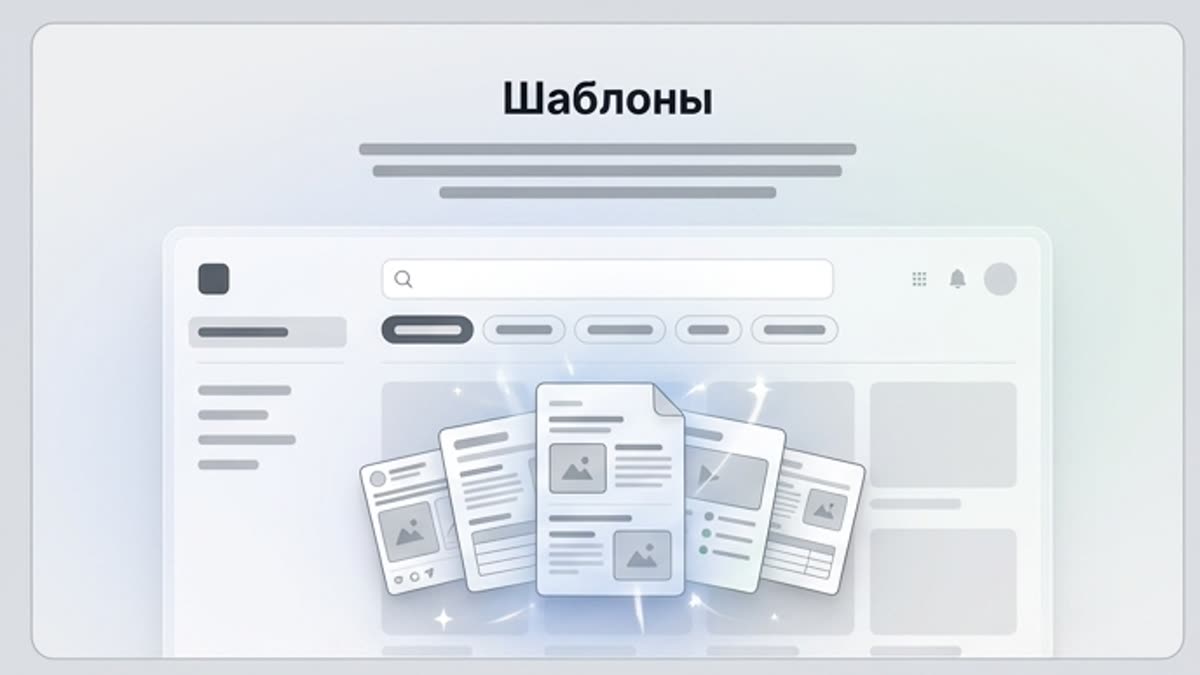
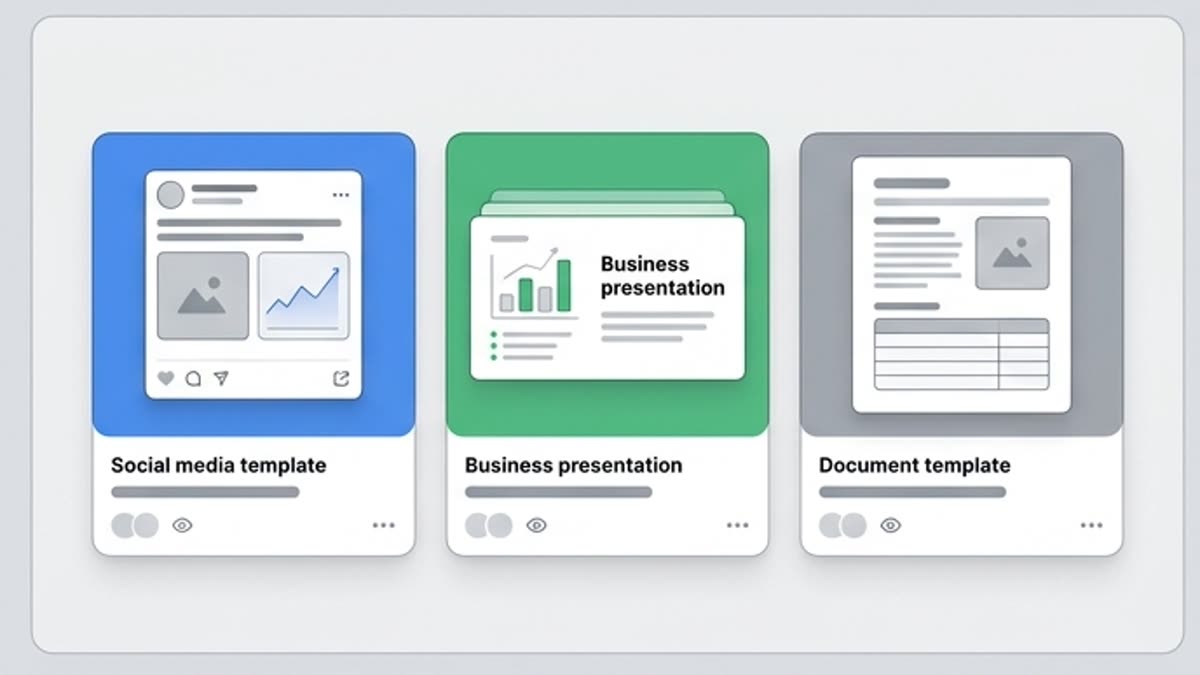
Las plantillas ayudan a publicar más rápido materiales de marketing, branding, redes sociales, banners, presentaciones, portadas, papelería y proyectos personales. Son un buen punto de partida cuando la estructura ya está clara y hay que llevar rápido el diseño a la publicación.

design templatesmarketing templatescampaign templatessocial media templatespresentation templatesbrand templatestemplate assetseditable design templatestemplates for creative projectstemplates for marketing teamstemplates for campaign visualswebsite design templatesflyer design templatesbusiness card design templatesbrochure design templatescreative templates
Plantillas — Keter Labs
Design

Qué hay aquí

Cómo ayuda esta sección en el trabajo.

Estructura de maqueta lista

Estructura de maqueta lista

Tome una plantilla con una composición ya pensada, una retícula y espacios para el texto, las imágenes y los elementos corporativos.

Más rápido para contenido regular

Más rápido para contenido regular

Las plantillas son especialmente útiles para publicaciones, banners, presentaciones, portadas, creatividades publicitarias y materiales de marca.

Adaptables al estilo

Adaptables al estilo

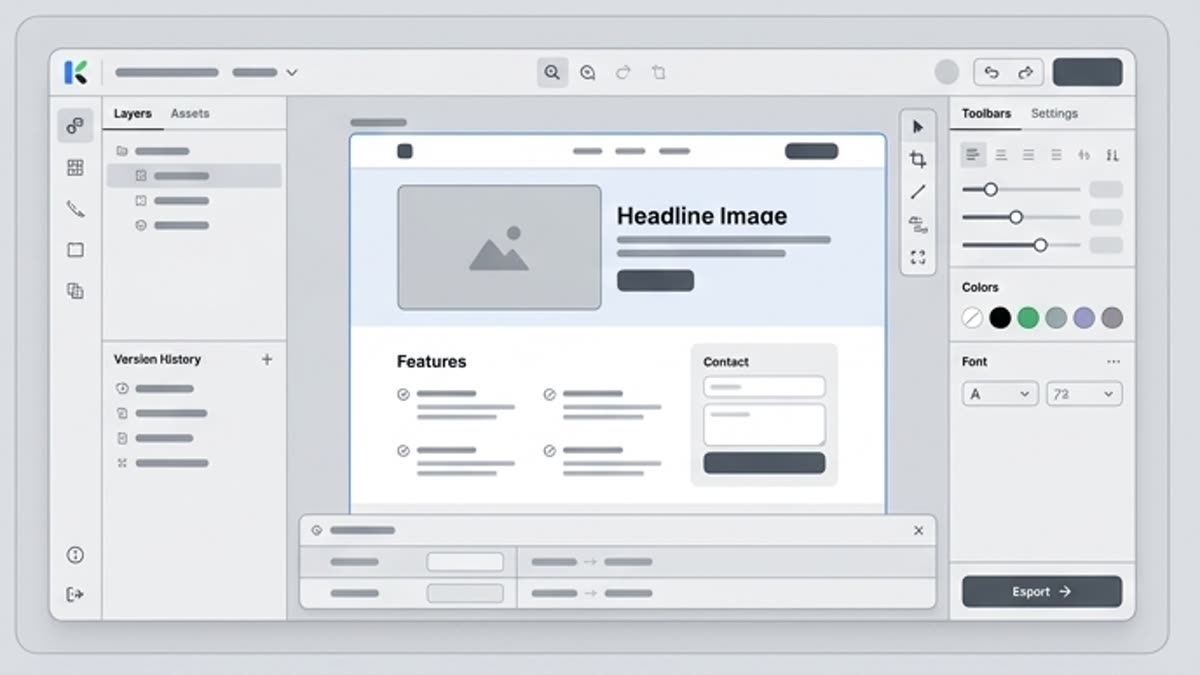
Cambie el texto, los colores, las imágenes, el logotipo, el formato y el tono visual sin empezar la maqueta desde una pantalla vacía.

Cuándo usarla

Tareas típicas para las que se abre esta sección.

Estos escenarios ayudan a entender rápido qué trabajo conviene empezar aquí y qué es mejor continuar en las secciones vecinas.

Hay que lanzar rápido una campaña

Hay que lanzar rápido una campaña

Utilice una plantilla como base para una serie de materiales publicitarios en lugar de montar cada formato a mano.

Se necesita una presentación o una portada

Se necesita una presentación o una portada

Elija una estructura lista y adáptela al producto, al equipo, al cliente o al evento.

Hay que mantener el sistema visual

Hay que mantener el sistema visual

Cree un conjunto de maquetas repetibles para que los materiales de la marca se vean coherentes.

Detalles

Lo que conviene saber antes de usarla.

Campaign Templates for Creative Teams

Campaign Templates for Creative Teams

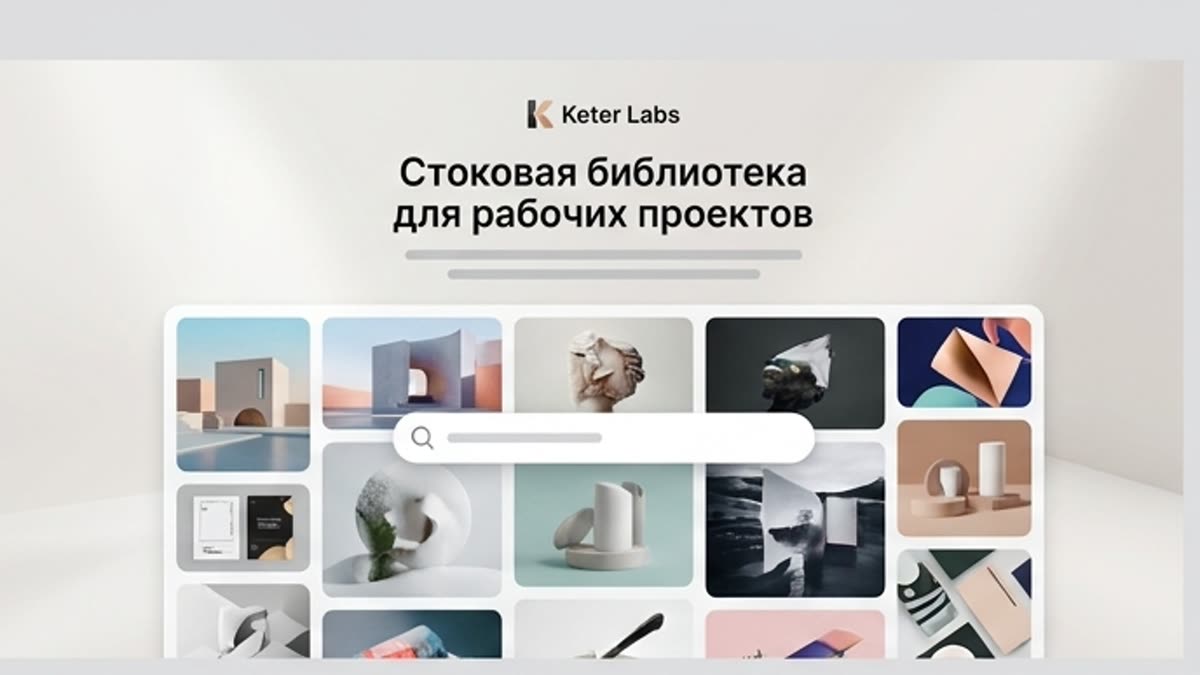
Use Keter Labs Templates when a campaign, social post, banner, presentation, cover, brand material, business visual or creative project needs a ready starting point. Keep this page focused on design templates, not the broader stock media library or AI design tool page.

Connect Templates With Creative Workflows

Connect Templates With Creative Workflows

Selected template assets can support the stock media library, AI design workflows, the AI mockup generator, stock photos, the icon library, the AI image generator, Keter Labs pricing review and the creative workflow platform where those connected workflows are available.

Choose the Right Template Workflow

Choose the Right Template Workflow

Choose design templates when the project needs a ready layout or creative asset starting point. Choose Designer when the task needs AI design workflows from prompts, briefs or assets. Choose Mockups when the goal is to place finished designs into presentation scenes.

Design Template Questions

Design Template Questions

Use these questions to understand what design templates are, how Keter Labs Templates differs from the broader Stock page, when AI design tools may be a better starting point and why usage requirements should be reviewed before publishing.

Cómo trabajar

El camino habitual: de la tarea al archivo terminado.

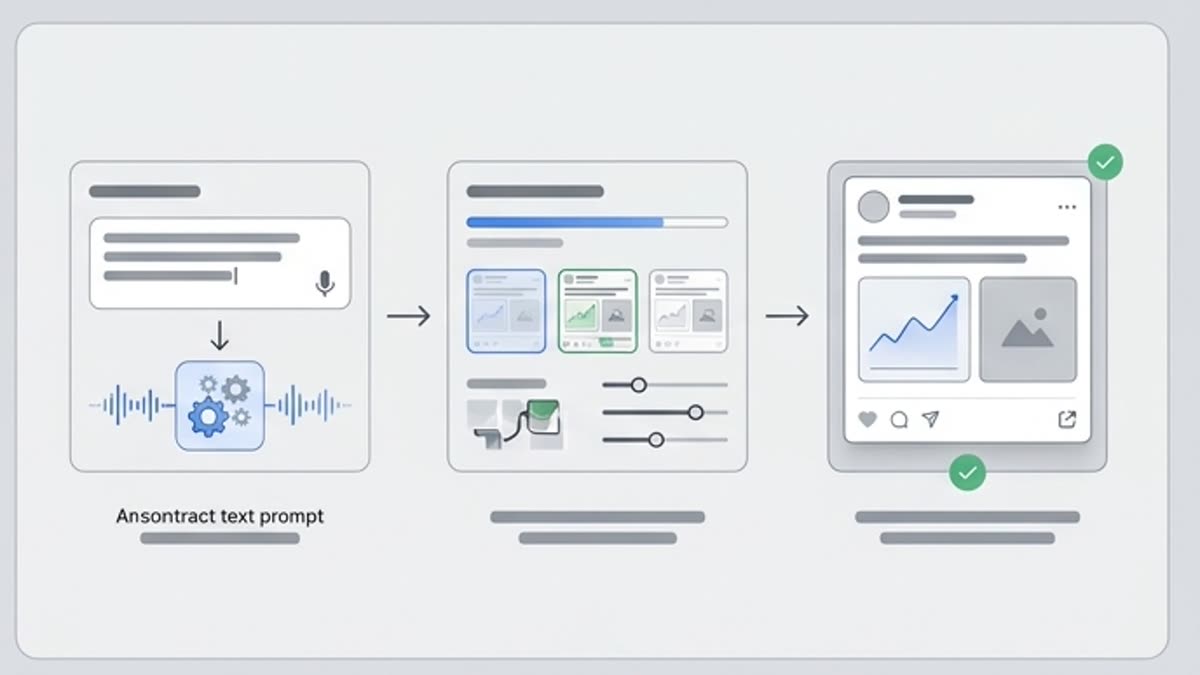
Empieza con la tarea y las referencias, obtén una primera versión, ajusta los detalles en el editor y guarda el resultado en el proyecto. Sin saltos innecesarios entre servicios.

Plantillas workflow
1

Paso 1

Elija el formato: presentación, banner, creatividad para redes sociales, portada, material de marca o ficha.

2

Paso 2

Seleccione la plantilla según la estructura, el estilo, la cantidad de contenido y el objetivo de la publicación.

3

Paso 3

Sustituya los textos y los visuales, ajuste los elementos de marca y guarde la versión final.

4

Paso 4

Review usage requirements before publishing by checking the asset details shown in the platform for public, paid, client-facing or commercial work.

FAQ

Preguntas frecuentes

What are design templates?+

Design templates are ready layout or creative asset starting points that teams can use for campaigns, social posts, presentations, banners, brand materials, business visuals and creative projects, subject to the usage details shown for each asset.

What can I use Keter Labs Templates for?+

Keter Labs Templates can support creative workflows for campaign visuals, social media content, presentations, brand assets, banners, product launch materials and client-facing creative drafts.

How is Keter Labs Templates different from the Stock page?+

The Stock page is the broader creative asset hub, while Keter Labs Templates is focused specifically on template assets for campaign, brand and creative workflows.

Are templates the same as AI design tools?+

No. Templates provide ready structures or starting points, while AI design tools help teams explore new design directions from prompts, briefs, assets or creative direction. Teams can use the right workflow depending on the project.

Should I check usage requirements before using templates?+

Yes. Teams should review asset details and usage requirements shown in the platform before using templates in public, paid, client-facing or commercial work.

Who should use Keter Labs Templates?+

Keter Labs Templates is useful for marketers, agencies, designers, content teams, ecommerce teams and businesses that need template assets for campaigns, social content, presentations, brand materials and creative projects.

Puedes empezar

Abre Keter Labs y crea tu primera versión de trabajo.

Crea imágenes, vídeo, sonido y diseños en un solo lugar, y guarda las versiones acertadas para el equipo y las próximas campañas.

Crear cuenta