Controlled motion
Start with a still frame that already understands the campaign
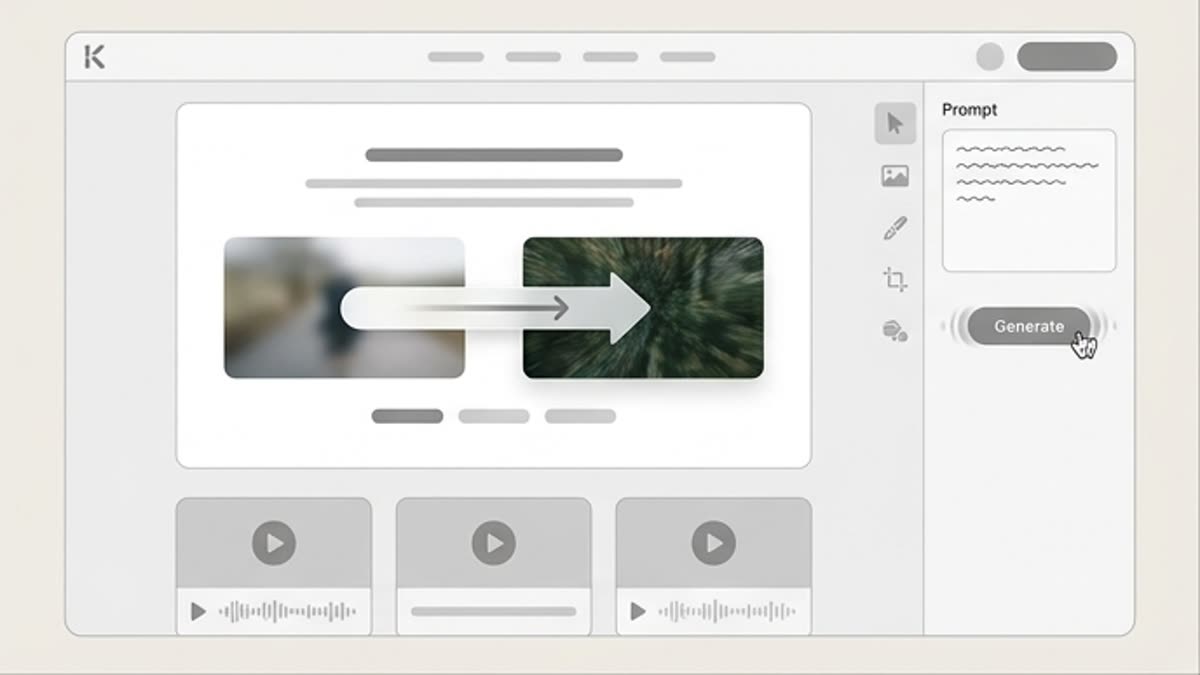
The fastest way to lose control in AI video is to start from a vague motion prompt. It is more reliable to first build a frame that already contains the product, composition, light, mood, and message.
That way the model does not invent everything at once. It moves an already defined scene in a set direction, and the team keeps better control over the result.
Write camera movement like a short production note
A good video prompt describes three things: what the camera does, what the subject does, and what must stay stable.
For ads, restrained movement often works better: a soft push-in, a product turn, a light change, a hand action, a careful reveal, or a transition to the final frame.
Camera
Describe a push-in, a pan, an orbit, a macro shot, a static angle, or a handheld feel.
Subject
Specify the movement of the product, person, fabric, liquid, interface, or environment.
Stability
Name the elements that must not change: the logo, the face, the product geometry, the packaging, the text, and the color.
Plan editing and final preparation from the start
A generated clip rarely becomes final without edits. It usually needs trimming, quality improvement, pacing adjustments, added sound, and channel-specific versions.
This is not a weakness of AI video. It is normal production logic: generation provides the material, and editing turns it into a finished advertising or content asset.