Video
Studio video editor
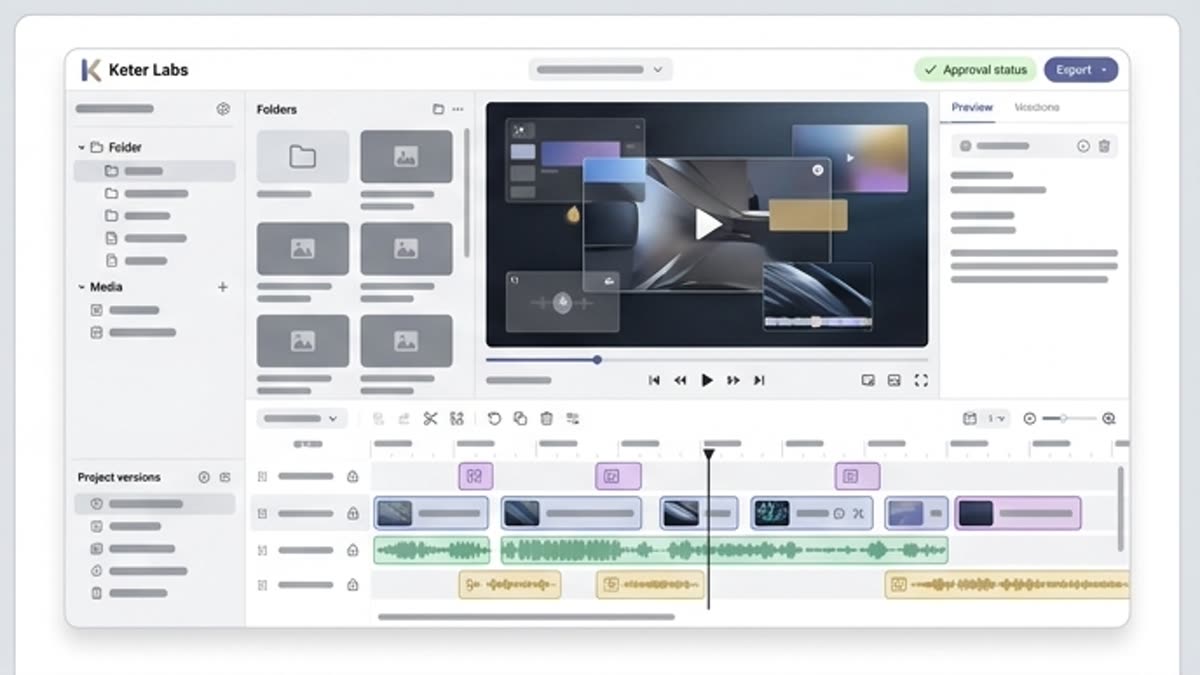
The studio video editor helps you assemble generated and uploaded clips into a working video: length, pace, order, quality, sound and versions for each channel.
What's included
What this section gives you.
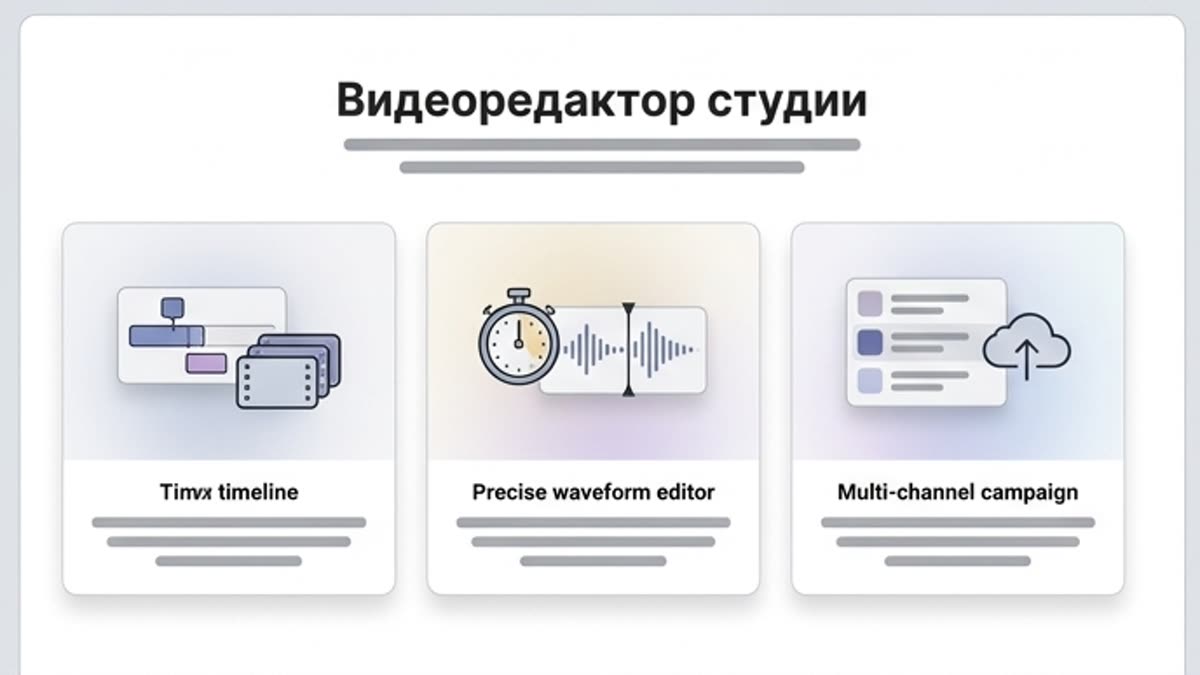
Editing built on AI material
Trim clips, pick the strongest fragments, adjust pacing and assemble a video ready for sign-off.
Formats for every channel
Prepare vertical, square, wide and presentation versions without rebuilding the project by hand.
Connected to audio
Add music, voiceover and SFX so the video feels like a finished piece.
When to use it
Common jobs this section is built for.
These examples make it easier to choose where to start and which nearby section to open next.
You need to assemble a video from several clips
Combine AI scenes, product motion, stock fragments and sound into one coherent asset.
You need a social media version
Prepare a short vertical or square variant without recreating the video.
You need to show the clip to a client
Assemble a clean rough cut with pacing, sound and a final export ready for review.
Workflow
How it works inside Keter Labs.
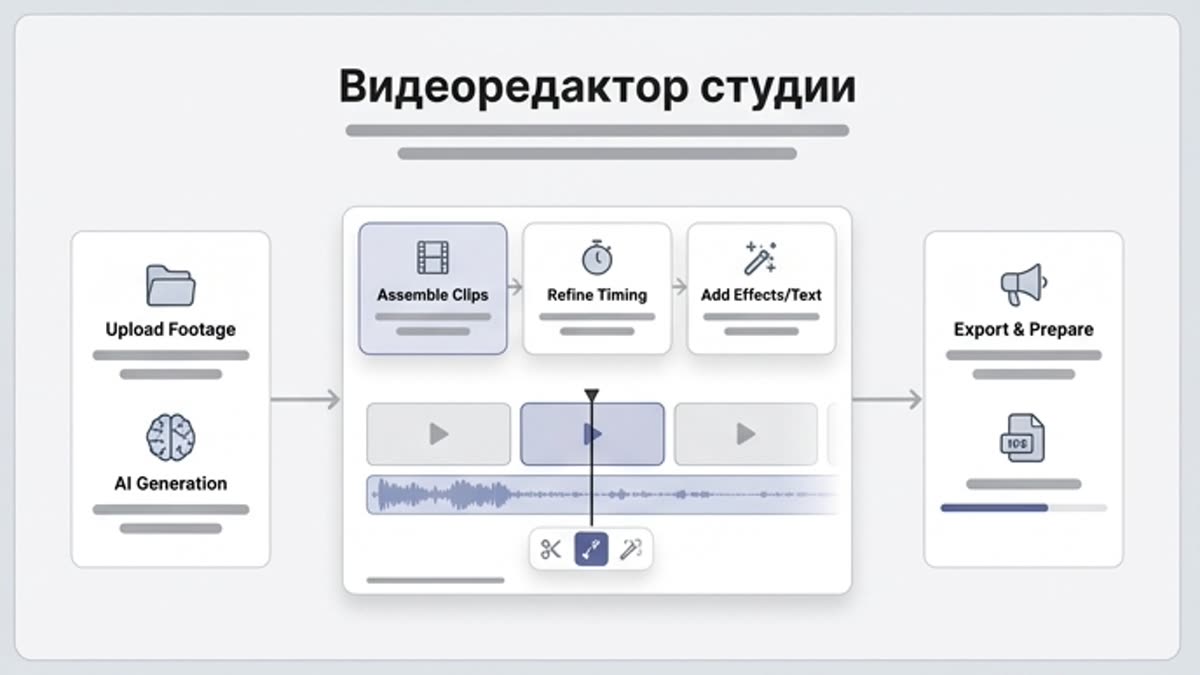
Every section in Keter Labs follows the same shape: a clear brief, a fast first draft, refinement in the editor, and a result saved into the project.
Step 1
Open clips from the project or upload materials to assemble.
Step 2
Adjust the order, duration, format, quality and audio.
Step 3
Export the final versions and keep the editing context in the project.
Related sections
Where to go next.
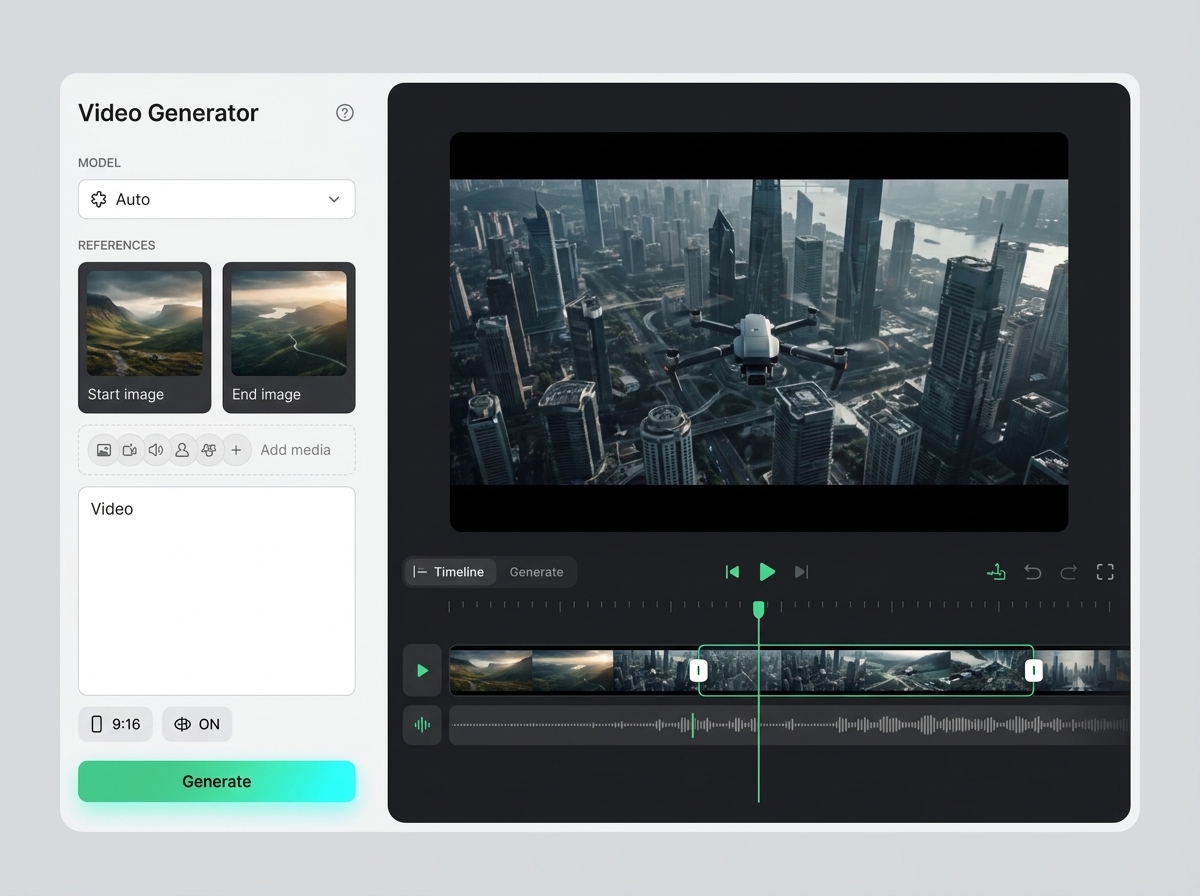
AI video editor
AI video editor helps users understand a specific AI creative task in plain language: what goes in, what comes out, where it fits in production, and how to keep the result useful instead of treating it as a one-off experiment.
Open AI video editor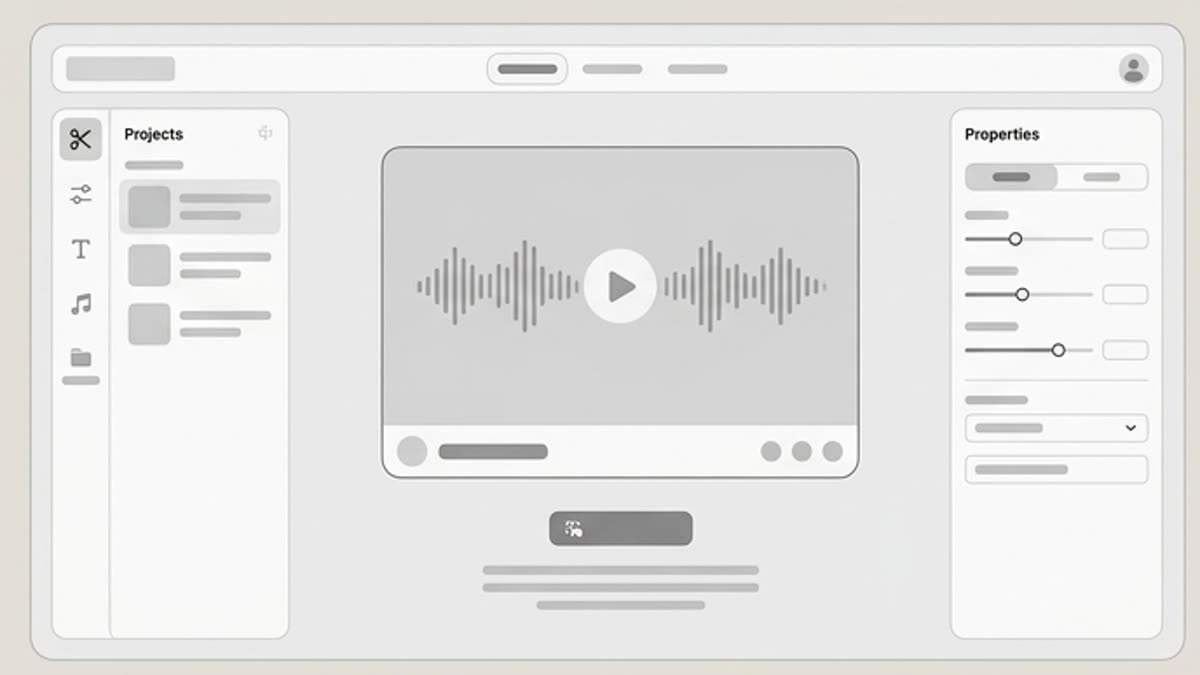
Clip editor
The clip editor is built for quickly preparing short video fragments: cut the excess, pick the best moment, adjust the duration and save a version for a specific channel.
Open Clip editor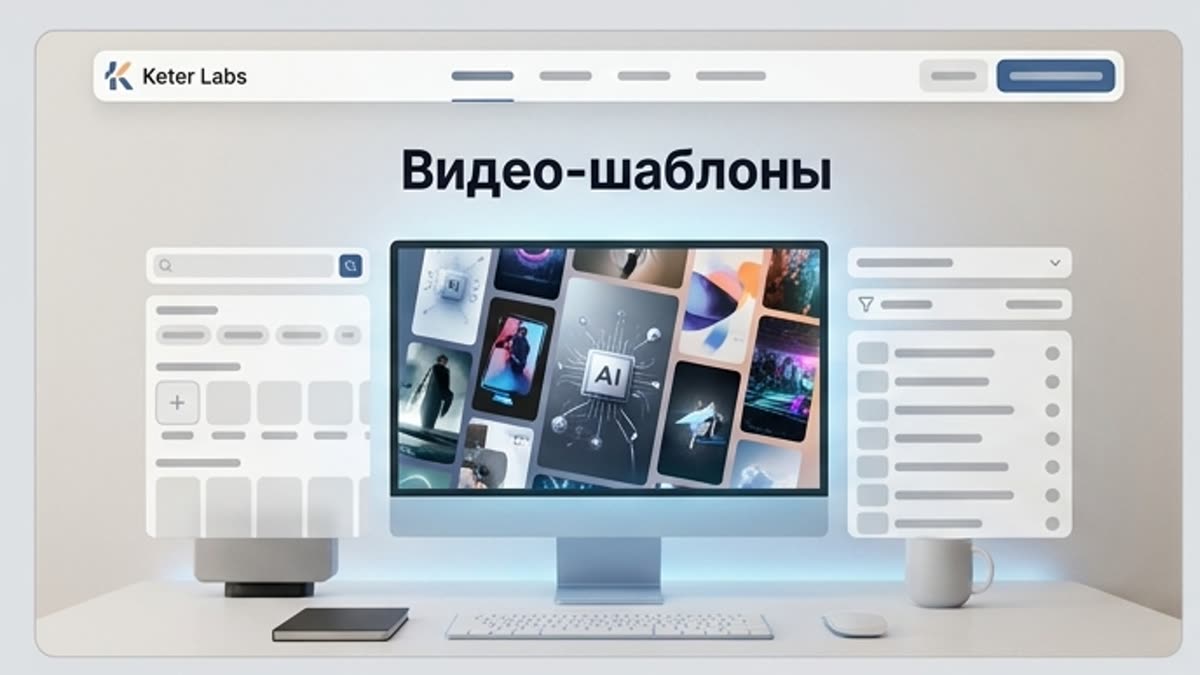
Video templates
Video templates help you quickly build a video for an ad, shorts, product update, intro, transition, animated text, micro-announcement or presentation fragment. They set the structure, rhythm and visual language of the future video.
Open Video templatesReady when you are
Bring this workflow into your next project.
Spin up assets, lock in versions and align your team around a single creative platform.
Create account