Video
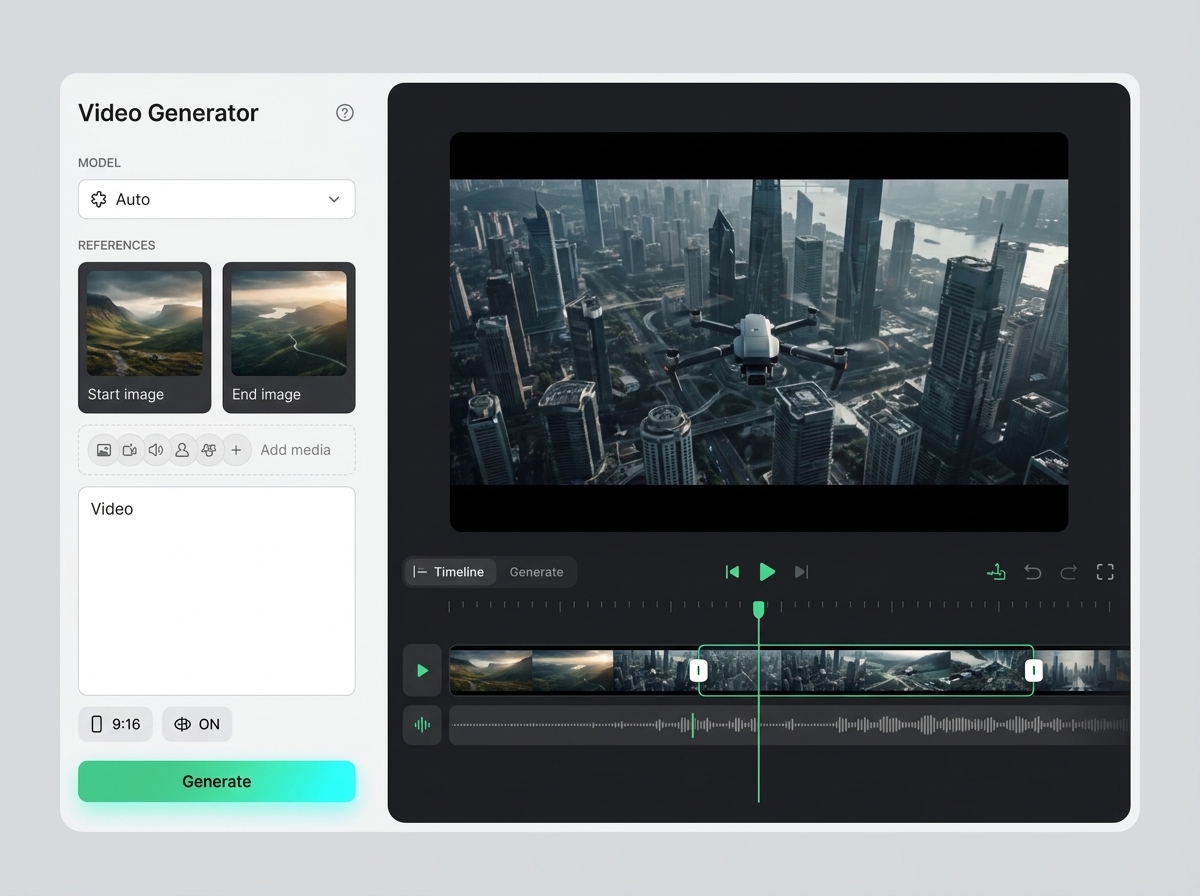
Studio video generator
The studio video generator creates short AI scenes from text, an image, a product or a motion reference. All clips, prompts, source frames and subsequent edits stay in one project.
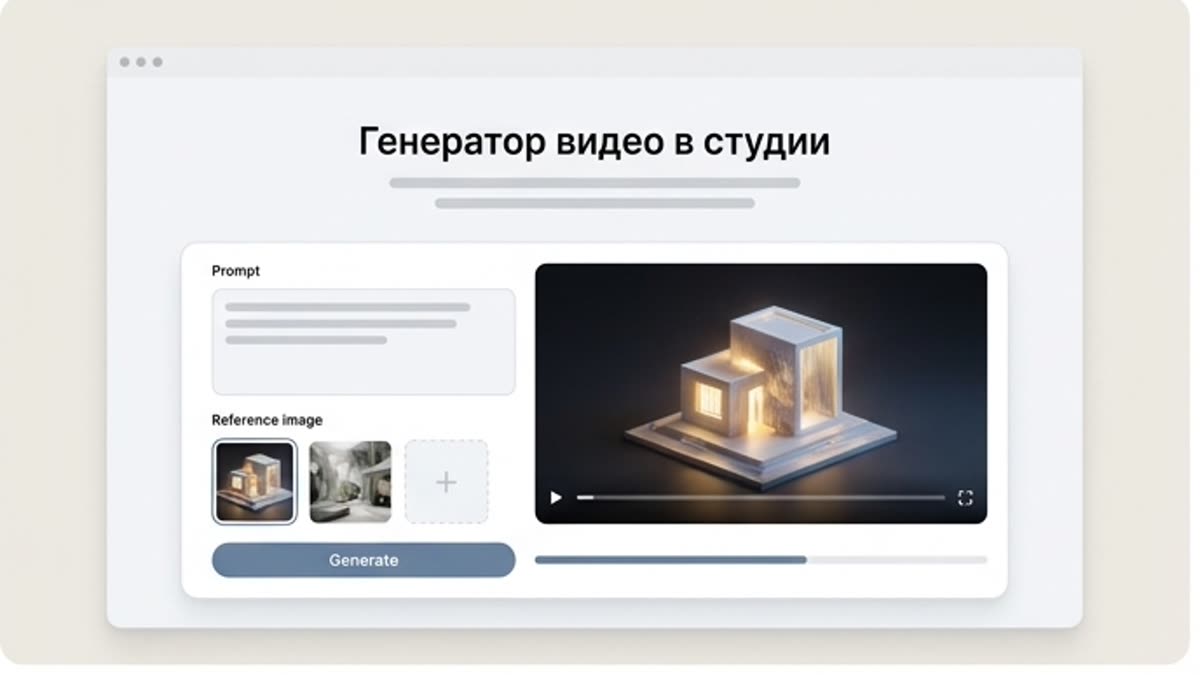
What's included
What this section gives you.
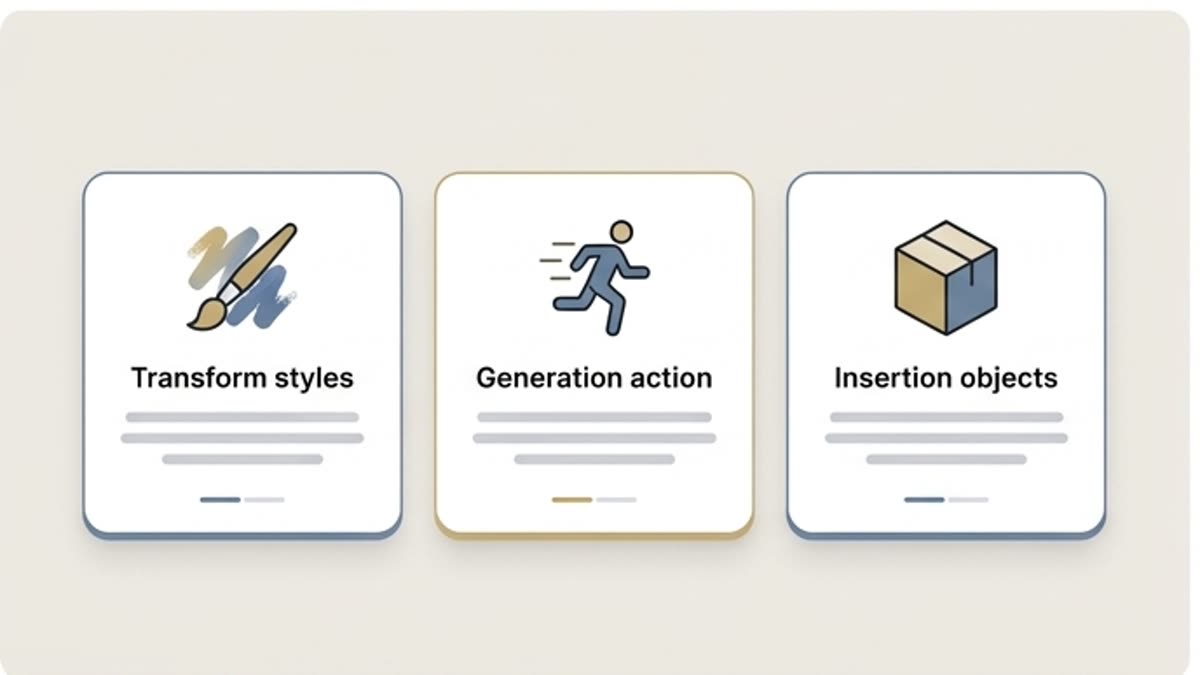
Video starts from context
Use the brief, source frame, references and brand rules so the motion is never random.
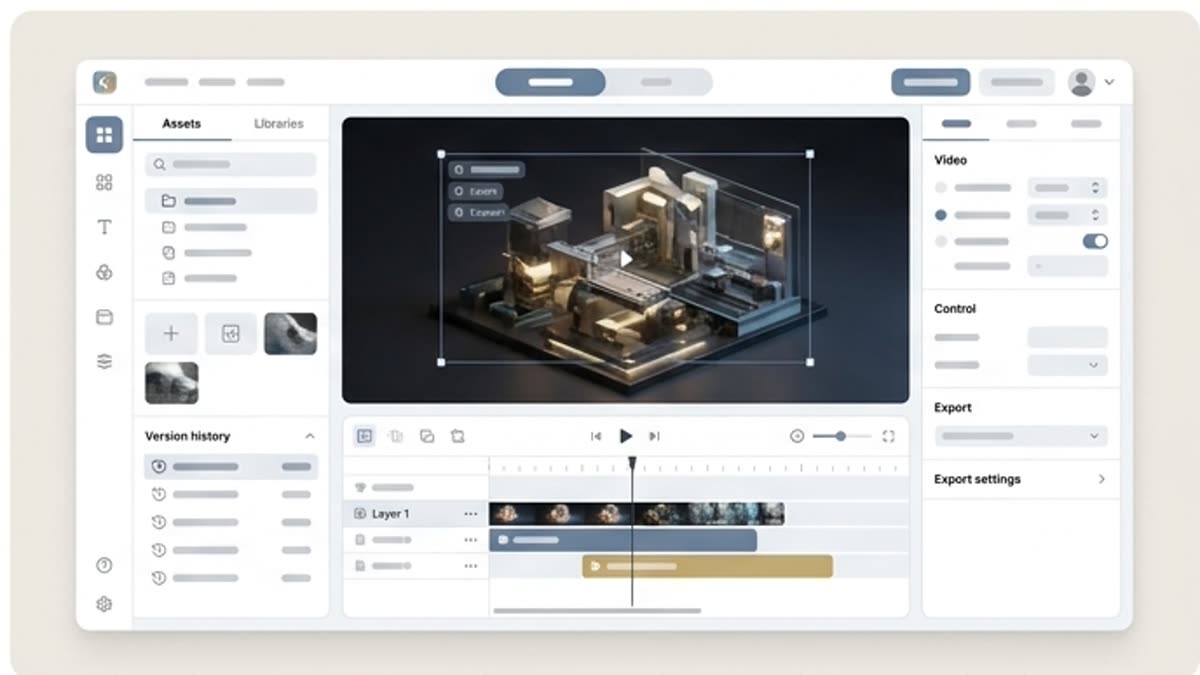
Built for image-to-video
Animate approved images, product shots, characters and scenes while preserving their visual logic.
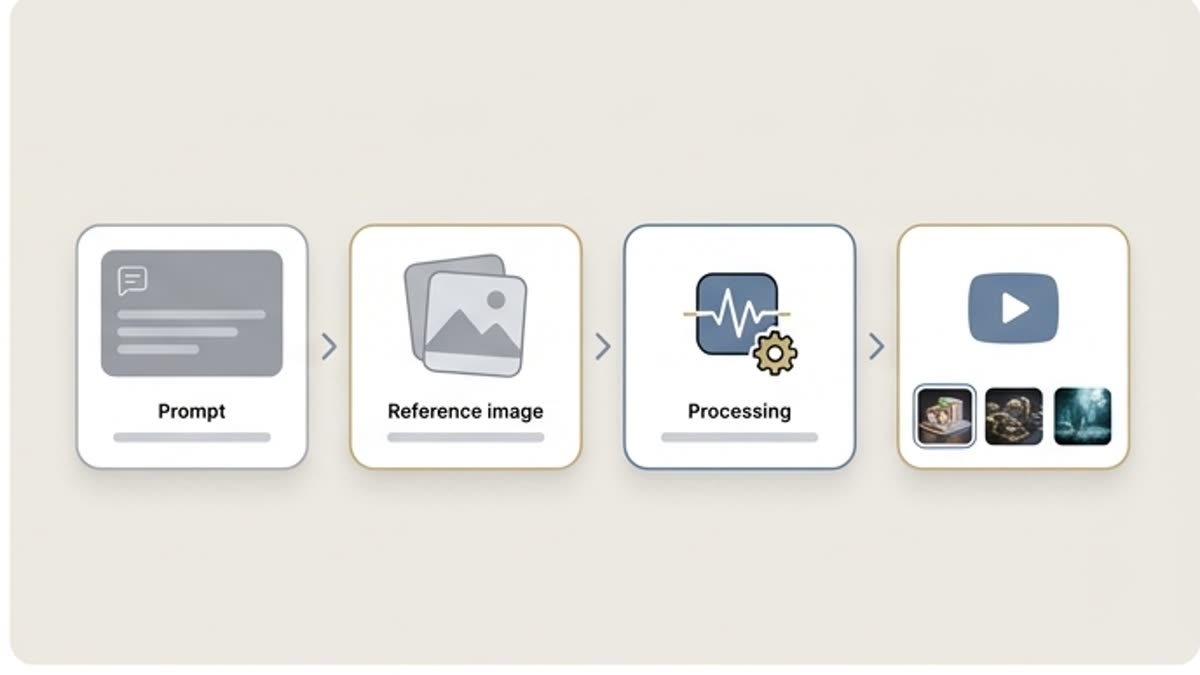
Clips are ready for editing right away
Send the best variants to the motion editor, upscale, clip editor or audio workflow.
When to use it
Common jobs this section is built for.
These examples make it easier to choose where to start and which nearby section to open next.
You need to animate a visual fast
Turn a static frame into a short scene for an ad, website, presentation or social media.
You need a first video concept
Build a motion direction for the team before full production or editing.
You need a series of clips
Work with shared references, style and rules so the clips look like one campaign.
Workflow
How it works inside Keter Labs.
Every section in Keter Labs follows the same shape: a clear brief, a fast first draft, refinement in the editor, and a result saved into the project.
Step 1
Choose a starting point: text, an image, a product shot or a reference.
Step 2
Describe the motion, camera, pace, style and the elements that must not change.
Step 3
Save the strongest clip and continue with editing, quality improvement or version preparation.
Related sections
Where to go next.
AI video generator
AI video generator helps users understand a specific AI creative task in plain language: what goes in, what comes out, where it fits in production, and how to keep the result useful instead of treating it as a one-off experiment.
Open AI video generator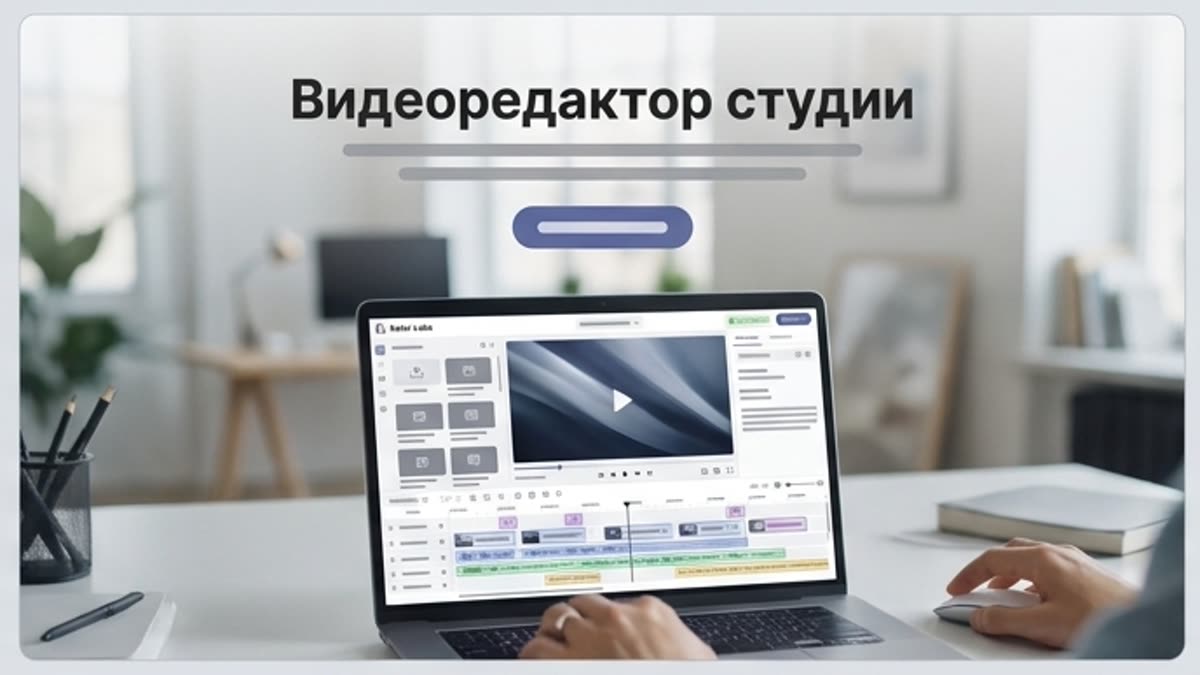
Studio video editor
The studio video editor helps you assemble generated and uploaded clips into a working video: length, pace, order, quality, sound and versions for each channel.
Open Studio video editorGoogle Veo 3.1
Google Veo 3.1 is covered as a production option inside Keter Labs, not as a standalone novelty. The page explains where the model fits, what kind of input it needs, and how to judge whether the result is ready for a real project.
Open Google Veo 3.1Ready when you are
Bring this workflow into your next project.
Spin up assets, lock in versions and align your team around a single creative platform.
Create account