Direct answer
An AI mockup generator turns flat creative into campaign-ready visuals
A mockup generator places your design onto a realistic product, device or scene, turning a flat file into a publish-ready visual in under a minute: no photoshoot, no Photoshop, no designer waiting in the queue.
But generation speed is not where the 10x lives. A marketing team can produce a mockup in sixty seconds and still lose four days on the same campaign. The bottleneck sits somewhere almost nobody looks, and it has nothing to do with how fast the render arrives.
This article compares the traditional mockup workflow against the AI workflow, shows exactly where the time disappears, maps which asset types survive AI generation and which still do not, and gives you the seven-step process to run on a live campaign.
Creative pipeline
What a mockup generator does in an ad creative pipeline
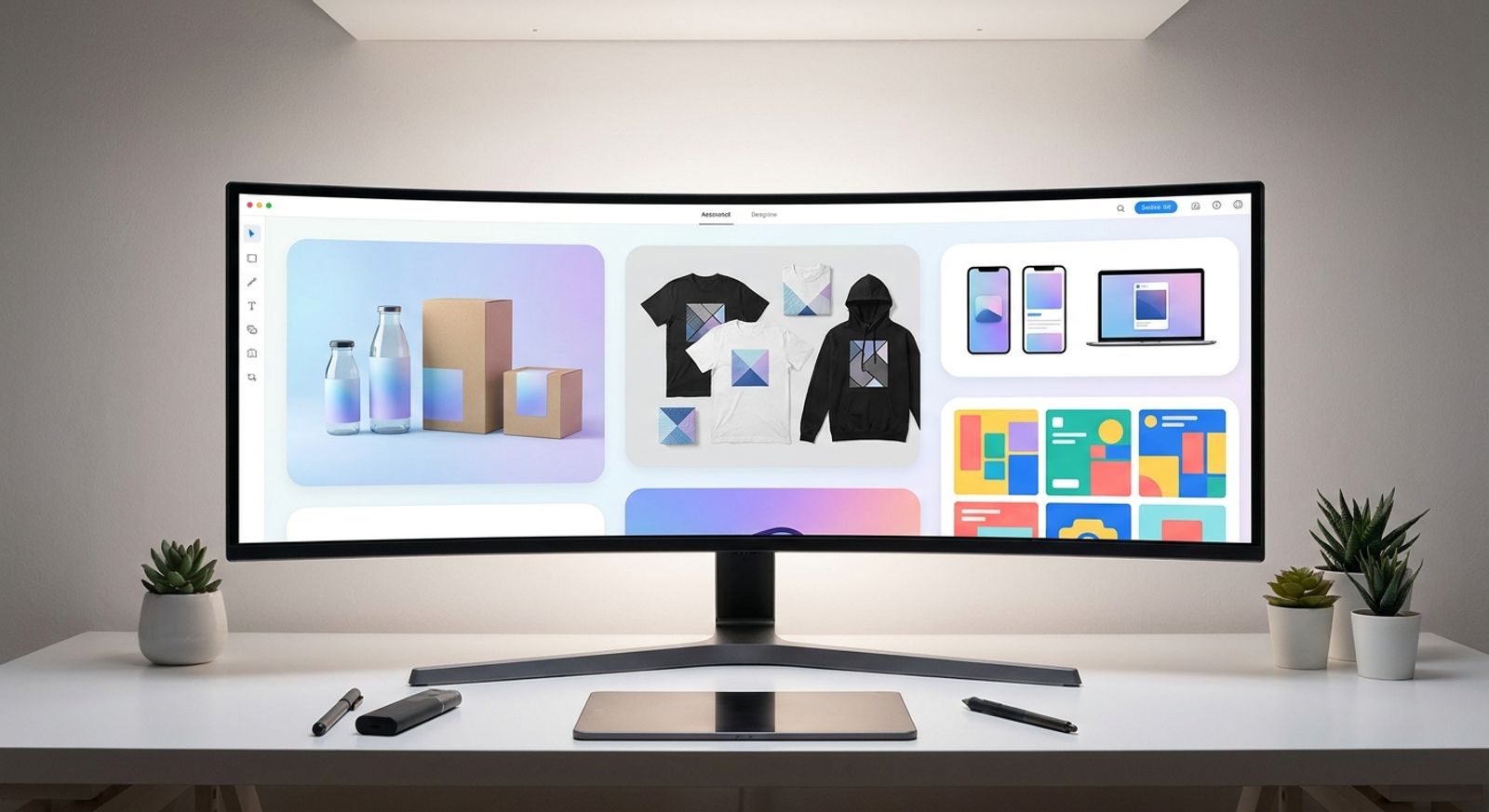
A mockup generator takes a flat design file, such as a logo, label, poster or app screen, and renders it onto a real-world surface. The input is artwork with no context. The output is a photographic image of that artwork sitting on a t-shirt, bottle, billboard or phone, ready to drop into an ad.
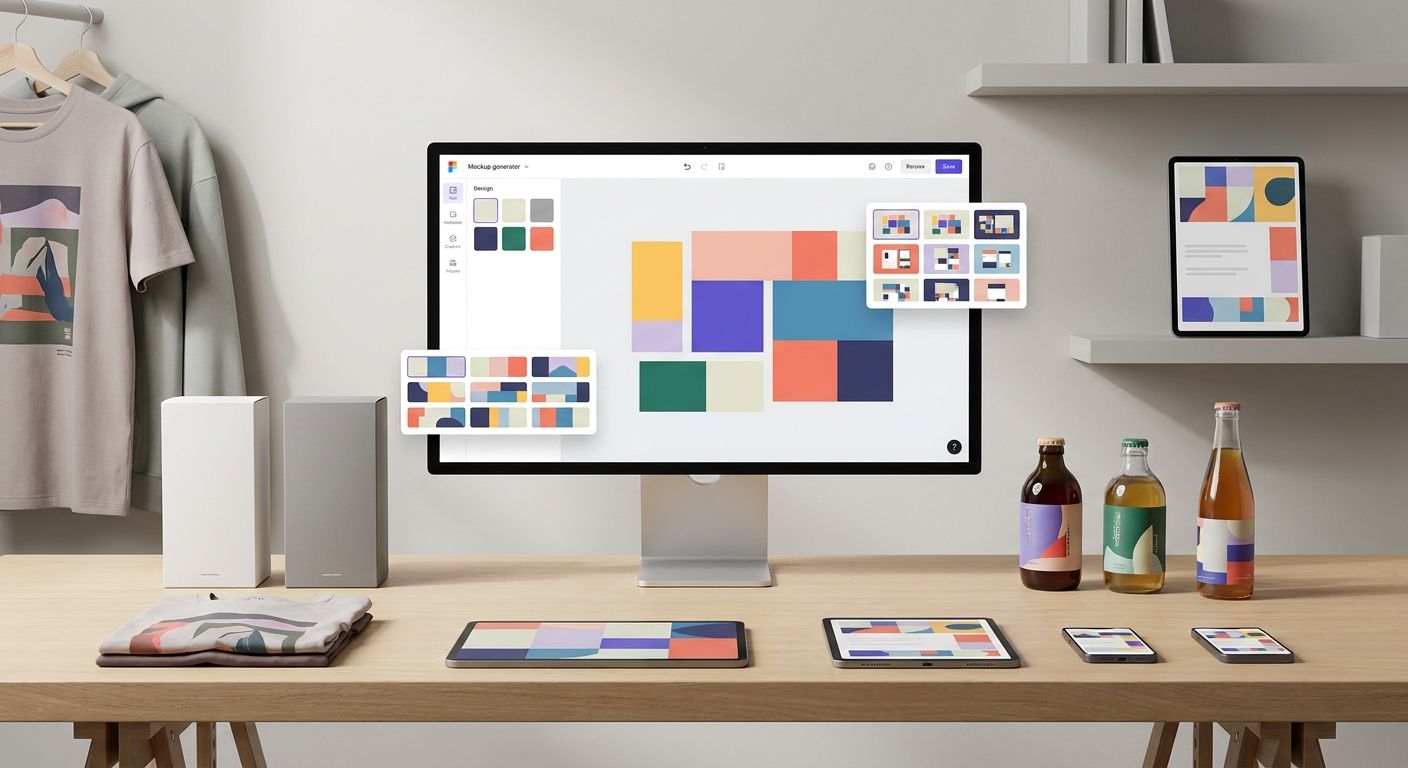
Four things get replaced: the product photoshoot with booking, lighting and selects; the Photoshop smart-object PSD with masks and distortion maps; the stock photo licence with usage terms and renewal dates; and the freelance designer round-trip with two-day turnaround on a fifteen-minute change.
Three things do not get replaced: art direction, brand judgment and the final decision about which concept actually runs.
That distinction matters because a mockup generator tool is judged less on how good a single render looks and more on what happens in the twenty steps after it. A mockup generator solved the making problem. It never solved the volume problem.
Production bottleneck
Why ad creative gets stuck at the mockup stage
Ad creative stalls at the mockup stage because one design is never one mockup. A single 2026 campaign needs a Meta feed asset, a Story, a Reel cover, a LinkedIn variant, a landing page hero, an email banner, three ad-test variants and a client approval deck. That is one design and eleven mockups before anyone requests a revision.
The gap between what teams produce and what teams need is measurable. Sovran's State of Video Ad Creation 2026 found that performance marketing teams produce a median of twenty ads per month while wanting to produce sixty, a threefold velocity gap driven by throughput.
The old pipeline handles one mockup well and eleven badly. Every additional variant means reopening the source PSD, nudging the smart object, re-exporting, re-uploading, renaming the file and sending another link into a thread that already has forty messages in it. None of that is design work. All of it consumes designer hours.
Skipping the volume is not an option either. Behavio's 2026 research puts creative at 56% of digital campaign performance versus 37% from media placement, which means the variants are not decoration. They are the lever.
Workflow comparison
Traditional mockup workflow vs AI mockup generator workflow
The two workflows are not fast and slow versions of the same process. They break in different places, demand different skills and fail for opposite reasons. One runs out of hours. The other runs out of accuracy.
Comparing source imagery, first draft, custom scenes, variants, revisions, brand fit, required skill and failure mode makes the trade clear before a campaign is committed to either process.
Template-based tools are faster when the product is standard, such as a t-shirt, mug or phone in a hand. AI mockup generation wins when a campaign needs a scene that exists in no library. Most teams end up running both, and the real skill is reading the brief well enough to know which one it is asking for.
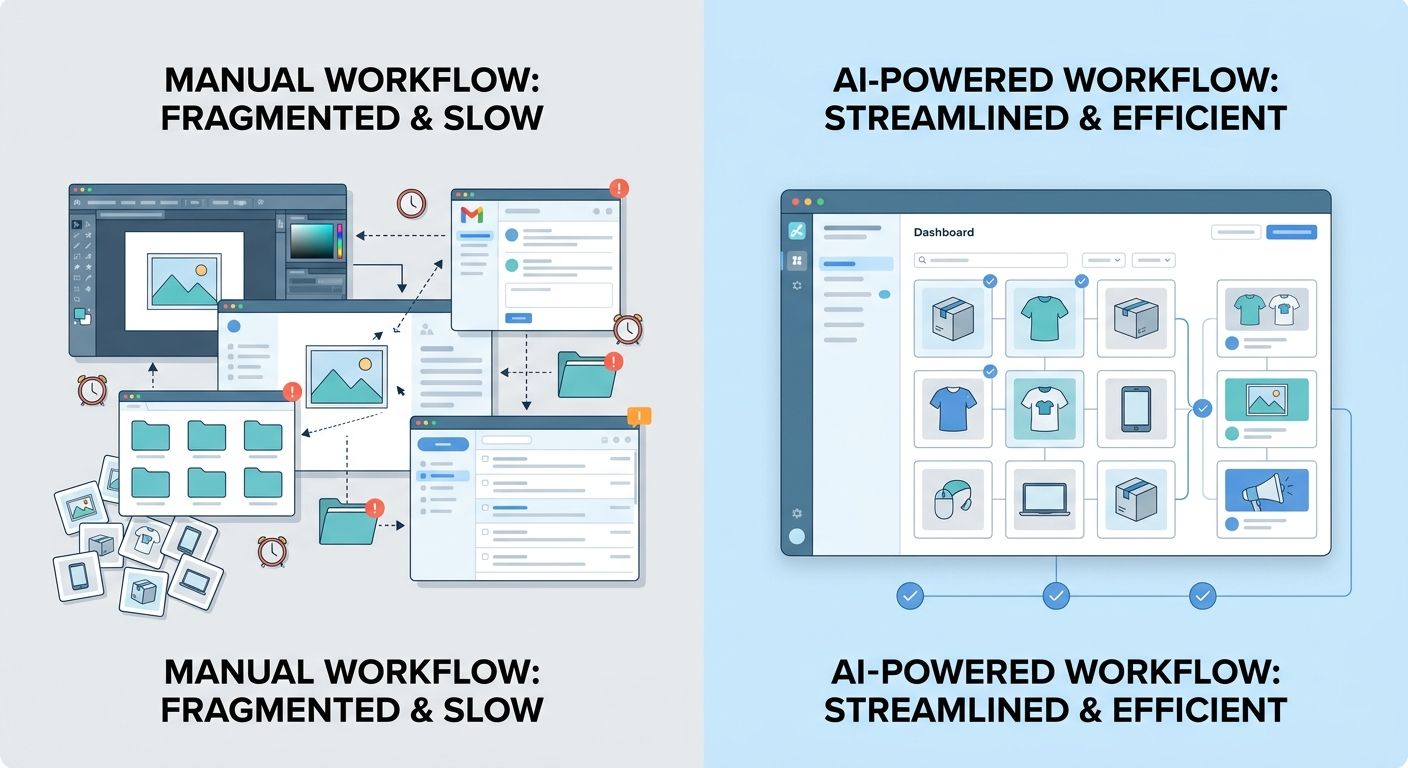
Source imagery
Traditional workflow uses a booked photoshoot or licensed stock scene. An AI mockup generator can create a scene from a prompt or reference image.
First draft
Traditional production may take two to three hours in Photoshop. An AI workflow can return an initial render in roughly minutes.
Variants
Traditional variants reopen and re-export files manually. AI variants can be generated from the same approved base.
Main failure mode
Traditional workflows run out of hours before ideas. AI workflows can drift on perspective and lighting, so review discipline matters.
Speed math
Where the 10x actually comes from
The 10x is not a marketing number, and it is not one task running faster. It is the sum of five tasks, four of which involve waiting for another person.
Treat this as an illustrative production estimate drawn from typical agency timelines, not as a benchmark.
The approval row deserves attention. When multiple people touch a creative asset without a clean record of which variant tested what, the issue is not design. It is filing, handoff and review history.
The pressure is increasing. AudienceScience notes that creative production historically consumed around 10% of media spend and is now being pushed toward 20% as channels fragment, which means the handoff tax gets levied on a bigger base.
The 10x is not one task running ten times faster. It is four separate handoffs disappearing. Generation was never the slow part.
Product photography
Traditional pipeline: one to two days of booking, shooting and selecting. AI mockup pipeline: no shoot is required.
First mockup
Traditional pipeline: two to three hours in Photoshop. AI mockup pipeline: about two minutes from prompt to render.
Ten channel variants
Traditional pipeline: four to six hours of manual resizing and export. AI mockup pipeline: about fifteen minutes when variants are generated from the same approved base.
Approval handoff
Traditional pipeline: one to two days across email threads and drive links. AI mockup pipeline: same workspace, same day.
Asset fit
Which asset types an AI mockup generator handles well
Not every mockup type suits AI generation equally, and the deciding variable is physical rather than technical. It comes down to how much the surface deforms under the design and how well the buyer's eye already knows the material it is looking at.
Real photography still wins in places, and pretending otherwise costs credibility. Food, skin, fabric texture and anything the buyer expects to touch carry detail the eye audits instinctively. A render that is 95% right on a chocolate bar can be worse than a photograph that is 80% right, because the missing 5% is the part that sells it.
Apparel and merch
T-shirts, hoodies, caps and tote bags work when fabric drape looks believable. A design that lies flat across wrinkles reads as fake instantly.
Packaging
Boxes, pouches, bottles, cans, jars and labels need artwork to wrap around curvature rather than float on top.
Posters, flyers, business cards and book covers are the most forgiving because the surface is flat and lighting is simple.
Devices and screens
Phone, laptop, tablet and browser frames need sharp screen content and believable glare.
Social and ad placements
Feed posts, Stories, Reel covers and display banners are often where the mockup becomes the deliverable, not only a preview.
Environmental and out-of-home
Billboards, storefronts, signage and vehicle wraps depend on scale. A wrong human reference can collapse the image.
Product renders and 3D
Reflective and transparent materials remain harder because they expose AI generation faster than most other surfaces.
Process
How to use an AI mockup generator, step by step
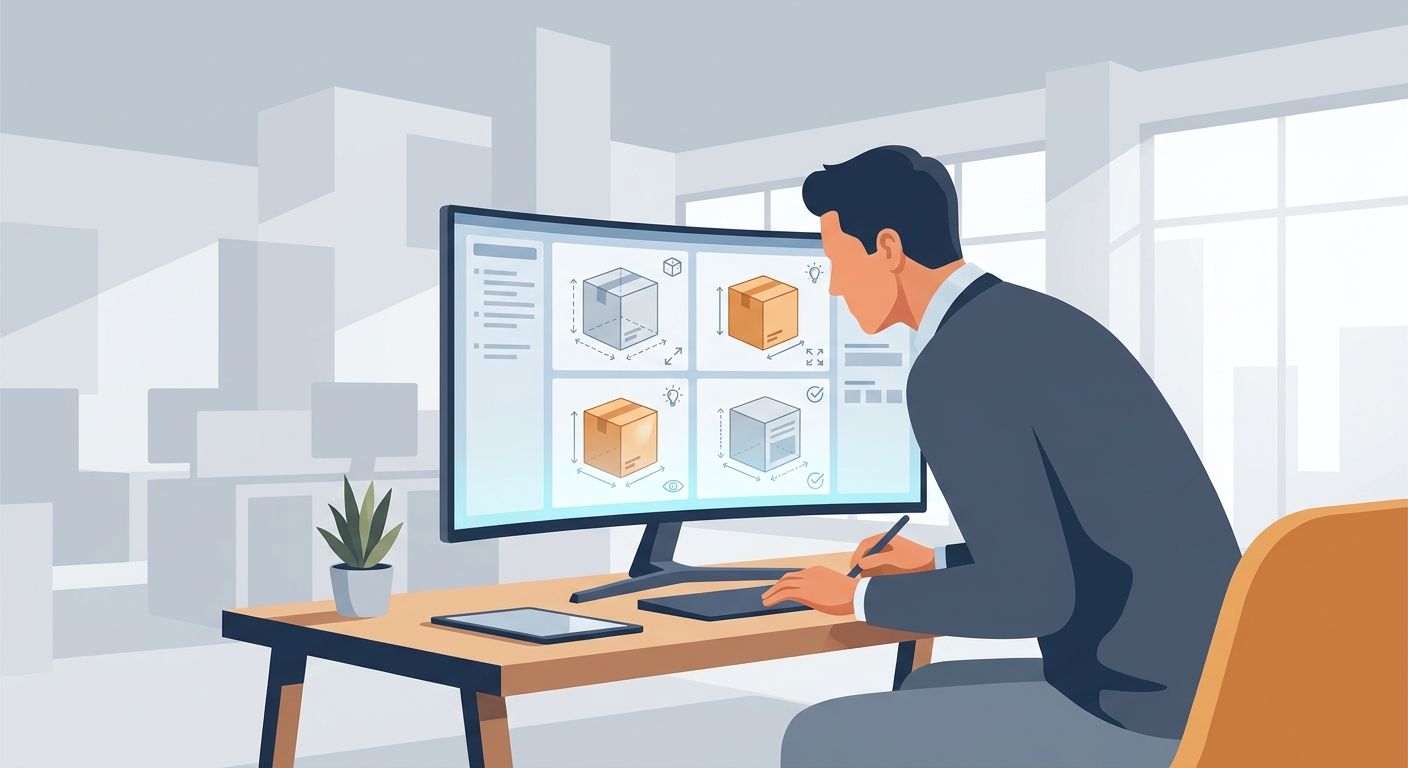
Running this well is a seven-step loop: brief, file, type, generate, adapt, review and save. Use tools such as the background remover and custom styles only after the brief and input file are clean. Six of the seven steps happen before or after the render itself, which is why teams that treat the prompt as the whole job stay slow.
Step 1: Write the brief before you write the prompt
A prompt without a brief produces a mockup that is technically correct and strategically useless. Define the product, audience, placement, style, lighting, frame and approval criteria before writing the prompt.
Step 2: Fix the input file before you blame the output
Bad exports create bad mockups. Use transparent artwork, remove unwanted backgrounds and export at a resolution larger than the surface you plan to use.
Step 3: Choose the mockup type before the scene
Decide whether the asset is packaging, apparel, print, device, social or environmental before describing the scene. The type constrains the scene, not the other way around.
Step 4: Generate, then run the four-point check
Check scale, perspective, lighting direction and text readability at thumbnail size in that fixed order. Each check can invalidate the ones after it.
Step 5: Turn one approved mockup into a channel set
Resize the same approved base asset for each placement rather than regenerating it eleven times. This keeps asset eleven recognisably related to asset one.
Step 6: Review before anything ships
Check product accuracy, text readability, commercial licensing and export quality. A person signs off, not a checkbox.
Step 7: Save the winning setup as a preset
Once a scene, light direction and prompt are approved, save the combination as a repeatable style. Campaign two should start closer to step 4 than step 1.
Free tools
What to check before trusting a free mockup generator with client work
Free tiers are real, and several of them are good. The question is not whether the tool renders well. It usually does. The question is whether what comes out of it is legally and technically shippable on a client's media budget.
Check the commercial terms attached to your specific plan and to any stock element sitting inside the render, because the two licences are rarely the same document. A free mockup generator is fine for a pitch deck. For a paid campaign, licensing is the question that costs money if you get it wrong.
Watermarks
Check whether the watermark is visible on every export or only on the preview before download.
Resolution ceiling
Free tiers often cap below paid-ad specs and almost always below print requirements.
Commercial rights
Free does not automatically mean licensed for paid media. Personal use and commercial use are separate grants.
Template lock-in
Check whether you can bring your own scene or only use scenes from the platform library.
Export formats
PNG and JPG may be enough for digital ads, but print workflows may require 300 DPI or CMYK output.
Generation limits
Daily caps usually break the workflow on variant day, not on day one.
Tool choice
When an online mockup generator is enough, and when it is not
An online mockup generator is sufficient when one designer makes one asset for one channel and nobody else has to approve it. Under those conditions a connected platform may be overkill, the standalone tool is faster and the cheapest correct answer is the browser tab you already have open.
It stops being sufficient when the mockup becomes one step in a longer chain: generate, edit, resize, approve, version and repurpose. When four people touch the asset between brief and launch, the tool is not the bottleneck. The gaps between tools are. That is where connected AI design tools become more useful than a single browser tab.
Keter Labs exists for that second case. Mockups sit beside image generation, the design editor, brand presets and shared spaces inside one creative workflow platform, so a campaign does not scatter across five logins and a chat thread. Nothing about the render is better because it lives in one place. Everything about the eleven assets after it is.
Quality control
Why AI mockups sometimes look fake
Most AI mockup failures are review failures rather than model failures. Each one can be caught by a person looking at the right thing in the right order, and none of them necessarily requires a better model to fix.
Every one of these is caught by the four-point check in the generation step, which is why that check exists as a fixed sequence rather than a general instruction to look carefully.
Perspective mismatch
The design sits flat while the surface it lands on is angled.
Lighting direction conflict
The artwork highlight faces one way while the product shadow faces another.
Wrong scale
A logo sized for a billboard appears on a business card, or the reverse.
Text that dies at thumbnail size
The ad is judged at 200 pixels, not the 2000 pixels it was designed at.
Surfaces that are too clean
Real fabric wrinkles, real glass carries fingerprints and real cardboard has seams.
Resolution collapse on export
The mockup looks sharp in preview but becomes soft in the exported ad file.
Brand consistency
How to keep mockups on-brand across a full campaign
Asset one and asset eleven were made three weeks apart by two different people working from two different memories of what the brand director said. They do not match. Nobody notices during production because nobody sees the two side by side until the campaign is live.
Consistency is a system, not a skill. One person's taste does not scale across eleven assets and three reviewers. A saved preset does.
Lock one scene style
Reuse the same scene style across every asset in the set.
Fix the light direction
Choose the light direction once and do not change it mid-campaign.
Keep product angle consistent
Keep the product at a consistent angle, even across different placements.
Save the prompt
Save the prompt, not just the output, because the output cannot be re-derived.
Use one shared space
Put every mockup in the campaign into a single shared space so asset twenty can be checked against asset one.
Takeaway
The mockup was never the slow part
The mockup was never the slow part. The handoffs were: the export, the upload, the rename, the link and the wait. A mockup generator that lives inside the workflow removes those handoffs entirely. One that lives in a separate browser tab does not remove them. It just moves them somewhere less visible.
Test it on something real. Pick one live campaign, run the seven steps once and save the preset at the end even if the first pass is imperfect. The first campaign may feel roughly as slow as it always did. The second one is where the speed shows up, and the fifth is where you stop counting.
FAQ
Frequently asked questions
Short answers for teams evaluating an AI mockup generator for campaign production.
Can I legally use AI mockup generator images in paid ads?
Usually yes, but the permission comes from your plan's commercial licence, not from the fact that AI produced the image. Check the licence attached to the specific asset and to any stock element inside it before media spend goes live.
Do I need a real product photo to create an AI mockup?
No. Text-to-mockup can build the product and scene from a description, which suits concepts and pitches. Image-to-mockup starts from your own photo and is the honest choice once a real product ships.
Why does my design look flat on the mockup?
Perspective, almost always. The artwork sits on the surface instead of wrapping around it, so the eye reads two separate planes rather than one object.
How many mockup variants should I make for one ad campaign?
A practical testing batch is usually three to five creative variations at a time, enough to separate signal from noise without spreading the budget too thin.
Can a free mockup generator produce print-resolution files?
Rarely. Most free tiers export at screen resolution in RGB, which can work for feed posts but not posters. Check pixel limits and whether 300 DPI or CMYK output is available.
Do AI mockups perform worse than real product photography in ads?
The creative decides, not the production method. A well-directed AI mockup can outperform a badly lit photograph and lose to a well-lit one.
How do I keep twenty mockups looking like one campaign?
Lock the scene style, light direction and product angle once, save them as a preset, then generate every asset from that preset rather than from memory.