File quality
A good AI draft is not yet a production-ready file
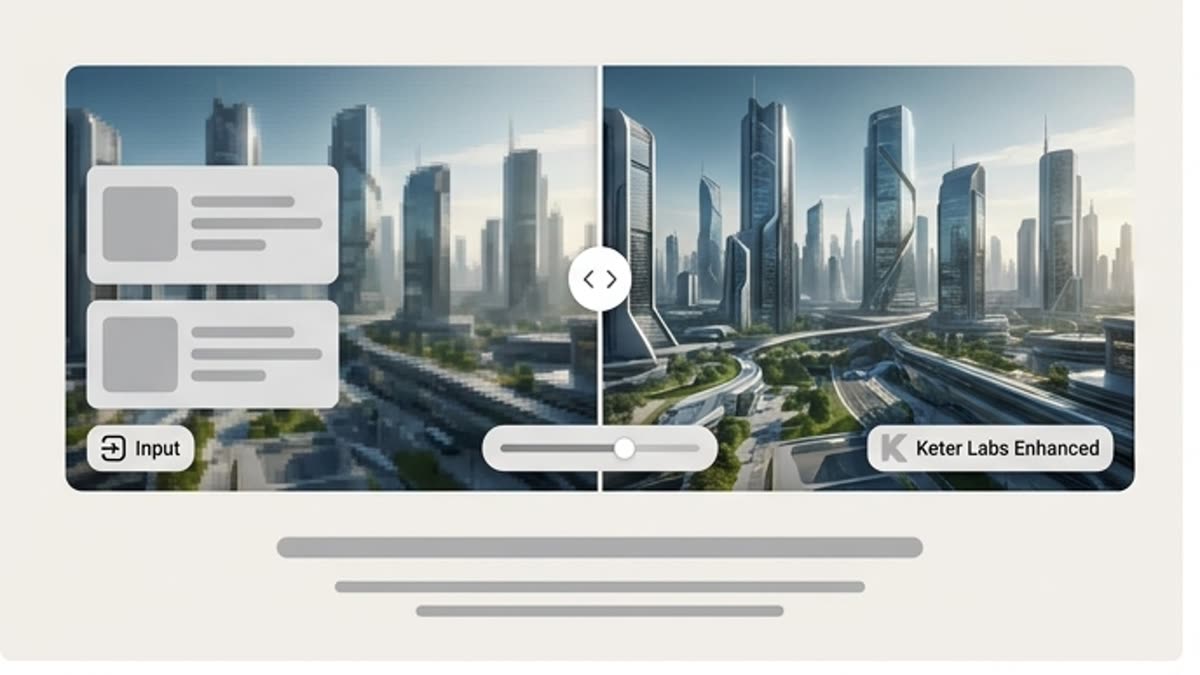
In a preview, an image can look finished. Problems show up later: soft details, odd edges, an inaccurate product, weak texture, an awkward crop, or low resolution.
A finished file has to hold up in a real channel: a banner, a product card, a presentation, a cover, a social crop, or a print format. That is why upscaling and edits are part of the process, not cosmetics.
Check whether the draft is worth refining
Before making edits, decide whether this variant is worth saving. Check the idea, product accuracy, composition, brand fit, and the areas that are hardest to fix.
This keeps the team from spending time on a pretty but weak variant. Sometimes it is better to refine, sometimes to regenerate, and sometimes to use the draft only as a reference.
Keep
The idea, product, and composition are strong, and the problems are technical or local.
Regenerate
The direction is promising, but the image missed the brief or the brand.
Reject
The picture looks polished but does not solve the channel, product, or message task.
Finish with channel versions and a saved process
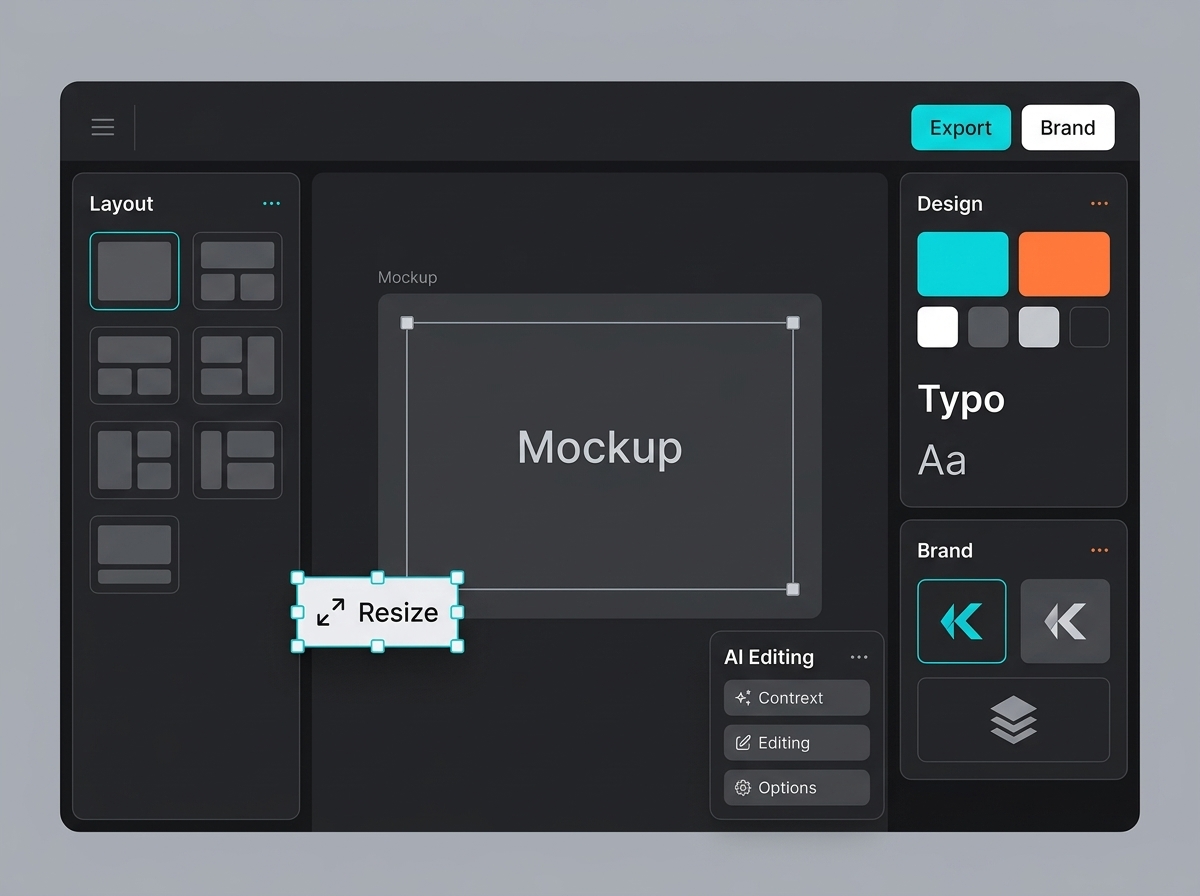
The final step is adaptation: square, vertical, wide, hero banner, social crop, product card, or a format for an internal presentation.
Save the prompt, references, source file, edits, upscale, and exports together. This turns one good file into a repeatable process for the next campaign.