Brief first
A campaign image starts with the task, not the prompt
AI image generation becomes useful for a brand when it starts from a real brief. The team needs to understand the audience, product, channel, offer, mood, and approval criteria.
A vague prompt may produce a pretty picture, but it rarely produces a reliable advertising asset. A strong prompt translates strategy into scene, composition, style, and constraints.
The goal is not the most surprising image. The goal is a visual that carries the campaign message and passes review.
Use references as your main control tool
For a brand, references do more than inspire the model. They show what must stay constant: product, color, light, audience, typography, and emotional range.
A reliable workflow separates good examples from anti-examples. Anti-examples are often just as important, because they keep the model from drifting into someone else's visual language.
Product references
Approved photos of the product, packaging, interface, and past campaigns become the source of truth.
Style references
Light, color, camera angle, and art direction help describe the world of the upcoming campaign.
Anti-examples
They pin down cliches, competitor styles, incorrect product details, and visuals that weaken the message.
Treat edits as part of generation
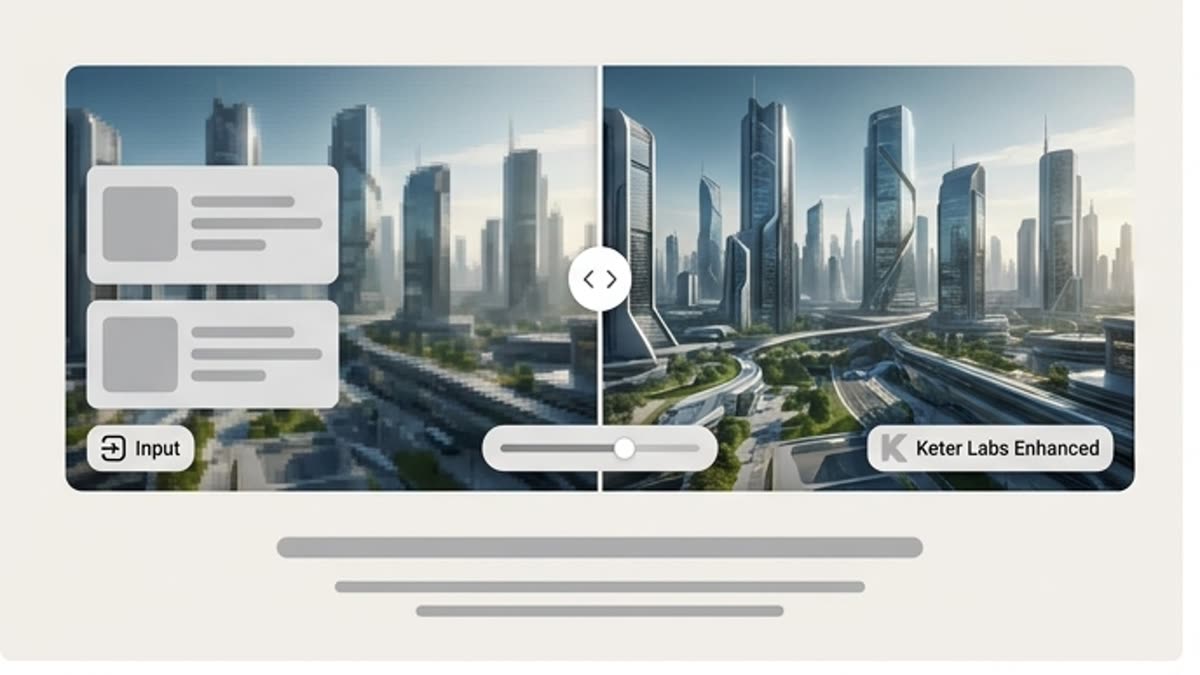
Most AI images need a final pass: cropping, extending, retouching, upscaling, background work, and versions for each channel.
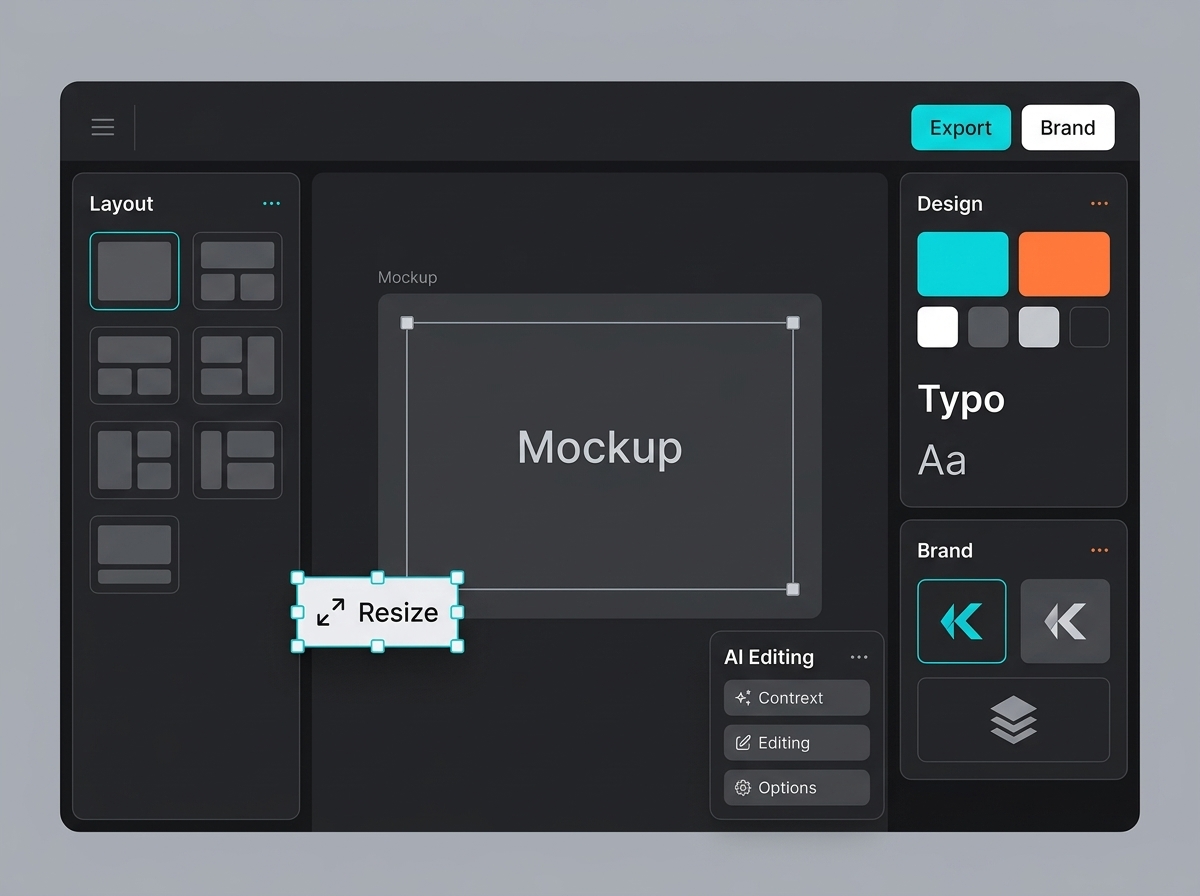
When edits are built into the process, generation stops being a lottery and becomes a production system: from idea to file without losing the brief or the context.