AI Creative Workflows

How to build an AI workflow for content that ships every week

A simple working structure for teams that need images, video, audio, and design without chaos in files, prompts, and approvals.

Jun 25, 20267 min readKeter Labs Editorial
How to build an AI workflow for content that ships every week
AI Creative Workflows
Workflowarticle

The core problem

AI produces options fast, but the process often breaks down at approval

Teams rarely suffer from a shortage of ideas. More often, the work falls apart between different services, files, prompts, edits, versions, and chat messages.

A strong AI workflow treats generation as just one step. The point is not simply to get more drafts, but to take the best option all the way to a file you can review, fix, save, and use again.

A good process is boring in the right places: a clear brief, references, short batches of options, visible review points, and one place for final files.

Use five steps instead of a list of tools

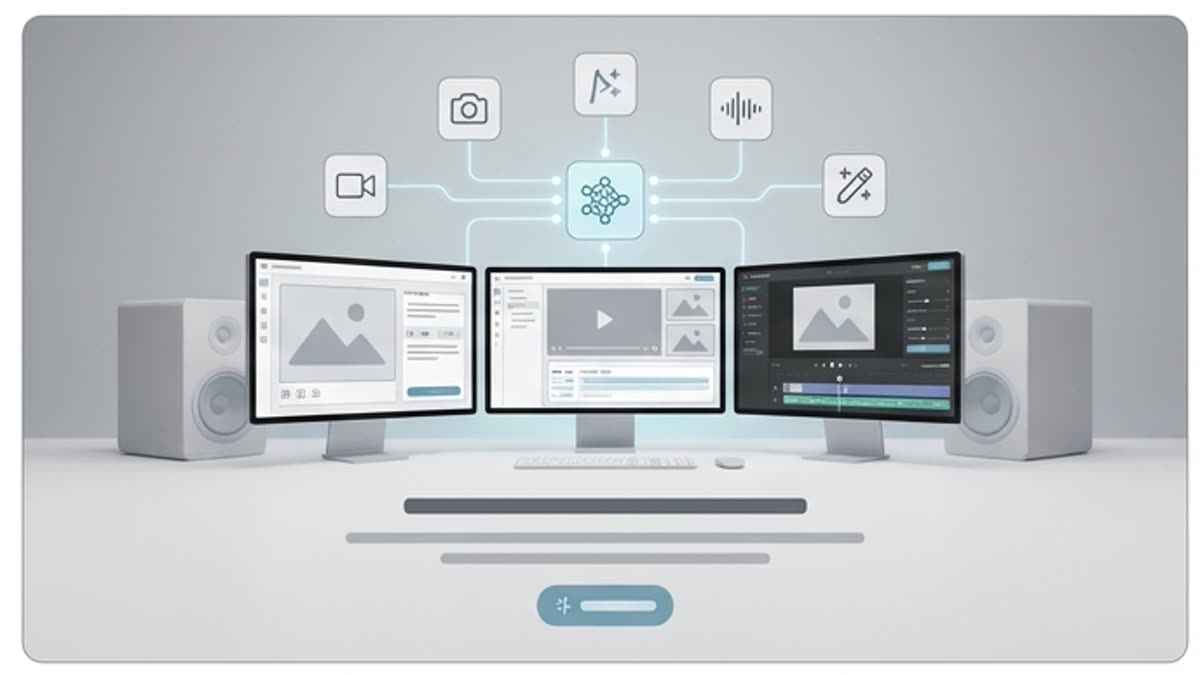
The working structure usually looks like this: brief, references, generation, refinement, and export. Each step has its own job, and the prompt does not try to replace the whole process.

This way the team understands faster what exactly it is reviewing: the idea, the style, the composition, the file quality, or readiness for a specific channel.

Brief

Describe the audience, channel, format, message, and the criteria the team will use to accept the result.

References

Collect brand examples, product shots, successful past work, and the things that must definitely be avoided.

Generation

Run small batches around a single hypothesis instead of trying to test every direction at once.

Refinement

Use the editor, upscaling, background replacement, resizing, and retouching to turn a draft into a working file.

Export

Save the final versions, the prompt, the references, and the key edits in the project so the process can be repeated.

Separate creative decisions from production work

One person should not simultaneously invent the concept, write all the prompts, pick the best options, and prepare every size. An AI workflow scales when roles are separated.

The creative lead owns the idea and the quality bar. The producer keeps the process on track. Designers and editors finish the file. Assistants and agents can take on repetitive steps once the rules are clear.

Save not just the file, but the path to it

Every approved asset should leave a trail: the brief, the references, the model or tool, the key prompt wording, the edits, the sizes, and the approval notes.

That is how one successful campaign becomes a repeatable working template. Without it, the team starts from scratch every week and calls it an experiment.

Read next

More on this topic

Campaign-ready AI creative stack with image, video, audio, mockup and design panels
AI Creative WorkflowsAug 4, 202612 min read

15 Best AI Tools for Creative Teams in 2026: Build a Campaign-Ready Creative Stack

Compare the best AI tools for creative teams in 2026 by production job: image, video, audio, design, mockups, editing, workflow and campaign-ready review.

best AI tools for creative teamsAI tools for creative teams
Read article
How an AI Mockup Generator Creates Production-Ready Packaging in Minutes
AI Creative WorkflowsJul 19, 20268 min read

How an AI Mockup Generator Creates Production-Ready Packaging in Minutes

An AI mockup generator turns flat packaging artwork into realistic, review-ready product visuals without requiring a photoshoot or manual Photoshop compositing. The interesting part is not only speed; it is how quickly a team can move from “this label looks good” to “this packaging can be reviewed in context.” This article explains what AI mockup tools actually do, what production-ready means for packaging, where they fit in a real creative workflow, and what to check before a mockup goes to a client, a campaign, or print production.

ai mockup generatorpackaging mockups
Read article
Beyond the Cover: Build a Complete Launch Campaign Using a Realistic Book Mockup
AI Creative WorkflowsJul 17, 20268 min read

Beyond the Cover: Build a Complete Launch Campaign Using a Realistic Book Mockup

A book mockup is your cover rendered on a real book — hardcover, paperback, open spread, stacked on a table — so a reader sees a product instead of a file. Most authors make one, upload it to Amazon, and stop there. But a launch needs roughly a dozen visuals: listing images, a cover reveal, an ARC graphic, a newsletter header, a press kit image, ad creative — and every one of them can come out of that same cover file. This guide covers the visuals a launch actually needs, the spec each one has to hit, and how to build the complete set without starting over eight separate times.

book mockupself-publishing
Read article