Audio
Sound effects workspace
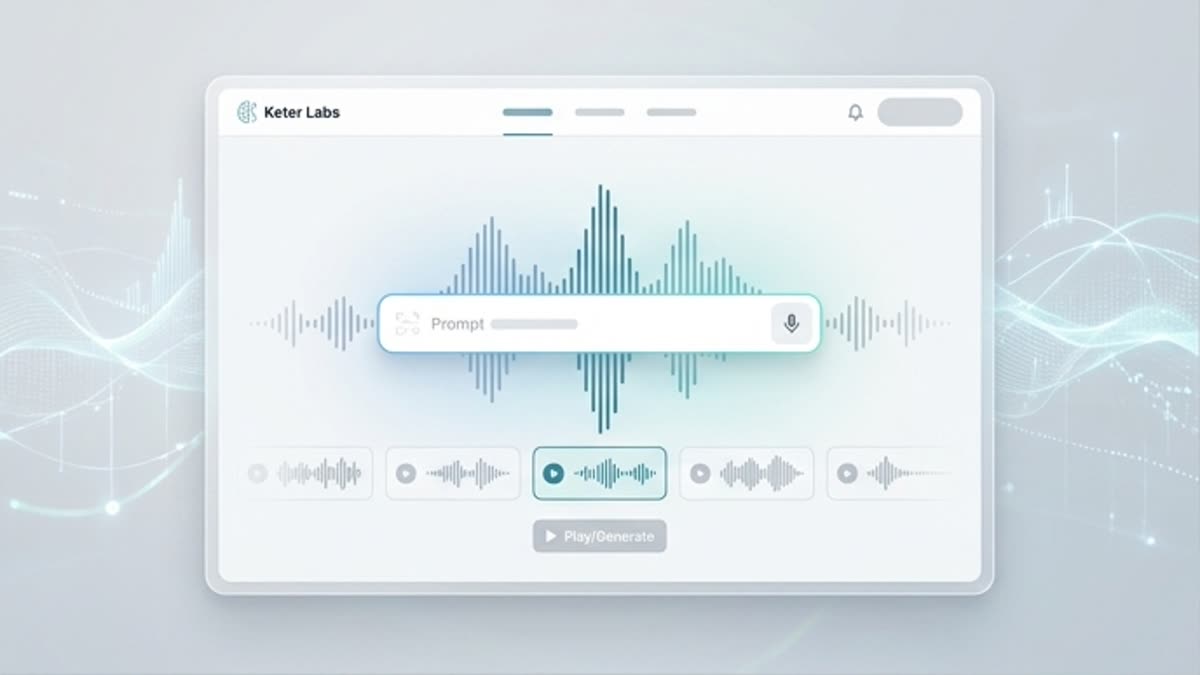
The sound effects workspace helps you create and store short SFX for videos, interfaces, transitions, product motion, games and presentation scenes.
What's included
What this section gives you.
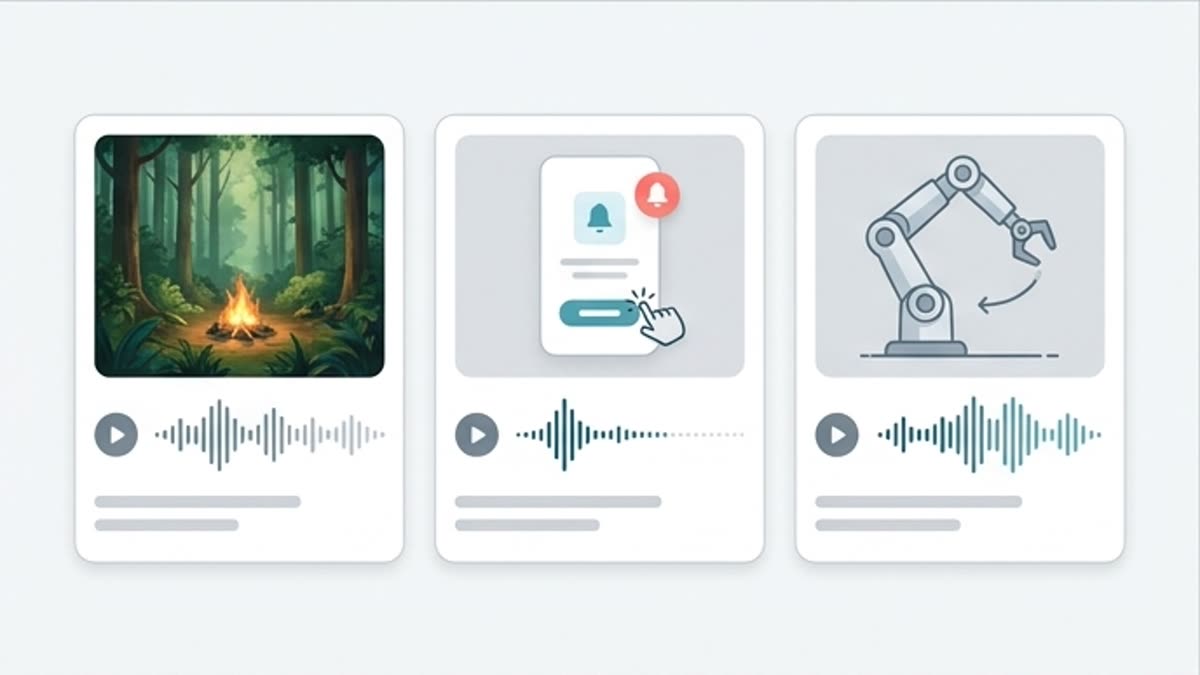
SFX for a specific moment
Create a whoosh, click, hit, ambient layer, UI feedback, transition or product sound matched to the action in the scene.
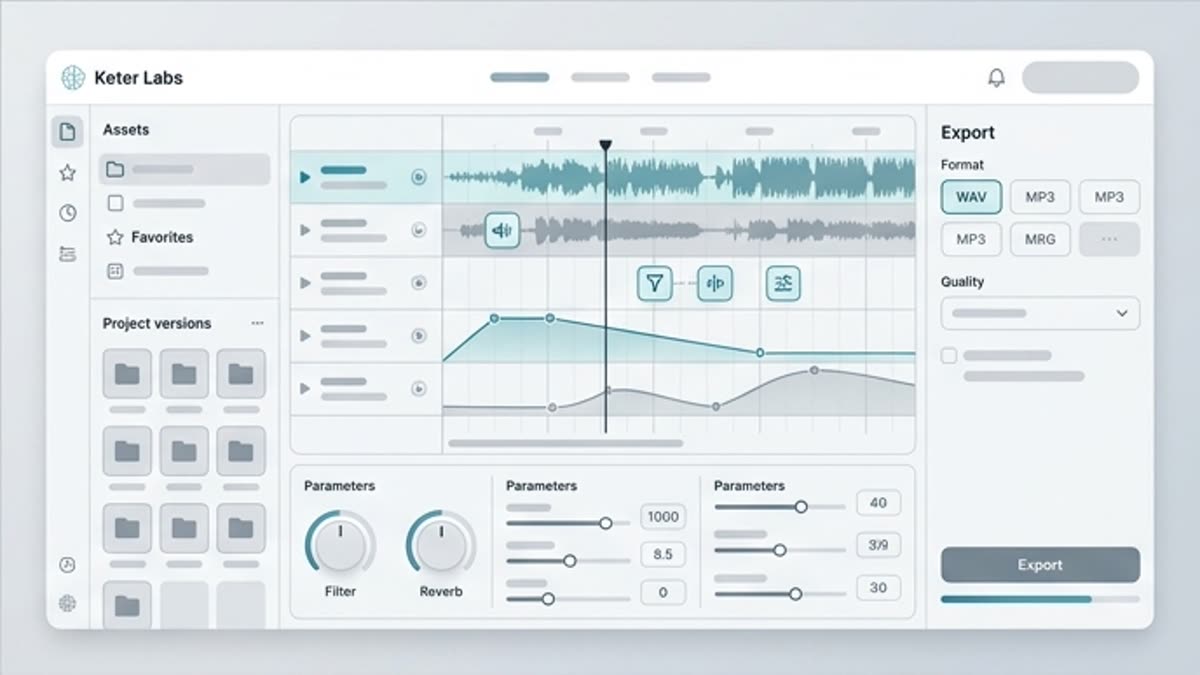
Faster for motion teams
Skip digging through dozens of libraries when you need a quick sound for a specific duration and mood.
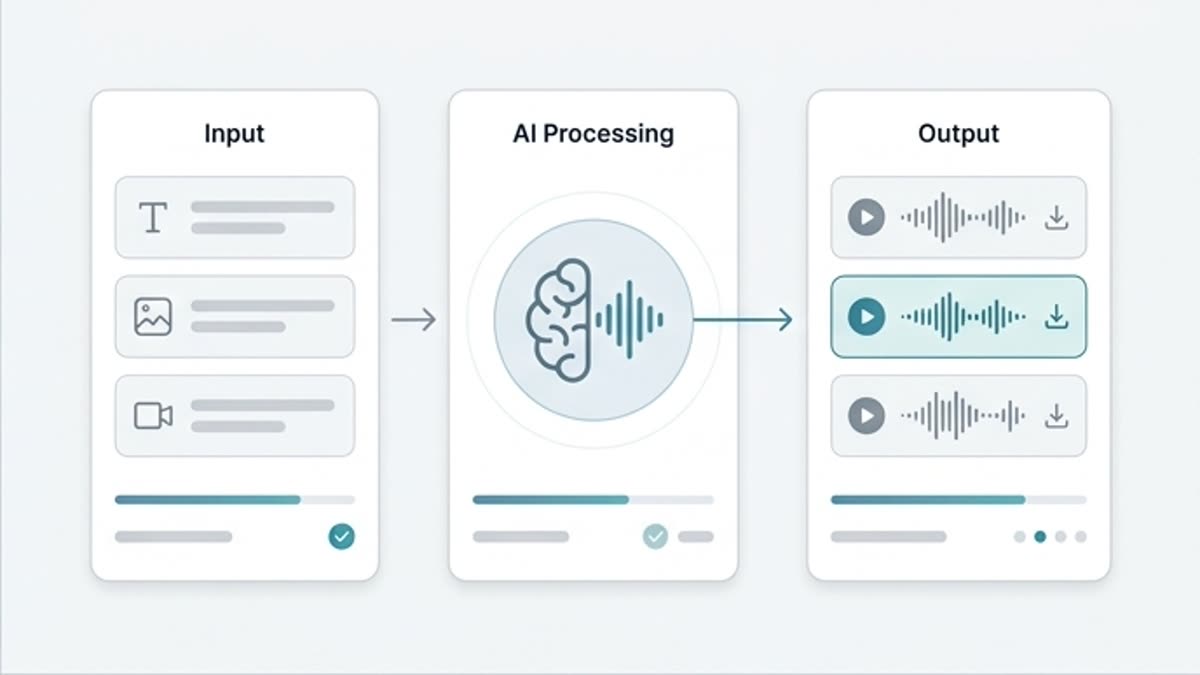
Sounds stay with the project
Keep effects next to the clips, music and voiceover so the final assembly stays clear.
When to use it
Common jobs this section is built for.
These examples make it easier to choose where to start and which nearby section to open next.
You need a sound for motion
Add a short effect to a product reveal, transition, hit, click or unfolding detail.
The interface needs character
Create UI feedback for actions, confirmations, errors or micro-animations.
The video feels empty
Add subtle SFX so the motion visual feels complete.
Workflow
How it works inside Keter Labs.
Every section in Keter Labs follows the same shape: a clear brief, a fast first draft, refinement in the editor, and a result saved into the project.
Step 1
Describe the action, duration, intensity and context of the sound effect.
Step 2
Generate several variants and test them with the clip or interface.
Step 3
Save the right SFX and use it in an edit, presentation or motion scene.
Related sections
Where to go next.
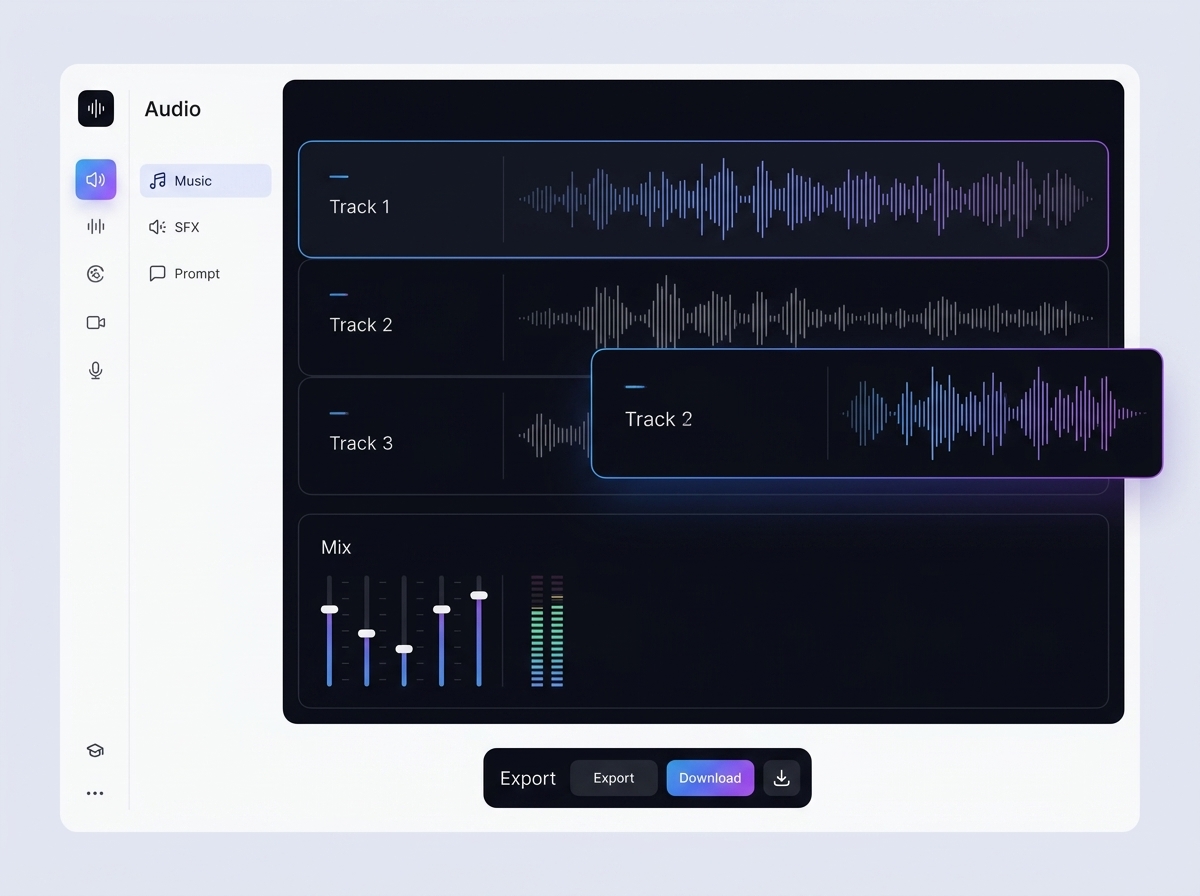
AI sound effect generator
AI sound effect generator helps users understand a specific AI creative task in plain language: what goes in, what comes out, where it fits in production, and how to keep the result useful instead of treating it as a one-off experiment.
Open AI sound effect generator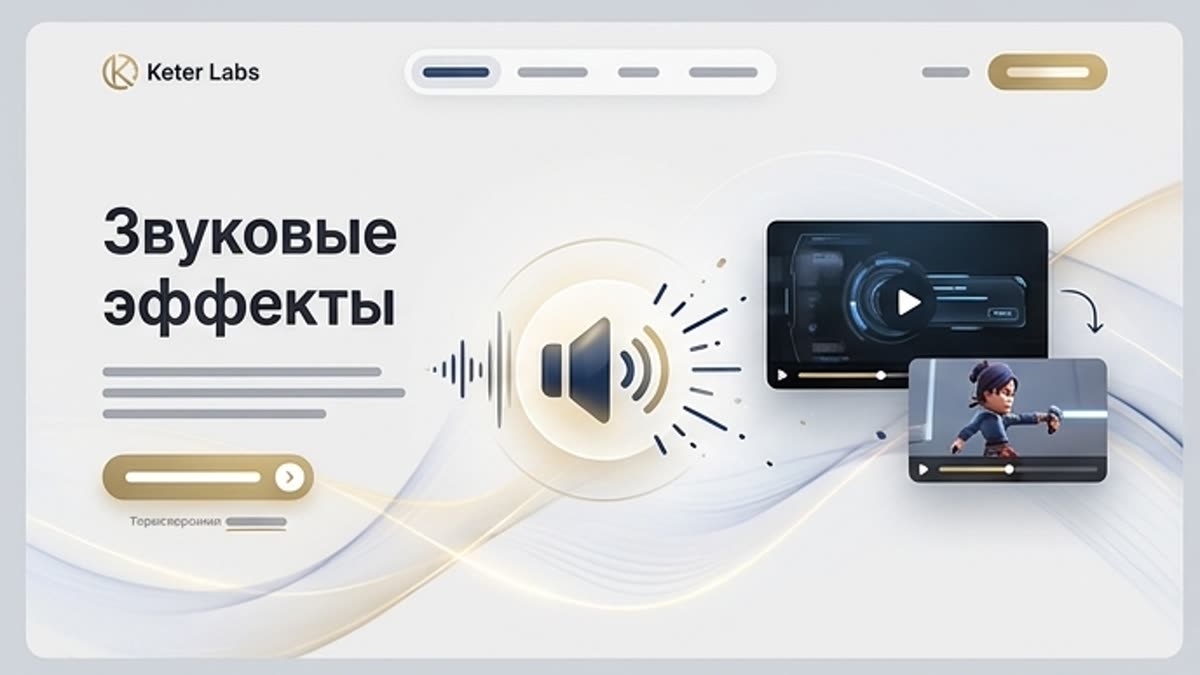
Sound effects
Sound effects give video, interfaces, animation or presentations a sense of action. A short whoosh, click, hit, riser or ambient sound underlines motion, text reveals, scene changes or user actions.
Open Sound effects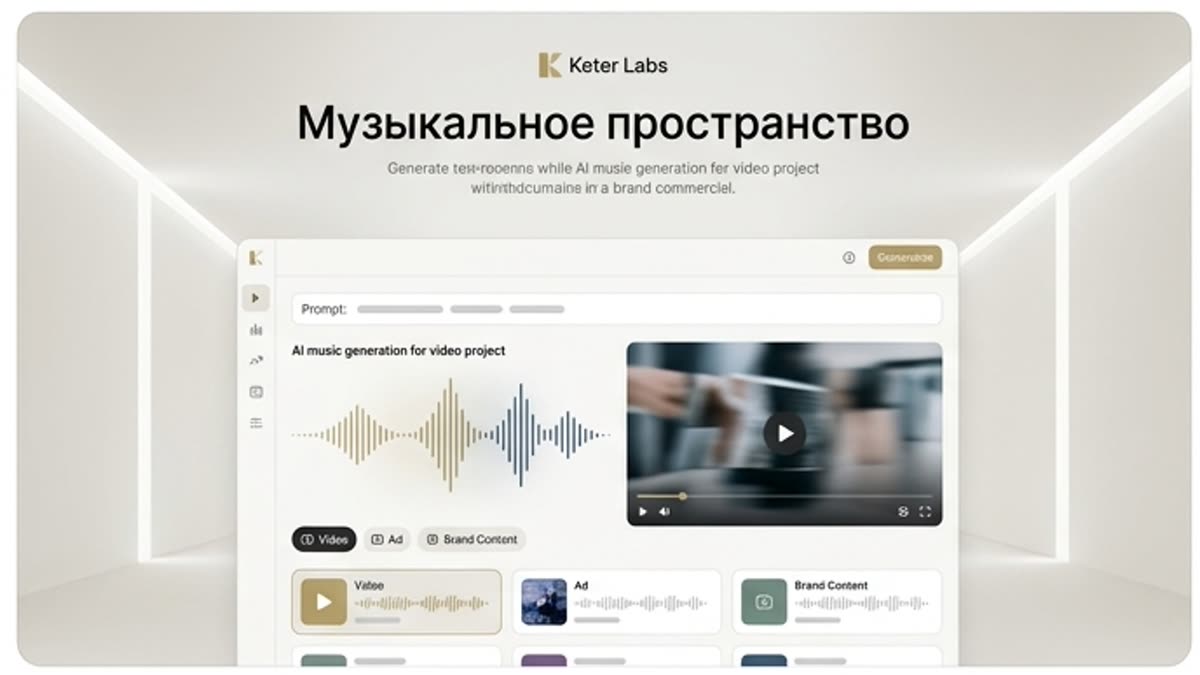
Studio music workspace
The music workspace helps you create, compare and store music options for videos, ads, presentations and branded content next to the rest of the project materials.
Open Studio music workspaceReady when you are
Bring this workflow into your next project.
Spin up assets, lock in versions and align your team around a single creative platform.
Create account