Stock library
Sound Effects Library for Creative Projects
Find sound effects for videos, ads, animations, interfaces and presentations, then use them in Keter Labs audio and creative workflows.
What's included
What this section gives you.
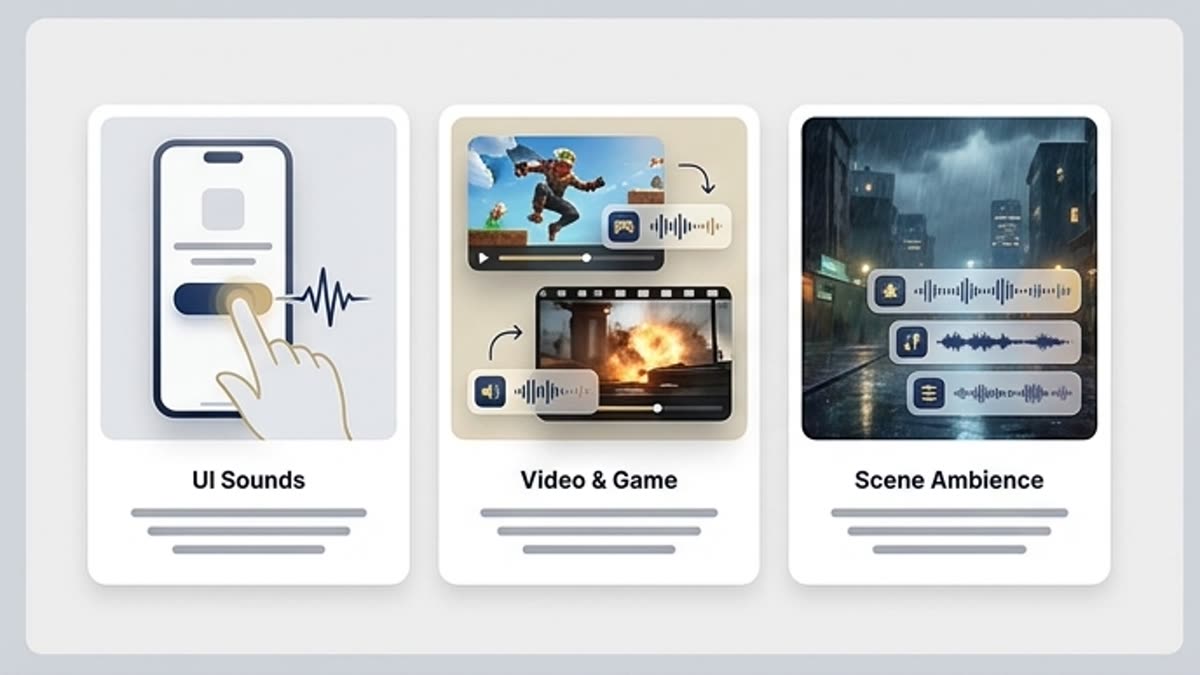
A sound for each action
Pick effects for clicks, transitions, object reveals, interface states, logos, titles and animated scenes.
Videos feel more polished
Sound effects make a short video, ad, demo or presentation livelier without overloading it with music.
Combine with generation
If a ready effect isn't enough, use it as a reference to create a similar sound for a specific scene.
When to use it
Common jobs this section is built for.
These examples make it easier to choose where to start and which nearby section to open next.
You need to liven up a short video
Add effects to transitions, text reveals, product actions and the closing logo.
The interface needs sound
Pick a click, success sound, warning or notification for a prototype, demo or product.
You need a sound scene
Use ambience and short effects to give a presentation or video fragment more depth.
Workflow
How it works inside Keter Labs.
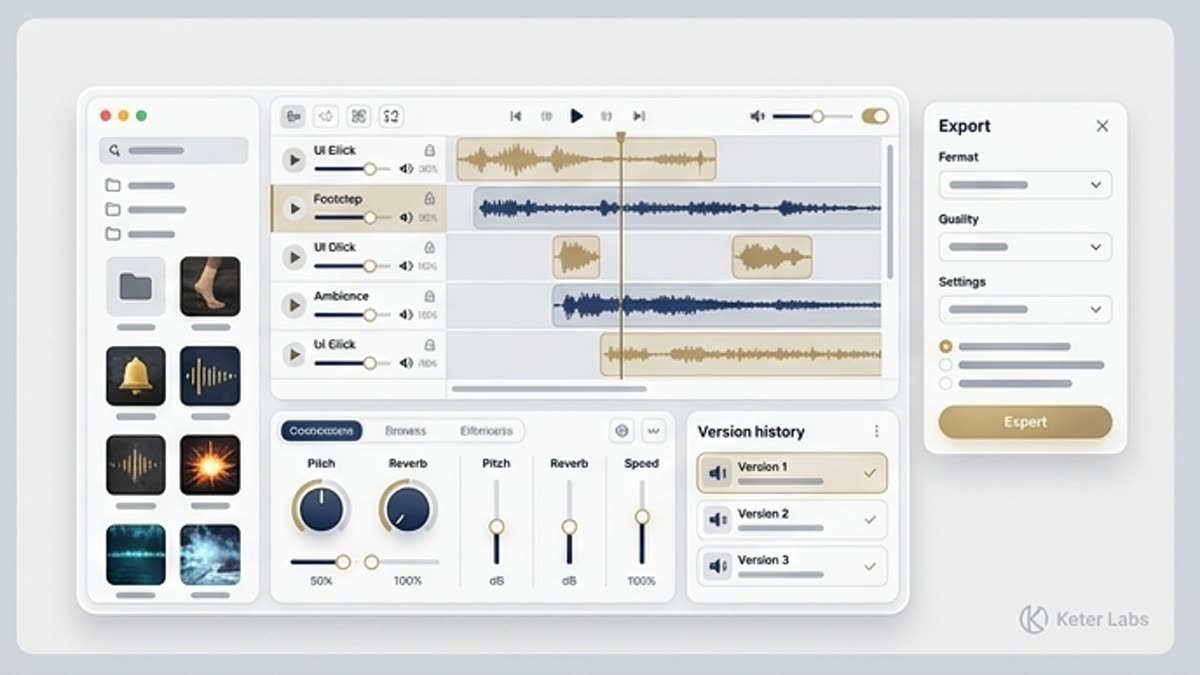
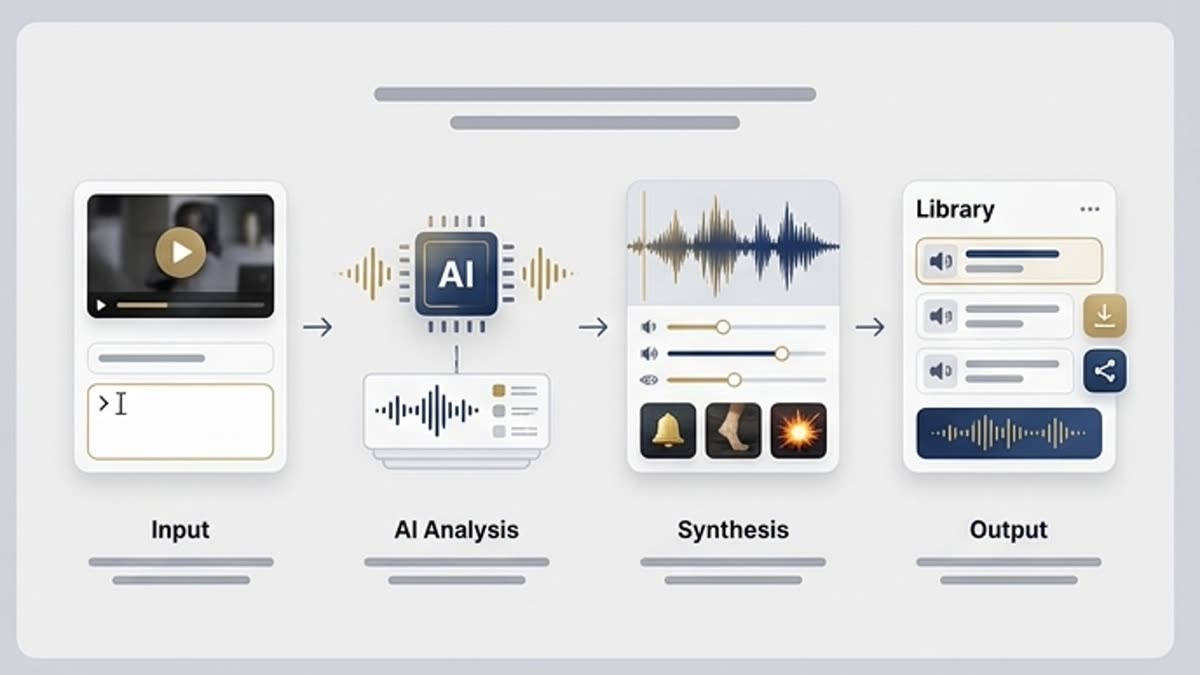
Every section in Keter Labs follows the same shape: a clear brief, a fast first draft, refinement in the editor, and a result saved into the project.
Step 1
Define the action to underline: a transition, click, hit, text reveal, camera move or scene ambience.
Step 2
Pick a short sound by duration, timbre, loudness and how it sits with music or voice.
Step 3
Save the effect and add it to a video, interface prototype, presentation or video project.
Related sections
Where to go next.
Music
Music sets the pace, mood and emotional level of a video, presentation, ad, intro, podcast or internal video. The section helps you quickly find a track for the format instead of piecing sound together from random sources.
Open Music
Stock library for production work
Photos, illustrations, video, templates, fonts, 3D and audio for fast launches and clean commercial work, with editor-ready handoff.
Open Stock library for production work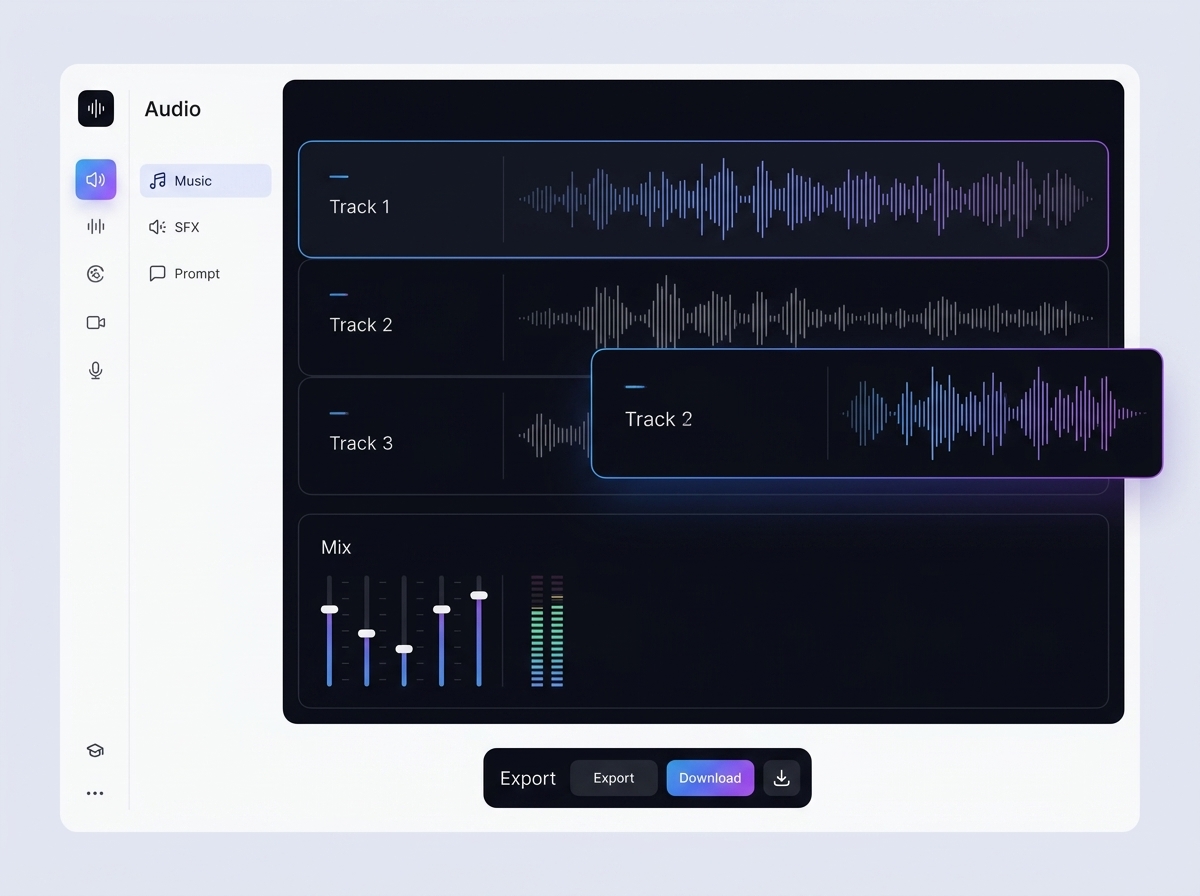
AI sound effect generator
AI sound effect generator helps users understand a specific AI creative task in plain language: what goes in, what comes out, where it fits in production, and how to keep the result useful instead of treating it as a one-off experiment.
Open AI sound effect generatorFAQ
Frequently asked questions
What is the Keter Labs sound effects library?+
The Keter Labs sound effects library helps teams find audio effects for videos, ads, animations, interfaces, presentations and campaign assets.
What types of sound effects can teams use?+
Teams can use effects such as whooshes, clicks, impacts, risers, transitions, ambience, interface sounds and motion accents.
Who are sound effects useful for?+
Sound effects are useful for video editors, marketers, creators, agencies, product teams and studios that produce motion or audio-supported content.
How do sound effects improve creative assets?+
Sound effects add timing, emotion, emphasis and polish to motion content, helping videos and presentations feel more complete.
Can sound effects be used with other Keter Labs tools?+
Yes. Sound effects can support video, music, voice, presentation and campaign workflows inside the broader Keter Labs creative platform.
Ready when you are
Bring this workflow into your next project.
Spin up assets, lock in versions and align your team around a single creative platform.
Create account