Audio
Studio music workspace
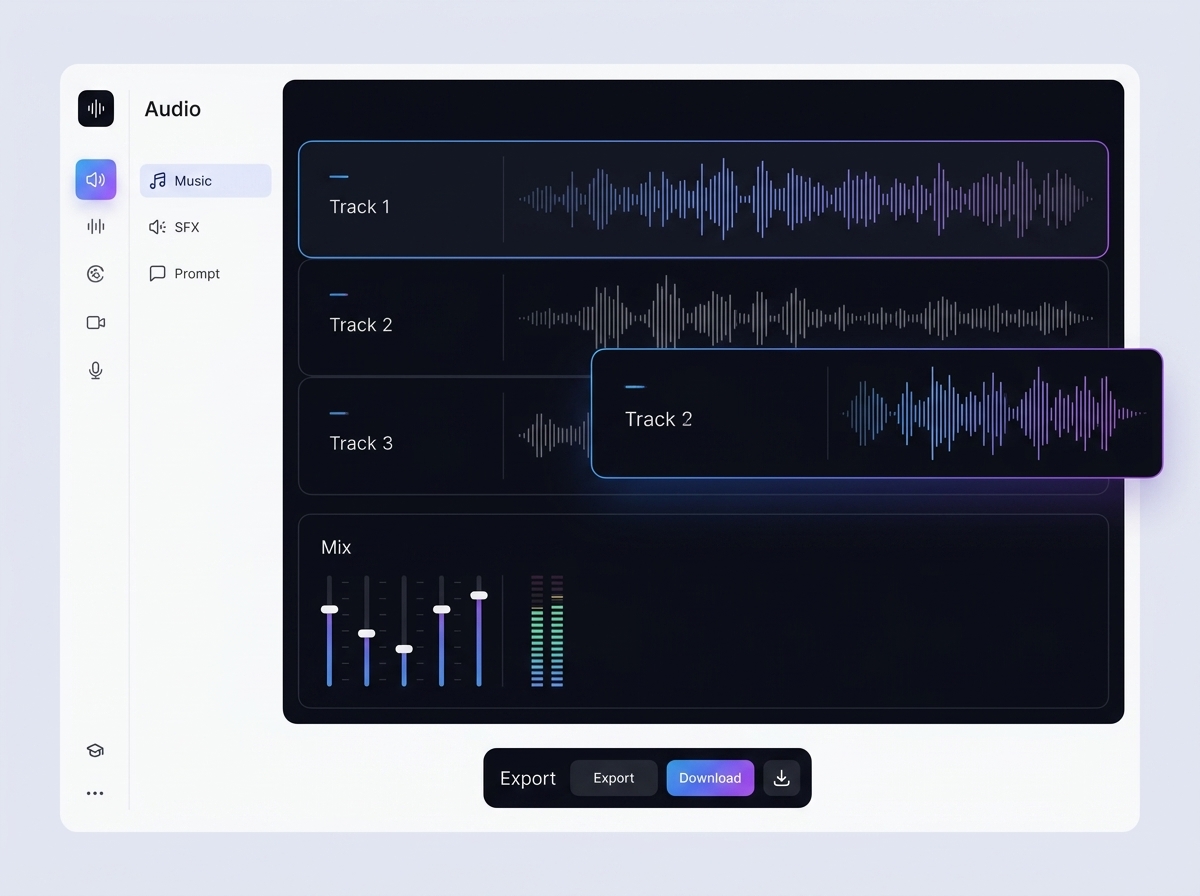
The music workspace helps you create, compare and store music options for videos, ads, presentations and branded content next to the rest of the project materials.
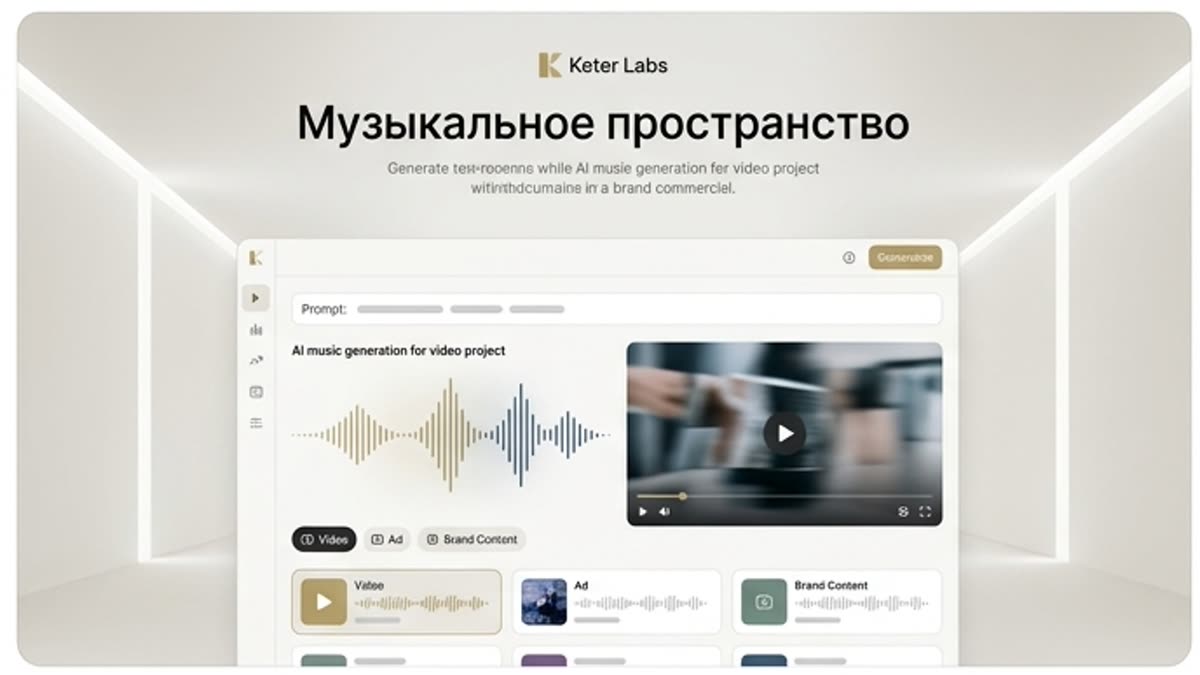
What's included
What this section gives you.
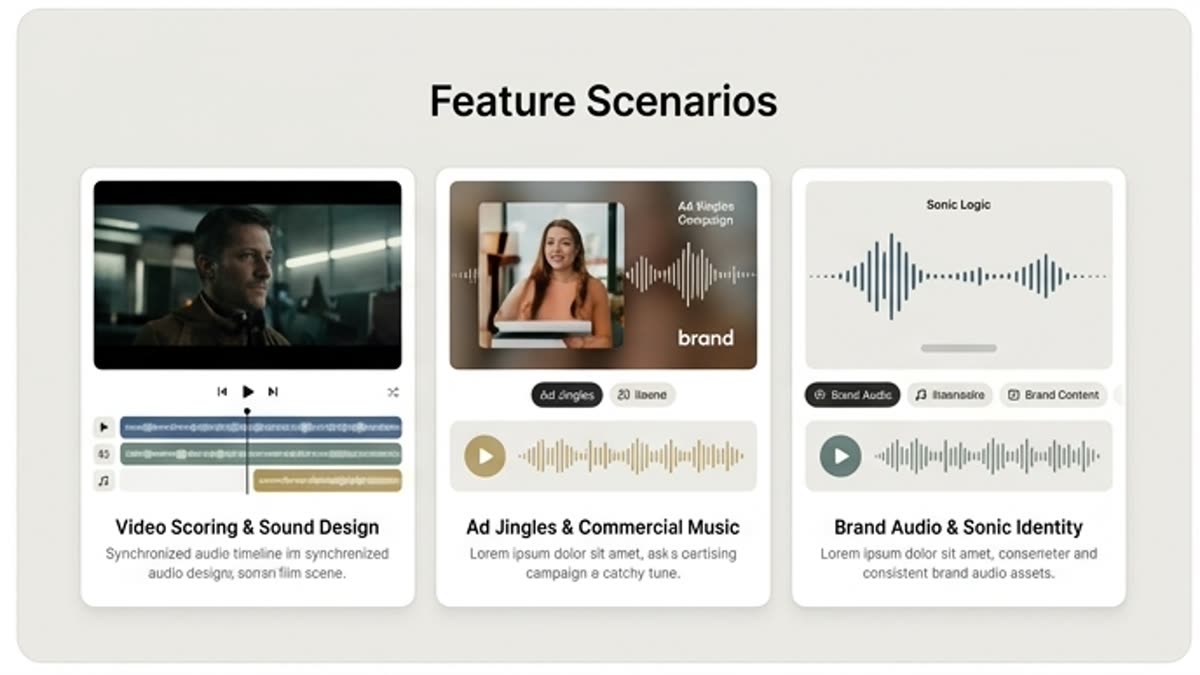
Music in project context
Tracks, videos, scripts, voiceovers and final versions live side by side, making it easier to pick the right mood.
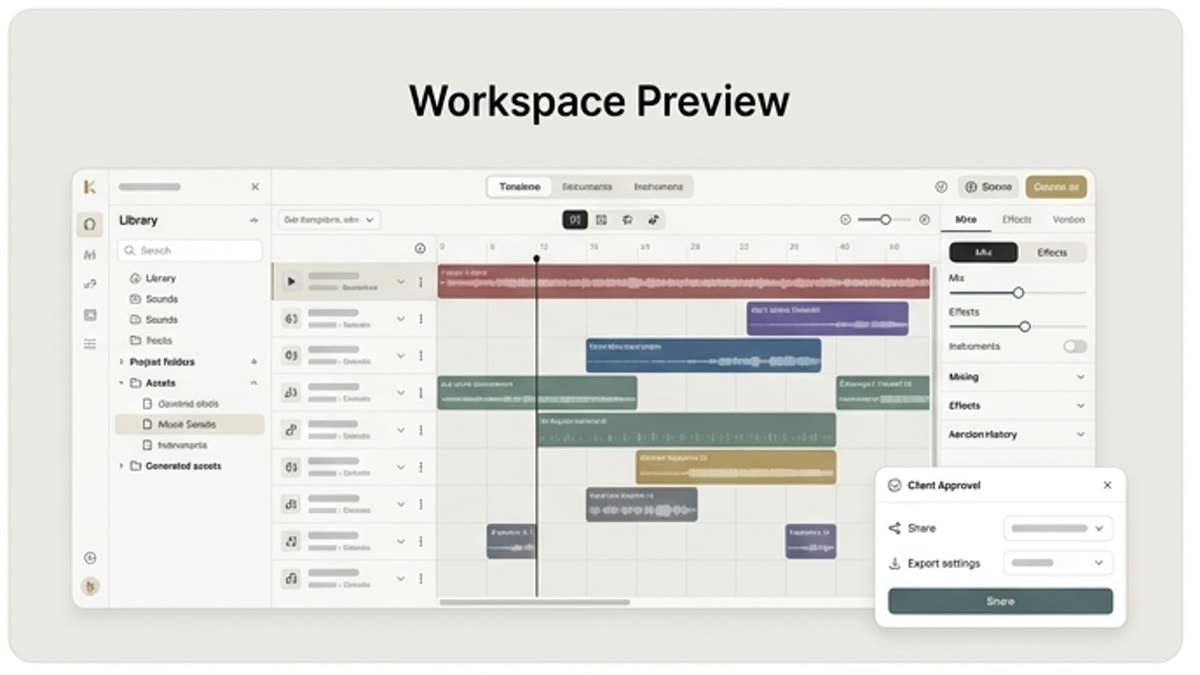
Quick comparison of directions
Test different genres, tempos and energy levels before the final edit or sign-off.
Built for campaigns
Save music options for a video series, product demo, social content, presentation or ad creative.
When to use it
Common jobs this section is built for.
These examples make it easier to choose where to start and which nearby section to open next.
You need to find the video's mood
Compare several music directions to see which tempo and energy best support the message.
You need music for a presentation
Create a clean background track for a product demo, investor deck, event video or internal material.
You need audio stored next to video
Stop losing tracks and versions across separate services — keep them in the same project.
Workflow
How it works inside Keter Labs.
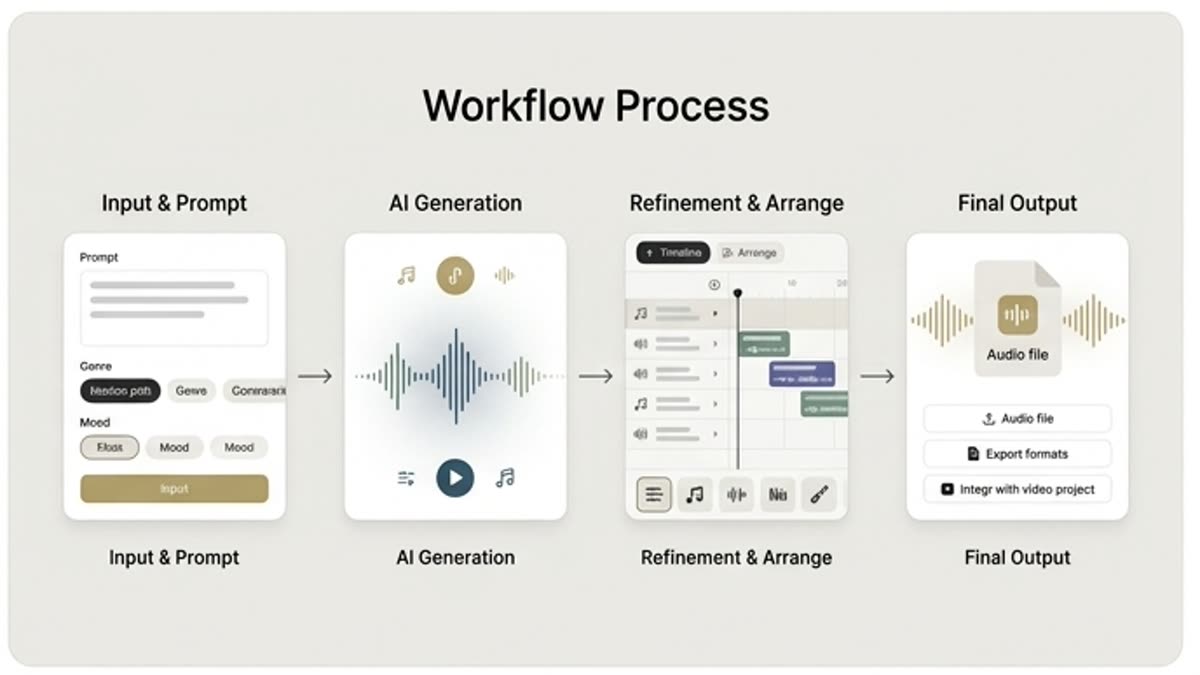
Every section in Keter Labs follows the same shape: a clear brief, a fast first draft, refinement in the editor, and a result saved into the project.
Step 1
Describe the video, audience, mood, duration and the music style you want.
Step 2
Create several variants and test them alongside the video or script.
Step 3
Save the chosen track and hand it off to editing or the final assembly.
Related sections
Where to go next.
AI music generator
AI music generator helps users understand a specific AI creative task in plain language: what goes in, what comes out, where it fits in production, and how to keep the result useful instead of treating it as a one-off experiment.
Open AI music generator
Music
Music sets the pace, mood and emotional level of a video, presentation, ad, intro, podcast or internal video. The section helps you quickly find a track for the format instead of piecing sound together from random sources.
Open Music
Voiceover workspace
The voiceover workspace helps you prepare voiceovers for explainers, ads, product demos, presentations, training and social content. The script, voice versions and final tracks stay in one project.
Open Voiceover workspaceReady when you are
Bring this workflow into your next project.
Spin up assets, lock in versions and align your team around a single creative platform.
Create account