Editing
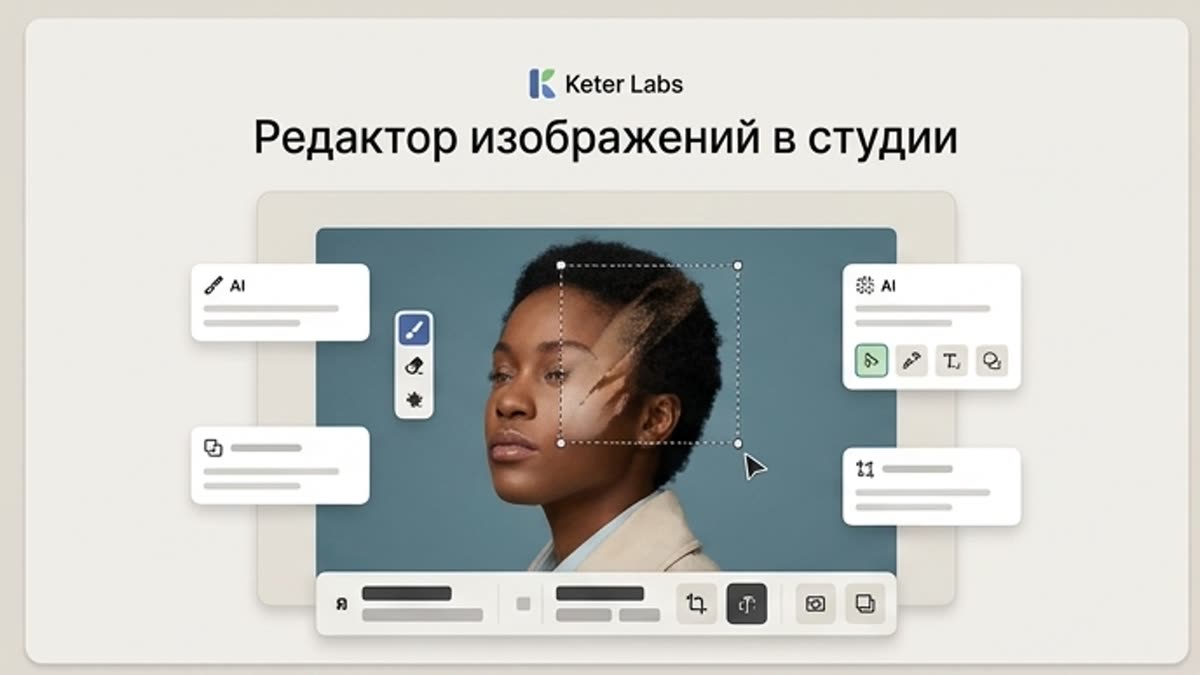
Studio image editor
The studio image editor helps you bring AI visuals, photos, stock assets and product shots to a working state: background, subject, framing, quality, lighting, size and final composition.
What's included
What this section gives you.
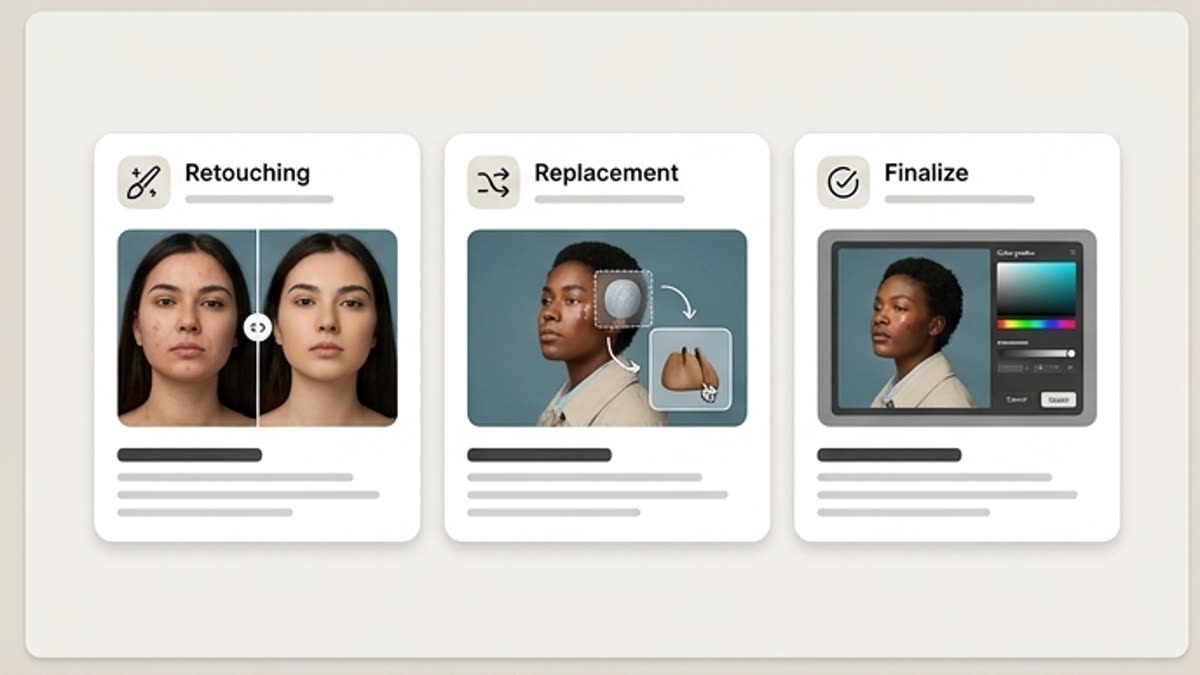
Edits next to the source
No moving files between services: background, subject, crop, resize, enhance and export all stay inside the project.
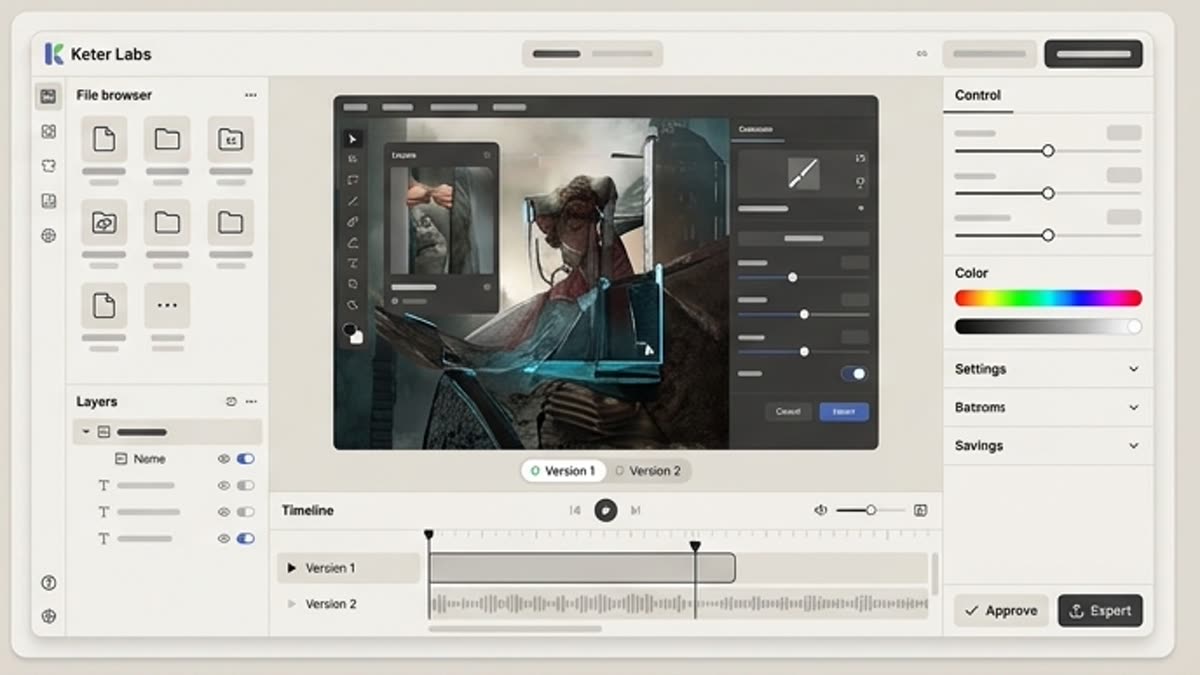
Built for production prep
Take a draft to a file you can show the team or a client, or use in a campaign.
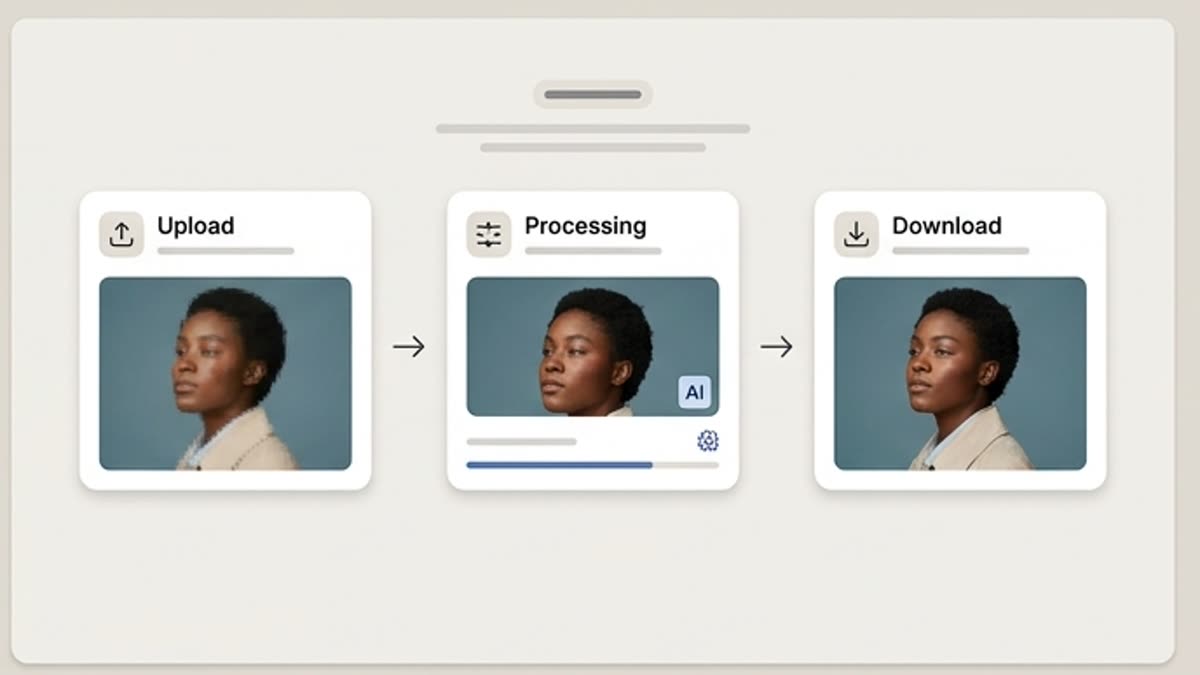
Edit history is preserved
The team knows what was changed, which variant was approved and which sources were used.
When to use it
Common jobs this section is built for.
These examples make it easier to choose where to start and which nearby section to open next.
The AI visual is almost ready
Remove artifacts, improve quality, change the background or prepare the right format without a new generation.
You need to adapt a stock asset
Open the asset in the editor and bring it to the campaign's visual language.
You need to prepare the final file
Assemble a clean version for a landing page, presentation, ad, product card or social media.
Workflow
How it works inside Keter Labs.
Every section in Keter Labs follows the same shape: a clear brief, a fast first draft, refinement in the editor, and a result saved into the project.
Step 1
Open an image from the project, the generator or the stock library.
Step 2
Fix the background, subject, lighting, sharpness, size or composition for the channel.
Step 3
Save the final file and keep the source available for the next iterations.
Related sections
Where to go next.
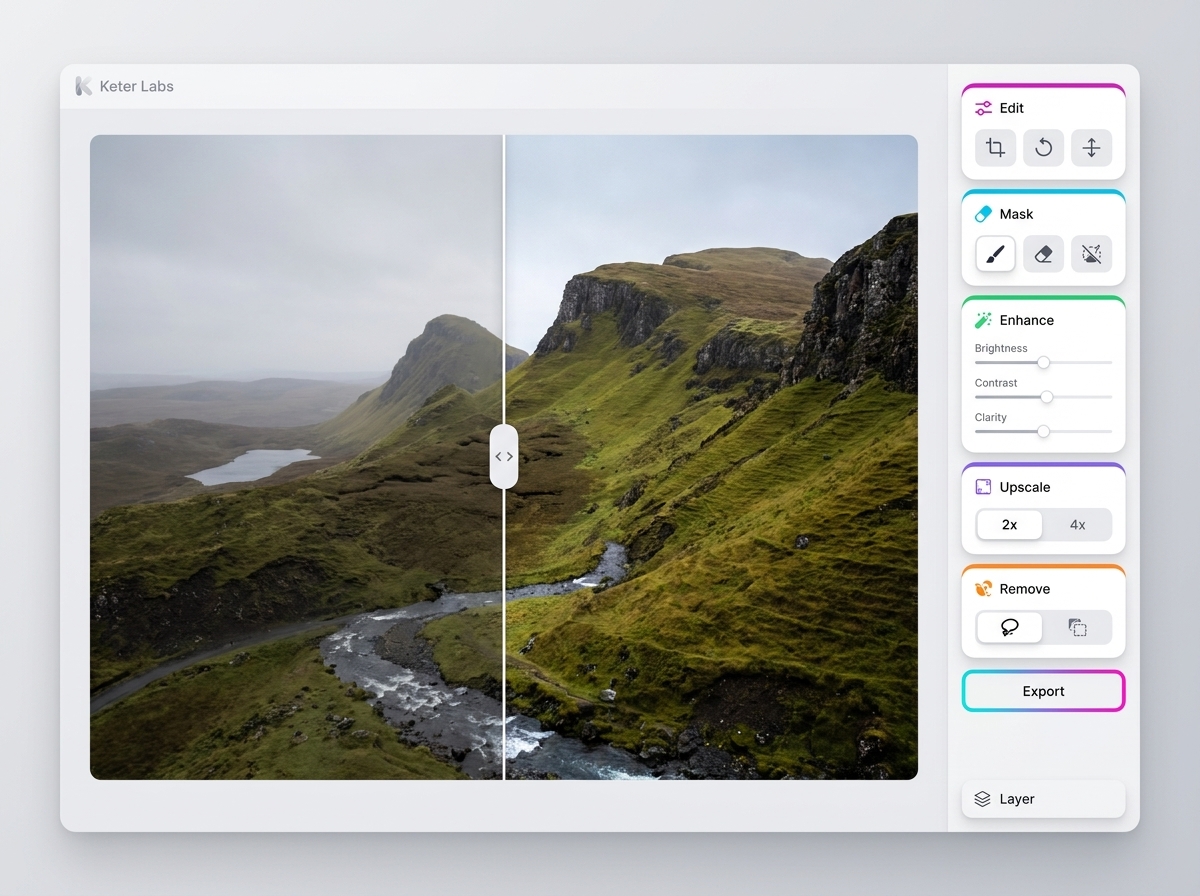
AI photo editor
AI photo editor helps users understand a specific AI creative task in plain language: what goes in, what comes out, where it fits in production, and how to keep the result useful instead of treating it as a one-off experiment.
Open AI photo editor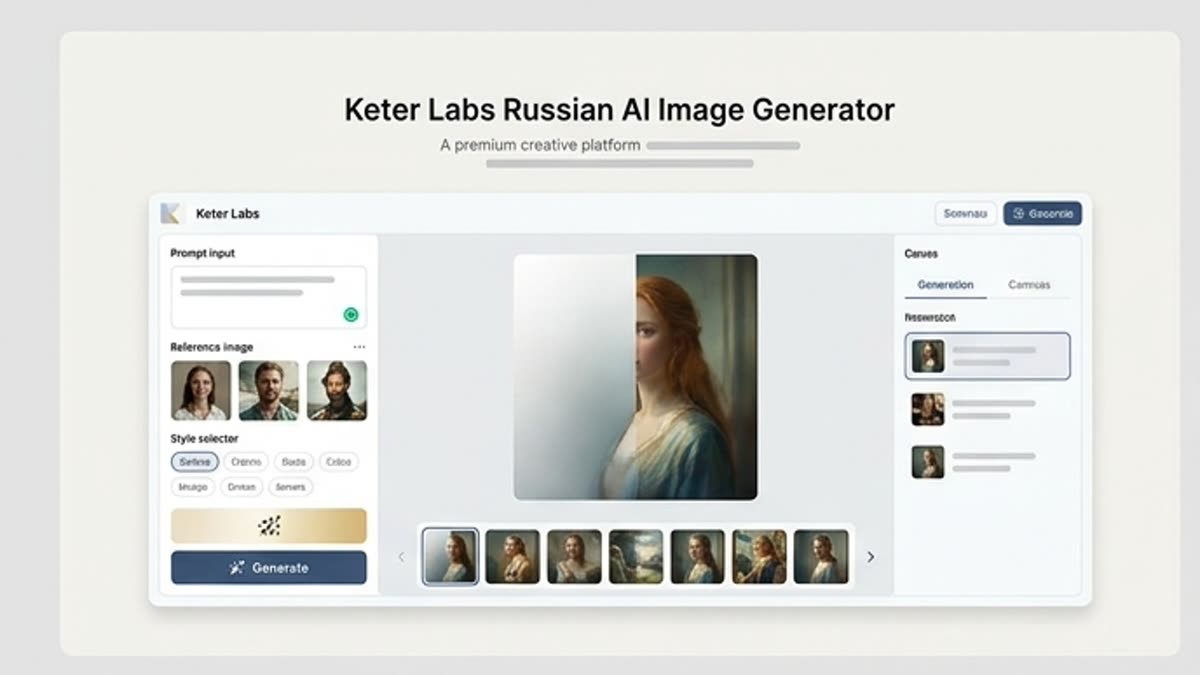
Studio image generator
The studio image generator is built for project-based work with AI visuals: briefs, references, prompts, variants, history and final files live in one working context.
Open Studio image generator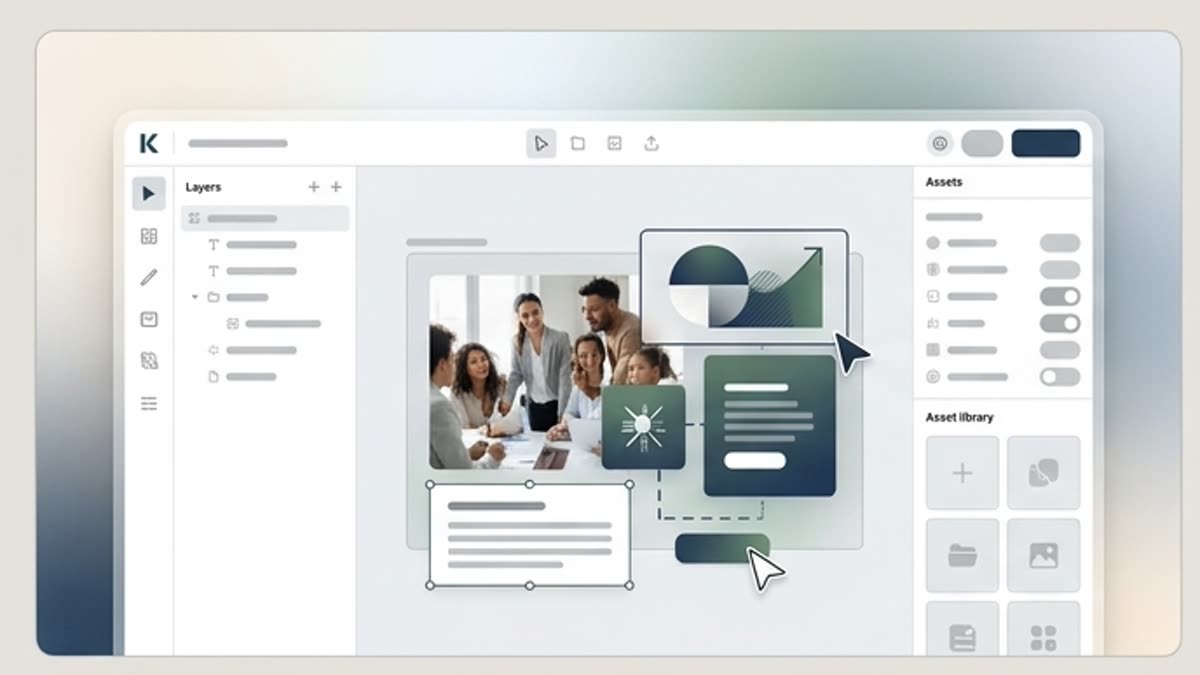
Designer for layouts and campaigns
Build visuals, adapt templates, mix stock and AI assets and ship campaigns inside a single editor.
Open Designer for layouts and campaignsReady when you are
Bring this workflow into your next project.
Spin up assets, lock in versions and align your team around a single creative platform.
Create account